Krea AI is impressive on paper. Real-time generation, a polished canvas interface, decent photorealism. But the moment you try to actually use what it creates on the free plan, you hit the wall: every image comes stamped with a watermark, generation limits kick in fast, and the entry point for clean output is $24 a month. For creators, students, freelancers, and anyone iterating on creative concepts, that pricing structure is genuinely frustrating.
The good news is that there are serious free Krea AI alternatives that deliver watermark-free images, access to multiple powerful models, and enough daily generations to complete real projects. This article shows you exactly which platforms deliver, how their output compares, and how to get the best results without opening your wallet.
Why Krea AI's Free Plan Falls Short
The watermark problem is worse than it looks
Krea AI's free tier is deliberately limited in ways that make the platform nearly impossible to evaluate properly. Generated images come stamped with a watermark that makes them unusable for any professional or commercial purpose, which means you cannot test whether the tool actually serves your needs before committing to a subscription.
When you're iterating on a creative concept, testing dozens of prompt variations, and refining output, you need to see the actual result. A watermarked preview tells you almost nothing about whether a final paid output would meet your standards. It's a friction point designed to push you toward a subscription, not to help you make an informed decision.
What Krea AI actually charges
| Plan | Monthly Price | Watermarks | Generations Per Day |
|---|
| Free | $0 | Yes | ~50 limited quality |
| Starter | $24 | No | 500 |
| Pro | $74 | No | Unlimited |
For casual users or creators in early-stage projects, $24 a month is significant. The Pro plan at $74 is simply out of reach for most individuals, students, or small creative teams.
What a real alternative actually needs to deliver
💡 Three non-negotiables for a genuine Krea alternative: clean watermark-free output, access to multiple powerful models so you're not locked into one aesthetic, and enough daily generations to finish actual creative work.
Not every alternative gets all three right. Some remove watermarks but limit you to five images a day. Others give you volume but only one basic model that produces generic results. The platforms worth your time nail all three without requiring a credit card.
PicassoIA as a Krea AI Replacement
PicassoIA takes a fundamentally different approach than Krea AI. Instead of building one proprietary generation system, it aggregates over 90 of the best open-source and commercial AI image models in a single platform, all accessible without watermarks.
Access to 90+ text-to-image models
Where Krea AI offers its own real-time canvas built on a single proprietary system, PicassoIA gives you a library of 90+ text-to-image models, each with distinct strengths. Portrait-focused models produce different results than architecture-optimized ones. Fashion and glamour models handle skin tones and fabric textures differently than landscape models. Having access to this variety means you can match the model to the specific output you need rather than compromising your vision to fit one tool's capabilities.
The Flux Redux Dev model from Black Forest Labs, for instance, specializes in creating consistent image variations from a source image. This is a workflow Krea AI's free plan does not support at all, and it's genuinely useful when you need a series of related images rather than one-off generations.
For AI-powered photo editing, Qwen Image Edit Plus handles targeted edits and modifications with strong instruction-following capabilities, letting you describe changes in natural language and see them applied accurately.
No watermarks, no hidden quality restrictions
PicassoIA does not add watermarks. The images you generate are clean, full-resolution, and immediately usable. There's no "preview quality" tier where you see a degraded version and pay to download the real file. What you generate is what you get.
💡 Worth knowing: Several platforms that advertise "free" image generation quietly compress output files, reduce resolution, or embed invisible metadata watermarks. PicassoIA delivers the full quality file with no hidden restrictions.
Real-time generation without the proprietary lock-in
Krea AI's real-time canvas built its reputation on speed: sketch something, write a prompt, and results appear in seconds. That's useful for rapid ideation. PicassoIA's approach is broader: rather than one proprietary fast canvas, you get access to multiple speed-optimized models that can generate and edit images quickly through a clean interface, without being tied to a single company's proprietary system.
Image Quality: An Honest Comparison
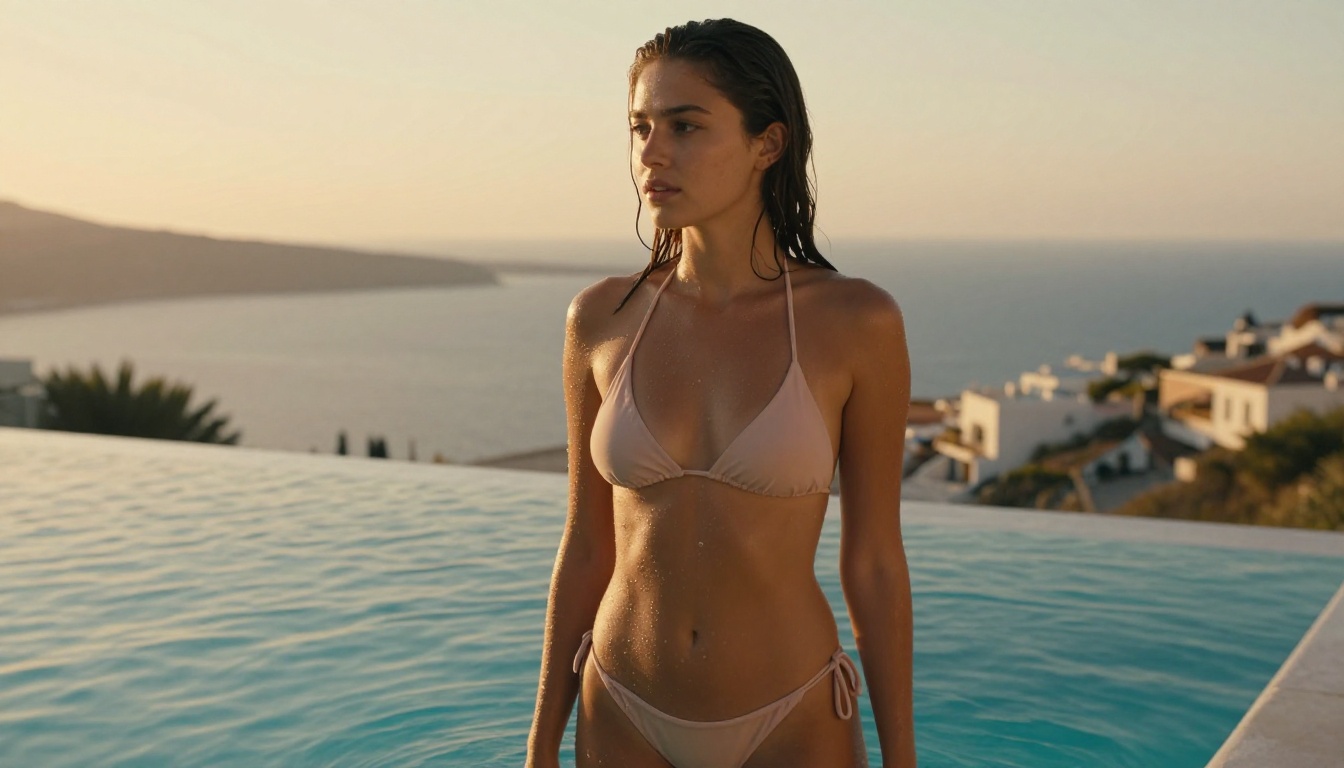
Quality comparisons between AI platforms are often misleading because they compare one platform's best-case output against another's worst-case. The honest answer: quality depends almost entirely on which model you use and how you prompt it, which is exactly why model variety matters so much.
What Krea AI genuinely does well
Krea AI's proprietary models are tuned for real-time performance and produce consistent results within their stylistic range. The canvas interface makes iteration fast and intuitive. For users who want a polished, guided experience with one coherent aesthetic, it works well, once they're paying.
Where PicassoIA consistently outperforms
| Feature | Krea AI Free | PicassoIA |
|---|
| Watermarks on output | Yes | No |
| Available models | 1 proprietary | 90+ models |
| Output resolution | Restricted | Full quality |
| Image editing (inpainting) | Paid only | Available |
| Canvas extension (outpainting) | Paid only | Available |
| Video generation | Paid only | Available |
| Background removal | Paid only | Available |
| Super resolution upscaling | Paid only | Available |
| Face swap | Not available | Available |
| AI music generation | Not available | Available |
The feature gap on the free tier is significant. Krea AI's free plan delivers one restricted model with watermarked output. PicassoIA delivers a full creative suite.
Photorealism at no cost
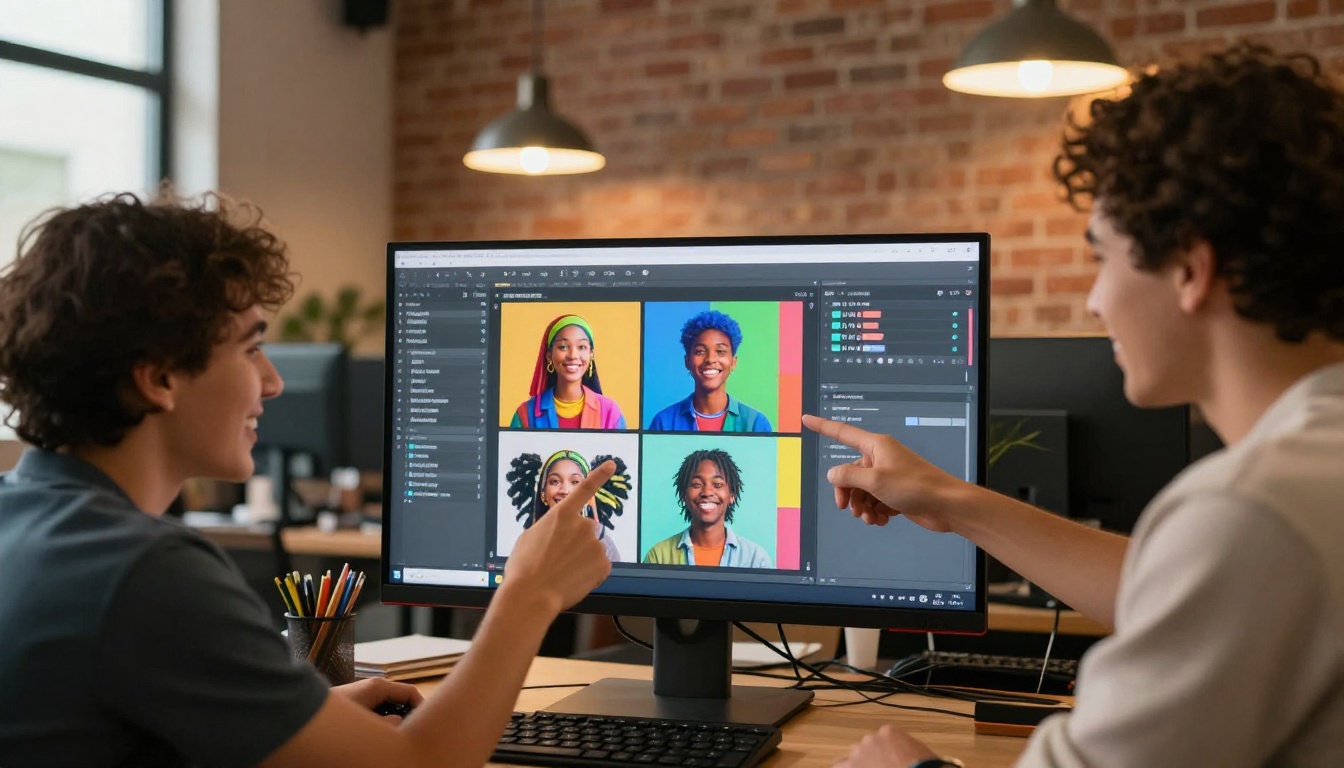
For portrait and fashion photography simulation specifically, the photorealism-tuned models on PicassoIA consistently produce results that rival paid AI platforms. Natural skin tones, accurate lighting physics, fabric texture detail, and believable depth of field are all achievable with well-structured prompts.
The critical factor is prompt specificity. Vague prompts produce generic results on any platform. Detailed prompts that describe subject characteristics, lighting direction and quality, camera angle and lens, and post-processing aesthetic consistently produce output that looks genuinely photographic rather than AI-generated.
How to Get Watermark-Free Images on PicassoIA
The process is straightforward, but a few workflow decisions make a significant difference in the quality and usability of your output.
Choosing the right model for your project
With 90+ models available, the choice can feel overwhelming. A practical approach: start by identifying the primary output type you need.
- Photorealistic portraits and fashion: Look for models trained on photographic datasets. Flux Redux Dev is strong for variation work. Experiment with two or three portrait-optimized models on the same prompt to compare their handling of skin tones and lighting.
- Image editing and modification: Qwen Image Edit Plus handles instruction-based edits with strong accuracy. Describe what you want changed in plain language.
- High-volume generation: Speed-optimized models generate in seconds rather than minutes. Useful when you're iterating through dozens of prompt variations to find the right direction.
Writing prompts that produce professional results
Most people write prompts like "a beautiful woman on the beach" and then blame the tool when results look stock-photo generic. The models that produce the best results respond directly to specificity and photographic terminology.
Prompt structure that consistently works:
- Subject with precise details: Age range, expression, clothing with fabric texture, pose or action
- Environment: Time of day, specific location type, weather or atmospheric conditions
- Lighting: Direction (from left, backlit, overhead), quality (soft, harsh, volumetric), color temperature
- Camera specifications: Angle (low-angle, aerial, eye-level), lens focal length, aperture/depth of field
- Film or post-processing aesthetic: Kodak Portra 400, Fuji Superia, RAW, cinematic grade
A prompt like "close-up portrait of a woman in her late 20s with natural curly hair, soft morning light from the left window, shallow depth of field, 85mm f/1.8 lens, Kodak Portra 400 film grain, detailed skin texture, photorealistic 8K" produces dramatically different, better results than a vague description.
Using editing tools to refine without restarting
Once you have a base image you're satisfied with, PicassoIA's inpainting tool lets you target specific areas for refinement without regenerating the full image. You can fix a background element that didn't render right, adjust clothing details, or clean up an area where the model made an error, all while keeping the parts of the image you're happy with intact.
Outpainting extends the canvas in any direction, which is useful when you need a wider composition than your initial generation. Generate a portrait, then extend outward to add environmental context.
💡 Workflow tip: Generate a strong base image first. Then use inpainting to refine specific areas. This approach preserves what works and only regenerates what needs fixing, which saves generations and gets you to a final usable result much faster than starting over from scratch each time.
Super resolution for professional output
After generating your watermark-free image, PicassoIA's super resolution tools upscale the result 2x to 4x, increasing the resolution without introducing the blur or artifact smearing that basic image scaling produces. This is essential when you need a large print, a high-resolution file for a client, or a source image for video production, capabilities that Krea AI reserves exclusively for paid subscribers.
Other Free Krea AI Alternatives Worth Knowing
PicassoIA is not the only option worth considering. Here is an honest assessment of the other commonly recommended alternatives and where each one actually fits.
Adobe Firefly
Adobe Firefly's free tier provides a meaningful number of monthly generations with no watermarks on output. Quality is solid and the integration with Adobe's creative tools makes it attractive for existing Creative Cloud users. The limitation is model variety: you get Adobe's proprietary models with a style that trends toward polished commercial aesthetics. Strong for design work, limited for experimental or photorealistic portrait work.
Best for: Adobe ecosystem users who need clean integration with existing workflows.
Ideogram
Ideogram has a capable free plan with no watermarks. It is particularly strong at generating images with readable text embedded in the design, an area where most AI image generators struggle significantly. The free tier limits daily generations but does not restrict output quality or resolution.
Best for: Design work that requires legible text within the generated image.
Leonardo AI
Leonardo AI offers 150 free tokens per day, which translates to roughly 10 to 15 image generations depending on quality settings. No watermarks on output. The platform has strong community features and a reasonable model library. The token-based system feels restrictive for users who need high daily volume.
Best for: Casual users who don't need heavy daily generation volume.
Why PicassoIA stands out
The comparison is not just about watermarks. It is about what you can accomplish once you have clean output. PicassoIA's breadth of models, combined with video generation, audio tools, background removal, face swap, lipsync, and super resolution, makes it a platform where you can complete a full creative project. The others are good at one thing. PicassoIA is a complete creative toolkit.
Who Benefits Most from Switching
Content creators posting at volume
For creators who post daily across Instagram, TikTok, or Pinterest, Krea AI's watermarked free plan is essentially useless. You need clean images ready to publish without a post-processing step to remove brand stamps. PicassoIA's no-watermark output means every generated image is immediately deployable.
Freelancers evaluating AI for client work
If you're a freelancer testing whether AI image generation belongs in your workflow, you need to evaluate with real, clean output at the quality your clients would receive. Watermarked previews do not give you an accurate picture of final deliverable quality. PicassoIA lets you run genuine tests on actual deliverable files.
Students and researchers
AI image generation has legitimate applications in design programs, visual studies, and academic research. Budget constraints make paid platforms non-starters for most students. Watermark-free output at no cost means the work created can actually be submitted, published, or shared.
Glamour and adult content creators
For creators working in the glamour photography, boudoir, and artistic nudity space, most mainstream platforms either block suggestive content entirely or charge premium rates for NSFW access. PicassoIA supports suggestive and glamour-style content within its artistic guidelines, giving creators access to models that produce beautiful, photorealistic results with natural skin tones, accurate lighting, and sophisticated composition, without the blanket restrictions that block legitimate artistic work.
The Practical Verdict
Krea AI is a well-built tool with a genuinely impressive real-time canvas. But the free plan is constructed to frustrate rather than enable. Watermarks on every output, tight generation caps, and a $24/month entry point for clean results make it a poor choice for anyone without an already-justified budget.
PicassoIA takes the opposite stance: broad model access, zero watermarks, and a platform built around the idea that creators should be able to use what they generate. The 90+ model library means you are never locked into one aesthetic or capability range, and the full creative suite means a single platform covers image generation, video, audio, background removal, and super resolution without requiring multiple paid subscriptions.
The other free alternatives each have legitimate use cases. Adobe Firefly for Creative Cloud users. Ideogram for text-in-image work. Leonardo AI for moderate-volume casual use. But for breadth of capability without paying anything, PicassoIA is the clearest answer to what Krea AI's free plan should be.
Start Creating Without Restrictions
If you have been stuck behind Krea AI's watermark wall, the most direct next step is to spend 30 minutes actually testing PicassoIA. Load a model, write a specific prompt using the structure in this article, and see what full-quality, clean output actually looks like when you have access to 90+ models with no restrictions on what you can do with the result.
Pick a project you have been putting off because the tools were too expensive or too limited. A portrait series, a fashion shoot simulation, a glamour photography concept, a product visualization. The models on PicassoIA are built for exactly this kind of work. Start with Flux Redux Dev for image variation work or Qwen Image Edit Plus for photo editing and modification. See how far a single session takes you before you ever consider paying for a subscription anywhere.


