If you've spent time searching for free NSFW AI boyfriend creator tools and found nothing but SEO-stuffed listicles pointing to the same censored chatbots, you are not alone. The real options are scattered, the quality varies wildly, and most "free" tiers are bait-and-switch trials designed to get a credit card number out of you before you see anything useful. This article cuts through the noise and gives you the actual picture: what these tools are, how they work, where free access genuinely exists, and which AI image models let you generate realistic companion visuals without hitting content walls.
The short version: the best experiences combine two things. A capable large language model for conversation, and a photorealistic image generator for visuals. When both operate without content restrictions, the result is a genuinely impressive AI companion experience. When either is capped or filtered, the whole thing disappoints.

"NSFW AI boyfriend creator" is a broad search phrase that covers at least three distinct tool categories. People searching for it want very different things, and conflating them is the reason most comparison articles are useless.
The three categories break down like this:
Chat-Only Companions
These are text-based roleplay platforms where you configure a persona, set a tone, and chat. The AI responds in character. Quality depends almost entirely on the underlying language model. Tools built on strong LLMs like GPT-5 or Claude 4 Sonnet will hold a coherent, contextually aware conversation for hours. Tools built on weaker or older models produce repetitive, shallow interactions that break immersion within minutes.
Free access here is common, but almost always gated. You get 20 messages, then you pay.
Image and Chat Combinations
These combine character visuals with conversation. The premise is compelling: describe your ideal AI companion, the tool generates a photorealistic image, and you chat with the character. The visual becomes the anchor for the roleplay.
The problem is that most apps in this space use filtered image generators. You can generate a character in a formal outfit. Anything more suggestive gets blocked. The platform talks about "unlimited customization" but delivers stock-photo-level outputs with hard content ceilings.
Standalone NSFW Image Generators
This is where things get genuinely interesting. A growing number of AI image generation platforms have either removed content filters entirely or offer specific models that operate without restrictions. These are not "boyfriend creator apps" in the traditional sense, but they deliver what people actually want when they search that phrase: the ability to generate custom, photorealistic companion visuals without censorship.
This category is where PicassoIA sits, and it is where the real value lives for anyone serious about creating personalized companion content.
The free tier problem is structural. Building and running AI tools at scale costs real money. Platforms offering "free" NSFW AI boyfriend creation are not charities. Every interaction, every image generation, costs compute. So the free tier is designed to hook you, not serve you.
Here is what the "free" label actually means in most cases:
| What They Say | What They Mean |
|---|
| "Free forever" | Free up to 10 messages or 3 images |
| "Unlimited free tier" | Unlimited on a heavily throttled model |
| "No credit card required" | Until you hit the limit after 5 minutes |
| "Full access free" | Full access to a watered-down version |
💡 Real talk: If a platform is offering genuinely unlimited free NSFW generation with no strings attached, either the quality is bad, the content is heavily filtered, or the business model is unclear. The exception is platforms that monetize through premium tiers while offering a meaningful free baseline, not a fake free tier that evaporates after three clicks.
Three specific patterns account for most of the disappointment in this space. First, platforms that run free users on older, weaker models while reserving the good ones for paying subscribers. Second, platforms that advertise NSFW capability but only on premium plans that start at $30 to $50 per month with no meaningful trial. Third, platforms that restrict content at the system prompt level, meaning no matter what you ask, the output is sanitized before you see it.
The Free Options That Actually Work

Instead of ranking apps that could change their pricing tomorrow, here is a breakdown by what you are actually trying to do:
For Realistic Companion Images
This is where dedicated AI image platforms beat purpose-built "AI boyfriend apps" every time. The underlying models are more powerful, the outputs are more realistic, and the content restrictions are lower or absent entirely.
Seedream 4.5 is the strongest recommendation for photorealistic NSFW companion image generation. It generates images in under 3 seconds, accepts adult content, and supports image editing so you can refine results rather than starting over from scratch. The realism level is significantly above most dedicated companion apps.
P-Image by PrunaAI generates in under 1 second and supports NSFW text-to-image. The speed is remarkable. You can iterate quickly through variations of a character concept without waiting.
For Volume and Iteration
If you plan to generate many images of the same character, the math changes completely. Per-image pricing adds up fast.
PicassoIA Image Editor Pro is the standout here. It is an image-to-image model included in Elite and Infinite plans with unlimited generations. Generate 1,000 images and it costs the same as generating 10. Compare that to pay-per-generation models where 1,000 images could run $100 or more. It also accepts NSFW content, returns results in under a second, and offers 3 free trial generations without requiring a credit card.
For Conversation Quality
For the chat side of the experience, the quality ceiling is set by the language model. Tools built on GPT-5, Claude 4 Sonnet, or Llama 4 Maverick Instruct hold context for much longer and generate more natural, varied responses than tools running on older or smaller models.
The open-source options like DeepSeek R1 and Llama 4 Maverick Instruct are accessible free on PicassoIA, and they produce impressive outputs for roleplay use cases.
Best Models for NSFW AI Companion Images

When it comes to generating realistic AI companion visuals without content restrictions, PicassoIA offers a curated lineup of models specifically suited for this. Here is the full recommended order:
- Seedream 4.5 ⭐ — The top pick. Accepts NSFW content, supports image editing, generates ultra-realistic results in under 3 seconds. (Note: the newer Seedream 5 Lite does not support NSFW. Use 4.5.)
- PicassoIA Image Editor Pro — Img2img with unlimited generations on Elite and Infinite plans. Need 1,000 images? They are free. That same volume costs around $100 on other platforms. Accepts NSFW, results in under a second, 3-generation free trial with no credit card required.
- Qwen Image 2 — Open-source model that edits or creates any image in seconds with high realism and no content filtering.
- Grok Imagine Image — Realistically converts any image to a bikini format. Handles NSFW creation with strong visual fidelity.
- Recraft V4 — Text-to-image only, but the results are highly realistic. Strong for creating character concepts from scratch.
- P-Image — Under 1 second generation time, NSFW-capable, reliable for fast iteration on companion designs.
💡 Critical note: Do NOT use Seedream 5 Lite for adult content. Despite being the newer version, it blocks NSFW prompts. Always use Seedream 4.5 for this purpose.
Unlike mainstream AI platforms that apply blanket content filters regardless of user intent, PicassoIA gives creators the freedom to work with uncensored, high-performance models. The results speak for themselves.
How to Use Seedream 4.5 on PicassoIA
Seedream 4.5 is the best starting point for photorealistic AI companion image generation. Here is how to use it effectively:
Step 1: Open the Model
Go to the Seedream 4.5 page on PicassoIA. You will see the generation interface with a prompt field and optional parameters.
Step 2: Write a Detailed Prompt
The quality ceiling for Seedream 4.5 is your prompt. Vague prompts produce generic results. Specific prompts produce exactly what you want.
Weak prompt: "beautiful woman in bikini"
Strong prompt: "photorealistic portrait of a brunette woman in a red string bikini, standing on a sun-drenched villa terrace, Mediterranean sea in background, warm midday light, 85mm lens, Kodak Portra 400 film grain, 8K detail, realistic skin texture"
Key elements to include in every prompt:
- Subject description (hair color, body type, expression)
- Setting and environment (location, time of day, background)
- Lighting specifics (golden hour, studio light direction, shadows)
- Camera and lens (85mm f/1.4, wide angle, extreme close-up)
- Style tags (photorealistic, 8K, film grain, RAW)
Step 3: Set the Aspect Ratio
For companion scene compositions, 16:9 works well. For vertical phone-format images, use 9:16. For square profile-style shots, 1:1.
Step 4: Iterate with Image Editing
Seedream 4.5 supports image editing. Once you have a base image you like, refine it: change the outfit, adjust the lighting, modify the background, all without regenerating from scratch. This is the major workflow advantage over text-only generators.
Step 5: Scale with Image Editor Pro
Once you have a base character design you are happy with, switch to PicassoIA Image Editor Pro for unlimited iterations. Generate hundreds of variations at no extra cost on an Elite or Infinite plan.
The LLMs Powering AI Companion Conversations
The visual side of an AI companion experience is only half the equation. Conversation quality depends entirely on the language model underneath. Here is what separates good companion AI from mediocre:
What a Good Companion LLM Needs
Context window size matters more than most people realize. A model with a short context window forgets who you are, what you said, and what the character's personality is supposed to be. A model with a large context holds it all in memory throughout a long session.
Instruction following determines whether the model stays in character. A model that drifts out of the persona you set, breaks the fourth wall unprompted, or adds disclaimers to every message ruins immersion completely.
Tone variety is the difference between a model that sounds like a press release and one that sounds like a person. The best models can be playful, serious, flirtatious, or philosophical depending on context, without you having to constantly redirect them.
Top LLMs Available on PicassoIA
Llama 4 Maverick Instruct and DeepSeek R1 are both accessible free on PicassoIA and deliver surprisingly strong results for creative roleplay scenarios. They are not as refined as GPT-5 or Claude 4, but for free access to genuinely capable AI, they are the realistic starting point for most users.
Combining Images and Chat
The most compelling AI companion experiences come from pairing a strong image generator with a capable LLM. Here is how the workflow typically looks:
- Generate the character visuals using Seedream 4.5 or P-Image on PicassoIA
- Describe the character's personality in detail to your chosen LLM at the start of each session
- Use the generated image as a visual reference during conversation to anchor the persona
- Iterate on both as the character develops across sessions
This approach gives you full creative control over both dimensions. You are not constrained by what a single app decides your character should look like or how they should talk. The persona is yours, the visuals are yours, and neither is filtered through someone else's content policy.
The alternative, using purpose-built AI companion apps, trades control for convenience. The persona options are fixed, the visual style is limited to what the platform chose, and the content restrictions are set by the platform's business decisions. For users who want exactly what the platform offers, that is fine. For users with specific creative visions, it is a cage.
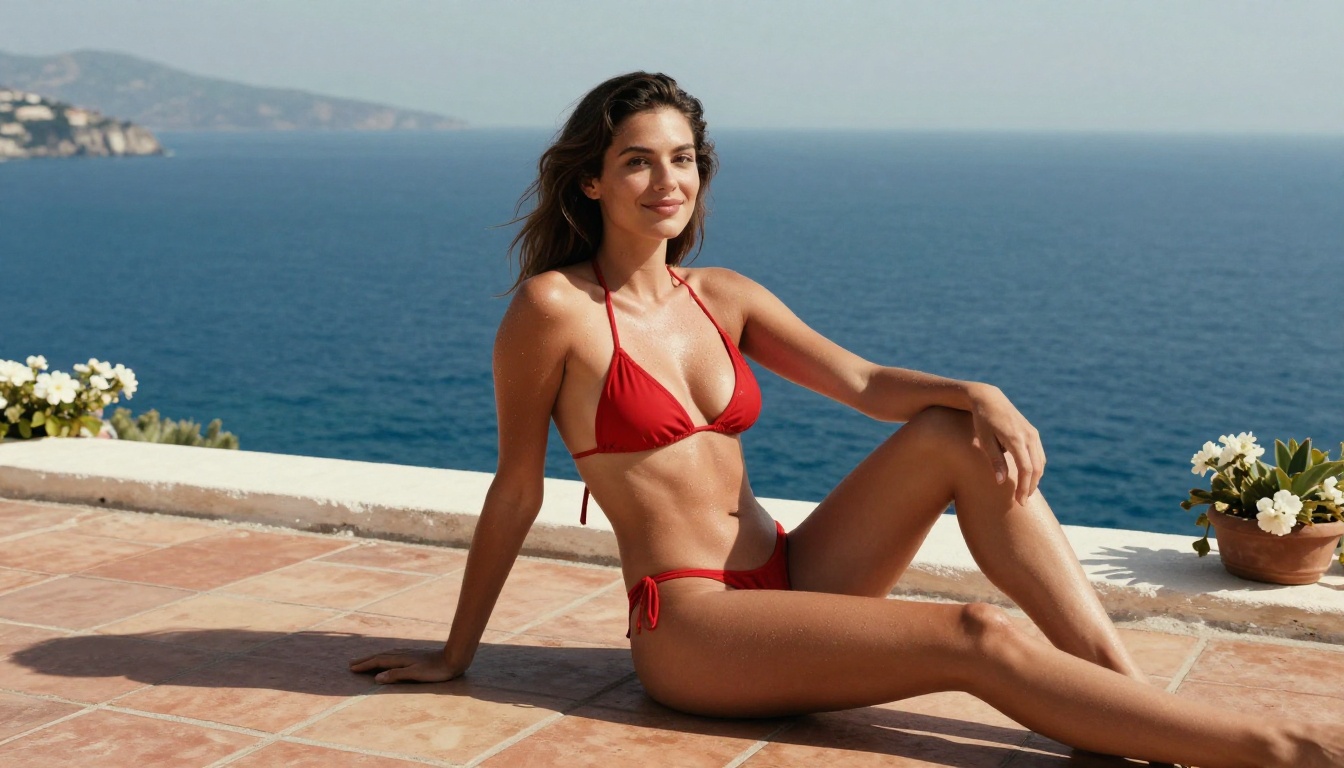
Not all tools serve the same user. Here is a practical breakdown:
| Tool Type | Best For | Free Access | NSFW Capable |
|---|
| Purpose-built companion apps | Convenience, preset personas | Limited trials | Rarely |
| AI image generators (filtered) | Safe-for-work visuals | Often generous | No |
| AI image generators (unfiltered) | Realistic custom visuals | Varies | Yes |
| LLM platforms | High-quality conversation | Often free tiers | With right model |
| Combined platforms like PicassoIA | Full creative control | Free tier available | Yes |
💡 Bottom line: No single app gives you everything free with zero restrictions. The closest combination is using PicassoIA for image generation alongside a free open-source LLM like Llama 4 Maverick or DeepSeek R1 for conversation.
The Privacy Angle
One thing rarely discussed in these roundups: who owns what you generate, and who can see it.
Most purpose-built AI companion apps store your conversation history and generated images on their servers. Their privacy policies vary, and some explicitly state that generated content may be used to train future models.
When you generate images on a platform like PicassoIA using your own prompts, you maintain ownership over what you create. That distinction matters for anyone generating personalized content they would prefer to keep private.
What to Actually Avoid
A few patterns that reliably disappoint:
Apps gating NSFW behind "premium" tiers with vague pricing: You sign up, the free tier is entirely safe-for-work, the premium costs $50 per month with no real trial. The free NSFW tier they advertised in the app store listing does not exist in practice.
Platforms using outdated models: Several popular AI companion apps are still running on models that were cutting-edge in 2023 but are now significantly outperformed. The conversation quality feels dated because it is.
Overpromised "custom AI boyfriend" builders: Some apps promise you can fully customize an AI boyfriend's appearance, personality, voice, and backstory. In practice, you pick from three hairstyles and four personality presets. Calling that customization is generous.
Watermarked exports: Generating a beautiful image and receiving it back with a large watermark across the face is a specific kind of frustration. Verify export quality before committing to any platform.
No conversation memory between sessions: If the AI does not remember who you are from one session to the next, you are not building a relationship with a character. You are resetting a chatbot every time you open the app.
Try Creating Your Own Right Now
The real power in this space is not any single app. It is the ability to combine the best tools for each part of the experience, at a cost that matches how seriously you take it.
For images: Seedream 4.5 is where to start. Fast, photorealistic, NSFW-capable, with editing support for iterating on your character design without starting from zero. For unlimited image volume, PicassoIA Image Editor Pro makes the per-image cost irrelevant entirely.
For conversation: Llama 4 Maverick Instruct and DeepSeek R1 are both free and genuinely capable. When you are ready to step up, GPT-5 and Claude 4 Sonnet are available on PicassoIA as well.
The full catalog, including every model specifically designed for NSFW generation, is at picassoia.com/en/all-models. Start with a free trial, see what the models actually produce, and build from there. The realistic, uncensored results you have been searching for are already available.


