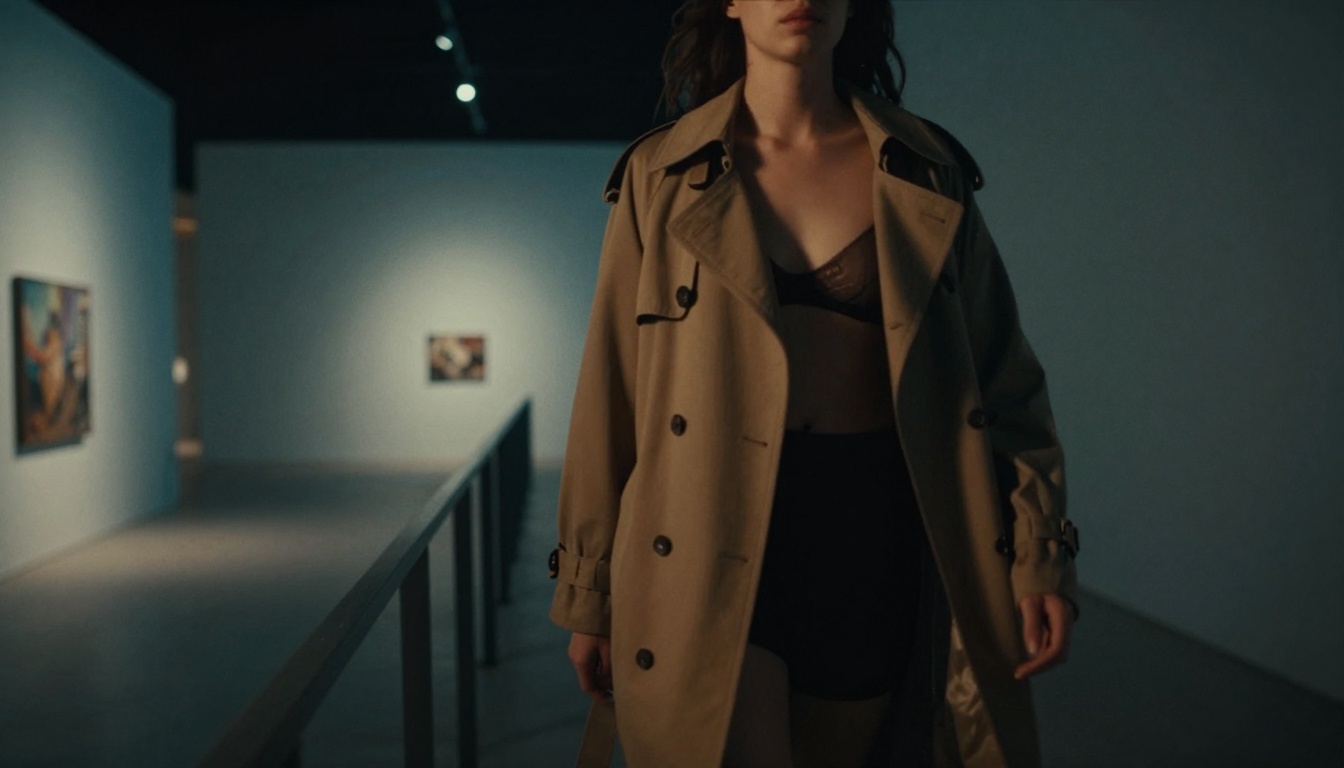
This comprehensive guide explores how free AI tools enable creators to generate artistic adult content in minutes. Discover the best platforms, learn effective prompting techniques, understand legal boundaries, and create suggestive imagery that maintains artistic integrity while pushing creative boundaries. From understanding NSFW AI models to practical workflow tips, this resource provides everything needed to start creating today.
Creating artistic adult content has traditionally required expensive photography equipment, models, studios, and post-production work. Today, AI changes everything. Free tools now exist that can generate suggestive, beautiful imagery in minutes—no subscriptions, no complex software, just instant creative expression.
What NSFW AI Actually Means Today
NSFW AI doesn't mean explicit pornography. The modern definition focuses on artistic, suggestive content that pushes boundaries while maintaining taste. Think lingerie photography, boudoir shots, artistic nudes, and suggestive fashion imagery—content that's beautiful first, provocative second.
💡 Key distinction: Artistic NSFW emphasizes aesthetics, composition, lighting, and emotion over explicit sexuality.
Understanding artistic vs explicit boundaries
The line between artistic and explicit content comes down to intent and execution:
Artistic: Focus on beauty, form, lighting, composition. Subjects may be partially clothed or suggestively posed, but the image's primary purpose is aesthetic appreciation.
Explicit: Direct sexual content intended primarily for arousal rather than artistic appreciation.
Most free AI tools operate within artistic boundaries because their training data excludes explicit material. This actually benefits creators—it forces focus on craft over crudeness.
The Best Free Tools Right Now
Several platforms offer free NSFW AI capabilities, each with different strengths:
Tool
Free Tier
Best For
Limitations
PicassoIA p-image
Yes
Photorealistic quality, fast generation
Daily limits apply
Stable Diffusion WebUI
Completely free
Local control, customization
Requires technical setup
Leonardo.ai
Limited free credits
Artistic styles, community
Watermarked outputs
Playground AI
Free tier available
Easy interface, quick results
Lower resolution free
Tensor.Art
Free credits daily
Variety of models
Slower generation
PicassoIA's p-image model stands out for photorealistic results. Unlike cartoonish or overly-stylized outputs, p-image produces images that look like professional photography—perfect for adult content that needs to feel authentic.
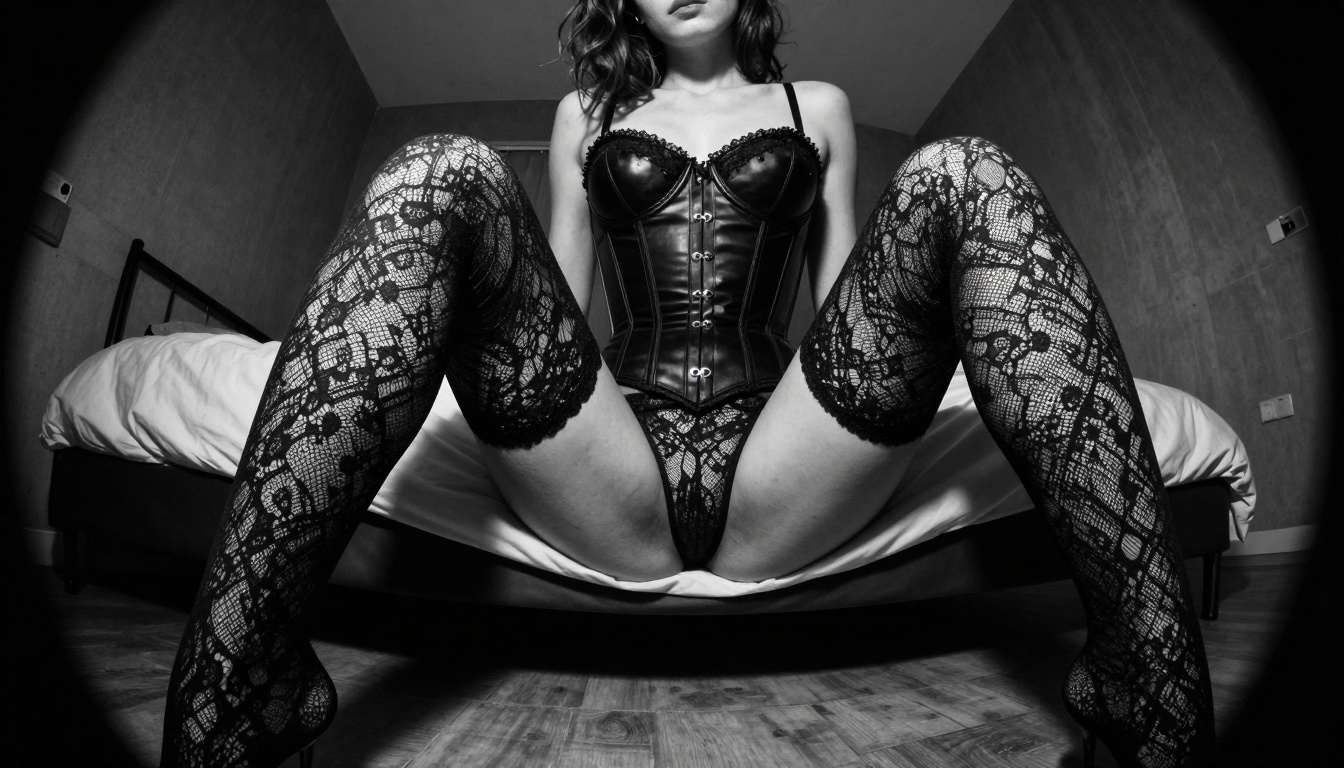
photorealistic 8K RAW photograph of woman in black lace lingerie leaning against vintage dresser, golden hour sunlight streaming through sheer curtains creating volumetric light beams, 85mm f/1.8 lens shallow depth of field, Kodak Portra 400 film emulation, skin texture with realistic pores, cinematic lighting, artistic composition --ar 16:9 --style raw
Artistic Nude Prompt:
black and white fine art photograph of female form in subtle shadow, chiaroscuro lighting creating strong contrast between light and dark areas, sculptural composition emphasizing curves and lines, medium format film grain, minimalist background, artistic nude photography --ar 16:9 --style raw
Suggestive Fashion Prompt:
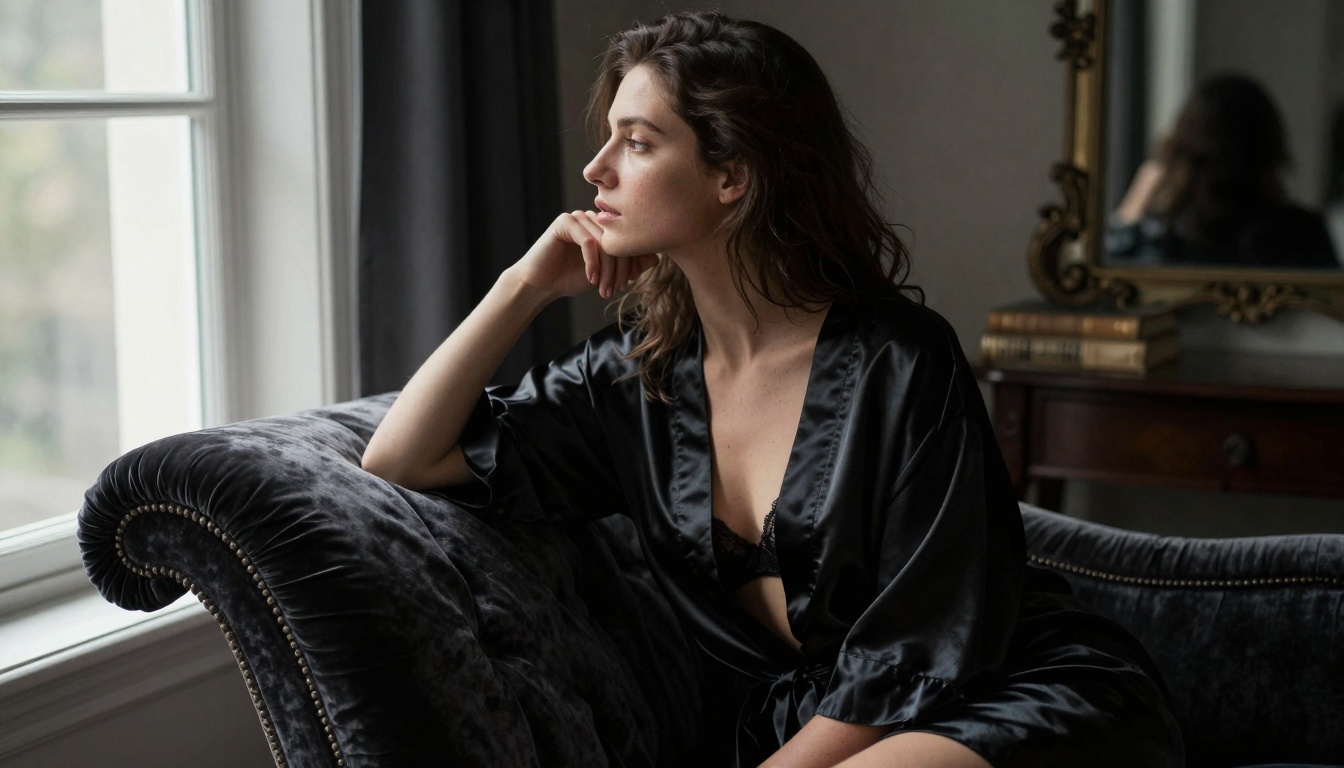
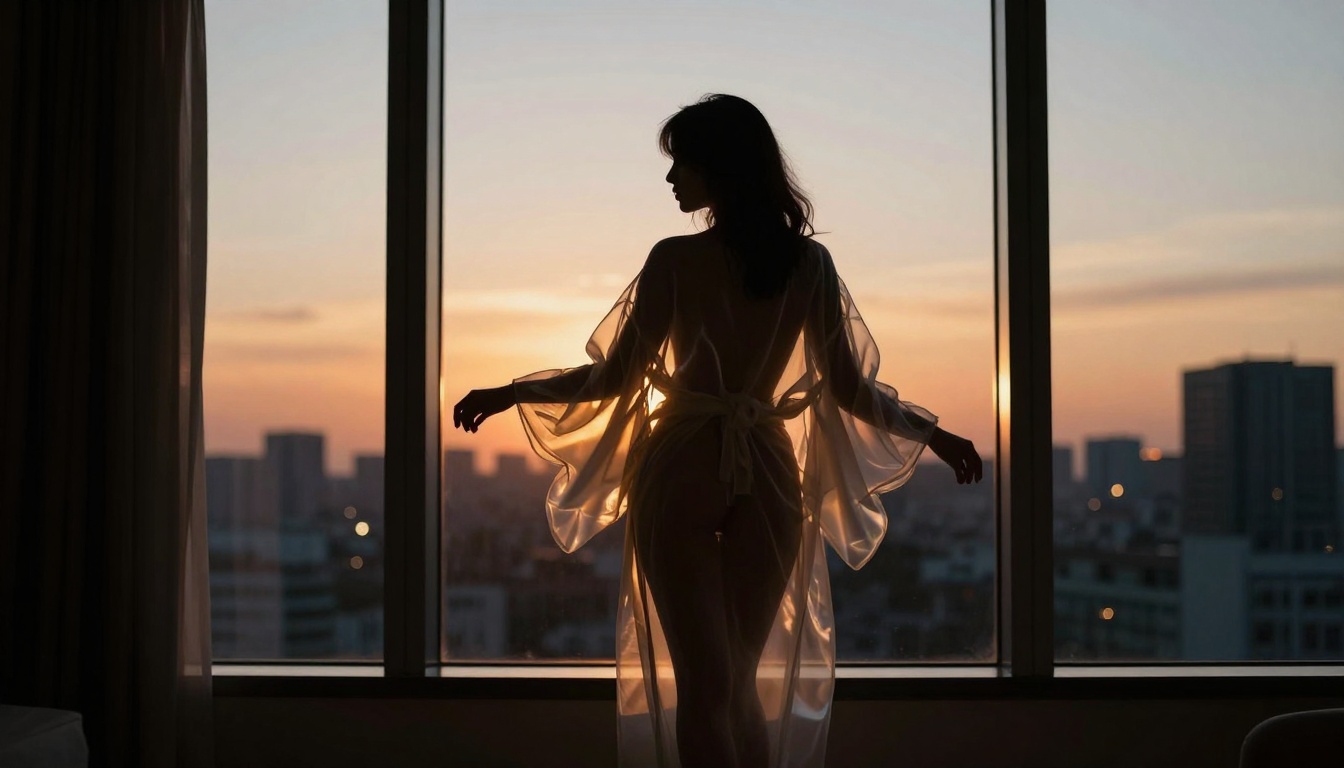
fashion editorial shot of model wearing sheer silk robe, dramatic window light creating long shadows, high fashion aesthetic, professional photography lighting, skin shows natural imperfections, makeup looks editorial, background includes minimalist studio setting --ar 16:9 --style raw
Final: Batch process selected prompts at highest quality
Post-processing minimalism:
AI images often need less editing than photos
Simple color correction usually sufficient
Avoid over-editing that destroys natural texture
How to Use p-image on PicassoIA
PicassoIA's p-image model offers exceptional quality for adult content creation. Here's the exact process:
Step-by-step tutorial
Access the model: Navigate to PicassoIA, search for "p-image" or use direct URL
Configure settings:
Aspect ratio: 16:9 for cinematic feel
Style: Always select "raw" for photorealistic output
Seed: Leave blank for random, or set specific seed for consistency
Craft your prompt:
// Example working prompt
const prompt = `photorealistic RAW photograph of beautiful woman in ivory silk chemise, morning light through floor-to-ceiling windows creating soft shadows, lying on white linen sheets, 85mm f/1.8 lens shallow depth of field, skin shows realistic pores and fine hairs, Kodak Portra 400 film emulation, artistic composition, suggestive but tasteful --ar 16:9 --style raw`;
Generate variations:
Run same prompt 3-5 times for different compositions
Adjust minor elements (lighting direction, pose details)
Compare outputs to see what the model does best
Refine based on results:
If skin looks plastic: add "skin texture with realistic pores"
If lighting flat: specify "directional window light"
If composition boring: add "dynamic angle" or "rule of thirds composition"
Batch process:
Create 5-10 variations of your best prompt
Use different outfits, settings, lighting conditions
Build a portfolio in one session
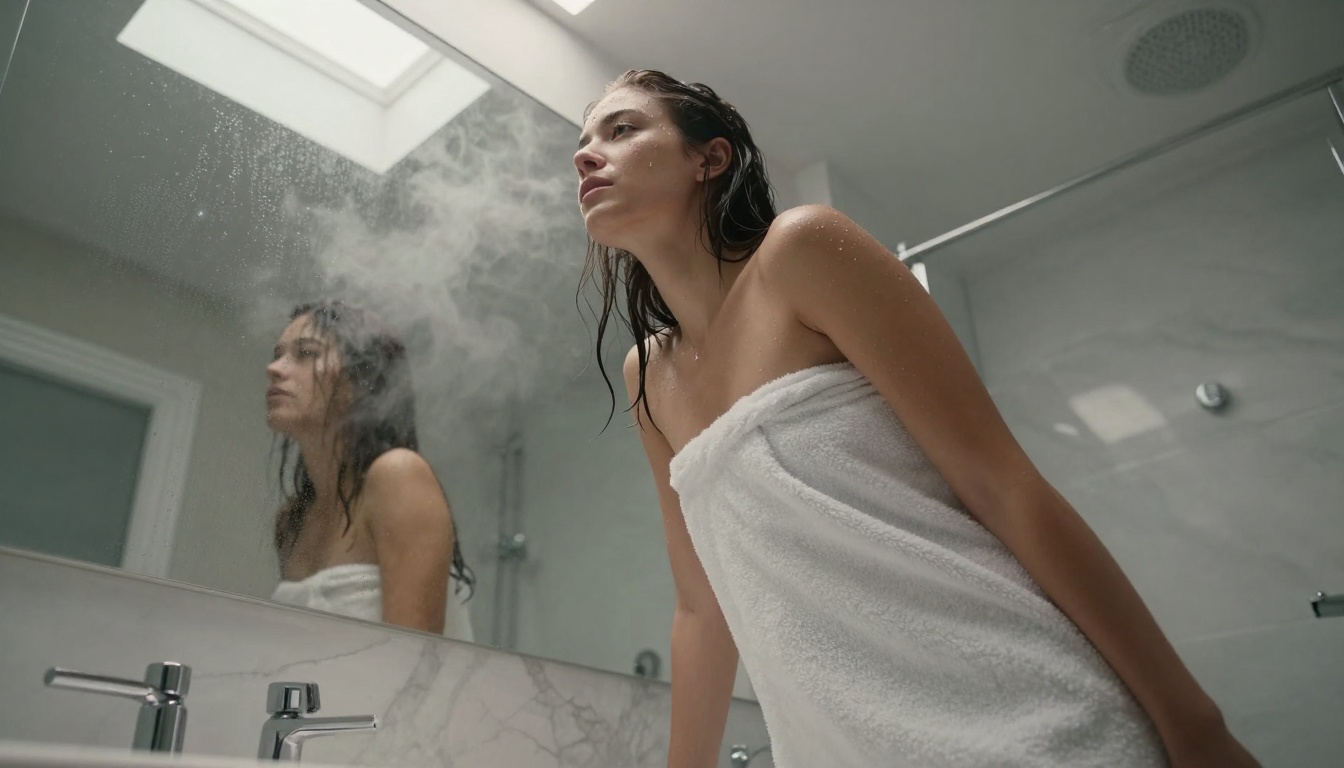
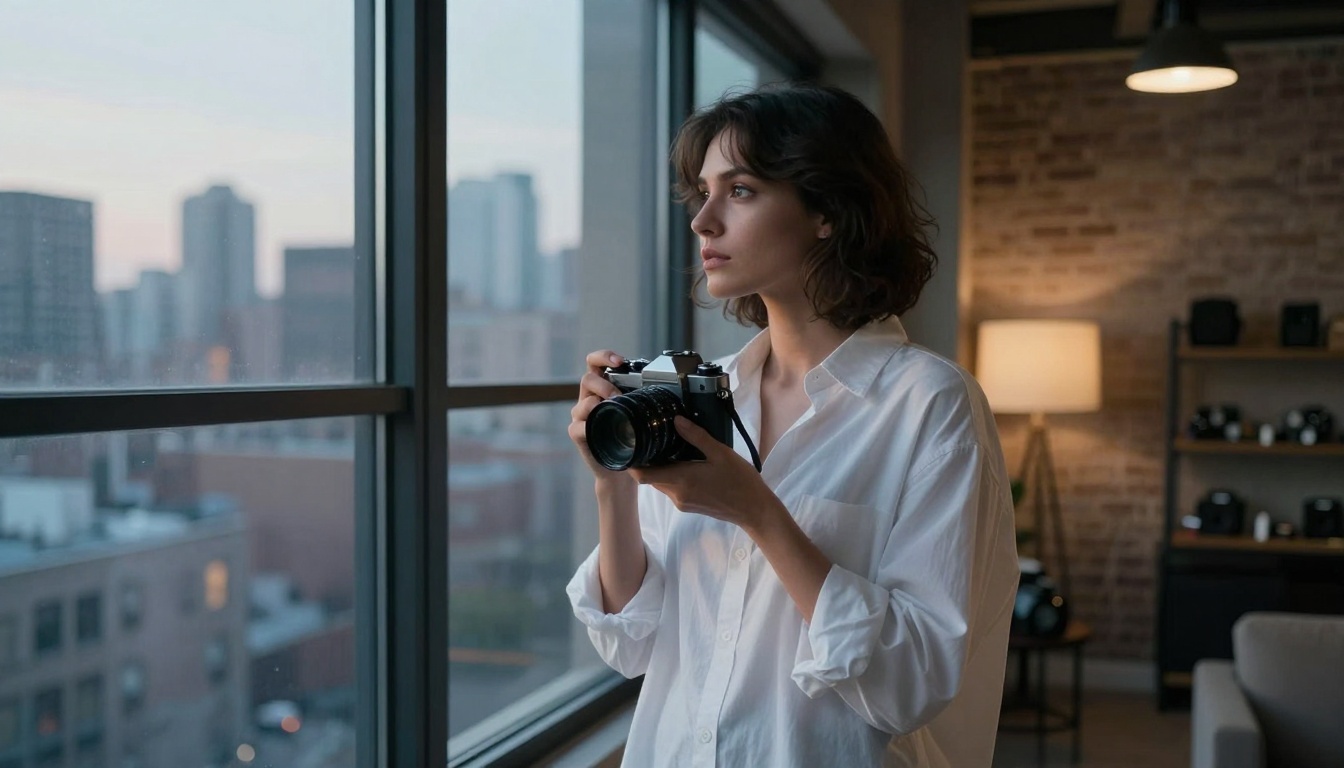
Environmental portraits provide context and narrative depth. This image shows how setting and environment add storytelling elements beyond mere physical representation.
Alternative PicassoIA models for adult content:
flux-2-pro: Higher detail, excellent for close-ups
Mistake 3: Over-stylization
Avoid terms like "digital art," "3D render," "illustration." Stick to photography terms:
"RAW photograph"
"film emulation"
"photorealistic"
"professional photography"
Mistake 4: Unnatural anatomy
AI sometimes creates impossible body proportions. Fix with:
"realistic human proportions"
"natural body shape"
"anatomically correct"
Reference specific features: "graceful neck," "slender fingers"
Mistake 5: Inconsistent style
Mixing styles creates jarring results. Choose one aesthetic per batch:
Cinematic: film emulation, dramatic lighting
Editorial: fashion photography style
Fine art: black and white, sculptural
Documentary: available light, natural feel
Final Thoughts
Free NSFW AI tools have democratized adult content creation. What once required thousands in equipment and models now happens in minutes with thoughtful prompts. The key isn't finding some secret tool—it's mastering the craft of prompt engineering within artistic boundaries.
Remember these priorities:
Quality over quantity: One stunning image beats ten mediocre ones
Artistic integrity: Create beautiful content first, provocative second
Technical specificity: Detailed prompts produce detailed results
Ethical boundaries: Respect subjects and audiences
Continuous learning: AI improves monthly—stay updated
The most successful creators treat AI as a collaborator, not a magic button. They understand lighting, composition, and aesthetics, then translate that knowledge into prompts the AI can execute. That translation skill—knowing how to ask for what you envision—separates amateurs from professionals.
Free tools remove financial barriers. Your creativity, technical understanding, and artistic vision become the only limits. With platforms like PicassoIA offering professional-grade results at zero cost, there's never been a better time to explore this creative space.
Start with simple prompts, analyze what works, refine relentlessly, and build your distinctive style. The tools exist. The knowledge is available. The only question is what you'll create.