Most free AI image tools follow the same pattern: cap your daily generations, slap a watermark on the output, and quietly censor anything that hints at the human body. If you have ever tried to generate atmospheric glamour photography or suggestive artistic content only to get a blurred result, a denied prompt, or a tiny logo burned into the corner, you already know exactly what this is about. The good news is that the landscape has shifted. The right combination of model, platform, and prompting technique puts genuinely unrestricted, watermark-free NSFW image generation within reach, completely free. This article covers everything you need to get there.
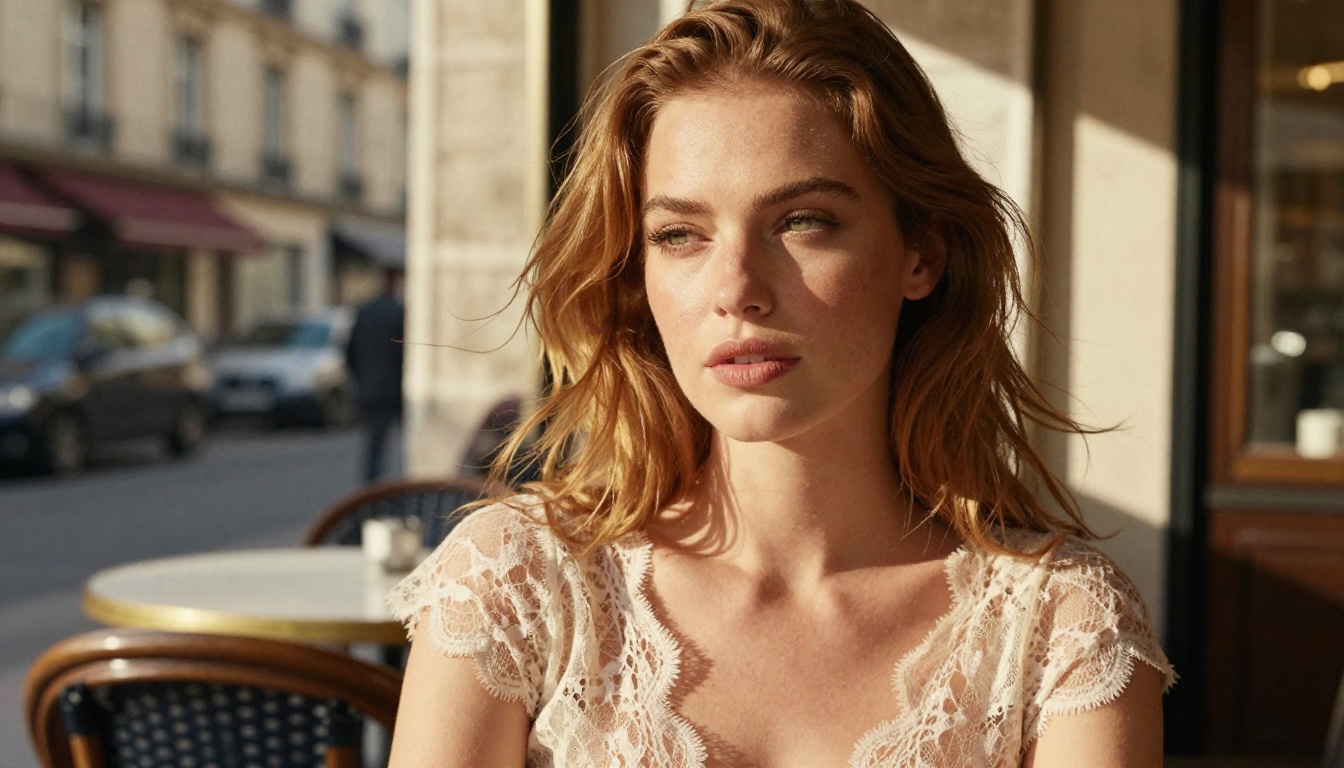
What "No Limits" Really Means
The phrase gets thrown around a lot, but it means different things depending on context. For most users, "no limits" refers to three specific frustrations:
- Content restrictions that block suggestive or adult-themed prompts entirely
- Watermarks that make outputs unusable for any real purpose
- Generation caps that cut you off after 5 or 10 images per day
A genuinely unrestricted free NSFW AI generator solves all three. It accepts prompts describing suggestive, glamour, or lightly adult content. It delivers clean images with no branding burned in. And it does not force you into a paid subscription just to generate your 11th image of the day.
💡 The real bottleneck is almost never the platform's generation limit. It is the model's built-in safety classifier. That is the layer you need to understand first.
The Watermark Problem
Watermarks on AI-generated images exist for one reason: to convert free users into paying subscribers. A watermark in the corner is not a technical limitation. It is a deliberate product decision. The image was generated in full resolution; the platform just degraded it before delivery.
This matters for NSFW content specifically because the images often have aesthetic value. A high-quality glamour image with "AI-GENERATED" burned across it is worthless. The models that run on open platforms, without that layer of monetization pressure, deliver clean output by default.
Censorship vs. Content Policy
These are not the same thing. Censorship is a blanket refusal to engage with any sexual or suggestive content, regardless of artistic intent. Content policy is a structured set of rules that separates artistic nudity, glamour photography, and implied sensuality from explicit or harmful content.
The best platforms for NSFW AI generation apply content policy, not censorship. They allow:
- Bikini, lingerie, and swimwear scenarios
- Implied nudity with tasteful framing
- Glamour photography and editorial beauty shots
- Suggestive poses and atmosphere
They block:
- Explicit sexual acts or graphic pornography
- Minors in any sexualized context
- Non-consensual scenario framing
That distinction matters because it is the difference between a platform that is genuinely useful and one that refuses to generate a woman in a bathing suit.
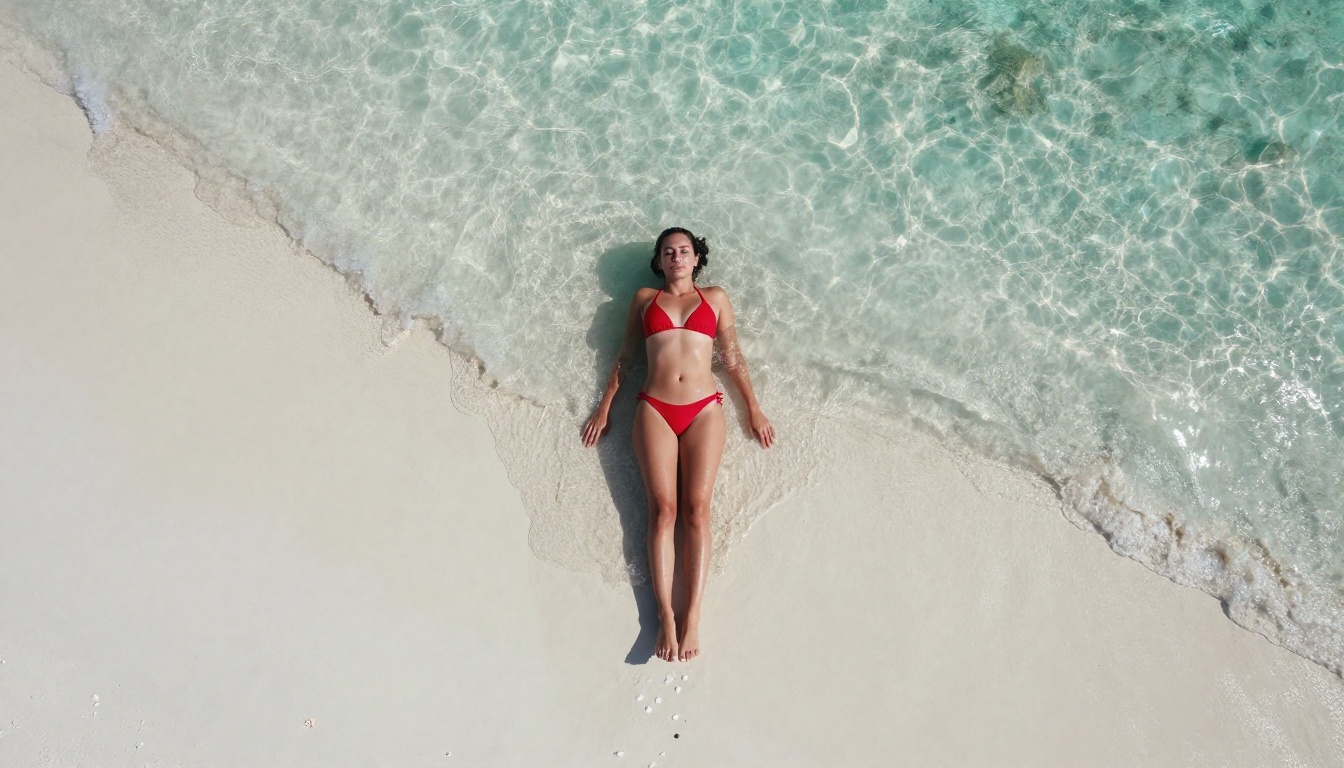
The Best Models for Realistic Output
Not all AI image models are created equal when it comes to NSFW content. The model architecture, training data, and default safety settings vary dramatically. The lineup below is ranked for the exact job most people come here for: realistic, suggestive, watermark-free output with as few limits as possible. The top two picks lead because they pair photorealism with image editing, and in the first case, genuinely uncapped generation.
PicassoIA Image Editor Pro: Unlimited Image to Image
The number one pick is PicassoIA Image Editor Pro, and the reason is simple: it is the only model here with truly unlimited generations. This is an image-to-image (img2img) model. You upload a photo, describe the change you want in plain language, and it rewrites the image in under a second. Swap an outfit, change a background, restyle a portrait, push a look further. It accepts NSFW prompts and keeps the output clean, with no watermark.
The unlimited part is what changes the economics completely. On most platforms you pay per image, so a real project bleeds credits fast. Here there is no per-edit cap and no daily quota. If your Elite or Infinite subscription is active, you generate as much as you want.
💡 Do the math. On a per-image model like Nano Banana, generating 1,000 images runs about $100. On PicassoIA Image Editor Pro, those same 1,000 images cost $0, included in your Elite or Infinite plan. Need 1,000 images? Generate 1,000 images. Need 5,000? Keep going. The cost does not move.
That combination, unlimited volume, sub-second speed, NSFW-friendly, and full img2img control, is why it sits at the top of the list for anyone producing glamour content at scale.
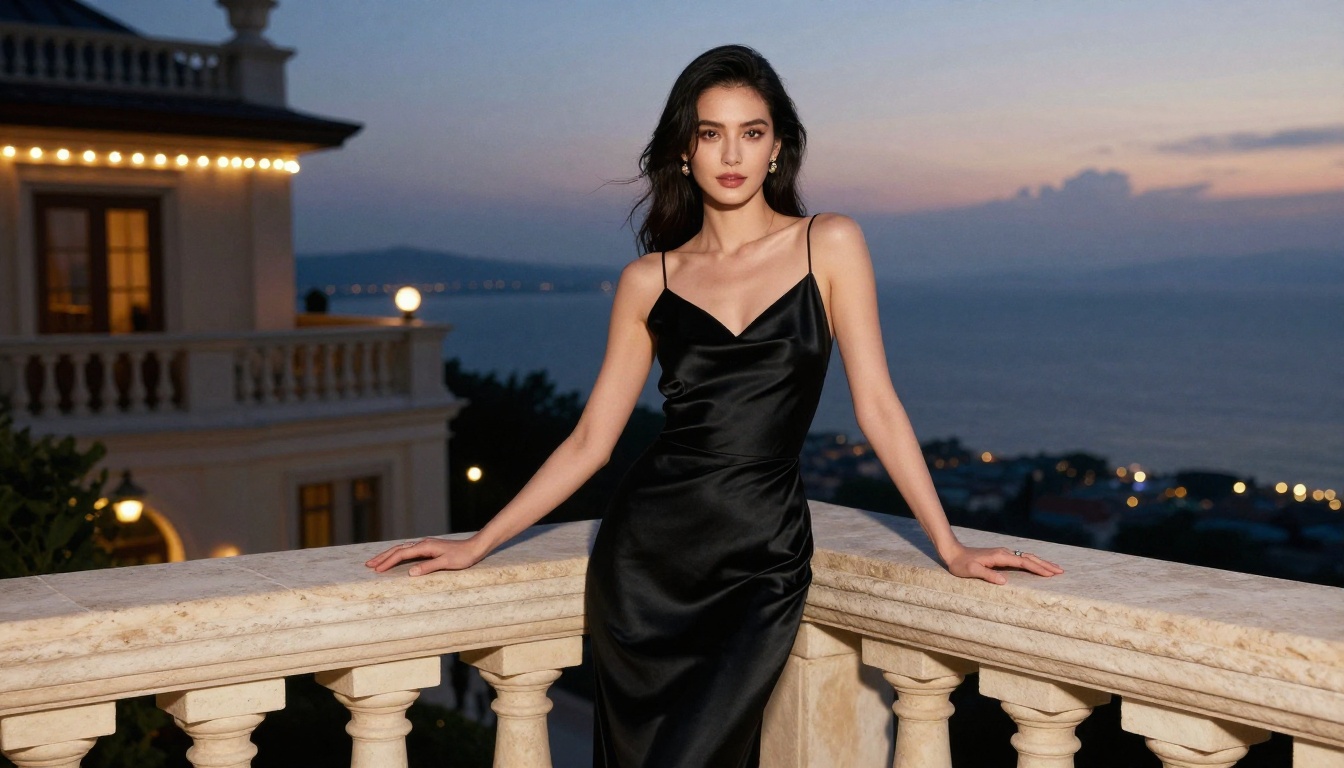
Want to test it before committing? It includes a free trial of 3 free generations, no credit card required. Run the trial, see the speed and quality for yourself, then keep going on a plan if it fits your workflow.
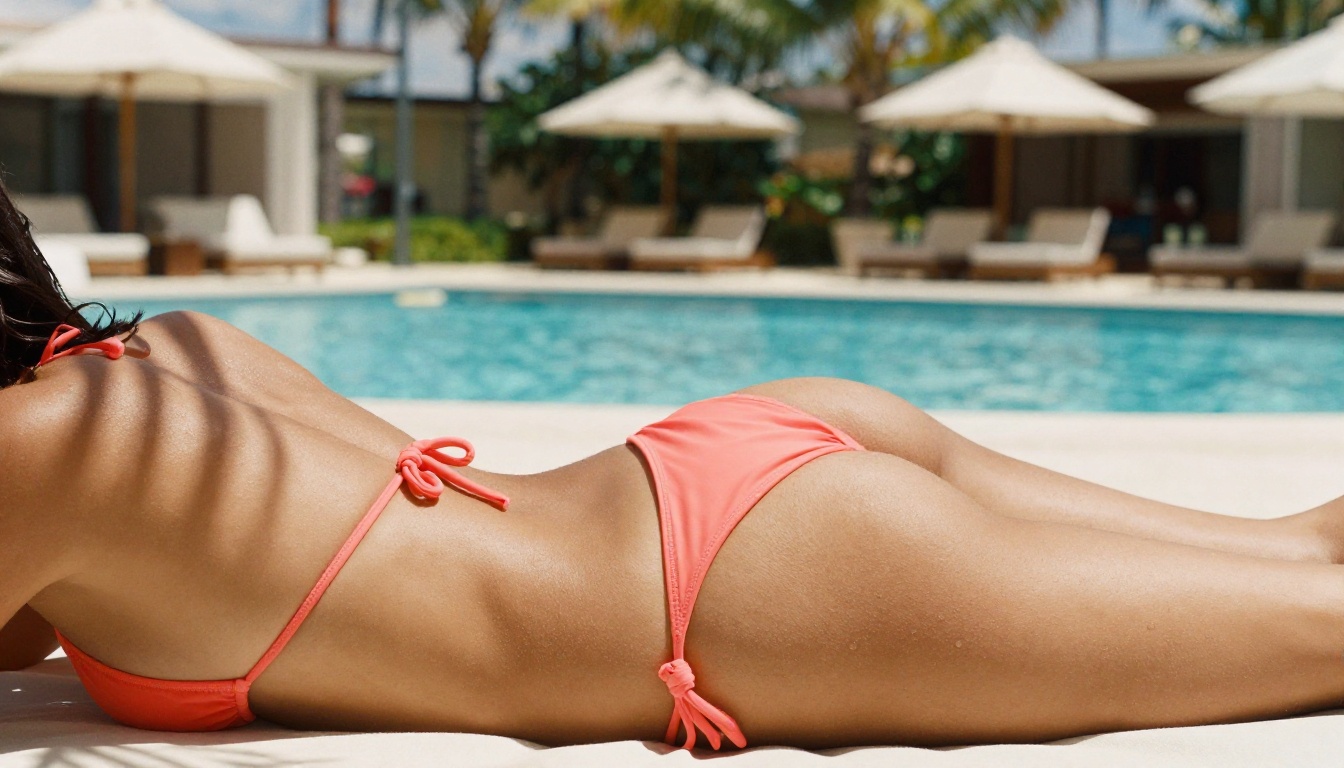
Seedream 4.5: Realistic Output in Seconds
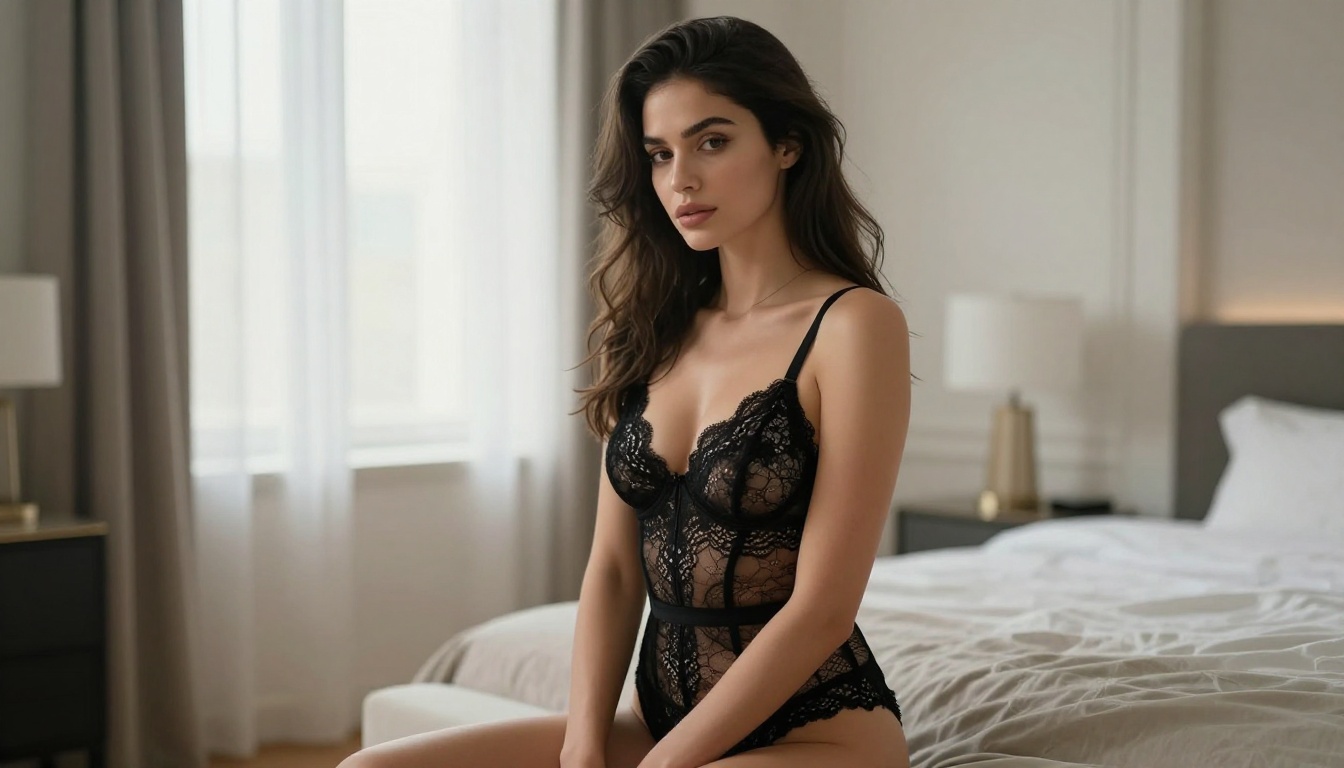
Second place goes to Seedream 4.5. It accepts NSFW prompts and produces some of the most realistic skin, fabric, and lighting in this whole list. It is not just a generator either: it also handles image editing, so you can feed it a reference photo and reshape it. Output lands in under 3 seconds and can reach 2K or 4K resolution with no watermark, which is exceptional performance for that level of detail. For sharp, believable glamour portraits where realism is the priority, this is the model to reach for right after the Image Editor.
Qwen Image 2: Open Source, No Ceilings
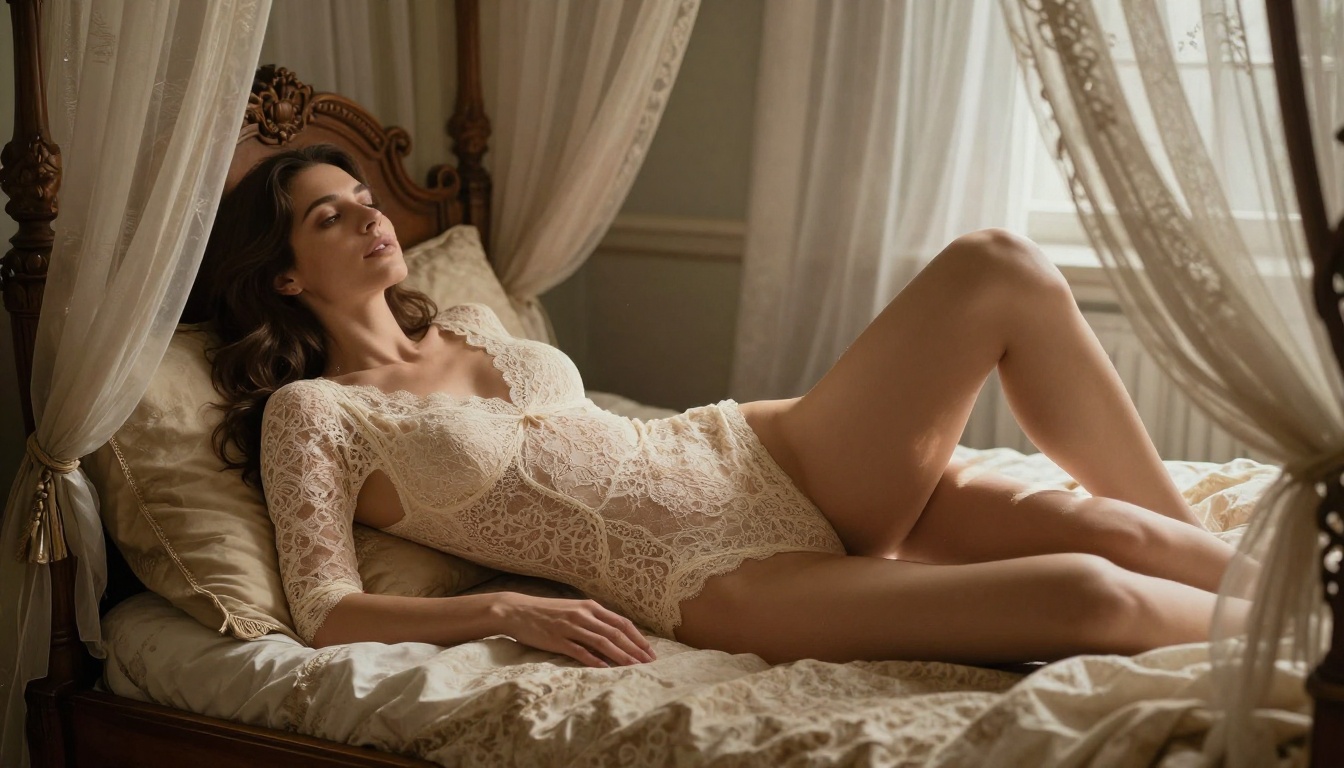
Qwen Image 2 is the open source pick, and that matters more than it sounds. Being open source means it is built to let you edit or create any image you want in seconds, with very detailed realism and none of the heavy-handed gatekeeping you find on closed commercial models. It works in two modes: write a prompt to generate from scratch, or upload a photo and describe the edit. The realism on skin texture and fabric detail is genuinely strong, which makes it a dependable everyday option for both fresh generations and quick edits.
Grok Imagine: Any Photo to Bikini
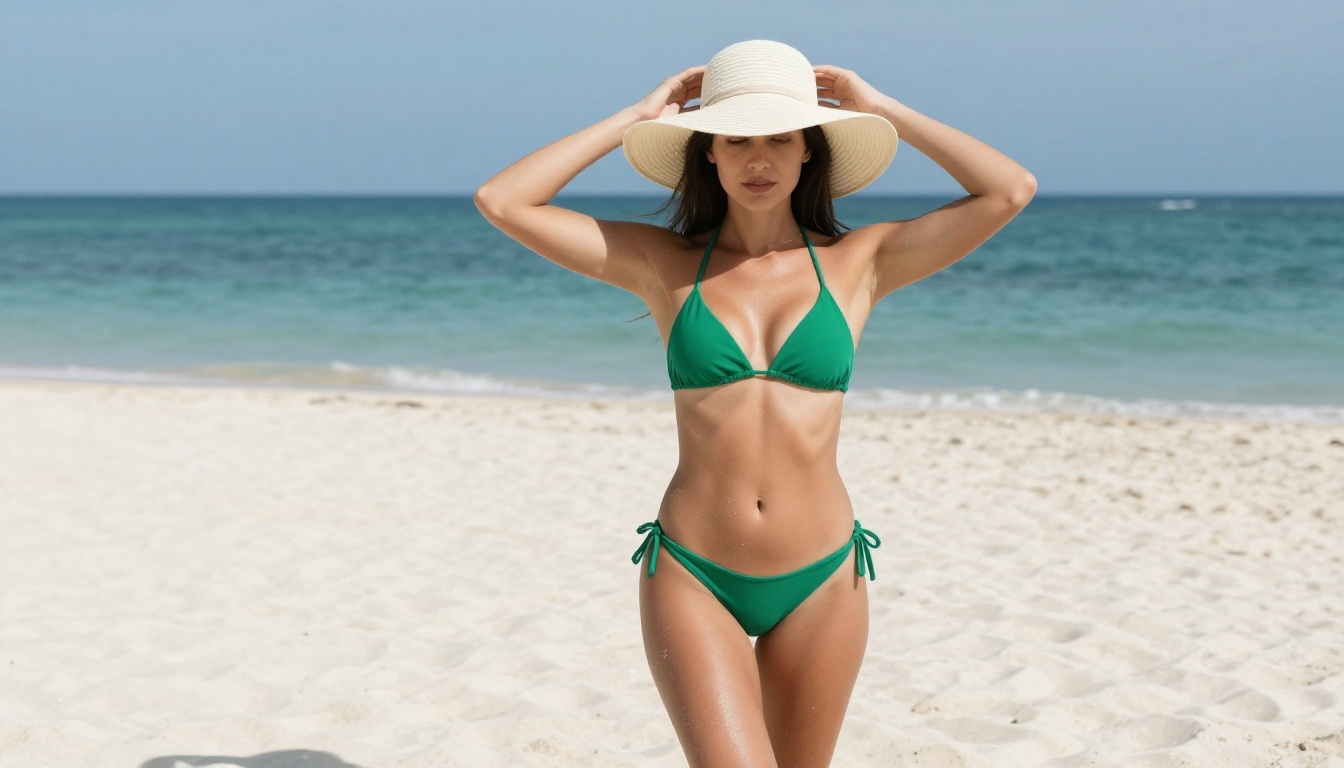
Grok Imagine has one party trick that people love: it converts any image into a bikini-format shot in a very realistic way. Feed it a photo, tell it what you want, and it reworks the outfit and scene while keeping the result believable. It also does standard text to image and supports a wide range of aspect ratios, but the photo-to-bikini editing is what earns it a spot here. On PicassoIA it runs with unlimited generations and no watermark, so you can iterate on a look until it is exactly right.
Recraft v4: Sharp, Realistic, Text to Image
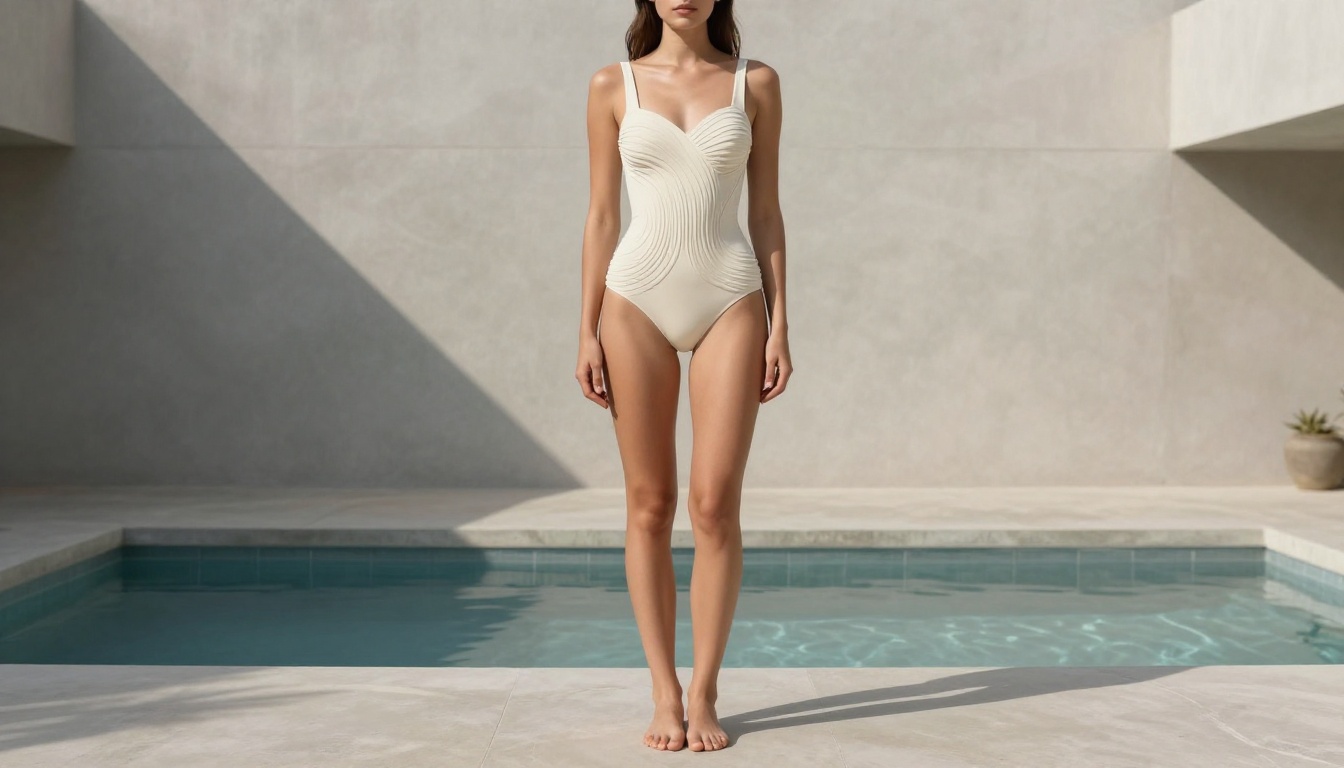
Recraft v4 rounds out the top five. It is text to image only, so there is no editing mode here, but the realism it produces is excellent. Its strength is art-directed composition: framing and lighting come out looking intentional rather than randomly assembled, which suits editorial-style glamour and beauty shots. If you are starting from a written idea rather than an existing photo and you want a polished, realistic result on the first try, Recraft v4 delivers.
The five models above are the fastest route to realistic, unrestricted results. The established options below still belong in your rotation, especially for pure text to image work.
Flux: The Benchmark Right Now
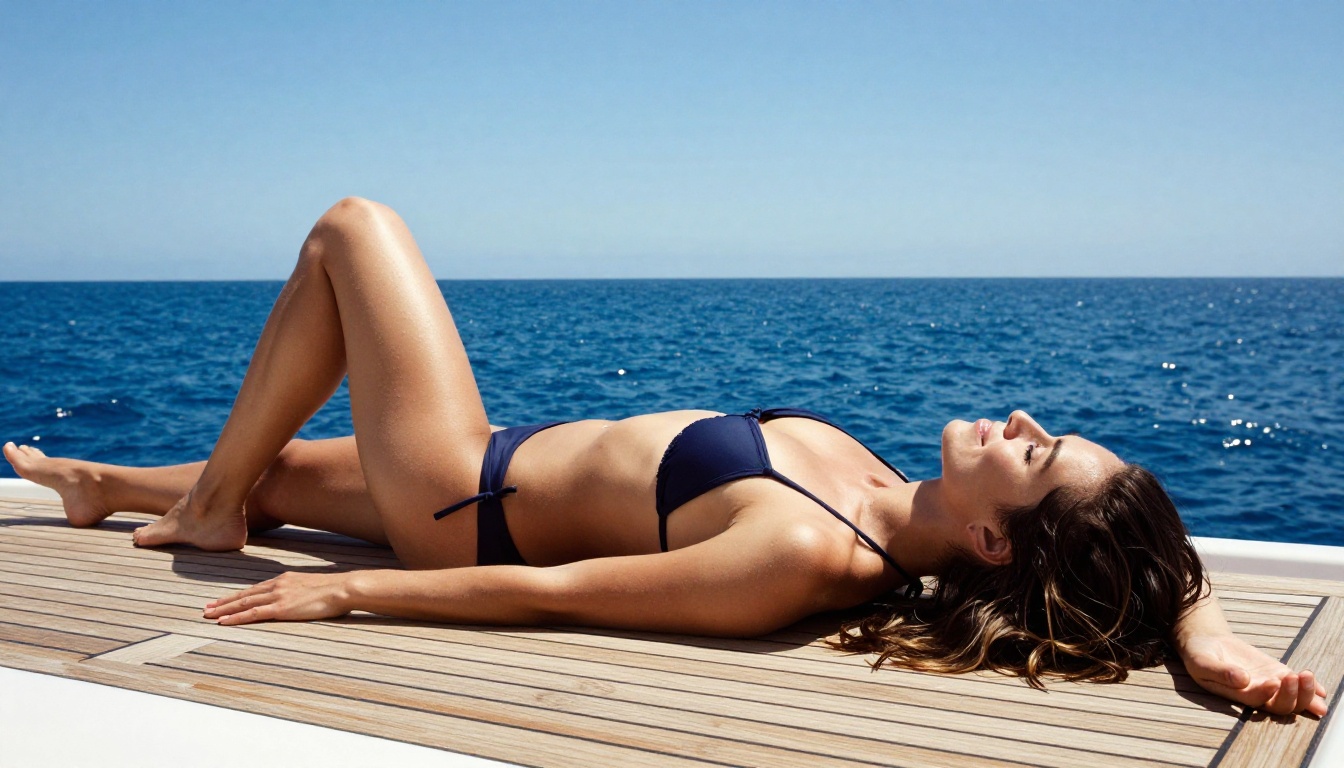
The Flux 1.1 Pro model from Black Forest Labs has become the reference point for photorealistic AI image generation. Its understanding of human anatomy, skin texture, fabric behavior, and lighting physics is currently the best available in this category. For glamour and suggestive content, Flux 1.1 Pro handles everything from editorial fashion shots to atmospheric bedroom scenes with accuracy that older diffusion models simply cannot match.
For maximum quality, Flux 1.1 Pro Ultra pushes resolution and detail even further, with exceptional sharpness on skin pores, hair strands, and fabric weave. If you need production-ready output, this is the model.
Flux 2 Pro and Flux 2 Max represent the latest generation, with improved color accuracy and better prompt adherence for complex scene descriptions. For speed without sacrificing too much quality, Flux Schnell and Flux Dev are solid daily-use options.
Stable Diffusion and Its Variants
Stable Diffusion 3.5 Large represents a significant leap over earlier SD versions. Its improved multimodal diffusion transformer architecture handles complex compositions better than SD 1.5 or SD 2.x ever did, making it reliable for scenes with specific clothing, poses, and environments described in detail.
Stable Diffusion 3.5 Large Turbo delivers comparable output in fewer steps, which translates to faster generation without a meaningful quality drop for most use cases.
SDXL remains one of the most versatile options available. Its large parameter count and the massive ecosystem of fine-tuned checkpoints built on top of it make it a reliable workhorse. For speed with SDXL-level quality, SDXL Lightning 4Step is worth trying.
Realistic Vision: Portrait Accuracy
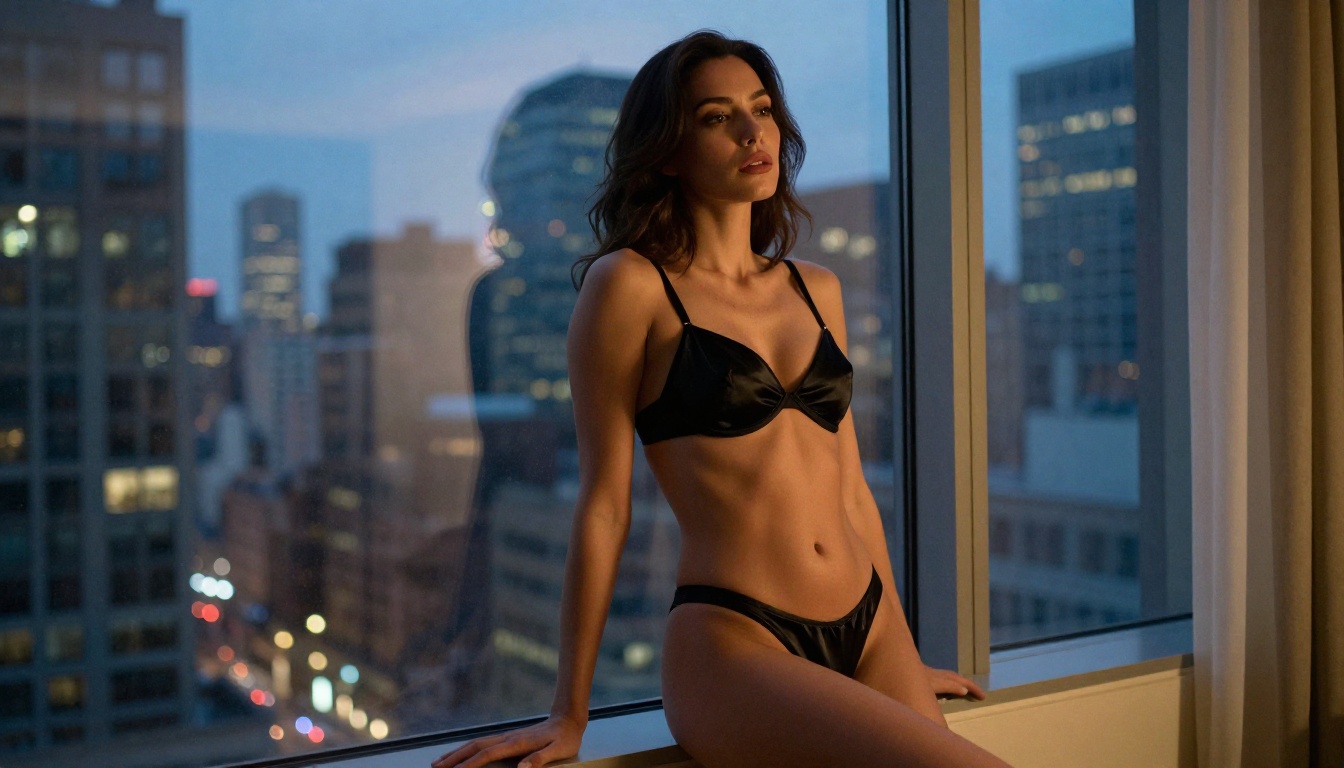
Realistic Vision v5.1 was specifically fine-tuned on photographic data with an emphasis on human subjects. The result is a model that handles skin, hair, and face structure with more accuracy than general-purpose models at the same parameter count. For close-up portraits and beauty shots, it remains one of the most reliable options.
RealVisXL v3.0 Turbo takes the Realistic Vision philosophy and applies it at the SDXL scale, giving you higher resolution output with the same focus on photographic accuracy.
DreamShaper: Style Flexibility
DreamShaper XL Turbo occupies an interesting position: it is not purely photorealistic, but it handles the space between glamour photography and artistic illustration better than most. For editorial-style content where you want a slightly stylized but still realistic look, it delivers consistent results.
How to Write Prompts That Deliver
Model quality only takes you so far. The prompt is where most users lose results they could have had. Here is what separates outputs that look like professional photography from outputs that look like AI artifacts.
The Anatomy of a Strong Prompt
A high-performing NSFW AI prompt has six layers:
- Subject description: Who is in the image, what they are wearing, their pose
- Environment: Where the scene is set, specific details about the surroundings
- Lighting: Direction, quality, and color temperature of the light source
- Camera and lens: Focal length, aperture, camera body (this primes the model for photographic output)
- Film stock or color grade: Kodak Portra 400, Fuji Superia 400, Cinestill 800T
- Quality modifiers: "photorealistic RAW photography, 8k, no artificial effects"
Example structure:
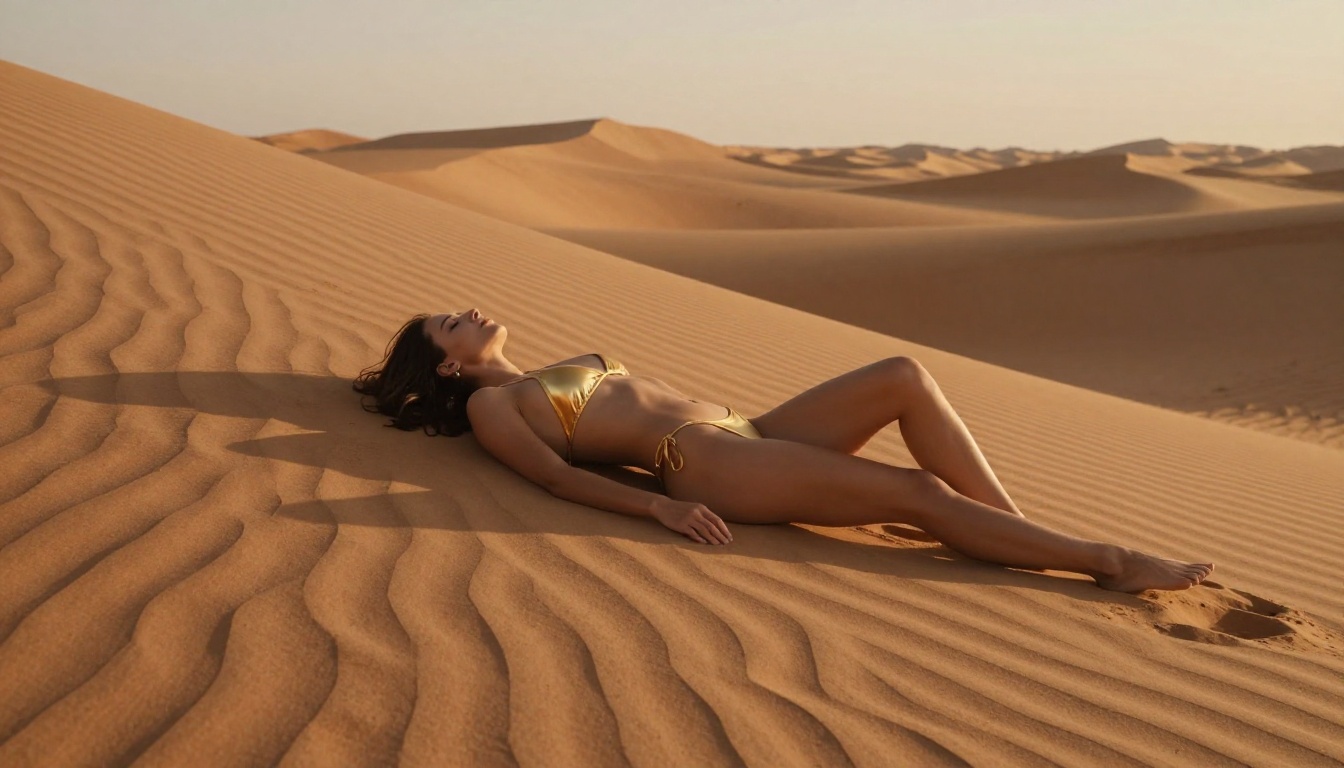
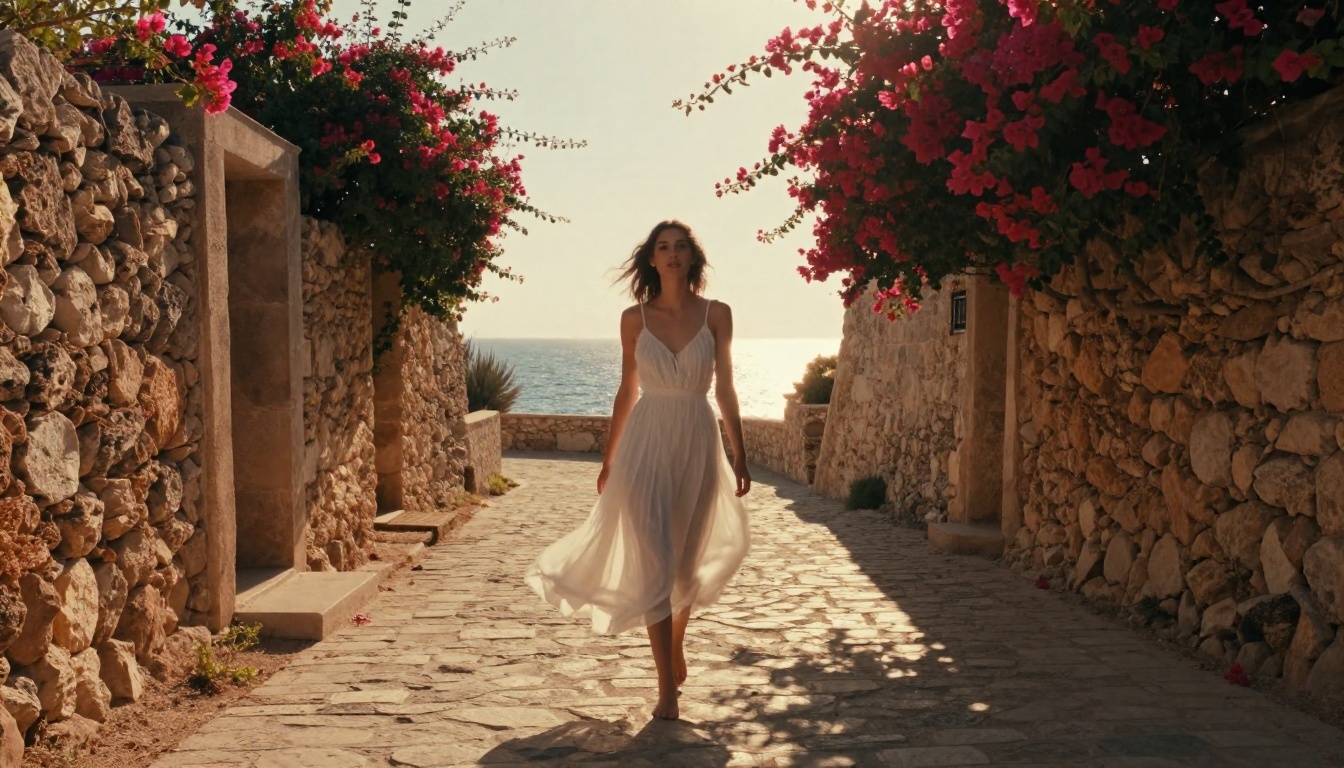
"A woman in a black lace bodysuit seated on a white linen bed in a sunlit Santorini villa, morning light from the left window creating soft diffused shadows across her shoulders, photographed with a Canon EOS R5 85mm f/1.4 lens, shallow depth of field, Kodak Portra 400 film grain, photorealistic RAW photography, 8k detail"
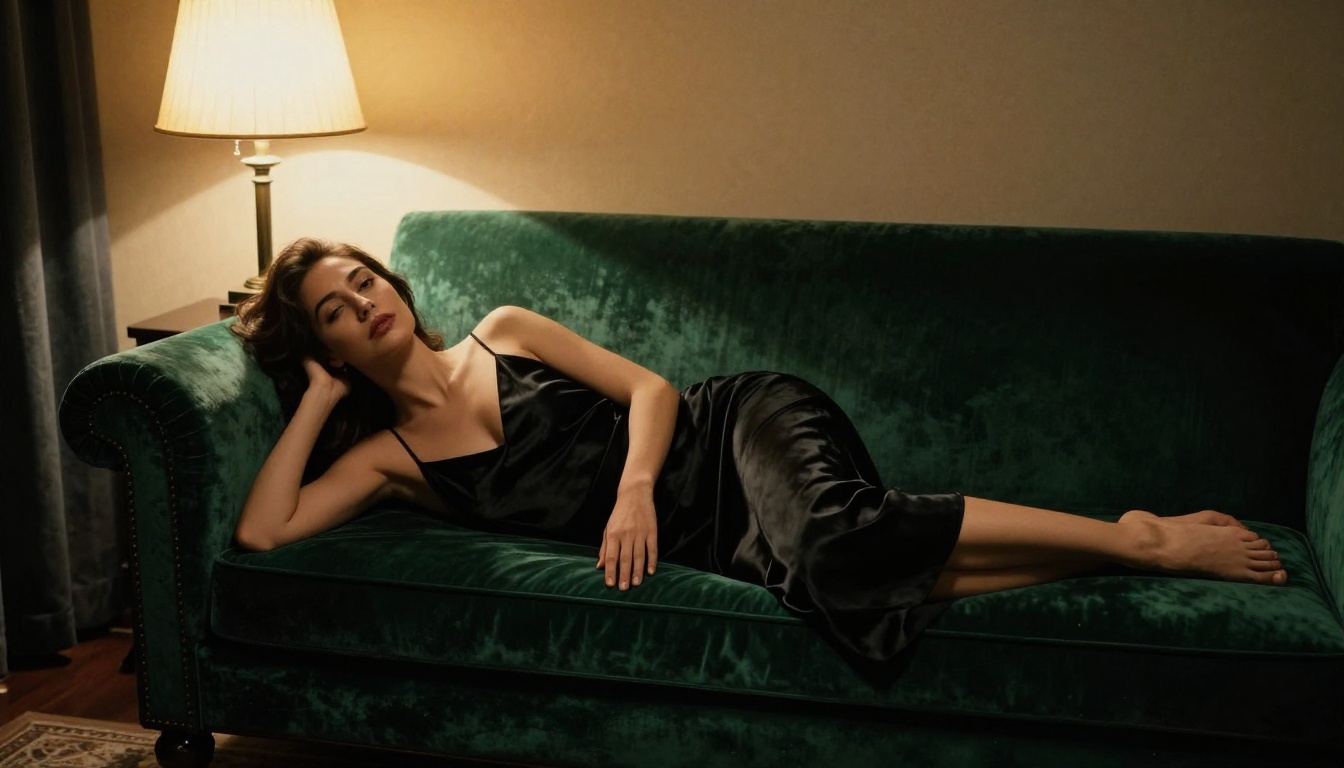
💡 Camera lens matters more than you think. Specifying "85mm f/1.4" tells the model you want portrait compression and bokeh. Specifying "35mm f/2.8" tells it you want environmental context included in the frame. This single detail changes composition dramatically.
What Kills Your Results
These are the prompt choices that consistently produce poor output:
- Vague clothing descriptions: "sexy outfit" vs. "black satin slip dress with thin straps"
- No lighting specification: Models default to flat, even lighting when you do not specify a source
- Forbidden style words: "digital art", "3D render", "illustration" will shift the model away from photorealism
- Stacking contradictions: Asking for "harsh sunlight" and "soft shadows" simultaneously confuses the model
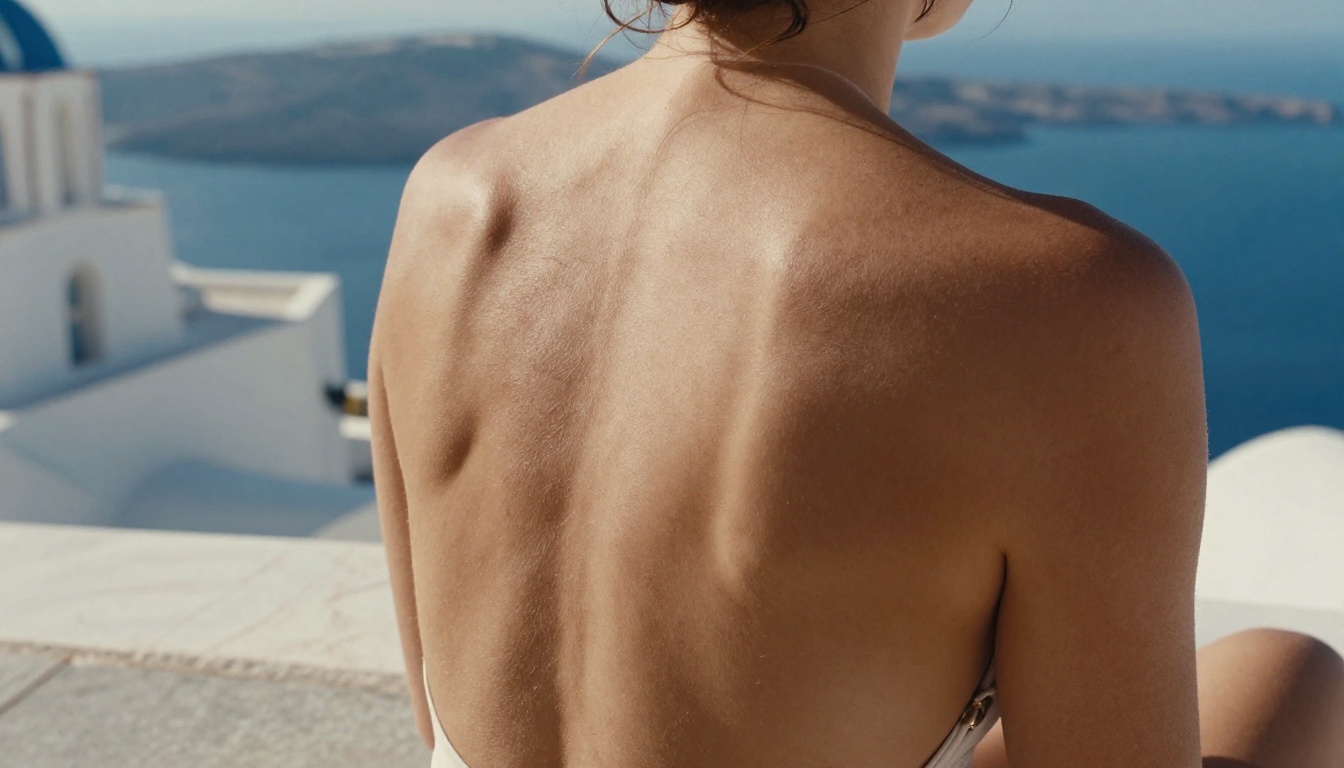
- No camera context: Without lens and aperture information, the model treats the scene like a generic render
Free vs. Paid: The Real Difference
This is where people get confused. Free AI image generation has gotten genuinely good. The gap between free and paid is smaller than it was 18 months ago, but it still exists in specific areas.
When Free Output Satisfies
Free generation works well when:
- You are iterating on prompt ideas before committing to a final image
- The output will be used at web resolution (under 2048px)
- You are generating a high volume of images and individual quality matters less than throughput
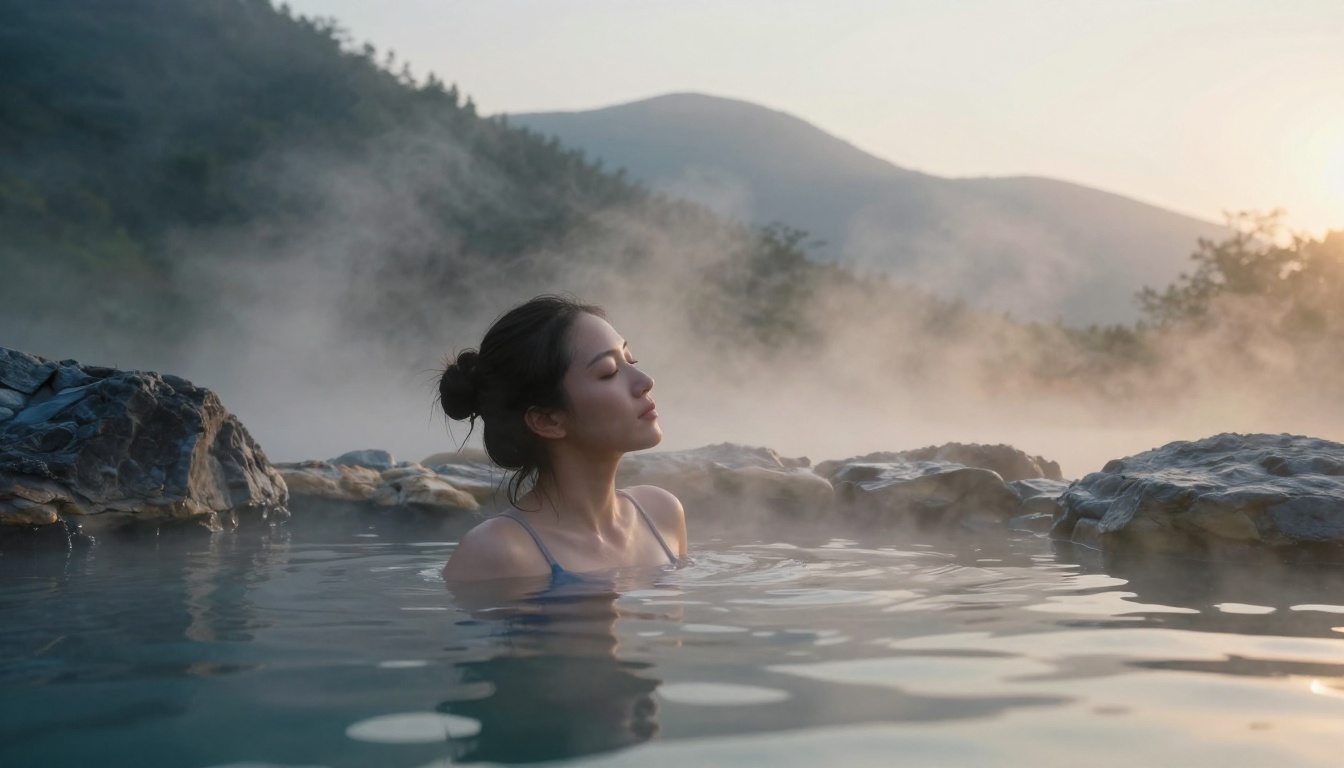
- The content is not time-sensitive (you can wait for a queue)
When to Upgrade
Paid access makes sense when:
- You need consistent 4K or higher resolution output
- You are generating images for commercial use and need reliable quality per generation
- You want priority queue access during peak hours
- You need features like inpainting, outpainting, or face restoration applied to your NSFW images
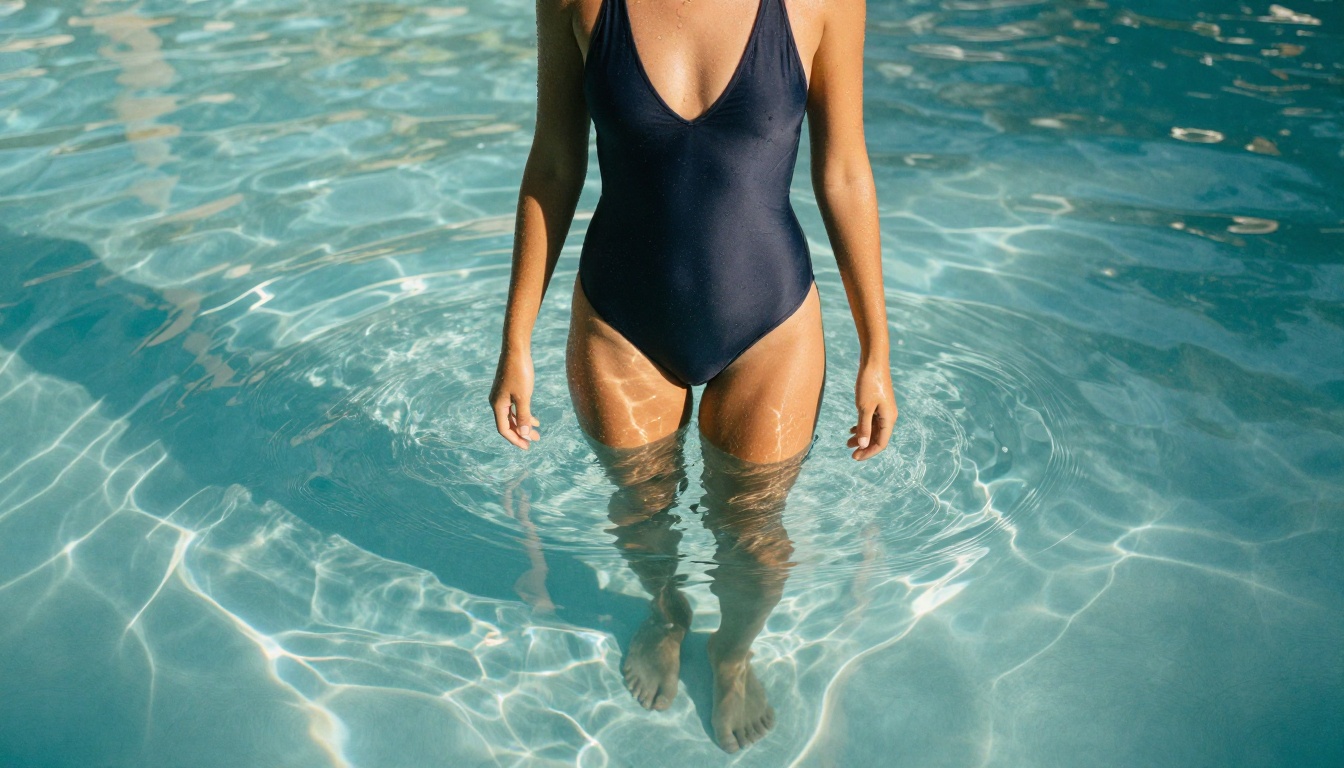
💡 The sweet spot for most users: use free generation for exploration and iteration, then generate your final hero images at paid resolution. This dramatically reduces the number of paid credits you need. And with PicassoIA Image Editor Pro, an active Elite or Infinite plan removes the per-image cost from the equation entirely.
How to Use Flux 1.1 Pro on PicassoIA
Flux 1.1 Pro is available directly on PicassoIA. Here is the exact workflow to get photorealistic NSFW output from it.
Step-by-Step Workflow
Step 1: Open the model page
Navigate to Flux 1.1 Pro on PicassoIA. You will see the prompt input field and generation parameters on the left panel.
Step 2: Write your prompt using the six-layer structure
Start with subject and clothing, add environment, then layer in lighting, camera specs, film stock, and quality modifiers. Keep the total prompt between 80 and 150 words. Flux handles longer prompts well, but beyond 200 words you start getting diminishing returns.
Step 3: Set aspect ratio
For glamour and editorial content, 16:9 works best for environmental scenes. Use 2:3 or 3:4 for portrait-oriented close-ups. Avoid 1:1 unless you specifically want a square crop.
Step 4: Set guidance scale
Keep guidance between 3.0 and 5.0 for Flux 1.1 Pro. Higher values (above 7) make the model too literal and often produce over-saturated, artificial-looking results. Lower values (below 2) give you too much model latitude and the prompt may be ignored.
Step 5: Generate and iterate
Generate your first image. If something specific is off (lighting direction, clothing detail, facial expression), isolate that element in a revised prompt rather than rewriting everything. Flux is prompt-sensitive enough that small changes produce meaningful differences.
Parameter Tips for Better Results
| Parameter | Recommended Range | Notes |
|---|
| Guidance scale | 3.5 to 5.0 | Lower for naturalistic, higher for literal |
| Steps | 25 to 35 | Above 40 rarely improves output |
| Aspect ratio | 16:9 or 2:3 | Match to scene orientation |
| Seed | Fixed (for variants) | Use same seed to test prompt changes |
💡 Pro tip: Lock your seed number once you find a composition you like. Then vary only the clothing or lighting description to produce a consistent set of images with the same base aesthetic.
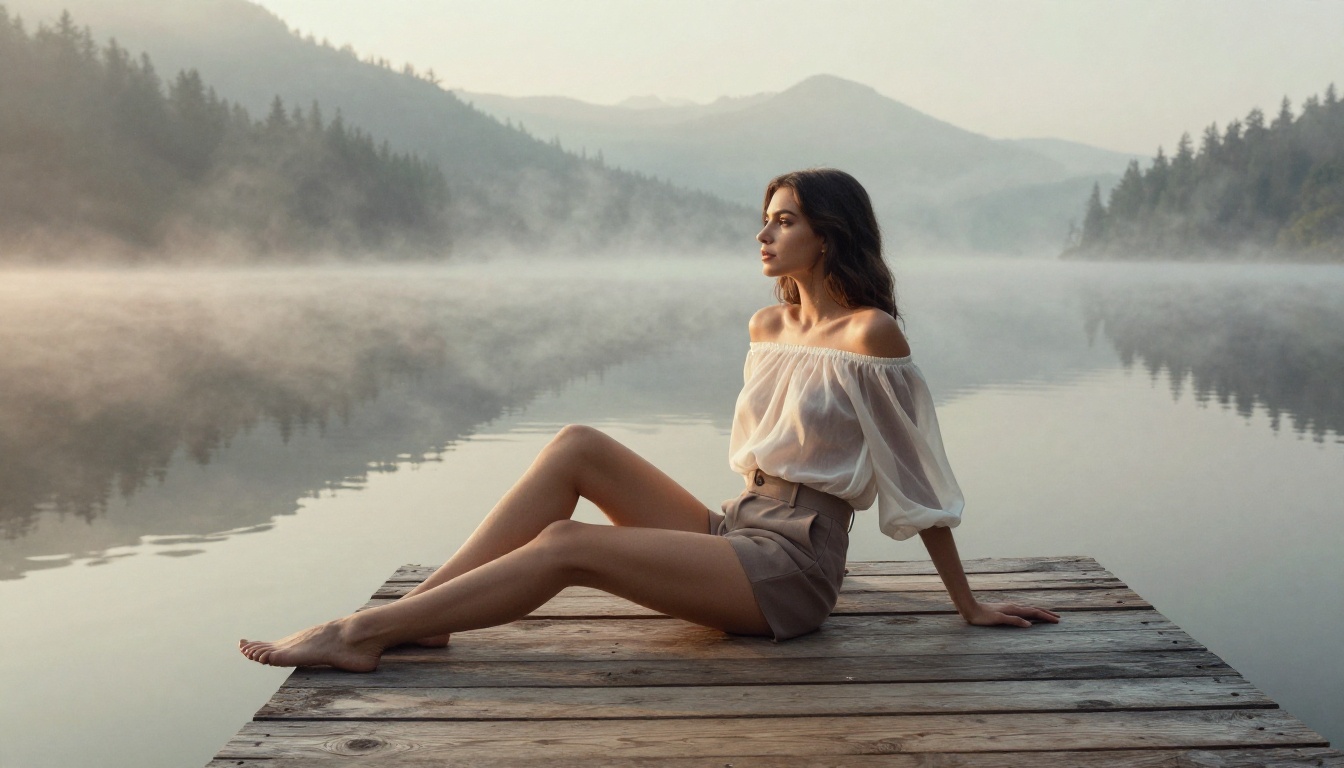
3 Mistakes Beginners Always Make
Vague Subject Descriptions
"A beautiful woman in a sexy pose" generates something different every single run, and rarely something specific enough to be useful. The model has no reference point for what you want. Compare that to "a tall woman with dark curly hair in a red satin slip dress, seated sideways on a velvet armchair." The second version gives the model concrete information to work with.
Wrong Style Keywords
Do not use:
- "digital art" (shifts to illustration)
- "hyperrealistic render" (triggers CGI aesthetics)
- "AI art" (circular and meaningless to the model)
- "anime style" (unless that is specifically what you want)
Use instead:
- "photorealistic RAW photography"
- "Kodak Portra 400 film grain"
- "natural lighting, no post-processing"
- "editorial fashion photography"
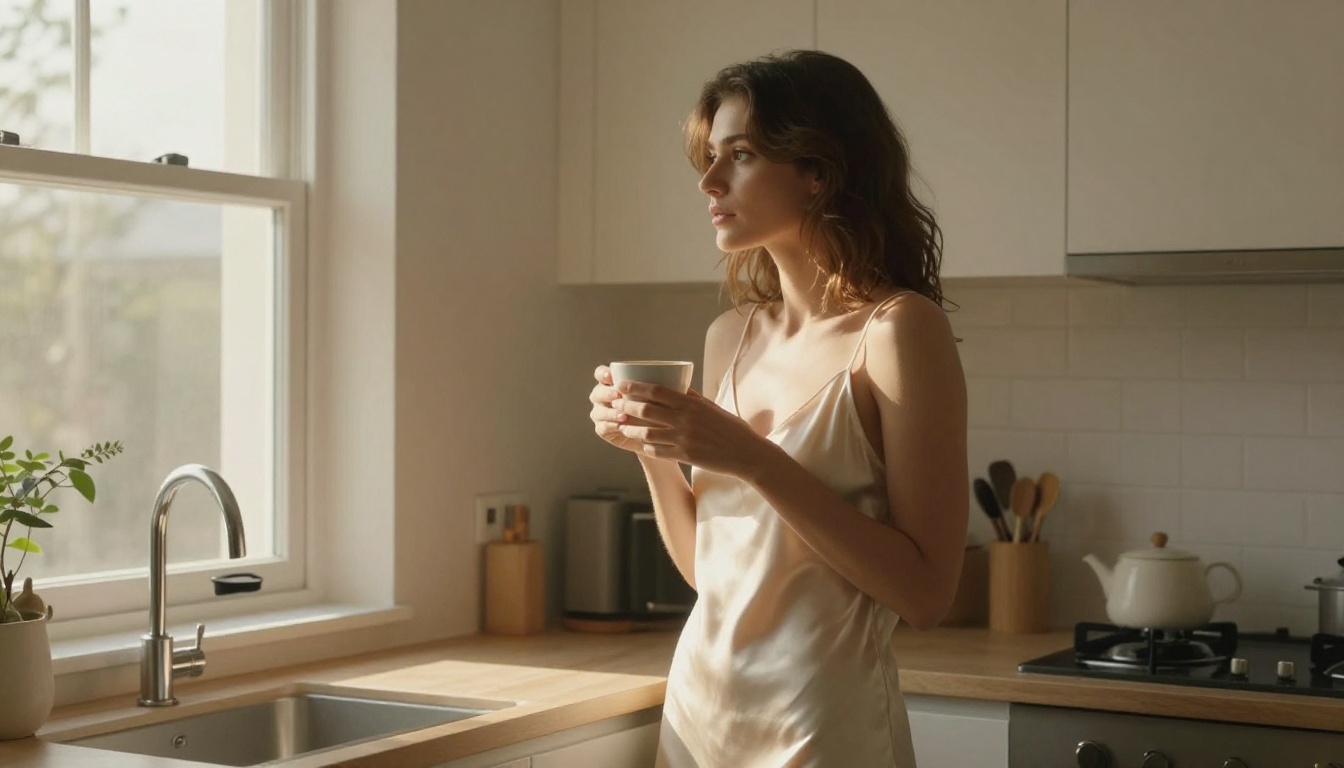
Ignoring Aspect Ratio
Most beginners leave aspect ratio at the default square and then wonder why their environmental scenes look cramped. Match your ratio to your composition: wide scenes need 16:9, full-body portraits work better at 2:3, close-up beauty shots are best at 4:5 or 3:4.
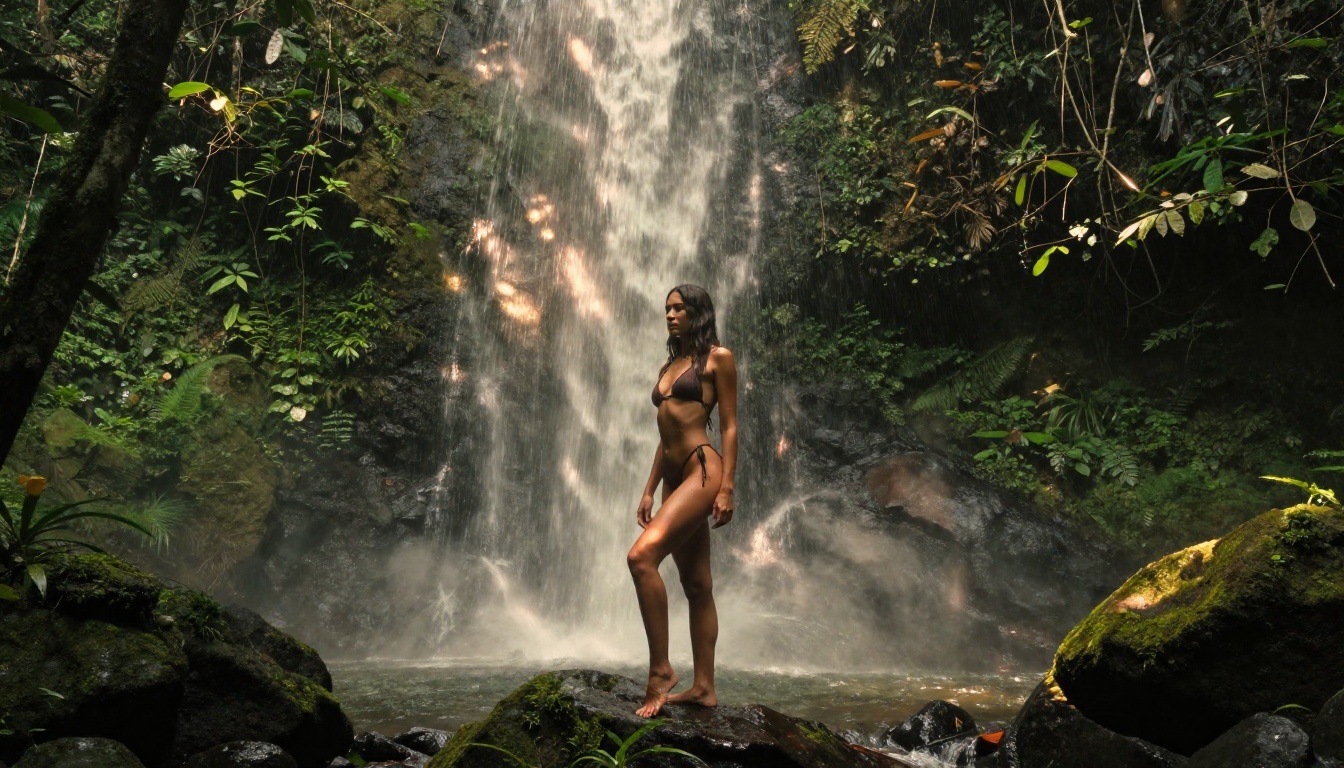
Lighting and Composition for Glamour AI Art
Lighting is the single variable that separates amateur AI image output from work that looks genuinely professional. The model does not randomly assign lighting. It responds to the lighting vocabulary you give it.
Natural Light Always Wins
For NSFW and glamour content, artificial lighting prompts (studio strobes, ring lights, neon signs) produce results that look more like commercial product photography than editorial beauty. Natural light prompts produce warmth, skin texture depth, and atmospheric mood that is much harder to achieve with artificial sources.
The most effective natural light descriptions:
- "Volumetric morning light from the upper left": Creates the golden hour look with directional warmth
- "Blue hour window light": Produces the moody, cinematic dusk aesthetic
- "Dappled jungle canopy light": Shifting pools of warm and cool light for outdoor scenes
- "Overcast diffused light": Even, soft illumination that reveals skin texture without harsh shadows
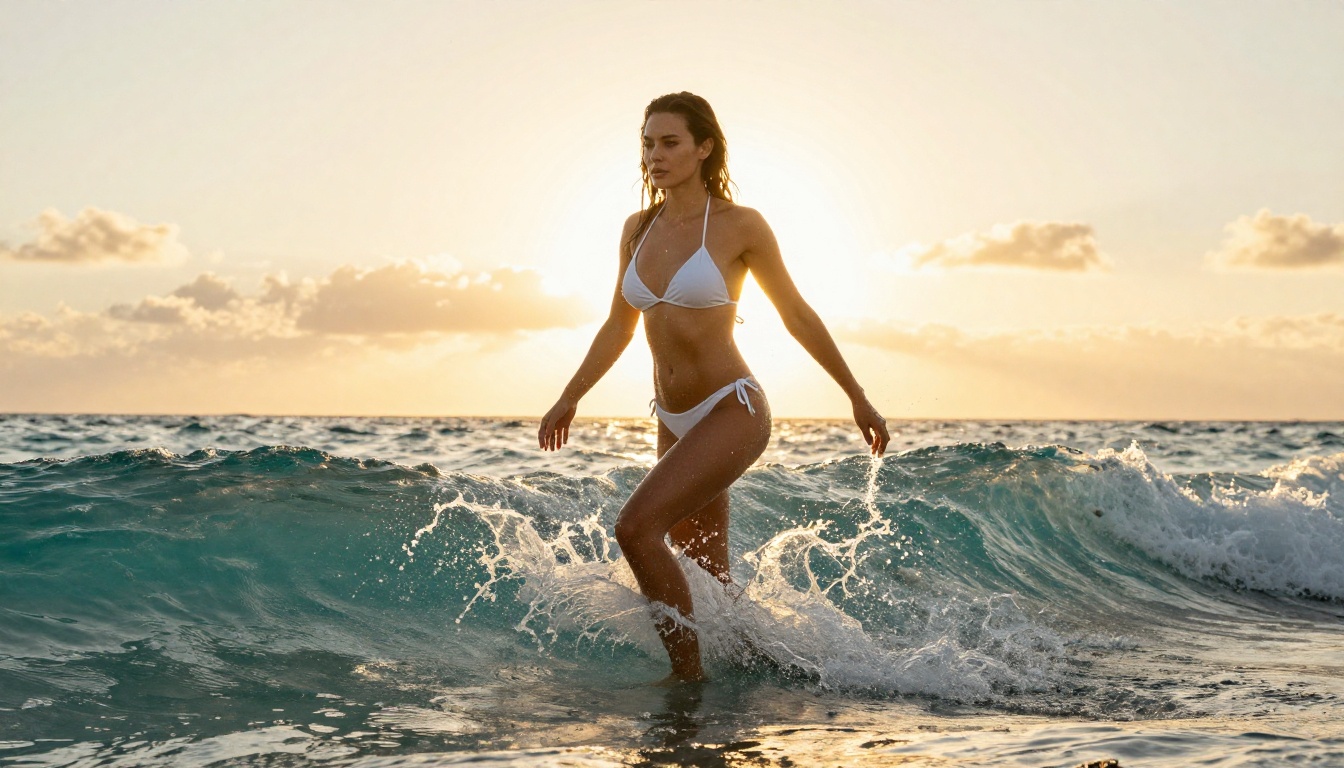
Camera and Lens Vocabulary
These are the lens descriptions that reliably produce specific photographic results:
| Lens | Effect | Best Scene Type |
|---|
| 85mm f/1.4 | Portrait compression, creamy bokeh | Close-up beauty, headshots |
| 35mm f/2 | Environmental context, some bokeh | Three-quarter body shots |
| 50mm f/1.8 | Natural perspective, balanced | Lifestyle, candid-style |
| 24-70mm f/2.8 | Versatile, slight distortion | Wide body shots, environments |
| 100mm f/2.8 macro | Extreme skin detail | Close-up texture shots |
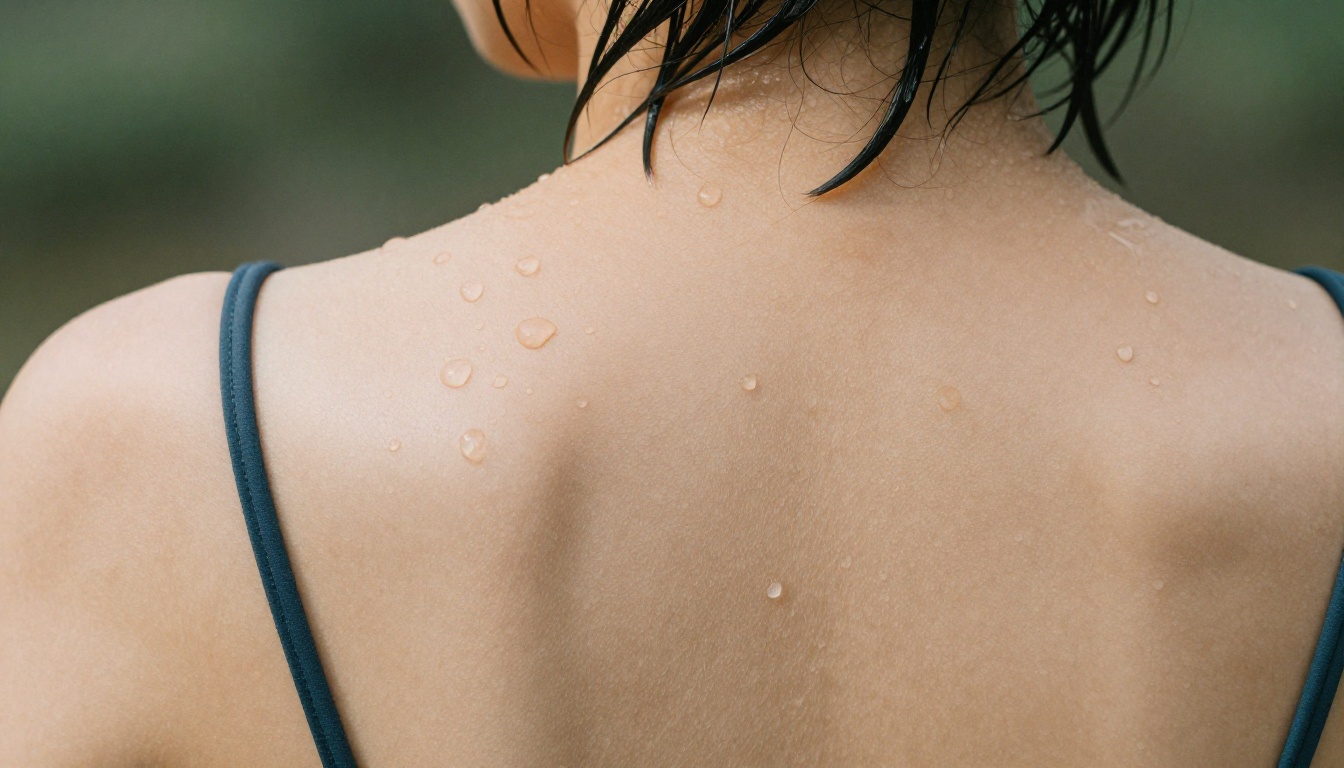
💡 Film stock as color grade: Specifying a film stock name is shorthand for an entire color science. Kodak Portra 400 means warm skin tones, soft contrast, and natural grain. Fuji Velvia means saturated colors and higher contrast. Cinestill 800T means a cinematic blue-tinted night aesthetic. These single words do more work than five sentences of color description.
Bring Your Images to Life with Video
A still image is only the start. PicassoIA can take any frame you generate and animate it into a short cinematic clip, so a glamour photo becomes five seconds of real motion: hair lifting in the wind, water rippling, silk drifting on a breeze. Every clip below was created from one of the images in this article, rendered at 720p, 5 seconds, 24fps, with native audio and no watermark. Generate the still you love, then bring it to life.
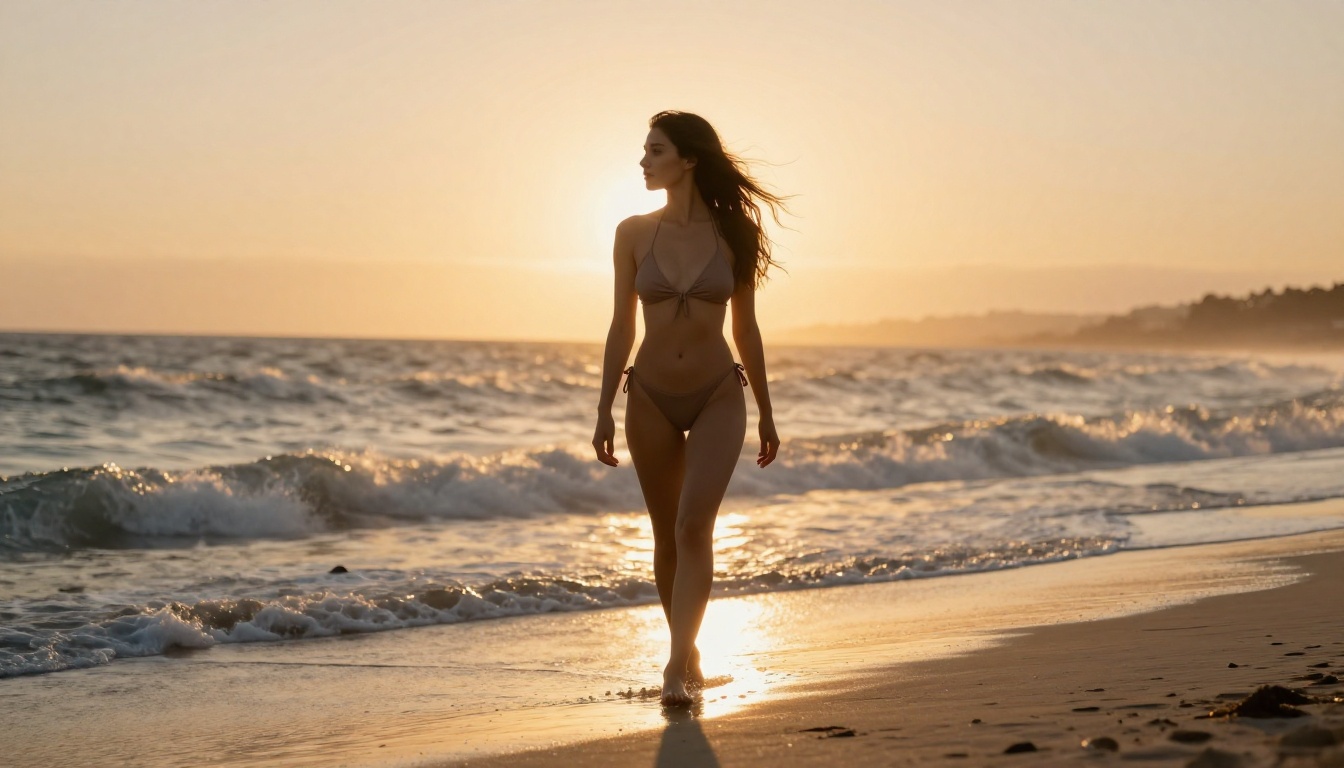
Surf and golden light. A walk straight out of the waves, spray flying off the water.
Silk in the wind. A crimson dress and loose hair billowing over the sea.
Weightless in the pool. Gentle ripples and shifting light on the water surface.
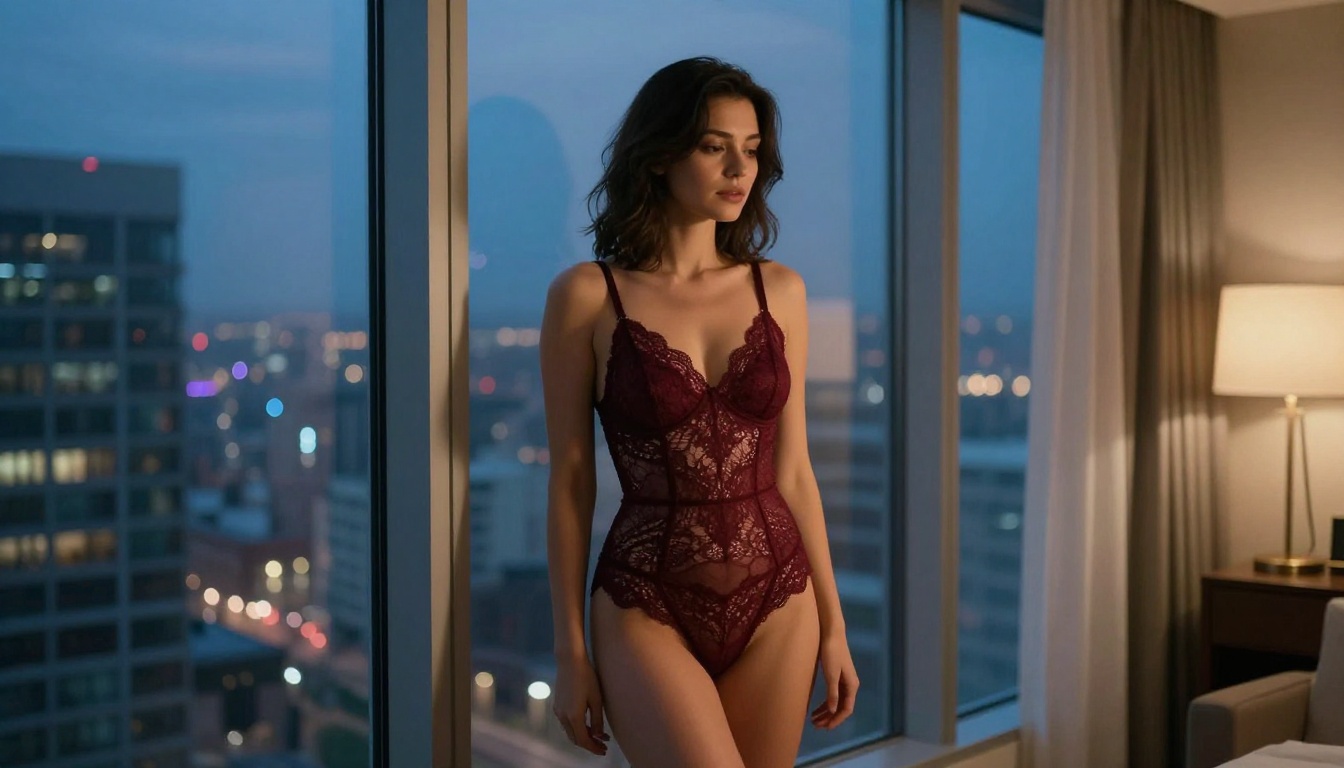
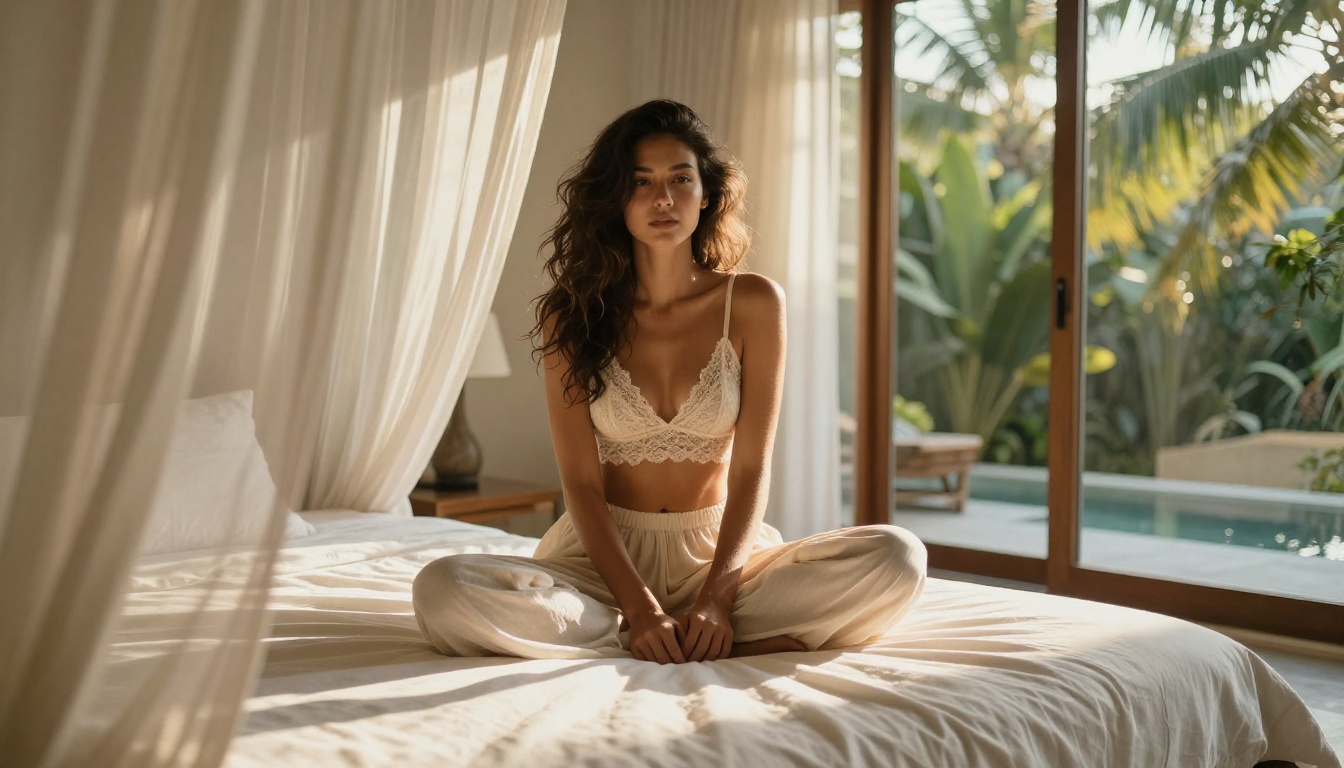
Curtains on the breeze. Sheer linen drifting inward in the soft dusk air.
Sunset shoreline. A slow walk along the sand as the waves wash in.
💡 The same workflow applies to any image you generate. Make the still you love, then animate it. Five seconds of motion reads as far more premium than a static post, and it costs you nothing extra to try.
What Else PicassoIA Offers for This Workflow
Beyond text-to-image generation, PicassoIA has several tools that extend what you can do with your outputs:
- Super Resolution: Upscale your generated images 2x or 4x without losing detail, making free-tier outputs usable at print resolution
- Inpainting: Fix specific areas of an otherwise good image without regenerating the entire scene
- Face Swap AI: Apply a specific face consistently across a set of generated images
- Background Removal: Isolate subjects from their generated environments for compositing
- AI Image Restoration: Recover detail from images that came out slightly soft or grainy
These tools mean a single strong base generation from Flux 1.1 Pro or Realistic Vision v5.1 can be refined into multiple finished assets without starting over. Pair that with the unlimited edits of PicassoIA Image Editor Pro and a single shoot concept can spin out into dozens of polished variations at no extra cost.
Start Creating Now
The combination of a well-written prompt, the right model, and a platform that does not watermark or over-censor your output is all you need. You have the model options, the prompt structure, and the parameter knowledge. The only thing left is to start generating.
Open PicassoIA Image Editor Pro for unlimited img2img, or Seedream 4.5 for ultra-realistic results in seconds, write your first prompt using the six-layer structure from this article, and generate. Compare the output to your mental image. Identify the one specific detail that is off, adjust that single element, and generate again. Within three to five iterations, you will consistently produce photorealistic glamour images that look nothing like typical AI output.
When you want the whole catalog in one place, head to the full model library at https://picassoia.com/en/all-models. That is where you can browse the best NSFW AI models and generate without limits, from one-second img2img edits to 4K realism and short cinematic video.
The watermarks, the generation caps, the content filters of platforms that treat every user like a threat: none of that applies here. This is what free and unrestricted AI image generation actually looks like when the tools are built for people who know what they want.


