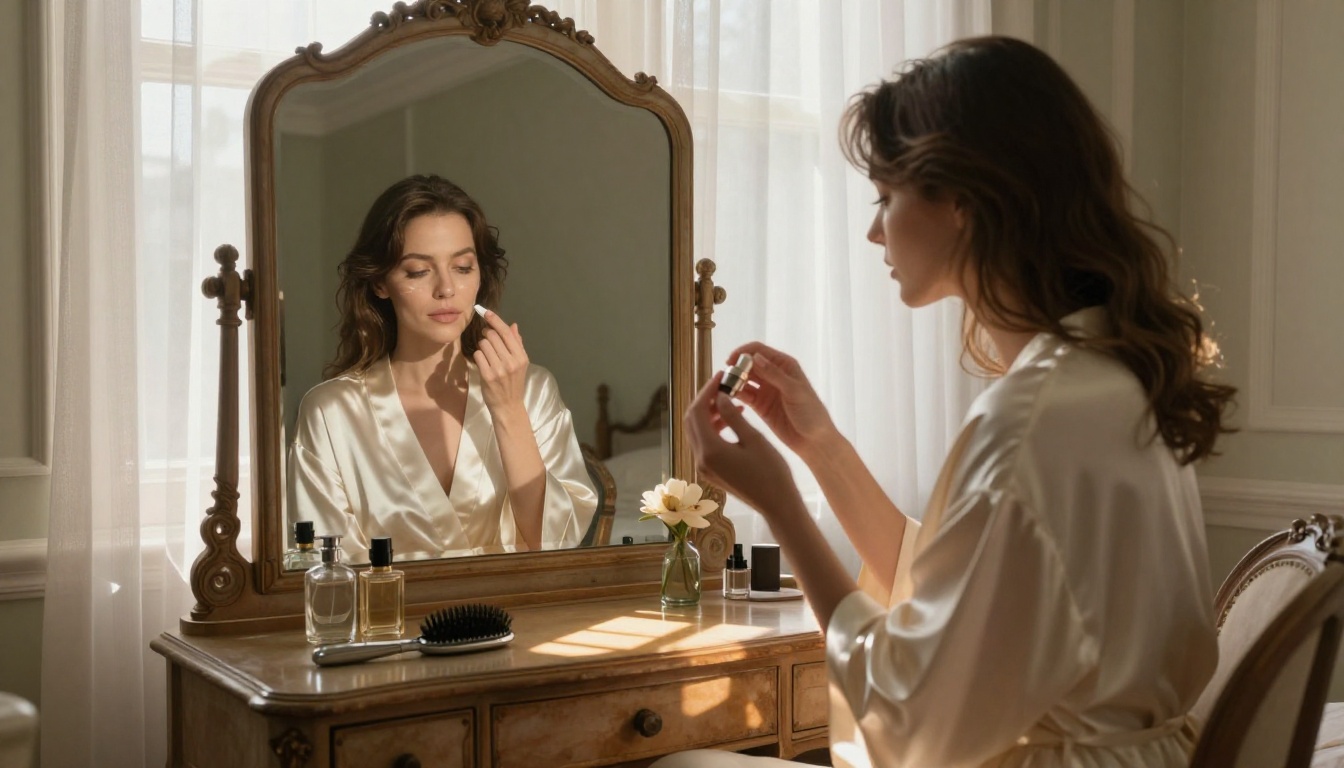
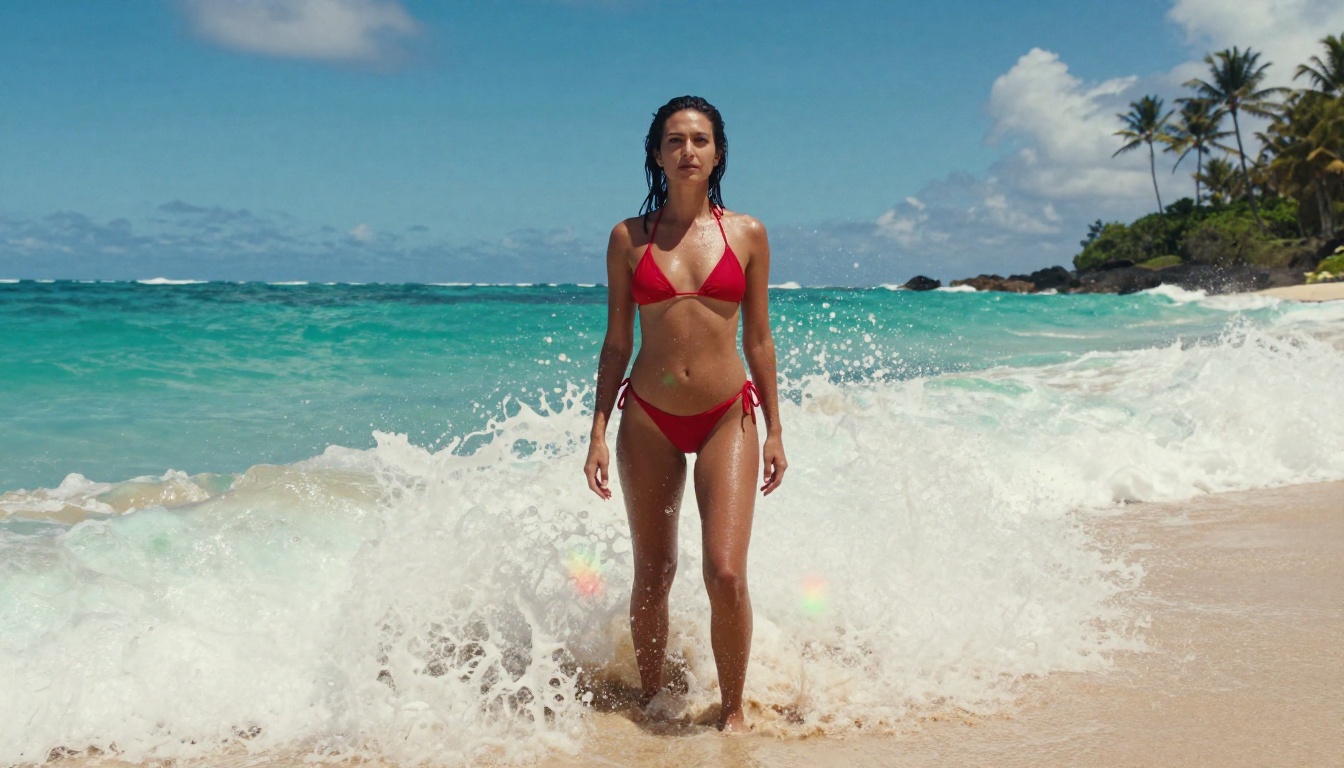
Free NSFW AI Image Generator with Flux 2 Max: No Filters, Full Resolution
Flux 2 Max gives you a free NSFW AI image generator with a safety tolerance slider you actually control, up to 4MP output, and eight aspect ratios. This article covers the top uncensored models on PicassoIA, including Seedream 4.5, PicassoIA Image Editor Pro, and Grok Imagine Image, with a full tutorial, model comparison table, and proven prompt techniques for photorealistic results.
There is a specific gap in the AI image generation market that Flux 2 Max fills precisely: a free, high-resolution generator with an adjustable safety filter that you can push to full permissiveness. Most mainstream tools either hard-block adult content or charge premium rates to access uncensored output. Flux 2 Max on PicassoIA does neither. You get up to 4 megapixels, a safety tolerance slider from 1 to 5, and eight aspect ratio presets, all without paying a cent to start.
This article breaks down exactly how Flux 2 Max works for NSFW generation, compares it to the other top models available on PicassoIA right now, and gives you the prompt structure and parameter settings that actually produce photorealistic results.
What Flux 2 Max Actually Does
Flux 2 Max is a text-to-image model built by Black Forest Labs and available free on PicassoIA. Its main advantages over earlier Flux versions are the jump in resolution (up to 4MP) and the explicit safety tolerance control. Where most platforms bury their content filtering in terms of service, Flux 2 Max exposes it as a numbered slider in the interface. That transparency matters. You are not guessing whether a prompt will get blocked. You set tolerance to 5, write your prompt, and the model generates without second-guessing your intent.
The model also accepts up to eight reference images, letting you feed it existing visuals to steer style, composition, or subject matter. Outputs come back as WebP, JPEG, or PNG. A quality slider lets you balance file size against sharpness.
The 4MP Resolution Advantage
Most free AI image generators cap output at 1 megapixel. Flux 2 Max supports 0.5MP, 1MP, 2MP, and 4MP. That difference is significant when you are producing content for print, large-format digital displays, or detailed portrait work where skin texture and facial sharpness matter. At 4MP, a 16:9 image renders at approximately 3264x1836 pixels. You can crop it, zoom in on specific regions, or use it as source material for further editing without visible quality loss.
Tip: Start at 2MP for faster iteration. Switch to 4MP only when you have a prompt you want to finalize. Generation time scales with resolution.
The Safety Tolerance Slider
Flux 2 Max has a safety_tolerance parameter that ranges from 1 (most strict) to 5 (most permissive). At 5, the model processes adult content without filtering. The default is 2, which is why users who do not adjust it sometimes get blocked outputs even for moderately suggestive prompts.
This single parameter separates Flux 2 Max from most "free" NSFW generators that advertise open generation but silently apply content filters at the API level. It also makes the model honest: you know exactly what you are getting before you run the generation.
Seedream 4.5: The Best NSFW Model Right Now
If Flux 2 Max is your entry point for free NSFW image generation, Seedream 4.5 is where you go when you need the best results. It accepts adult content by default when the safety checker is disabled, generates at up to 4K resolution (4096px), and delivers results in under 3 seconds per image.
The difference in output quality between Flux 2 Max and Seedream 4.5 becomes obvious at the pixel level. Flux 2 Max is sharper and more detailed at the scene composition level. Seedream 4.5 renders skin texture, fabric folds, and hair with a fidelity that reads as photograph-like rather than AI-generated. For NSFW content specifically, that realism gap is the deciding factor.
Under 3 Seconds, Zero Censorship
Speed matters for NSFW generation because the creative workflow involves iteration. You write a prompt, evaluate the result, adjust specific words, and regenerate. If each generation takes 30 to 45 seconds, that iteration loop becomes frustrating. At under 3 seconds per image, Seedream 4.5 makes rapid iteration actually viable.
The disable_safety_checker parameter on Seedream 4.5, when set to true, relaxes filtering to block only illegal content. Everything else, including suggestive and adult imagery, passes through without modification. That is a meaningfully different approach from models that layer multiple filtering systems on top of each other.
Important: The newer Seedream 5 Lite does not support NSFW content, despite the higher version number. If you need uncensored generation, Seedream 4.5 is the correct choice. The two models are not interchangeable for this use case.
Built-In Image Editing
One feature that separates Seedream 4.5 from Flux Dev and other pure text-to-image models is the image input capability. You can upload 1 to 14 reference images and use them to steer the output style, subject, or composition. That image-to-image loop within a single model, without switching tools, is a significant time saver for creators producing multiple variations of similar content.
Practical applications:
Generate a base image, then upload it back as a reference and adjust only the lighting or clothing in the follow-up prompt
Feed in a reference photo of a specific environment and generate a subject into that scene
Produce up to 15 related images in one batch run using the auto sequential generation mode
How to Use Flux 2 Max on PicassoIA
Step 1: Open the Model Page
Go to Flux 2 Max on PicassoIA. No account is required to view the model. To generate and download, create a free account. The free tier includes enough credits to run several generations and evaluate output quality firsthand.
Step 2: Set Safety Tolerance to 5
This is the step most users skip. In the Advanced Parameters section, locate the Safety Tolerance slider and move it to 5. At the default value of 2, the model filters or refuses adult content. At 5, it generates without those restrictions, subject only to platform policies around illegal content. This one adjustment is the difference between getting blocked outputs and getting what you actually prompted.
Step 3: Write a Detailed Prompt
Flux 2 Max is a descriptive model. Vague prompts produce generic results. Specific prompts produce specific images. The difference between "beautiful woman on a beach" and a 60-word prompt specifying lighting angle, lens type, film stock, clothing details, and body language is immediately visible in the output.
Woman in a white bandeau bikini standing at the edge of an infinity pool, Mediterranean coastline blurred in background, late afternoon golden hour light arriving from the upper left, 85mm f/1.4 lens shallow depth of field, Kodak Portra 800 film grain, cinematic 16:9 widescreen composition
Step 4: Choose Resolution and Aspect Ratio
For iteration runs, use 1MP. For final output, use 2MP or 4MP. The aspect ratio presets cover: 1:1 square, 16:9 widescreen, 9:16 portrait (mobile), 3:2, 4:5, and more. For a specific pixel size, select custom as the aspect ratio and enter width and height values as multiples of 32.
Step 5: Download and Iterate
Flux 2 Max outputs in WebP by default. Switch to JPEG or PNG in the format selector if your workflow requires it. A quality slider handles file size for lossy formats: 80 to 85 is the sweet spot between file size and visual fidelity. When iterating, isolate what went wrong in the previous generation and adjust only that section of the prompt. Changing too many elements at once makes it impossible to track which adjustment produced the improvement.
Best NSFW AI Models on PicassoIA Right Now
PicassoIA hosts over 90 text-to-image models, but only a subset explicitly support adult content. The following ranked list reflects performance, generation speed, and uncensored capability:
Critical note: Seedream 5 Lite does not support NSFW content. The version number is higher but the content capability is more restricted. For adult content generation, use Seedream 4.5, not Seedream 5 Lite.
PicassoIA Image Editor Pro: Unlimited NSFW Edits
PicassoIA Image Editor Pro is a different kind of NSFW tool. Instead of generating from text, it edits existing images. You upload a photo or a previously generated image, write a prompt describing what you want changed, and the model returns the edited version in under a second.
The reason it ranks second in the NSFW model list is the cost structure, not the output quality.
How Unlimited Actually Works
On PicassoIA's Elite and Infinite subscription plans, PicassoIA Image Editor Pro has no per-generation quota. You can run it 1,000 times in a session without additional charges. Compare that to third-party editing models where 1,000 generations at typical per-image pricing costs around $100. For high-volume creators, the math on unlimited access is significant.
The model accepts up to three reference images simultaneously. You can refer to them in your prompt as "image 1", "image 2", and "image 3", which gives precise control over what changes and what stays constant across multiple inputs.
Try It Free, No Card Needed
New PicassoIA accounts get 3 generations with Image Editor Pro at no cost, with no credit card required at signup. That is enough to run a meaningful test of output quality before committing to a subscription. Results come back as WebP, JPG, or PNG, with an adjustable quality slider and aspect ratio options that can either match your input image or switch to a different preset.
Flux 2 Max vs. Other Free NSFW Generators
There are several platforms claiming to offer free NSFW AI image generation. The practical differences come down to output resolution, censorship transparency, and generation speed.
Platform
Max Resolution
Safety Control
Output Quality
Cost Model
Flux 2 Max (PicassoIA)
4MP
Explicit slider 1-5
High
Free tier plus subscription
Seedream 4.5 (PicassoIA)
4K (4096px)
Toggle on/off
Very high
Free tier plus subscription
P-Image (PicassoIA)
1MP
Configurable
High
Free tier plus subscription
Typical free NSFW site
512x512
Hidden, opaque
Low, often watermarked
Free but restricted
Premium NSFW API
1-2MP
Via API parameter
High
Per-generation billing
The key advantage of using Flux 2 Max and Seedream 4.5 through PicassoIA over standalone NSFW generators is the platform infrastructure: no watermarks on downloaded files, direct download in multiple formats, reference image support, seed locking for reproducible outputs, and a generation history you can return to.
Real-world difference: A typical free NSFW generator produces a blurry 512x512 output with a watermark. Flux 2 Max produces a 4MP output with neither. For content intended for any professional or commercial use, that gap is decisive.
Writing Prompts That Work for NSFW Results
The output quality of any AI image generator scales directly with prompt specificity. For NSFW content in particular, vague prompts tend to produce safe-looking ambiguous results even when the safety filter is set to permissive. Specificity is what signals to the model what you are actually requesting.
Lighting and Skin Texture Details
The single most impactful detail in a photorealistic NSFW prompt is the lighting specification. Naming the light source, its angle, its quality (hard or soft), and its color temperature forces the model to make deliberate rendering choices instead of defaulting to flat, even studio light.
Lighting phrases that produce strong results:
"Volumetric morning light from the left, creating a warm gradient across bare skin"
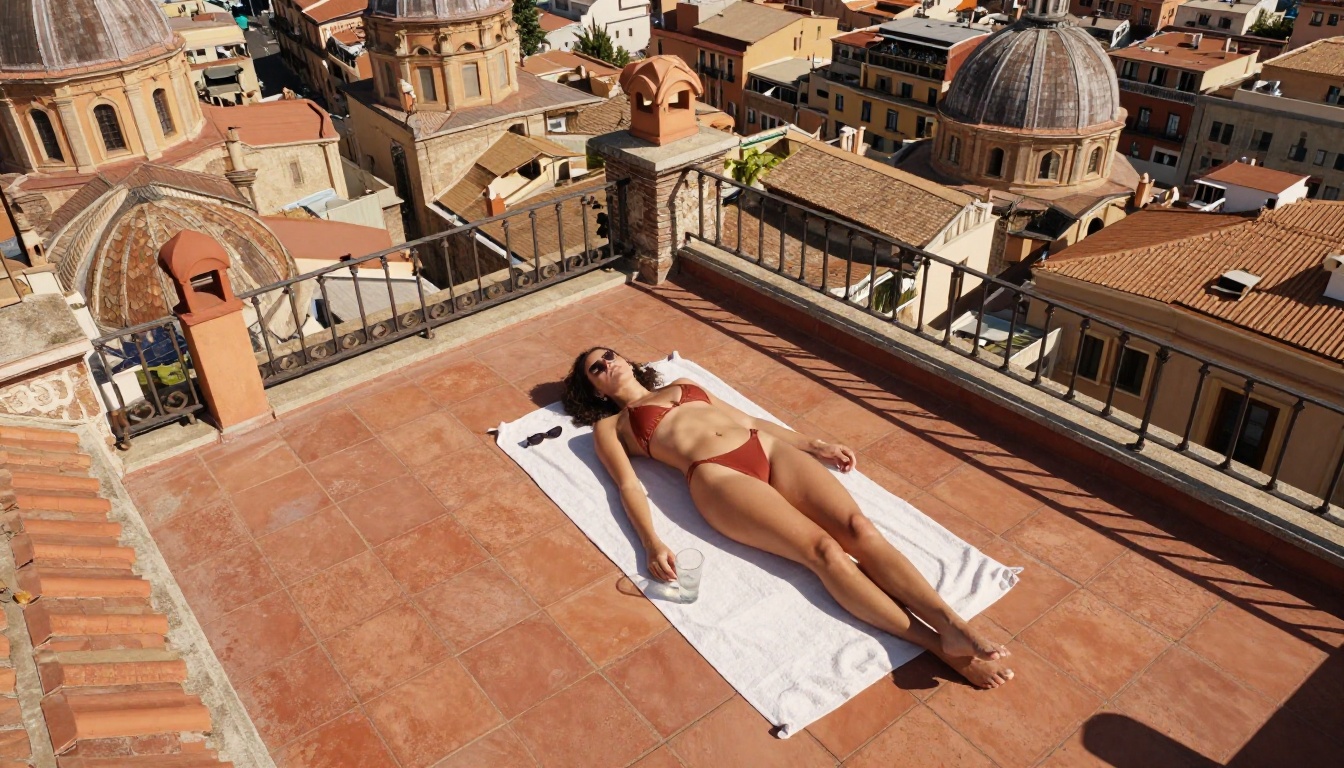
"Hard midday sun casting crisp shadows, skin appearing warm and slightly luminous"
"Backlit golden sunset creating a rim light halo along the curves of the body"
"Soft north window light, flat but revealing fine skin texture and subtle shadow"
Skin texture modifiers that increase realism:
"Fine pores visible, slight skin texture, not airbrushed or retouched"
"Slight natural sheen suggesting heat, sea salt residue on shoulders"
"Natural color variation across the skin surface, visible capillary flush on cheeks"
The combination of a named light source plus a direction plus a quality descriptor elevates a prompt from producing generic AI output to producing something that looks like it was lit intentionally.
Composition and Camera Angle
Camera angle changes the psychological register of an image as much as content does. A low-angle shot reads as powerful and confident. An overhead shot is graphic and editorial. A close-up portrait is intimate. Specifying the angle prevents the model from defaulting to a generic front-facing medium shot every time.
Effective angle and lens combinations:
"Low angle from knee height, 28mm wide lens, camera looking slightly upward" (dramatic, powerful)
Fujifilm Velvia 50: maximum saturation, deep contrast, almost graphic in color
Getting More From Reference Images
Both Flux 2 Max and Seedream 4.5 accept reference images as input. Using a reference image does two things: it locks in compositional elements the model might otherwise vary, and it gives the model a concrete starting point for skin tone, hair color, and body type rather than forcing it to invent those details from language alone.
Recommended workflow for NSFW iteration:
Generate a base image at 1MP using a detailed text prompt
Upload the result as a reference image for the next generation
Adjust only the specific element you want to change in the follow-up prompt (lighting, clothing, background)
Regenerate at higher resolution once the composition is right
This avoids prompt drift, where changing one element causes the model to also change things you wanted to keep fixed. The reference image acts as an anchor.
Grok Imagine Image takes image-to-image further with a specialization in clothing and outfit conversions. Upload a portrait and prompt it to convert the outfit to a different style, and the model handles the edit while preserving the subject's likeness and the overall composition. Qwen Image 2 works similarly as an open-source alternative with detailed realistic output and no content filters.
For high-volume editing workflows, PicassoIA Image Editor Pro remains the most economical option. Its unlimited generation model means you can iterate on the same image dozens of times at no additional cost beyond the subscription.
Generate Your First Image Now
The fastest way to understand what Flux 2 Max and Seedream 4.5 are actually capable of is to run a generation yourself. Open Flux 2 Max on PicassoIA, set safety tolerance to 5, paste a prompt that specifies lighting angle, lens type, and clothing detail at the level described above, and compare the result to what a generic free generator produces.
Then try the same prompt in Seedream 4.5 with disable_safety_checker set to true. The speed and realism difference will be immediately apparent. Seedream 4.5 runs in under 3 seconds and hits a level of photorealism that justifies its position at the top of the NSFW model ranking.
If you want to edit an existing image rather than generate from scratch, PicassoIA Image Editor Pro gives you 3 free generations to test the model with no payment information required.
For the full catalog of uncensored AI image and video models on PicassoIA, visit picassoia.com/en/all-models.