FLUX.2 Max just made free NSFW AI image generation reach a level most paid tools cannot match. With 4-megapixel output, photorealistic skin texture, and zero censorship filters on PicassoIA, this model produces results that look indistinguishable from professional photography. Whether you want glamour portraits, artistic nudity, or suggestive fashion imagery, the right model and the right prompt are the only things standing between you and stunning results.
Why FLUX.2 Max Changed NSFW Generation
For years, free AI image generators came with the same tradeoffs: blurry outputs, heavy censorship filters, or watermarks plastered across every image. FLUX.2 Max breaks all three of those rules.
Black Forest Labs, the team behind the FLUX model family, released FLUX.2 as a significant architectural improvement over its predecessor. The model processes higher-complexity prompts with far greater fidelity, especially for human subjects. In NSFW generation, this means better proportions, more natural poses, and skin that genuinely looks like skin rather than a smoothed-over approximation.
The Jump from FLUX.1 to FLUX.2
If you have used FLUX 2 Dev or FLUX 2 Pro before, you already have a sense of the FLUX.2 lineage. Each tier in the family serves a different purpose:
Dev is your workhorse for testing prompts quickly. Pro sits in the middle. Max is what you use when you want the best possible output and are willing to wait a few extra seconds.
What 4MP Resolution Actually Means for NSFW Images
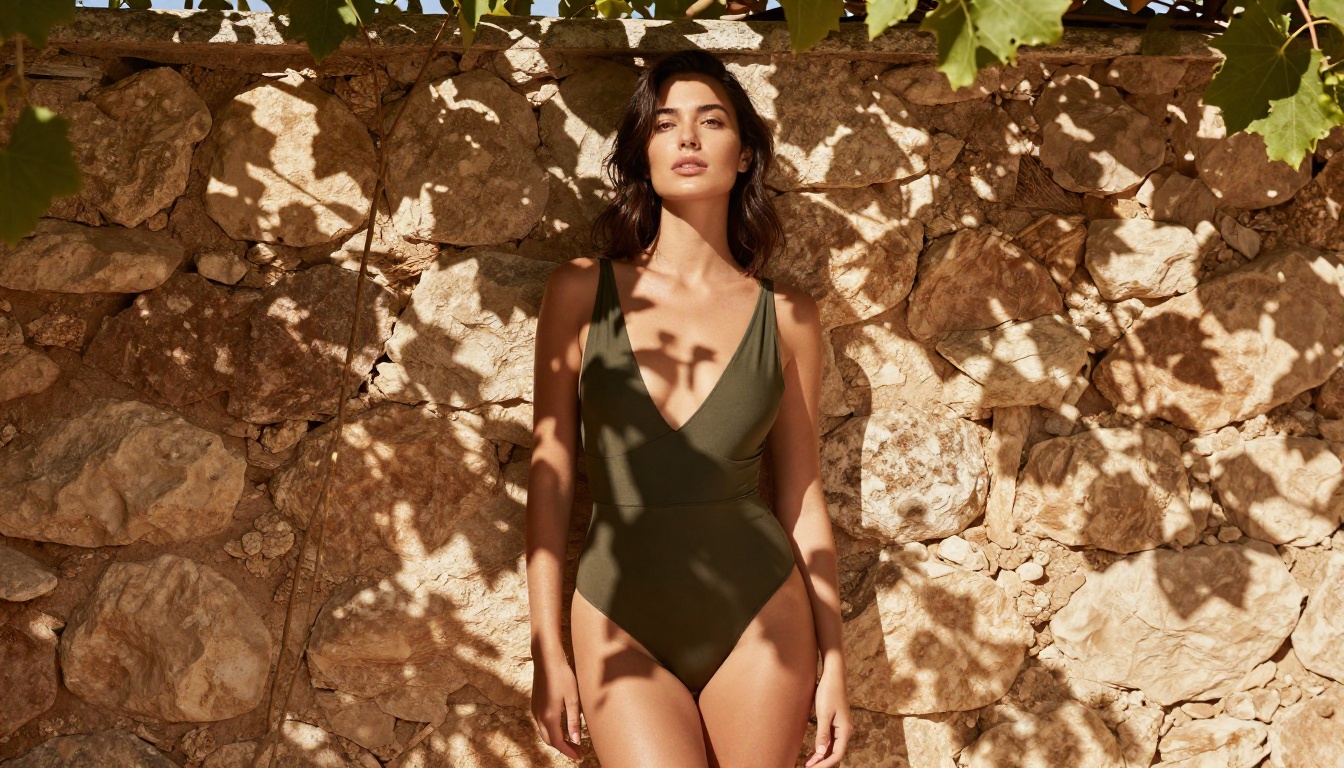
Most people think resolution is just about file size. It is not. At 4 megapixels, FLUX.2 Max can render details that smaller models blur over or approximate: skin pores, individual hair strands, the weave of fabric, water droplets on skin. These microscopic details are exactly what separates a realistic NSFW image from one that still looks artificial.
Close-up shots especially benefit. A portrait cropped to the collarbone area will show natural skin tone variation, fine surface hair, and realistic shadow depth when generated with FLUX.2 Max. At 1MP, those same details collapse into a smooth, plastic-looking surface.

The Best Models for NSFW Results on PicassoIA
Not every model handles NSFW prompts the same way. Some default to heavy content filtering. Others are specifically optimized for adult content or glamour photography. Here is where to start.
Seedream 4.5: Your First Stop
Seedream 4.5 from ByteDance is the recommended starting point for NSFW image generation on PicassoIA. It handles suggestive and adult content with fewer restrictions than most models while consistently producing photorealistic 4K results.
What makes Seedream 4.5 particularly strong for this use case is its natural handling of human subjects. Skin tones are accurate, poses look anatomically correct, and the lighting response closely mirrors real photography. For glamour, lingerie, and artistic nudity specifically, Seedream 4.5 produces outputs that rival professional photo shoots.
💡 Tip: Seedream 4.5 responds especially well to photography-style prompts. Include camera specs, lighting direction, and film stock references in your prompt for the most realistic results.
FLUX.2 Max: Maximum Quality
FLUX 2 Max is the premium option when you want the highest possible output quality. The 4MP resolution ceiling and the model's strong understanding of human anatomy make it ideal for images where detail matters at every level.
FLUX.2 Max takes longer to generate than Seedream 4.5, but the gap in output quality for complex scenes is noticeable. When you have a prompt that includes intricate lighting, environmental details, and a human subject in a specific pose, FLUX.2 Max holds more of those details simultaneously.
FLUX.2 Pro for Fast Iteration
FLUX 2 Pro sits in a sweet spot between speed and quality. Use it when you are testing variations of a prompt and want high-quality feedback without waiting for FLUX.2 Max's longer generation times. Once you have found a prompt combination that works, switch to Max for the final output.
PicassoIA Image Editor Pro: Unlimited Generations
PicassoIA Image Editor Pro is the platform's dedicated unlimited generator. It allows for continuous image creation without credit restrictions, making it the practical choice for large-scale NSFW generation projects or for users who want to run dozens of prompt variations without worrying about costs.
The editor also supports inpainting and outpainting, which means you can fix specific areas of a generated image, such as an oddly posed hand, without regenerating the entire composition.
💡 Tip: Use PicassoIA Image Editor Pro for iterative refinement workflows. Generate a base image with FLUX.2 Max or Seedream 4.5, then bring it into the editor to fix small imperfections without starting from scratch.
How to Write NSFW Prompts That Actually Work
The biggest mistake people make with NSFW generation is assuming explicit vocabulary is what drives quality. It is not. The quality of an NSFW image comes from the same things that drive quality in any AI-generated photograph: light, composition, subject detail, and environmental context.
The 5-Part Prompt Formula
Structure your prompts in this order for the most consistent results:
- Subject and Pose: What is the person doing? Where are they positioned?
- Clothing and State: Be specific about what they are wearing or not wearing. Vague language produces vague images.
- Environment: Where is the scene? Indoors or outdoors? What time of day?
- Lighting: Direction, quality, and color of light. This single element has the largest impact on photorealism.
- Camera Specs: Lens length, aperture, film stock. Treat the AI as if you are briefing a photographer.
Example prompt using this formula:
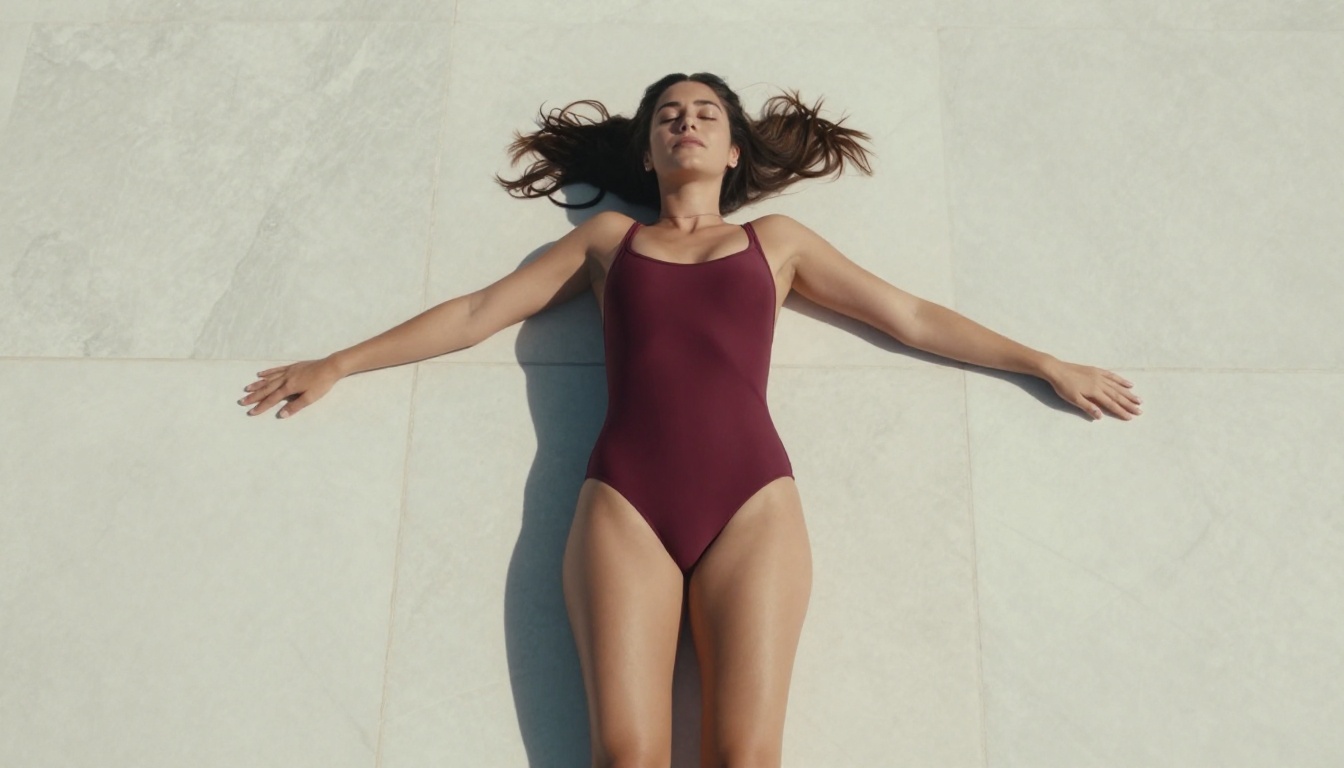
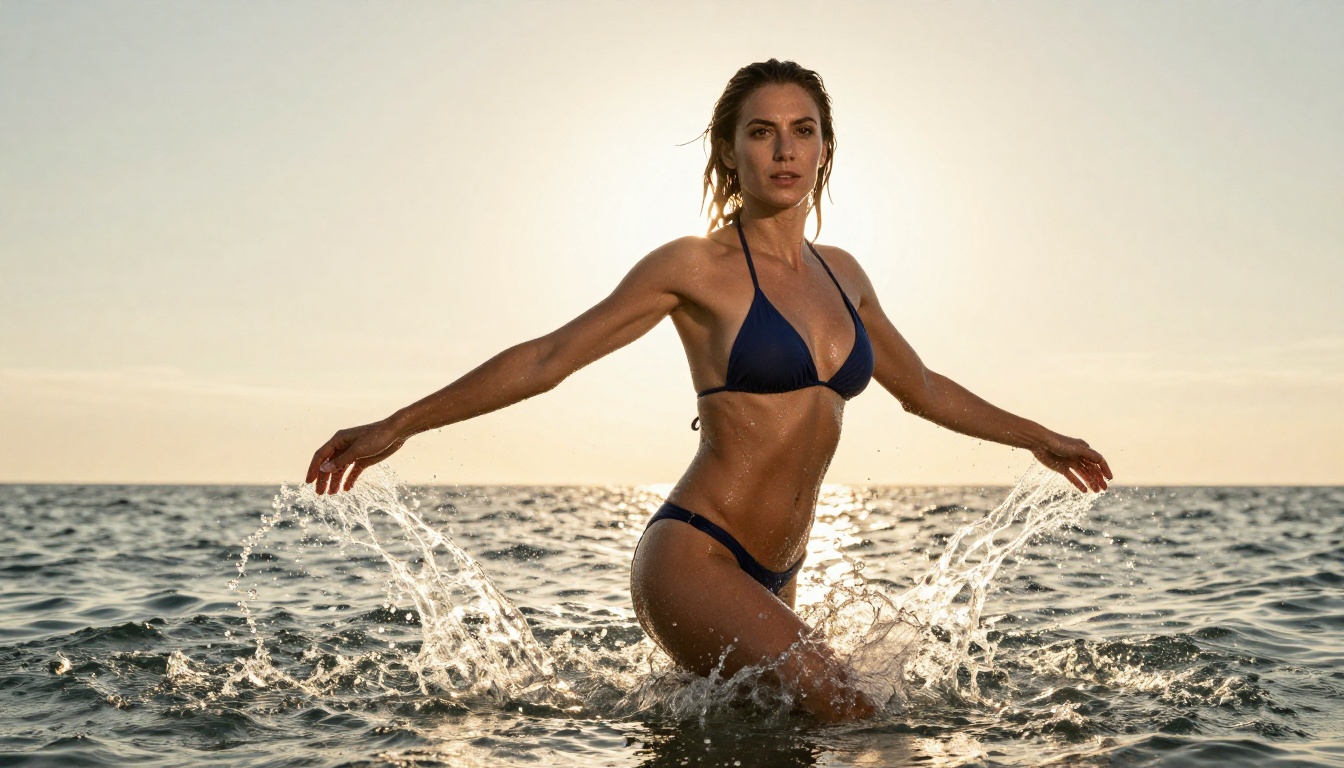
"Confident woman in a high-cut navy bikini lying on a white poolside towel at midday, body angled toward camera, direct overhead sunlight creating strong shadows that define muscle tone, wet skin from a recent swim, skin texture showing fine surface detail and natural highlights, shot with 50mm f/2.8 lens, Kodak Portra 400 film grain, RAW 8K photography, photorealistic"
What to Avoid in NSFW Prompts
Certain phrases reliably degrade output quality:
- Abstract concepts: "Sexy", "hot", "attractive" give the model nothing concrete to work with. Describe the visual reality instead.
- Excessive negative prompts: Overloading the negative prompt field often confuses the model more than it helps.
- Mixed styles: Asking for "photorealistic" and "artistic" in the same prompt creates tension. Pick one approach.
- Vague anatomy references: If you want specific proportions or features, describe them precisely using photography or fashion terminology.
Lighting and Style Modifiers That Work
These modifiers consistently improve NSFW image quality across all models:
| Modifier | Effect |
|---|
| Kodak Portra 400 | Warm skin tones, natural color rendering |
| 85mm f/1.4 | Shallow depth of field, strong subject isolation |
| Volumetric morning light | Soft, directional, flattering illumination |
| Film grain | Adds organic texture, reduces plastic look |
| RAW 8K photography | Signals maximum detail and realism |
| Diffused window light | Studio-quality soft, even lighting |
How to Use FLUX.2 Max on PicassoIA
The workflow is straightforward, but getting each step right makes a significant difference in output quality.
Step 1: Open the Model
Go to the FLUX 2 Max page on PicassoIA. The model loads with default parameters. Do not change anything yet.
Step 2: Write Your Prompt First
Write your full prompt in the text field before touching any other settings. The prompt is the most important input. Parameters refine the output; a strong prompt determines it.
Use the 5-part formula above. Aim for 50 to 80 words in your prompt. Shorter prompts leave too much to chance. Longer prompts often introduce conflicting instructions that dilute the result.
Step 3: Set Your Parameters
For NSFW content, these are the most impactful settings:
- Aspect ratio: 16:9 for landscape or scene shots, 9:16 for portrait-orientation subjects
- Steps: Higher step counts (30 to 50) produce more refined outputs for complex subjects
- Guidance scale: 7 to 9 is the sweet spot for NSFW photography. Below 7 the model gets unpredictably creative. Above 9 the image starts looking oversaturated and artificial.
- Seed: Set a specific seed once you find a prompt that works, so you can regenerate consistent results with small variations.
Step 4: Review and Iterate
The first generation is rarely the final one. Check these specific areas:
- Hands and fingers: The most common failure point in any AI-generated human image
- Face symmetry: Slight natural asymmetry is fine; extreme distortion means the prompt needs adjustment
- Skin texture: Should look organic, not smooth or plastic. If it looks plastic, add "film grain" and "natural skin texture" to your prompt
- Clothing edges: Fabric where it meets skin should have realistic drape and shadow depth
Getting Sharper Results with Upscaling
FLUX.2 Max already outputs at 4MP, but upscaling can push that further, or repair detail loss in specific areas, without regenerating the whole image.
When to Upscale NSFW Images
Upscale when:
- You want to print at large format or use the image at full desktop resolution
- A specific area such as the face or skin texture needs more detail than the base generation captured
- You are doing side-by-side comparisons and need consistent output sizes across different models
3 Upscalers Worth Using
Clarity Pro Upscaler is the best general-purpose option. It uses a diffusion-based approach to add realistic detail during the upscale process rather than simply stretching existing pixels. For skin texture specifically, it adds micro-detail that the base generation smoothed over.
Real ESRGAN is faster and well-suited for 2x upscaling without heavy processing overhead. It preserves the original image character while sharpening edges and fine details. A strong choice for quick upscaling without long wait times.
Topaz Labs Image Upscale allows up to 6x enlargement. For NSFW images where you want maximum printable detail or are working toward a very large crop, this is the tool to reach for.
💡 Tip: Always upscale from the best possible source image. Running a low-quality 512px generation through an upscaler will amplify the problems, not fix them. Start with the highest quality FLUX.2 Max or Seedream 4.5 output you can produce.
Visual Effects That Take Images Further
PicassoIA offers visual effects tools that go well beyond basic generation. For NSFW content, a few stand out.
Inpainting for Targeted Fixes
When a generated image is 90% perfect but one specific area is off, inpainting lets you fix just that area while keeping the rest intact. A common use case: the body is perfect but the face has a slight distortion. Inpaint just the face using the same prompt and style, and the correction blends seamlessly into the surrounding image.
Outpainting to Expand the Scene
Outpainting extends the canvas of an existing image in any direction. If your FLUX.2 Max generation cropped off a subject's legs or cut the background short, outpainting expands the scene to fill the full composition you wanted. It is particularly useful for NSFW images where framing and body proportion matter.
Face Refinement
For close-up portraits or any image where facial detail matters, PicassoIA's face refinement tools sharpen and clarify facial features in the generated image. This is especially useful after upscaling, when the face sometimes benefits from a dedicated refinement pass separate from the full-image upscale.
Comparing NSFW Models Side by Side
The choice between models comes down to what you are optimizing for. Here is a direct comparison:
For most users, the best workflow is Seedream 4.5 for quick exploration, FLUX.2 Max for final-quality outputs, and PicassoIA Image Editor Pro when you need to iterate without worrying about credits.
Common Quality Problems and How to Fix Them
Even with FLUX.2 Max, certain issues appear regularly in NSFW generation. Here is how to address each one.
Problem: Skin looks plastic or too smooth
Fix: Add "Kodak Portra 400 film grain, natural skin texture, visible pores, documentary realism" to your prompt.
Problem: Anatomy is distorted, especially hands
Fix: Use FLUX 2 Dev for a fast iteration pass focused on hands, or use inpainting in PicassoIA Image Editor Pro to replace just the problematic area.
Problem: Clothing looks painted on rather than real fabric
Fix: Add fabric-specific descriptors: "cotton jersey visible weave", "silk natural drape", "lace intricate pattern." Give the model something specific to render rather than a generic material name.
Problem: Lighting is flat or artificial
Fix: Specify a light source direction and quality. "Soft diffused morning light from upper left window" outperforms "good lighting" every time.
Problem: Background is generic or blank
Fix: The environment section of your prompt needs as much specificity as the subject. "Softly blurred sandy beach with turquoise water and breaking waves" is far stronger than "beach."
The FLUX.2 Lineup Beyond Max
If you want to see every FLUX.2 model available, PicassoIA also hosts FLUX 2 Klein 9B Base LoRA and FLUX 2 Klein 4B Base LoRA for style-specific fine-tuning. These models accept LoRA weights that can push NSFW generation toward specific aesthetics, body types, or photography styles without rebuilding your prompt from scratch.
For those who want to try image variations from an existing photo, FLUX Redux Dev uses a reference image as a starting point and generates variations that maintain the original's composition and style. This is useful when you have an image you like and want to change specific elements, such as lighting, clothing, or setting.
Start Creating Right Now
Every model referenced in this article is available for free at picassoia.com/en/all-models. No watermarks on the outputs. No censorship filters blocking what you want to create.
The gap between "AI-generated" and "looks real" has never been smaller. FLUX 2 Max at 4MP and Seedream 4.5 at 4K are both free, both uncensored, and both capable of producing imagery that stands on its own as professional-quality work.
Pick a model. Write a specific prompt using the formula above. See what FLUX.2 Max can actually do when given the right instructions and the right detail to work with.


