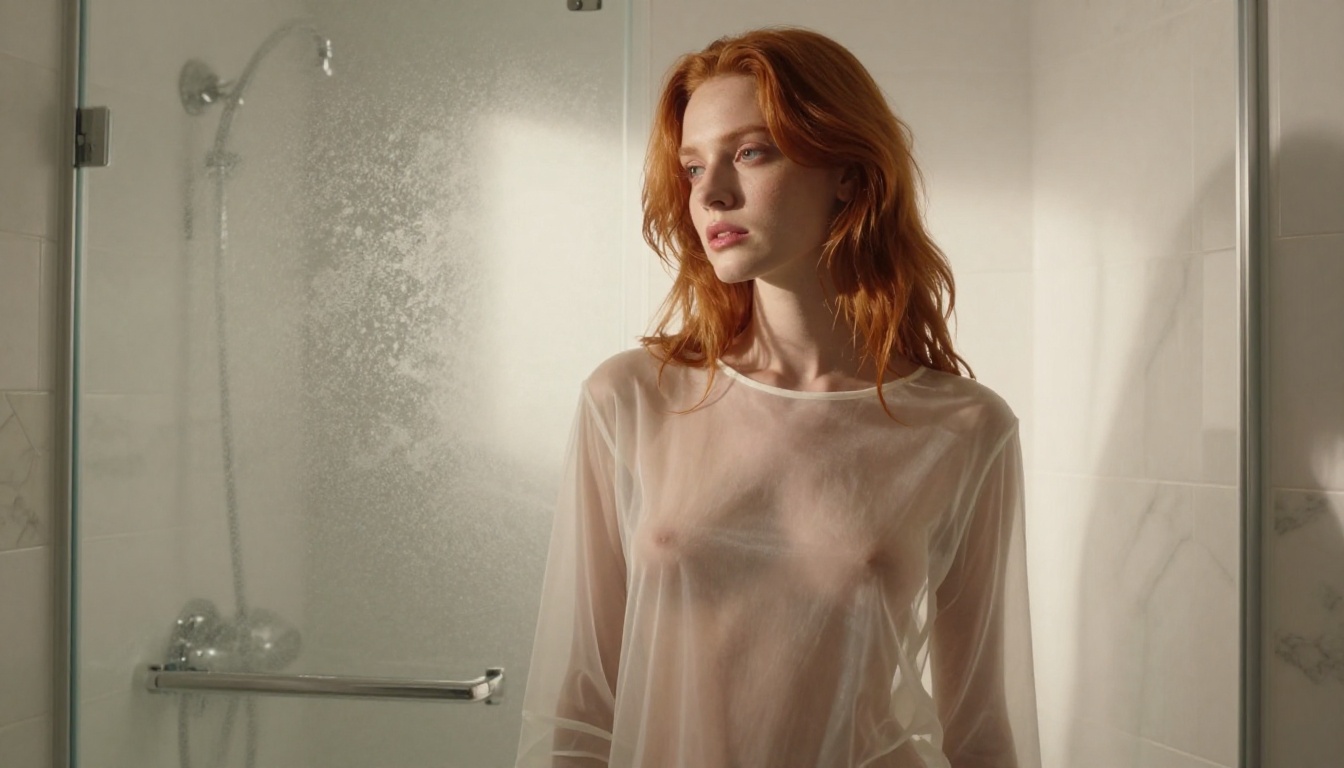
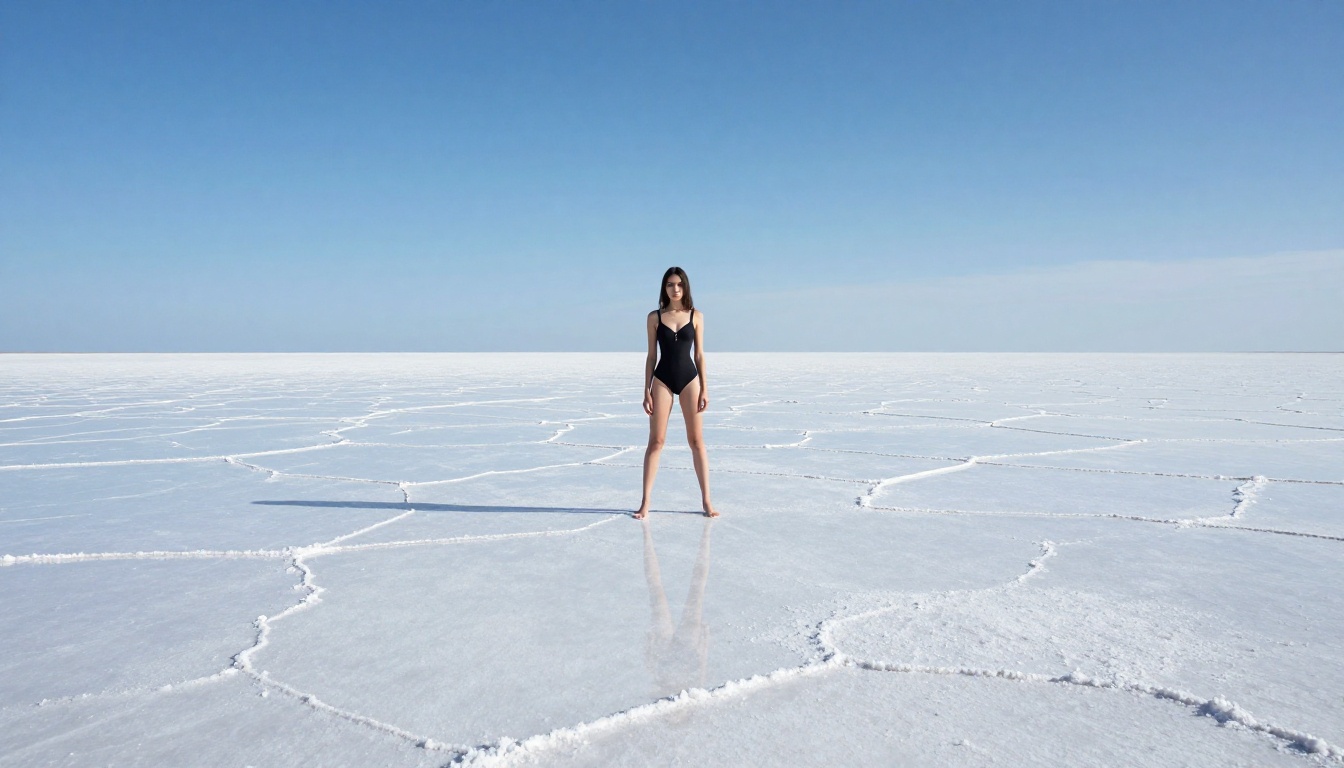
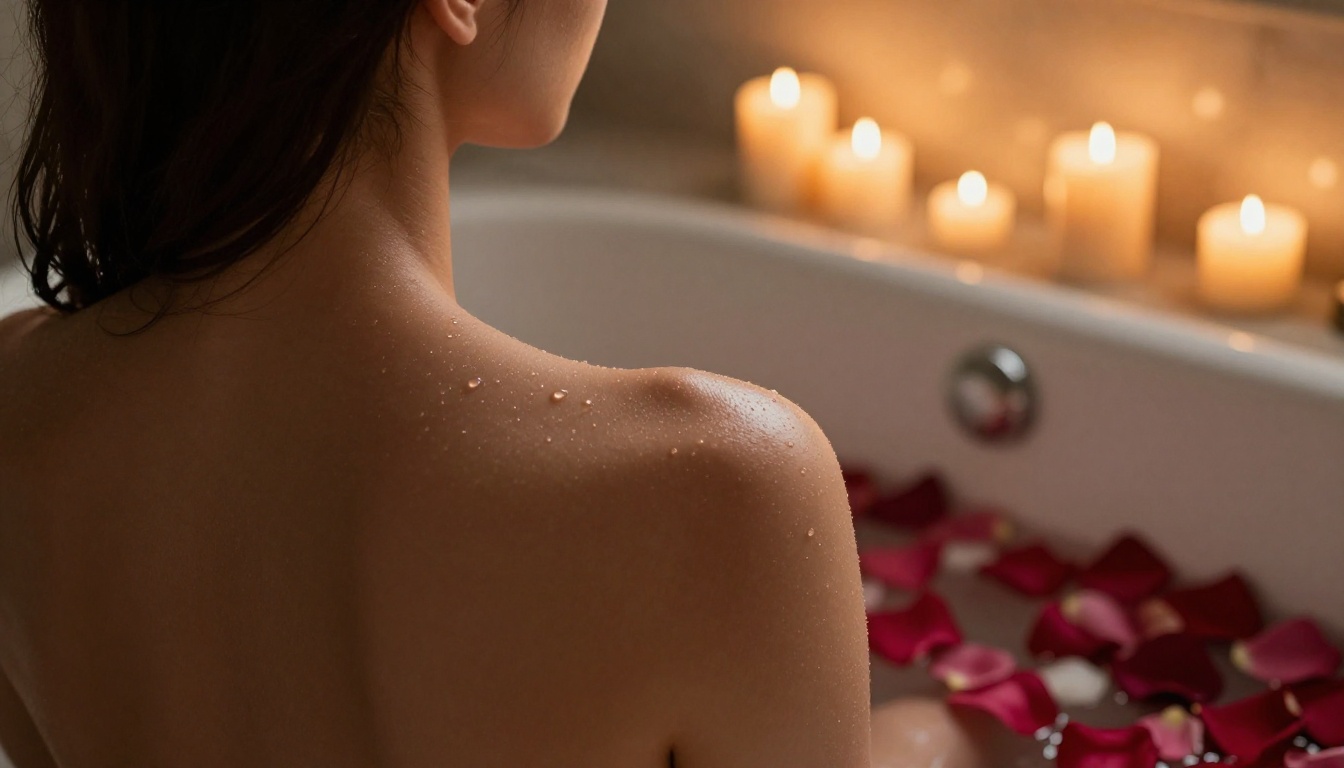
There are dozens of AI image generators on the market, but most demand an account before you can create anything. This article breaks down the best free NSFW AI image generators that require zero registration, which models produce the most photorealistic results, how to write prompts that actually work, and a step-by-step walkthrough for instant creation with no friction.
There are dozens of AI image generators out there, but most of them hit you with the same wall the moment you arrive: create an account, verify your email, agree to a stack of terms, then start generating. It is friction by design, a way to collect data, serve targeted ads, and build user profiles. If you want to generate NSFW AI images, that friction is even worse because account-based platforms tie explicit content to identifiable users, creating obvious privacy concerns.
The good news is that several free NSFW AI image generators now let you start creating with zero registration required. No email, no account, no tracking cookies attached to your identity. Just a prompt and a generate button.
This article covers which models actually deliver high-quality, photorealistic adult imagery for free, what separates a mediocre output from a stunning one, and a step-by-step walkthrough of how to use one of the best available today.
Why "No Sign Up" Actually Matters
Privacy Is the Real Issue
When you sign up for an account on an AI platform, you create a permanent record. Every prompt you type, every image you generate, every setting you adjust gets stored and linked to your identity. For most types of content this is a minor concern. For NSFW generation, it is a bigger deal.
Without an account:
Your prompts are not logged to a user profile
There is no email attached to your session
Your generation history does not follow you across devices
No targeted advertising built around your content preferences
Anonymous access is not just about comfort. It is about having the same expectation of privacy you would have sketching something in a notebook.
Zero Friction Changes the Creative Process
There is also a creative dimension to no-signup platforms. When you eliminate the onboarding barrier, you enter a state of flow faster. You get to start experimenting immediately. No interruption, no email verification link that takes five minutes to arrive, no profile setup screen.
This matters more than it sounds. The best creative output often happens in the first thirty minutes of exploration, when you are iterating quickly and loosely. A signup wall kills that momentum.
The Models Behind the Results
Not all free AI image generators produce the same results. The model is everything. Here is a breakdown of what is actually powering the best outputs in the NSFW photorealistic space right now.
The Flux Family
Black Forest Labs' Flux models are, at the time of writing, the gold standard for photorealistic AI image generation. Three variants are particularly relevant:
Flux 1.1 Pro: The balanced option. Exceptional skin texture rendering, natural lighting interpretation, and accurate anatomy. The go-to for portrait-style adult content.
Flux 1.1 Pro Ultra: Higher resolution output with sharper fine detail. Better for large format or print-quality generation. Slightly slower than standard Pro.
Flux Dev: Open weights version. Slightly less polished than Pro but excellent for free-tier access. A great starting point for prompt development.
Flux Schnell: The speed variant. Generates in seconds. Quality is noticeably lower than Pro, but useful for rapid concept iteration before committing to a full-quality generation.
The Flux architecture handles photorealistic skin, hair, fabric, and lighting better than any previous generation of models. If you have been disappointed by older AI art tools producing waxy, uncanny results, Flux is the reason to try again.
💡 Tip: For NSFW photorealistic content, always specify lighting direction and camera lens in your prompt. "85mm f/1.4, volumetric light from the left" will produce dramatically better results than a plain description.
Stable Diffusion and Its Descendants
The Stability AI lineage remains highly capable and free to access. Key options:
Stable Diffusion 3.5 Large: The latest from Stability AI. Strong anatomical accuracy, solid prompt adherence, and noticeably improved understanding of clothing, texture, and skin compared to earlier versions.
SDXL: The classic 1024px baseline. Still excellent for stylized and editorial work. Huge community of fine-tuned variants built on top of it.
Photorealism Specialists
Two models stand out specifically for hyper-realistic output:
Realistic Vision v5.1: Built on SD architecture but fine-tuned specifically for photorealistic portrait and figure work. Exceptional skin tone rendering and natural body proportions. Very popular for glamour and editorial-style NSFW generation.
RealVisXL v3.0 Turbo: The SDXL-based equivalent. Faster than Realistic Vision with comparable quality. The turbo version produces near-instant results without the quality penalty you would expect from a speed-optimized model.
💡 Tip: DreamShaper XL Turbo is worth trying if you want results that sit between hyper-realistic and editorial. It handles atmospheric and glamour photography styles particularly well.
How to Write Prompts That Work
The Anatomy of a Strong Prompt
The quality of your output is directly proportional to the specificity of your prompt. Generic prompts produce generic images. Here is what a high-quality NSFW prompt includes:
Element
Weak Version
Strong Version
Subject
"beautiful woman"
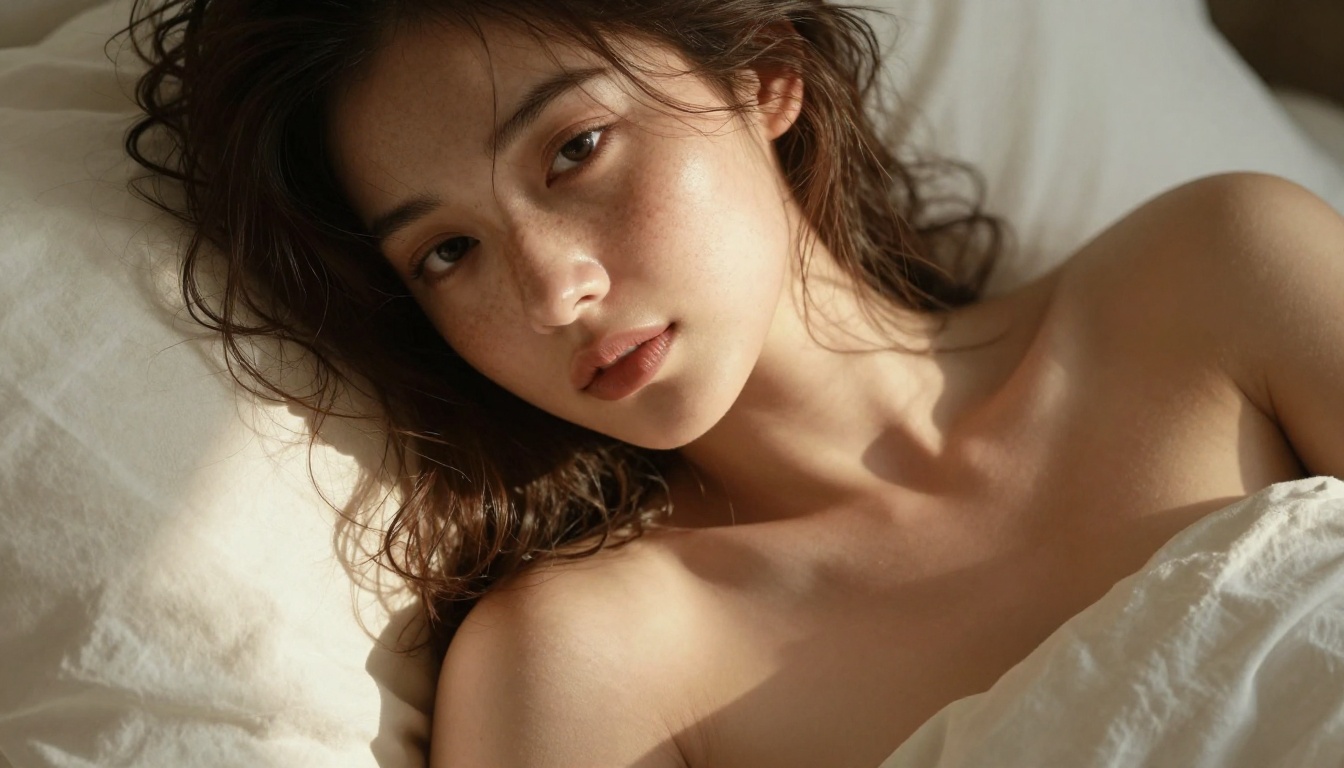
"woman with auburn hair, freckled skin, 28 years old"
Environment
"bedroom"
"luxury hotel suite, morning light through sheer linen curtains"
Lighting
"good lighting"
"volumetric morning light from left, 45-degree angle, warm amber tones"
Camera
"close-up"
"Canon 85mm f/1.4, shallow depth of field, medium close-up"
Film Style
nothing
"Kodak Portra 400 film grain, photorealistic, 8K"
Clothing
"bikini"
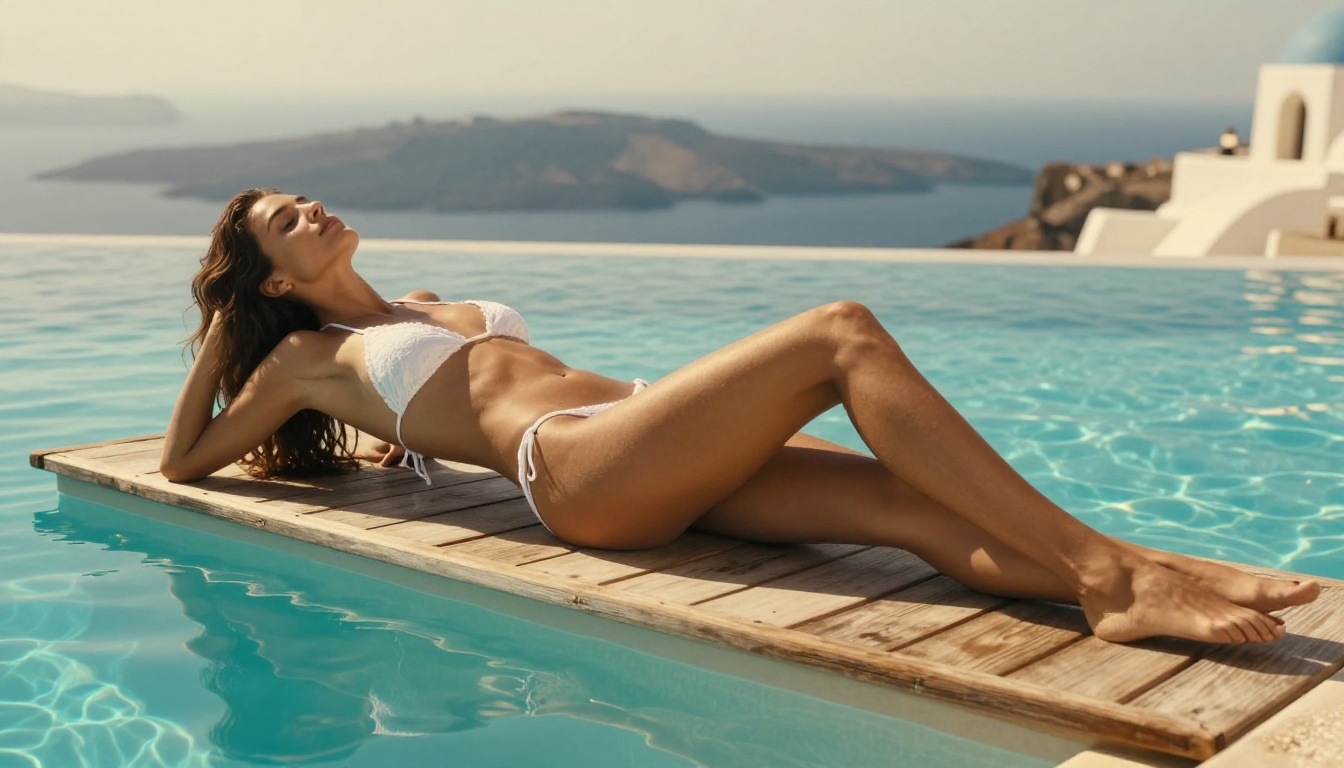
"white lace bikini, wet fabric with realistic translucency"
The table above shows a consistent pattern: adding specificity in every dimension produces measurably better results. The AI is not guessing your vision. You are directing it like a photographer briefing a shoot.
What to Avoid
Contradictory descriptions: Combining "soft natural light" with "dramatic shadows" produces inconsistent results. Pick one lighting mood.
Overpacked prompts: Including 40 separate adjectives often produces muddy, overprocessed outputs. Aim for 60-80 words of precise description rather than 150 words of everything at once.
Style mixing: Asking for "photorealistic 8k film grain editorial neon artistic" combines incompatible aesthetics. Pick one direction and commit to it.
Vague emotional descriptors: Words like "sensual" or "beautiful" add little to the model's output. Describe what those qualities look like in physical, concrete terms instead.
How to Use Flux 1.1 Pro on PicassoIA
Flux 1.1 Pro is one of the most capable models available for free NSFW photorealistic generation with no sign up required. Here is how to use it step by step.
Step 1: Open the Model
Navigate directly to the Flux 1.1 Pro model page. No account creation is needed. The interface loads immediately with the prompt input and settings panel visible.
Step 2: Write Your Prompt
Start with the subject, then environment, then lighting, then camera, then film style. A working template:
[Subject: appearance, pose, expression] in [Environment: location, time of day] [Lighting: direction, quality, color temperature] [Camera: focal length, aperture, shot distance] [Film: grain, style, quality modifier]
A real example that produces strong results:
Woman with dark hair in a sheer ivory cover-up standing on a villa terrace at golden hour, warm amber backlight creating rim light around her silhouette, Canon 85mm f/1.4 medium shot, Kodak Portra 400 film grain, photorealistic 8K
Step 3: Set Your Parameters
Aspect Ratio: Use 16:9 for wide editorial shots, 9:16 for portrait composition, 1:1 for square crops.
Steps: Higher steps mean more detail but slower generation. 30-40 steps hits the quality-speed balance well.
CFG Scale: Between 7 and 9. Lower values give the model more creative freedom. Higher values enforce prompt adherence more strictly.
Step 4: Generate and Iterate
Run the generation. Assess the result across three dimensions:
Anatomy: Are proportions natural? Are hands plausible?
Lighting: Does the light source match what you described?
Texture: Does skin, fabric, and hair look photorealistic?
If any of these fail, adjust the relevant portion of the prompt and regenerate. One or two iterations typically produces a strong result with Flux 1.1 Pro.
💡 Tip: Use negative prompts to exclude common failure patterns. Adding "blurry, deformed hands, plastic skin, oversaturated, cartoon" to the negative prompt field eliminates the most common artifacts before they appear.
The ability to create photorealistic NSFW images is just one dimension of what is available without an account. Several adjacent tools expand what you can do with a single generated image.
Super Resolution Upscaling
A good image generated at 1024px can be upscaled 2x to 4x using a super-resolution model, bringing out fine detail that was implied but not fully rendered at base resolution. Skin pores, individual strands of hair, fabric weave patterns. The result often surpasses what the original generation could produce at native resolution alone.
Inpainting for Precision Editing
Once you have a base image you like, inpainting lets you redraw specific regions while preserving everything else. This is useful for correcting anatomy, adjusting clothing details, changing lighting in isolated areas, or refining any detail that did not come out right the first time.
The workflow is: generate the base image, identify the problem area, mask it, write a corrective prompt for just that region. The result is surgical accuracy that full regeneration from scratch cannot guarantee.
Face Swap
For creators who want consistent character identity across multiple images, a face swap tool allows you to place a specific face onto any generated figure. This bridges the gap between one-off generations and cohesive content series where continuity matters.
What Free Actually Costs You
Free access to NSFW AI generation comes with trade-offs worth being explicit about.
Batch generation (creating multiple images simultaneously) is typically a paid feature
Some models may sit behind a credit wall for extended use
Priority queue access is usually reserved for paid accounts
The free tier is genuinely capable of producing high-quality results. The limitations are about volume and speed, not the quality ceiling. For one to five images for personal creative use, free is fully sufficient.
💡 Tip: Free generation is perfect for prompt development. Work out the ideal prompt on the free tier, then use it on a paid run if you need batch output or priority speed.
Newer Models Worth Watching
Seedream 4 and Imagen 4
Two newer entrants are worth noting. Seedream 4 from ByteDance delivers ultra-high-resolution output with exceptional dynamic range and color depth. It is particularly strong in scenes with complex lighting conditions like candlelight, dusk, and backlit scenarios.
Imagen 4 from Google brings a different architecture that handles fabric simulation and subsurface skin scattering in ways that set it apart from the Flux and SD lineages. The rendering of translucent fabrics and wet surfaces is notably more accurate than earlier models.
Both are available for free with no sign up required.
Flux 2 Pro and Flux Kontext Pro
Flux 2 Pro represents the next generation of the Black Forest Labs architecture. Outputs show significant improvements in anatomical accuracy and more natural motion-implied poses, which have historically been a weakness in AI figure generation.
Flux Kontext Pro takes a different approach: it excels at text-based image editing, allowing you to modify an existing image using a text instruction rather than regenerating from scratch. For NSFW creators who want to refine specific elements of an image, this is a powerful option.
Start Creating Right Now
The tools exist, they are free, they require no account, and the quality ceiling in 2027 is genuinely impressive. What once required either expensive software licenses or a willingness to hand over personal data to an image platform is now available with nothing more than a text prompt.
The gap between a mediocre output and a stunning one is almost entirely in the prompt. Spend time on specificity: lighting direction, camera lens, film stock, texture description. That investment in prompt craft will pay off across every model you try.
Every model listed in this article is accessible through a single platform. No switching tabs, no juggling accounts across multiple services. You can move from Flux 1.1 Pro to Realistic Vision v5.1 to RealVisXL v3.0 Turbo in seconds to compare outputs from the same prompt. That kind of rapid model comparison accelerates your prompt craft faster than sticking to a single model ever could.
Write your first prompt, run it on Flux 1.1 Pro, see what comes back, and iterate from there. The only way to get better at directing AI image generation is to generate.