The demand for free NSFW AI image generators has exploded over the past two years, and Qwen Image 2 Pro sits at the center of that conversation. Whether you want artistic glamour photography, suggestive portraits, or something that pushes into bolder creative territory, the real question is which tool actually delivers without daily limits, without heavy censorship, and without requiring a credit card. This article answers that question directly.

What Qwen Image 2 Pro Actually Does
Qwen Image 2 Pro is a multimodal AI model developed by Alibaba's Qwen team, built specifically for high-fidelity image generation and editing. Unlike models that bolt on image capabilities as an afterthought, Qwen Image 2 Pro was designed from the ground up to handle complex visual instructions, maintain anatomical accuracy, and produce photorealistic output from detailed text prompts.
The Model Behind the Results
At its core, Qwen Image 2 Pro uses a diffusion-based architecture combined with vision-language alignment. This means it doesn't just generate images at random. It reads your prompt with real semantic understanding. When you describe lighting, skin texture, pose, or atmosphere, the model interprets those instructions precisely rather than approximating them.
This matters for NSFW content specifically. Models that lack semantic depth tend to distort anatomy, produce uncanny skin textures, or add unwanted artifacts to sensitive areas of the image. Qwen Image 2 Pro addresses these failure modes directly, which is why it has become a go-to for realistic adult content creation.
Why Censorship Handling Is Different Here
Many AI image generators apply blanket filtering to any prompt containing adult-adjacent language. Qwen Image 2 Pro, when accessed through platforms that allow it, offers a more nuanced approach. Rather than keyword blacklisting, it evaluates the intent of the full prompt, which allows artistic, suggestive, and glamour-style content to pass through while blocking genuinely harmful requests.
The result is a model that can handle bikinis, implied nudity, intimate poses, and suggestive scenarios without refusing every other request.
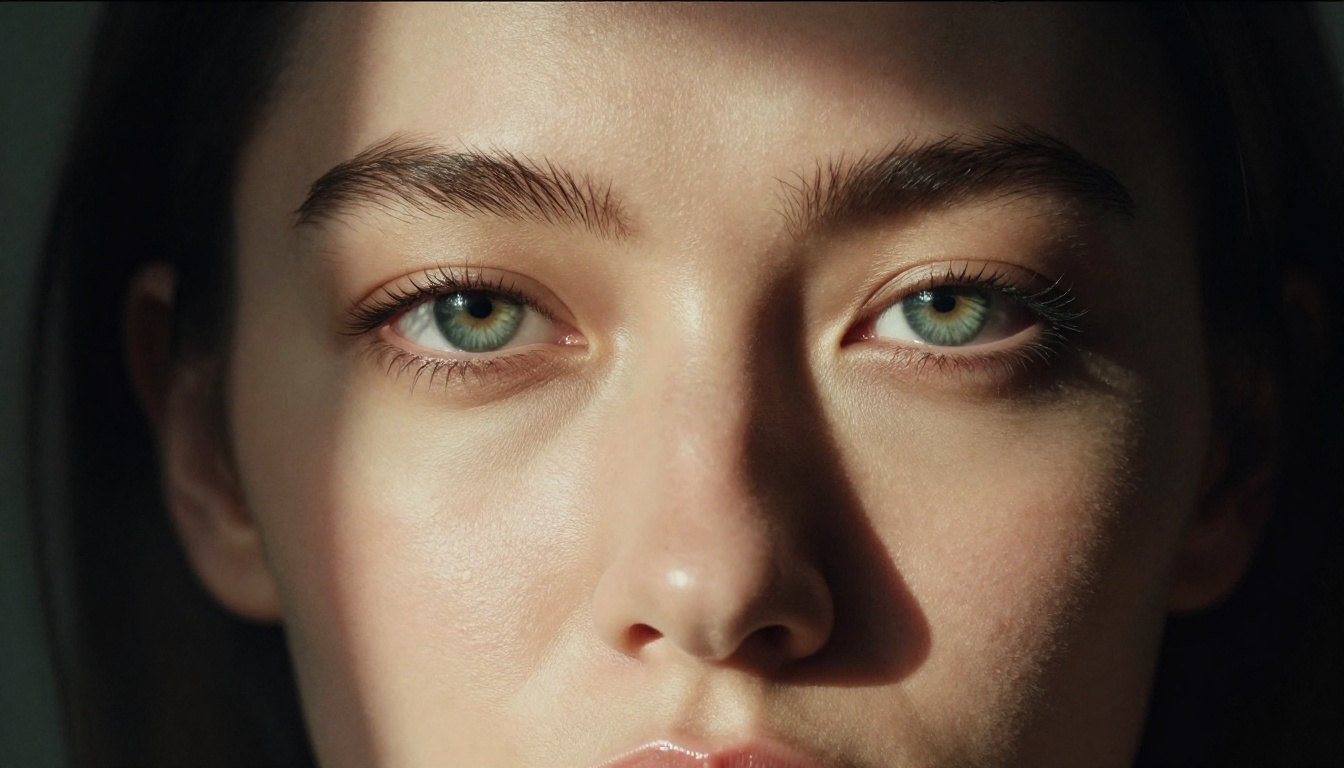
The Best Free NSFW AI Models Right Now
Not all NSFW AI image generators are equal. The model you choose determines output quality, censorship level, generation speed, and whether you can actually use it for free without hitting daily walls.
Seedream 4.5: Start Here
Seedream 4.5 by ByteDance is the top recommendation for NSFW image generation on PicassoIA. It produces 4K-quality images with exceptional photorealism, handles skin tones accurately, and offers one of the lowest censorship thresholds of any publicly available model.
What makes Seedream 4.5 stand out for adult content:
- Photorealistic skin rendering: Natural pores, lighting response, and anatomical accuracy
- Low censorship: Accepts suggestive prompts that other models reject outright
- Speed: Fast generation times even at high resolution
- Style range: Works equally well for glamour photography, artistic nudity, and intimate scenarios
💡 Tip: For NSFW generation, Seedream 4.5 consistently outperforms newer models in anatomical accuracy and prompt compliance.

PicassoIA Image Editor Pro: Unlimited Generations
If you want to generate NSFW images without hitting daily limits, PicassoIA Image Editor Pro is where you go next. This tool is positioned as an unlimited AI photo editor, which means you can iterate on prompts, refine results, and generate dozens of variations without burning through credits.
The unlimited aspect is particularly valuable for adult content creation, where prompt refinement is everything. Getting the lighting right, adjusting the pose description, tweaking the composition, all of this requires multiple generations. PicassoIA Image Editor Pro removes the friction from that process.
Key advantages:
- Unlimited generation runs per session
- Strong editing capabilities including inpainting, outpainting, and object replacement
- Works as a post-generation refinement layer on top of other model outputs
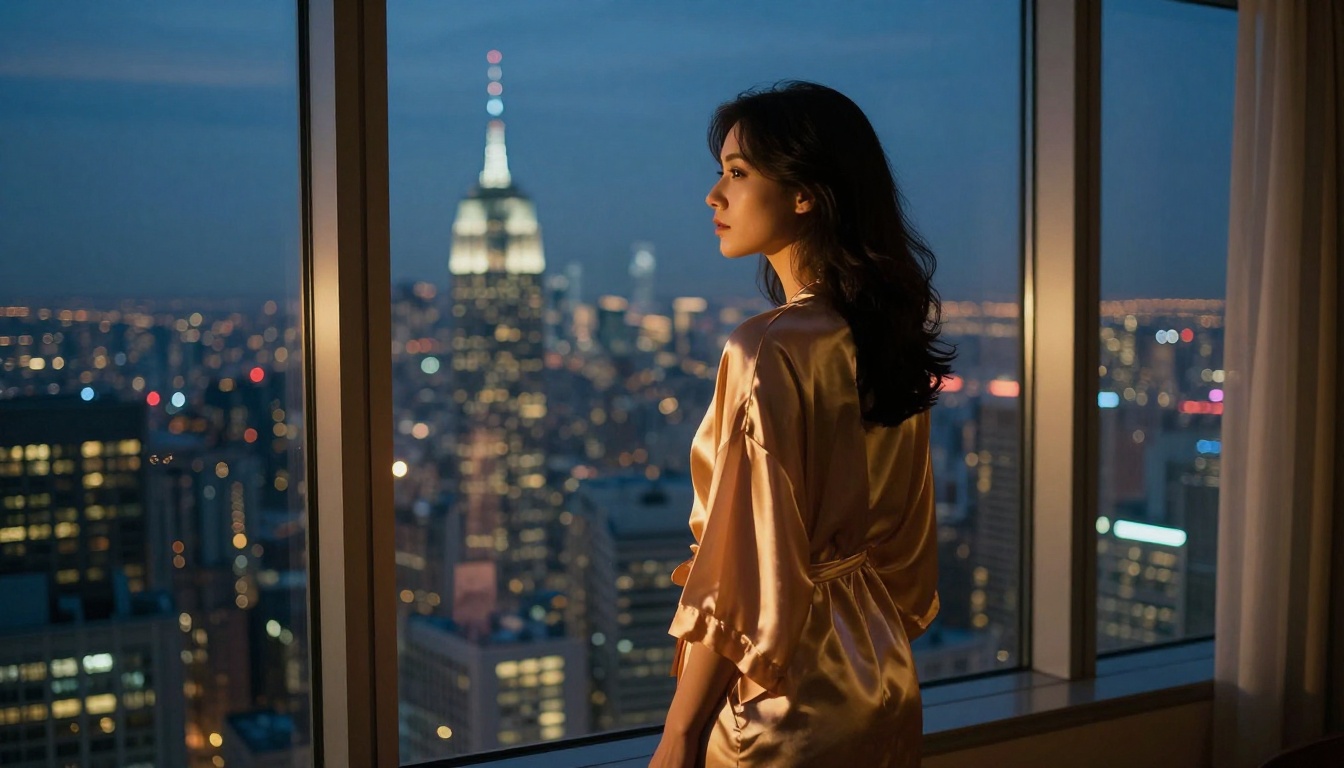
Qwen Models Available on PicassoIA
PicassoIA hosts multiple Qwen models across different use cases. Here is what each one actually does and when to use it.
Qwen Image Edit Plus
Qwen Image Edit Plus is the most capable Qwen editing model currently on the platform. It accepts both text-to-image generation and image editing instructions, making it versatile for workflows where you want to start with a base image and push it toward NSFW territory.
Use cases where it performs best:
- Changing clothing or adjusting wardrobe elements through editing prompts
- Adjusting skin tone, lighting, and atmosphere in existing images
- Generating suggestive scenes from scratch with long, detailed prompts
Qwen Image Edit
Qwen Image Edit is the lighter, faster version. It prioritizes speed over raw output quality, making it useful when you need to iterate quickly through multiple concepts before committing to a high-quality render.
Think of it as the drafting tool in your NSFW workflow: use it to test compositions and poses, then pass the best results to Seedream 4.5 or PicassoIA Image Editor Pro for final quality renders.
Qwen Image Edit 2511
Qwen Image Edit 2511 represents a specific fine-tuned version optimized for detailed editing scenarios. The 2511 designation refers to a training configuration that prioritizes instruction-following precision, which matters when you are writing long, complex NSFW prompts with multiple specific requirements.
| Model | Speed | NSFW Tolerance | Best For |
|---|
| Seedream 4.5 | Fast | High | Primary generation |
| PicassoIA Image Editor Pro | Medium | High | Unlimited iterations |
| Qwen Image Edit Plus | Medium | Medium-High | Editing and generation |
| Qwen Image Edit | Very Fast | Medium | Quick drafts |
| Qwen Image Edit 2511 | Medium | Medium-High | Complex instructions |
How to Generate NSFW Images on PicassoIA
Getting your first NSFW image generated is straightforward. The workflow below works for both first-timers and experienced creators.
Step 1: Pick Your Starting Model
Head to picassoia.com/en/all-models and filter by text-to-image. For NSFW content, start with Seedream 4.5. If you want unlimited generations from the start, open PicassoIA Image Editor Pro in a second tab.
Step 2: Write a Prompt That Actually Works
Weak NSFW prompts produce weak results. The difference between a generic output and a photorealistic, detailed image comes down to how specifically you describe:
- Subject: Who is in the image, their appearance, pose, and expression
- Environment: Where the scene takes place, with specific setting details
- Lighting: Direction, quality, and color of light sources
- Camera: Lens type, aperture, shot angle, distance
- Style: Film stock, grain, color palette, photography era
Example prompt structure:
"Woman in a white lace bodysuit reclining on cream silk sheets, diffused morning light from left, 85mm f/1.4, skin texture with natural warmth, Kodak Portra 400 film grain, photorealistic RAW 8K, intimate bedroom setting"
Step 3: Iterate and Refine
Your first generation is rarely your best. Run 3-5 variations of the same prompt with small adjustments. Change the lighting descriptor, modify the camera angle, or adjust the pose language. Once you have a strong base image, move to PicassoIA Image Editor Pro for refinements like inpainting specific areas or extending the composition with outpainting.
💡 Tip: Add "photorealistic, RAW, film grain, Kodak Portra 400" to almost any NSFW prompt to dramatically improve output quality.
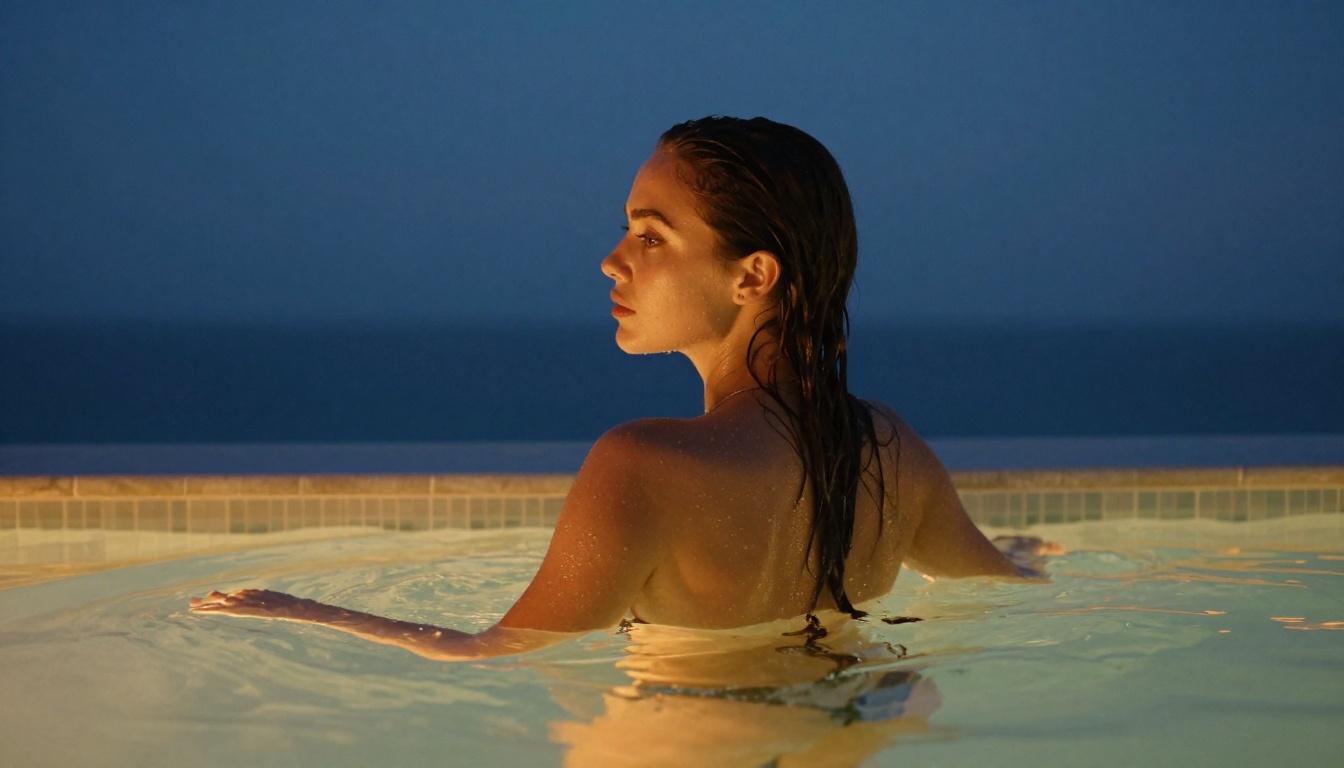
Prompt Patterns That Work
Writing NSFW prompts follows specific patterns that consistently produce better results regardless of which model you use.
What to Include
Lighting descriptors that work:
- Volumetric morning light from the left casting warm golden tones
- Rembrandt lighting, single source from upper right
- Golden hour rim light creating separation from background
- Soft diffused overcast light, even skin illumination
Camera specs that add realism:
- 85mm f/1.4 (portrait depth of field, background separation)
- 50mm f/2.0 (natural, true-to-life perspective)
- 105mm macro (extreme detail, close-up compositions)
- Low angle, looking up (adds power and drama to the subject)
Texture and material details:
- Natural skin texture, visible pores, soft luminance
- Silk, lace, wet skin, sun-kissed glow, fine fabric detail
- Film grain, Kodak Portra 400, analog warmth, slight vignette
What to Avoid in Prompts
The following prompt patterns consistently produce worse NSFW results:
- Vague or ambiguous descriptions of subject appearance
- Unrealistic body proportion requests described with specific measurements
- Cartoon or illustration style descriptors mixed with photorealism requests
- Multiple conflicting lighting setups in a single prompt
💡 Tip: If a generation looks artificial or uncanny, add "RAW photography, natural skin texture, 8K detail, photorealistic" to the prompt. This forces the model toward realism.
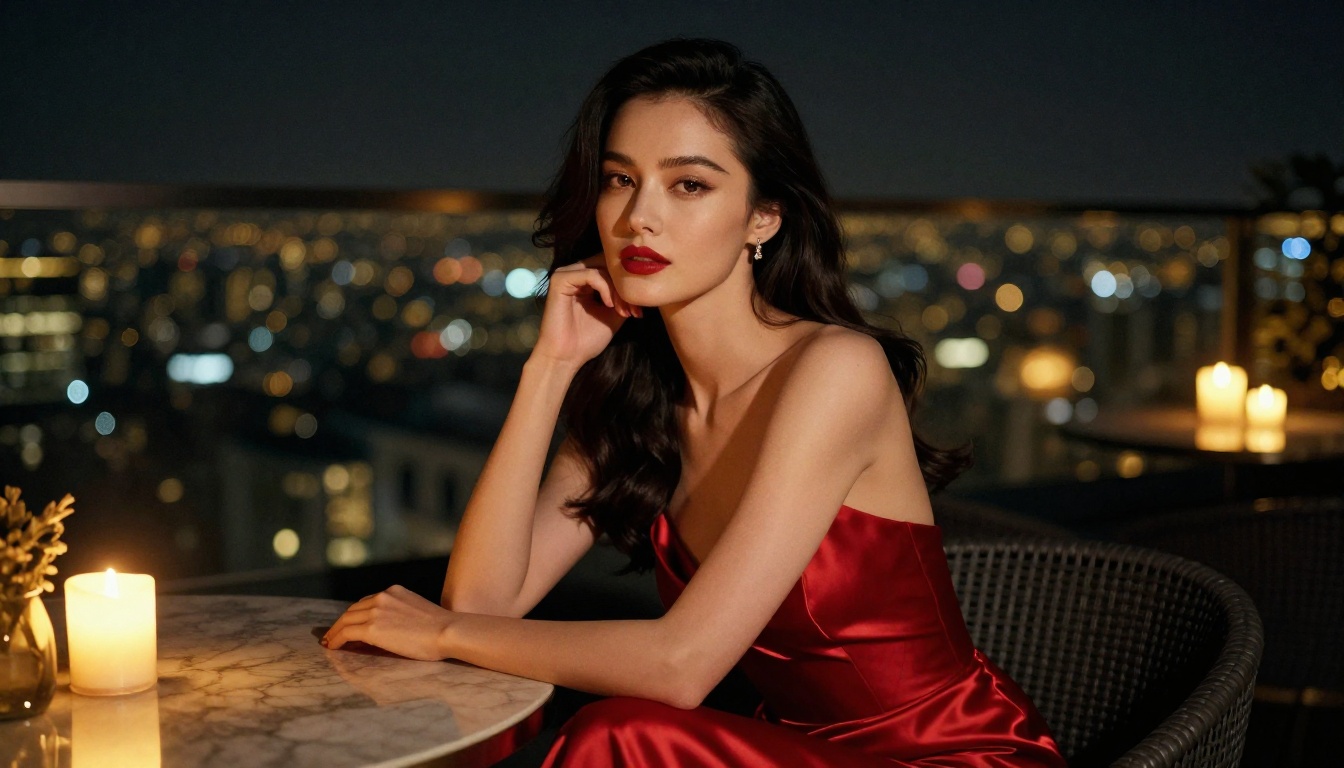
Not every NSFW AI image generator offers the same level of creative freedom. Here is an honest comparison of where Qwen Image 2 Pro and related models land relative to typical alternatives.
| Platform | Free Tier | NSFW Level | Daily Limit |
|---|
| PicassoIA + Seedream 4.5 | Yes | High | Generous |
| PicassoIA Image Editor Pro | Yes | High | Unlimited |
| Qwen Image Edit Plus | Yes | Medium-High | Standard |
| Most consumer AI tools | Yes | Low | Strict |
The critical differentiator is what NSFW tolerance actually means in practice. On PicassoIA, high tolerance means:
- Bikinis, swimwear, and revealing clothing are always accepted
- Implied nudity in an artistic or glamour context is supported
- Suggestive poses and intimate scenes work without constant rejections
- The model responds accurately to detailed body-description prompts
This contrasts sharply with consumer-grade tools that reject prompts containing words like "body," "skin," or "intimate" regardless of the actual context.
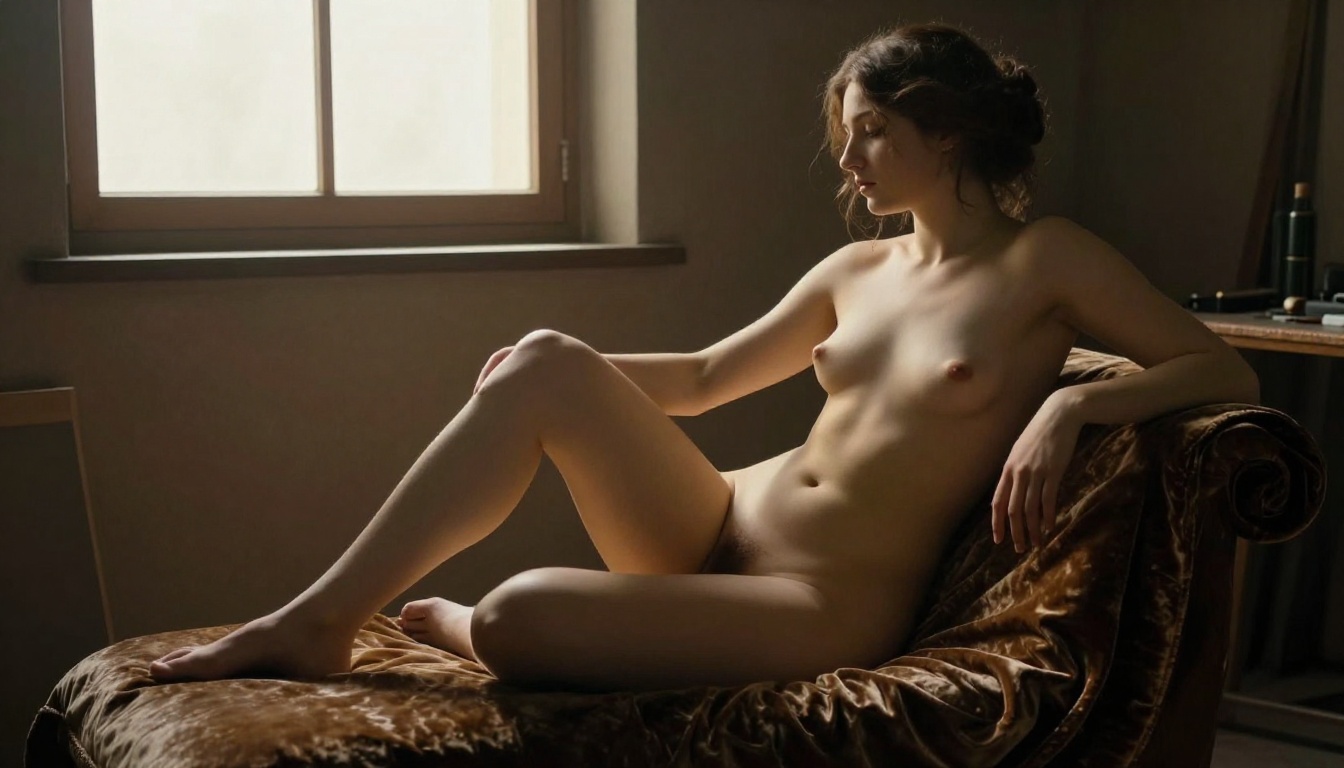
Other Strong Models Worth Trying
Beyond Qwen and Seedream, PicassoIA hosts additional models that perform well for suggestive and artistic content.
Flux Fast
Flux Fast prioritizes generation speed above all else. For NSFW workflows where you are iterating through dozens of prompt variations, the reduced waiting time is a real productivity advantage. Output quality is slightly lower than Seedream 4.5 but significantly faster to generate.
Flux Kontext Fast
Flux Kontext Fast adds context-aware editing on top of fast generation. This means you can describe changes to an existing image and the model applies them intelligently rather than regenerating from scratch. For NSFW image refinement, this is a powerful tool for adjusting clothing, poses, or lighting in an already-generated image.
Building a Multi-Model Workflow
The most effective approach for NSFW content creation uses multiple models in sequence:
- Draft with Qwen Image Edit or Flux Fast to iterate on compositions quickly
- Render the best composition with Seedream 4.5 for high-quality output
- Refine specific areas with PicassoIA Image Editor Pro using inpainting
- Upscale if needed using PicassoIA's Super Resolution tools for print-ready resolution
This workflow produces consistently high-quality results and makes the most of each model's strengths.
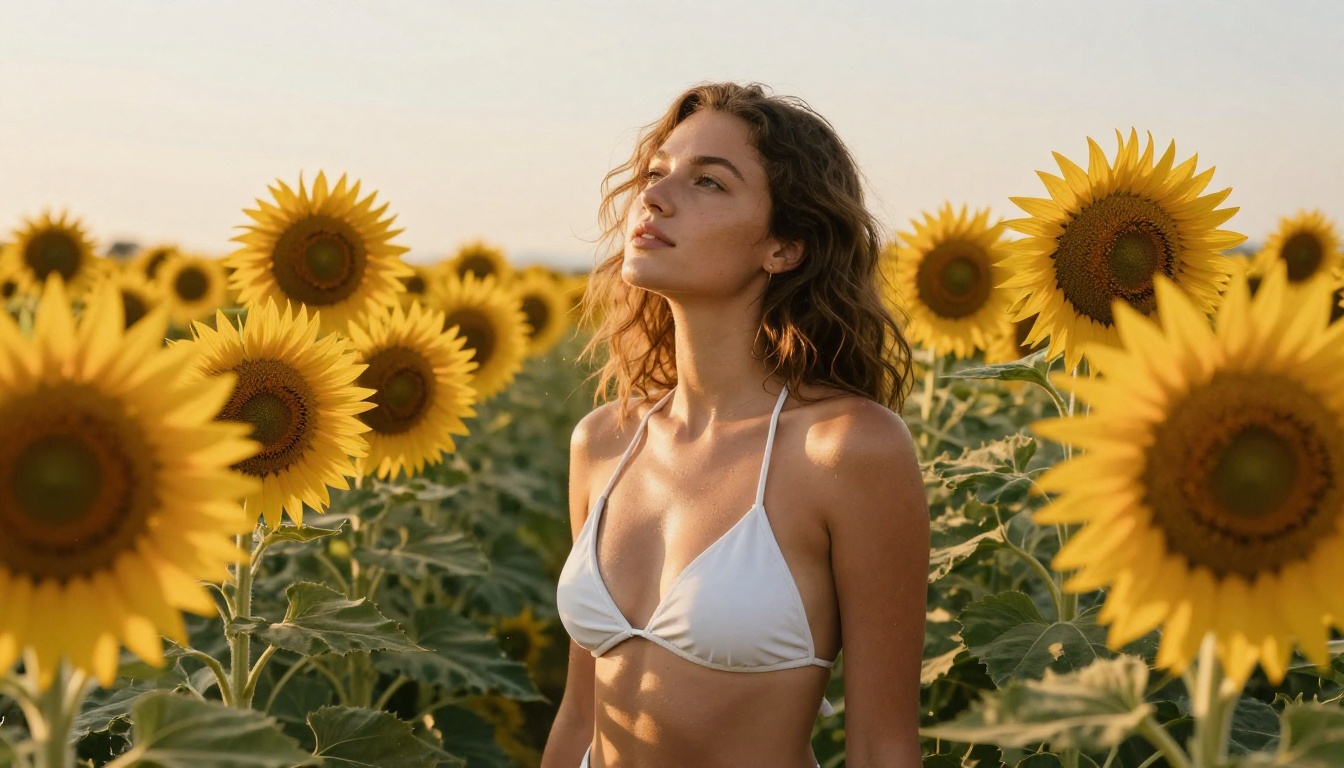
The Real Value of Free NSFW Generation
The free aspect of these tools is not just about saving money. It's about removing friction from the creative process. When every generation costs a credit, you second-guess every prompt variation, avoid experimentation, and settle for "good enough" instead of pushing toward the result you actually want.
Free generation, especially with the unlimited model in PicassoIA Image Editor Pro, changes that dynamic entirely. You can run 50 variations of a lighting setup without worrying about cost. You can test how different models handle the same prompt. You can iterate on anatomy and composition until the image matches your vision.
For creators producing adult content regularly, this matters even more. The difference between a platform with generous free generation and one that limits you to 10 images per day is the difference between a workflow that scales and one that stalls.
💡 Tip: Bookmark picassoia.com/en/all-models to stay current on new model additions. The platform regularly adds image models, and newer additions sometimes carry even higher NSFW tolerance than established options.
Create Your Own Images Now
Everything described in this article is available right now, without signup walls or paywalls blocking your first generation. Head to picassoia.com/en/all-models and pick your starting point. If you are new to NSFW AI image generation, begin with Seedream 4.5 and write a detailed portrait prompt using the structure from the prompt section above.
If you want unlimited iterations from the start, open PicassoIA Image Editor Pro and experiment without worrying about credit limits. For fast drafting, Qwen Image Edit Plus offers excellent results at speed.
The quality ceiling for free NSFW AI image generation is far higher than most people expect. The models are there. The platform is open. The only thing between you and high-quality NSFW images is prompt quality, and with everything covered here, that part is straightforward to improve from your very first session.


