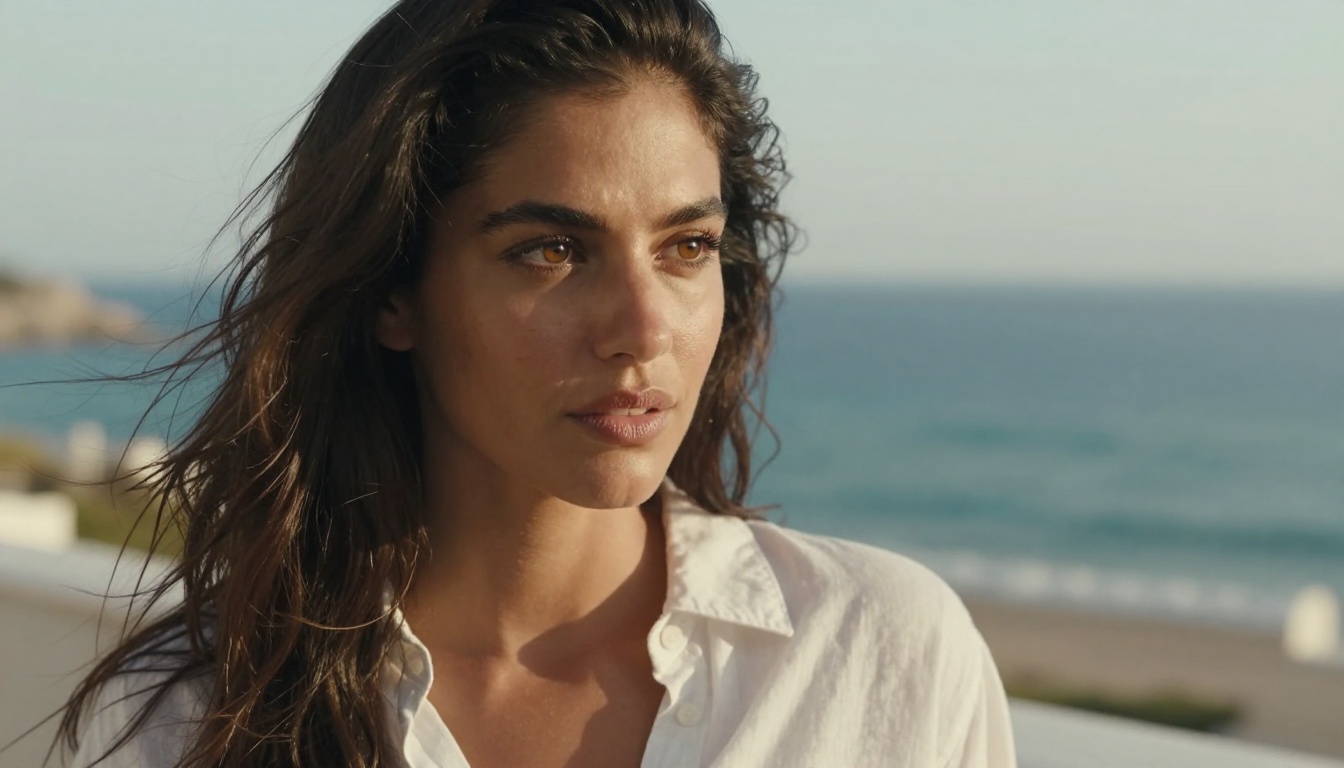
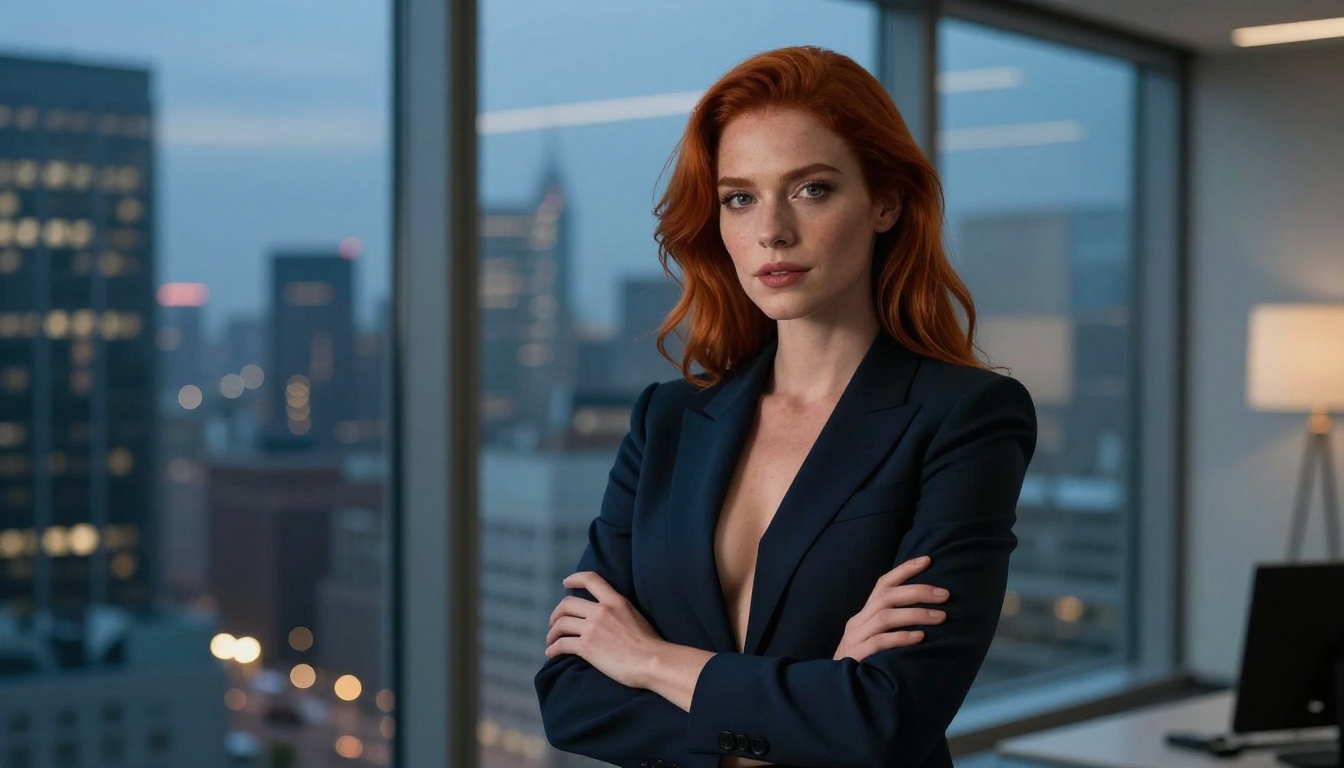
Seedream 5 Pro generates razor-sharp 2K images with no content restrictions. This article breaks down the best free NSFW AI generators on PicassoIA, prompt formulas that produce photorealistic results, model comparisons, and step-by-step tips to get the most from your first generation.
If you have been trying to generate realistic NSFW AI images without hitting content filters every five minutes, Seedream 5 Pro is one of the most talked-about models right now. It delivers sharp 2K resolution output from text prompts alone, and on PicassoIA you can access it without paying anything upfront. No credit card required for your first generations. No watermarks on the output. No results that look like a hallucinating cartoon. Just clean, photorealistic images returned in seconds.
The reality of most "free" NSFW AI tools is that they either block adult content entirely, cap you at blurry 512px thumbnails, or hit you with a paywall after your first image. Seedream 5 Pro on PicassoIA changes that. ByteDance built this model to produce images that belong in a professional photography portfolio, and PicassoIA gives you access without the usual restrictions.
This article breaks down everything worth knowing: the free tier, the best NSFW models available, how to write prompts that work, and what separates Seedream 5 Pro from the competition.
Seedream 5 Pro on PicassoIA
Seedream 5 Pro is ByteDance's flagship image generation model. It represents a significant leap from previous versions in output resolution, anatomical accuracy, and prompt fidelity. On PicassoIA, the model runs directly in the browser with no local setup, no API keys, and no GPU required.
Sharp 2K Output in Seconds
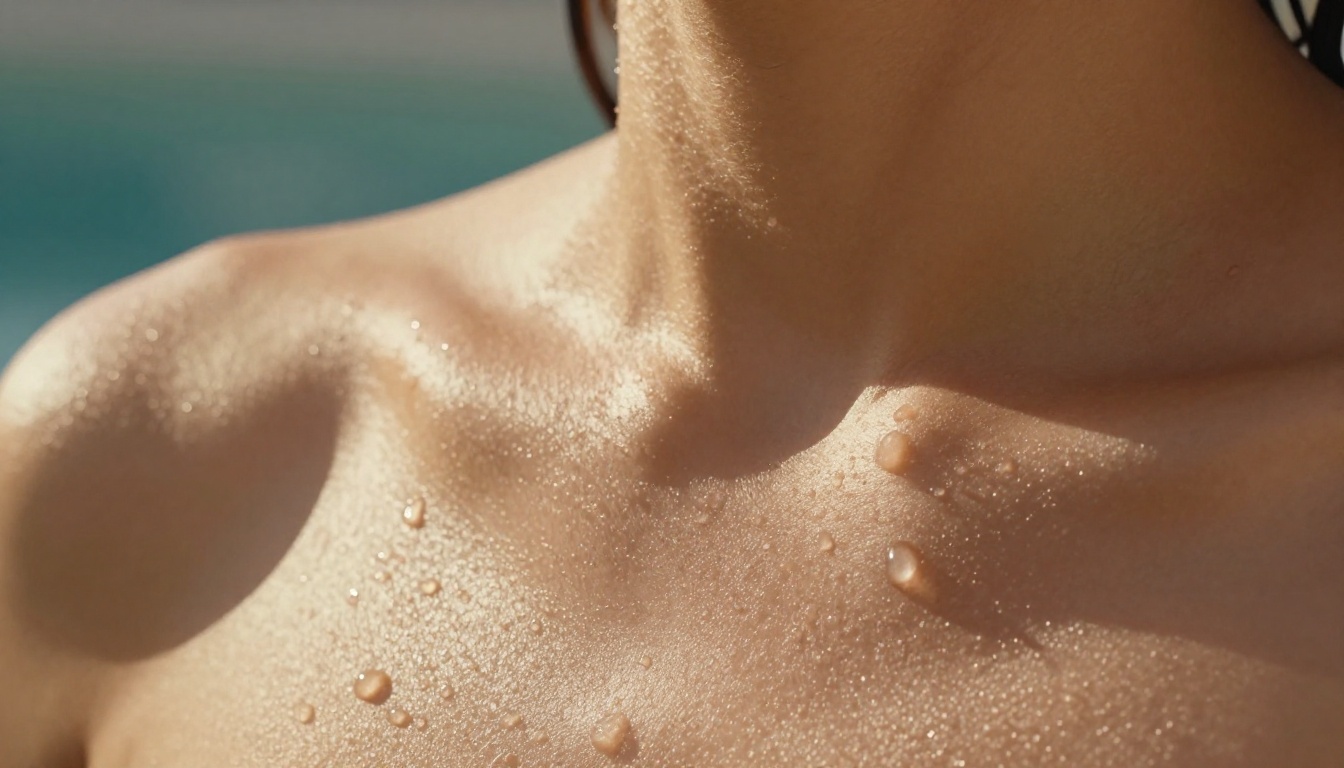
The headline feature is 2K resolution. Images come out at 2048 pixels on the long edge, sharp enough to resolve individual pores, fabric weave, hair strands, and fine texture details that lower-resolution models blur into mush. For photorealistic NSFW content, the quality difference between 512px and 2K output is the difference between an obvious AI image and something convincingly real.
Generation time runs between 3 and 8 seconds depending on server load. For the image quality delivered, that is genuinely fast. No waiting two minutes per image the way some open-source alternatives require.
What the Model Handles Well
Seedream 5 Pro excels at several things that historically trip up image models:
Human anatomy: hands, feet, faces, and body proportions render with high accuracy
Skin texture: fine pore-level detail with realistic lighting response on skin
Fabric and clothing: sheer fabrics, lace, and different material textures all read as convincingly real
Environmental context: room interiors, outdoor backgrounds, and complex lighting conditions
Facial expressions: subtle emotional range without the dead-eyed look of earlier models
Composition: the model reads spatial relationships between subjects and environments well, producing natural-looking arrangements rather than awkward floating figures
The 2K output resolution is where Seedream 5 Pro genuinely pulls ahead. At that resolution, you can see the texture of silk sheets, the weave of lace, and the micro-detail of individual eyelashes. It is the kind of quality that made earlier AI image generation obviously fake now look convincing.
Free NSFW AI Generation in 2027
Free tier access to quality NSFW image generation is not something most platforms offer honestly. Many advertise "free" and then serve low-resolution outputs, add visible watermarks, or give you three credits before pushing you to subscribe. PicassoIA's free tier works differently.
The Free Trial Details
When you sign up on PicassoIA (no credit card required), you get free trial credits that let you test Seedream 5 Pro at full 2K resolution before committing to anything. You see the actual output quality. If you like what you see, subscription plans scale from there. If you do not, you spent nothing.
The important distinction is that you are testing the real model, not a degraded preview version. The 2K output, the full prompt responsiveness, the NSFW acceptance, all of it is available in the free trial. This is not a bait-and-switch situation where the paid tier delivers something completely different.
💡 For unlimited NSFW generations without credit limits, PicassoIA Image Editor Pro on Elite or Infinite plans returns results in under one second with no per-image cost. Generate 1,000 images and the price stays the same.
No Billing Information Required
The free trial on PicassoIA does not ask for billing information. You create an account, generate images, and evaluate. That is a meaningful difference from platforms that store your card details upfront and charge before you find out the content filters have blocked everything you actually wanted to create. PicassoIA's approach respects your time by letting the output quality do the selling.
Best NSFW Models on PicassoIA
Seedream 5 Pro is this article's main focus, but PicassoIA runs a full catalog of models that accept adult content. If you want to compare outputs or find the right fit for specific content types, here is the ranked list based on performance, realism, and value.
The Ranked List
Seedream 4.5 ⭐ The top NSFW performer on PicassoIA. Accepts adult content, supports image editing, and generates ultra-realistic results in under 3 seconds. Its newer sibling, Seedream 5 Lite, does not support NSFW at all, so for unrestricted adult content, Seedream 4.5 remains the primary recommendation.
PicassoIA Image Editor Pro Img2img with unlimited generations on Elite or Infinite plans. Generating 1,000 NSFW images costs nothing extra here, while the same volume on models like Nano Banana 2 would run roughly $100. Results come back in under one second. Free 3-generation trial with no credit card required.
Qwen Image 2 Open-source and powerful. Edits or creates any image in seconds with detailed realism and no content filter interruptions.
Grok Imagine Image Converts any photo to a bikini variant in a realistic, non-cartoonish way. Excellent for image-to-image NSFW edits on existing photos.
Recraft V4 Text-to-image only, but the output realism is exceptional. Strong for portraits and editorial-style adult content.
P-Image Generates NSFW images in under 1 second. Ideal for rapid iteration across many prompt variations without burning through a lot of credits waiting.
Wan 2.2 Image Highly realistic text-to-image without content filters. Strong for detailed scene generation with complex environments.
For video generation without content restrictions, these models deliver:
PicassoIA Video: Unlimited text-to-video at up to 720p, 5 seconds per clip
P-Video: Text, image, or audio to video at up to 1080p, safety filter off by default, draft mode for fast previews
Grok Imagine Video: Clips up to 15 seconds, no watermarks, auto-matches source image proportions
LTX 2.3 Pro: Up to 4K at 50fps with retake and extend editing for precise control over the final clip
Unlike many mainstream AI platforms, PicassoIA gives creators full creative freedom with uncensored, high-performance models across the entire image and video pipeline.
How to Use Seedream 5 Pro for NSFW Images
Seedream 5 Pro is accessible on PicassoIA through the standard model interface. Here is the process from account creation to finished image.
Step 1: Access the Model
Go to the Seedream 5 Pro page on PicassoIA. Sign up with your email (no credit card). Free credits are added automatically to your account. Click the model and open the generation panel.
Step 2: Write Your Prompt
Prompt quality is the single biggest factor in output quality. Seedream 5 Pro responds well to detailed, specific descriptions. Vague prompts produce average outputs. Specific prompts produce photorealistic results every time.
A working prompt structure:
[Subject + pose] + [Clothing or lack of it] + [Environment] + [Lighting] + [Camera angle] + [Quality modifiers]
Example prompt: "Beautiful woman with dark hair in white lace lingerie, reclining on a velvet sofa in a dimly lit bedroom, warm side lighting from a bedside lamp, shot from a low angle with an 85mm lens, photorealistic, 8K, Kodak Portra 400 film grain"
The structure matters because it tells the model who is in the scene, what they are wearing, where they are, how the light falls, and what the camera is doing. Leaving any of those elements to chance means the model fills in the gaps with whatever it thinks fits, and that often does not match what you had in mind.
Step 3: Set the Parameters
Aspect Ratio: 16:9 for landscape and bedroom scenes, 9:16 for full-body standing portraits
Steps: 30 to 50 steps improve fine skin and fabric detail significantly
CFG Scale: 7 to 9 for balanced prompt adherence without oversaturation of colors
Step 4: Generate and Refine
Run your first generation. If the output misses on anatomy or composition, adjust the prompt before regenerating. Small specific changes produce significantly different outputs. Regenerating the same prompt repeatedly produces similar outputs with slightly different details.
💡 If a generation comes close but not perfect, use PicassoIA Image Editor Pro to do targeted inpainting on the specific area that needs fixing, without regenerating the whole image from scratch.
Prompts That Get Results
Writing effective prompts for Seedream 5 Pro is a skill that improves quickly with practice. These formulas address the main variables that affect output quality.
Subject and Pose First
Open with who is in the image and what they are doing. Vague subjects produce vague outputs.
Weak: "a woman"
Strong: "a tall woman with auburn hair in her mid-30s, lying on her side on white linen sheets, head resting on her arm, looking toward the camera with a relaxed expression"
Pose specificity matters because the model interprets ambiguity differently on each generation. The more clearly you describe the position, the more consistent the results become across multiple runs.
Lighting Changes Everything
Lighting is the second most important variable after subject description. Specify direction, quality, and source clearly.
Lighting Type
Example Prompt Text
Directional
"morning light from the left window, warm golden color, soft shadows"
Soft studio
"diffused white softbox light from above-right, no harsh shadows"
Candlelight
"single candle on the nightstand, deep warm orange shadows, face in warm glow"
Backlight
"window backlit at sunset, halo effect around the silhouette, room in warm amber"
Overhead
"single ceiling light, downward shadows, high contrast between lit and shadow areas"
Quality Modifiers That Work
Add these at the end of any prompt to push output quality in the direction of organic realism:
Modifier
Effect
photorealistic, 8K
Triggers fine detail rendering at the pore level
film grain, Kodak Portra 400
Adds organic texture, removes the plastic AI look
85mm f/1.8 lens
Implies shallow depth of field, blurs background naturally
Do not combine contradictory modifiers. "Digital art, photorealistic" sends mixed signals and the output reflects that confusion with inconsistent results.
Negative Prompting
Seedream 5 Pro also accepts negative prompts, text describing what you do not want in the image. Common useful negatives for NSFW content:
cartoon, illustration, CGI, 3D render (removes non-photorealistic styles)
deformed hands, extra fingers (reduces anatomical errors)
watermark, text, logo (keeps the image clean)
oversaturated, HDR, overexposed (keeps the lighting natural)
Seedream 5 Pro vs the Competition
How does it compare to other models available on PicassoIA?
Seedream 5 Lite is included for reference only. It does not support NSFW prompts and blocks adult content at the generation stage. Every other model above it in the table accepts adult content without restriction.
💡 For the highest resolution single image:Seedream 5 Pro is the pick. For unlimited volume without counting credits:PicassoIA Image Editor Pro on an unlimited plan is the smarter choice for high-volume creators.
What You Can Generate
Seedream 5 Pro handles a broad range of NSFW-adjacent content without triggering the aggressive filters that block legitimate creative work on other platforms.
Content categories that work consistently:
Lingerie and swimwear portraits in realistic indoor and outdoor settings
Glamour and boudoir photography styles at various levels of coverage
Implied nudity with artistic framing, silhouettes, and strategic composition
Fashion editorial with suggestive styling and sensual atmosphere
Body-positive portraits across different body types, skin tones, and ages
Couples in romantic or intimate scenarios
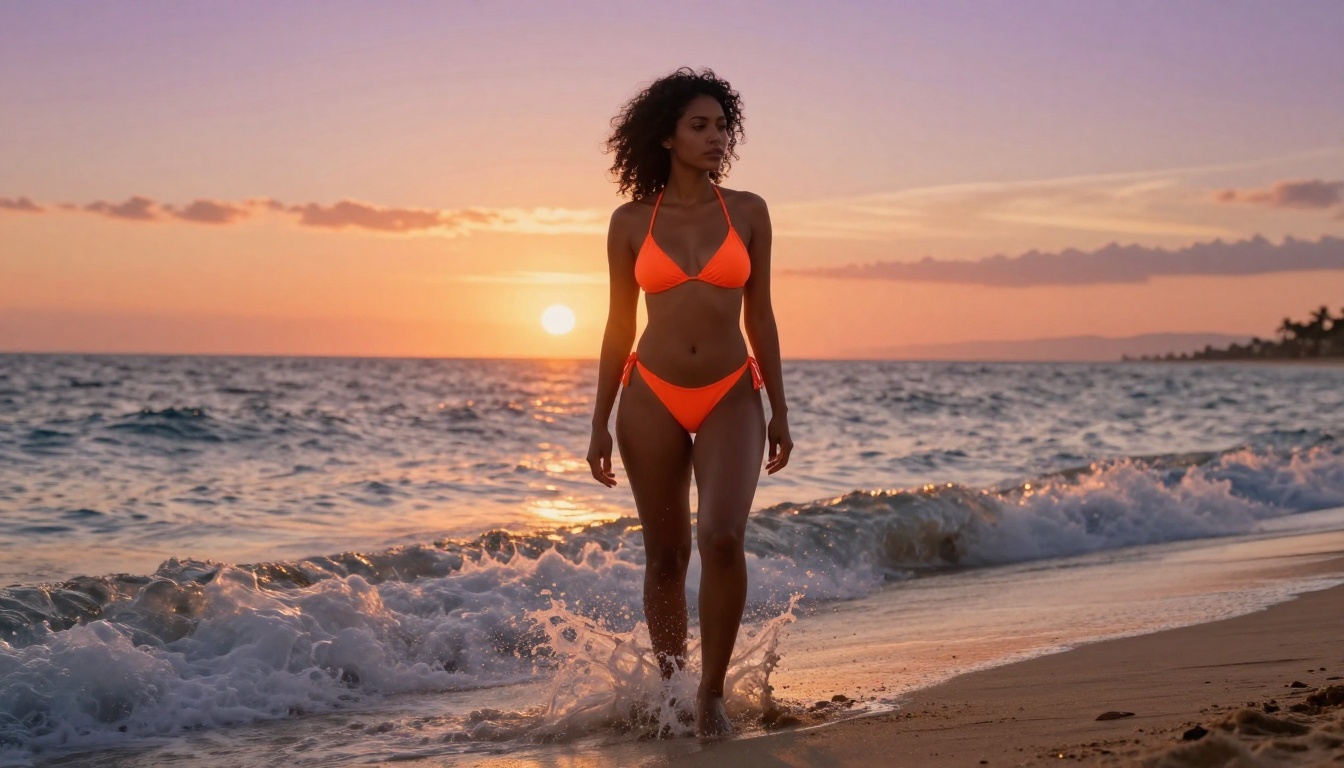
Water, beach, and poolside scenes with minimal clothing
Fine art nude photography in the tradition of classic boudoir and figure work
Where the model draws back:
Fully explicit sexual content (several other models on PicassoIA handle this without restriction)
Graphic depictions of violence combined with sexual content
Content that implies or depicts non-consent
For content categories that Seedream 5 Pro does not permit directly, PicassoIA's full catalog includes models with safety filters fully disabled. The platform gives you the option, rather than making that decision for you.
Common Problems and How to Fix Them
Even with a strong model, specific prompt types produce consistent issues. Here is what to do when the output falls short of what you intended.
Anatomical Problems
Hands, fingers, and feet are historically difficult for image generation models. In Seedream 5 Pro, they are significantly improved but not perfect on every run.
Fix: Be explicit in the prompt. Adding "perfect hands, five fingers, natural resting position" cues the model. If anatomy still fails on a generation you otherwise like, use PicassoIA Image Editor Pro to run a targeted inpaint fix on just that area without touching the rest of the composition.
Faces Look Uncanny
Sometimes a face renders with subtle artifacts, especially at unusual angles or in low light.
Fix: Add "symmetrical face, realistic eyes, natural skin tone, no artificial smoothing" to your prompt. If the overall composition is strong but the face needs work, Image Editor Pro's inpaint workflow corrects the face without regenerating the rest of the image.
Output Looks Too Polished
The over-processed AI look appears when the prompt does not include grounding, analog details.
Fix: Add "film grain, Kodak Portra 400, natural skin texture variation, slight imperfections" to your prompt. These signals push the model toward organic realism rather than glossy digital perfection.
Scene Composition Misses
If the environment does not match what you described, the prompt needs more environmental specificity.
Fix: Describe the environment as its own phrase separated from the subject. Instead of "woman in a bedroom", try "woman in a dimly lit hotel room with dark walnut furniture, white cotton duvet, blackout curtains, thin strip of street light visible at the bottom edge." The specificity gives the model much less room to improvise in the wrong direction.
Lighting Looks Flat
Flat lighting happens when you do not specify the direction and source of the light.
Fix: Always include the light direction and quality. "Warm window light from the left, casting soft shadows to the right, golden color from late afternoon sun" gives the model everything it needs to produce dimensional, realistic lighting instead of the bland evenly-lit studio look.
Start Generating Now
Seedream 5 Pro on PicassoIA is one of the few places where 2K NSFW-capable image generation is genuinely accessible on a free trial. You get the full output resolution in your first session, you see real results before spending anything, and the platform runs models that do not block the content you are actually trying to create.
If Seedream 5 Pro fits your workflow for high-resolution single images, bookmark the model page and build your prompt library from there. If you need unlimited volume and do not want to count credits, switching to PicassoIA Image Editor Pro on an unlimited plan removes per-generation costs entirely and brings generation time down to under one second per image.
For anyone who wants the full picture of what is available, the complete model lineup from text-to-image to video to audio generation is at picassoia.com/en/all-models. Over 90 text-to-image models, most accepting adult content, all running in the browser with no local setup required.
The free trial takes under a minute to activate. Your first 2K image from Seedream 5 Pro will be ready before you have finished reading this sentence.