Free NSFW AI Image and Video Generator: Best Combo Tools That Actually Work
A deep dive into the best free NSFW AI image and video combo tools available in 2027. From unrestricted Flux Dev and SDXL image generators to Wan 2.2 video models, this breaks down what actually works, what is free, and how to get the most from each tool without spending anything. Real prompts, real results.
Most people searching for a free NSFW AI image and video generator end up stuck in the same loop: promising tool, two or three free credits, then a hard paywall. The honest answer? Some genuinely free models exist right now, and knowing which ones to pair gives you a workflow that produces results nobody would guess came from a zero-dollar budget.
This covers the actual best options available, how they differ, and exactly how to combine image generation with video animation for a complete creative pipeline. No subscriptions required to start.
What "Free NSFW AI" Really Means
The phrase gets thrown around loosely. Breaking it down practically changes how you approach the whole topic.
Two Very Different Things Called "Free"
There is a real difference between freemium (a handful of trial credits before a paywall) and genuinely open models that run without ongoing costs. Most well-known platforms operate on freemium. You get 5 to 20 credits, burn through them on test prompts, and then face a subscription choice.
Truly free access usually comes from:
Open-weight models running on public infrastructure (Flux Dev, SDXL, Stable Diffusion variants)
Platforms with generous free tiers that renew credits daily or weekly
Self-hosting if you have GPU access
The models discussed here fall into the first two categories. They do not require a credit card to produce real output.
What "NSFW" Covers in Practice
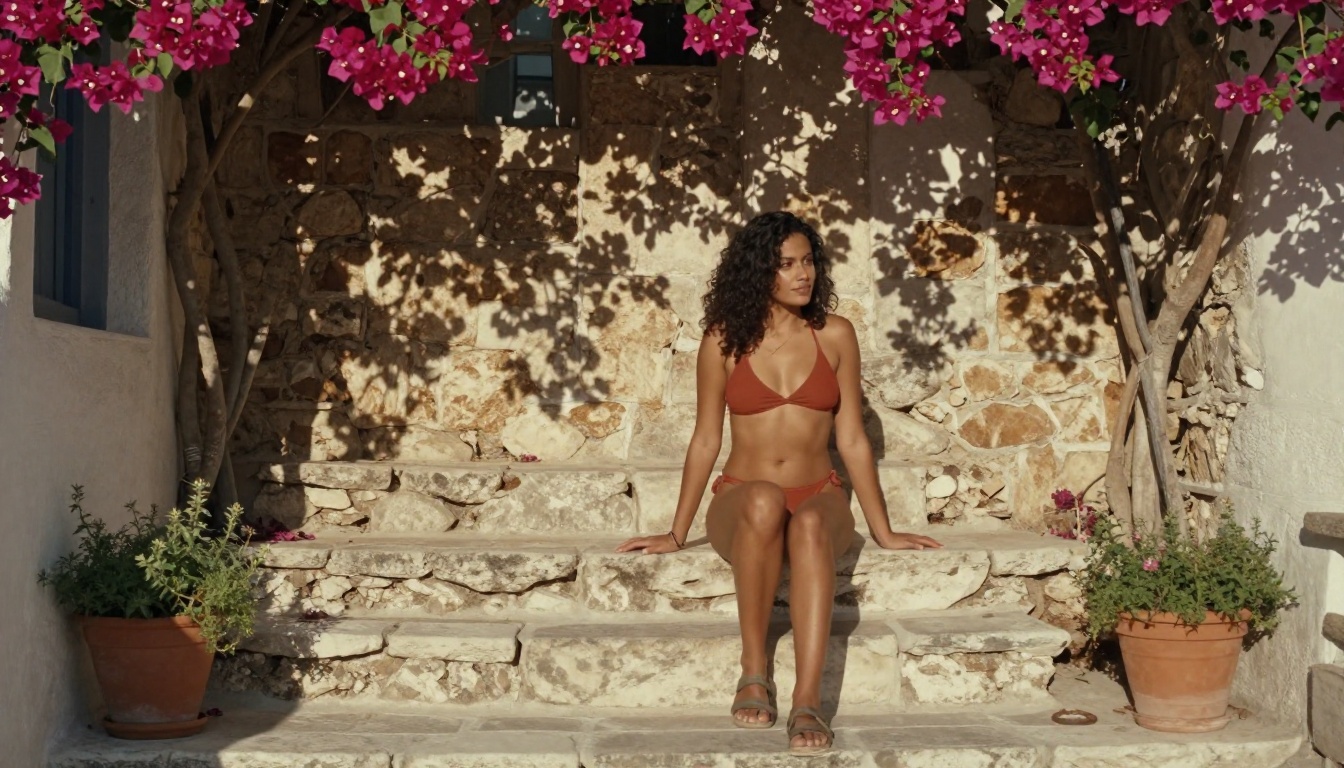
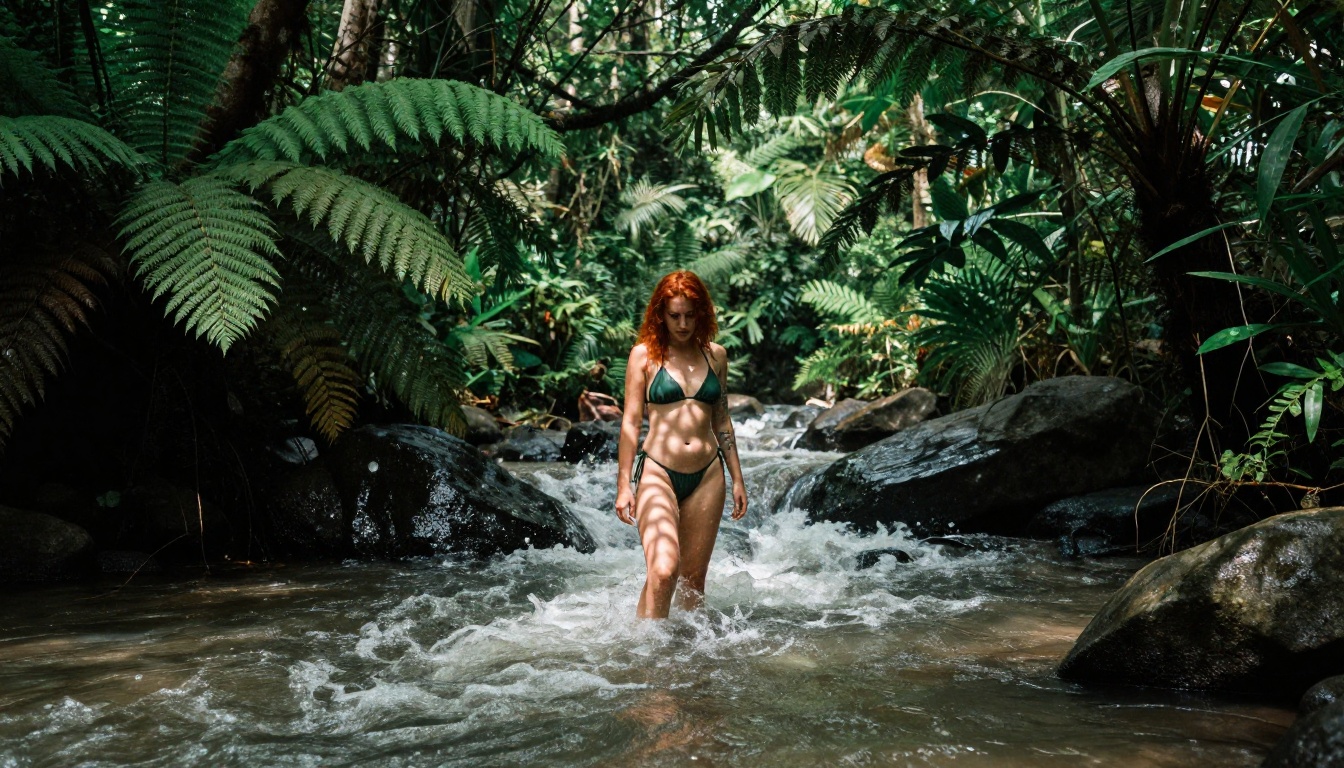
💡 Important distinction: NSFW in AI art covers a wide spectrum. At one end you have suggestive content: bikinis, lingerie, glamour photography, artistic implied nudity. The tools covered here produce beautiful, suggestive, artistically expressive imagery that stays within aesthetic bounds. The sweet spot sits in the glamour and editorial photography range.
That sweet spot is where the real creative potential lives. High-fashion editorial photography, confident body-positive imagery, tasteful portraits. These are the outputs that actually look like professional photography rather than cheap AI shortcuts.
The Best Free NSFW AI Image Generators
Not all models handle this content type equally. Some produce muddy skin tones. Others collapse compositional quality the moment the subject is anything less than fully clothed. These four hold up consistently.
Flux Dev: Open-Source and Unrestricted
Flux Dev from Black Forest Labs is currently the strongest free option for photorealistic human subjects. It is an open-weight model, meaning you can run it without paying anyone. The results are extraordinary for a free model: sharp anatomical accuracy, realistic skin textures, and genuine compositional intelligence.
What makes Flux Dev stand out for NSFW work:
Skin texture rendering significantly better than earlier Stable Diffusion generations
Anatomy coherence: hands, fingers, and body proportions stay accurate
Lighting responsiveness: actually follows lighting direction instructions in prompts
No built-in content restriction in the base model weights
The faster variant, Flux Schnell, trades some detail for speed. It is good for rapid iteration, but Flux Dev is worth the extra generation time when final quality matters. For LoRA-based style customization, Flux Dev LoRA extends its capabilities significantly with community-trained style and subject layers.
The newer Flux 2 Pro pushes image quality further still, though it sits behind a paid tier. For free usage, Flux Dev remains the most capable option in the family.
SDXL: Still a Workhorse in 2027
SDXL from Stability AI gets underestimated because newer models have surpassed it on benchmarks. But for consistent character generation across multiple shots, it still performs reliably. The base model is completely free and open-weight.
The real strength of SDXL is its ecosystem. Hundreds of fine-tuned checkpoints and LoRAs exist, many specifically optimized for photorealistic glamour work. If Flux Dev is a blank canvas, SDXL with the right checkpoint is a pre-configured studio setup.
For a more polished out-of-the-box experience, RealVisXL v3.0 Turbo takes the SDXL base and fine-tunes it specifically for photorealism. It produces noticeably better results on portrait and fashion subjects without requiring any checkpoint selection.
Feature
SDXL Base
RealVisXL v3.0 Turbo
Base resolution
1024x1024
1024x1024
Portrait quality
Good
Excellent
Skin tones
Moderate
Very Good
Generation speed
Fast
Fast
Cost
Free
Free
Realistic Vision v5.1: Portrait Photography King
Realistic Vision v5.1 is a community fine-tune built specifically for photorealistic portraits and human figures. If your primary output is close-up portrait work, fashion photography, or intimate solo subjects, this model deserves a dedicated spot in your workflow.
Where it beats Flux Dev:
Facial detail at close range is exceptional
Hair rendering captures individual strands and natural movement convincingly
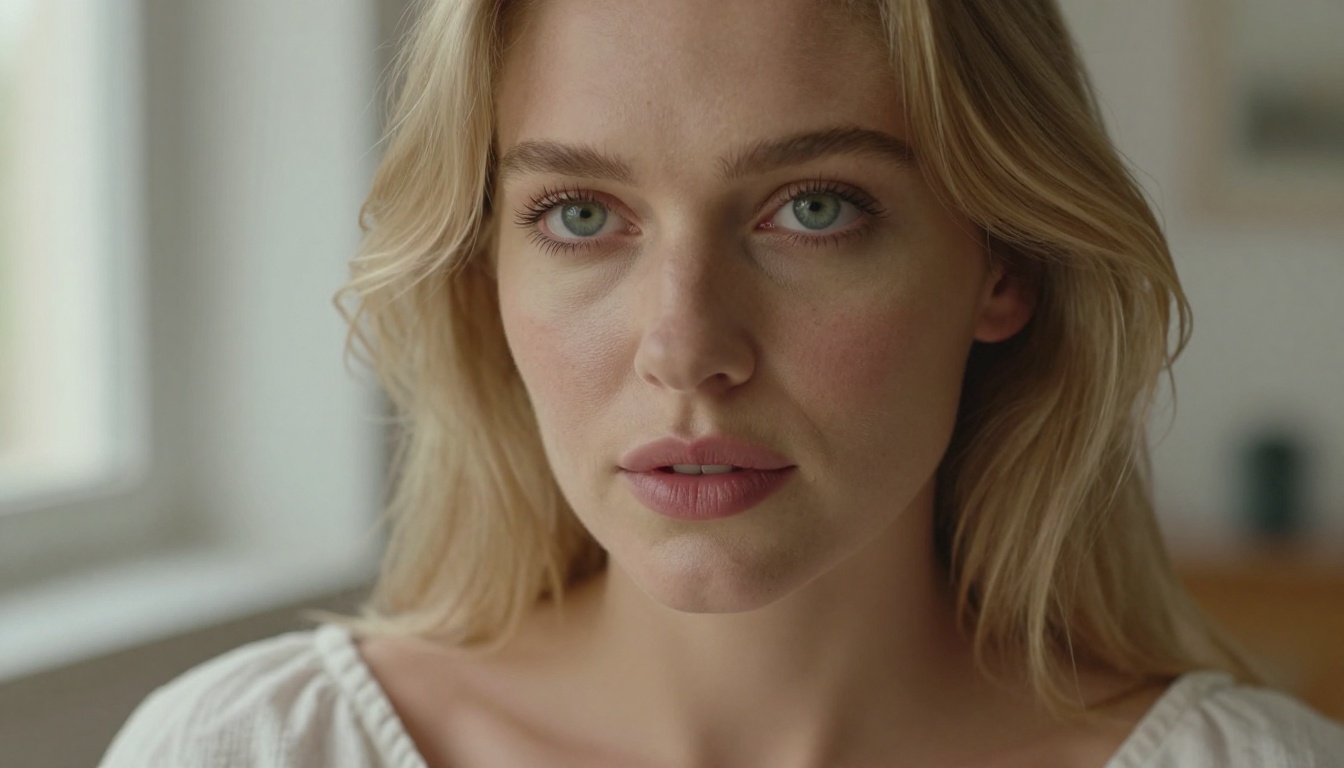
Skin imperfections like freckles, pores, and natural texture appear authentically rather than looking airbrushed
Where it falls short:
Complex scenes with multiple subjects or detailed environments are harder to control
Less coherent on full-body wide shots compared to Flux Dev
Best used as a portrait specialist: generate wide establishing shots with Flux Dev, then use Realistic Vision v5.1 for close-up facial and beauty shots. The two complement each other naturally.
Stable Diffusion 3.5: A Massive Step Up
Stable Diffusion 3.5 Large represents a significant architectural improvement over earlier SD generations. The Multimodal Diffusion Transformer architecture gives it much better prompt adherence than SD 1.5 or 2.x. Describe a specific lighting scenario and it actually delivers that lighting.
The Stable Diffusion 3.5 Large Turbo variant cuts generation time roughly in half at a modest quality cost. For rapid prototyping of NSFW concepts before committing to a full Flux Dev render, it is the smart first step.
💡 Workflow tip: Use SD 3.5 Turbo to prototype your prompt and composition at speed. Once you like the framing and concept, paste the refined prompt into Flux Dev for the final high-quality output. This saves significant time during creative iteration.
Free AI Video from Your NSFW Images
Generating a still image is only half the creative pipeline. Animating that image into a short video dramatically increases its impact and range of use. These are the video models worth pairing with your image generation workflow.
Wan 2.2: Best Free Video Option
The Wan family from wan-video is the current standard for free image-to-video animation. Wan 2.2 I2V Fast takes a still image and animates it with surprisingly natural motion, including hair movement, fabric dynamics, and subtle facial micro-expressions.
For NSFW-adjacent content specifically, this is the most important video model to know:
Motion is fluid, not mechanical: subjects move like real people rather than mannequins
Hair and fabric animation are notably better than competing free models
Accepts specific motion direction prompts: "gentle swaying", "slow turn", "hair blowing left"
The Wan 2.5 I2V version builds on this with improved motion fidelity and longer clip support. If Wan 2.2 feels slightly stiff in complex motions, Wan 2.5 resolves most of those issues. For pure text-to-video without a source image, Wan 2.5 T2V handles that workflow cleanly.
LTX Video: Fast and Capable
LTX Video from Lightricks runs faster than Wan models and handles motion transitions between scenes more cleanly. For shorter clips where speed matters, it is a legitimate alternative in the free tier.
The main trade-off is softer motion physics. Fabric and hair dynamics are less convincing than Wan 2.2 at similar prompt complexity. However, for simple animations like a slow camera orbit or a subject turning toward camera, LTX Video delivers clean results quickly. The newer LTX 2.3 Fast variant improves on the original significantly.
Hunyuan Video: Worth Knowing
Hunyuan Video from Tencent is a powerful open-source video model that maintains subject identity across frames more reliably than most free alternatives. It handles longer sequences better and tends to preserve facial features through motion more accurately.
Generation time is longer, but for a final polished clip that needs to hold up over 6 to 10 seconds without drifting from the source subject, Hunyuan is worth the wait.
How to Use Flux Dev on PicassoIA
PicassoIA gives you direct browser access to Flux Dev without any local installation or hardware requirements. Here is exactly how to use it for photorealistic NSFW image generation.
[Subject + clothing/state] + [Environment + time of day] + [Lighting specifics] + [Camera/lens details]
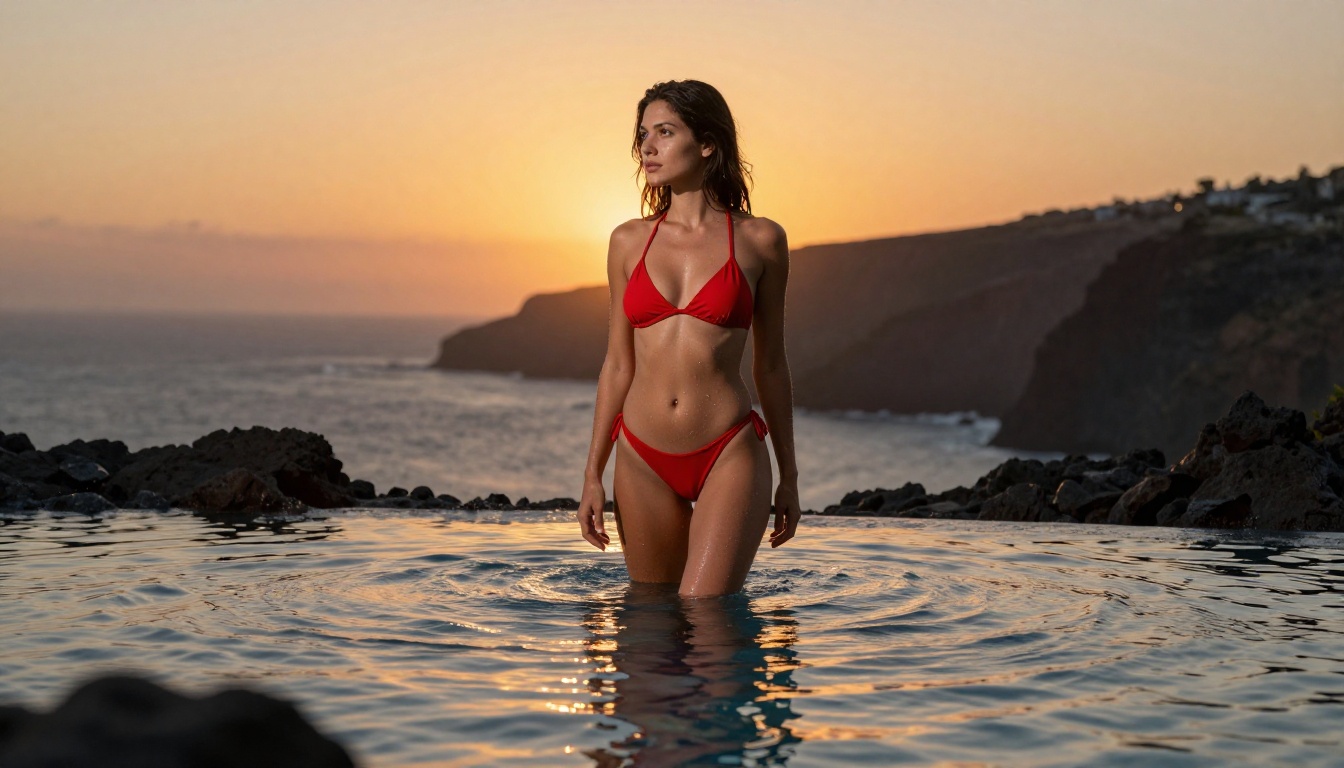
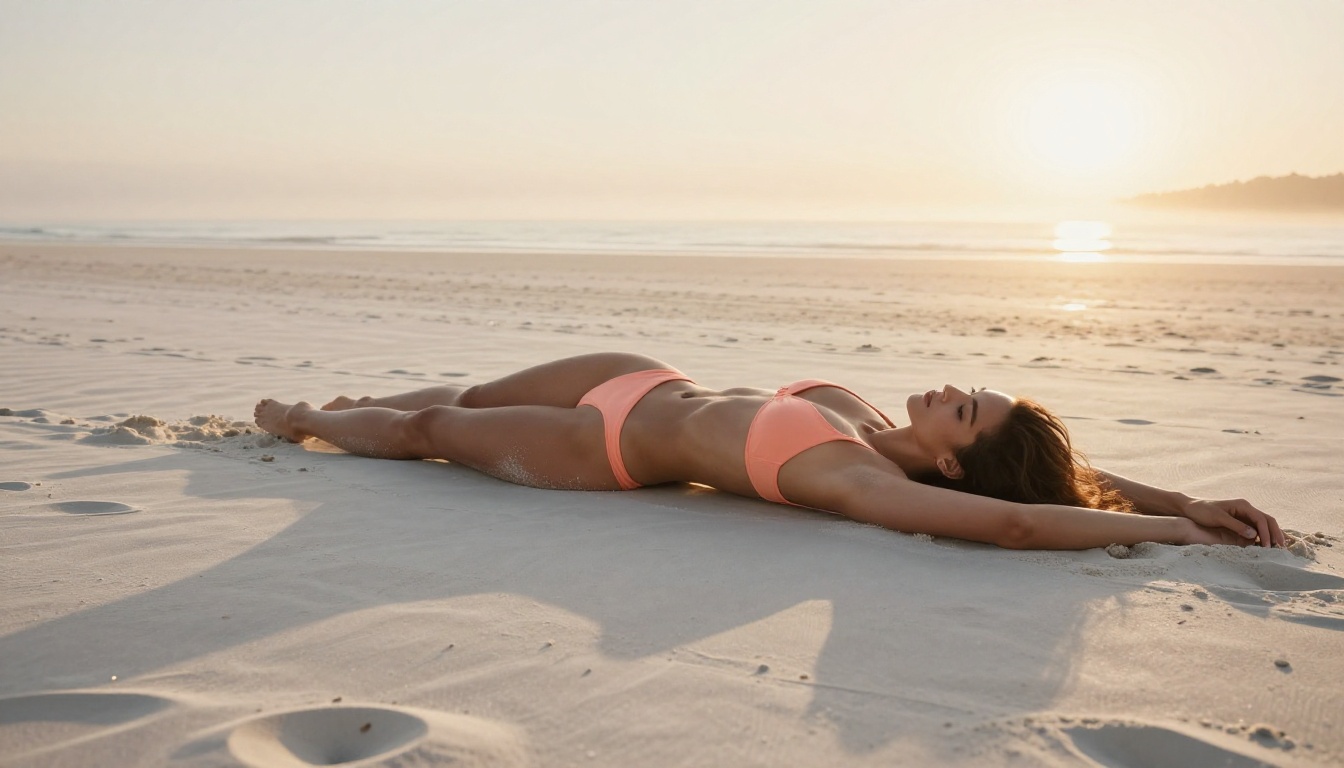
Example: "Beautiful woman in white bikini, standing on a tropical beach at golden hour, warm volumetric side lighting from the left, shot at 85mm f/1.4 with shallow depth of field, photorealistic, Kodak Portra 400 film grain, natural skin texture, visible pores"
Step 3: Set parameters
Aspect ratio: 16:9 for landscape editorial, 9:16 for portrait and social formats
Steps: 28 to 35 for quality output (lower is faster but produces softer results)
Guidance scale: 3.5 to 4.5 is the sweet spot for photorealistic human subjects
Step 4: Iterate on what works
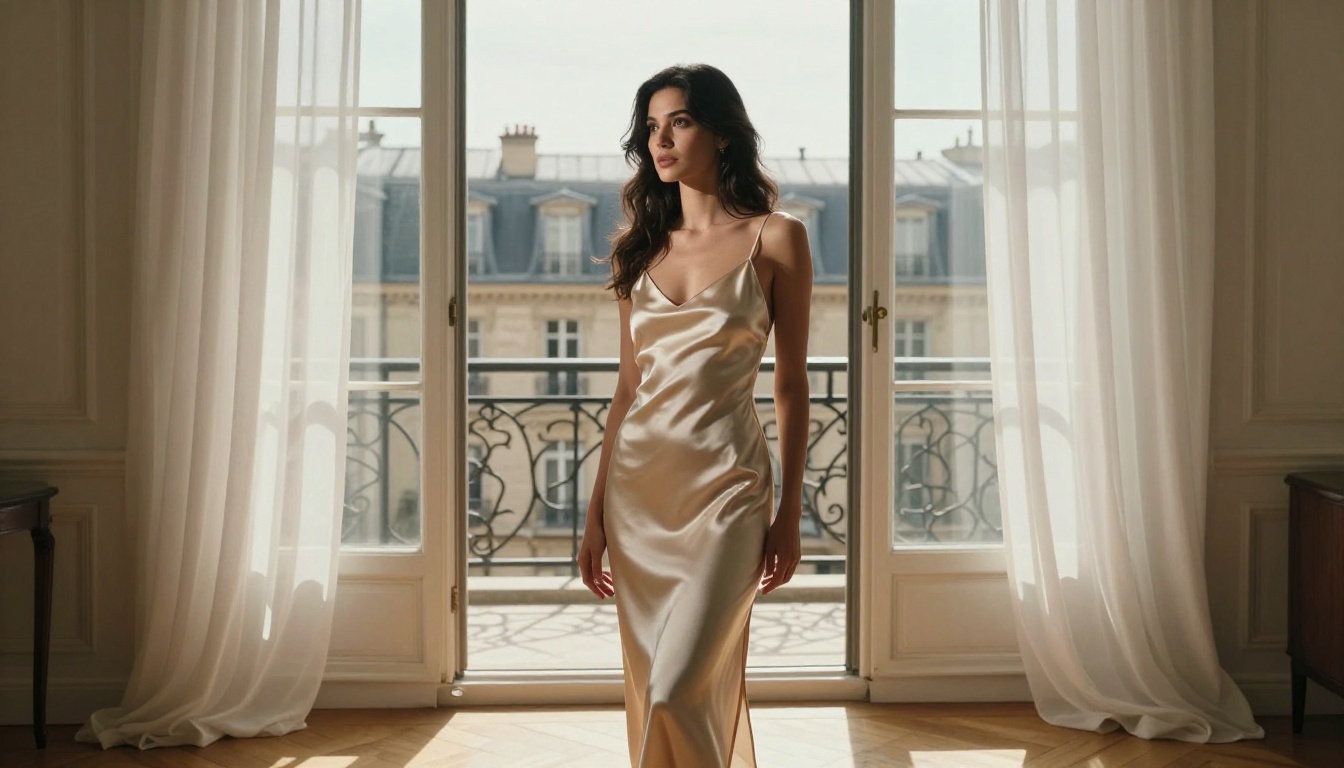
Keep the parts of the prompt that produced the right composition and swap individual elements. Changing "tropical beach" to "Parisian apartment" while keeping the same lighting and camera instruction gives a coherent visual series with consistent quality.
💡 Pro tip: Add "natural skin texture, visible pores, film grain, no makeup artificiality" to any portrait prompt. This single addition consistently moves results from AI-looking to genuinely photographic.
The Combo Workflow That Actually Works
Image generation and video animation produce the best results as a deliberate two-step pipeline. Here is the practical sequence that gives the most consistent output.
Step 1: Nail the Still First
Generate the image without worrying about movement. Focus specifically on:
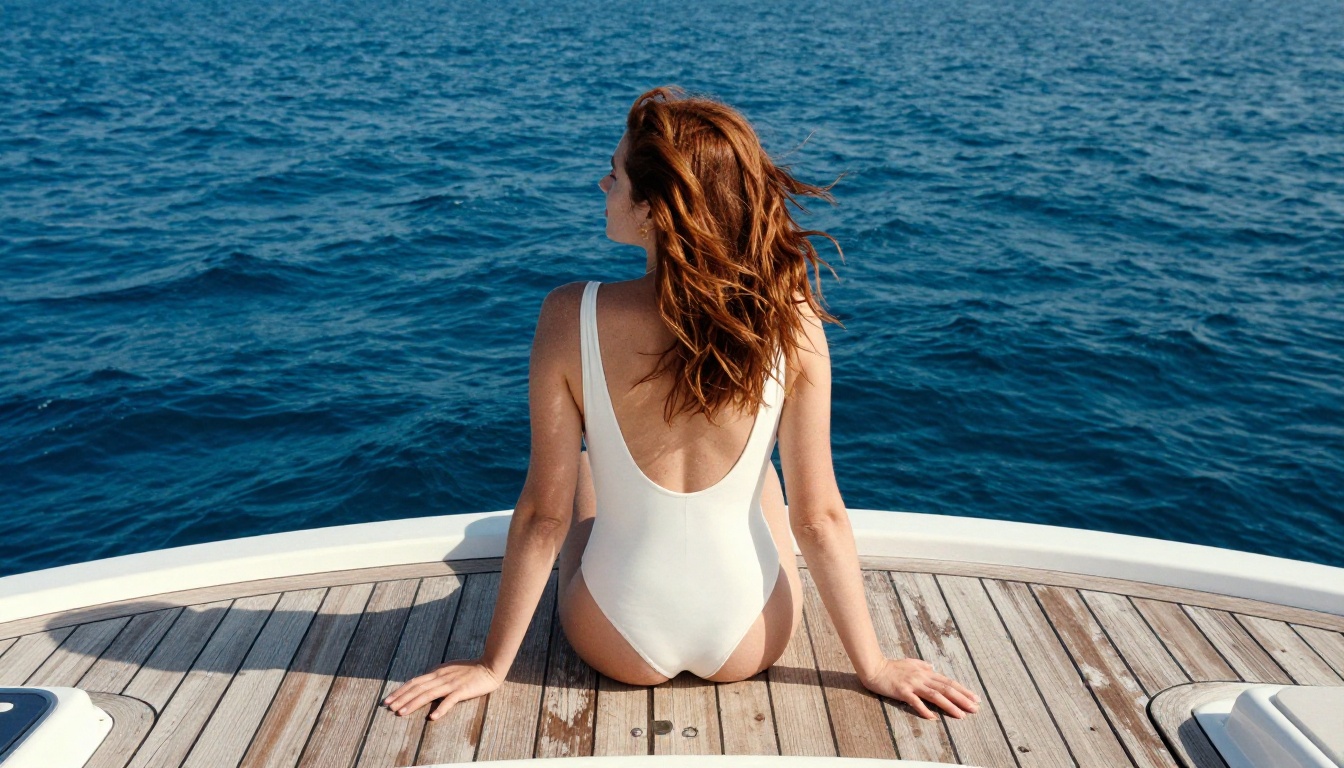
Pose that implies motion: hair mid-flow, fabric caught in breeze, subject mid-turn
Clean background: simpler environments are easier for video models to animate convincingly
High-contrast subject edges: helps the video model track subject boundaries through motion
Feed the generated image into Wan 2.2 I2V Fast with a short motion description that matches what the image already implies. If the hair is shown moving in the still, the animation prompt "hair gently blowing in sea breeze, subtle body sway, camera static" creates convincing natural motion that feels continuous.
Large positional changes: the subject walking away or jumping
Complex background activity that contradicts the still image
Camera movements that would require rebuilding environment geometry
Prompt Writing for NSFW Content
The difference between a mediocre AI image and one that looks like professional editorial photography comes down almost entirely to how the prompt is written.
Structure That Gets Results
The most reliable prompt structure for photorealistic NSFW work:
Subject descriptor: age impression, hair color and style, skin tone, expression
Clothing or state: specific garment, color, fabric type, fit
Environment: location, time of day, weather conditions
Lighting: direction, quality (hard or soft), color temperature
Camera specifics: focal length, aperture, film stock reference
Quality anchors: photorealistic, 8K, natural skin texture, film grain
Prompts that include all six elements consistently outperform shorter prompts. The model is not "smarter" with longer prompts, it is more constrained. Specificity eliminates the guesswork the model would otherwise fill with generic training patterns.
5 Mistakes That Ruin Your Output
1. Vague clothing descriptions
"Wearing a dress" gives you a random dress. "Wearing a white silk slip dress with thin shoulder straps" gives you what you actually want.
2. No lighting direction
Without specifying where light comes from, you get generic flat output. "Warm side lighting from the left casting a soft shadow across the right cheek" completely changes the mood and realism.
3. Missing film stock reference
Adding "Kodak Portra 400" or "Fujifilm Pro 400H" shifts the color science of the output toward photographic reality. These references apply real-world color grading patterns from the model's training data.
4. Abstract emotional cues
"Beautiful" and "stunning" are weak descriptors. "Natural lips slightly parted, relaxed confident expression, direct eye contact with camera" are specific and produce the actual result.
5. No background specification
An unspecified background becomes a gray void or a meaningless blur. Every strong image has a specific environment that grounds the subject and gives the composition context.
Free vs. Paid: What You Actually Get
Understanding where the free tier ends helps you plan your workflow honestly.
Capability
Free Tier
Paid Tier
Flux Dev image generation
Yes (daily limit)
Yes (unlimited)
SDXL image generation
Yes
Yes
Wan 2.2 I2V animation
Yes (limited)
Yes (priority queue)
4K upscaling
No
Yes
Private generations
No
Yes
API access
No
Yes
Queue priority
Standard
Priority
Commercial use rights
Model-dependent
Full rights
The free tier is genuinely useful for personal creative work, portfolio building, and concept testing. The limitations become relevant when you need volume, speed, or commercial rights.
💡 Reality check: Most free tiers reset daily. If you plan your generation sessions around that reset cycle, you can produce substantial output at zero cost consistently. Treat it like a daily creative practice rather than a bulk production tool.
Start Creating Right Now
Every model mentioned in this article is accessible on PicassoIA. No local GPU hardware is needed, nothing to install, and no credit card is required to test the core models.
The fastest way to begin: open Flux Dev, paste the six-element prompt structure from the section above, and run your first generation. Adjust one element at a time and run again. Within ten iterations you will have a working prompt formula that produces consistent results for your specific creative style.
Then feed your best result into Wan 2.2 I2V Fast with a simple motion prompt and watch the still come to life.
That is the complete free NSFW AI image and video combo pipeline. No compromises, no subscriptions, no shortcuts required.