A no-nonsense breakdown of which free NSFW AI tools actually deliver photorealistic results in 2027. From uncensored image generators to glamour portrait tools, find out which platforms work, which waste your time, and how to get the best results without spending a dollar.
The search for free NSFW AI tools that actually work has become one of the most common questions in AI art communities in 2027. Platforms promise freedom, deliver paywalls. Tools advertise "no restrictions," then block anything remotely artistic the moment you push past a sunset. After testing dozens of options, what follows is a real breakdown of what works, what doesn't, and where to actually spend your time.
Why Most "Free" NSFW AI Tools Fail You
The disappointment is almost always the same. You find a tool that claims to be free and uncensored. You sign up, start generating, and within 10 prompts you hit a credit wall. Or the output looks like it was rendered on a 2019 laptop. Or the model refuses to generate anything more suggestive than a person wearing a tank top.
The Bait-and-Switch Problem
Most "free" tools operate on a freemium model designed to frustrate you into upgrading. They offer 5 to 10 free generations per day, then throttle quality, speed, and content freedom for non-paying users. The results are visually weak, censored at the model level, and often watermarked.
The Quality Gap
Even among tools that technically work, the photorealistic quality most people want from NSFW AI art requires powerful models. Early Stable Diffusion models, while open source and unrestricted, produced outputs with distorted anatomy, odd hands, and faces that hovered in the uncanny valley. Getting genuinely beautiful, realistic results requires modern architectures.
The Censorship Layer
Many platforms add a safety filter on top of otherwise capable models. The underlying model could generate artistic content, but the platform layer blocks it. This means the "free" tier is doubly neutered: fewer credits AND heavier content filtering.
💡 The real question isn't "is it free?" but "does it actually generate what you want at a quality that satisfies?"
What Actually Works: The Real Criteria
Before listing specific tools, the criteria matter. A tool that "actually works" for NSFW AI generation needs to pass four tests:
No arbitrary blocking of artistic or suggestive content
Free Tier Viability
Enough free generations to be genuinely useful
Model Variety
Multiple models for different styles and use cases
Output Quality First
A tool that doesn't block you but produces blurry, anatomically wrong images is worthless. The minimum acceptable output in 2027 is Flux-level quality: sharp faces, realistic skin texture, believable lighting, correct hand anatomy in most cases.
Content Freedom Without Extremes
The distinction here matters. The best platforms occupy a specific space: they allow artistic, suggestive, and glamour-style content including implied nudity, boudoir photography aesthetics, and sensual portraits, while maintaining clear limits against explicit or illegal content. This is the sweet spot where serious AI artists want to work.
Enough Free Generations to Matter
If a platform gives you 5 free generations per day and each one takes 30 seconds to produce a mediocre result, that's not viable. The best free tiers give you meaningful generation volume, fast inference speed, and full access to model capabilities.
Top Free NSFW AI Image Generators That Deliver
Here are the tools that hold up under real testing in 2025.
Flux Dev: The Open Source Standard
Flux Dev from Black Forest Labs remains the gold standard for free, high-quality AI image generation. Released as an open-weight model, it has no hardcoded content restrictions at the base level. The base model produces extraordinary photorealistic outputs with correct anatomy, believable skin texture, and sharp facial detail.
What makes Flux Dev the benchmark is its training on a much broader dataset than previous models, meaning it understands human anatomy in far more nuanced ways. Skin has texture. Hair has individual strands. Lighting responds realistically to described environments.
Strengths:
Photorealistic human anatomy
No content restrictions in base form
Strong prompt adherence
Free to run locally
Weaknesses:
Requires significant compute locally
Slower than turbo variants
Flux Schnell: Fast and Free
Flux Schnell is the speed-optimized variant of Flux. It sacrifices some quality for dramatically faster generation times, making it ideal for rapid prototyping and iterating on prompts. For users who want to test multiple compositional ideas quickly before committing to a higher-quality render, Flux Schnell is the practical choice.
RealVisXL v3.0 Turbo: Photorealism Specialist
RealVisXL v3.0 Turbo is specifically fine-tuned for photorealistic human portraiture. Built on SDXL architecture with extensive training on real photography, it handles skin tones, facial structures, and natural lighting in ways that generic models often miss.
For anyone creating glamour portraits, boudoir-style photography, or realistic human subjects, RealVisXL is the specialist model to reach for. Its outputs frequently pass for real photographs at a casual glance.
Stable Diffusion 3.5 Large: The Community Workhorse
Stable Diffusion 3.5 Large represents the latest generation of Stability AI's open-source models. The 3.5 architecture introduces substantially improved text understanding, meaning your prompts are interpreted more accurately than with SD 1.x or 2.x generations.
The community around SD 3.5 has already produced thousands of LoRA fine-tunes targeting specific styles, artists, and subject matter. For NSFW use cases specifically, the combination of the base model's capability and community LoRAs makes SD 3.5 Large exceptionally powerful.
💡 LoRA fine-tunes are essentially style injections for base models. A well-trained NSFW LoRA can transform a general model into a specialist in minutes.
DreamShaper XL Turbo: Style With Speed
DreamShaper XL Turbo occupies an interesting niche: it combines the SDXL backbone with turbo inference and aesthetic fine-tuning that leans toward beautiful, stylized realism. It produces images that feel polished and intentional, with a slight painterly quality that many users prefer over raw photorealism.
For creating artistic portraits, glamour shots, and aesthetically elevated NSFW content, DreamShaper XL Turbo consistently delivers results that feel curated rather than generated.
How to Use Flux Dev on PicassoIA for NSFW Art
PicassoIA gives you browser-based access to Flux Dev, Flux 1.1 Pro, and dozens of other top models without needing local compute. Here's how to get the most out of it for artistic NSFW content.
Environment: Location, lighting conditions, time of day
Camera details: Lens focal length, aperture, shooting angle
Atmosphere: Mood, color temperature, film stock aesthetic
Example of a weak prompt: "beautiful woman, beach"
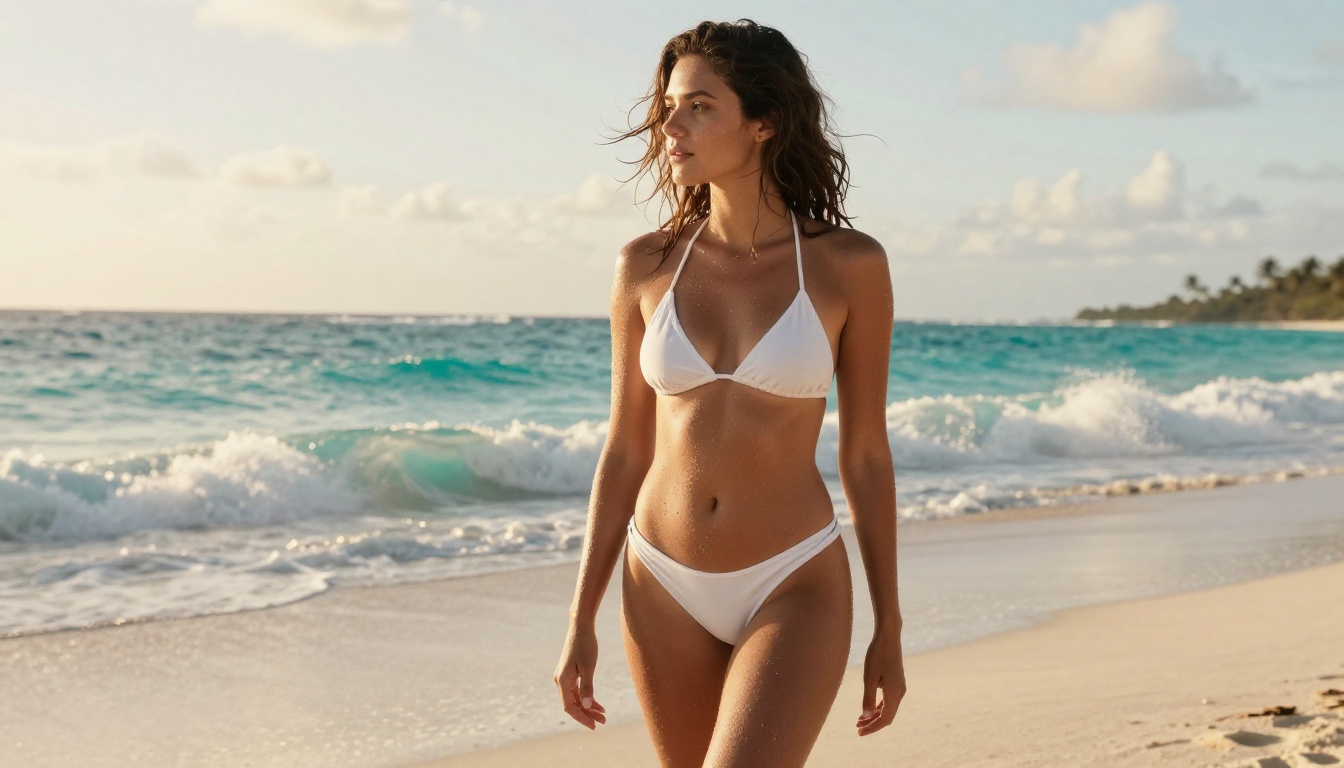
Example of a strong prompt: "photorealistic portrait of a woman in a white bikini at golden hour beach, low angle shot, 35mm lens f/2.8, Kodak Portra 400 grain, natural skin texture, waves in background"
Step 3: Use Negative Prompts
Always include a negative prompt to exclude common AI artifacts:
worst quality, low resolution, blurry, distorted anatomy, extra limbs, bad hands, watermark, text, cartoon, animation, airbrushed skin
Step 4: Iterate Systematically
Don't chase perfection on a single generation. Generate 4 to 6 variations of a prompt, identify what's working, refine the prompt based on what the model responds to, and generate again. This systematic approach consistently produces better results than hoping for a lucky first-pass.
💡 The seed value matters. When you get an output that's 80% perfect, note the seed and make small prompt adjustments while keeping the seed constant to preserve the composition.
Beyond Images: Other NSFW AI Capabilities
NSFW AI tools in 2027 extend well beyond text-to-image generation. Understanding the full ecosystem helps you produce more complete and compelling creative content.
Face Swap and Character Consistency
For adult content creators who need consistent character faces across multiple images, Face Swap AI tools have become essential. These allow you to generate a character in one scene, then apply that same face to a different generated body or setting, maintaining identity coherence across an entire series.
Inpainting for Targeted Edits
Inpainting lets you select a specific region of an existing image and regenerate only that area. For NSFW AI art, this is invaluable for fixing anatomy, adjusting clothing, or changing specific body parts without regenerating the entire composition.
Super Resolution for Print-Ready Output
Super Resolution tools can upscale AI-generated images 2x to 4x without introducing blur or artifacts. A 512x512 generation can become a 2048x2048 print-ready image. This is particularly relevant for adult content creators who distribute physical or high-resolution digital products.
LoRA-Based Customization
Flux Dev LoRA allows loading custom LoRA weights directly into the generation process. Advanced users train LoRAs on specific people, art styles, or content categories to get hyper-targeted outputs that generic models can't produce.
Getting Better Results: Prompt Tips That Work
The single biggest lever most users aren't pulling is prompt engineering. These techniques produce measurable quality improvements.
Photography Language Beats AI Language
Tell the model you're shooting a photograph, not generating an image. Use camera terminology, film stocks, aperture values. Models trained on photography data respond dramatically better to photographic language than vague aesthetic requests.
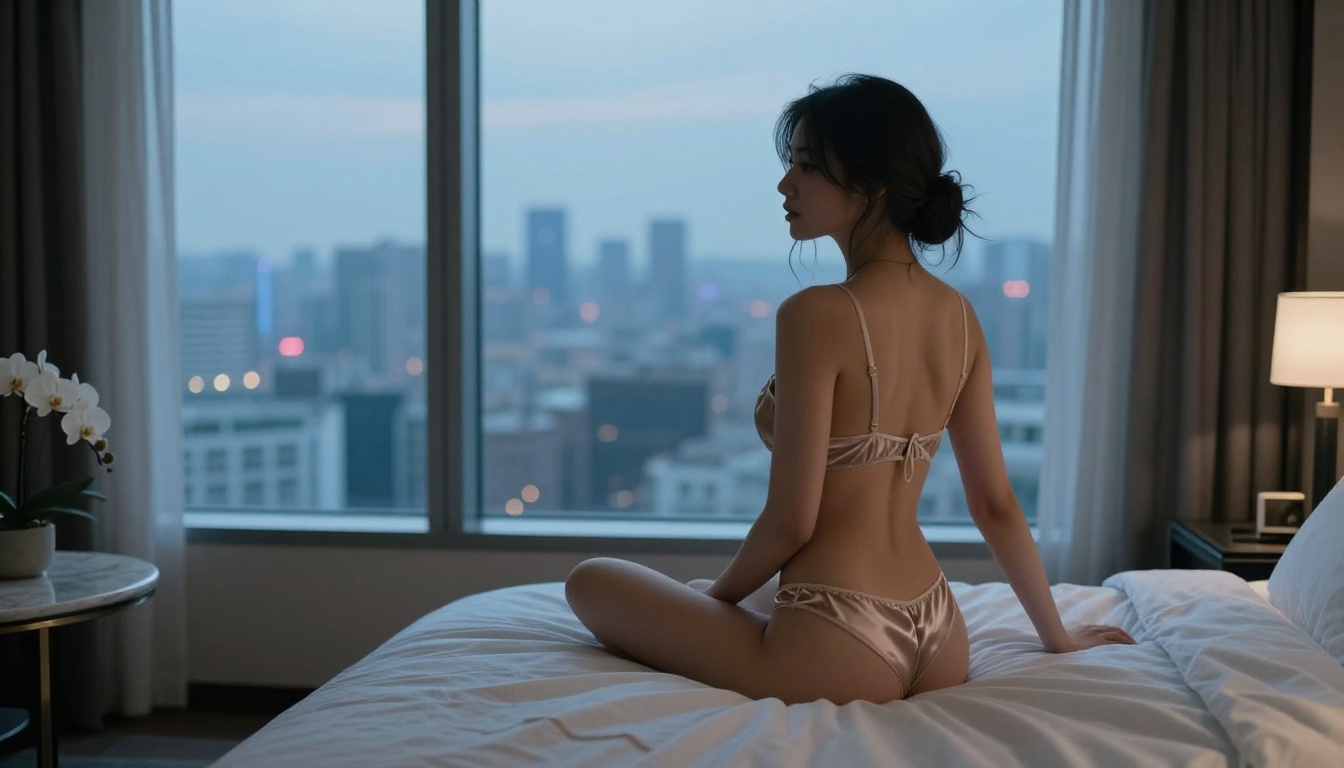
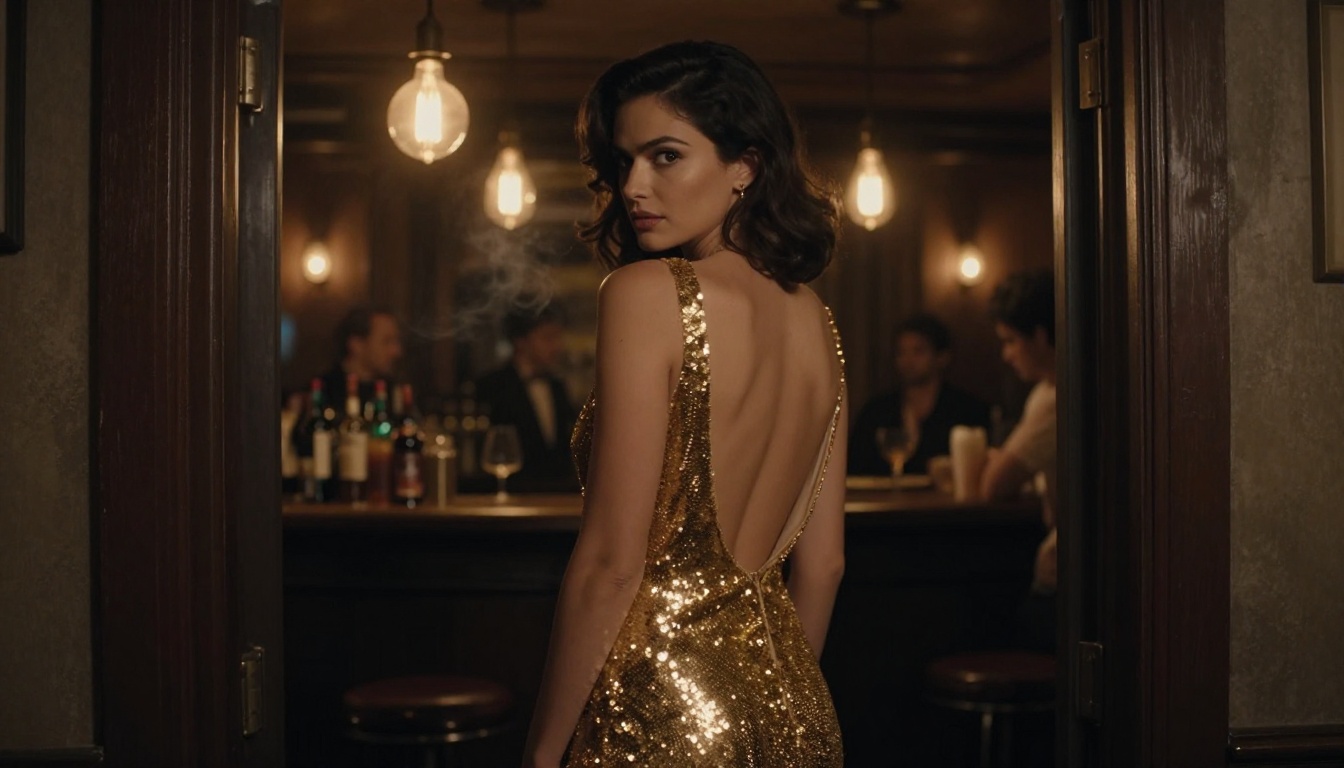
"elegant boudoir pose, back to camera, over-shoulder glance"
"good lighting"
"Rembrandt lighting from upper left, soft fill from right"
Quality Modifiers That Consistently Work
Add these to almost any prompt for better baseline quality:
photorealistic, 8K, RAW photo
cinematic lighting, film grain
sharp focus, shallow depth of field
natural skin texture, pores visible
professional fashion photography
What to Put in Negative Prompts
cartoon, illustration, painting, CGI
low quality, blurry, artifacts
distorted face, bad anatomy, extra fingers
oversaturated, HDR, Instagram filter
glowing eyes, neon, unrealistic lighting
Free vs. Paid: What You Actually Get
Understanding what the free tier actually gives you prevents frustration. Here's a realistic breakdown.
Free Tier Realities
Most platforms offer a meaningful free tier that covers casual use. For someone generating 10 to 20 images per day for personal creative projects, free tiers on quality platforms are often sufficient. The constraints are:
Generation speed: Free tiers typically use shared compute, meaning queue times during peak hours
Model access: Some premium models (like Flux 1.1 Pro Ultra) require paid credits
Resolution: Some platforms limit free users to lower output resolutions
Daily volume: Credit caps that reset daily
When Paid Makes Sense
If you're creating content professionally, distributing it, or need consistent high-volume output, paid tiers are worth it. The quality jump from Flux Schnell to Flux 1.1 Pro Ultra is significant for final publication-ready work. But for exploring, prototyping, and personal projects, free tiers on the right platforms get you very far.
💡 The best strategy: use free tiers for prompt development and iteration, then run your finalized prompts on a paid high-quality model for the finished output.
The Open Source Alternative
Running models locally via Stable Diffusion WebUI or ComfyUI gives you completely unlimited, uncensored generation with no credit system. The barrier is hardware: you need a modern GPU with at least 8GB VRAM for SDXL-class models. But for serious creators, local compute is the true "free" option with no restrictions.
The Quality Progression: 2022 to 2025
It's worth acknowledging how far AI image generation has come. Early tools produced outputs recognizable as AI: smooth, plastic skin, distorted hands, symmetrical faces that looked like blended photographs of no one in particular.
Today's top models, particularly Flux 1.1 Pro and RealVisXL v3.0 Turbo, produce outputs that regularly fool professional photographers. Skin has pores. Hair has individual strand detail. Lighting responds to physical laws. Hands, historically the tell-tale sign of AI generation, are dramatically improved.
The SDXL architecture introduced in 2023 was a watershed moment for quality. Stable Diffusion 3.5 Large and Stable Diffusion 3.5 Large Turbo pushed that further with improved text comprehension and compositional understanding. Then Flux arrived in late 2024 and reset the bar entirely.
For NSFW AI art specifically, this progression matters enormously. The believability of the output is directly tied to its artistic value. An image that looks like AI is interesting. An image that looks like a real photograph is something else entirely.
What You Can Create Right Now
The free NSFW AI tools that actually work in 2027 are more capable than most people realize. The gap between free and paid has narrowed significantly. The gap between AI-generated and photographed has narrowed even further.
Whether you're creating editorial-style glamour portraits, artistic boudoir photography, swimwear lookbooks, or intimate character studies, the tools exist to produce genuinely stunning results without paying for expensive software, hiring photographers, or booking studios.
The only way to know which model fits your specific vision is to try them. Open a model, write a detailed prompt using the photography language from this article, and generate. Adjust. Refine. The results will surprise you.