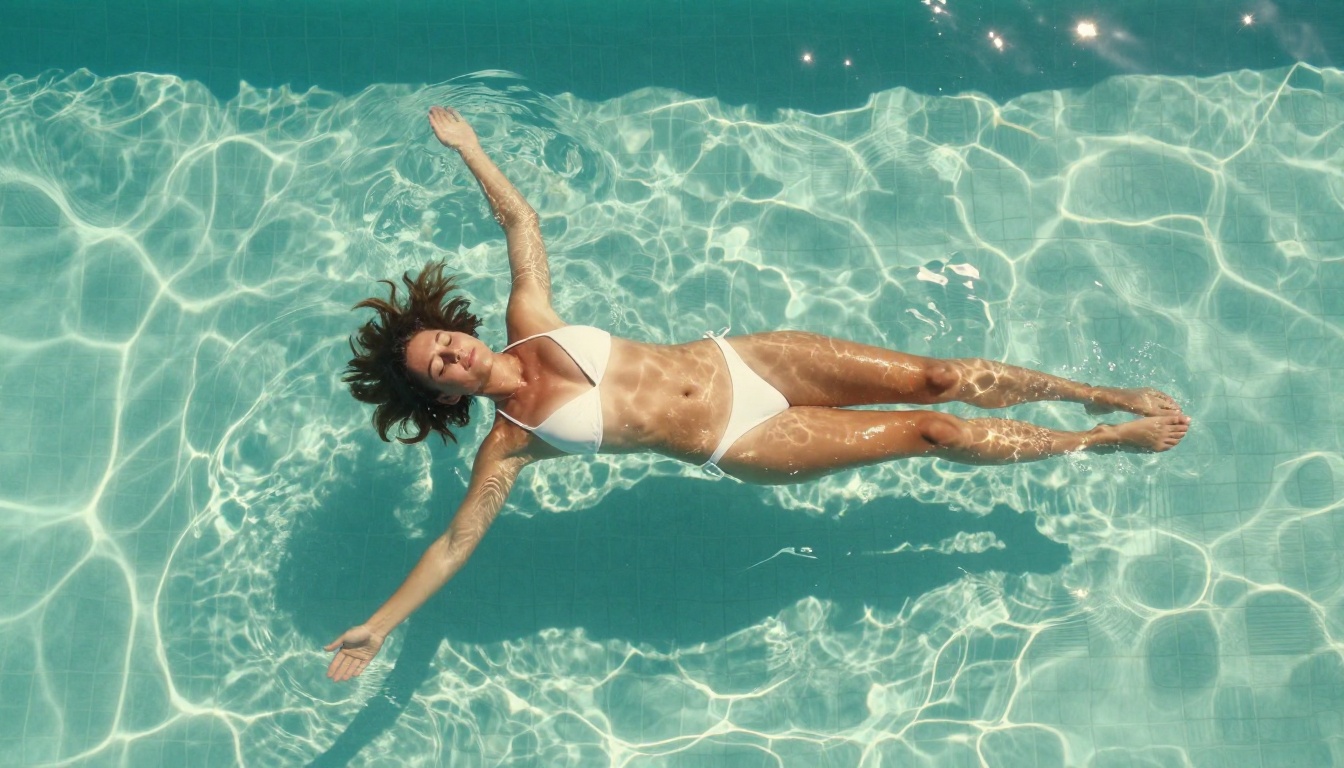
The free NSFW AI video generator market in 2027 is not what most people expect. The barrier to creating high-quality, suggestive adult content with AI has dropped to nearly zero, and the tools available today produce results that would have required a production team three years ago. Whether you want glamorous, artistic, or explicitly suggestive AI video, the platforms and models here deliver real creative power, for free, right in your browser.
Why NSFW AI Video Is Blowing Up in 2027
The Technology Finally Caught Up
For years, the promise of realistic AI video outpaced the actual results. Early models produced flickering faces, warped anatomy, and unnatural motion that immediately broke the illusion. That changed with the new generation of diffusion-based video models that arrived in late 2025. These models were trained on vastly larger datasets with significantly better motion consistency algorithms, and the results speak for themselves.
Kling v3 Video, for example, produces 1080p video with human motion so smooth it is difficult to distinguish from footage shot on a professional camera. The limb coherence alone represents a generational leap over anything available before 2025.
Adult Content Has Always Driven Tech Adoption
This is not controversial. Adult content drove adoption of VHS, DVD, streaming, and now AI generation. The demand for personalized, private, on-demand adult AI video is enormous, and the tools are finally capable of meeting it. Platforms that offer free tiers with generous limits have seen explosive user growth in 2027, and that competition has directly benefited users through better quality and more creative freedom.
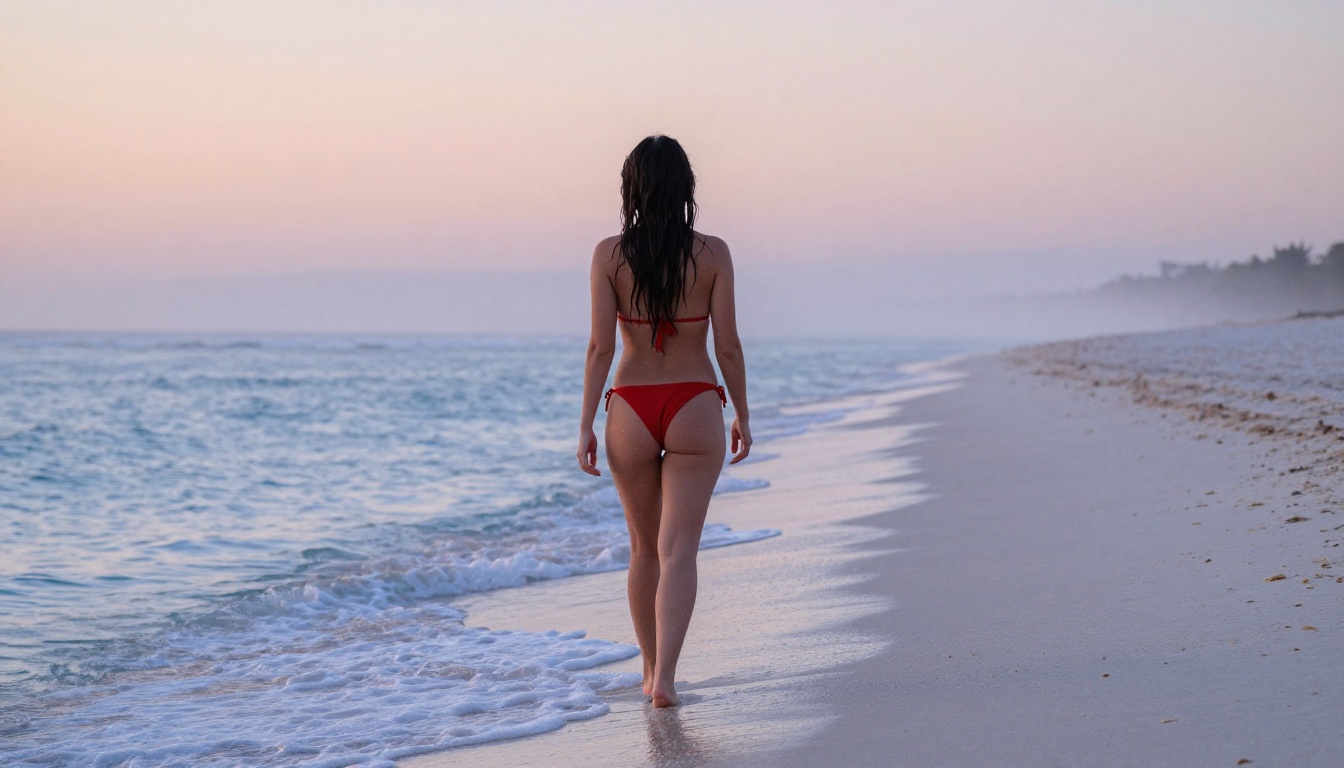
Privacy and Personalization Win Every Time
People are not just looking for video. They want specific content that matches their personal aesthetic, specific body types, specific scenarios, and specific styles that no pre-existing video library can provide. Free NSFW AI video generators make this possible at zero cost, with results customized entirely by your text prompt.
Text-to-Video: From Words to Motion
The dominant approach in 2027 is text-to-video generation, where you describe a scene in natural language and the model synthesizes it from scratch. The best models like Seedance 2.0 and Kling v3 Omni Video can interpret complex scene descriptions including lighting conditions, camera angles, subject clothing, ambient environment, and motion types.
What makes 2027 models different from earlier generations is temporal consistency. The subject in frame 1 looks identical to the subject in frame 300. Hair, skin, and clothing behave according to physics rather than guesswork.
Image-to-Video: Animate What You Already Have
The second major workflow is image-to-video, where you upload a static image and the model animates it. This is particularly powerful for NSFW use cases because you can generate a specific image using a text-to-image model, get exactly the look you want, and then bring it to life.
WAN 2.6 I2V and Hailuo 2.3 Fast are among the strongest image-to-video options available with free tiers in 2026. Both handle subtle motion particularly well: the gentle movement of hair, the rise and fall of breathing, fabric shifting in a breeze.
💡 Pro tip: Generate your base image first with a high-quality text-to-image model, refine it until it's exactly right, then animate it. This two-step workflow gives you far more control than pure text-to-video for character-specific content.

What "NSFW" Means for These Models
Most public-facing AI video platforms filter explicitly pornographic content. What they allow varies significantly. The sweet spot for most platforms, including the free tiers, covers:
- Glamour and lingerie content: Bikinis, underwear, sheer fabrics, suggestive poses
- Artistic nudity: Implied or partial nudity in artistic or editorial contexts
- Sensual scenarios: Intimate moments, suggestive interactions, adult themes
- Fetish-adjacent aesthetics: High fashion, bodysuit, fetish clothing within artistic framing
Explicitly pornographic content is filtered by most platforms. But for suggestive, adult-oriented, and genuinely attractive content, the free tools in 2027 deliver real results.
The Best Free NSFW AI Video Models Right Now
These are not theoretical rankings. These are the models that actually produce the best results for adult-oriented AI video content in 2027, based on realism, motion quality, prompt adherence, and free tier availability.
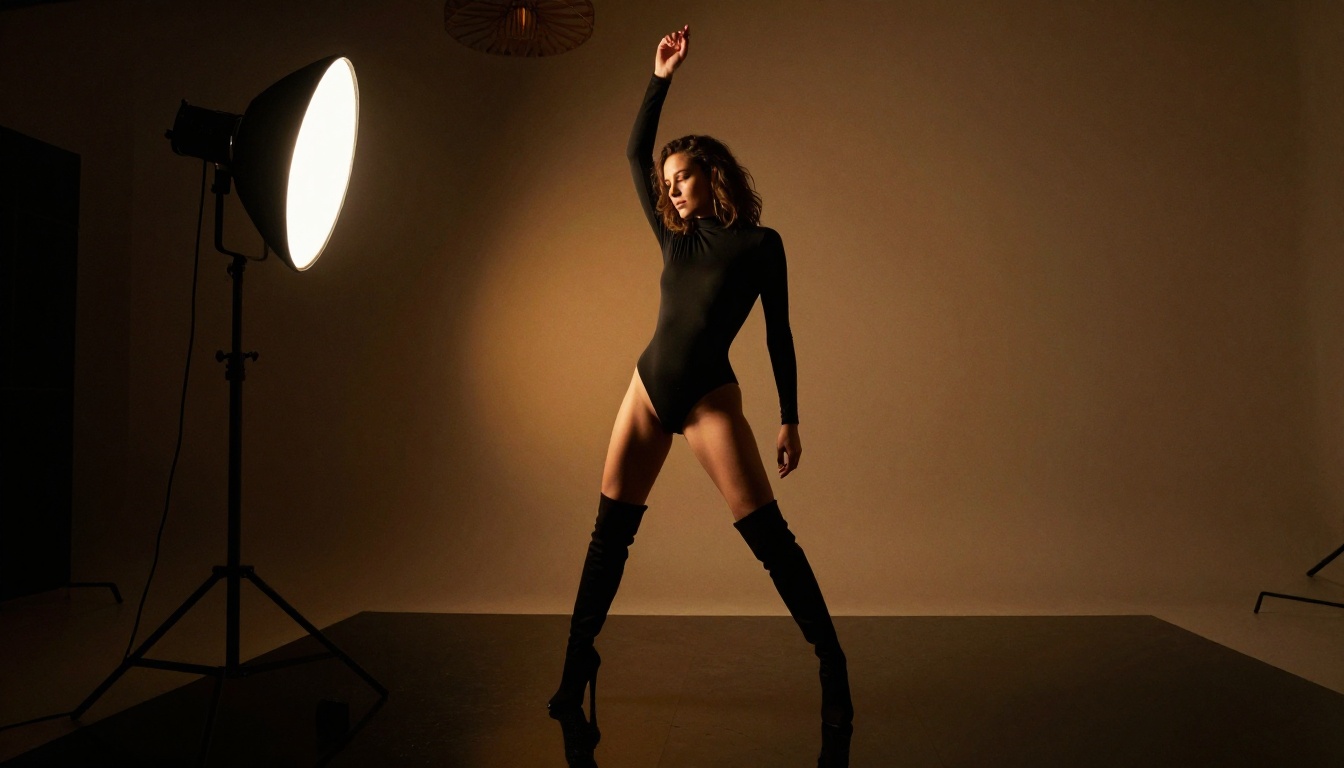
Kling v3: Best for Realism
Kling v3 Video is the benchmark model for photorealistic AI video in 2027. Developed by KwaiVGI, it generates up to 10 seconds of 1080p video with extraordinary skin texture, natural motion, and excellent prompt adherence. For NSFW content specifically, Kling v3 handles human anatomy better than any competing model.
Free tier: Limited daily credits, no watermark on standard resolution.
| Feature | Rating |
|---|
| Realism | ⭐⭐⭐⭐⭐ |
| Motion Quality | ⭐⭐⭐⭐⭐ |
| Prompt Adherence | ⭐⭐⭐⭐ |
| Free Daily Limit | ⭐⭐⭐ |
The Kling v3 Omni Video variant adds audio generation support, meaning you can get ambient sound in your videos on the free tier. For motion control needs, Kling v3 Motion Control lets you transfer specific movement patterns to any character you generate.
Seedance 2.0: Speed Without Sacrifice
Seedance 2.0 from ByteDance combines speed and quality in a way no previous model achieved. Generation times are roughly 40% faster than Kling v3 while maintaining comparable visual quality. For users who want to iterate rapidly through different prompts and scenarios, Seedance is the practical choice.
Seedance 2.0 Fast cuts generation time even further, though with a small quality trade-off. For quick concept testing before committing to a full generation, it is perfect.
💡 Tip: Use Seedance 2.0 Fast for prompt iteration, then switch to the full Seedance 2.0 for your final output. This approach maximizes your free credits.
Hailuo 2.3: Smoothest Motion
Hailuo 2.3 from MiniMax has the most fluid motion of any model on this list. Where other models occasionally produce subtle jitter or unnatural acceleration, Hailuo 2.3 moves with a smoothness that feels genuinely cinematic. For content involving slow, deliberate movement such as a subject walking, turning, or subtle dance motion, Hailuo consistently outperforms.
Hailuo 2.3 Fast is the image-to-video variant, and it is particularly strong at animating close-up portrait images with natural breathing and eye movement.
PixVerse v5.6: Creative Freedom
PixVerse v5.6 has the most permissive content interpretation of the mainstream models, making it popular for NSFW AI video specifically. Its handling of suggestive scenarios is more literal than competing models, which tend to soften prompts automatically.
PixVerse v5 remains available as a slightly older but equally capable option with a more generous free tier for high-volume generation.
WAN 2.6: Open-Source Power
WAN 2.6 T2V is the best open-weights model available for text-to-video in 2027. Because it is open-source, it runs on platforms that apply fewer content restrictions. The visual quality at its best rivals proprietary models, though consistency requires more careful prompt crafting.
For image-to-video, WAN 2.6 I2V delivers strong results with excellent motion for animated character content.
How to Use Kling v3 on PicassoIA
PicassoIA gives you access to all the models listed above without managing API keys, local installations, or complicated setups. Here is exactly how to generate your first NSFW AI video using Kling v3 Video.
Step 1: Go to the Model Page
Navigate directly to Kling v3 Video on PicassoIA. No account is required for the free tier, but creating a free account preserves your generation history and credit balance.
Step 2: Write a Detailed Prompt
Prompt quality is the single biggest variable in your output. Vague prompts produce generic results. Specific prompts produce exactly what you envision.
Weak prompt: "Beautiful woman on a beach"
Strong prompt: "A tall brunette woman in a white string bikini standing waist-deep in the ocean at golden hour, water up to her hips, long hair blowing in the sea breeze, looking over her shoulder at the camera, soft warm backlight from the setting sun creating a halo effect, slow-motion style, cinematic, photorealistic"
Include in every prompt:
- Subject description: Hair color, body type, skin tone, clothing specifics
- Environment: Location, lighting conditions, time of day
- Camera: Angle (low, high, close-up), movement (slow pan, static, push-in)
- Mood: Tempo, energy level, emotional tone
- Style: "cinematic," "slow motion," "photorealistic"
Step 3: Set Duration and Resolution
The free tier on PicassoIA supports videos up to 5 seconds at standard resolution. For most content, 5 seconds is enough to capture a compelling moment. If you need longer clips, use the credit system or stitch multiple outputs together.
Step 4: Generate and Iterate
Your first generation is rarely your best. Use it to evaluate whether the model interpreted your prompt correctly, then refine specific elements. Change one variable at a time so you know exactly what improved the output.
💡 Common fix: If anatomy looks off, add "perfect anatomy, correct proportions, realistic limbs" to your prompt. If motion is too fast, add "slow motion, smooth movement, cinematic pace."
What Separates Good Results from Mediocre Ones
Prompt Structure Is Everything
The difference between a disappointing generation and a stunning one almost always comes down to the prompt. The best results come from prompts that describe the scene like a film director briefing a cinematographer: subject, setting, lighting, camera position, motion, and mood.
Think in terms of:
- What is the subject doing (not just what they look like)
- Where is the camera positioned relative to the subject
- What is the lighting source and where does it come from
- What atmosphere you want to evoke
Negative Prompts Work
Most platforms support negative prompts, text describing what you do not want in the output. For NSFW content, common negatives include:
blurry, distorted, low qualitydeformed hands, extra fingers, bad anatomywatermark, text overlayartificial lighting, studio backdrop (when you want naturalistic output)
Match the Model to the Content Type
Not all models excel at the same things. Use Hailuo 2.3 for slow, intimate motion. Use Kling v3 for photorealistic facial detail. Use WAN 2.6 when you want maximum creative latitude on an open-source platform.
Free vs. Paid: The Real Difference
The free tiers in 2026 are genuinely good. But it is worth knowing where upgrades actually matter.
| What You Get | Free | Paid |
|---|
| Resolution | Up to 720p | Up to 4K |
| Duration | 3-5 seconds | Up to 60 seconds |
| Daily credits | 5-15 per day | Unlimited or large pool |
| Watermarks | Usually none | Never |
| Queue priority | Standard | Priority |
| Model access | Most models | All models |
For casual use and experimentation, free tiers are more than sufficient. If you are producing content regularly or at scale, a paid plan on PicassoIA gives you access to the full catalog including LTX-2.3 Pro, Veo 3, and P-Video without worrying about daily limits.
LTX-2 Distilled is specifically positioned as a free AI text-to-video generator and is a strong entry point if you want to start with zero commitment.
Privacy and Safety: What to Know First
What to know before you start:
- Most platforms store your generations temporarily on their servers
- Read the terms of service for any platform you use for private content
- Do not use real people's likenesses without their consent
- Never attempt to generate content involving minors under any circumstances
💡 Recommendation: For maximum privacy with adult AI content, use platforms that clearly state they do not retain user-generated content beyond a short window. Review PicassoIA's privacy policy before generating sensitive content.
The legal landscape around AI-generated adult content is actively evolving in 2027, with several jurisdictions introducing new regulations. Stay informed about the rules in your specific location before publishing or distributing AI-generated NSFW content.
Content you can create freely:
- Glamour photography style content
- Artistic and suggestive scenarios
- Fashion and lingerie-themed video
- Sensual but non-pornographic scenes
What most platforms filter regardless of free or paid tier:
- Explicit pornographic content
- Content depicting real public figures in NSFW contexts
- Any content involving minors
Start Creating Your Own AI Videos Today
If you have read this far and have not yet tried one of these tools, there is no better time to start. The learning curve is shallower than you think, the results are better than you are probably imagining, and the free tiers mean you can experiment without spending anything.
Start with LTX-2 Distilled for your first test run since it is explicitly free and requires no account setup. Once you have a solid feel for how prompt structure affects output quality, move to Kling v3 Video or Seedance 2.0 Fast for higher-quality outputs.
The image-to-video workflow on WAN 2.6 I2V is particularly satisfying for adult content creators because it gives you precise control over the visual starting point before adding motion. Generate your ideal image first, perfect every detail, then animate it with a motion prompt.
PicassoIA collects all these models in one place, with no API configuration required, no local GPU needed, and a free tier that lets you test every model before committing to anything. The breadth of the catalog, from text-to-video to image-to-video to motion control, means you can build an entire personal creative workflow within a single platform.
Your first prompt is one sentence away. Write it with intention, pick a model that matches your goal, and generate. Adjust based on what you see. Refine. The best AI video creators are simply people who iterated more than everyone else, and with free credits refreshing daily, there is nothing stopping you from doing exactly that.