The gap between premium AI video tools and what is actually accessible to most creators has always been frustrating. Platforms charge $50 to $200 monthly for serious video generation, locking NSFW creators out of the best models entirely. Seedance 2.0 changed that equation. ByteDance's flagship video generation model produces cinematic quality output with native audio, 5-second clips in HD, and motion coherence that used to require enterprise pricing. The best part: you can run it right now, completely free, through PicassoIA.

What Seedance 2.0 Actually Does
Seedance 2.0 is not another incremental update to an existing text-to-video pipeline. ByteDance rebuilt the motion synthesis architecture from the ground up, focusing on three things that previous models consistently failed at: temporal consistency, subject preservation across frames, and natural audio integration.
Most text-to-video models struggle to keep a subject looking the same from frame to frame. Faces morph, fabric patterns flicker, and backgrounds shift in ways that immediately read as artificial. Seedance 2.0 addresses this through a dual-stream attention mechanism that maintains semantic consistency across the entire clip duration.
The Physics Engine Behind the Realism
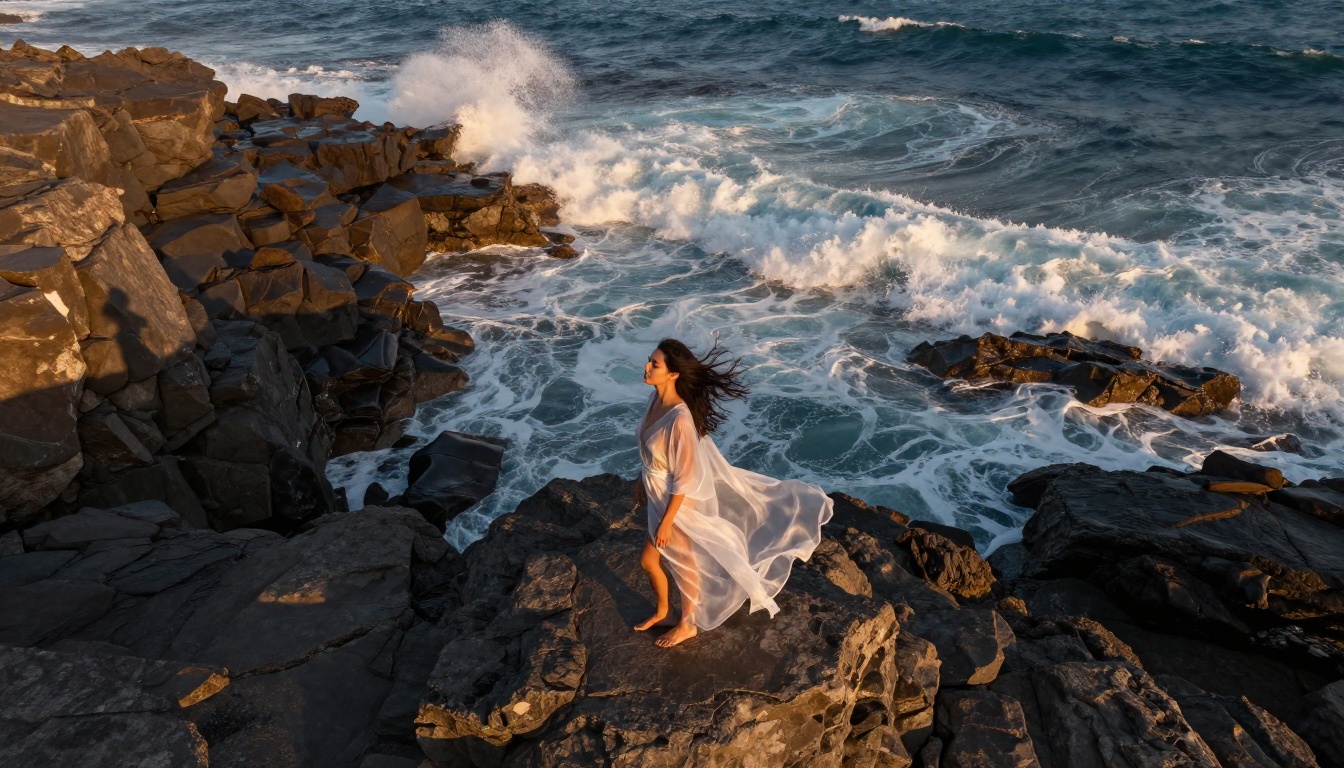
What separates Seedance 2.0 from models like WAN 2.5 I2V or PixVerse v4 is its physics-aware motion synthesis. When a body moves, fabric follows. Water ripples react to objects entering them. Hair flows with wind direction. These behaviors were previously only achievable through post-processing or highly constrained prompts. Seedance 2.0 handles them natively.
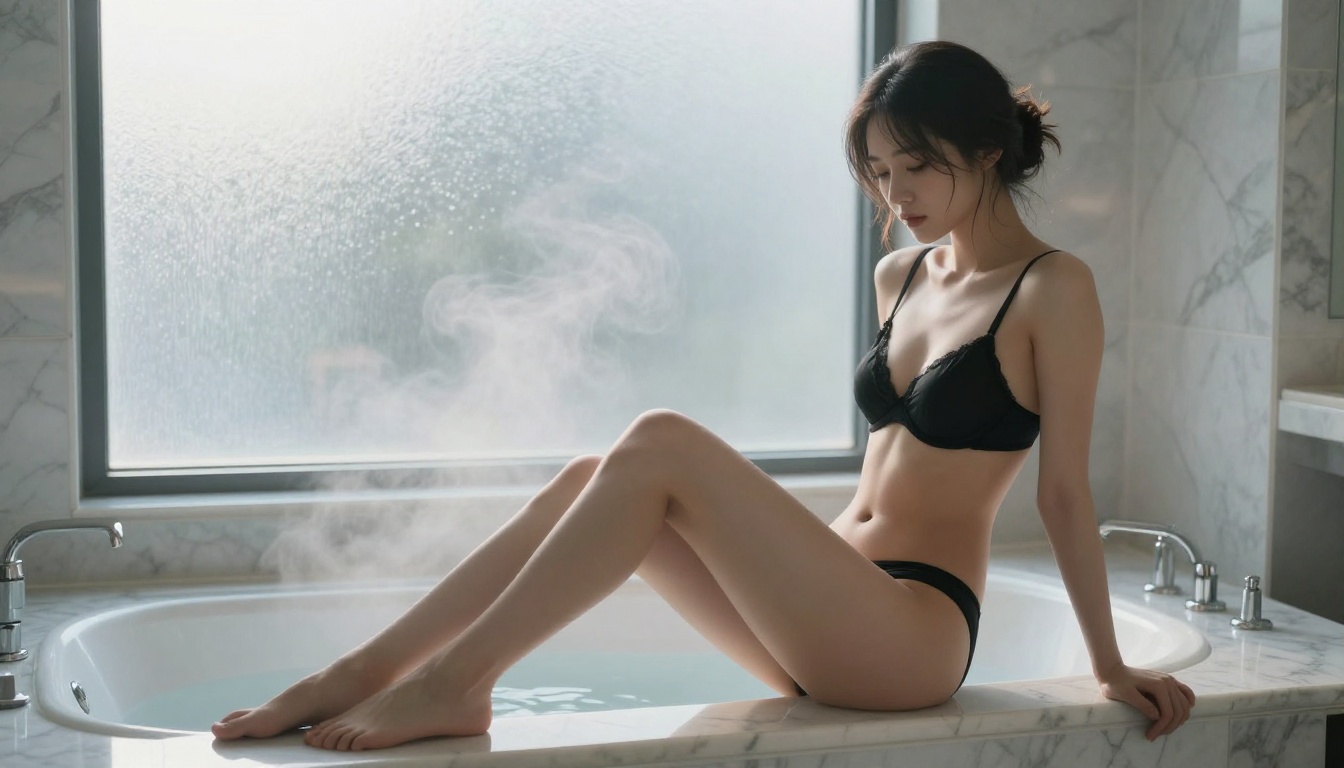
For NSFW content specifically, this matters enormously. The model renders skin texture, natural lighting on bodies, and subtle movement (breathing, hair shifting, fabric drape) with a realism that earlier models could not approach. The result is video content that does not immediately look generated.
Native Audio Integration
One of Seedance 2.0's most underrated features is its native audio synthesis. Unlike models that generate silent video requiring separate audio tracks, Seedance 2.0 synthesizes ambient sound as part of the generation process. Ocean waves, room ambience, fabric rustling, rainfall: these audio elements are generated in sync with the visual content.
For adult content creators, this means a full package. A beach scene generates with wave sounds. An indoor scene generates with the acoustic properties of the space. No additional audio editing required.
Why Free Access Matters for NSFW Creators

The NSFW creator economy is massive but chronically underserved by AI tools. The platforms that do allow adult content either charge premium rates or impose heavy restrictions on output quality and resolution. Free tiers almost universally exclude NSFW use entirely.
PicassoIA operates differently. The platform provides free access to Seedance 2.0 without requiring a subscription for basic generation. Creators can test prompts, iterate on results, and produce quality content without committing to monthly fees.
The Credit System Explained
Free usage on PicassoIA operates on a credit model. Each generation consumes credits based on clip length, resolution, and model complexity. Seedance 2.0 costs more credits than lighter models like LTX-2.3-Fast, but the quality justification is clear. Free accounts receive daily credit replenishment, making consistent creation possible without payment.
💡 Tip: Run your prompt on Seedance 2.0 Fast first to validate composition and motion before spending more credits on the full Seedance 2.0 model. The fast variant uses the same architecture at reduced resolution, giving you an accurate preview at lower cost.
No Watermarks on Output
A critical point for professional creators: PicassoIA does not watermark generated content. The video files you download are clean, publication-ready output. This distinguishes it from several competing platforms that brand every frame with their logo, making the content unusable for monetization.
How to Use Seedance 2.0 on PicassoIA

The workflow is straightforward, but knowing the right parameters makes a significant difference in output quality. Here is the exact process:
Step 1: Access the Model
Navigate to Seedance 2.0 on PicassoIA. You land directly on the generation interface. No separate account setup required for your first generation: sign in with Google or create a free account in under a minute.
Step 2: Choose Your Mode
Seedance 2.0 supports both generation modes. Text-to-Video generates from a prompt alone. Image-to-Video takes a reference image and animates it, which is particularly useful for NSFW content since you can control character appearance precisely by starting from a generated image.
For image-to-video workflows, first generate your character with a text-to-image model, then feed that image into Seedance 2.0 for animation.
Step 3: Write an Effective Prompt
Prompt structure is the single biggest factor in output quality. Seedance 2.0 responds well to this format:
[Subject and appearance] + [Scene and environment] + [Action and motion] + [Lighting conditions] + [Camera movement]
Example: "A beautiful woman with long dark hair in a white bikini walking slowly along a white sand beach at sunset, waves washing gently over her feet, golden backlight, slow camera pan following her movement"
💡 Critical: Always specify camera movement. Seedance 2.0 handles camera motion natively. "Static shot", "slow dolly in", "orbit", and "handheld" all produce meaningfully different results.
Step 4: Set Duration and Resolution
Seedance 2.0 offers 5-second and 10-second clip options at 720p and 1080p. For initial testing, use 5 seconds at 720p. For final content, 10 seconds at 1080p delivers the cinematic quality the model is known for.
Step 5: Generate and Iterate
First generations rarely hit exactly what you want. Adjust the prompt based on what went wrong, not what went right. If motion is too fast, add "slow motion, deliberate movement". If the lighting is off, specify the exact light source and direction. Seedance 2.0 is highly responsive to lighting descriptions.
Top Models for NSFW Video on PicassoIA

While Seedance 2.0 is the flagship option, PicassoIA hosts several other models worth knowing for NSFW video generation. Each has a specific use case where it outperforms the others.
When to Use Kling v3
Kling v3 Video excels specifically at maintaining character identity across multiple clips. If you are producing a series of videos featuring the same character, Kling v3 with a reference image produces more consistent results than Seedance 2.0. For one-off cinematic quality, Seedance 2.0 wins. For serialized content, Kling v3 is the better choice.
WAN 2.6 for High-Volume Production
WAN 2.6 T2V is the open-source champion. It consumes fewer credits than Seedance 2.0 while delivering output that would have been considered premium quality just 18 months ago. For high-volume production where you need many clips, WAN 2.6 lets you stretch your free credits significantly further.
Prompt Writing That Actually Works

Bad prompts are the most common reason quality generations fail. These patterns separate output that looks AI-generated from output that reads as real video footage.
Build the Scene Before the Action
Most people describe what they want to happen. The better approach is to describe the world first, then the action within it.
Weak: "Woman dancing on a beach"
Strong: "A sun-warmed white sand beach at golden hour, shallow crystal water reflecting the sky, a woman in a red swimsuit swaying slowly with the breeze, her hair lifting, camera at knee height looking along the shoreline"
The second prompt gives the model an environment to place the subject into. The motion (swaying, hair lifting) feels grounded in a physical space rather than floating in a generated void.
Motion Vocabulary That Seedance 2.0 Understands
These motion descriptors produce consistently strong results:
- "breathing naturally" for subtle chest and shoulder movement
- "slow pan across" for smooth lateral camera movement
- "soft sway" for relaxed body motion in standing poses
- "fabric moves with breeze" for clothing physics that look real
- "hair lifts gently" for natural hair dynamics
- "water flows around her ankles" for convincing liquid interaction
Three Mistakes That Kill Quality
1. Overloading the prompt. Seedance 2.0 has a practical limit on how many instructions it can simultaneously execute well. Prompts longer than 100 words often produce confused output. Pick your three most important elements and describe them with precision.
2. Skipping the camera instruction. Without a specified camera movement, the model defaults to a static shot. This is sometimes fine, but specifying "slow zoom in", "orbit around subject", or "handheld close-up" dramatically increases the cinematic quality of the result.
3. Using generic descriptors. "Beautiful woman" tells the model almost nothing. "Tall woman with auburn hair and sun-kissed skin wearing a white linen dress" gives the model specific visual anchors. Specificity always improves output quality.
Quality at Every Stage
Seedance 2.0 produces the video clip, but a polished final product often benefits from additional processing. PicassoIA has the full pipeline available.
Upscale with Super Resolution
If you generate at 720p for credit efficiency, use PicassoIA's super resolution models to upscale the output to 4K before publishing. The upscaling models on the platform are specifically trained to preserve fine detail in human subjects, which matters significantly for NSFW content where skin texture and detail are part of the quality expectation.
Add Lipsync for Talking Characters
For video content where a character speaks, PicassoIA's lipsync models allow you to sync dialogue audio to any character face in your generated video. Generate the visual with Seedance 2.0, produce or synthesize the audio, then apply lipsync as a separate step. The result is a fully realized talking character video without any live production work.
Audio Generation for Final Polish
PicassoIA's text-to-speech models let you generate voice narration or character dialogue that matches your video content precisely. Combine this with Seedance 2.0's native ambient audio for a full audio-visual package that requires no external tools at any stage.
How Seedance 2.0 Compares on Raw Specs
Understanding what you are actually getting from each model helps you make smarter choices with your free credits:
| Feature | Seedance 2.0 | Kling v3 | WAN 2.6 |
|---|
| Max Duration | 10 seconds | 10 seconds | 5 seconds |
| Max Resolution | 1080p | 1080p | 720p |
| Native Audio | Yes | No | No |
| Physics Simulation | Strong | Moderate | Basic |
| Character Consistency | High | Very High | Moderate |
| Credit Cost | High | High | Medium |
| NSFW Support | Yes | Yes | Yes |
Seedance 2.0 wins on output quality, physics realism, and audio. Kling v3 wins on character consistency across clips. WAN 2.6 wins on credit efficiency. The right choice depends entirely on your specific production needs.
Multi-Clip Production Workflows

Single clips are a starting point. Professional content production means stringing together multiple clips into a cohesive scene. Here is how experienced creators approach this on PicassoIA:
Consistent character across clips: Generate a reference image first using a text-to-image model. Use that exact image as the input for every clip you generate. This gives you visual continuity across your entire video sequence.
Environment consistency: Include a short, identical environment description in every prompt that describes the same space. Seedance 2.0 maintains environmental coherence well when prompted consistently from clip to clip.
Motion continuity: End each clip description with an exit motion ("she turns toward the window") and begin the next with a matching entry motion ("she faces the window, light on her profile"). This creates the illusion of continuous action when clips are edited together.
Wan 2.2 Animate Replace is also worth exploring for multi-clip workflows. It allows you to swap characters in existing video while preserving the original scene and motion, useful for creating character variations without re-prompting entire scenes from scratch.
💡 Production tip: LTX-2.3-Pro supports audio-to-video generation, letting you animate a still image to match a specific audio track. Pair this with a Seedance 2.0 clip for mixed-format productions.
Start Creating Right Now
The barrier to creating high-quality NSFW AI video has dropped to almost nothing. Seedance 2.0 on PicassoIA gives you cinematic-grade video generation with native audio, physics-aware motion, and 1080p output without requiring a paid subscription to get started.
The real investment is time spent learning which prompts work. Every creator on the platform started where you are now, with a vague idea and a blank prompt field. The models respond to specificity, deliberate composition, and iterative refinement. A prompt that took 10 minutes to write will consistently outperform one written in 30 seconds.
Open Seedance 2.0, pick a scene you want to create, and describe the environment before you describe the action. Your first result will show you exactly what to adjust for the second. Within a few generations, you will have content that would have cost hundreds of dollars to produce through other platforms just two years ago.
The quality ceiling for free AI video generation is higher than it has ever been. The platform is there. The model is there. Start generating.


