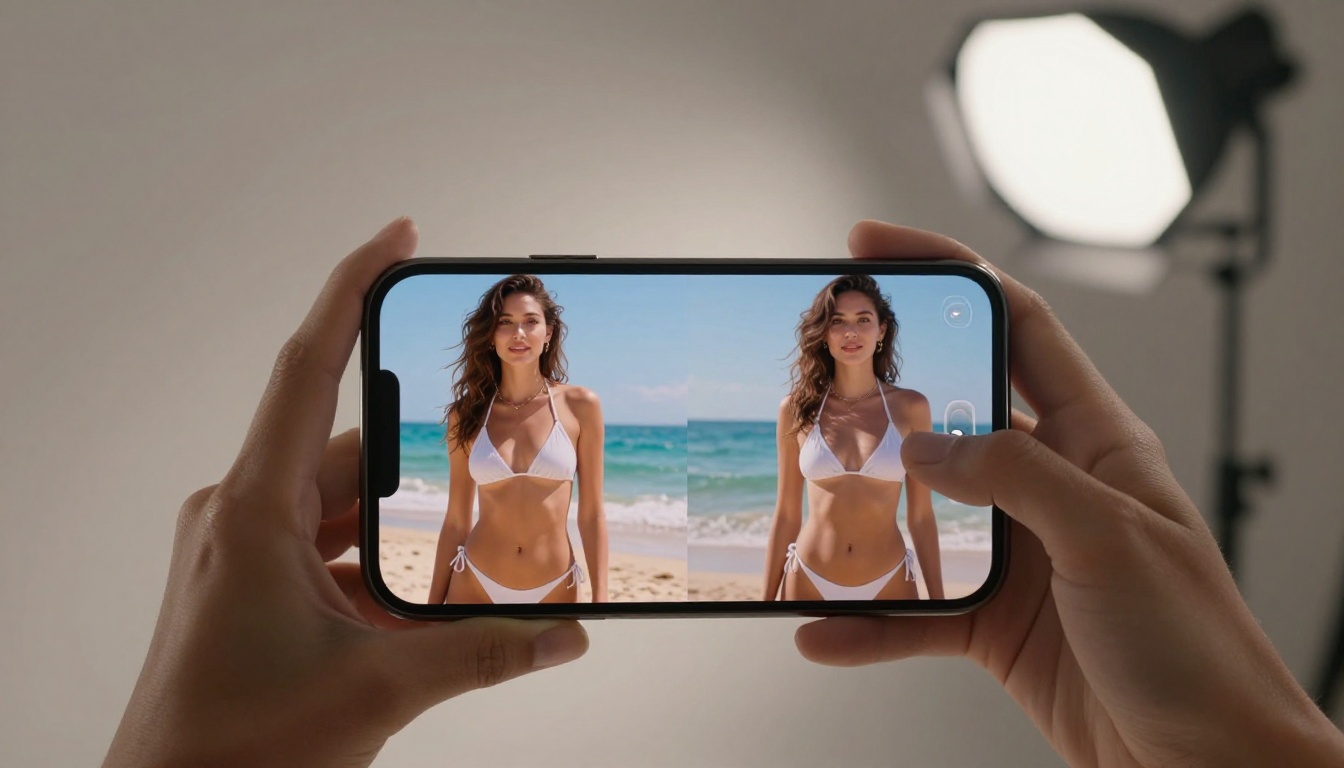
Kling v3 Omni Video delivers free, uncensored 1080p AI video generation with less filtering than any major platform. This article breaks down how the model works, why it handles NSFW content better than alternatives, and how to build a complete image-to-video pipeline on PicassoIA at zero cost.
Something shifted when Kling v3 Omni Video dropped. Other AI video models capped at 720p or locked adult content behind walls of automated rejections. Kling v3 Omni does neither. It outputs native 1080p, handles suggestive and NSFW prompts with substantially less friction than almost any competing model, and runs completely free on PicassoIA. If you have been burning through credits on platforms that reject your prompts before generation even starts, this is the article you needed.
What Kling v3 Omni Video Actually Does
Most text-to-video models promise cinematic quality and deliver a stuttering slideshow. Kling v3 Omni is different, not because of marketing language, but because of architecture decisions that produce visible results in every generated clip.
1080p Output with Real Motion Fidelity
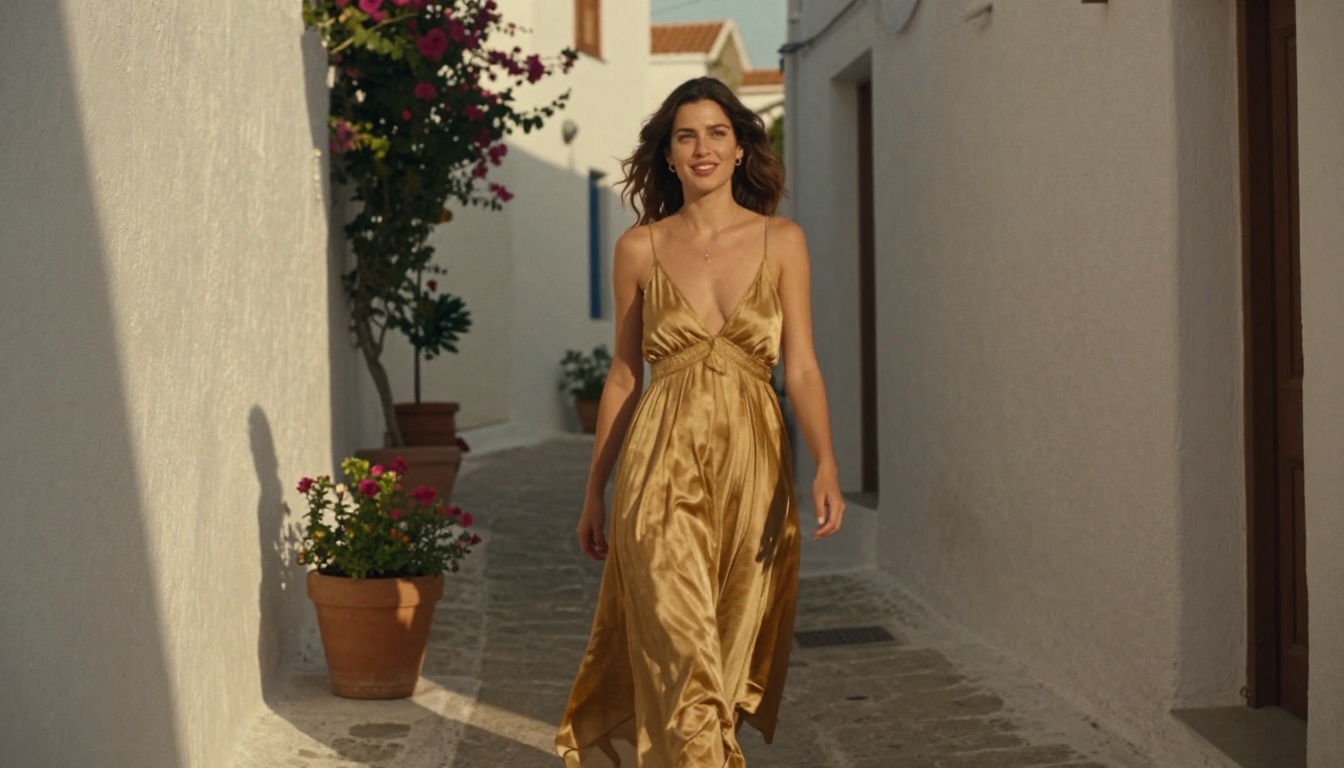
The "Omni" label refers to a unified architecture that handles both text-to-video and image-to-video generation from a single backbone model. Because Kwaivgi trained this version on a broader and more varied distribution of motion data, the model produces movement that holds up under scrutiny. Clothing has weight and natural sway. Hair catches light and moves in the expected direction. Camera movements, when prompted correctly, feel intentional rather than accidental. At 1080p native output, individual frames hold detail that 720p models simply cannot approach.
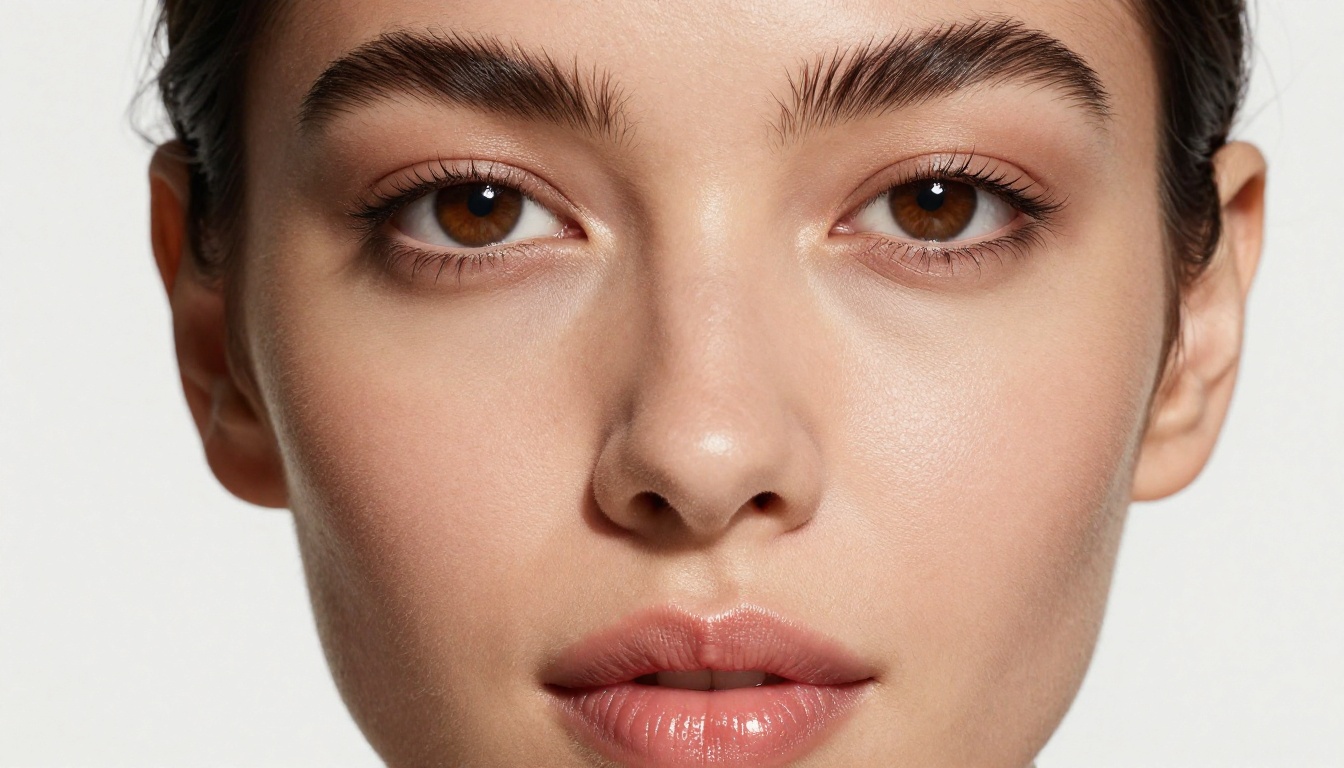
Compare this directly to Kling v2.6, itself a strong model, or Kling v2.1 Master, and you see a measurable progression: v3 Omni adds tighter temporal consistency across frames, better skin texture rendering in close-up shots, and substantially less of the "plastic face" artifact that plagued earlier versions of the Kling family.
How the Omni Architecture Differs from Standard Models
Standard text-to-video models pick a lane. They accept either a text prompt or an image reference, not both in a meaningful, integrated way. Kling v3 Omni accepts both simultaneously within the same generation call, treating the image as a hard constraint on the initial frame and using the text to define motion, camera behavior, and atmosphere.
This matters for three concrete reasons:
Composition control: You lock the subject's position, pose, and visual appearance via the source image. The text prompt only needs to define what moves and how.
Consistency across clips: Use the same source image for every clip in a sequence and every clip starts from the same character baseline, eliminating drift.
Reduced prompt burden: When appearance information lives in the image, the text prompt can focus entirely on motion, which is what actually separates good video from mediocre video.
That flexibility is particularly valuable for NSFW content, where precise control over what a subject looks like and exactly how they move is not optional.
Why This Model Wins for NSFW Content
There are over 80 AI video generators available on PicassoIA alone. Most filter aggressively. Here is why Kling v3 Omni Video keeps pulling creators back to it.
Fewer Hard Refusals, More Nuance
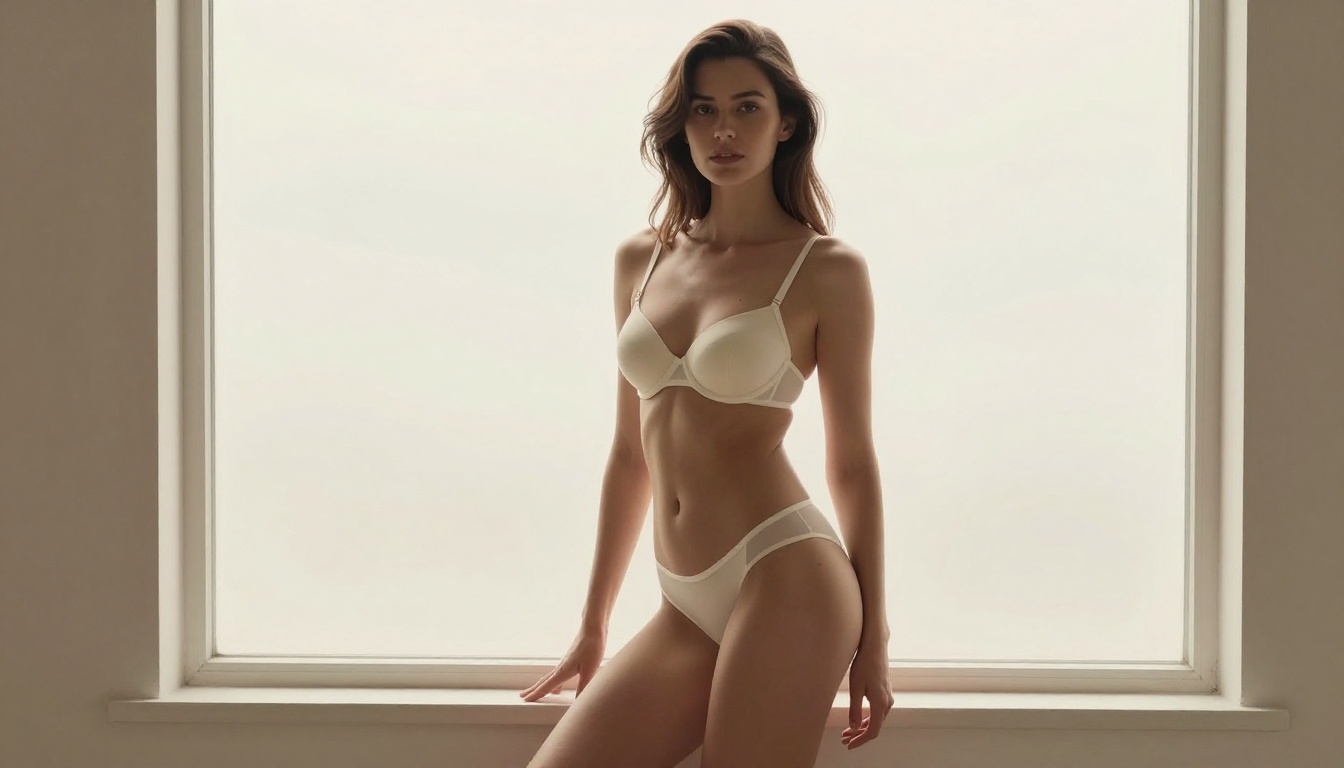
The model draws a clear line between explicit pornographic content and suggestive adult content, and it holds that line consistently. The middle territory where most creators actually operate, glamour photography in motion, bikini and lingerie scenes, artistic nude silhouettes, sensual but non-explicit movement sequences, generates reliably on Kling v3 Omni. Other platforms collapse that distinction entirely, treating any adult-adjacent prompt as a policy violation regardless of artistic intent.
💡 What works: Bikinis, lingerie, tasteful implied nudity, silhouetted forms, sensual motion, glamour styling, artistic body-focused cinematography. What gets blocked: Explicit sexual acts, graphic anatomy, clearly pornographic scenarios.
This distinction is not trivial. The difference between "artistic" and "explicit" in AI video is almost entirely determined by lighting choices, camera distance, and how much revealing information the prompt contains. Kling v3 Omni is sophisticated enough to read those signals accurately and respond to them.
Speed at 1080p Resolution
Generating 1080p video from text takes serious compute. Models that attempt it often run for several minutes per clip or quietly degrade resolution to hit acceptable speeds. Kling v3 Omni keeps generation times competitive, especially through PicassoIA's infrastructure, which is optimized for consistent inference across its entire model library.
Zero Cost on PicassoIA
The model runs free at picassoia.com/en/all-models. No subscription, no credit purchases, no approval process. You open the model page, write a prompt, and generate. That accessibility removes the barrier that used to mean only premium users could access 1080p AI video for adult content creation.
How to Use Kling v3 Omni Video on PicassoIA
The model is live on PicassoIA right now. Here is exactly how to use it, step by step.
Step-by-Step Walkthrough
Step 1: Open the model page.
Navigate to Kling v3 Omni Video on PicassoIA. No account is required to generate a first clip, though saving and downloading requires a free registration.
Step 2: Select your generation mode.
Two modes appear in the interface: text-to-video and image-to-video. For pure prompt-based generation from scratch, use text-to-video. For character-consistent scenes where you already have a reference image, switch to image-to-video and paste or upload the image.
Step 3: Write your prompt using the four-part structure.
Prompts that perform best follow this structure:
[Subject and appearance] + [specific action and motion] + [camera angle and movement] + [lighting source and atmosphere]
This structure gives the model every category of information it needs. Subject defines who. Motion defines what happens. Camera defines how the viewer observes it. Lighting defines emotional quality.
Step 4: Set resolution to 1080p.
This option appears in generation settings. Native 1080p is supported at no additional cost.
Step 5: Add a negative prompt.
Use the negative prompt field with: explicit, graphic, artifacts, distorted face, uncanny, blurry motion, pixelated texture. The first cluster steers content away from explicit, the second steers quality away from artifacts.
Step 6: Generate and iterate.
First attempts often get composition right but miss on motion timing or camera feel. Adjust the camera and motion descriptors before touching the subject description. Changing appearance resets the visual baseline, which wastes momentum when the composition is already working.
Writing Prompts That Actually Work
The most common mistake is spending 80% of the prompt describing appearance and 20% describing motion. Video is motion. The model needs motion information first.
Element
Weak Version
Strong Version
Motion
"woman at the pool"
"woman slowly rising from a lounge chair, stretching arms upward, weight shifting to her heels"
Camera
"close-up"
"slow dolly-in from waist height ending at a medium close-up, slight upward tilt"
Lighting
"sunny"
"direct midday sun from above, sharp highlights on shoulders, deep shadow along collarbone"
Atmosphere
"nice vibe"
"heat shimmer in background, loose hair strands floating in a light ocean breeze"
Best NSFW Prompt Strategies
Adult content prompts need a different construction logic than general lifestyle video. Vague descriptors produce vague output. Specificity is the only lever that reliably improves results.
Character and Scene Setup
Define the character fully before defining the action. The model builds its internal representation of the subject from the first few words of your prompt. A weak opening produces a weak baseline that no amount of later detail can fully fix.
Template:
[Detailed character: hair, outfit, body positioning] in [specific named environment],
[specific motion: what moves, how it moves, over what duration],
[camera: angle, movement type, speed],
[lighting: source direction, quality, color temperature],
[atmosphere: texture, air quality, ambient detail]
Full working example:
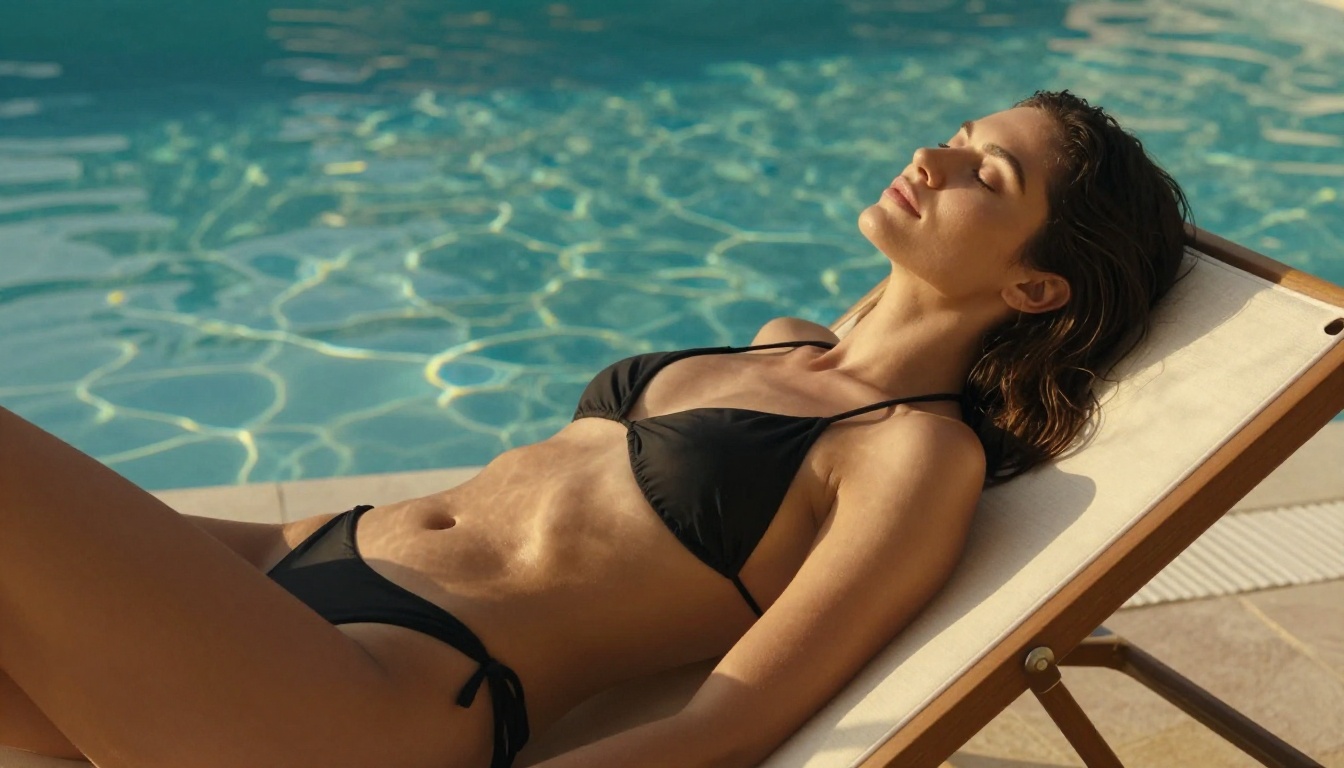
"A woman with long auburn hair in a sheer black cover-up over a matching bikini, standing at the edge of an infinity pool overlooking the Mediterranean, slowly turning to face the camera with a soft, direct gaze, medium shot panning gently from right to left, warm late-afternoon light from the right casting a long golden shadow across the pool deck, heat shimmer in the distant sea, hair lifting slightly in ocean breeze"
Every element is named and specific. The model has no ambiguity to fill with default behavior.
Lighting as a Content Control Mechanism
Lighting is not just an aesthetic choice in NSFW prompting. It is a direct content control tool. The way light falls on a subject determines what the model shows and what it implies.
Hard directional light (sun, side spotlight): Creates defined shadows that imply shape without revealing it
Rim or backlight only: Turns subjects into silhouettes, maximum implication with minimum explicit information
Mixed practical and natural light (window plus warm lamp): Creates depth and cinematic complexity
💡 Phrases like "silhouetted against the window,""shadow falls across the chest," or "backlight creates a halo effect" consistently push results toward artistic and away from explicit. The model responds to light direction language with notable precision.
Negative Prompt Best Practices
Pair every NSFW generation with a structured negative prompt:
The first half keeps content tasteful. The second half keeps quality high. Both matter on every generation.
Comparing Kling v3 Omni to Other Video Models
PicassoIA hosts over 80 video models. These are the direct competitors for NSFW and adult-adjacent content creation.
Kling v3 Omni vs. Seedance 2.5
Seedance 2.5 Lite is free and generates clips up to 10 seconds, making it genuinely useful for longer scene coverage. For standard creative and lifestyle content, it ranks among the best free options on the platform. For NSFW content specifically, it applies stricter filtering than Kling v3 Omni. Prompts that pass cleanly on Omni often fail on Seedance with no clear pattern. Seedance 2.5 Pro improves quality on action scenes but does not relax the filtering.
Winner for NSFW creation: Kling v3 Omni Video.
Kling v3 Omni vs. Wan 2.7
Wan 2.7 I2V is the strongest open-source image-to-video model available. Its anatomy handling and temporal consistency are exceptional. But it is slower at 1080p, carries a cost on PicassoIA, and its NSFW filtering is inconsistent across prompt styles. Debugging that inconsistency costs time and credits.
Winner on price and NSFW reliability: Kling v3 Omni Video.
The cleanest path to high-quality NSFW video does not start with a text prompt. It starts with a still image.
Why Images First Produces Better Results
When you generate a reference image before generating video, you lock three things that text-to-video cannot guarantee on its own:
Exact appearance: The subject looks exactly the way you decided, not the model's interpretation of your words
Precise composition: Subject positioning, framing, and spatial relationships are fixed before motion is added
Lighting baseline: The light quality is baked into the source frame, and the video model works to maintain it throughout the clip
Kling v3 Omni Video in image-to-video mode accepts your source image as the literal first frame. Everything that follows is motion applied to that visual baseline.
The Two-Step Pipeline
Step 1: Generate your base image.
Use Seedream 5 Pro for still image generation. It produces 2K images with strong anatomy, clean faces, and rich texture detail, making it well suited as a source for animation. Write a detailed still-image prompt with exact outfit, pose, environment, and lighting described. Generate and review. When satisfied, copy the image URL.
Step 2: Animate it with Kling v3 Omni.
Open Kling v3 Omni Video, switch to image-to-video mode, paste the image URL, and write a motion-only prompt describing what moves and how the camera moves. Set resolution to 1080p. Generate.
💡 For multi-clip sequences, reuse the same source image for all clips and vary only the motion descriptor. This creates a consistent character across an entire sequence without any prompt drift between clips.
Resolution and Duration
Kling v3 Omni runs at 5 seconds per clip at 24fps. For longer content, generate multiple clips with matching motion prompts and join them in any standard video editor. The 1080p output holds up on every major social platform and content delivery format.
For pure speed while iterating, Kling v2.5 Turbo Pro generates faster with slightly reduced quality. Use it to test five different motion approaches quickly, then move the winning concept into a full Kling v3 Omni run for the final clip.
Other Kling v3 Models Worth Knowing
Kwaivgi's v3 generation covers more than just Omni.
Kling v3 Video is the cinematic variant in the v3 family, optimized for wide motion and dramatic scene work. For landscape shots, action-forward sequences, and narrative scenes with strong camera movement, this model handles them best.
Kling v3 Motion Control adds explicit camera path control, letting you define pan direction, zoom speed, and tilt angle independently from the subject's movement. For creators who need precise cinematography in their NSFW content, this turns vague camera direction prompts into controllable parameters with consistent output.
The practical applications of free 1080p NSFW video generation are broader than most assume.
Adult content creators use Kling v3 Omni to produce preview clips and teaser content for subscription platforms without exposing explicit material. Suggestive, tasteful, and high-production-value previews consistently drive higher conversion than static images.
Digital artists animate their AI-generated portraits and paintings. The image-to-video mode turns a static still into a living scene in under a minute, at no cost.
Social media creators in adult-adjacent niches including fitness, fashion, and lifestyle use the model to produce high-quality video content that outperforms phone footage in production value, without any budget.
Narrative and story creators build character animation references, cinematic scene mockups, and storyboard visualizations using the v3 family's motion control capabilities.
Start Generating Now
Free 1080p NSFW AI video is not a future capability. It exists today on PicassoIA through Kling v3 Omni Video. The barrier is not cost or access. It is learning the prompt structure that produces consistent results.
The four-part prompt structure, subject, motion, camera, lighting, handles 90% of what separates a compelling clip from a failed one. The image-first workflow using Seedream 5 Pro handles the other 10%.
A complete production stack at zero cost:
Base image generation:Seedream 5 Pro for 2K reference images
Audio-synced content:Veo 3 Fast for clips that need synchronized ambient sound
Longer clips:Seedance 2.5 Lite for 10-second sequences on non-NSFW content
Every model in this stack is available right now at picassoia.com/en/all-models. Open Kling v3 Omni Video, use the four-part prompt structure from this article, set resolution to 1080p, and generate your first clip. The quality gap between AI video six months ago and today is significant. The gap between today and what you will be able to produce with ten minutes of hands-on practice is even larger.