Most people searching for a free NSFW AI without sign-up have one thing in mind: they want results fast, without handing over an email address, creating an account, or jumping through hoops just to see what an AI can do. That desire is completely valid. Privacy matters. Convenience matters. And the good news? The tools to do exactly that exist right now, and they are more capable than most people expect.
This is not about finding shady corners of the internet. It is about understanding which legitimate, powerful AI image generators let you create suggestive, glamorous, and artistically bold content immediately, without any registration required.
Why No Sign-Up NSFW AI Actually Matters
Before diving into the tools themselves, it helps to understand why the "no sign-up" part is so important to so many users. It is not laziness. It is a reasonable calculation about risk, friction, and privacy.
Your data, your business
When you sign up for a service, you create a data trail. Email addresses get sold, leaked in breaches, or used to retarget you with ads. For content that sits in sensitive or adult categories, many users do not want that footprint to exist at all. A no-registration NSFW AI respects that boundary by default.
The moment you need to enter personal information, the tool has already failed you on privacy. No-login AI generators bypass this entirely. You arrive, you generate, you leave. Nothing stored, nothing leaked.
No credit card, no commitment
Even "free" services often hide a paywall behind a registration flow. You create an account, verify your email, and then discover that the good features require a subscription. A genuinely free adult AI art tool accessible without sign-up means what it says: zero cost, zero account, zero friction.
The best platforms in this space offer a meaningful number of free generations per session or per day, with no strings attached. You can test the tool's capabilities, refine your prompts, and decide later whether a paid tier makes sense for your workflow.
There are many tools claiming to offer uncensored AI without account requirements, but most fall short in image quality, model variety, or actual privacy. One platform stands out clearly for offering all three.
PicassoIA gives you access to over 90 text-to-image models directly in your browser. No account required to start generating. The platform is built around accessibility, which means you can go from landing on the homepage to generating a polished, photorealistic image in under two minutes.
What sets PicassoIA apart from generic free AI art NSFW tools is the depth of its model library. You are not locked into one fixed style or censorship level. You choose the model that fits your vision.
PicassoIA: Zero barriers, full results
The platform works on any device with a browser. There is no app to install, no email to verify, and no waiting list to join. The interface is clean, the models load quickly, and the output quality is competitive with paid tools that charge monthly fees.
For users who want instant AI image creation with suggestive or glamorous content, this is currently the strongest option available without sacrificing quality for convenience.
Models worth knowing
PicassoIA hosts a wide range of models suited for different styles of adult-adjacent or NSFW-adjacent content. Here are the standouts:
Each of these models is accessible without creating an account. You pick the model, enter your prompt, and generate.
How to Use SDXL on PicassoIA for NSFW Art
SDXL is one of the most reliable models for generating photorealistic, suggestive images without explicit content. It handles skin tones, lighting, and composition better than most models at the free tier. Here is how to use it effectively.
Step 1: Open the model
Navigate to the SDXL page on PicassoIA. No sign-in prompt will appear. The generation interface loads immediately with the prompt field front and center.
Step 2: Write your prompt
This is where most beginners lose quality. Vague prompts produce vague results. Strong prompts describe the subject, the environment, the lighting, the camera angle, and the mood.
Weak prompt: "beautiful woman in lingerie"
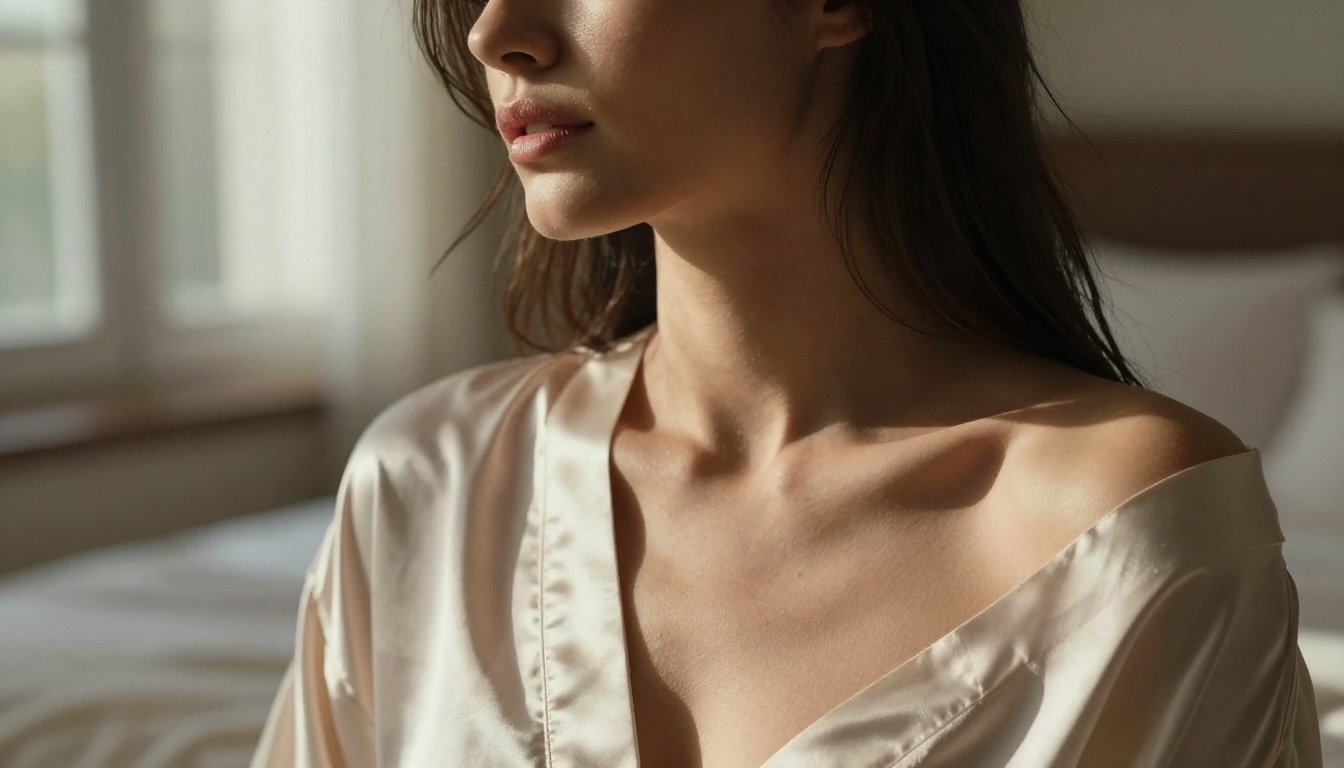
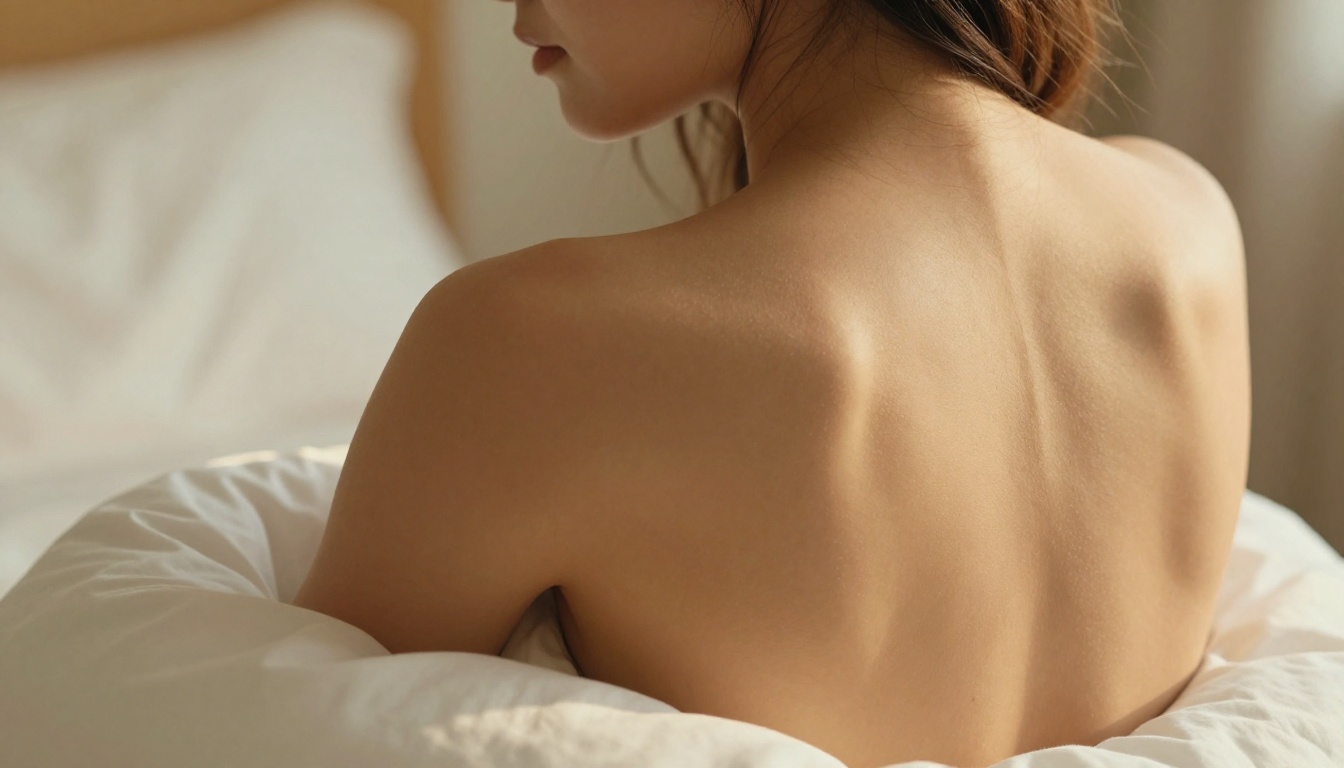
Strong prompt: "a beautiful woman in a champagne silk slip dress, soft morning light from the right, sitting on white linen sheets, shoulder blade and collarbone in focus, 85mm f/1.4 lens depth of field, Kodak Portra 400 film grain, photorealistic 8K"
The difference in output quality between these two prompts is dramatic. Treat your prompt like a photography brief.
Step 3: Adjust settings and generate
SDXL on PicassoIA gives you control over image dimensions and generation steps. For NSFW-adjacent glamour photography:
- Aspect ratio: 16:9 for cinematic, 9:16 for portrait
- Steps: Higher step count gives more refined detail
- Guidance scale: Keep between 7 and 10 for realistic outputs (lower values produce more creative, less literal results)
Hit generate, and the image renders in seconds. If the result is close but not perfect, tweak one element at a time rather than rewriting the entire prompt.
Tip: Add modifiers like "photorealistic, RAW photo, 8K resolution, film grain, natural lighting" to push SDXL toward realistic outputs rather than illustrated ones.
NSFW Prompt Writing That Actually Works
The gap between a mediocre AI image and a stunning one is almost entirely in the prompt. Most users underdescribe their subject and overdescribe their desired outcome. Flip that instinct.
Mood before mechanics
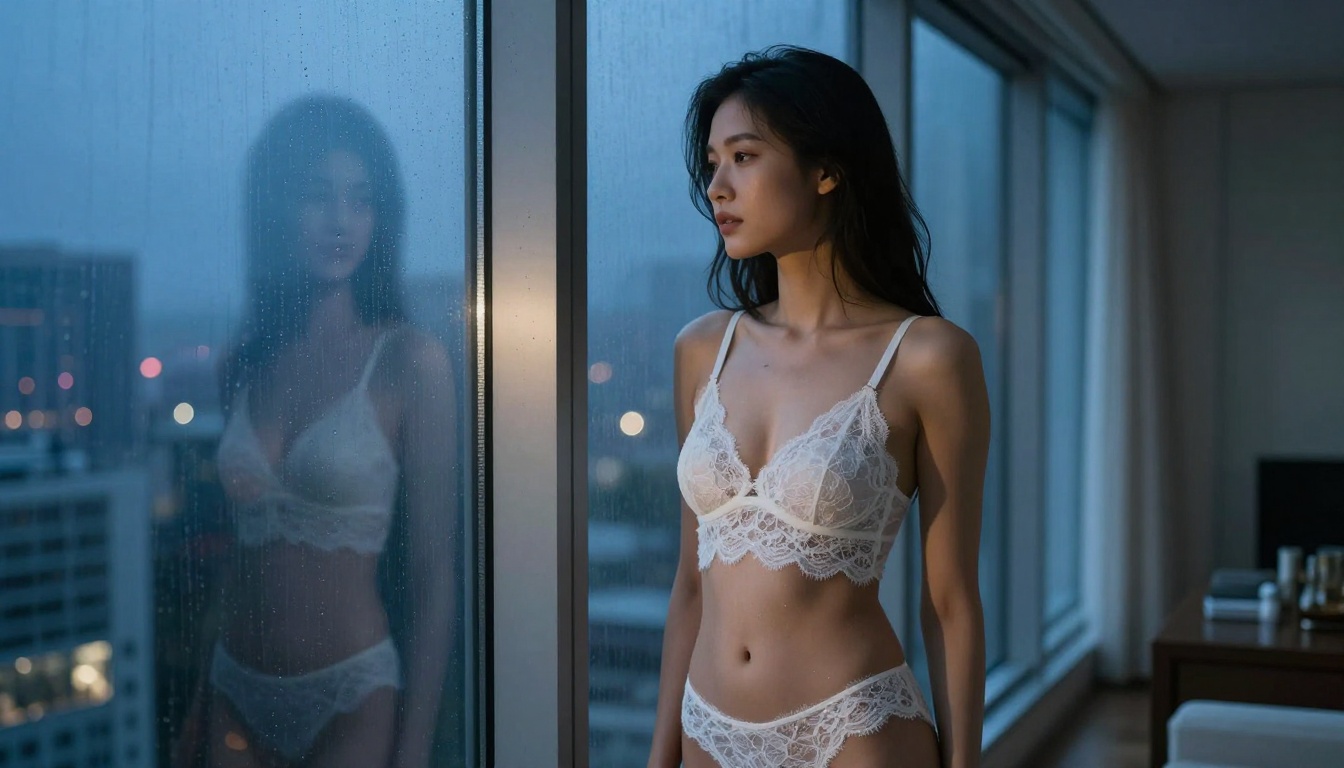
Before describing what someone is wearing or doing, establish the atmosphere. Is the scene intimate and warm? Dramatic and high-contrast? Playful and sun-drenched? The mood drives every other decision in a good prompt.
Start with: "Warm, intimate boudoir atmosphere..." or "Dramatic coastal evening with overcast sky..." and then build the subject and details on top of that foundation. The AI responds to emotional and sensory language because it has learned from millions of images with captions describing exactly that.
Lighting as your secret weapon
Professional photographers say that photography is just the art of capturing light. The same is true for AI image generation. Specifying lighting conditions transforms average outputs into something that looks genuinely professional.
Lighting terms that consistently improve outputs:
- Volumetric morning light from the left
- Golden hour backlight with lens flare
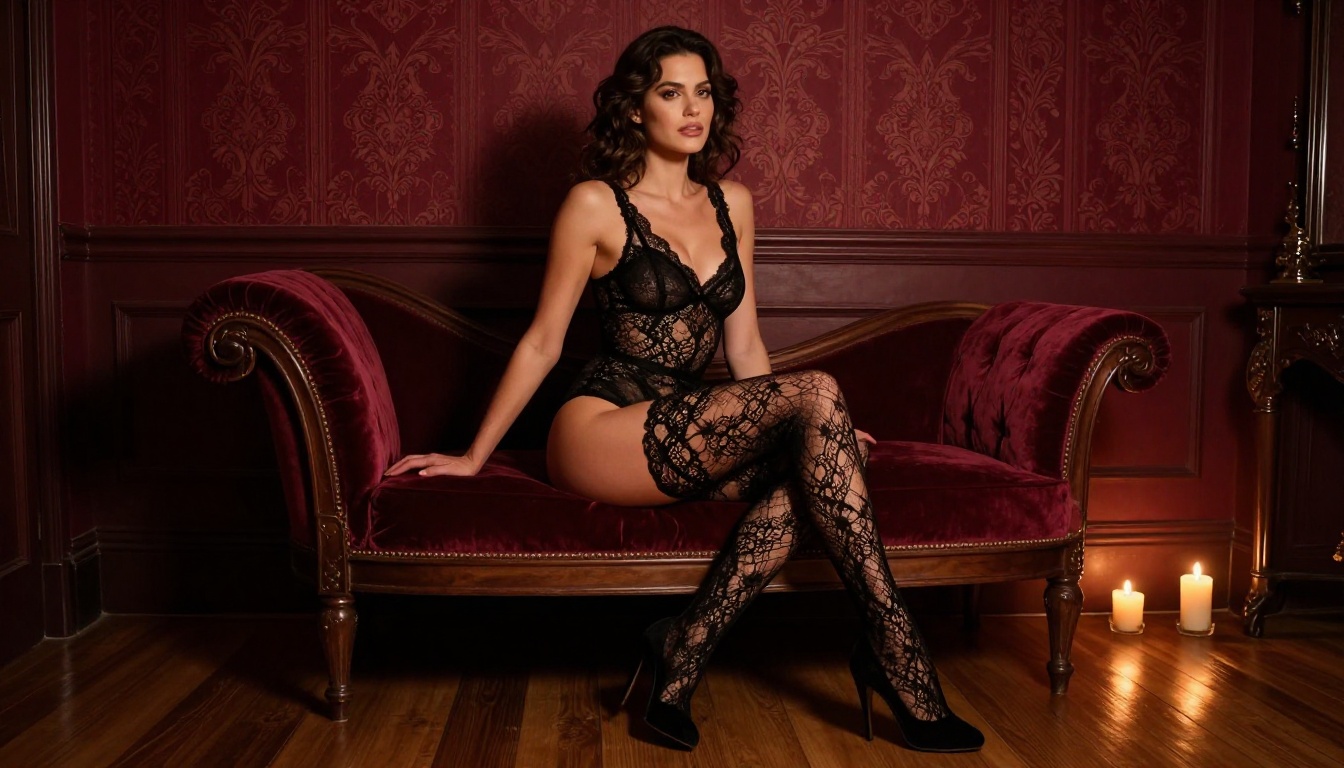
- Dramatic chiaroscuro with single candle source
- Soft diffused overcast daylight
- Three-point studio lighting with rim light
Pair any of these with a camera specification: "shot with 85mm f/1.4, Kodak Portra 400 film grain" and you are communicating in the language of photography that models like Flux Krea Dev understand deeply.
What not to include in a prompt
Negative space in a prompt matters as much as positive description. Avoid stacking too many conflicting styles. Mixing "cyberpunk" with "Kodak Portra 400 film" creates confusion, not art. Pick one aesthetic direction and go deep on it.
Also avoid listing body parts explicitly if you want photorealistic rather than cartoon-style outputs. Describe the composition instead: "close-up portrait with visible shoulder and collarbone" is stronger than a clinical list.
Free vs. Paid NSFW AI: Real Differences
Many users wonder whether free NSFW AI without sign-up is actually comparable to paid tools. The answer depends on what you need.
| Feature | Free No-Sign-Up | Paid Subscription |
|---|
| Model access | 90+ on PicassoIA | Varies by platform |
| Generation speed | Medium (queue-based) | Priority rendering |
| Image resolution | Up to 1024px standard | Up to 4K on some plans |
| Daily limits | Yes (fair use) | Unlimited on most plans |
| Privacy | No account required | Account data stored |
| Watermarks | None on PicassoIA | Rare exceptions |
| Support | Community/docs | Direct support |
For casual users who generate a few images per session, free no-registration NSFW AI tools are entirely sufficient. For professional workflows generating hundreds of images per day, a paid plan makes sense economically. But for experimenting, testing styles, and generating personal creative content, the free tier on platforms like PicassoIA is genuinely impressive.
Privacy When Using NSFW AI
Privacy is not just a concern about account creation. It also involves understanding what happens to the images you generate, what data the platform collects during your session, and whether your prompts are stored or reviewed.
What these tools actually collect
Even without an account, browser sessions can collect certain metadata: IP addresses, session duration, and in some cases, the prompts you enter. Responsible platforms minimize this data collection and do not link it to personally identifiable information.
When evaluating an anonymous adult image generator, look for:
- No persistent account storage: Your session ends when you close the tab
- Clear privacy policy: Specifically regarding prompt data
- HTTPS by default: Encrypted connection for all traffic
- No third-party ad trackers embedded in the generation flow
PicassoIA is designed with a no-friction, no-required-account model that aligns with user privacy expectations in this category.
Staying anonymous online
For users who want an additional layer of anonymity, standard browser privacy practices apply:
- Use a browser with private or incognito mode
- Consider a VPN to mask your IP address
- Avoid using your primary device on public networks for sensitive content creation
- Clear cookies and cache after sessions
These steps are not strictly necessary for casual use, but for users who treat digital privacy seriously, they are worth implementing.
3 Common Mistakes With Free NSFW AI
Most users who are disappointed with free AI art NSFW results made one of three predictable mistakes. Knowing these in advance saves a lot of frustration.
1. Choosing the wrong model for the style they want
Not every model produces the same output. Flux Schnell LoRA is optimized for speed and customization. Stable Diffusion 3.5 Large is optimized for detail and fidelity. Using a fast model for a high-detail portrait and then being disappointed by the softness of the result is a mismatch of tool to task.
Test two or three models with the same prompt before settling on one. The variance in outputs across models is significant.
2. Writing vague prompts and expecting specific results
The AI does not know what you are imagining. It knows what you describe. A two-word prompt will produce a generic result because there is nothing specific to latch onto. The more concrete the description, the more precise and visually interesting the result.
3. Ignoring negative prompts
Most models on PicassoIA support negative prompts: a separate field where you tell the AI what to exclude. Common entries include: "blurry, distorted hands, watermark, text, low quality, cartoon, 3D render". These exclusions significantly clean up outputs, especially for photorealistic styles.
Super Resolution and Finishing Your Images
Once you have generated a strong base image, you do not have to stop there. PicassoIA also offers super resolution tools that upscale your output from 1024px to 4K without losing detail. This is particularly valuable for glamour and boudoir-style content where skin texture and fine detail are central to the quality of the final image.
The workflow is simple: generate at standard resolution, then run the output through the super resolution pipeline for a finished, print-ready result. No separate software required, no account gate on the upscale tool either.
For users who want variation on a generated image, Flux Redux Schnell offers rapid image variations, letting you iterate on a composition without starting from scratch each time.
The Real Difference Between Suggestive and Explicit
This distinction matters both legally and artistically. Free NSFW AI without sign-up tools, including those on PicassoIA, are designed for content that is suggestive, glamorous, and aesthetically bold. Think high-end fashion photography, boudoir portraiture, and lingerie campaigns. Think art that celebrates the human form without crossing into pornographic territory.
This is not a limitation. It is a creative constraint that actually produces better art. The most iconic boudoir photographers in the world work within exactly these boundaries. Implication, atmosphere, and composition do more for an image than explicit content ever could.
Important: PicassoIA enforces content guidelines that prohibit explicitly pornographic outputs. The platform is designed for artistic, suggestive, and glamorous content. Users attempting to generate prohibited content will find their prompts adjusted or declined.
Ready to Create Your First Image?
The barrier to trying free NSFW AI without sign-up has never been lower. The tools exist, they are free, they are powerful, and they respect your privacy by not requiring an account.
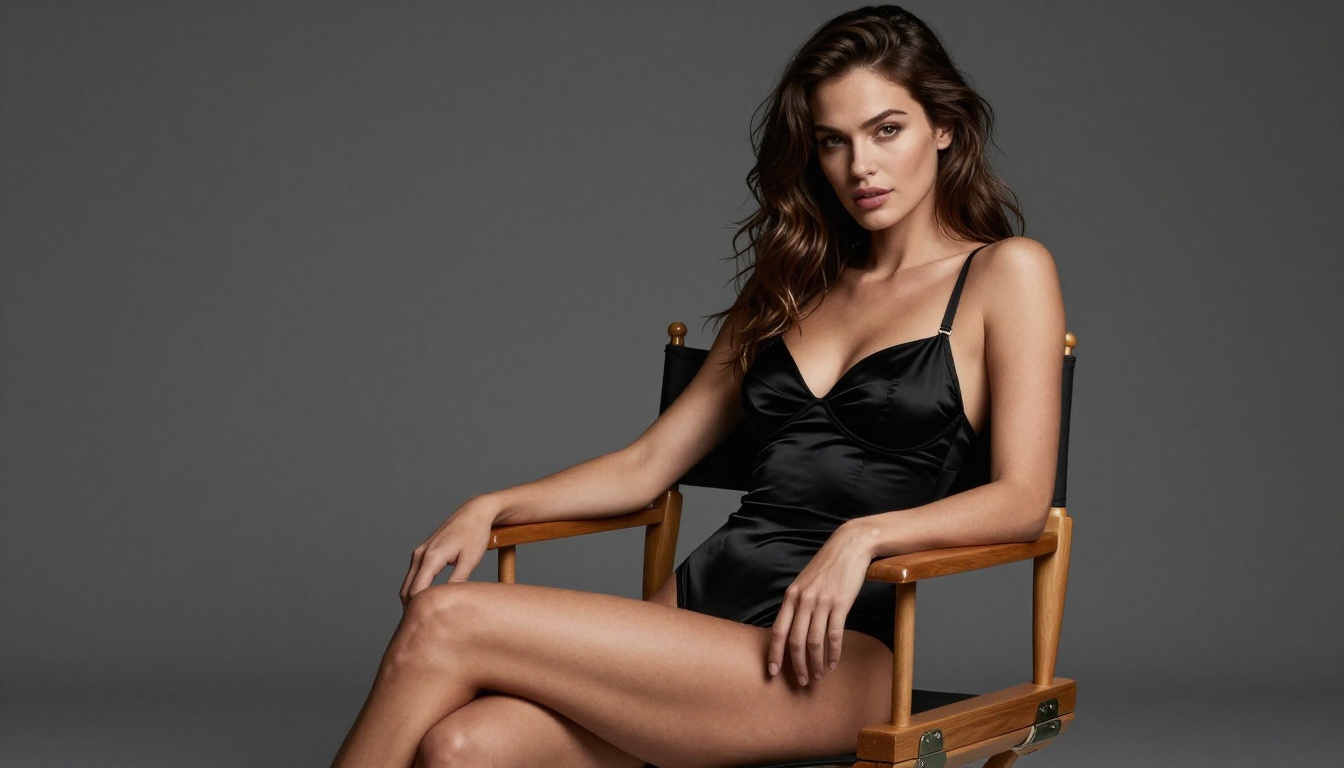
Head over to PicassoIA and pick your first model. If you want speed with quality, start with Flux Schnell LoRA. If you want maximum photorealism and detail, open Stable Diffusion 3.5 Large. Write a prompt that describes the lighting, the mood, the camera angle, and the texture. Hit generate.
The first image is rarely perfect. The second is better. By the fifth, you will have developed an intuition for what works with each model.
No account. No credit card. No waiting. Just the image you had in your head, rendered in seconds.
The only thing left to do is try.


