Anime waifu generators have gone from novelty tools to serious creative platforms. The line between anime-style AI and professional-grade character creation has basically disappeared, and the reason is simple: the models got significantly better, significantly faster, and several platforms stopped imposing restrictive content filters on what creators can produce. If you have been searching for a free NSFW anime waifu generator, you are not alone. This article explains exactly how these tools work, what separates mediocre results from stunning ones, and which models on PicassoIA currently deliver at the top of the field.
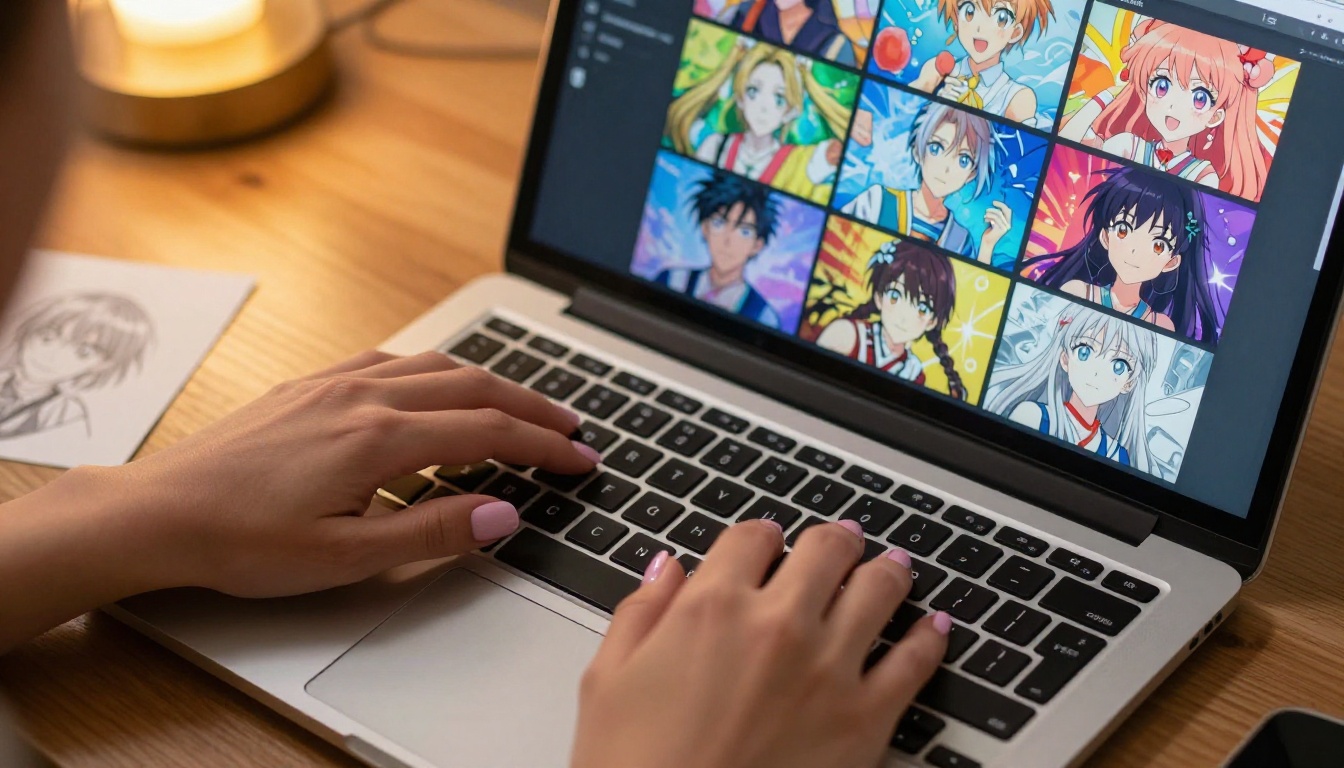
What Is a Waifu Generator
The word "waifu" comes from the English loanword used in Japanese internet and anime culture to describe a beloved fictional character, most often female. A waifu generator is any AI image tool capable of producing anime-style female characters based on a text description, a reference image, or both.
NSFW waifu generators specifically remove the content filters that prevent images from depicting suggestive, mature, or adult-adjacent themes. That does not automatically mean explicit pornography. Many creators use these tools to produce glamour shots, artistic bikini imagery, expressive character art, lingerie illustrations, and fashion work that mainstream AI platforms would refuse outright, often without any rational reason for the refusal.
Filtered vs. Unfiltered AI
Most major consumer AI image tools apply safety classifiers at two points: when reading your prompt and when evaluating the output image. If either triggers a violation, the generation either fails silently or returns a sanitized alternative. For anime content specifically, this creates deeply frustrating results because descriptors like "revealing outfit," "sultry expression," or even certain anime art styles can trip these classifiers incorrectly.
Unfiltered platforms like PicassoIA route around this problem by offering models with content policies designed for adult creative work. The output quality is identical to their safe-for-work counterparts. The only difference is what you are actually allowed to ask for.
Why Anime Art Has Different Rules
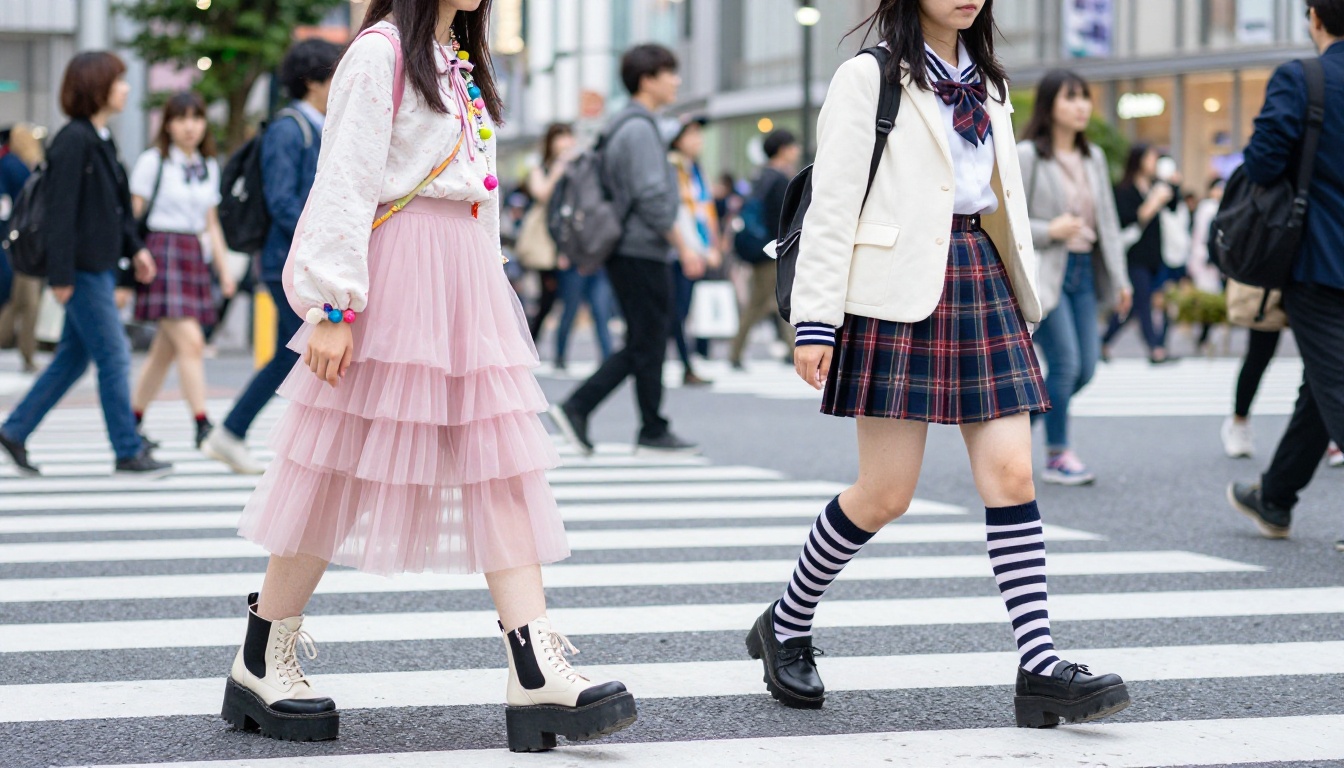
Anime as a medium has a well-documented history with mature themes. From mainstream shonen series with fan service scenes to dedicated adult manga publications with decades of cultural legitimacy, the art form occupies a unique creative space. What is considered normal or even classic within anime culture gets flagged immediately by models trained on Western safety guidelines built for a different context entirely.
This fundamental mismatch explains why dedicated NSFW anime generators exist as a distinct category. They are tuned not just to produce anime aesthetics but to respect the content norms of that creative tradition, allowing creators to produce work that reflects the full scope of anime art rather than a sanitized slice of it.
How AI Anime Generators Actually Work
💡 Key concept: Every AI image generator is built on three things: a model architecture, a training dataset, and a sampling process. The quality of your output depends on all three equally.
Modern AI image generation is almost universally built on diffusion models. The name comes from the process: start with random noise, then gradually "denoise" it in a direction guided by your text prompt. Each denoising step nudges the image closer to something that statistically matches your description, based on millions of patterns the model learned during training.
The Role of Diffusion Models
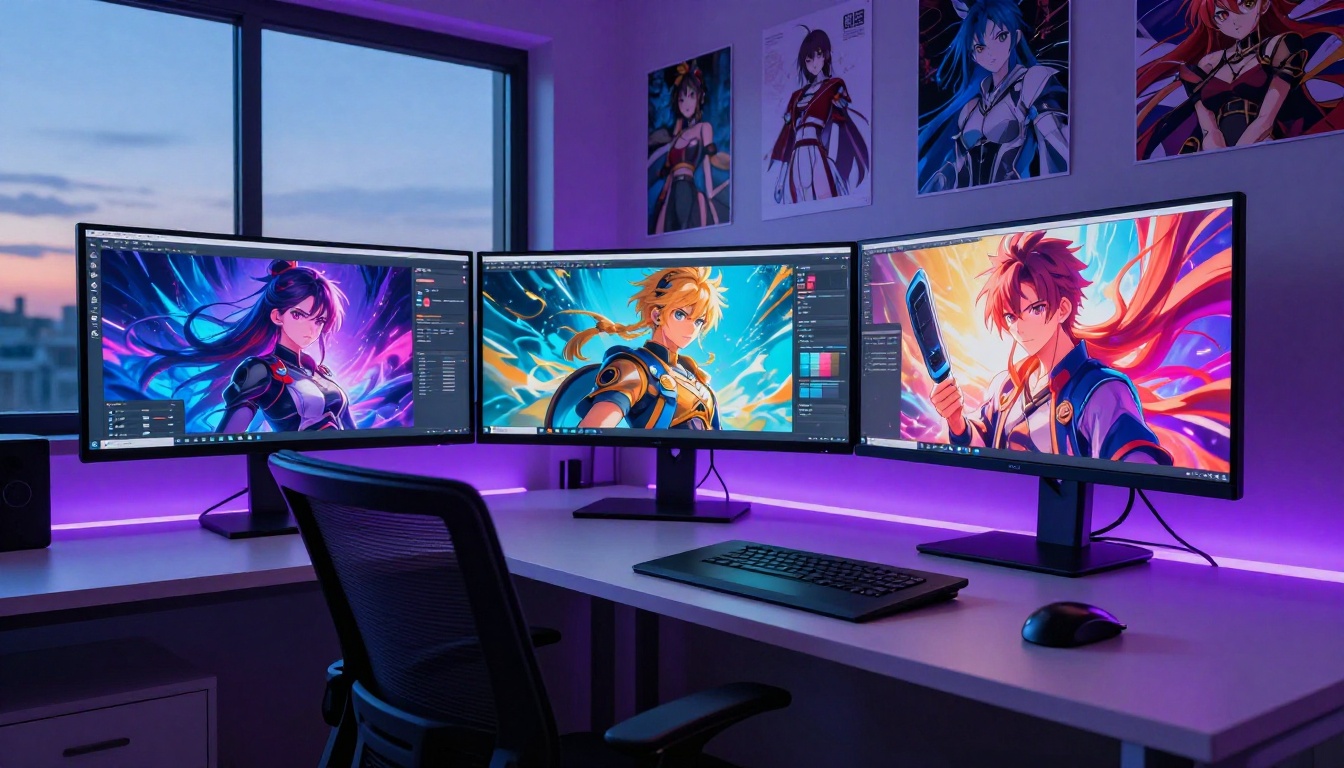
The core architecture behind most current image generators includes three main components working together. A text encoder, typically a variant of CLIP or a custom transformer, converts your prompt into a numerical representation the model can work with. A denoising network, either a U-Net or a diffusion transformer, progressively refines the noisy latent space toward your target. A decoder then converts the final latent representation into visible pixels.
What makes models differ from one another is primarily the following:
- Training data composition: Models trained on large, curated anime datasets produce better anime results with more accurate aesthetic fidelity
- Fine-tuning approach: LoRA adapters, DreamBooth, and full-finetune methods each produce distinct aesthetic signatures
- Prompt alignment: How closely the model follows text instructions versus generating plausible images regardless of specifics
- Safety training configuration: Whether RLHF reward modeling and classifier guidance allow or restrict specific content categories
Text-to-Image vs. Image-to-Image
Text-to-image starts from pure noise and generates a character from scratch based entirely on your prompt. You describe what you want in detail, and the model produces it. This is the primary mode for creating entirely original waifu characters.
Image-to-image takes an existing image as input and transforms it while keeping the structural composition. You might feed in a rough sketch, a photo reference, or a previous AI generation, then add a prompt to push it in a specific direction. The model preserves the original layout while applying new style, details, and content.
Both modes are fully available on PicassoIA, and knowing which one to reach for makes a substantial difference in your results.
Best Free NSFW Anime Waifu Generators Right Now
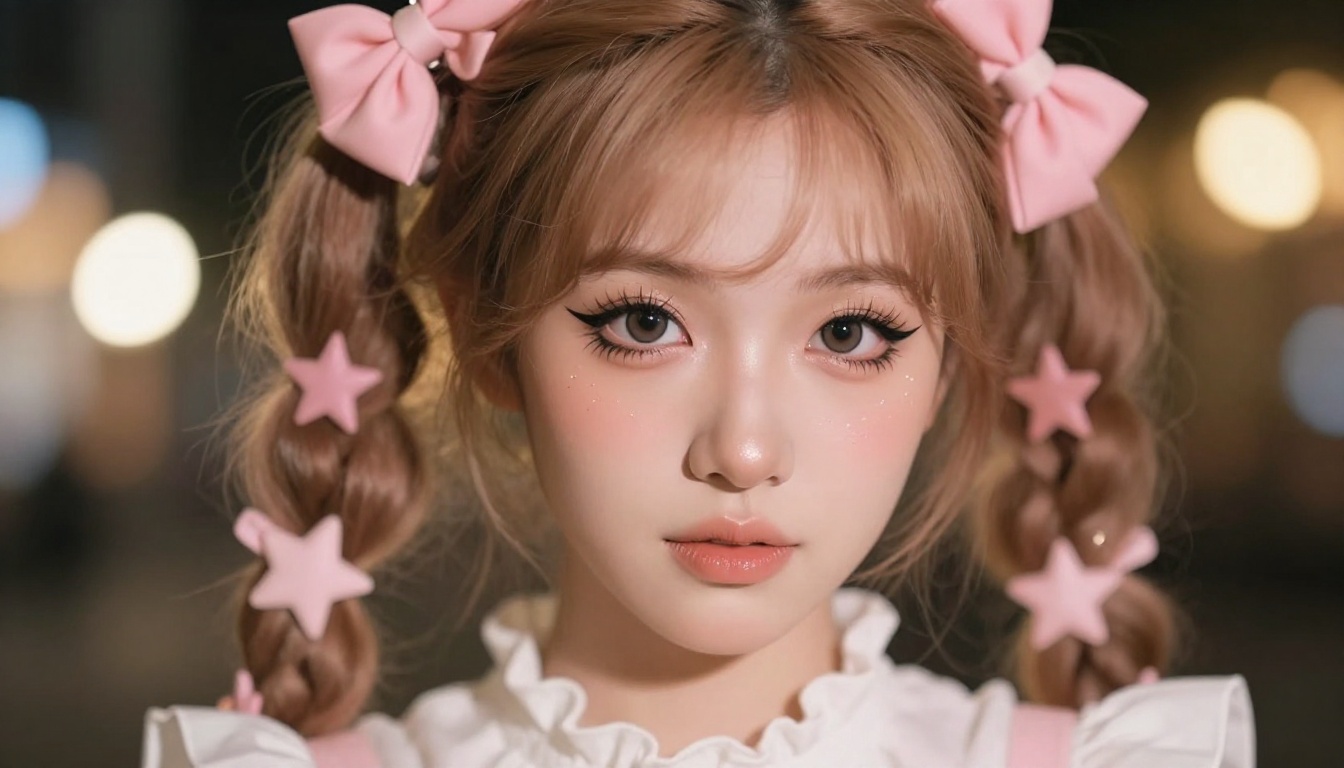
The field has consolidated around a handful of models that consistently outperform the rest. Here is what is actually worth your time in 2027.
Seedream 4.5
Seedream 4.5 is the top recommendation for NSFW anime waifu generation right now, and it is not particularly close. It accepts adult content, supports both text-to-image and image editing workflows, and delivers photorealistic results in under 3 seconds per generation. That combination of speed and quality is exceptional at this price point.
What separates Seedream 4.5 from most alternatives is its prompt adherence at high specificity. Other models often produce generically attractive images that do not closely match detailed character descriptions. Seedream 4.5 follows complex character prompts with notable accuracy across clothing details, hairstyle specifications, expression nuances, and environmental context.
💡 Critical note: The newer Seedream 5 Lite does not support NSFW content. Always use version 4.5 for adult creative work. Do not confuse the two.
PicassoIA Image Editor Pro
PicassoIA Image Editor Pro is an img2img model with one massive structural advantage: unlimited generations on Elite and Infinite subscription plans. If you generate 1,000 images, those 1,000 images are included in your plan at no extra cost. Compare that to a model like Nano Banana 2, where that same volume would run roughly $100. At scale, this is a fundamentally different cost structure.
Results come back in under one second, which makes rapid iteration possible. You upload a base character image or sketch, add a detailed prompt, and push the result toward a more refined, suggestive, or stylized version with precise control. It accepts NSFW content fully and includes a free trial of 3 generations with no credit card required.
Other Strong Options
Qwen Image 2 is open source and delivers highly detailed realistic images from text descriptions with strong NSFW support. Grok Imagine Image specializes in transforming existing images into suggestive variants in a very realistic way. Recraft V4 is text-to-image only but produces photorealistic output with a clean aesthetic. P-Image generates in under one second and serves as a reliable, fast fallback for rapid-fire iteration.
How to Use Seedream 4.5 on PicassoIA
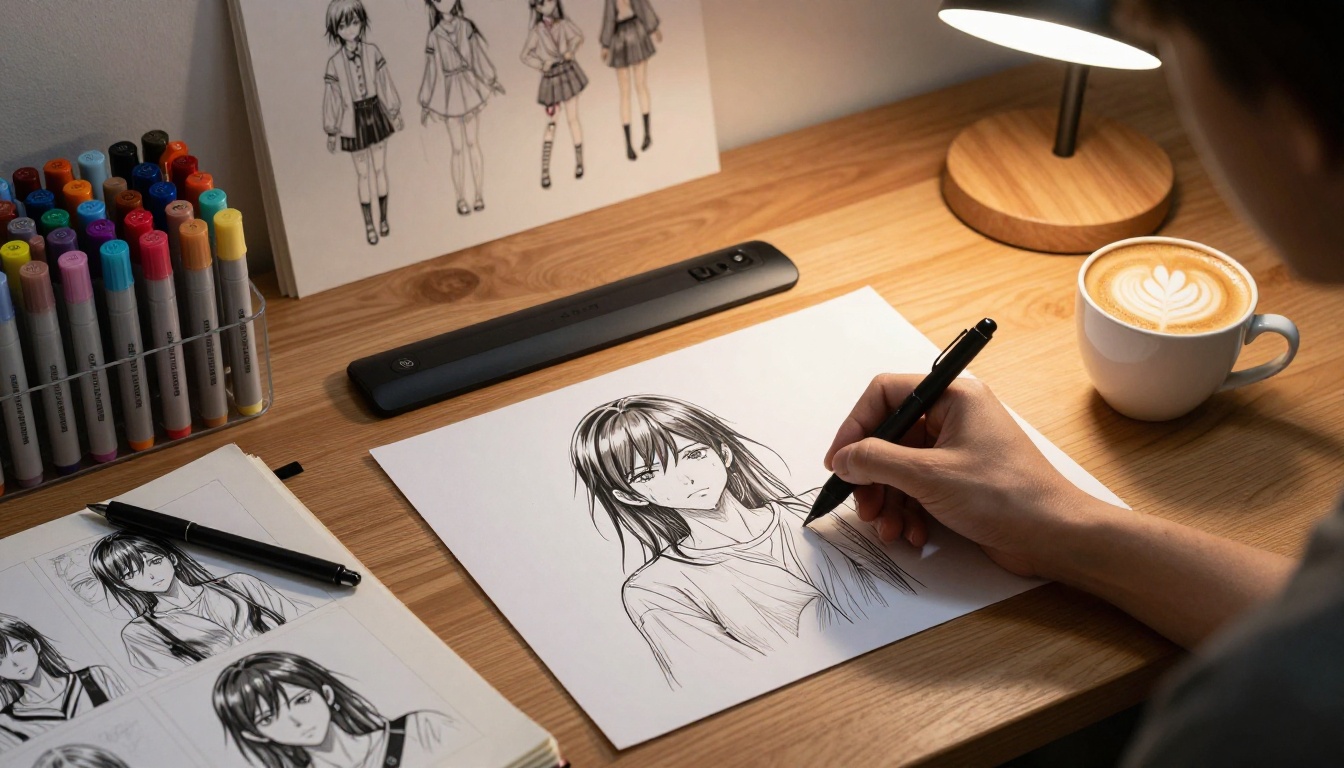
Getting strong results from an NSFW anime generator is roughly 70% about your prompt and 30% about model settings. Here is a practical workflow that consistently produces high-quality waifu art.
Step 1: Navigate to the Model Page
Visit Seedream 4.5 on PicassoIA and select text-to-image mode. If you have a reference image you want to use as a starting point, switch to image editing mode instead.
Step 2: Write a Detailed Prompt
The single most common mistake new users make is writing a short prompt. "Anime girl in swimsuit" will produce something generic and unmemorable. A strong prompt should specify:
- Character details: Hair color, length, and specific style. Eye color and shape. Skin tone. Body type.
- Clothing: Specific garment type, color, fabric texture, and fit description.
- Pose and expression: Standing, sitting, looking at the camera, specific facial expression.
- Setting and background: Indoor, outdoor, specific location type and atmosphere.
- Lighting: Natural daylight, soft studio light, golden hour, indoor lamp, etc.
- Camera and style: "85mm lens," "shallow depth of field," "photorealistic," "film grain."
Step 3: Set the Right Parameters
Most models expose guidance scale (how closely the model follows your prompt versus producing free interpretations) and steps (how many denoising iterations to run). For NSFW anime content specifically:
- Higher guidance scale (7-12): More prompt-faithful output. Use when your character description is highly specific.
- Lower guidance scale (4-6): More creative interpretation. Use when you want variety across a batch.
- Steps: 20-30 steps is the sweet spot. More steps do not always produce better results and cost more generation time.
Step 4: Refine with Image Editor Pro
Once you have a base image you like from Seedream 4.5, feed it into PicassoIA Image Editor Pro for refinement. Set denoising strength to 0.3-0.5 to preserve the original composition while improving detail quality or adjusting specific elements like expression, lighting, or outfit details.
Prompt Writing for Anime Waifu Art
Prompt engineering for anime AI art follows different rules than photorealistic prompting. The training data for anime-tuned models is dense with community-developed tag vocabulary, and learning this vocabulary dramatically improves your results.
Tags That Work
The following prompt elements consistently improve output quality for waifu generation:
- Quality tags at the start:
masterpiece, best quality, high resolution, ultra-detailed
- Hair descriptors:
long silver hair, twin tails, ahoge, gradient hair color, hair down
- Eye types:
heterochromia, glowing eyes, cat-slit pupils, half-lidded eyes, large expressive eyes
- Clothing:
thigh-high stockings, frilled sundress, white bikini top, off-shoulder blouse, open collar shirt
- Mood and expression:
confident smile, looking at viewer, gentle expression, playful wink
- Environment:
traditional onsen, cherry blossom background, sunset rooftop, cozy bedroom interior, poolside
Tags That Hurt Results
Avoid vague qualitative instructions like "make her beautiful" or "realistic anime style." These two terms compete with each other and confuse the model's sampling direction. Over-loading a prompt with conflicting styles produces muddied results. Pick one aesthetic direction and maintain it consistently across the entire prompt.
💡 Pro tip: Use the negative prompt field aggressively. Adding bad anatomy, extra fingers, deformed limbs, blurry, low quality, watermark, text overlay to your negative prompt eliminates the most common defects from anime generators immediately.
Negative Prompts Worth Keeping
Build a reusable negative prompt template that you paste into every generation session:
bad anatomy, extra limbs, fused fingers, poorly drawn hands, blurry face, low quality, jpeg artifacts, watermark, signature, deformed, mutated, ugly, worst quality, low resolution, overexposed, flat lighting
This alone will raise your average output quality noticeably across any model.
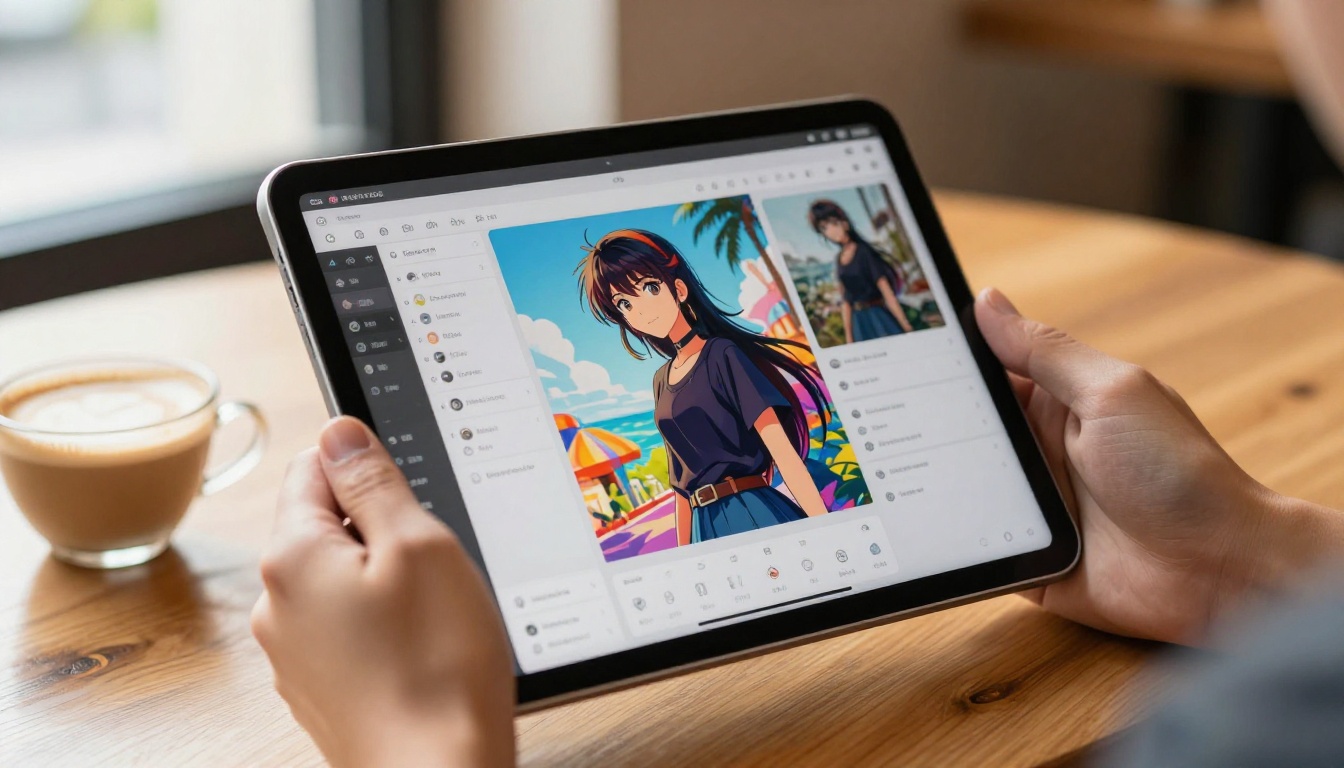
Not all AI image models suit NSFW anime content equally. The differences run deeper than just having content filters turned off.
Content Policy Architecture
Standard AI image models apply safety classification at multiple stages. Some use prompt filtering where flagged words block the generation before it even starts. Others use output filtering where generated images get scored and rejected post-generation. Many apply both simultaneously, creating double barriers.
Even harmless anime prompts can trip these systems because safety classifiers are often trained on data that incorrectly conflates anime art styles with explicit content. The problem is not the prompt. The problem is the classifier.
PicassoIA's NSFW-capable models sidestep this at the architecture level. Content policies are configured per model rather than applied as a global platform filter. This means a prompt that gets blocked on a mainstream platform routes through cleanly on Seedream 4.5 without modification.
Model Architecture for Anime Aesthetics
The current generation of top-tier anime generators uses latent diffusion architecture with anime-specific fine-tuning on large curated datasets. The quality jump between older models and current leaders like Seedream 4.5 is substantial. Seedream was trained on a significantly larger and more diverse dataset with specific attention to anime aesthetic fidelity, and the output consistency reflects that investment.
Anatomy accuracy, fabric rendering, hair physics simulation, and facial expression nuance are all areas where this generation of models outperforms what was available just 18 months ago.
LLMs and Anime Character Creation
An underused workflow combines large language models with image generators in a two-step approach that dramatically raises the quality of your prompts.
Step one: use a powerful LLM to generate a detailed visual character description. Step two: feed that description directly as your image prompt. The result is a far more specific, coherent, and visually detailed prompt than most creators write from scratch.
Models like GPT 5 or Claude Sonnet 4.6 can produce vivid, multi-paragraph character descriptions from a brief concept input. Something as simple as "write a detailed visual description of an anime character who is a retired samurai now working as a fashion designer" returns a character with specific visual attributes, color palettes, clothing details, and environmental context ready to paste into your image generator.
This approach is particularly valuable for:
- Consistent characters: Generate the same character reliably across multiple images by reusing the LLM-written description as your prompt template
- Original backstories: Produce accompanying narrative content for your art portfolio
- Character sheet batches: Build multiple outfit variations for a single character systematically
💡 Deepseek R1 is another strong option for this workflow. Its chain-of-thought reasoning produces logically consistent character designs rather than just visually appealing descriptions that contradict themselves.
Building 3D Models from Waifu Art
Some creators use anime waifu images as reference material for 3D character work. The typical workflow: generate a character from multiple angles using an anime AI tool, use those orthographic references to model geometry in Blender or a similar application, then apply stylized anime-inspired rendering with a toon shader.
PicassoIA supports this kind of multi-step creative pipeline beyond raw image generation. The platform includes super-resolution tools for upscaling your best outputs to print or reference quality, face swap capabilities for testing different faces against a character design without regenerating the full image, and background removal for isolating characters cleanly from generated scenes.
The combination of Seedream 4.5 for initial generation, PicassoIA Image Editor Pro for refinement, and platform utilities for post-processing creates a complete character design pipeline without leaving the platform.
Start Creating at PicassoIA
You have the information. The models exist, they are accessible, and the quality ceiling for anime waifu generation has never been higher.
Seedream 4.5 is your starting point. Write a detailed prompt using the tag vocabulary above, set guidance scale to 9, run 25 steps, and evaluate your first result. If the composition is right but the detail needs improvement, take that image directly into PicassoIA Image Editor Pro for refinement at no additional cost on an Elite or Infinite plan.
For high-volume work, combine a powerful LLM like GPT 5 for generating rich character descriptions with Image Editor Pro for unlimited iterations. You can build a large, consistent character library without worrying about per-generation costs eating into your budget.
For the full catalog of NSFW-capable models, creative tools, and everything PicassoIA offers, visit picassoia.com/en/all-models and pick your starting point.


