Kling 3.0 has become the go-to free NSFW clip maker for AI content creators who want cinematic, photorealistic output without hitting a paywall or a content filter at every turn. Whether you're building a solo project, producing adult-themed short clips, or just want to see what uncensored AI video generation actually looks like in 2027, this is the model to know right now. The combination of speed, resolution, and relaxed content policy puts Kling v3 in a category of its own, and accessing it through PicassoIA makes the entire workflow simpler and faster than anything else available.

What Kling 3.0 Actually Does Differently
Most AI video generators are trained to refuse requests the moment a prompt touches anything remotely suggestive. Kling 3.0 takes the opposite approach. It was built to handle a much wider creative range, including glamour, sensual, and adult-adjacent content, while still producing output that looks like it came out of a professional production house rather than a blurry dream sequence.
The model handles motion with remarkable continuity. Subjects stay consistent across the full clip. Hair moves naturally, fabric drapes realistically, and camera movements feel purposeful rather than jittery. For NSFW clip makers, that consistency matters more than anything else, because broken anatomy or flickering motion is what immediately exposes AI-generated content.
Cinematic Quality from a Text Box
You don't need expensive software, an actor, or a set. Type a prompt describing a scene, pick a resolution, and Kling v3 returns a finished short clip. The model reads natural language well, which means you can write motion descriptions the way a director would give notes rather than cramming in technical parameters.
💡 Pro tip: Kling v3 responds best to motion-first prompts. Lead with what moves, then describe the environment. "Camera slow pans right while she turns toward the window" will get you better results than a static scene description with movement tagged at the end.
The 3 Kling v3 Models You Should Know
PicassoIA gives you access to three distinct Kling v3 variants, each with a specific role:
All three are available on PicassoIA with no daily generation cap.

Why NSFW Users Switched to Kling v3
The conversation in adult AI communities shifted noticeably when Kling v2.6 dropped. It was the first Kling version that consistently passed the "does this look real?" test for suggestive content. Kling v3 goes further, fixing the motion artifacts that made earlier versions feel stiff and raising the resolution ceiling to 1080p. It also addressed the single biggest complaint about v2: subject drift, where a character's face and body would subtly change between frames and destroy immersion.
No Hidden Filters
Competing platforms use aggressive post-processing filters that flag and block outputs even when the prompt itself was within policy. Kling v3, accessed through PicassoIA, does not apply those secondary filters. What you write is what gets rendered, provided it stays within the platform's adult-but-not-explicit boundary. That boundary is clearly defined: suggestive content, glamour, artistic nudity, and implied scenarios are supported. Explicit pornographic material falls outside what gets generated.
This is a meaningful distinction for creators. You're not constantly guessing which keywords will trip a classifier or rewriting prompts to disguise intent. You write naturally, and the model responds naturally.
Speed That Keeps Up with Creativity
Kling v2.1 Master averaged around 3 to 4 minutes per clip. Kling v3 Video brings that down significantly. For a workflow where you're iterating on scenes and prompts, that speed difference adds up quickly. You can run six to eight variations in the time it used to take to produce one finished clip.
What the Resolution Upgrade Actually Means
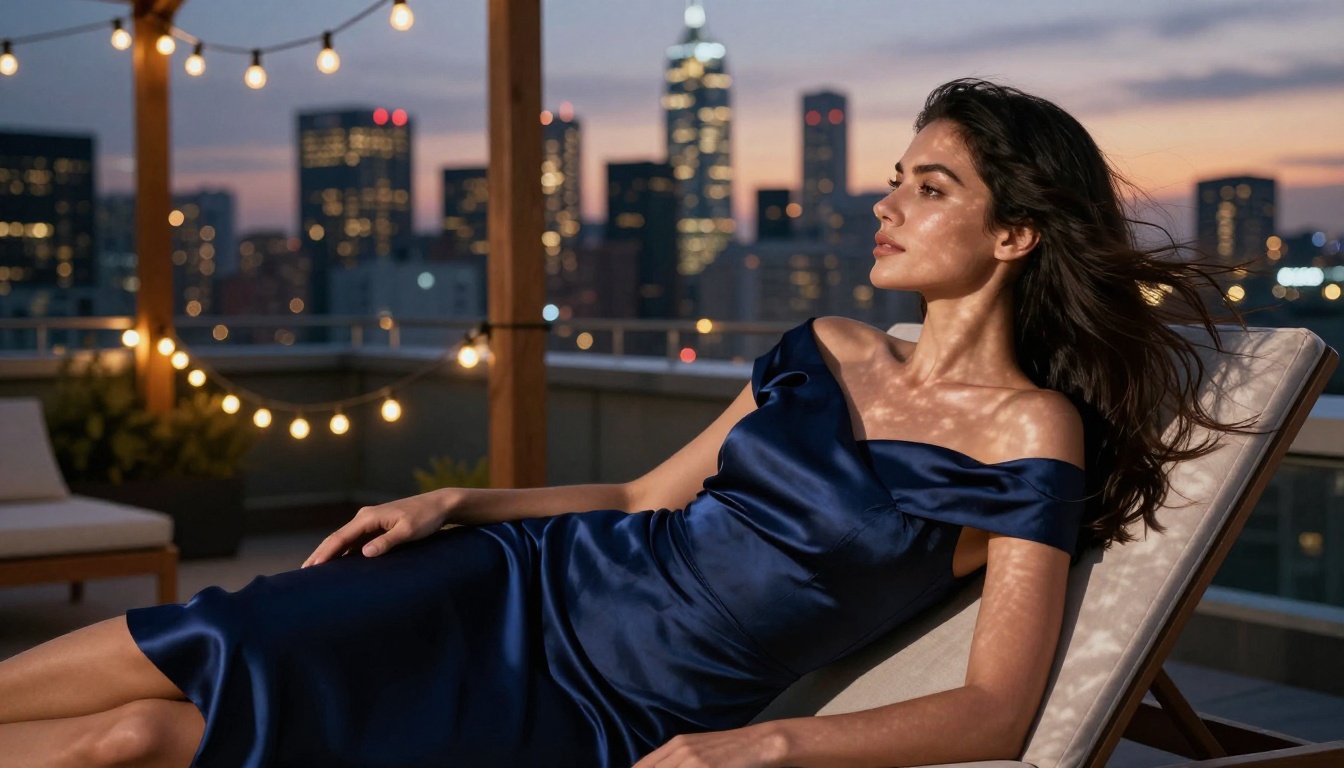
At 720p, Kling v3 clips are clean enough for social media posting without compression artifacts. At 1080p, they're portfolio-quality. The model applies real superresolution to its output rather than just upscaling, so fine details like fabric texture, individual hair strands, and skin highlights hold up at full resolution. For NSFW creators, where realism is the entire point, that sharpness is what separates a convincing clip from something that reads as synthetic at a glance.
Start with Images: Seedream 4.5 First
The single most effective workflow for NSFW clip making is image-to-video rather than text-to-video. When you feed Kling v3 a strong reference image, the model has a clear visual anchor for the subject's appearance, lighting, and environment. That eliminates the lottery element of pure text generation, where the subject might look completely different in every attempt.
Seedream 4.5 is the recommended image generator to start with. It produces 2K and 4K output, handles suggestive prompts without triggering restrictions, and delivers photorealistic skin texture, natural lighting, and accurate fabric detail. These are exactly the qualities Kling v3 needs to generate convincing motion from a still frame.
Why the Source Image Matters
Kling v3 reads the composition, lighting direction, and subject placement from your input image and uses all of it to guide the motion. A poorly composed, flat, or stylistically inconsistent image produces a clip that fights itself, with motion that contradicts the lighting and a subject that feels disconnected from the environment.
A sharp, well-lit, high-resolution image from Seedream 4.5 produces a clip that feels intentional. Run your generation at 4K with a 16:9 aspect ratio. Use prompts that match the final mood of your clip, because Kling v3 will maintain that visual tone throughout the animation.
Seedream 4.5 prompt structure for NSFW base images:
- Subject: Physical description, pose, wardrobe
- Environment: Location, time of day, setting details
- Lighting: Direction, quality, color temperature, source
- Camera: Lens feel, distance, angle, framing
Getting Suggestive Results Without Explicit Prompts
Kling v3 reads intent from framing as much as from keywords. Instead of describing body parts directly, describe the atmosphere, wardrobe, and camera angle. A prompt like "woman in a sheer silk robe, backlit by morning window light, slow camera push toward her, shallow depth of field" produces a genuinely sensual clip without triggering any content policy. The model fills in the aesthetic gap between what is written and what is implied.
💡 Prompt shortcut: Replace direct description with cinematography terms. "Low angle, underlit, figure in motion against a backlit window" reads as suggestive through composition alone, without any flaggable keywords.
How to Use Kling v3 on PicassoIA
The workflow is four steps. PicassoIA hosts all Kling v3 models directly, so there is no API key management, no local installation, and no credit card required to start generating.
Step 1: Generate Your Base Image
Open Seedream 4.5 on PicassoIA. Write a detailed prompt describing your subject, setting, and lighting. Set the resolution to 4K and the aspect ratio to 16:9. Enable disable_safety_checker to allow adult-adjacent content through. Download your result or copy the output URL directly.
Step 2: Load Kling v3 Video
Navigate to Kling v3 Video on PicassoIA and paste the Seedream 4.5 output URL into the image input field. This locks your subject's visual identity for the clip and gives the model a concrete reference for every frame it generates.
Step 3: Write the Motion Prompt
Describe what happens over the clip duration. Keep it chronological and motion-first:
Structure: [Camera movement] + [Subject starting position] + [Action arc] + [Atmosphere/lighting notes]
Example: "Slow dolly-in from medium to close frame. She stands at the window, begins turning toward camera, hair catching the backlighting, warm amber light intensifies on her face as she completes the turn."
Step 4: Pick Your Resolution
- 720p: Fast, lightweight file, clean for social media
- 1080p: Portfolio-quality, full detail retention
Both are available free on PicassoIA with no export restrictions or watermarks on the downloaded file.
PicassoIA Image Editor Pro for Refinement
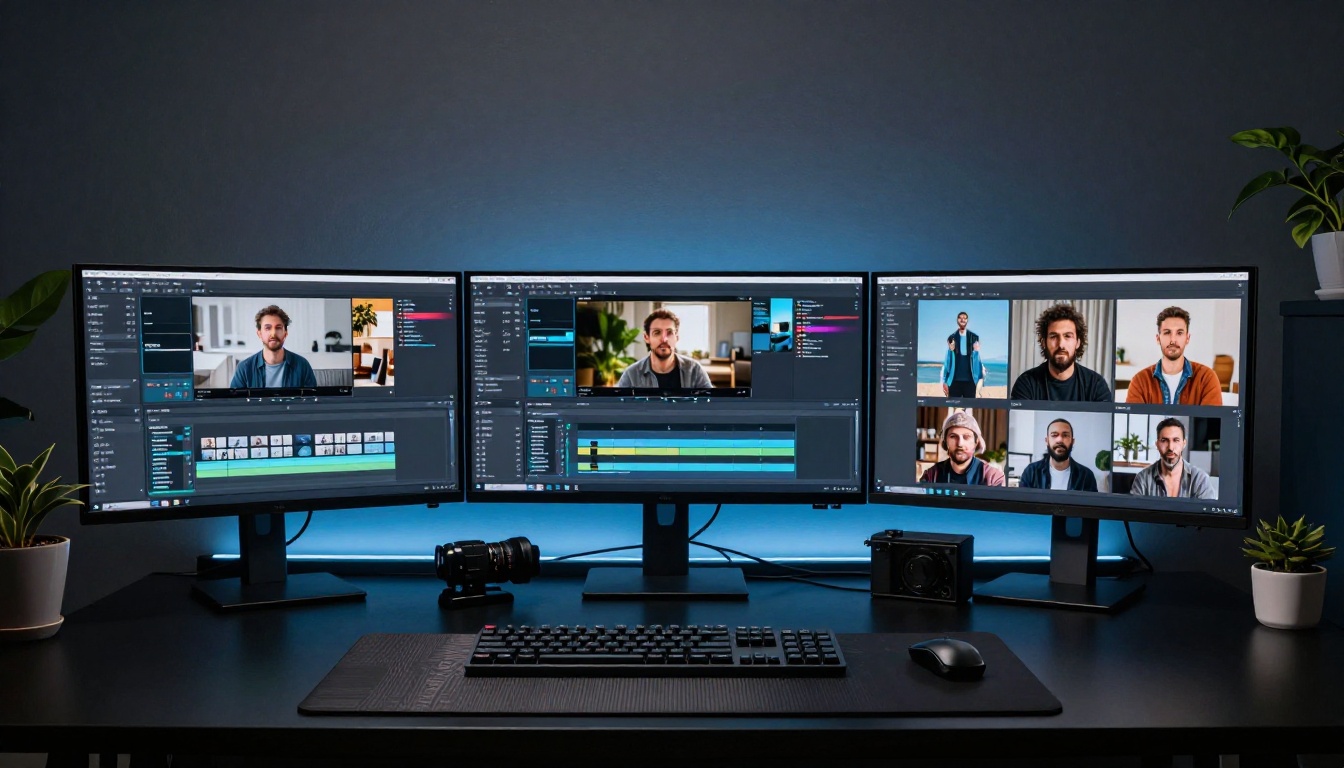
After generating a base image, you'll frequently want to adjust details before animating. PicassoIA Image Editor Pro handles that directly, without leaving the platform or opening a separate editing application.
Upload your Seedream 4.5 output, write a plain-language instruction describing the change, and get a modified image in seconds. Edits that would take 20 minutes in Photoshop take under 10 seconds here.
Change Outfits, Lighting, Poses
The editor is precise enough to swap clothing items without altering the subject's face, body proportions, or background composition. You can:
- Change a dress color or fabric type
- Remove accessories or add jewelry
- Shift from natural light to studio lighting
- Adjust the implied pose angle
- Replace the background environment entirely
Each edited image then feeds back into Kling v3 as a new source frame for a fresh clip iteration. A single Seedream 4.5 generation can spawn five or six distinct animated clips just through Image Editor Pro variations.
Unlimited Iterations, No Cap
PicassoIA Image Editor Pro runs unlimited edits. No daily quota, no per-edit charge. For NSFW creators who iterate heavily, that is the practical difference between a tool you can actually use in a production workflow and one that runs dry mid-session.
💡 Workflow tip: Generate three to four base image variants with Seedream 4.5, then use Image Editor Pro to create sub-variants from each. You end up with a library of source frames before you animate a single one, which makes the Kling v3 step much more deliberate and efficient.
Kling v3 vs. Competing AI Clip Makers
Here is how Kling v3 stacks up against the other options commonly used for NSFW clip generation:
| Feature | Kling v3 on PicassoIA | Runway Gen-4 | Pika 2.0 | Sora 2 |
|---|
| Free tier | Yes, unlimited | Limited credits | Limited credits | Paid only |
| NSFW support | Yes, suggestive/glamour | Heavily filtered | Filtered | Filtered |
| Max resolution | 1080p | 1080p | 1080p | 1080p |
| Motion quality | Excellent | Excellent | Good | Very good |
| Image-to-video | Yes | Yes | Yes | Limited |
| Subject consistency | Very high | High | Medium | High |
| No watermark | Yes | Paid tier only | Paid tier only | N/A |
The critical differentiator for this use case is the combination of free access and relaxed content policy. Runway Gen-4 Turbo is also available on PicassoIA and produces excellent motion, but it applies stricter content filters for adult-adjacent prompts. Kling v3 is the better choice for NSFW work specifically. Pika 2.0 struggles with subject consistency on human figures, which is its biggest drawback for this type of content.
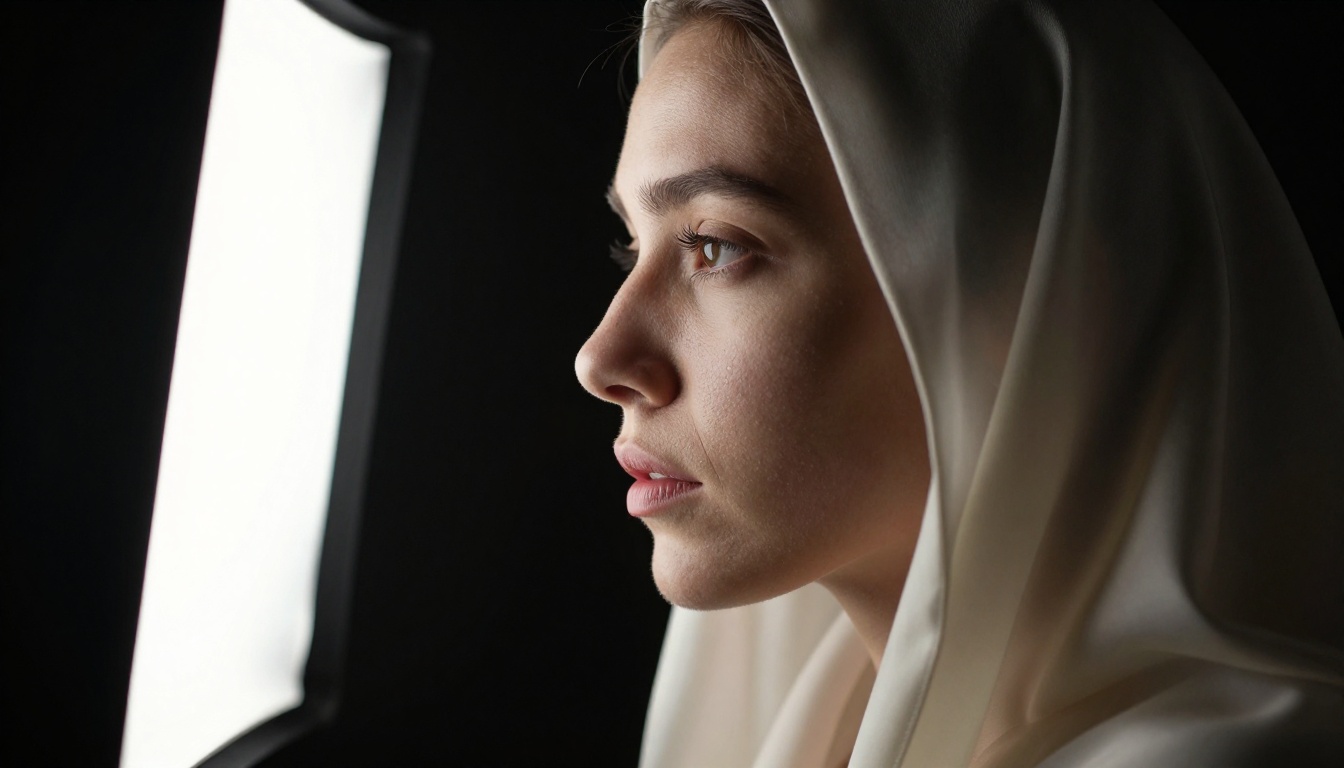
These are repeatable structures for Kling v3 that consistently produce strong NSFW-adjacent clips:
1. The Window Turn
"[Subject] standing with back to camera near a [type] window, slowly turning to reveal her [feature], warm [color] light from the left, camera holds steady on a medium frame, slight fabric movement from a breeze."
2. The Pool Walk-In
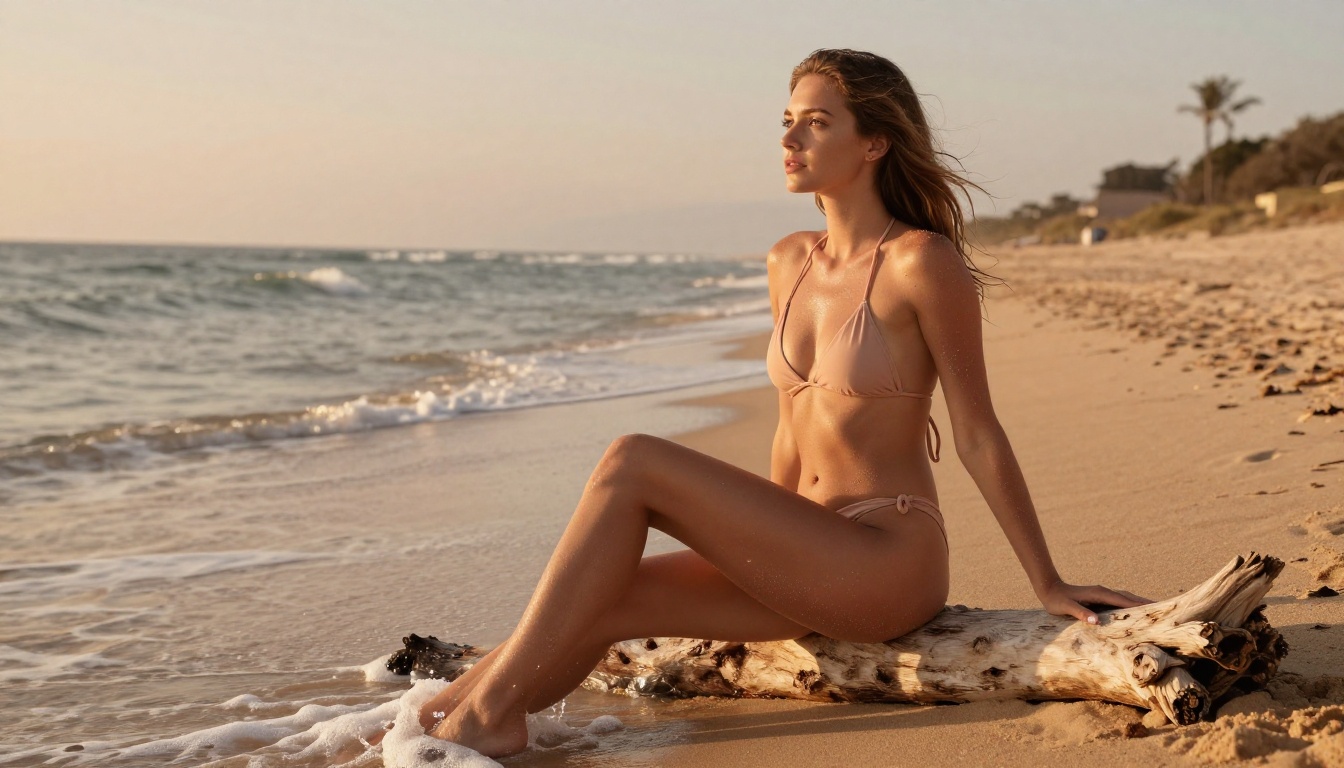
"[Subject] in [minimal swimwear] walking slowly toward the edge of a [type] pool, low angle from pool level, legs and reflection in frame, golden hour lighting from behind creating rim light, camera tilts up as she reaches the edge."
3. The Fabric Reveal
"Close-up of [fabric type] robe slipping from a shoulder in soft studio lighting, no face visible, camera in tight medium shot, fabric falls in slow motion, warm amber side light catches the texture and movement of the material."
4. The Mirror Scene
"[Subject] facing a full-length mirror in a [setting] room, adjusting her [clothing], reflection and subject both in frame, camera slowly pans from full body to face in mirror, warm dressing room lighting from above."
5. The Rooftop Reveal
"[Subject] on a high-rise rooftop at dusk in [outfit], city lights in bokeh behind her, camera starts behind and orbits slowly to face her, wind moves her hair and clothing, ambient city glow and twilight sky."
💡 Key rule for all formulas: Name the camera movement before you describe the subject's action. Kling v3 treats camera instructions as the primary signal and builds the subject's behavior around them. Camera first, everything else second.
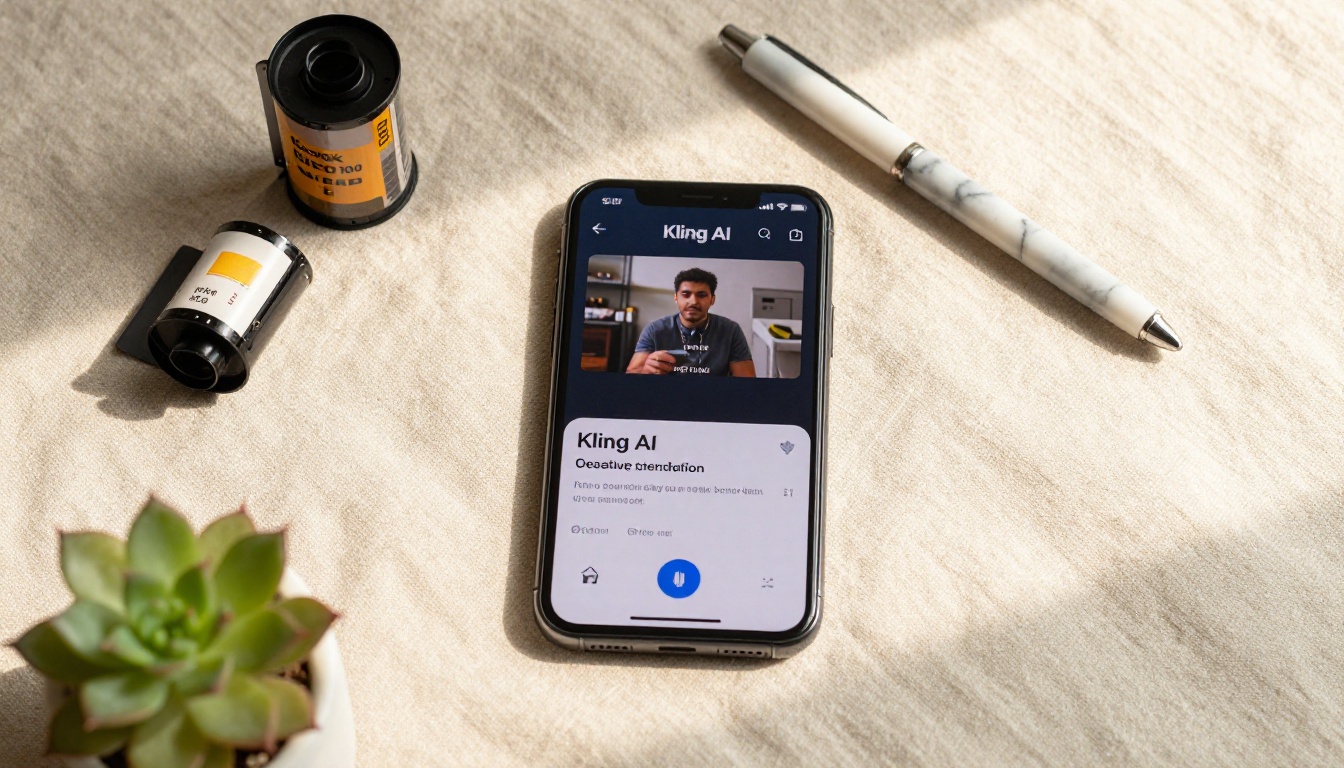
Other Models Worth Knowing
PicassoIA hosts more than 87 video models and over 91 image models. Once you're comfortable with the Kling v3 workflow, a few other options are worth adding to your NSFW clip production toolkit:
Kling v1.6 Pro is still a solid performer for 1080p output. It's slightly slower than v3 but produces clips with very stable subject consistency, which matters when you're cutting multiple short clips together into a longer sequence.
Kling v2.6 Motion Control adds a pose reference layer. Supply a reference frame showing the exact camera angle and subject position you want, and the model animates from that specific starting point rather than inferring it from text. Precise for situations where exact framing is non-negotiable.
Wan 2.7 I2V is a strong open alternative. It handles image-to-video well, produces 1080p output, and has minimal content restrictions in its current form on PicassoIA. The motion is slightly less naturalistic than Kling v3 for human subjects, but it is a legitimate backup when you want a different aesthetic or motion style.
Browse the full catalog at picassoia.com/en/all-models.
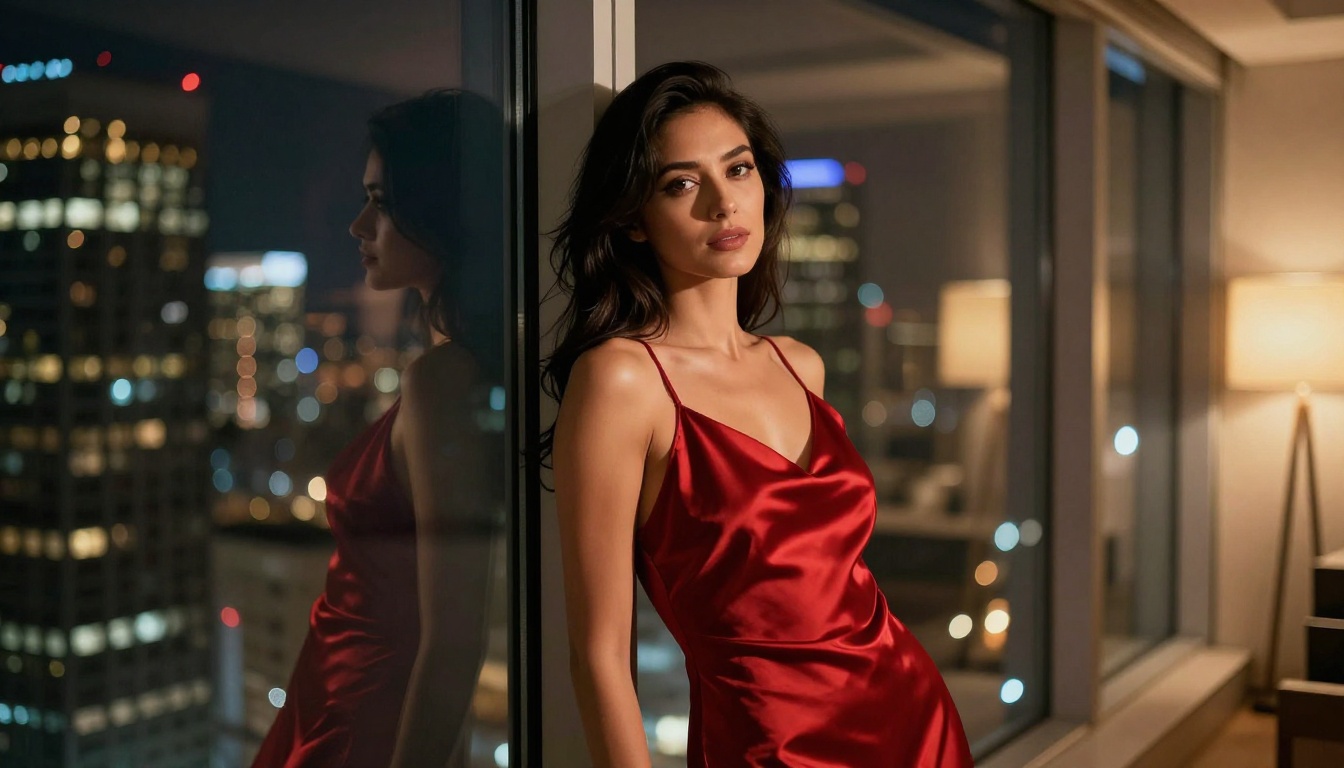
Start Making Your Own Clips
The barrier to producing professional-quality NSFW AI clips dropped significantly with Kling v3. You now have access, through PicassoIA, to the same generation quality that was locked behind expensive subscriptions a year ago, at no cost and with the content latitude that most platforms won't give you.
Start with Seedream 4.5 for your source images, set to 4K and 16:9. Use PicassoIA Image Editor Pro to refine the lighting, wardrobe, or pose until the frame is exactly right. Then bring that image into Kling v3 Video and write a motion prompt that describes the scene the way a director would, camera movement first, subject action second, atmosphere last.
The quality ceiling is high. The cost is zero. Every model referenced in this article is available at picassoia.com/en/all-models, ready to use right now without creating an account or entering a credit card.


