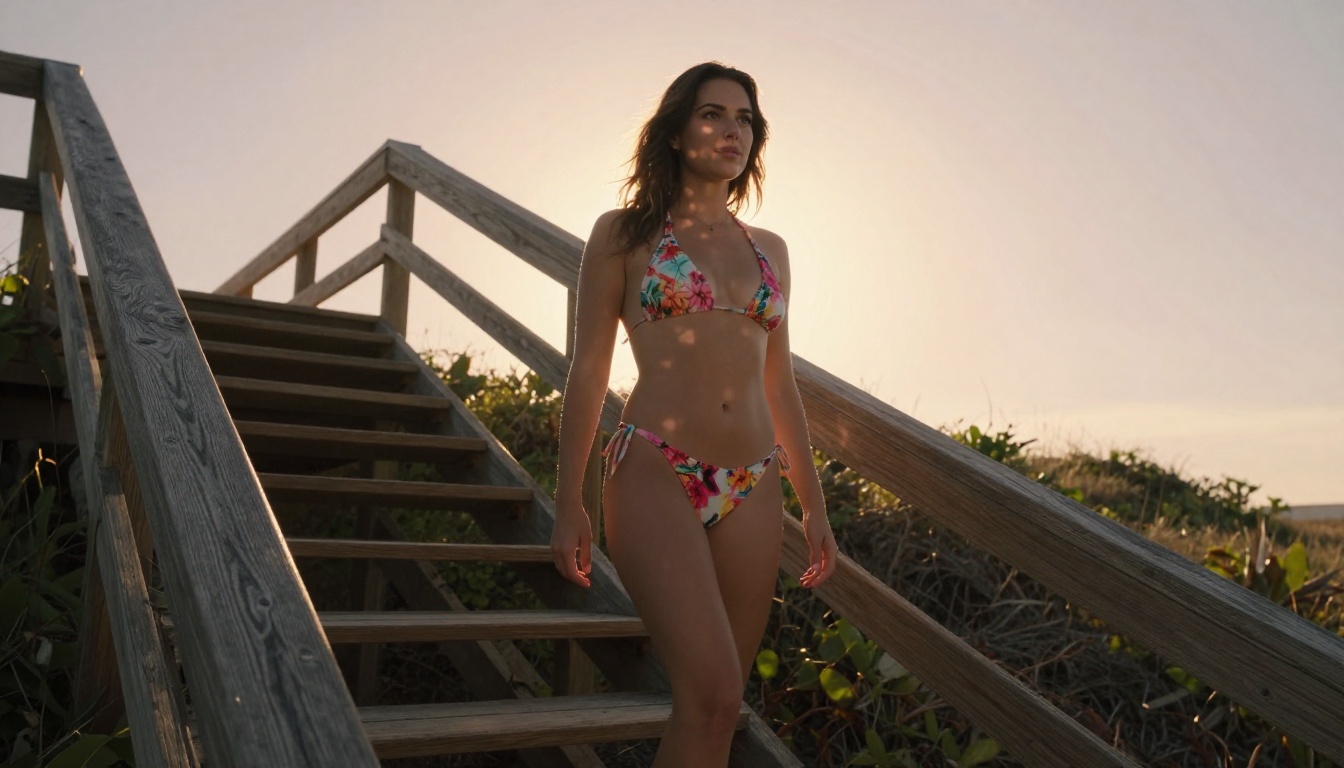
Free NSFW Generator for Adults Only: The Honest Breakdown
Looking for a free NSFW generator that actually delivers photorealistic results without watermarks or paywalls? This breakdown details the top AI models for adult content creation, prompt writing tips, and step-by-step workflows to get the most suggestive, high-quality images available today.
Free NSFW generators have become one of the most searched topics in the AI image space, and for good reason. Most people trying to find them end up frustrated, hitting paywalls, heavy censorship, or outputs that look like blurry plastic figurines. The demand is real, the tools exist, and this article is the honest breakdown you actually needed.
What "Free NSFW Generator" Really Means
Not all generators labeled "free" or "NSFW" mean the same thing. The term spans a wide spectrum from mildly suggestive content to fully explicit material, and each AI platform draws its own lines. When searching for a free NSFW AI generator for adults, you're likely looking for one of three things:
Glamour and fashion imagery: bikinis, lingerie, suggestive poses
Artistic nudity: implied nudity in editorial or classical contexts
Explicit adult content: which most mainstream platforms restrict
Most reputable free tools fall into the first two categories. Finding models with strong photorealism that don't require expensive subscriptions for decent results is where the real search begins.
The Censorship Reality
Platforms like Midjourney and Adobe Firefly block NSFW content entirely. Others, like older versions of Stable Diffusion run locally, gave full access but required heavy technical setup. The sweet spot today is browser-based platforms offering NSFW-capable models without needing to install anything or own a GPU.
Why Realism Defines Quality
When it comes to adult content generation, photorealism is non-negotiable. A stylized or anime-style NSFW image reads as fantasy. Photorealistic outputs showing accurate skin texture, natural lighting, and believable anatomy carry genuine artistic weight and deliver the immersive quality users actually want.
The Models That Actually Deliver
Choosing the right model makes or breaks your results. These are the models that consistently perform best for adult-oriented photorealistic content.
Flux 1.1 Pro: The Benchmark
Flux 1.1 Pro has become the community-preferred model for realistic human subjects. Its ability to render skin pores, fabric texture, and subtle facial expressions without overcooking the output is unmatched in the free tier. The model's color calibration handles warm skin tones with exceptional accuracy, making it ideal for glamour-style photography prompts.
For NSFW contexts, Flux 1.1 Pro Ultra pushes resolution even further, allowing detail that holds up at full zoom.
Realistic Vision v5.1: Skin Texture Champion
Realistic Vision v5.1 was purpose-built for photorealistic human generation. Its training dataset skews heavily toward photography rather than illustration, which shows immediately in outputs. Complexion variation, natural light response, and believable hair rendering put it in a class of its own for close-up glamour work.
RealVisXL: Portrait Depth
RealVisXL v3.0 Turbo delivers on facial detail and volumetric lighting response. Where many SDXL-based models flatten faces under studio lighting, RealVisXL preserves three-dimensional depth, giving portraits genuine presence.
SDXL: The Versatile Workhorse
SDXL remains a reliable backbone model. Combined with the right LoRA weights, it handles fashion, swimwear, and editorial styles with consistency. It's also one of the most permissive free models available for adult content when used with appropriate parameter settings.
Prompt Writing That Changes Everything
The model is only half the equation. Bad prompts ruin good models. These principles separate mediocre outputs from genuinely impressive ones.
The Anatomy of a Strong Prompt
A photorealistic NSFW prompt has five required components:
Component
Example
Subject
"beautiful woman, 28 years old"
Clothing/Pose
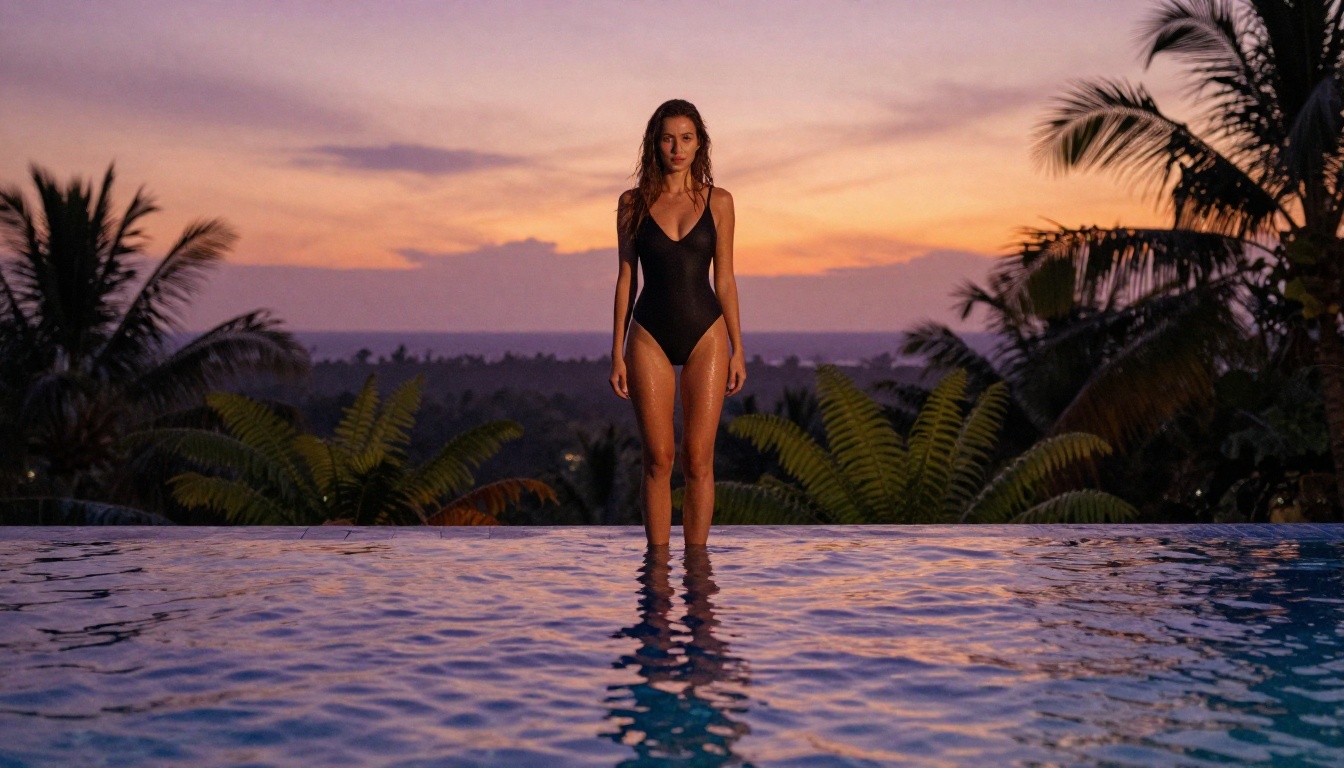
"wearing black bikini, resting on pool edge"
Lighting
"golden hour light from left, volumetric, warm"
Camera Specs
"85mm f/1.8, shallow depth of field"
Style Anchors
"Kodak Portra 400, film grain, photorealistic, RAW"
Missing any one of these produces inconsistent results. The camera spec is the most commonly forgotten element, yet it's responsible for the cinematic quality that makes an image feel photographed rather than generated.
Lighting Is a Superpower
💡 Pro tip: Specify light direction AND color temperature. "Warm golden hour light from the upper left" produces entirely different results than just "good lighting." Add "volumetric" for atmospheric depth.
The difference between flat AI images and genuinely beautiful ones almost always comes down to lighting instructions. Terms like:
"Chiaroscuro shadow play"
"Rim lighting from behind"
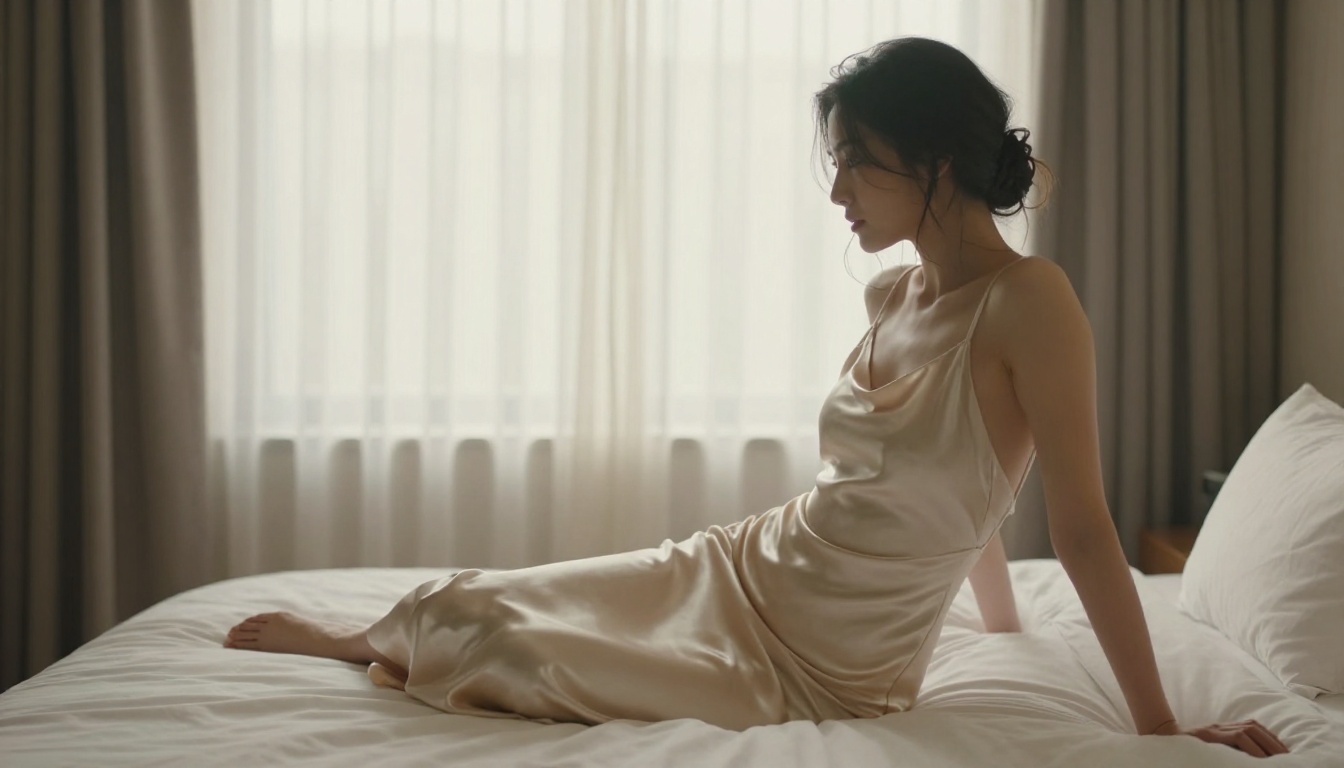
"Diffused morning light through curtains"
"Low-angle late afternoon sun"
These aren't just stylistic flourishes. They give the model physics-based lighting constraints that force more believable outputs.
Words to Avoid in Adult Prompts
Certain terms trigger safety filters even on permissive models. More importantly, these phrases produce artistically weak results:
"Sexy": too broad, outputs become generic
"Hot": same problem, produces clichéd compositions
"Nude" without context: outputs become anatomically inconsistent
Replace these with specific compositional terms: "bare shoulders," "minimal coverage," or "implied nudity in editorial context." Specific always beats generic.
Free Plans: What You Actually Get
Most platforms operate on a freemium model. Here's a realistic picture of what free access looks like across the major options.
Credit-Based Systems
Platforms like PicassoIA offer free credits on sign-up, which can be used across any available model. This is the most flexible approach because you choose how to allocate them. A handful of free credits is typically enough to test multiple models and settle on the one that performs best for your specific use case.
💡 What free credits buy you: Usually 5 to 20 high-quality image generations per day, depending on the model tier selected.
Resolution Limits
Free tiers often cap output at 1024x1024 or 16:9 HD. For most use cases, this is sufficient. If you need 4K outputs with preserved detail at 100% zoom, that's where paid plans become relevant.
Not all platforms are equal. Here's a direct comparison of what matters most:
Platform
Free Tier
NSFW Level
Realism Quality
No Install
PicassoIA
Yes, daily credits
Suggestive to artistic
Very High
Yes
Stable Diffusion (local)
Free, unlimited
Full range
High
No (GPU needed)
Midjourney
No free tier
Blocked
Very High
Yes
Adobe Firefly
Limited free
Blocked
High
Yes
ComfyUI (local)
Free
Full range
High
No (technical setup)
PicassoIA sits in a unique position: browser-based, no installation, free credits, access to over 90 text-to-image models, and a range of NSFW-capable options that don't require technical setup or a dedicated GPU.
The No-Setup Advantage
The biggest barrier to using local Stable Diffusion or ComfyUI isn't knowledge, it's hardware. A modern GPU with at least 8GB VRAM is required, and setup can take hours. Browser-based platforms eliminate that entirely. For most adults wanting to create AI-generated content casually, the no-install experience wins every time.
How to Use Flux 1.1 Pro on PicassoIA
Since Flux 1.1 Pro is the top-performing model for realistic adult imagery, here's a practical step-by-step for getting the best results on PicassoIA.
Step 1: Access the Model
Navigate to Flux 1.1 Pro on PicassoIA. You can create an account for free. Daily credits are added automatically.
Step 2: Write a Detailed Prompt
Don't go short. A 60-80 word prompt consistently outperforms a 10-word prompt. Follow the five-component structure above:
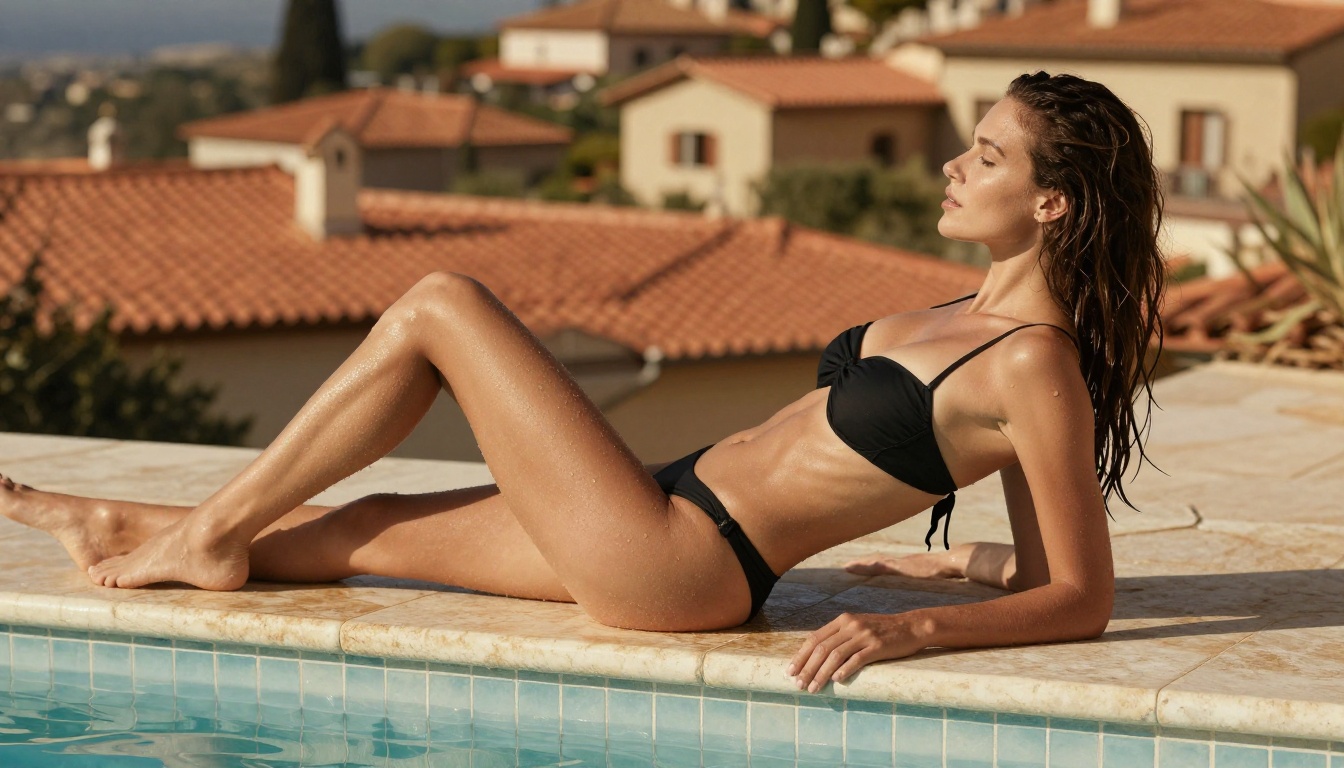
beautiful woman, mid-twenties, wearing strappy black bikini,
resting on warm travertine pool edge, Mediterranean villa blurred
in background, late afternoon golden light from left, water
droplets on skin, natural wet hair, 35mm f/2.8, film grain
Kodak Portra 400, photorealistic RAW 8K photography
Step 3: Set Your Aspect Ratio
For portrait-style imagery, 9:16 produces the most flattering full-body composition. For scene-setting environmental shots, 16:9 works better. Avoid 1:1 for human subjects.
Step 4: Iterate Fast
Generate 3-4 variations with the same prompt before modifying it. AI models have a stochastic element, meaning the same prompt produces different outputs each time. Finding the best seed before tweaking the prompt saves significant credits.
Step 5: Refine With Inpainting
If the output is 90% right but a detail is off, such as hair, hands, or background, use PicassoIA's inpainting tool to fix only that region. This produces a clean final image without regenerating from scratch.
💡 Parameter tip: Enable prompt upsampling if the model supports it. It expands short prompts automatically, often catching lighting and composition details you forgot to specify.
Common Mistakes That Kill Your Results
Even with the right model and platform, these errors consistently ruin outputs.
Over-Stuffing the Prompt
There's a point of diminishing returns with prompt length. After around 100 words, models start ignoring earlier instructions as later ones take priority. Write in priority order: most important elements first, stylistic details last.
Ignoring Negative Prompts
Negative prompts are as powerful as positive ones. For photorealistic adult content, standard negatives include:
This single omission is responsible for the majority of "AI-looking" outputs. No human photographer works without a lens. Your prompt shouldn't either. Adding 85mm f/1.8 to any portrait prompt immediately shifts the model toward photographic framing.
Ready-to-Use Prompt Templates
Here are three ready-to-use prompt templates for different adult content scenarios:
Glamour Portrait:
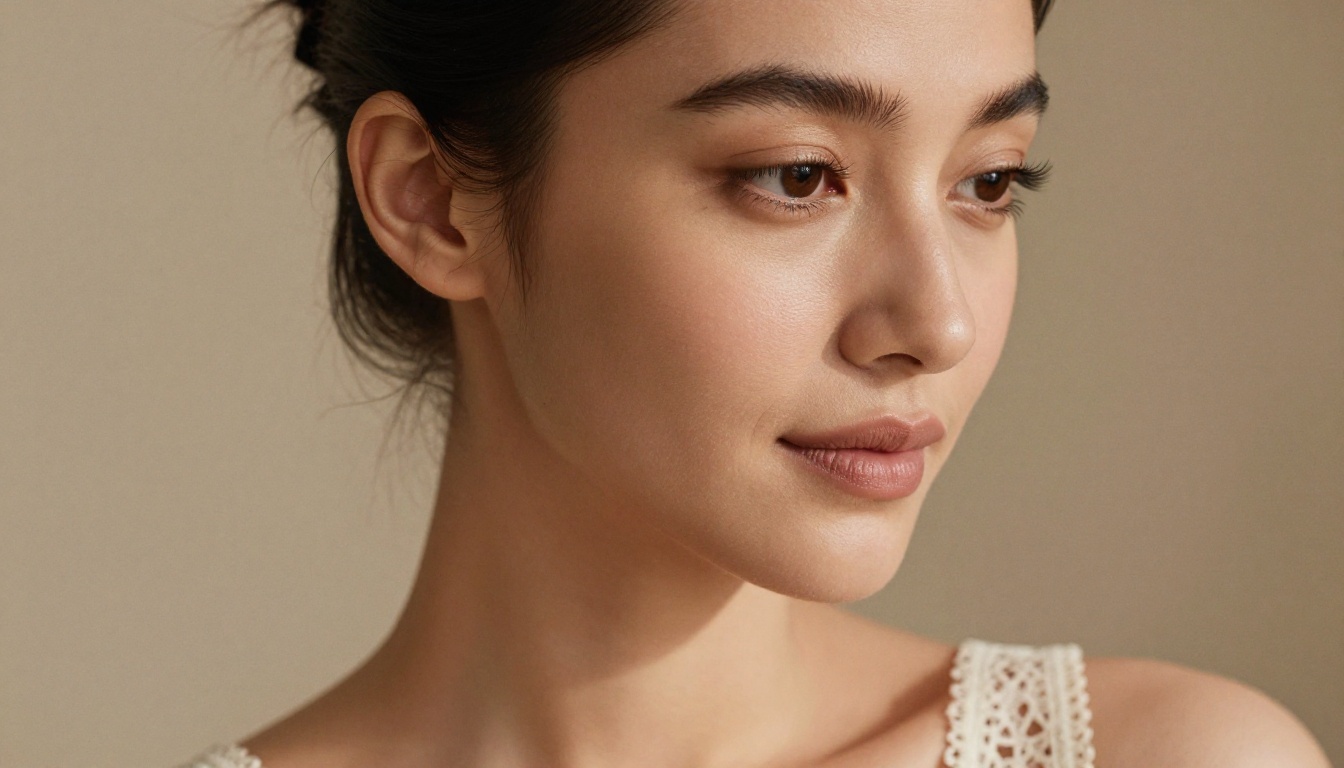
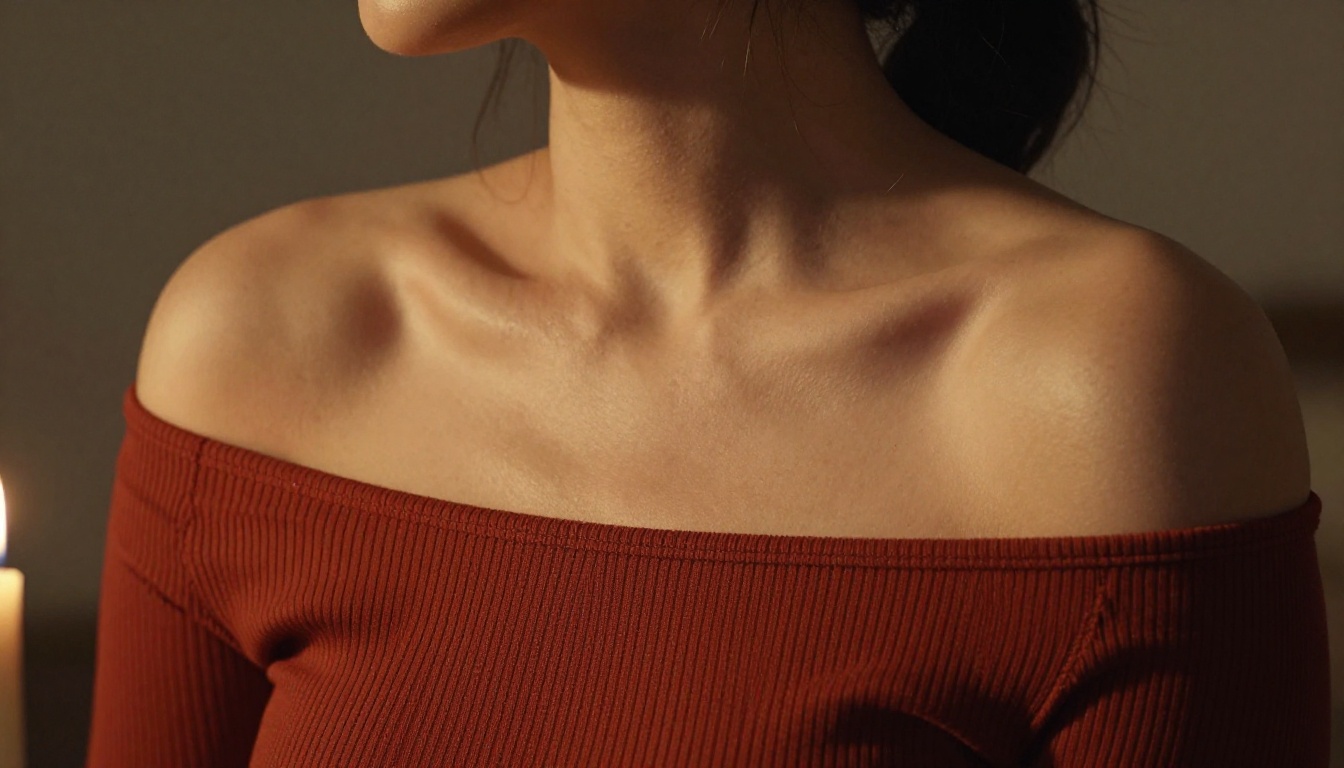
"Confident woman, late twenties, wearing off-shoulder lace top, soft diffused studio lighting from right, beige linen background, visible skin texture, 85mm f/1.4, Kodak Portra 400 film grain, photorealistic RAW 8K"
Beach/Swimwear:
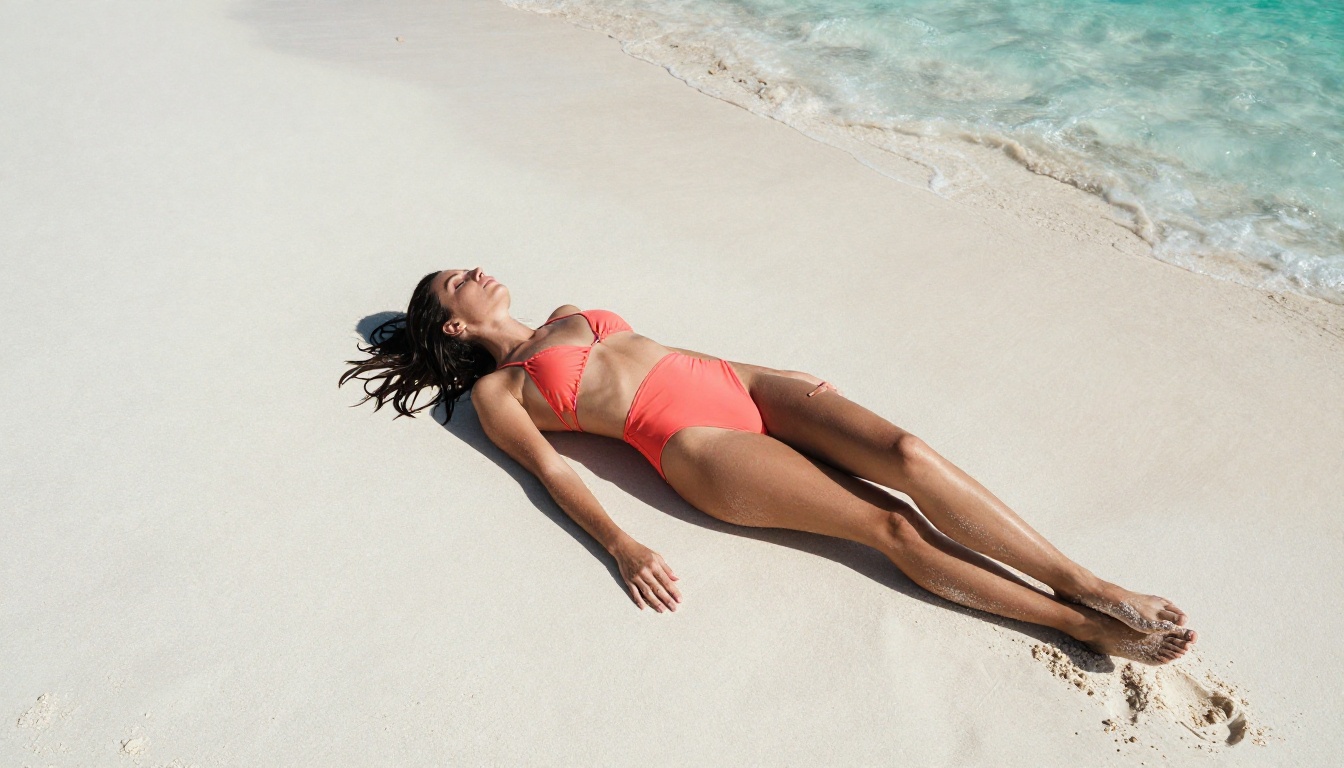
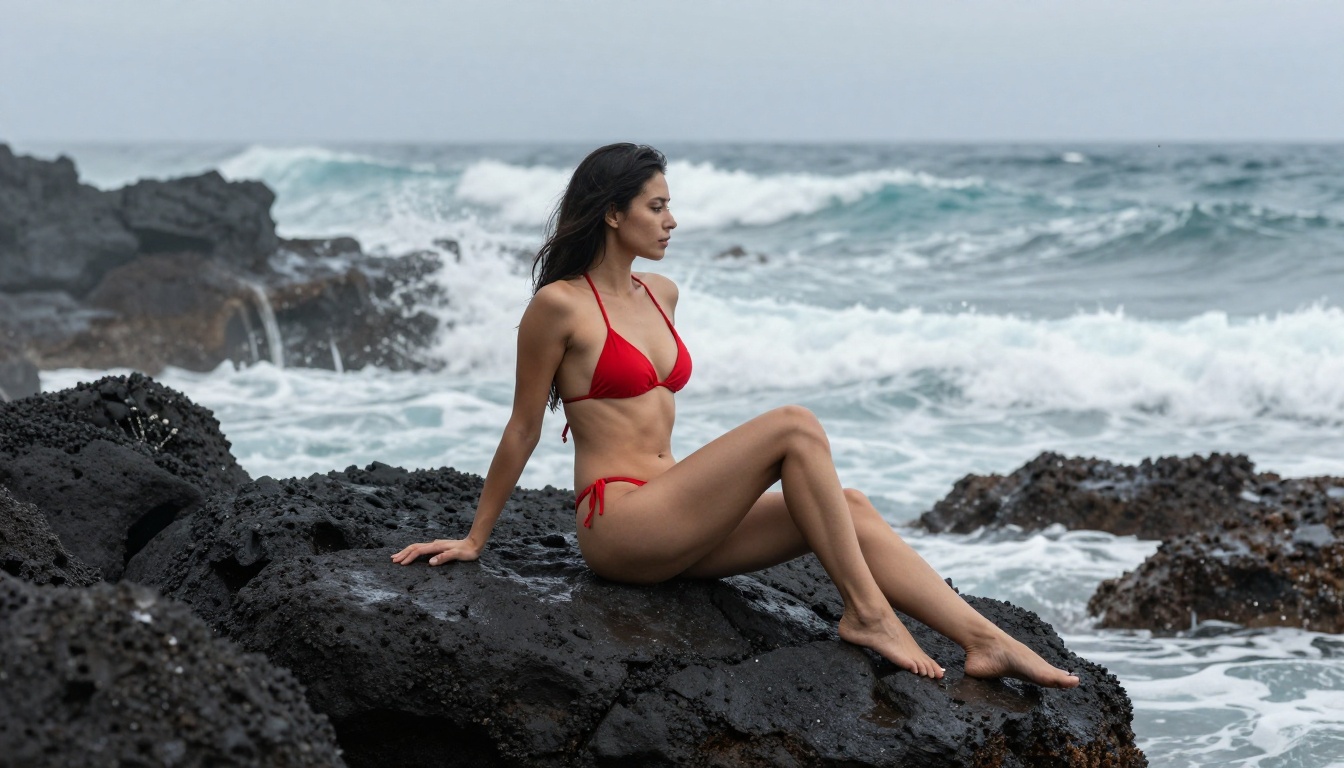
"Beautiful woman in high-cut red bikini, volcanic rock coastline, overcast soft light, wave foam in background, athletic natural posture, 50mm f/2.8, film grain, photorealistic RAW 8K photography"
Editorial Fashion:
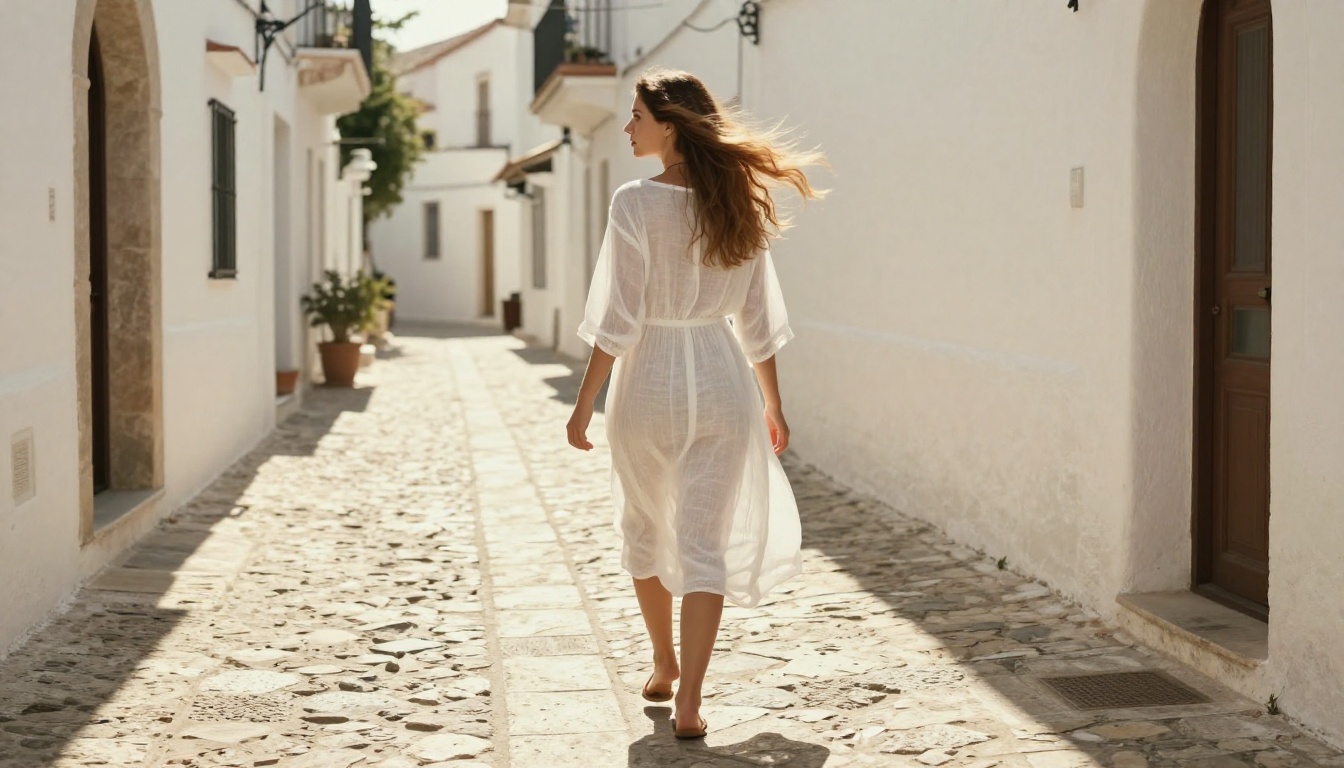
"Woman in sheer white linen dress, whitewashed Mediterranean alley, midday sun from above, natural wind in fabric, 28mm f/4, natural color palette, photorealistic RAW photography"
Save these as templates and adapt the clothing, environment, and lighting to your specific needs. The structure is what matters: changing the subject and setting while keeping the technical anchors produces consistently high-quality results.
Beyond Still Images
Once you've built solid image outputs, expanding into other media on PicassoIA becomes natural.
Super Resolution takes any image you've generated and upscales it 2x-4x while preserving detail. For adult content where texture and skin detail matter, this is the step that takes a good image to gallery-quality.
Face Swap AI lets you apply consistent facial characteristics across multiple generated images, useful for creating cohesive sets with a recurring character across different scenes and outfits.
Background Removal enables clean extraction of subjects from generated scenes, making it easy to recompose them into new environments without full regeneration.
Each of these capabilities is available directly on PicassoIA, meaning your entire workflow, from text prompt to finished image set, stays in one place without juggling multiple tools.
Start Generating Right Now
The models covered here represent the current ceiling of what's available for free. Flux 1.1 Pro, Realistic Vision v5.1, RealVisXL v3.0 Turbo, and SDXL are all accessible on PicassoIA without spending a dollar. The difference between average and impressive outputs isn't the platform, it's the prompt.
Take the templates in this article. Modify the environment, adjust the lighting, pick your model, and generate. PicassoIA's 90+ text-to-image models mean you're never locked into a single approach, and the free credits mean you can experiment without any financial commitment.
The only way to get better at this is to generate. Start now on PicassoIA, put your free credits into Flux 1.1 Pro first, and iterate. By your tenth image, you'll know exactly what this model responds to, and the quality will show it.