Free NSFW Generators That Don't Need an Account (Best Picks for 2027)
Tired of paywalls and forced signups just to generate NSFW AI art? This article breaks down the best free NSFW AI image generators that work without an account, covering output quality, privacy, model variety, and how to get the most realistic results instantly.
The biggest problem with most NSFW AI generators isn't the output quality. It's everything that comes before you even type a prompt: the mandatory signup, the email verification, the credit card "just for verification," the waitlist. People searching for free NSFW generators that don't need an account aren't looking for a 30-day trial. They want to create, right now, without handing over personal data.
This article covers the best options available in 2027, what you can actually expect from each one, which models produce the most photorealistic results, and how platforms like PicassoIA give you access to dozens of unrestricted models without asking for anything upfront.
Why No-Account Access Matters
Privacy is the obvious reason. When you sign up for a platform, you're accepting their terms, their data collection, and their email list. For content that's personal, adult-oriented, or just experimental, many users simply don't want that paper trail.
But there's a practical angle too. Account requirements add friction. They slow you down. And for first-time users trying to test whether a tool is even worth using, being forced to register before seeing a single result is a dealbreaker.
The Real Cost of Forced Signups
Platforms that require accounts before generating images often do it for one of three reasons:
Rate limiting per user to control server costs
Age verification compliance requirements in certain regions
Data collection for marketing, fine-tuning, or monetization
None of those reasons benefit you as a user. The best free NSFW generators have found ways to offer meaningful access without these barriers.
What "Free" Actually Means
Not all free tiers are equal. Some platforms offer:
Type
What You Get
Catch
Fully free, no account
Immediate access, limited daily runs
Slower queues, watermarks
Free with account
More daily credits
Email/data required
Free trial
First X generations free
Credit card required after
Open-source
Self-host locally
Technical setup needed
The focus here is on tools that give you real, usable output without requiring an account.
What Makes a Good NSFW AI Generator
Output quality is the obvious metric, but it's not the only one. Here's what separates genuinely useful tools from frustrating ones.
Image Realism
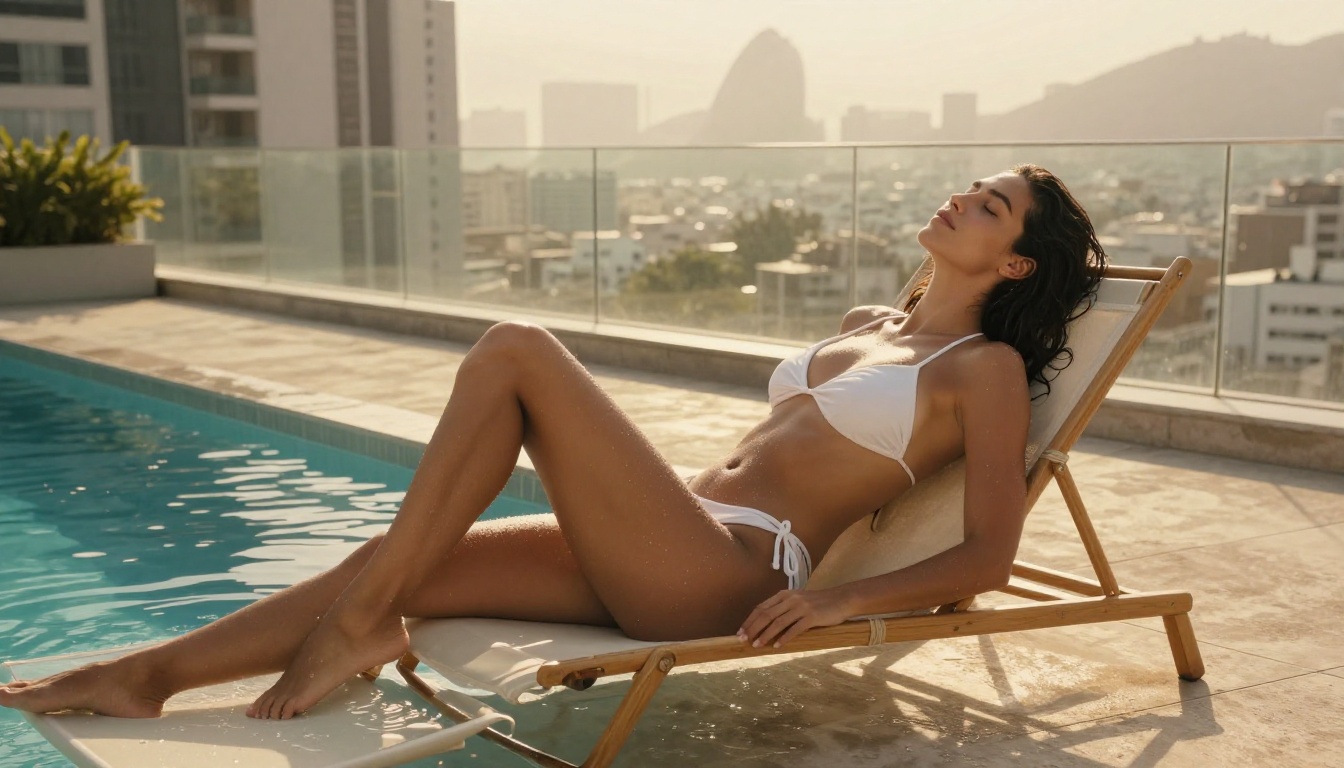
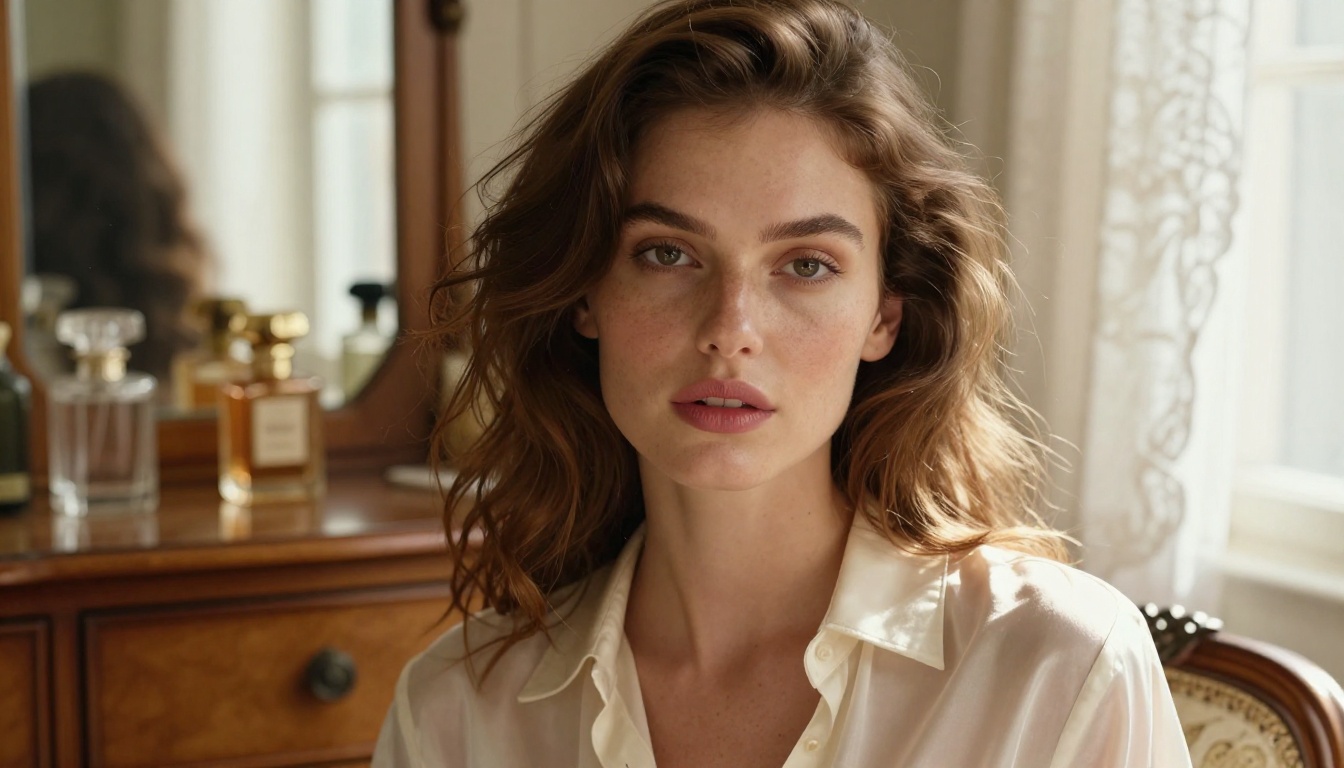
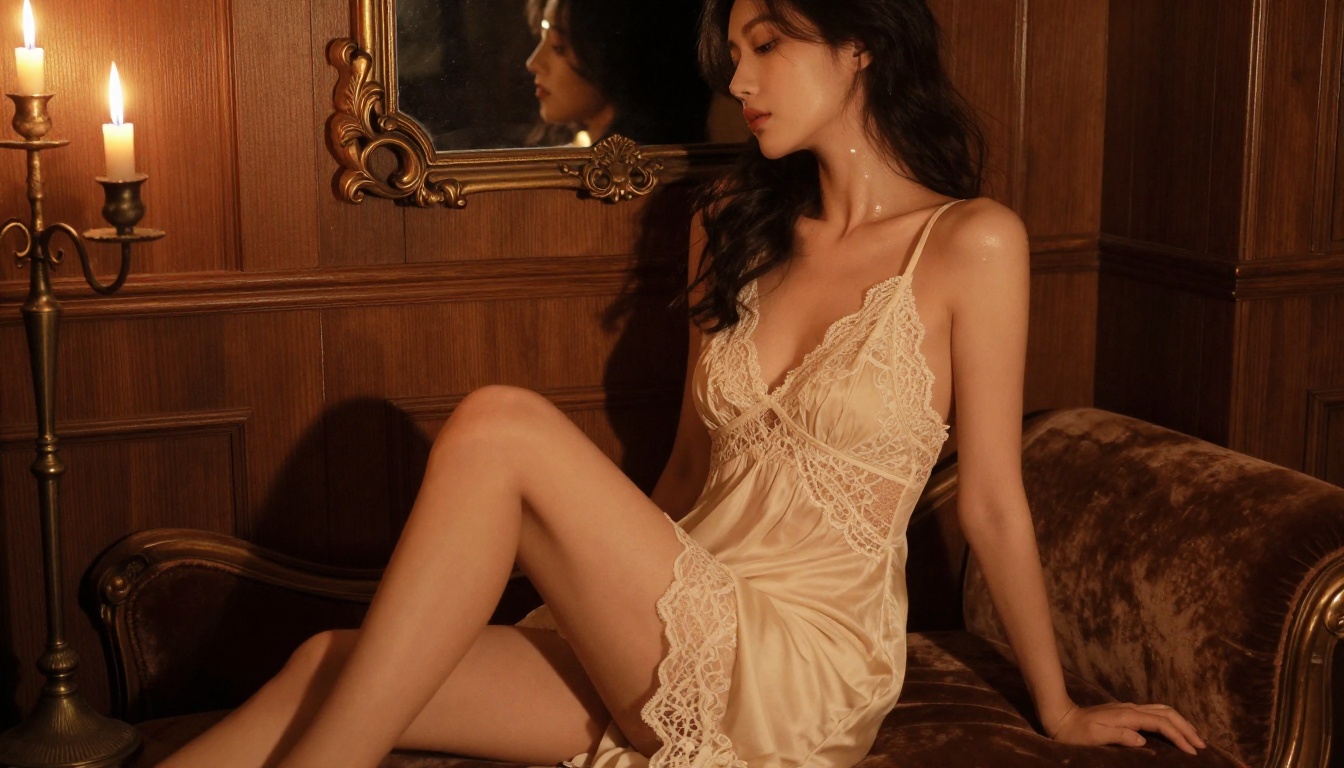
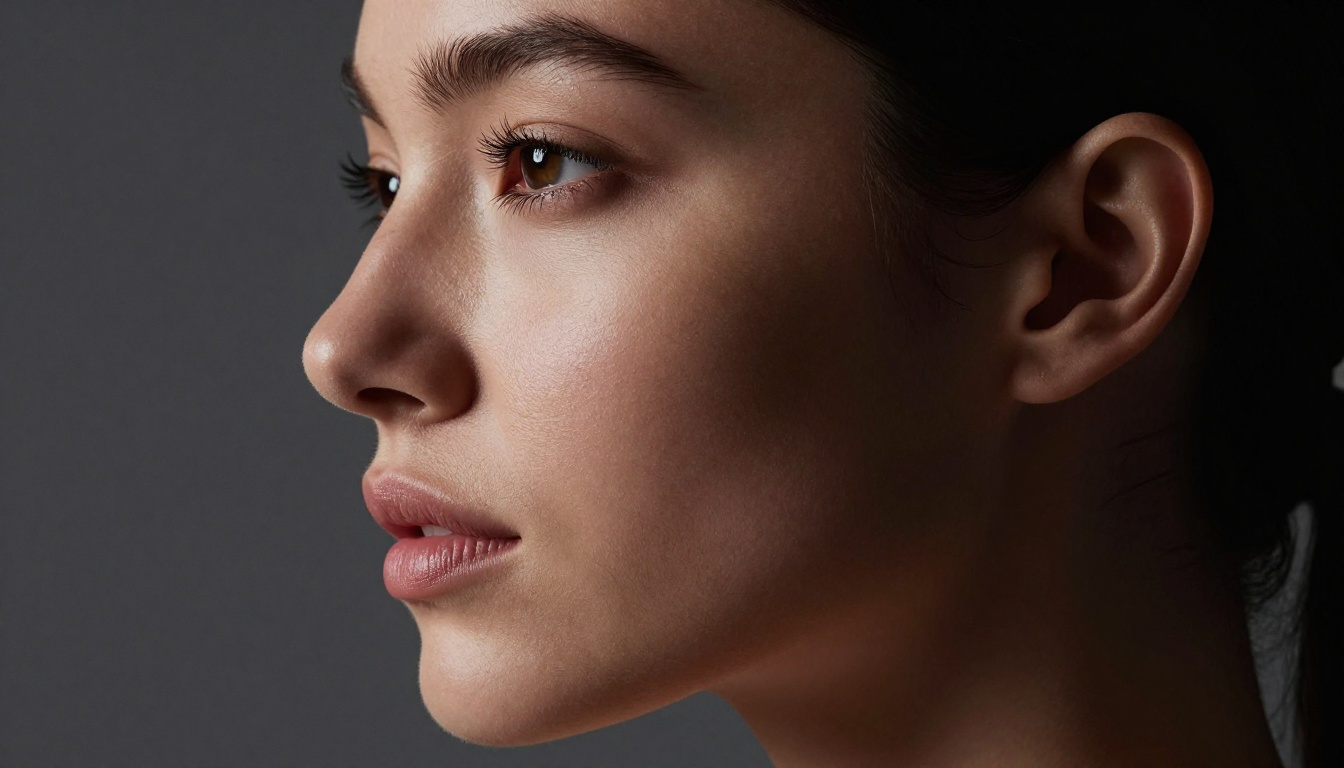
The gap between a good and bad NSFW generator is most visible in skin textures, lighting, and anatomy. Models trained specifically on photorealistic content produce images with visible skin pores, natural lighting gradients, and proportional anatomy. Models that haven't been fine-tuned for realism tend to produce a "plastic" look, incorrect hands, or lighting that looks artificially composited.
💡 Tip: Look for models labeled "Realistic Vision," "RealVisXL," or Flux-based pipelines. These have been specifically optimized for photorealistic human output.
Model Selection
The best platforms give you access to multiple models, not just one. Different models excel at different aesthetics: some are better at soft, editorial fashion-style images, others at raw, high-detail realistic photography.
Prompt Responsiveness
A good NSFW generator follows your prompt closely. Poor models tend to default to generic poses and lighting regardless of what you specify. If you ask for a low-angle shot with backlighting and get a flat, frontal composition, the model isn't responding to your input.
Speed
For a no-account platform, speed matters more than you'd expect. If a free tool takes 3-4 minutes per image on a slow queue, you'll burn through your patience fast.
Top Free NSFW AI Tools Right Now
These are the platforms currently offering the most accessible no-signup or low-friction NSFW generation in 2027.
PicassoIA
PicassoIA is one of the few platforms that gives you direct access to premium models without requiring account creation for basic use. The model catalog is extensive: over 90 text-to-image models spanning everything from classic Stable Diffusion pipelines to the latest Flux 2 Pro and Imagen 3 releases.
For NSFW content specifically, models like Realistic Vision v5.1 and RealVisXL v3.0 Turbo deliver exceptional photorealistic output. The platform supports 16:9, portrait, and square ratios with no watermarks on generated images.
Strengths: Large model selection, no mandatory account, fast generation queues, no watermarks
Weaknesses: Daily free credits are limited without account
Stable Diffusion (Self-Hosted)
Running Stable Diffusion locally is the most private option. There's no account, no server, no data sent anywhere. The tradeoff is technical setup: you need a capable GPU (6GB VRAM minimum for SD 1.5, 8GB+ for SDXL), and you'll need to configure your own UI (Automatic1111 or ComfyUI are standard).
For users comfortable with a one-time setup, local SD with NSFW-capable checkpoints is unmatched in terms of privacy and creative control.
Open Source Browser Tools
Several browser-based tools run inference directly in your browser using WebGPU, meaning nothing is sent to a server. These use quantized, compressed versions of Flux Schnell or SD 1.5. Quality is lower than server-side generation, but the privacy is absolute.
The main limitation: these tools require a modern browser with WebGPU support and a recent GPU. Generation times can be 30-90 seconds per image.
Best Models for Realistic NSFW Output
Not every model handles NSFW content equally. These are the ones that consistently produce the most believable, high-quality results across different content types.
Flux-Based Models
The Flux family from Black Forest Labs has become the benchmark for photorealistic generation. Flux Dev offers a strong balance of quality and speed, while Flux 1.1 Pro pushes further into true photographic territory.
For NSFW work, Flux 2 Dev represents the current quality ceiling for free or low-cost access. Its prompt adherence is excellent, and it handles complex lighting scenarios and skin textures with noticeably more realism than older models.
💡 Tip: When using Flux models, specify your lighting setup explicitly in the prompt. Terms like "rim light from right," "soft fill from left," or "backlighting with lens flare" get directly translated into the output. These models respond to photographic direction better than any previous generation.
RealVisXL and Realistic Vision
RealVisXL v3.0 Turbo is an SDXL-based fine-tune specifically trained for photorealistic human subjects. It produces natural skin tones, correct anatomy, and believable environmental lighting. Generation is fast in turbo mode.
Realistic Vision v5.1 is the SD 1.5-era predecessor that many still prefer for its particular aesthetic: slightly warmer tones, a film-like grain, and a characteristic "candid photography" feel that works especially well for intimate or editorial styles.
DreamShaper XL Turbo
DreamShaper XL Turbo sits in an interesting middle ground. It handles realism well but also excels at slightly stylized outputs with high aesthetic polish. For NSFW content that leans toward the editorial or glamour photography end of the spectrum, DreamShaper often produces more consistently "beautiful" results than purely realistic models.
How to Use Flux Schnell on PicassoIA
PicassoIA has Flux Schnell available for immediate use. Here's how to get the best results:
Step 1: Access the Model
Navigate to the Flux Schnell model page on PicassoIA. No account required to start generating. The interface loads directly with the prompt field and settings visible.
Step 2: Write a Photorealistic Prompt
Structure matters. Use this format for NSFW-adjacent content:
Example: "Beautiful woman in red silk dress standing at floor-to-ceiling window, rain-streaked glass, city lights blurred below, dramatic side lighting from the left, Canon 85mm f/1.4 shallow DOF, Kodak Portra 400 grain, photorealistic RAW 8K"
Step 3: Set Your Aspect Ratio
For most NSFW content, 16:9 or portrait (9:16) ratios work best. Flux Schnell handles both well, though portrait crops are particularly effective for close-up and full-body shots.
Step 4: Iterate Fast
Flux Schnell is optimized for speed. Generate 3-4 variations of the same prompt to find the best composition before fine-tuning details.
💡 Tip: Adding specific negative prompts (unrealistic anatomy, plastic skin, blurry, overexposed) significantly improves output quality. Many people skip negative prompts and then wonder why results look artificial.
Privacy When Using NSFW AI Tools
Using an NSFW generator without an account reduces but doesn't eliminate your privacy exposure. Here's what you should know.
What Gets Logged
Even without an account, most web-based generators log:
IP address (sometimes with geolocation)
Prompt text (often used for content moderation and model training)
Session timestamps
Browser fingerprint (in some cases)
Using a VPN or Tor browser mitigates most of this. For complete privacy, local generation (self-hosted Stable Diffusion) is the only true zero-exposure option.
Terms of Service
Even free, no-account platforms have ToS. Most prohibit genuinely illegal content (minors, non-consensual scenarios, etc.). PicassoIA and similar platforms enforce these rules at the prompt and output level.
💡 Tip: Platforms that log prompts often use automated content classifiers. Prompts that trigger false positives on certain keyword combinations can result in filtered outputs even for legitimate requests. Rephrasing in photographic or artistic terms (rather than explicit descriptors) usually produces better results and fewer false filters.
Age Verification Considerations
In some jurisdictions (UK, EU regions with DSA enforcement, certain US states), platforms hosting NSFW content face legal requirements around age verification. This is why some platforms that were previously no-signup are moving toward account requirements. It's a regulatory trend, not a platform preference.
For now, many platforms still operate without verification for non-explicit content.
Common Problems and How to Fix Them
Free NSFW generators have predictable failure modes. Here's how to work around the most frequent ones.
Outputs Look Plastic or Artificial
Cause: Model defaulting to overly smooth, processed aesthetic. Common in older SDXL models.
Fix: Switch to a fine-tuned realistic checkpoint. On PicassoIA, try RealVisXL v3.0 Turbo or Realistic Vision v5.1. Add "Kodak Portra 400 film grain, visible skin pores, natural skin texture" to your prompt.
Anatomy Looks Wrong
Cause: Model struggling with complex poses or limb placement.
Fix: Use Flux 2 Dev or Flux 1.1 Pro. These models have significantly better anatomical training than earlier SD-based options. For particularly complex poses, describe the body position precisely in the prompt.
Content Gets Filtered Unexpectedly
Cause: Prompt triggers automated content classifier on specific keywords.
Fix: Rephrase using photographic/editorial language. "Glamour photography," "fashion editorial," "boudoir photography session," and similar terms often pass filters that would catch more direct descriptions. You're describing the photographic context, not the content itself.
Slow Generation Times
Cause: High server load on free tiers during peak hours.
Fix: Try off-peak hours (early morning local time, or during US/European sleeping hours for US-based servers). Alternatively, use turbo variants: Flux Schnell, DreamShaper XL Turbo, or SDXL Lightning 4Step are specifically optimized for speed.
Problem
Quick Fix
Model to Try
Plastic skin
Add film grain keywords
Realistic Vision v5.1
Wrong anatomy
Precise pose description
Flux 2 Dev
Content filtered
Use editorial language
Flux Schnell
Slow queue
Off-peak hours or turbo models
DreamShaper XL Turbo
Bad lighting
Specify light source direction
Flux 1.1 Pro
Prompt Formulas That Actually Work
These are tried-and-tested prompt structures for NSFW-adjacent content that performs well on realistic models.
For Glamour and Fashion
[Subject + outfit description], [location: interior/exterior], [time of day] light,
[specific lighting setup], [camera + lens], [film stock or color grade],
photorealistic, RAW 8K, natural skin texture
💡 Tip: The camera angle specification is one of the most underused prompt elements. "Low-angle looking up" creates a completely different power dynamic and composition than "eye-level." "Aerial looking down" produces dramatically different spatial relationships. These single-phrase additions change the entire feel of the output.
How PicassoIA Compares to Other Options
For users who don't want the overhead of local installation but still want serious model quality without mandatory registration, PicassoIA occupies a specific and useful position.
Feature
PicassoIA
Local SD
Other Web Tools
No account required
Yes (basic access)
Yes
Varies
Model variety
90+ text-to-image
Unlimited (download)
Usually 1-3
Photorealistic quality
Flux, RealVisXL
Checkpoints
Varies
Speed
Fast
GPU-dependent
Often slow
Privacy
Standard web logging
Complete
Varies
Watermarks
No
No
Often yes
Setup required
None
Yes
None
The model variety is the biggest differentiator. Having Flux Kontext Pro, SDXL, DreamShaper XL Turbo, and Realistic Vision v5.1 all accessible from a single interface means you can test which model works best for your specific aesthetic without toggling between different websites.
Start Creating Right Now
If you've been putting off experimenting with NSFW AI generation because every platform seemed to demand your email address, credit card, or a 48-hour approval process, that barrier doesn't have to exist.
PicassoIA gives you direct access to over 90 models including Flux Schnell for speed, Flux 1.1 Pro for premium quality, RealVisXL v3.0 Turbo for photorealistic results, and dozens more. Pick a model, write your prompt, and see what comes back. No form to fill out. No email to confirm. No credit card to enter.
The fastest way to figure out which model and prompt style works for your creative vision is to try a few different approaches in the first session. Start with Flux Schnell for fast iteration, then move to Flux 2 Dev or Realistic Vision v5.1 once you've found a prompt formula you like. The difference in output quality between a rough first prompt and a well-structured photographic prompt is significant. The examples and formulas in this article give you a direct starting point.