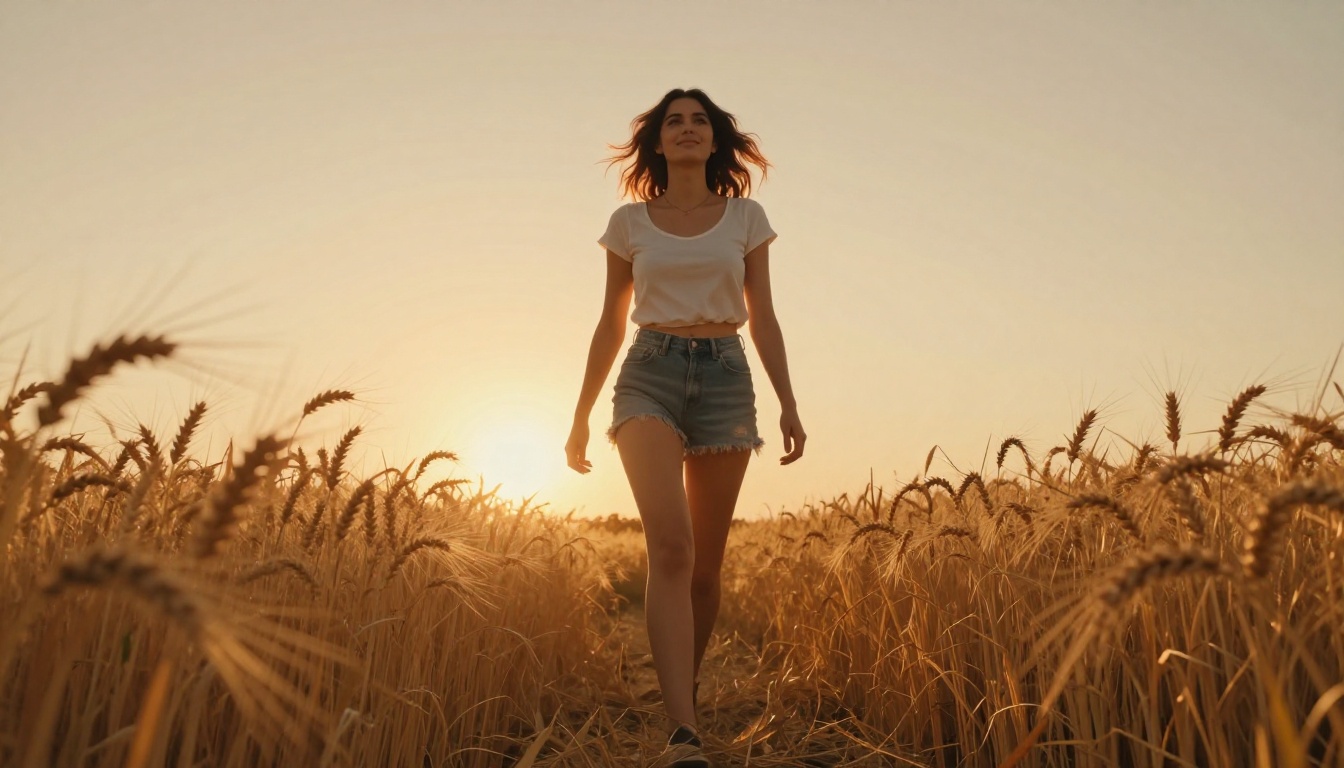
The NSFW AI image generation space has exploded in 2027, and for good reason. A handful of truly capable free tools now exist that produce photorealistic, suggestive, and artistically compelling results without a paid subscription. Whether you are after glamour photography aesthetics, tasteful pin-up styles, or sensual editorial looks, the right model changes everything. This article breaks down the generators actually worth your time, what makes each one tick, and exactly how to get the best results from them.
What Sets a Good NSFW Generator Apart
Not every free tool deserves your attention. The gap between a mediocre generator and a great one shows up immediately in the output. Skin texture, fabric rendering, lighting coherence, and anatomical accuracy are the first things to fall apart in low-quality models. A truly good NSFW generator nails all four.
Photorealism Is Non-Negotiable
Suggestive AI art lives or dies on believability. If the skin looks plastic, the lighting feels flat, or the fabric has no texture, the image loses its impact instantly. The best models in 2027 render fine pore detail, natural subsurface scattering on skin, and fabric weave so precisely that outputs are routinely mistaken for real photography.
What to look for:
- Natural skin tone gradients (not oversaturated or plastic)
- Accurate hair strand rendering
- Clothing fabric texture (visible weave, natural draping)
- Correct shadow behavior under different lighting conditions
Free Tiers That Actually Deliver
Free does not have to mean watered-down. Several top-tier models now offer free access with generous daily credits, full resolution outputs, and no watermarks. The catch is usually generation speed. Free tiers on most platforms throttle queue priority, meaning your image might take 30-90 seconds instead of 5. For most users, that is a completely acceptable trade-off.
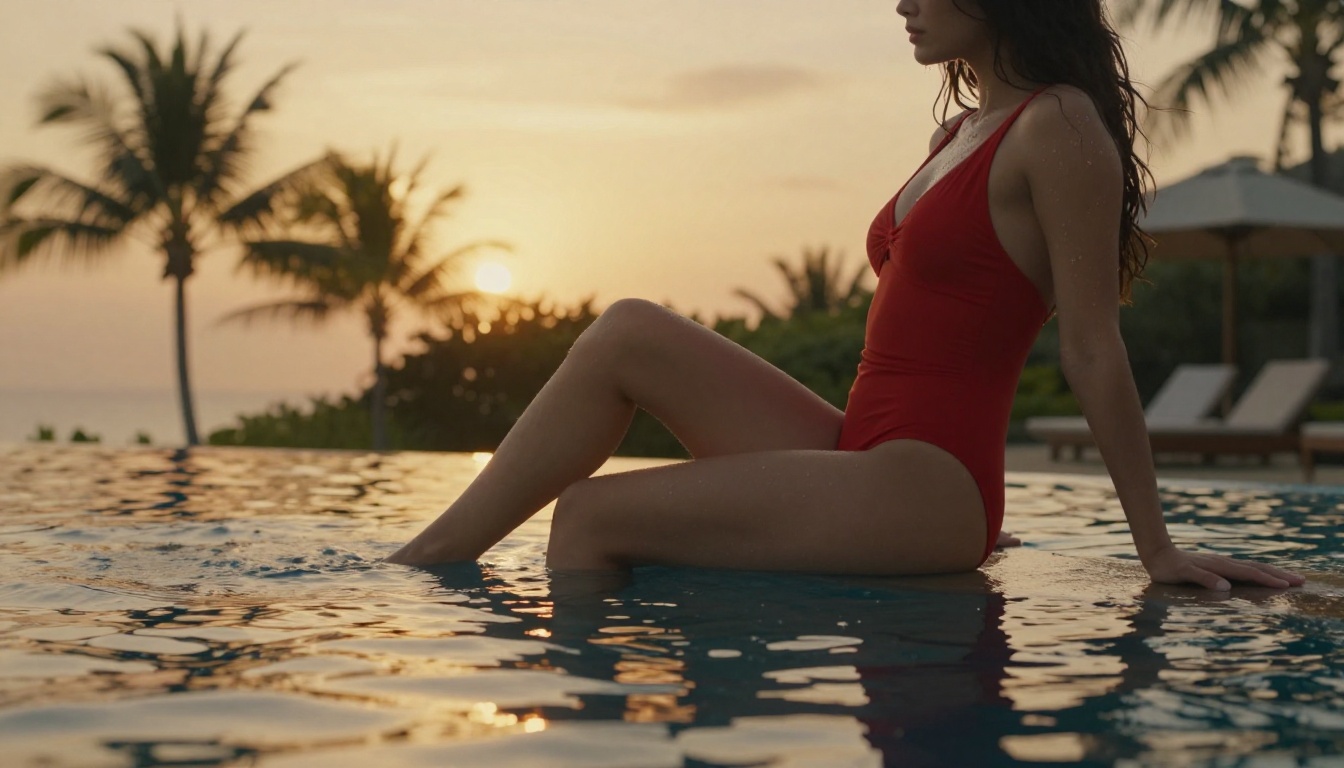
The Best Free NSFW AI Generators Right Now
These are not rankings based on hype. They are based on consistent output quality across hundreds of suggestive and glamour-style prompts, specifically in photorealistic styles that make NSFW content compelling.
Flux Dev: The Photorealistic Powerhouse
Flux Dev from Black Forest Labs has set a new standard for realistic human rendering. The model's understanding of lighting, composition, and skin texture is genuinely impressive. On free tiers it runs slightly slower than paid alternatives, but the output quality justifies the wait.
Strengths:
- Industry-leading skin texture and pore detail
- Natural-looking hair at all lengths
- Excellent fabric rendering (satin, lace, denim, cotton)
- Handles complex lighting scenarios without artifacts
Best for: Glamour photography, editorial-style portraits, lingerie aesthetics
Tip: Flux Dev responds extremely well to camera lens specifications in your prompt. Add "85mm f/1.4, shallow depth of field" to instantly elevate portrait quality.
Flux Schnell: Fast Drafts, Surprising Quality
Flux Schnell is the faster, lighter version of the Flux family. It sacrifices some fine detail but generates in seconds rather than minutes. For iterating on prompts quickly, nothing beats it. Run Schnell to test composition and pose ideas, then switch to Flux 1.1 Pro for the final high-quality render.
Stable Diffusion 3.5 Large: Maximum Creative Control
Stable Diffusion 3.5 Large gives you a level of creative control that no closed-source model can match. The architecture handles artistic NSFW content with remarkable nuance, and its response to detailed prompts is precise. For users who want to dial in specific aesthetics, lighting moods, and composition styles, this model rewards detailed prompting more than almost any alternative.
The Stable Diffusion 3.5 Large Turbo variant delivers a faster version with only a minor quality reduction, ideal for rapid iteration.
Strengths:
- Highly responsive to style descriptors
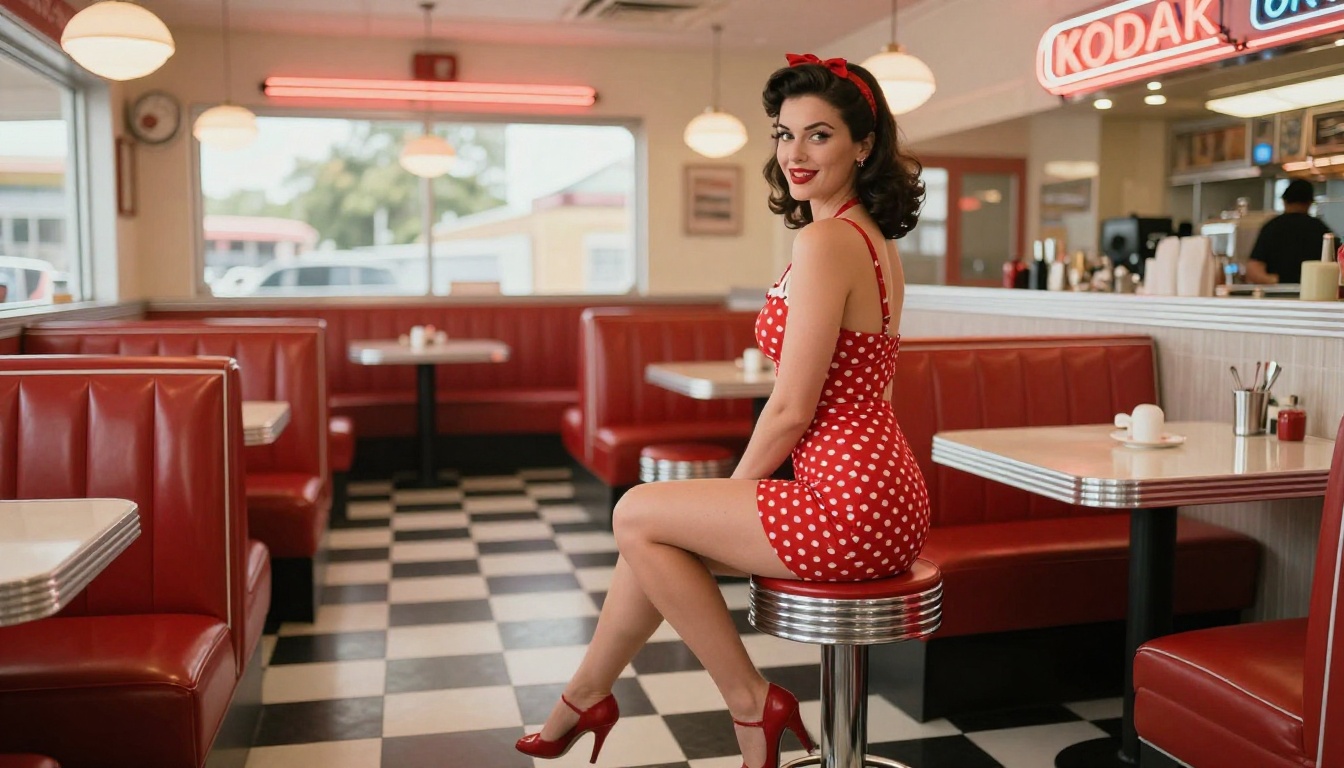
- Excellent for recreating specific photography aesthetics (editorial, glamour, pin-up)
- Strong ControlNet compatibility for pose control
Realistic Vision v5.1: Born for Portraits
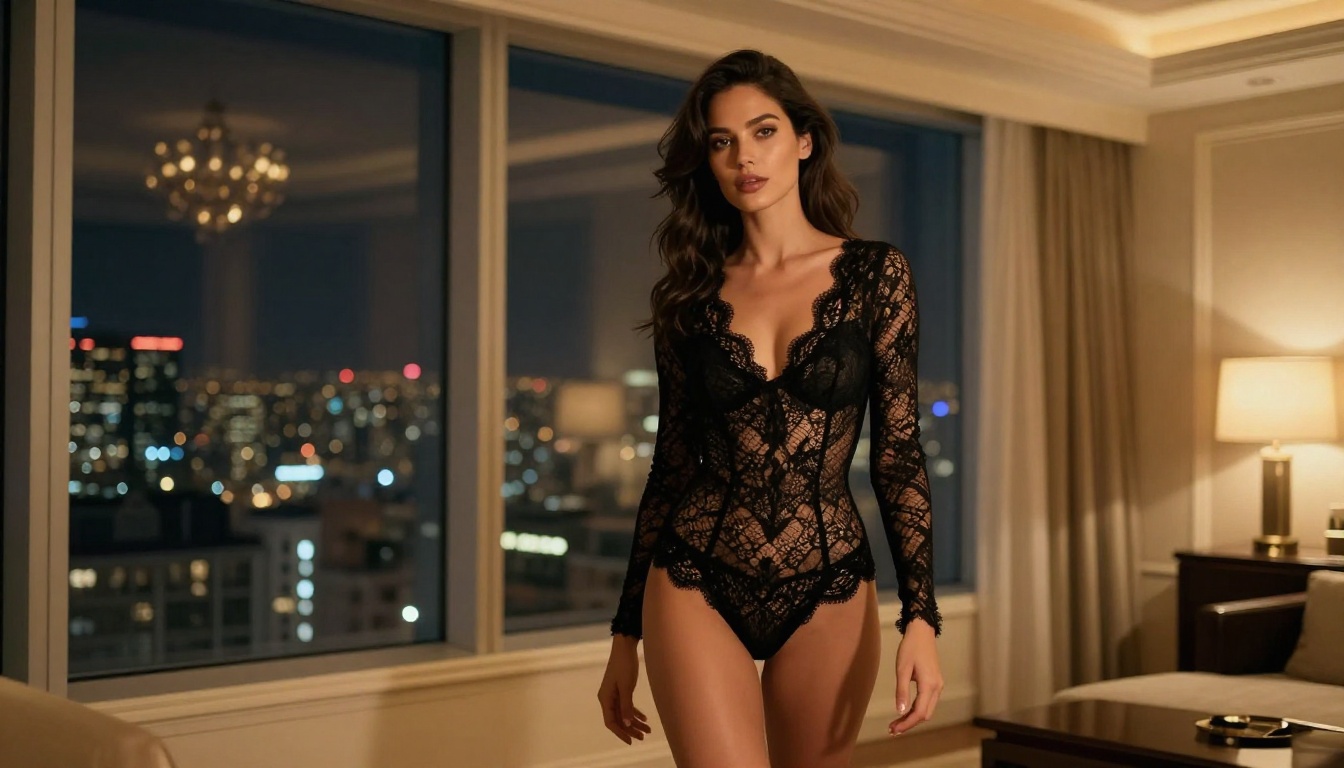
Realistic Vision v5.1 is a fine-tuned model specifically optimized for photorealistic human subjects. It was built to solve the problems that plagued earlier generators: unnatural eyes, asymmetrical faces, and plastic skin. The results speak for themselves. Close-up portraits rendered with this model routinely pass for real photography.
Strengths:
- Best-in-class facial detail and symmetry
- Natural eye rendering with accurate catchlights
- Extremely believable skin texture at close range
- Great for mid-shot and close-up portrait styles
DreamShaper XL Turbo: Speed Meets Style
DreamShaper XL Turbo sits in a sweet spot between speed and quality. Where other fast models compromise on anatomy or detail, DreamShaper XL Turbo maintains strong human figure rendering while generating in under 10 seconds on most platforms. It handles the full range of suggestive aesthetics well, from swimwear editorials to artistic implied nudity.
RealVisXL v3.0 Turbo: The Dark Horse
RealVisXL v3.0 Turbo does not get the same attention as Flux, but for NSFW portrait work it is arguably more consistent. Its handling of difficult lighting scenarios (rim lighting, backlighting, mixed interior-exterior light) is exceptional. If you have tried other models and been frustrated by flat, evenly lit outputs, this is worth trying immediately.
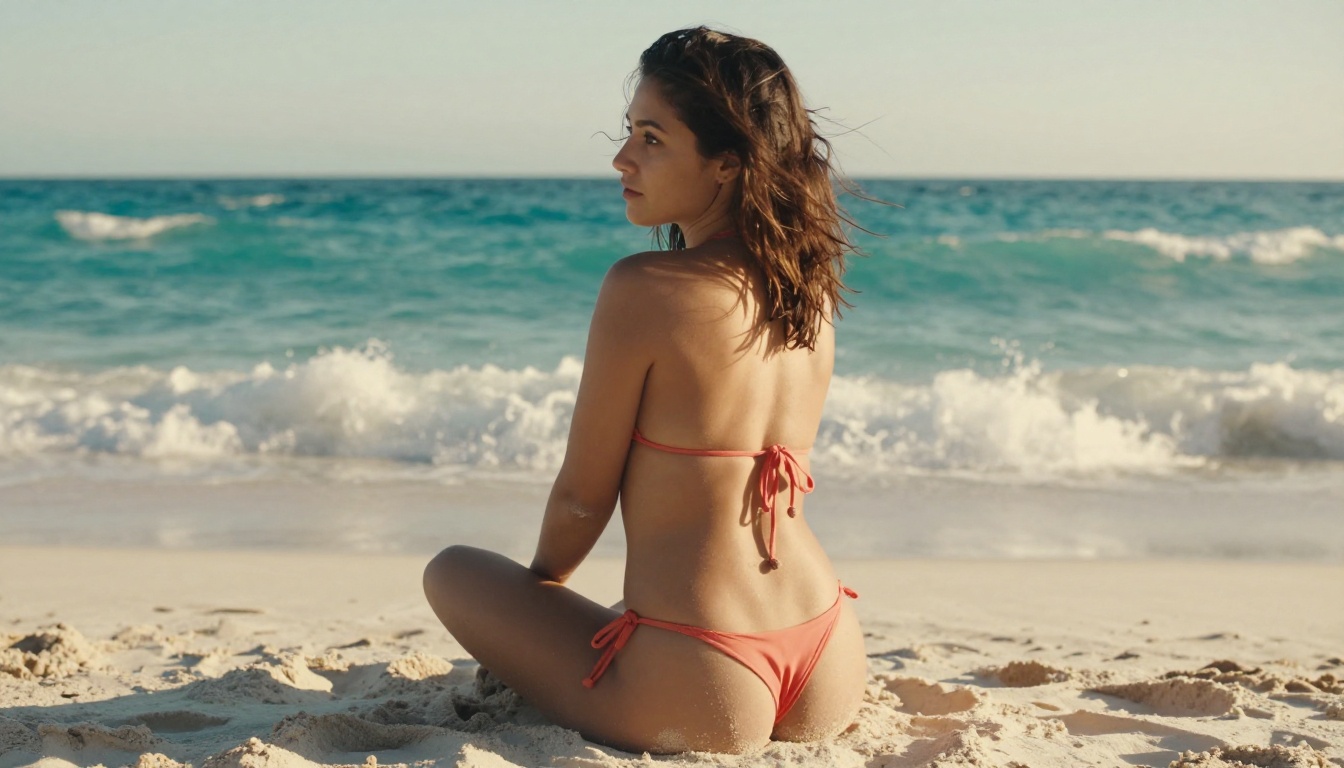
How to Use NSFW Models on PicassoIA
PicassoIA brings all of these models together in one platform, with a clean interface and free daily credits. Here is exactly how to get started with NSFW image generation:
Step 1: Choose your model. Navigate to the Text to Image collection and filter by your preferred style. For photorealistic NSFW, start with Flux Dev or Realistic Vision v5.1.
Step 2: Write a detailed prompt. Include subject description, clothing or lack thereof, setting, lighting direction, camera angle, and lens specification. The more specific, the better. See the prompt section below for templates.
Step 3: Set your aspect ratio. For portrait and glamour shots, use 9:16. For editorial or landscape compositions, 16:9. For square social-media style, 1:1.
Step 4: Add negative prompts. Include terms like "cartoon, illustration, painting, CGI, 3D render, watermark, text, deformed anatomy, extra limbs" to steer the model away from common failure modes.
Step 5: Generate and iterate. Run the first generation to assess composition and lighting. Adjust your prompt based on what worked, then regenerate. Most users find their ideal result in 3-5 iterations.
Tip: PicassoIA's Super Resolution tools can upscale your best outputs to 4x their original resolution, adding fine detail that makes the final image even more convincing.
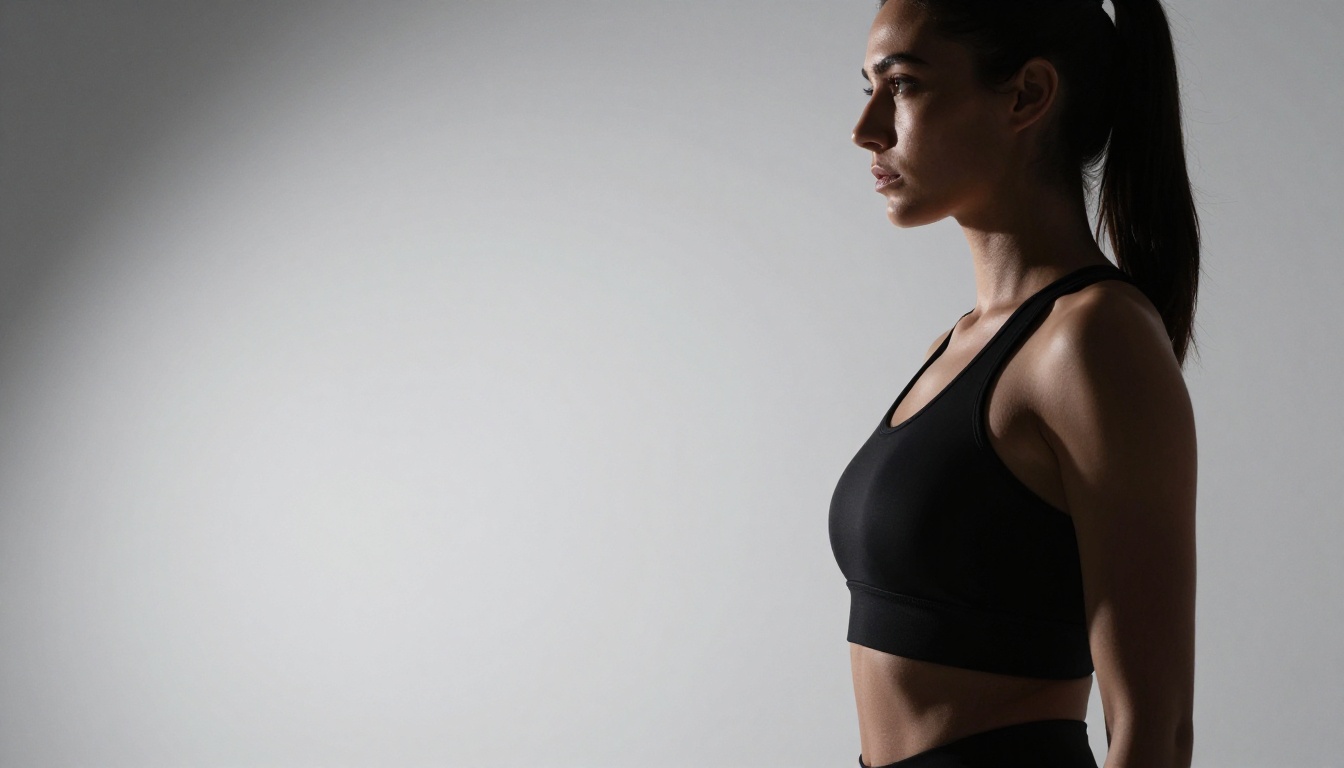
Side-by-Side Model Comparison
Writing Prompts That Actually Work
Prompt quality accounts for roughly 70% of output quality. A mediocre model with a great prompt frequently outperforms an excellent model with a weak one.
The Anatomy of a Great NSFW Prompt
A strong NSFW prompt follows this structure:
[Subject] + [Clothing/State] + [Pose/Action] + [Setting] + [Lighting] + [Camera Details] + [Style Modifiers]
Example: "Young woman in a black satin bikini, standing with one hand on her hip, sunlit hotel room balcony with ocean view, warm golden-hour light from the left, 85mm f/1.4 portrait lens, shallow depth of field, Kodak Portra 400 film grain, photorealistic, 8K"
Key elements to include:
- Specific clothing descriptions (fabric type, color, cut, fit)
- Exact lighting direction ("from the left", "backlit", "overhead sun")
- Camera lens and aperture ("85mm f/1.4", "50mm f/2.0")
- Film stock for mood ("Kodak Portra 400", "Fujifilm Pro 400H")
- Resolution and style modifiers ("photorealistic, 8K, RAW photography")
Negative Prompts Save You Time
Most failures in NSFW generation come from the same recurring issues: deformed anatomy, plastic skin, floating limbs, symmetrical faces that drift toward the uncanny. A solid negative prompt list prevents most of these automatically.
Recommended negative prompt base:
"cartoon, illustration, 3D render, CGI, painting, deformed hands, extra fingers, asymmetrical face, plastic skin, watermark, text, logo, blur, overexposed, flat lighting, low resolution"
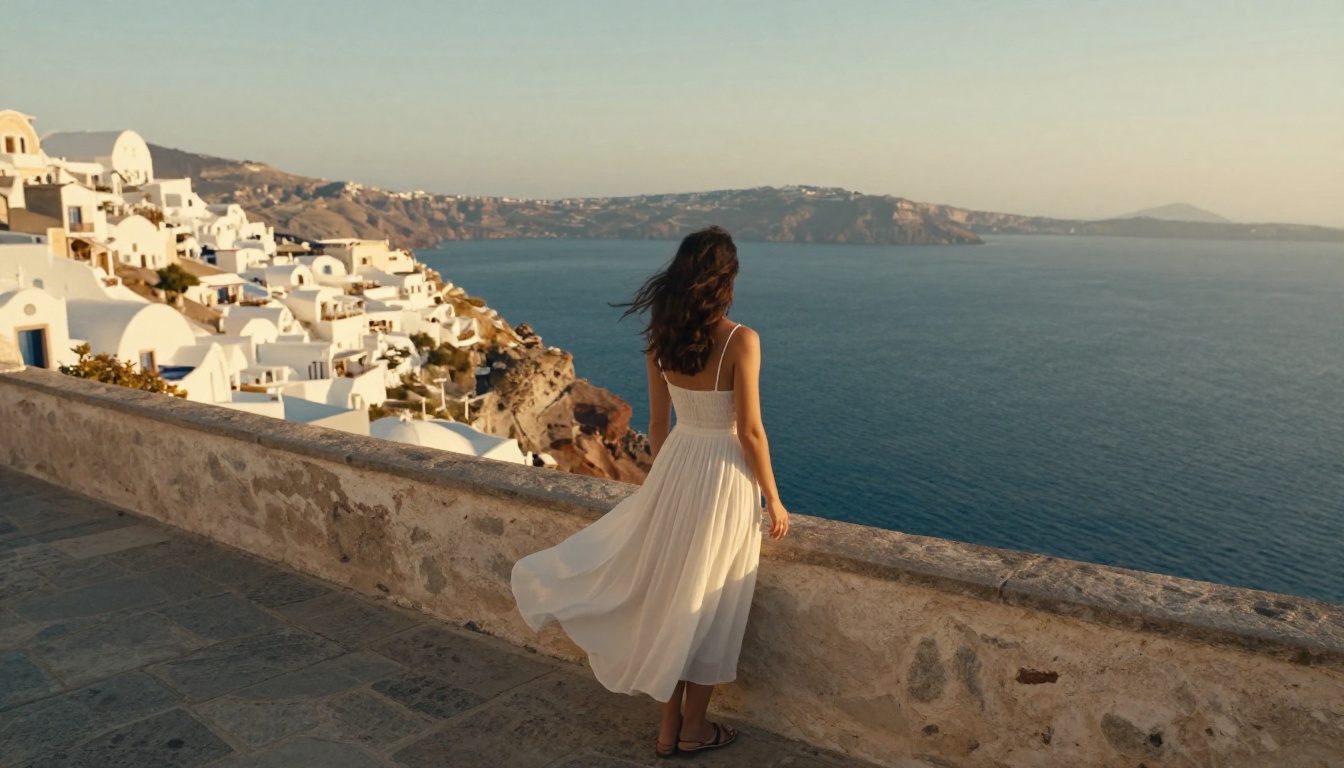
Even experienced users run into the same pitfalls repeatedly. Knowing them in advance saves hours of frustration.
Vague Prompts Kill Quality
"Beautiful woman in lingerie" will give you something generic every time. The model has no idea what kind of lighting you want, what the setting should be, or what photographic style to reference. You need specificity. Replace "beautiful woman" with "mid-30s woman with natural wavy hair and freckled shoulders". Replace "lingerie" with "ivory silk slip dress, thin spaghetti straps". The difference in output quality is dramatic.
Ignoring Aspect Ratio Settings
Portrait subjects need portrait aspect ratios. Running a full-body shot in square format always results in cropped limbs or awkward compositions. Match your aspect ratio to your subject:
- 9:16 for full-body standing shots
- 16:9 for wide editorial compositions
- 1:1 for headshots and close-up portraits
- 4:3 for mid-shots and seated compositions
Over-Relying on a Single Model
Different models have different strengths. Flux Dev excels at skin texture. Realistic Vision v5.1 dominates close-up faces. DreamShaper XL Turbo wins on speed. Rotating between two or three models for different parts of a project consistently produces better results than sticking with one.
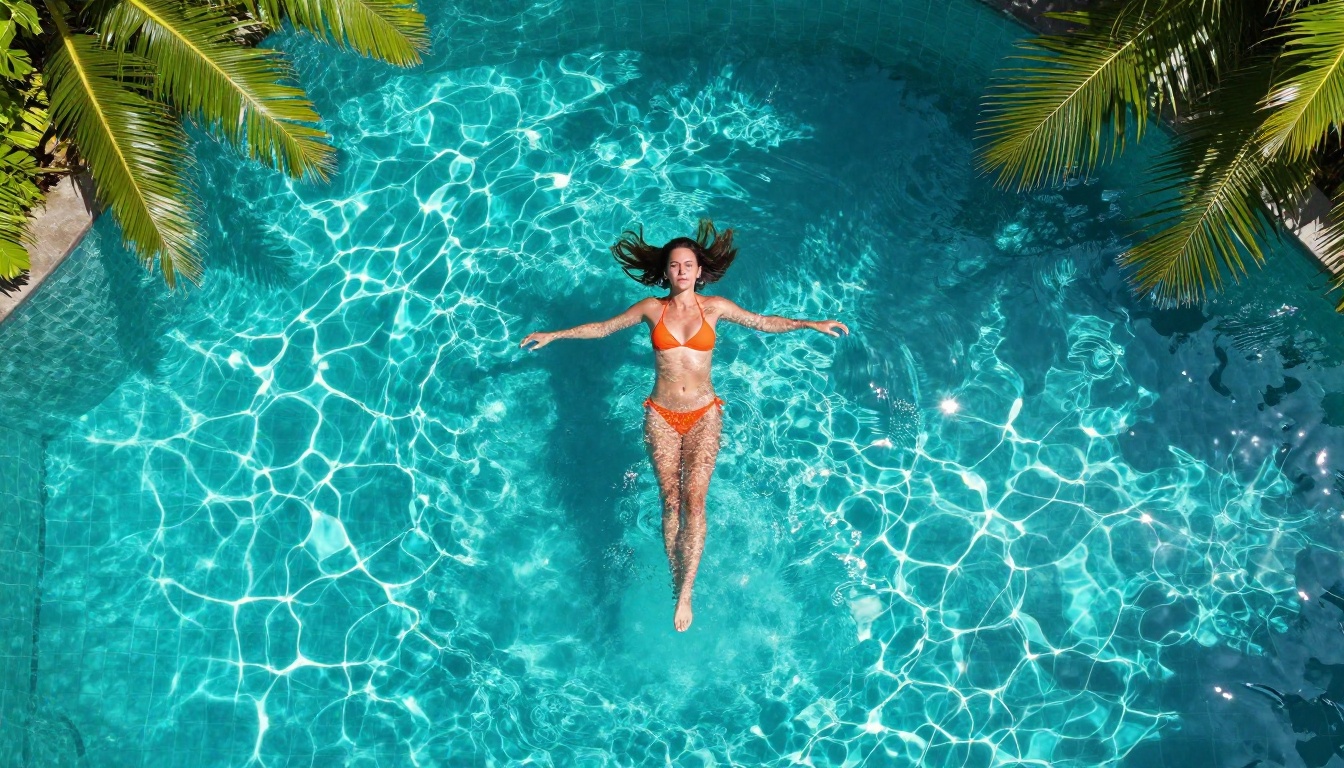
Beyond Images: What Else You Can Create
Free NSFW generation does not stop at still images. The same models and platform that produce glamour photography can feed into a full creative workflow.
Face Swap AI lets you apply generated faces to existing imagery, useful for maintaining consistent character appearance across a series of images without regenerating from scratch.
Super Resolution upscales your best outputs from 512px to full 4K resolution, revealing fine detail that was not visible at the original generation size. This is especially useful for close-up skin and fabric renders.
Outpainting extends the canvas of an existing image, useful for when a portrait crops too tight on the subject and you need to add environmental context around them.
Background Removal isolates your generated subject from their background for compositing into different scenes, product mockups, or creative projects.
All of these capabilities are available on PicassoIA alongside the generation tools, creating a complete creative pipeline without switching platforms.
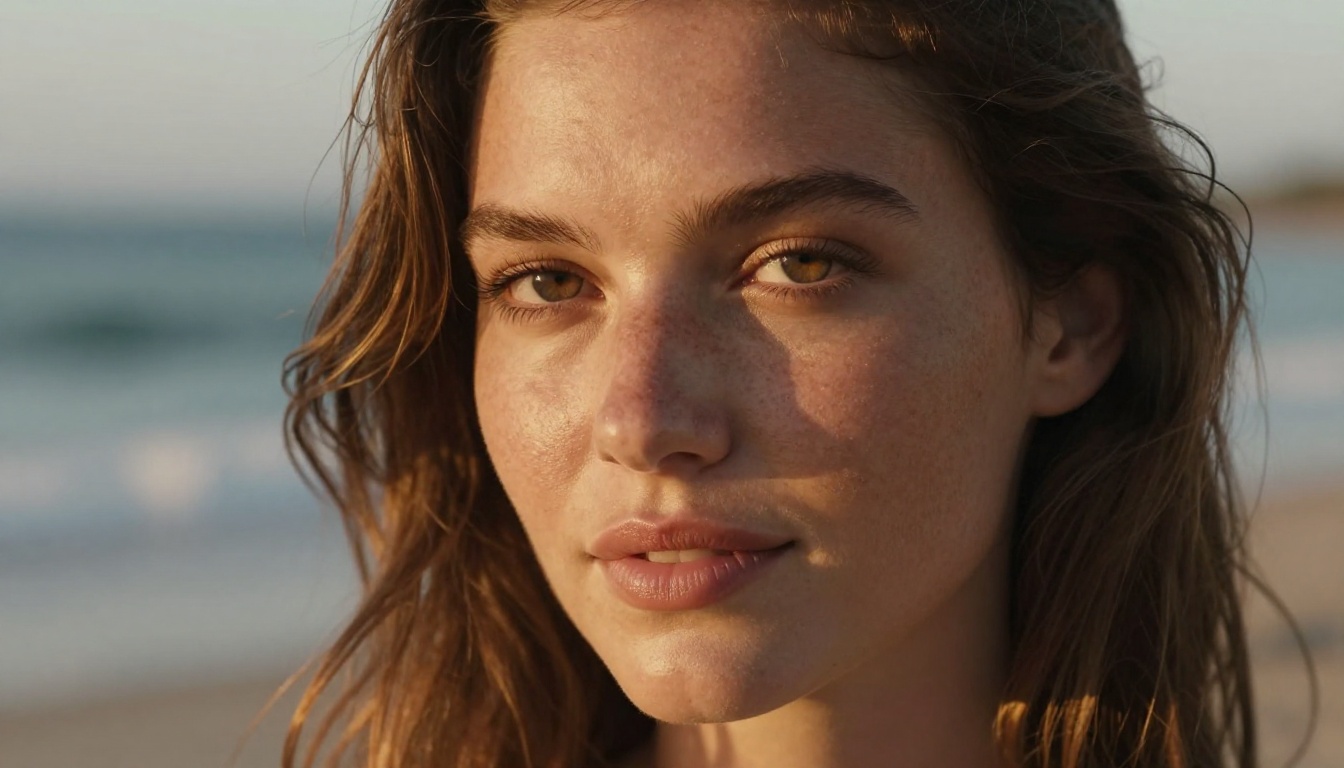
What the Free Plans Actually Give You
Free access in 2027 is genuinely usable, not just a demo. Here is what to realistically expect:
Credits, Limits, and Realities
Most platforms operate on a daily credit system. A typical free tier gives you somewhere between 10 and 50 generations per day, depending on the model. Faster models like Flux Schnell consume fewer credits than high-quality models like Flux 1.1 Pro Ultra, which means strategic model selection stretches your free credits further.
Free tier expectations:
- Resolution: Full resolution outputs on most platforms (no forced downscaling)
- Watermarks: None on the main platforms in 2027
- Queue priority: Slower than paid tiers, typically 30-90 seconds per image
- Storage: Generated images usually expire after 24-72 hours, so download what you want to keep
Tip: Use fast models like Flux Schnell or DreamShaper XL Turbo for testing and iteration. Save your premium credits for final renders with Flux Dev or Realistic Vision v5.1.
Safety and Content Policies Vary
Every platform draws its line differently. Some allow implied nudity and artistic suggestive content. Others restrict to clothed subjects only. PicassoIA allows tasteful NSFW within artistic boundaries, meaning glamour, swimwear, elegant lingerie styles, and artistic implied nudity are within scope. Explicit pornographic content sits outside those limits on every reputable platform.
Knowing the platform's policies before investing time in a prompt workflow saves the frustration of having your images repeatedly declined.
Now It Is Your Turn
The models covered here represent the best the free NSFW AI generation space has to offer in 2027. The real difference between mediocre and stunning output is not which platform you use. It is prompt quality, model selection for the job, and willingness to iterate.
PicassoIA puts all of these models in one place with daily free credits, no watermarks, and a clean interface that does not get in the way of the creative process. Flux Dev, Realistic Vision v5.1, Stable Diffusion 3.5 Large, and DreamShaper XL Turbo are all accessible right now, without spending anything.
Pick a model, write a detailed prompt, and see what you get. Your first image takes about 60 seconds. Your tenth takes about 10. The creative ceiling with these tools is genuinely high, and the floor to entry is zero.