Those searching for free NSFW image packs with Seedream 5.0 are going to hit a wall quickly: the newest publicly available Seedream model, Seedream 5 Lite, blocks adult content by design. That means if your goal is realistic, suggestive, or explicit AI-generated imagery, you need to know which version of Seedream actually works, and where to run it without hitting content filters at every turn. This article breaks it all down, including the best free and unlimited options available right now.
What Seedream 5.0 Actually Offers
ByteDance's Seedream 5 series represents a significant jump in image fidelity. The outputs are sharper, more photorealistic, and handle complex compositions better than earlier generations. But there is a split that matters enormously for anyone searching for NSFW packs.
The 5 Lite Limitation
Seedream 5 Lite is the publicly released version of the Seedream 5 architecture. It applies strict safety filters that block suggestive or adult content. Submit a prompt with any ambiguous phrasing, a sheer fabric description, or anything beyond conservative fashion photography, and you will get a rejection or a heavily sanitized result.
For creators building NSFW image packs, this makes Seedream 5 Lite the wrong tool for the job, despite the name appearing in search results for this exact use case.
What Changed in the Architecture
The Seedream 5 models use a revised content moderation pipeline that flags intent at the prompt level, not just the output level. Earlier versions like Seedream 4.5 used output-based filtering, which was far less aggressive. That architectural difference is why Seedream 4.5 remains the preferred model for adult content creation while the newer version shuts it down before generation even starts.
💡 Quick answer: If you want NSFW results with Seedream quality, use Seedream 4.5, not Seedream 5 Lite. The quality difference is smaller than you think, and 4.5 actually delivers what you are looking for.
Seedream 4.5 - The Real Choice for NSFW
Seedream 4.5 remains the top-ranked NSFW text-to-image model for a straightforward reason: it combines uncensored generation with image editing capability and generates results in under 3 seconds. That combination does not exist elsewhere at the same quality level.
Why 4.5 Beats the New Version
| Feature | Seedream 4.5 | Seedream 5 Lite |
|---|
| NSFW Support | Yes | No |
| Image Editing | Yes | Limited |
| Generation Speed | Under 3 seconds | 3-5 seconds |
| Photorealism | Very High | Very High |
| Content Filters | Minimal | Strict |
| Best For | NSFW packs, glamour, artistic | SFW creative work |
The table makes the decision obvious. For building image packs with adult or suggestive content, Seedream 4.5 is the correct choice. Seedream 5 Lite is excellent for safe-for-work projects.
Speed That Changes Everything
When you are generating a pack of 50 or 100 images, speed is not a minor detail. At under 3 seconds per generation with Seedream 4.5, a 100-image pack takes roughly 5 minutes of active generation time. Compare that to models averaging 8-12 seconds per image, where the same pack takes 20 or more minutes. The practical impact on workflows is significant.
Best NSFW Models on PicassoIA Right Now
Beyond Seedream 4.5, PicassoIA offers a full lineup of models that support adult content. This is the ranked list, ordered by performance and practical value for NSFW pack creation.
The Full Ranked List
-
Seedream 4.5 ⭐ - Top all-around NSFW model. Uncensored, image editing supported, under 3 seconds. The go-to choice for NSFW packs.
-
PicassoIA Image Editor Pro - Img2img with unlimited generations on Elite and Infinite plans. Need 1,000 images? Included at no extra cost. The same volume on pay-per-generation models like Nano Banana 2 would cost around $100. Results in under 1 second, free trial with no credit card required.
-
Qwen Image 2 - Open-source model. Edits or creates any image with highly detailed realism, no content restrictions.
-
Grok Imagine Image - Converts any image to a realistic bikini format. Specific but extremely effective for this use case.
-
Recraft V4 - Very realistic text-to-image results. Text-to-image only, no editing, but the photorealism is exceptional.
-
P-Image - NSFW text-to-image in under 1 second. The fastest option in the lineup.
-
Wan 2.2 Image - Highly realistic imagery from text descriptions without content filtering.
-
PicassoIA Video - Unlimited video generation from text prompts at up to 720p and 5 seconds per clip.
-
P-Video - Text, image, or audio to video at up to 1080p. Safety filter is off by default.
-
Grok Imagine Video - Clips up to 15 seconds, no watermarks.
-
LTX 2.3 Pro - Highest-fidelity video output at up to 4K and 50fps.
Unlike many mainstream AI platforms, PicassoIA gives creators full creative freedom with uncensored, high-performance models.
Free NSFW Image Packs - What Actually Exists
The phrase "free NSFW image packs" circulates in AI creator communities, but the reality of what is available needs some unpacking.
What "Free" Actually Means Here
There are two distinct things people mean when searching for free NSFW image packs. The first is pre-made packs of AI-generated images available for download at no cost. The second is the ability to generate unlimited NSFW images for free or at very low cost.
Pre-made packs exist but they have serious limitations: fixed subjects, fixed styles, no customization, and outdated generation quality. For most creators, they are a starting point at best.
The second meaning, generating your own unlimited pack for free or near-free, is the more valuable and practical option. That is where PicassoIA's platform structure becomes directly relevant.
The 3-Generation Free Trial
PicassoIA Image Editor Pro offers a free trial of 3 generations with no credit card required. It is not a massive pack, but it lets you test quality and workflow before committing to a plan. For many creators, those 3 generations are enough to verify that the model performs as expected for their specific style needs.
💡 Free trial tip: Use those 3 free generations on your most technically demanding prompts first. If PicassoIA Image Editor Pro handles complex lighting, fabric textures, and skin detail well on the hard cases, it will nail the simpler ones.
Unlimited Generation - The Real Pack Solution
For creators who need genuine volume, the unlimited generation model is the only sustainable approach. PicassoIA's Elite and Infinite plans include PicassoIA Image Editor Pro with no per-generation fees.
The Cost Math on 1,000 Images
| Approach | Cost for 1,000 Images |
|---|
| PicassoIA Image Editor Pro (Elite plan) | Included |
| Pay-per-generation models (Nano Banana 2) | ~$100 |
| Manual photography session | Hundreds to thousands |
| Stock photo licensing for adult content | Very expensive per image |
The math is not subtle. If you need scale, PicassoIA Image Editor Pro on a subscription plan is the only option that does not spiral in cost as volume increases.
Building a Themed Pack
The practical workflow for a 100-image themed pack:
- Write a base prompt that establishes your character, setting, and style
- Add variation modifiers: change camera angle, time of day, outfit detail, background element
- Run batches of 10-15 images per variation cluster
- Use Seedream 4.5 for creative direction and initial style definition
- Switch to PicassoIA Image Editor Pro for high-volume variations at no extra cost
- Use P-Image when you need instant turnaround at under 1 second per image
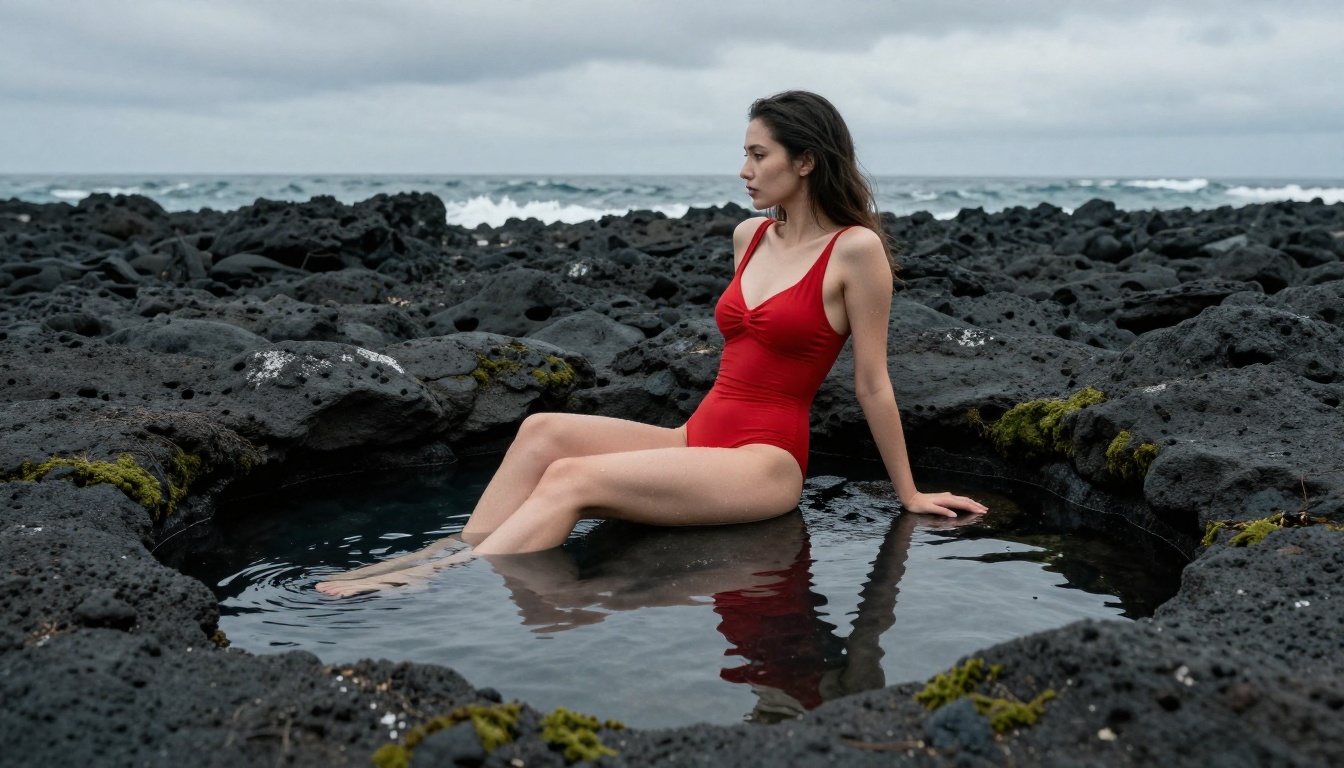
Seedream 4.5 on PicassoIA - Step by Step
Since Seedream 4.5 is the recommended model for this workflow, here is a step-by-step process for generating your first pack on PicassoIA.
Step 1 - Access the Model
Go to picassoia.com/en/collection/text-to-image/bytedance-seedream-45. You will see the generation interface with a text prompt field and output settings.
Step 2 - Write Your Base Prompt
Your base prompt sets the template for the entire pack. Be specific about:
- Subject: age-appropriate adult character, physical characteristics, natural look
- Setting: beach, studio interior, outdoor terrace, or pool area
- Clothing style: bikini cut and color, lingerie style, or fashion editorial
- Lighting: golden hour, studio softbox, natural window light, or overcast diffused
- Camera specs: lens choice (85mm portrait, 35mm wide), aperture (f/1.8 for bokeh, f/5.6 for full sharpness)
Example base prompt:
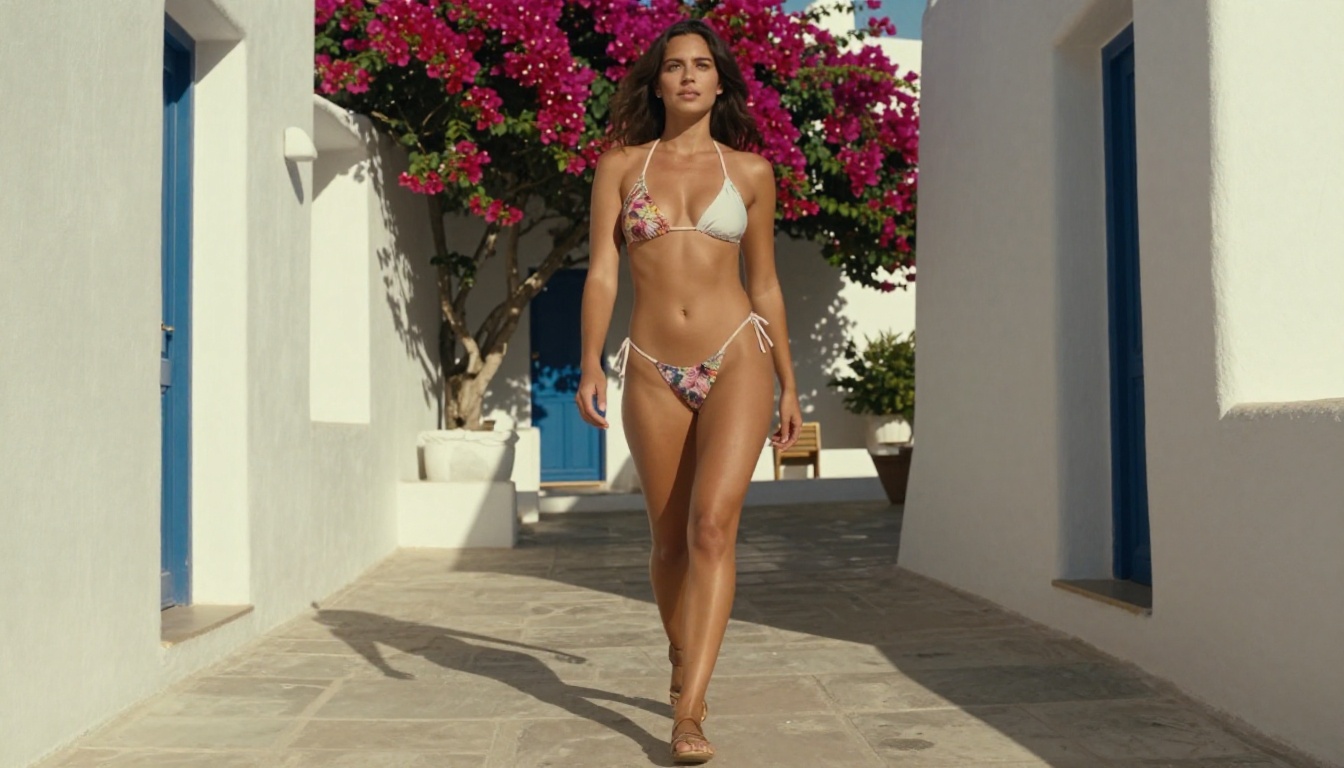
"Young woman in a high-fashion string bikini on a sunlit Mediterranean terrace, warm golden afternoon light from the left, confident natural pose, 85mm f/1.8 lens, Kodak Portra 400 film grain, photorealistic, 8K RAW photography"
Step 3 - Create Variations
Once you have a result you are happy with, start varying individual elements. Do not change everything at once. Swap one variable per batch:
- Change
sunlit Mediterranean terrace to white sand beach or luxury hotel pool
- Change
golden afternoon light to morning soft light or overcast diffused light
- Change
string bikini to one-piece swimsuit or sheer cover-up
Step 4 - Use Image Editing for Consistency
Seedream 4.5 supports image editing alongside text-to-image. If you have a result you love but want to adjust one detail (different background, modified clothing, changed lighting angle), use editing mode to modify that specific element rather than regenerating from scratch.
Step 5 - Scale with Image Editor Pro
Once your style and character are defined, switch to PicassoIA Image Editor Pro for volume generation. Use your best result as the reference image, describe the variations you want, and generate at scale with no per-image cost on Elite or Infinite plans.
3 Common Mistakes with NSFW Pack Generation
Even with the right tools, there are consistent mistakes that reduce quality and consistency in generated packs.
Vague Prompts Kill Consistency
The biggest quality issue is a prompt that relies on the model to fill in details. "Beautiful woman on the beach" leaves too much to chance. Specify clothing color and cut, skin tone, hair color and length, exact lighting conditions, and camera settings. When every detail is locked down in the prompt, variation comes from intentional changes, not from model randomness.
Ignoring the Lighting Specification
Lighting is the single most powerful variable in photorealistic generation. The difference between "natural light" (vague) and "warm volumetric light from the left at 15 degrees above horizon, golden hour, strong rim light on right shoulder" (specific) is the difference between a competent result and something that looks like professional photography.
💡 Lighting shortcuts: "Kodak Portra 400" in your prompt triggers warm, natural film-stock color grading automatically. Add "85mm f/1.4" for a classic portrait look. Add "35mm f/8.0" for sharp environmental context with everything in focus.
Forcing One Model for Everything
Different models have different strengths. Seedream 4.5 excels at creative direction and complex compositions. P-Image is the speed choice at under 1 second per image. Grok Imagine Image handles specific stylistic transformations like converting outfits to bikini format. Recraft V4 delivers exceptional realism for text-to-image. Using each model for what it does best produces a higher quality pack than forcing a single model through every scenario.
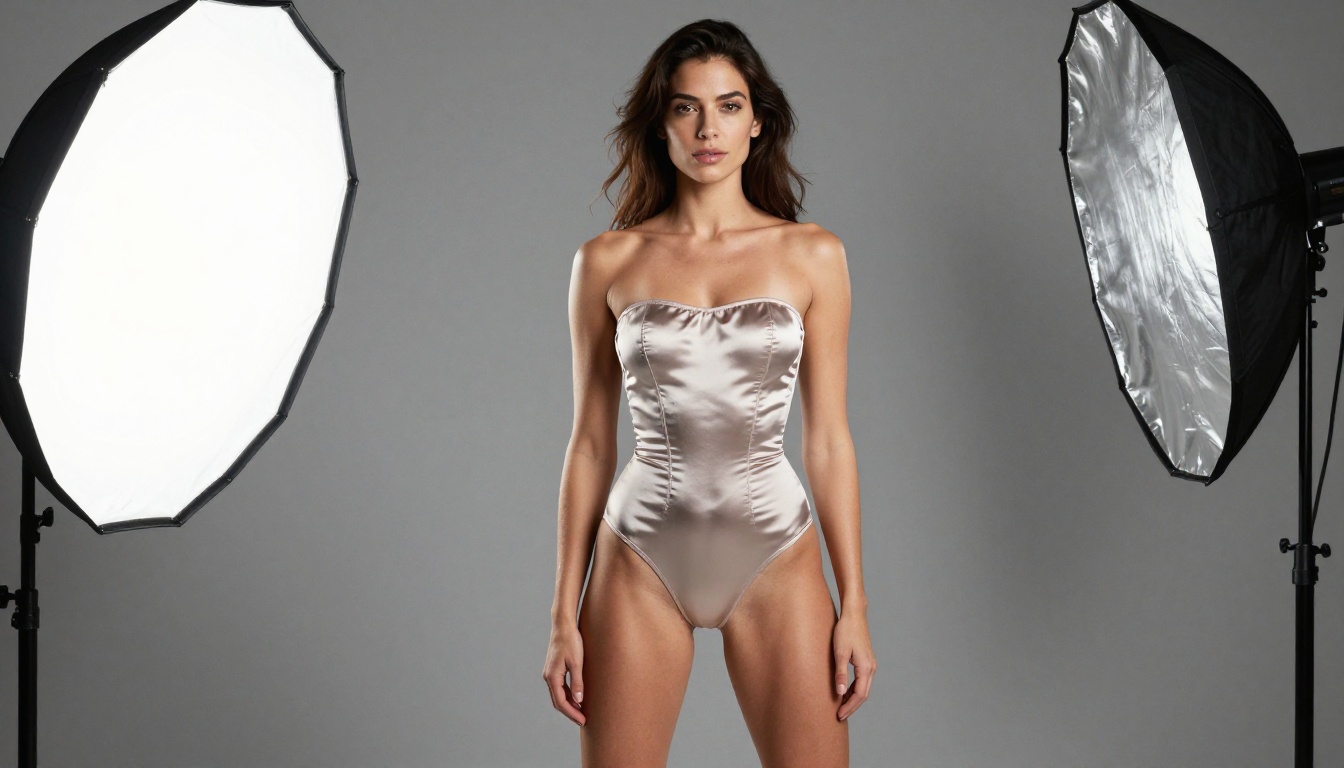
Super Resolution After Generation
After generating your NSFW image pack, upscaling is often the final step that brings results to professional quality.
When to Upscale
Most AI generators produce images at 1024x576 (16:9) or similar base dimensions. For professional use, you want 2x or 4x that resolution. PicassoIA's Super Resolution tools can upscale images while preserving and sharpening fine detail like skin texture, hair strands, and fabric weave. The results often look noticeably better than the source generation at standard resolution.
The Upscale Workflow
- Generate at standard resolution with your chosen model
- Select your best results from the batch
- Run those through Super Resolution for 2x or 4x output
- Export at full resolution for your pack
This approach is more efficient than trying to generate at very high resolution from the start, which increases generation time without always improving composition quality.
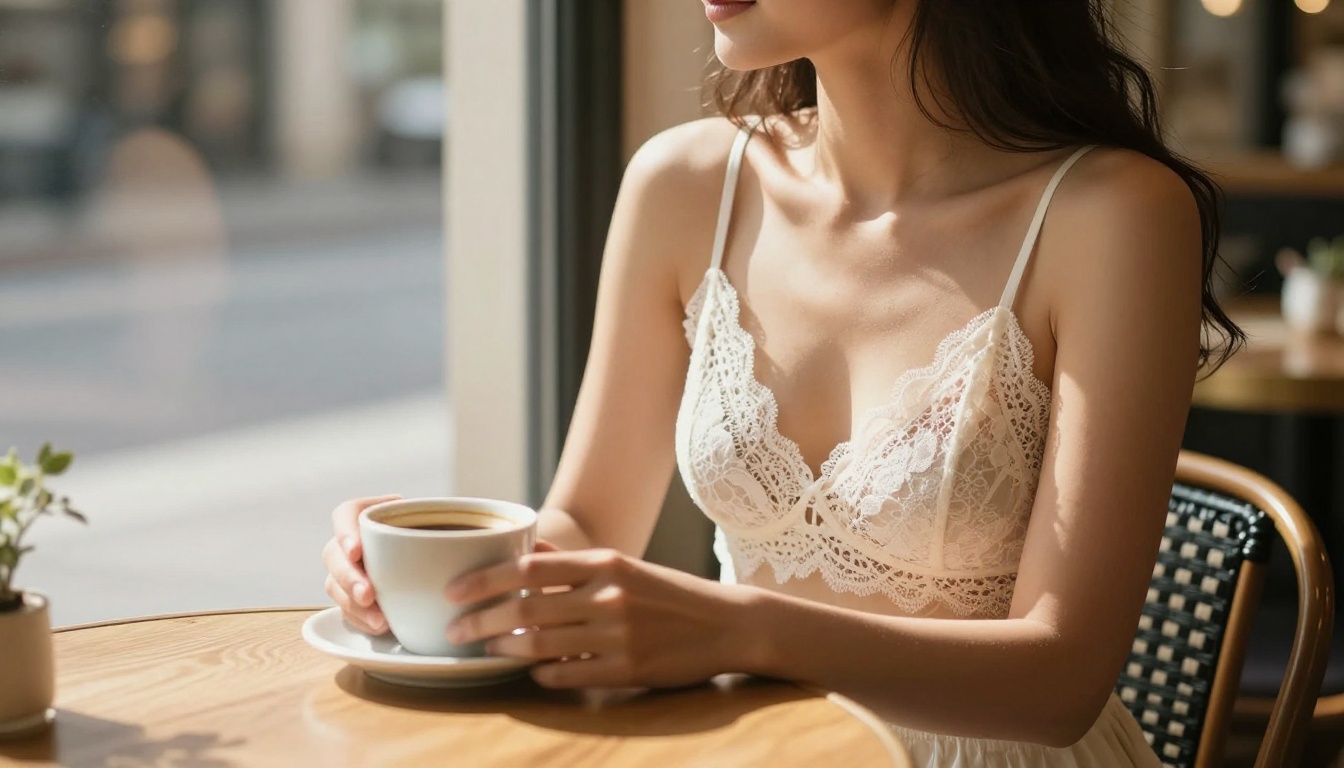
Visual Effects for Better Packs
Beyond straight generation, PicassoIA's effects catalog opens up post-processing options that add value to NSFW image packs without requiring any regeneration.
Adding Depth and Atmosphere
Visual effects tools can apply cinematic depth of field, atmospheric haze, or film color grading to already-generated images. If your base generation looks technically correct but lacks mood, effects processing is often faster and cheaper than regenerating with a revised prompt.
Style Consistency Across a Pack
One challenge with large packs is visual inconsistency between images generated with slight prompt variations. Applying a consistent color grade or film simulation effect to the entire pack unifies the visual style and makes it look like a cohesive professional set rather than a loose collection of individual generations. This one step can significantly raise the perceived production value of a 50 or 100-image pack.
Start Creating Your Own Pack on PicassoIA
The search for free NSFW image packs with Seedream 5.0 points to a real need: high-quality, realistic, suggestive imagery generated at scale without hitting walls at every prompt. Seedream 5 Lite blocks that use case entirely. Seedream 4.5 delivers exactly what you are looking for, faster than any comparable model, with image editing built in.
For scale, PicassoIA Image Editor Pro changes the economics entirely. One subscription replaces per-image fees that compound fast at high volumes. The workflow is straightforward: start with Seedream 4.5 to define your base style, scale with Image Editor Pro, refine with Super Resolution, and apply Visual Effects for pack-wide consistency.
💡 Start with the free trial (no credit card required) and test your most demanding prompts first. If PicassoIA Image Editor Pro handles those well, the rest of your pack will follow.
Browse the full lineup of uncensored, high-performance models and start generating without limits at picassoia.com/en/all-models.