The internet is full of AI image generators. Most require an email address, a paid plan, or a lengthy verification process before you can even see what the tool does. For people who want to create suggestive, artistic, or openly NSFW content, that friction is even worse, because many platforms add extra account verification layers, age checks, or subscription walls on top of the standard sign-up flow. So the question is simple: where can you actually use a free online NSFW AI art generator no sign up required, right now, without creating an account? That is exactly what this article breaks down.
What People Actually Want From a NSFW Generator
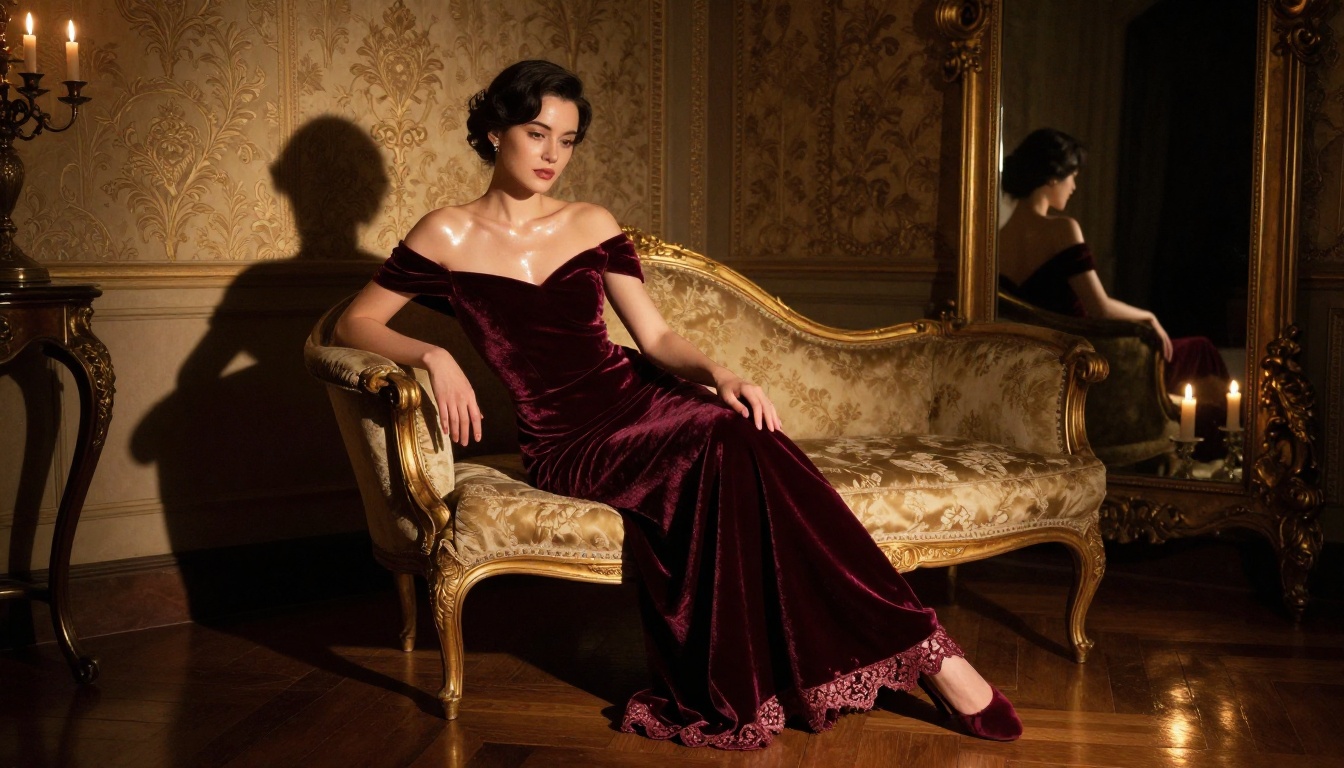
Before diving into tools and techniques, it helps to be clear about what "NSFW AI art" actually means in practice. For most people, the goal is not explicitly pornographic content but rather suggestive, glamorous, or artistically sensual imagery. Think lingerie photography, artistic nude studies, beach glamour shots, or the kind of imagery you would find in a high-end fashion magazine. The "NSFW" label applies because the content is not suitable for a work screen, but that does not mean the imagery lacks artistic merit.
Privacy Without Compromise
One of the strongest reasons people want a no-sign-up generator is privacy. When you create an account on a platform, you link your identity to every image you generate. Your email address becomes a permanent record tying you to that content. For many users, this feels unnecessarily invasive for what is essentially a creative exercise. A platform that lets you generate without registration removes that concern entirely. Your session is anonymous, and nothing is tied to your personal identity.
Zero Cost, Zero Account
The other major driver is accessibility. Paid AI art tools regularly charge anywhere from $10 to $50 per month. For someone who wants to experiment occasionally, that cost is hard to justify. Free generators that work instantly change the equation. You open a tab, type a prompt, and see results in seconds. No billing information, no subscription to cancel, no trial period counting down.
The Best Models for NSFW Art on PicassoIA
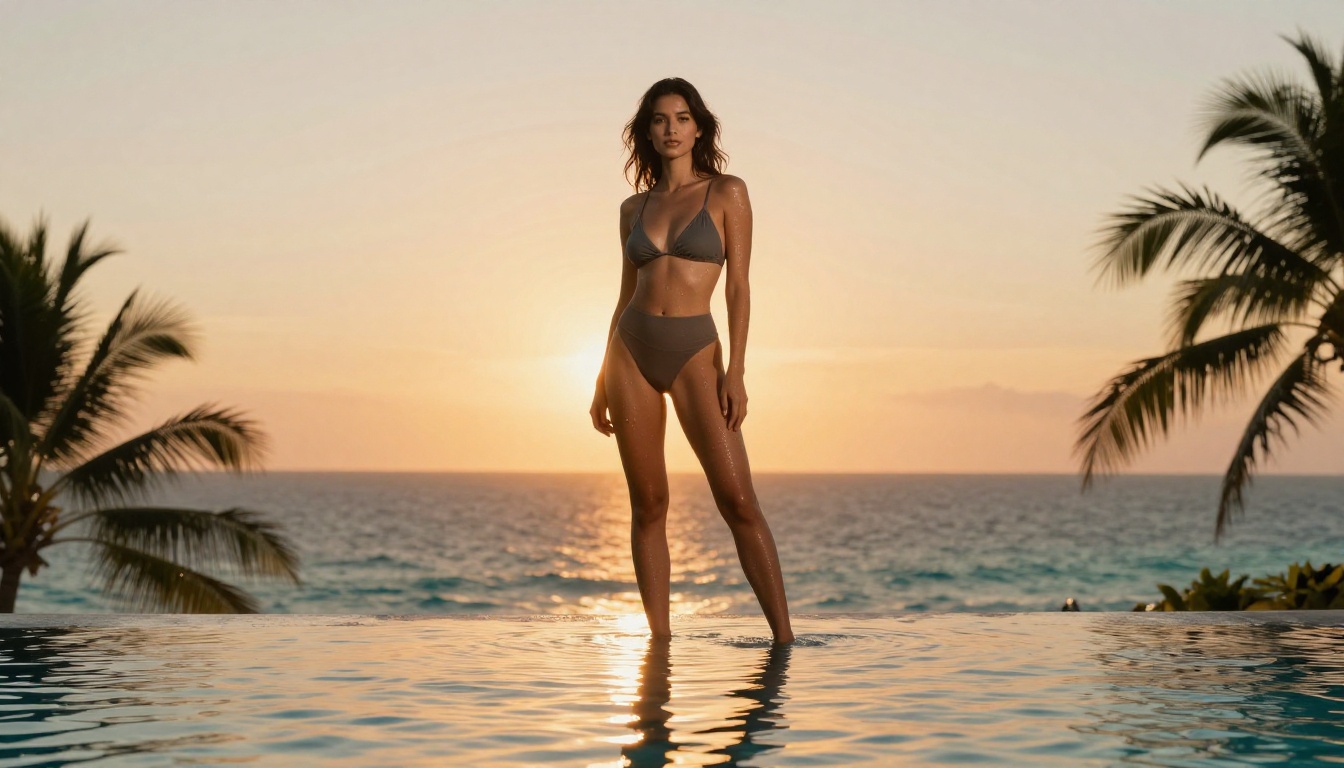
Not all text-to-image models are created equal when it comes to producing realistic, attractive human figures. Models optimized for photorealistic output tend to perform best for suggestive or glamour-focused content. Here is a breakdown of the strongest options available right now across over 90 models in the collection.
Flux 1.1 Pro Ultra for Ultra-Realism
Flux 1.1 Pro Ultra from Black Forest Labs sits at the top of the realism tier. This model produces images with exceptional detail in human skin, hair, fabric, and lighting. For NSFW or glamour content, that translates to results that look genuinely photographic rather than artificially generated. The prompt adherence is also strong, meaning you can specify pose, clothing, setting, and lighting with high confidence that the model will follow your description accurately.
If you want the highest quality output and your prompt includes detailed descriptors about skin texture, fabric, and environment, this is the model to reach for first.
Flux 2 Pro and Flux 2 Max for Next-Gen Quality
The newest generation from Black Forest Labs, Flux 2 Pro and Flux 2 Max, pushes realism even further. These models show a significant leap in coherent human anatomy, natural fabric draping, and environmental lighting compared to the original Flux series. For full-body glamour shots where body proportions matter, the Flux 2 series is worth prioritizing over earlier versions.
Realistic Vision v5.1 for Portrait Work
Realistic Vision v5.1 was built specifically for photorealistic human portraiture. It handles facial anatomy well, avoids the uncanny valley problems common in older models, and responds strongly to photography-style prompts covering lens specifications, lighting setups, and film stock references. For close-up glamour shots or beauty portraits, this model is a strong first choice.
RealVisXL v3.0 Turbo for Speed
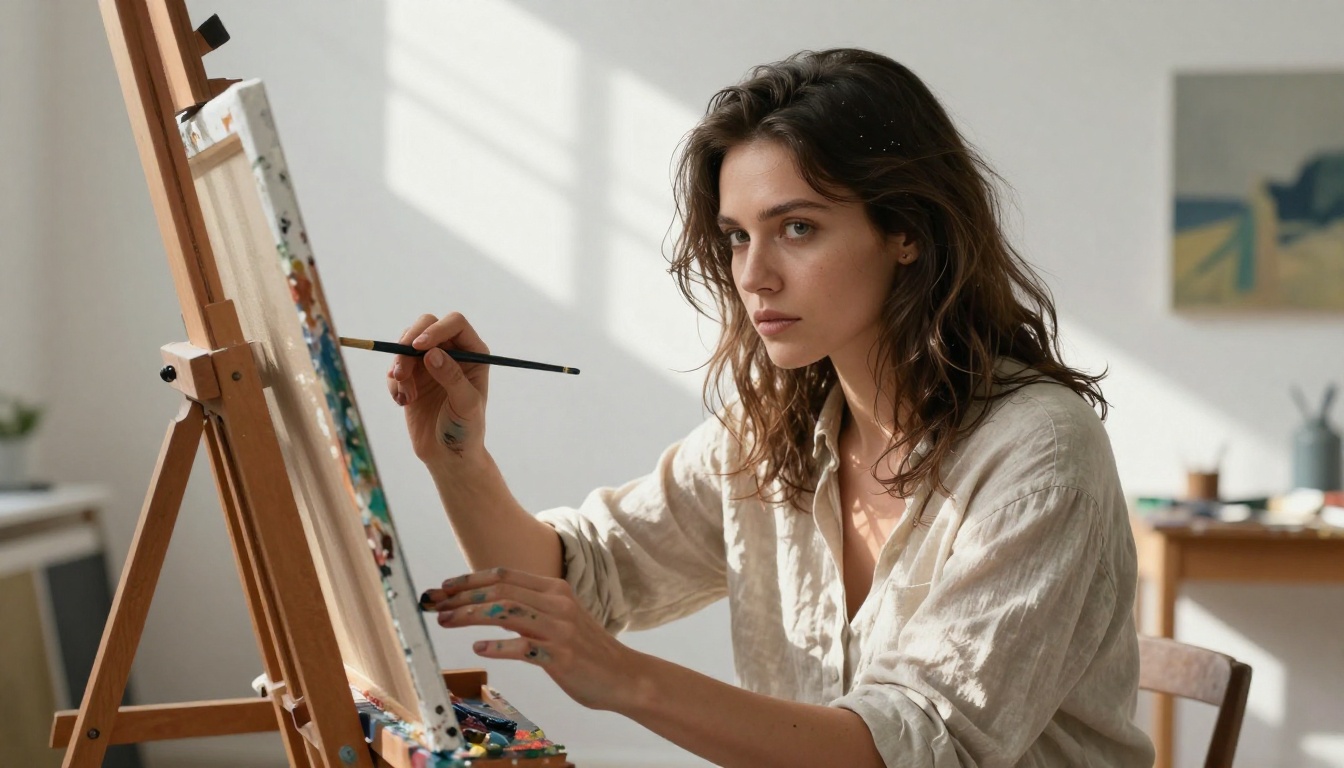
RealVisXL v3.0 Turbo delivers near-photographic quality at significantly faster generation speeds. If you are iterating quickly on prompts to find the right composition or pose, this model's speed advantage is meaningful. The quality trade-off versus the full non-turbo version is minor for most use cases, and the ability to run multiple generations in quick succession makes the iterative workflow much smoother.
DreamShaper XL Turbo for Artistic Warmth
DreamShaper XL Turbo occupies a middle ground between photorealistic and stylized output. It handles soft, warm, flattering lighting exceptionally well, and the skin tones it produces tend to have a natural, appealing quality. For content that sits between editorial photography and fine art, this model's aesthetic sensibility is hard to beat. It is also worth trying when Flux Dev produces results that feel too clinical or overly sharp.
How to Create NSFW Art on PicassoIA
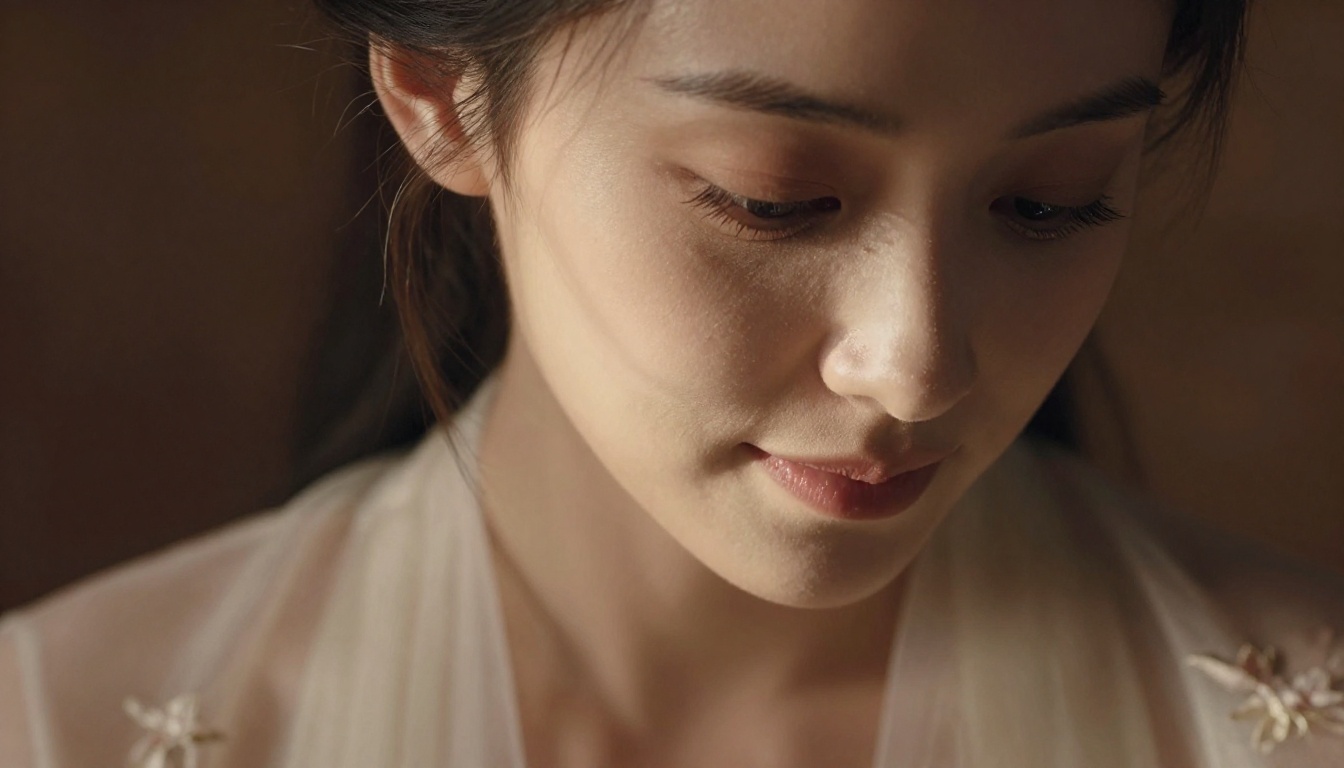
The process is straightforward and requires no account creation. Here is the exact workflow from start to first image.
Step 1: Open the Platform
Navigate to PicassoIA and select the text-to-image section. You will see the full library of models immediately. No pop-up asking for an email, no age-verification gate, no trial countdown. The interface loads directly into the tool.
Step 2: Choose Your Model
Based on the breakdown above, select the model that matches your goal:
Step 3: Write Your Prompt
Type your prompt in plain language. Do not worry about special syntax. Describe what you want to see: the subject, clothing, setting, and mood. Add photography-style descriptors to push quality higher. Phrases like "85mm f/1.8 portrait lens," "Kodak Portra 400 film grain," or "soft volumetric light from left window" consistently improve output across most photorealistic models.
Step 4: Adjust Parameters
Most models expose a small set of parameters: aspect ratio, guidance scale, and number of steps. For NSFW content:
- Aspect ratio: 16:9 works well for full-body or environmental shots. 4:3 suits portrait work.
- Guidance scale: Higher values (7-9) push the model to follow your prompt more literally. Lower values (4-6) allow more creative interpretation.
- Steps: More steps (30-50) produce better detail but slower generation. Turbo models work well at 15-20 steps.
Step 5: Generate and Save
Hit generate and wait. Most models return results in 10-30 seconds. If the result is not what you wanted, adjust the prompt and regenerate. Download directly from the browser with no account required to save your results.
Prompt Writing That Actually Works
The difference between a generic output and something that looks like a professional photograph comes almost entirely from the prompt. Here is how to write prompts that consistently produce high-quality results for glamour and NSFW content.
Anatomy of a Strong NSFW Prompt
A well-built prompt for this type of content follows a clear structure:
- Subject description: Age range, hair, physical characteristics, expression
- Clothing or state of dress: Be specific. "Silk slip dress" produces different results than "lingerie" which produces different results than "bikini"
- Setting: Interior or exterior, time of day, specific location details
- Lighting: Direction, quality, color temperature, source
- Camera and lens: This is the most underused element. Adding "shot on 85mm f/1.4" or "medium format camera" consistently elevates realism
- Film stock or color grade: "Kodak Portra 400," "Fuji Superia," "Agfa Vista" all push the AI toward specific color palettes
💡 Pro tip: Write your prompt in the order a photographer would think about a shot. Start with what you see, then describe how it is lit, then describe how it is captured. Models trained on photographic data respond very well to this mental model.
Style Modifiers That Elevate Results
These phrases reliably improve the quality of photorealistic NSFW or glamour outputs when added to almost any prompt:
photorealistic, 8K RAW photographynatural skin texture, visible poresvolumetric morning light from the leftKodak Portra 400 film grainshallow depth of field, background bokehprofessional beauty photographyhigh fashion editorial
Avoid vague quality markers like "high quality" or "beautiful." They add noise without directing the model. Specific descriptors always outperform generic praise. The more your prompt reads like a photography brief, the more photographic the result.
Free vs. Paid: What You Actually Get
There is a persistent myth that free AI art tools are dramatically inferior to paid options. For NSFW and glamour content, the gap is smaller than most people assume. Here is a realistic comparison:
| Feature | Free (No Sign-Up) | Paid Subscription |
|---|
| Image quality | High (Flux, SDXL) | Very High (same models, more credits) |
| Generation speed | Good | Fast/Priority queue |
| Number of generations | Generous free tier | Unlimited |
| Model variety | 90+ models | 90+ models |
| Privacy | Anonymous session | Account-linked history |
| Downloads | Unlimited | Unlimited |
| Custom LoRA training | Limited | Available on some plans |
The honest answer is that for occasional use, the free tier produces results that are genuinely excellent. The main advantages of a paid account are volume (more generations per day) and priority queue access during peak hours. The actual image quality at the same model and settings is identical regardless of account status.
Privacy and Safety Features
For NSFW content specifically, privacy is not just a preference. It is a reasonable expectation. Here is how anonymous generation works and what it means for your data.
No Account Means No History
When you generate without an account, there is no user profile to attach your generation history to. The images exist in your browser session and disappear when you close the tab, unless you manually save them. This is a meaningful difference from platforms that archive your entire generation history to your account profile indefinitely.
Responsible Use Within Artistic Bounds
The platform operates within clear content policies that distinguish between artistic, suggestive content and genuinely harmful material. The line is clear: glamour, fashion, implied nudity, and suggestive content is permitted. Explicit pornographic content, minors, or non-consensual scenarios are not. This mirrors how legitimate art photography has always operated, with a distinction between artistic expression and exploitation.
💡 Note: If a generation is blocked, the issue is almost always the prompt rather than the subject matter. Rephrase toward artistic and aesthetic language rather than explicit physical descriptions, and the same conceptual request will typically generate without issue.
Once you have created NSFW or glamour images, there are several other tools on the platform worth knowing about, particularly for refining and extending your work.
Super Resolution for Upscaling
The super resolution models upscale your generated images by 2x or 4x while preserving and adding fine detail. For glamour photography outputs, this means you can generate at a smaller size for speed, then upscale the best result to print-quality resolution. The process also sharpens skin texture, fabric detail, and background elements that can appear soft at native generation resolution.
Inpainting for Targeted Fixes
Inpainting lets you select a specific area of an image and regenerate just that region with a new prompt. This is invaluable for correcting awkward hands (a persistent challenge across all text-to-image models), adjusting clothing details, or changing a background without redoing the entire image. The workflow: generate a base image, identify what needs fixing, mask that area, write a correction prompt, and regenerate just that section.
For NSFW content specifically, this means you can get the pose and lighting exactly right in the first pass, then refine specific elements in subsequent passes rather than hunting for a single perfect generation that nails everything simultaneously.
Face Swap AI for Consistent Characters
Maintaining a consistent character across multiple images is one of the hardest problems in text-to-image generation. The Face Swap AI tool provides a practical workaround: generate a strong reference face image, then use face swap to apply that face across new generations with different poses, outfits, or settings. The result is a coherent set of images featuring the same character without needing to fine-tune a LoRA.
SDXL and Stable Diffusion for Classic Workflows
If you have experience with older generation tools, both SDXL and Stable Diffusion 3.5 Large are available on the platform. These models are well-documented, with extensive community resources for NSFW prompt writing. If you already have a working prompt library from another platform, these models will likely accept your existing prompts with minimal modification.
Quick Model Reference
If you are new to this space and want a fast recommendation without reading the full breakdown, here is the short version:
All of these are accessible without signing up. Select the model, type your prompt, and generate. The quality ceiling on the free tier is the same as on paid accounts.
Your First Image Starts Now
The barrier to creating professional-quality AI art has never been lower. No account setup, no payment details, no waiting for email confirmation. Just a browser tab, a text prompt, and access to over 90 text-to-image models spanning everything from photorealistic glamour to stylized editorial work.
The models covered here, particularly Flux 1.1 Pro Ultra, Realistic Vision v5.1, and RealVisXL v3.0 Turbo, are genuinely among the best available for human-focused, photorealistic output. Combining them with strong, specific prompts using the structure outlined above will get you to results that rival professional photography sessions.
Open a model, type your first prompt, and see what comes back. The only thing between you and your first image is about 30 seconds of generation time. No sign-up required.


