Every video creator has been there. You have the perfect script, great footage, solid editing, and then you record the voiceover and it sounds like a hostage reading from a phone book. Or worse, you skip the voiceover entirely and add captions, losing half your audience's attention in the process.
The good news: free text-to-speech AI has gotten remarkably good, remarkably fast. We're past the robotic monotone era. Today's TTS models produce natural, expressive voices that most viewers won't question. And for video creators specifically, the right AI voice generator can cut your production time in half while making your content sound more polished than anything you'd record yourself in a spare bedroom.
This breakdown covers the best free-to-use TTS models available right now, what separates them, and exactly how to plug them into your workflow.
Why Voice Quality Makes or Breaks Your Videos
The 8-Second Rule
Viewers decide whether to keep watching within the first 8 seconds of a video. Most of that decision is subconscious and heavily influenced by audio. Poor audio quality signals low production value instantly, regardless of how good the visuals are. This isn't opinion; it's backed by video retention data from YouTube and TikTok creators consistently reporting drops in watch time after switching to lower-quality audio.
What Your Audience Actually Hears
It's not just about clarity. Listeners respond to pace, tone, and emotional range. A voice that speaks at a single flat pitch regardless of content feels unnatural and exhausting to listen to over 5-10 minutes. Modern TTS models can control all three of these dimensions, which is why choosing the right model matters more than just picking "the free one."
💡 Rule of thumb: If a viewer could tell your voiceover was AI-generated in the first 30 seconds, the model isn't good enough for that use case.
ElevenLabs Models: The Industry Benchmark
ElevenLabs built its reputation on voice quality, and the models available reflect that. For video creators, three models stand out above the rest.
V3 for Emotional Narration
ElevenLabs V3 is the most expressive option in the ElevenLabs lineup. It handles tonal shifts naturally, making it ideal for documentary-style narration, explainer videos, and anything requiring the voice to carry emotional weight. The output sounds genuinely considered rather than synthesized.
It supports multiple voices and handles long-form scripts without degrading quality mid-read, which is a common failure point with cheaper models.
Flash v2.5 When Speed Matters
Flash v2.5 is the fast-turnaround option. It trades a small amount of emotional depth for dramatically faster generation time, making it the right choice for short-form content: Instagram Reels, YouTube Shorts, TikTok videos where the voiceover is brief and punchy rather than narrative-driven.
If you're producing high-volume content (10+ videos per week), Flash v2.5 is where your workflow lives.
Turbo v2.5 for Multilingual Reach
Turbo v2.5 supports 32 languages with low-latency output. For creators targeting multiple regional markets or producing content in languages other than English, this is one of the strongest options available. The multilingual output is notably better than most competitors: accents are appropriate and pronunciation of non-English words is accurate.
For broader multilingual coverage, V2 Multilingual extends support to 30+ languages with full emotional range preserved across all of them.
Minimax Speech Models: Studio Quality at Scale
Minimax produces some of the most studio-like TTS outputs available for video work. If you've used professional voiceover services and want to replicate that quality through AI, Minimax is worth serious attention.
Speech 2.8 HD vs Speech 2.8 Turbo
The choice between these two models is essentially a quality-versus-speed decision.
For a course creator producing 20-minute lesson videos, Speech 2.8 HD is the right call. For a social media manager producing 60-second product demos daily, Speech 2.8 Turbo is what keeps the pipeline moving.
Voice Cloning for Personal Branding
Minimax Voice Cloning is the model that makes AI voiceover genuinely personal. Upload a sample of your own voice (or a licensed voice you have rights to), and the model replicates it with high fidelity. Every piece of content you produce sounds like you, even when you're not recording.
This is particularly valuable for creators who have already established an audience around their voice. Your subscribers recognize your vocal identity. Voice cloning lets you maintain that continuity while removing the recording bottleneck entirely.
💡 Practical tip: Record 3-5 minutes of clean, naturally paced audio for your voice clone sample. The more varied the emotional range in the sample, the better the clone captures your full vocal signature.
Resemble AI Chatterbox: Emotion-First TTS

Resemble AI approaches text-to-speech from an emotion-first angle, and it shows. The Chatterbox family of models excels at producing voices with genuine expressive range rather than neutral delivery.
Chatterbox, Pro, and Turbo Compared
Chatterbox is the baseline model, already strong for most video narration use cases. The emotion control is configurable, meaning you can dial up enthusiasm for promotional content or dial it back for calm, instructional delivery.
Chatterbox Pro takes this further with higher-fidelity output and more granular control over prosody (the rhythm and musicality of speech). For creators where voice is genuinely central to the brand, this level of control is worth it.
Chatterbox Turbo brings the speed. It's the fastest option in the Resemble lineup and handles high-volume generation efficiently. A solid middle ground when you want expressiveness without waiting on longer generation times.
Google and Other Strong Contenders
Gemini 3.1 Flash TTS: 30 Voices, 70+ Languages
Gemini 3.1 Flash TTS brings Google's language model depth into voice synthesis. The result is a model that understands context well enough to adjust delivery accordingly. Ask it to read a technical specification and it reads with careful precision. Give it a marketing script and it naturally picks up the energy.
With 30 distinct voices and support for over 70 languages, it's the broadest coverage option for creators targeting global audiences or producing content across multiple languages from a single platform.
Qwen3 TTS: Build Your Own Voice
Qwen3 TTS stands out for its voice design capabilities. Rather than choosing from a preset list, you can clone any voice or design an entirely custom vocal persona. This is particularly useful for branded content or channels where you want a distinctive narrator voice that doesn't match any generic TTS preset.
PlayHT Play Dialog for Natural Conversations
Play Dialog is purpose-built for dialogue rather than narration. If your video content features two characters, an interview format, or a scripted conversation, this model handles the back-and-forth in a way that feels genuinely interactive rather than two separate voices reading at each other.
For explainer videos that use character dialogue to walk through concepts, or documentary formats that include interview simulations, this is a specialized tool worth having.
Inworld TTS: Fast 15-Language Coverage
TTS 1.5 Mini and TTS 1.5 Max from Inworld offer fast AI voice generation in 15 languages. Mini prioritizes speed and efficiency; Max adds more voice variety and output quality. Both are solid options for creators who need reliable multilingual output without added complexity.
Speed vs Quality: Picking the Right Model

The decision tree for most video creators is simpler than it appears.
The single most common mistake creators make is picking a model based on "best quality" in isolation rather than fit for the specific format they're producing. Flash v2.5 may outperform Speech 2.8 HD for a 45-second promo clip, not because it's a better model overall, but because the format doesn't expose its limitations.
💡 Test before you commit: Always generate 30-60 seconds of your actual script before choosing a model for a full project. The differences become immediately obvious when you hear your real content rather than a sample sentence.
How to Add AI Voiceovers to Your Video Workflow
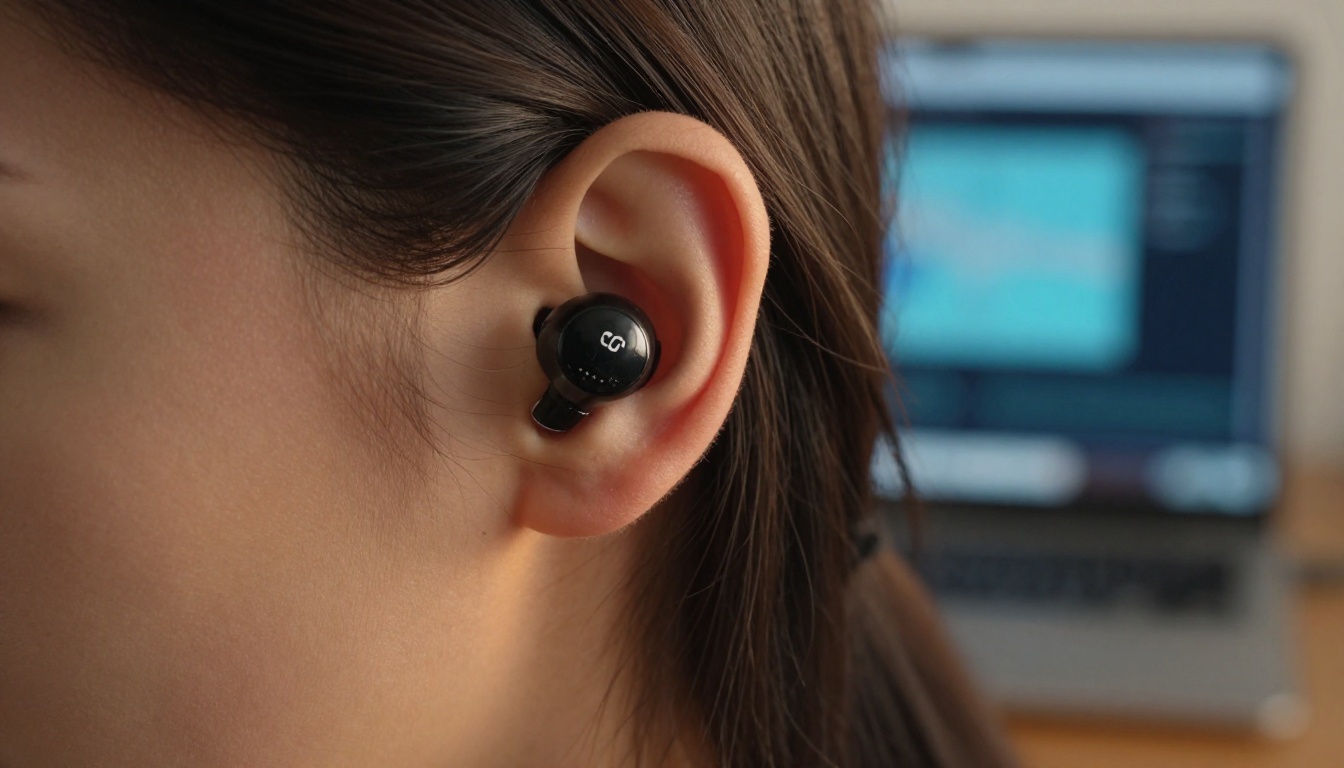
Here's a practical workflow that drops into most existing video production processes without disruption.
Step 1: Write your script in full before generating any audio. TTS models read what you give them. Vague scripts produce vague voiceovers. Spend the time on the script.
Step 2: Format your script for speech. Add punctuation strategically. Commas create natural breathing pauses. Periods control pacing. Read it out loud yourself first, marking where the delivery felt off.
Step 3: Choose your model based on content type (use the table above as your reference point).
Step 4: Generate in sections for longer scripts. Most TTS models perform better on segments of 200-400 words than on 2000-word walls of text. Generate section by section and stitch audio in your video editor.
Step 5: Adjust timing in your editor. AI voiceovers sometimes have slightly different pacing than expected. If you need breathing room for B-roll, export at a slightly slower speaking rate.
Step 6: Layer ambient audio under the voiceover. A clean TTS voice over dead silence sounds clinical. Adding low-level room tone or ambient sound from your footage makes the voice sit naturally in the video environment.
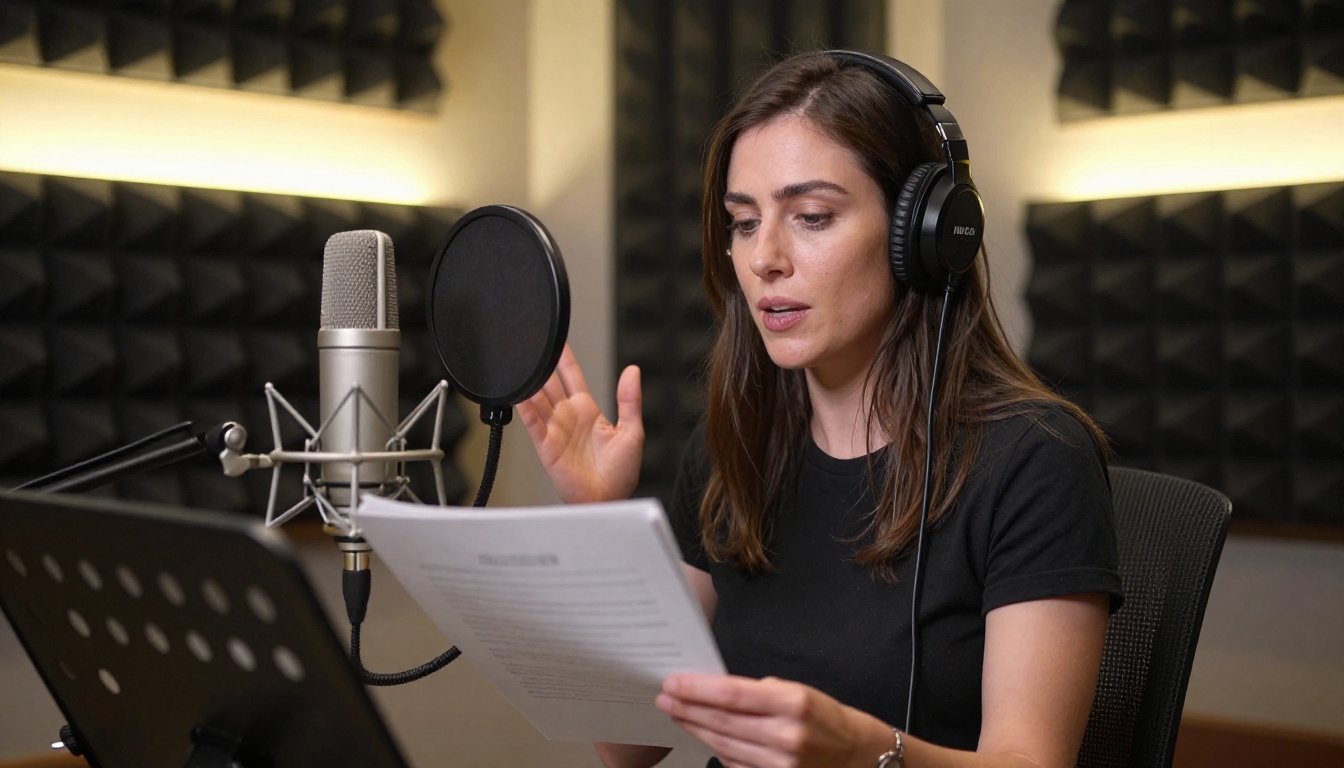
When the Delivery Is Wrong
Sometimes a model misreads a sentence: wrong emphasis, odd pause placement, or flat tone where you need energy. Before regenerating the whole clip:
- Rewrite the sentence to prompt the delivery you want. "This is important" will often be read flatly. "This matters, a lot." reads with more weight.
- Use punctuation as direction: ellipses slow pace, exclamation points raise energy, and splitting a long sentence into two shorter ones frequently fixes rhythm problems.
- Try a different voice within the same model. Many TTS models offer 10-30 voice options, and different voices handle the same text differently.
3 Mistakes That Kill AI Voiceover Quality

1. Using TTS as a first draft. Treat AI voiceover as a production step, not a shortcut for writing. The AI reads what you wrote. If the writing is unclear, the voiceover will be too.
2. Ignoring speech rate settings. Most models default to a neutral speaking pace that works for nothing in particular. Short-form content needs faster pace; long-form benefits from slightly slower delivery. Adjust the rate parameter before generating.
3. Skipping playback on real speakers. TTS quality that sounds fine on laptop speakers often reveals flaws on headphones or through a TV. Test on the same device your target audience uses most.
Start Creating Your Videos Now
The gap between creators who sound professional and those who don't is narrowing every month. The TTS models available today, from ElevenLabs V3 to Minimax Speech 2.8 HD to Resemble AI Chatterbox Pro, produce output that holds up against human recording in most contexts. And for many content types, particularly educational or informational video, AI voice is already indistinguishable from professional narration.
All 19 text-to-speech models mentioned in this article are accessible in one place. You can test any of them against your actual script, compare outputs side by side, and have your voiceover ready before you'd have finished scheduling a recording session.
Pick a script segment you've been putting off. Run it through two or three models. You'll know in three minutes which one fits your channel.


