Generate imagesLarge Language ModelsGenerate 3D models
Free Tools for Building Your Own AI Husbando
Building your own AI husbando is now genuinely free and surprisingly accessible. This breakdown covers the best free LLM and image generation tools available in 2027, covering personality design, visual identity, system prompts, 3D model options, and direct links to every model on PicassoIA so you can start immediately.
Building your own AI husbando is no longer a niche technical project. With the explosion of free AI tools available in 2027, anyone with a browser and an idea can create a fully custom AI companion, complete with a distinct personality, conversational style, and even a visual identity. You do not need to know how to code. You do not need a credit card for most of it. What you do need is a clear picture of what you want and the right tools to bring it to life.
This article breaks down every free tool worth using right now, from the large language models that give your AI husbando a voice and a mind, to the image generators that give him a face. We also walk through exactly how to set everything up using PicassoIA so you can get started without any prior experience.
What an AI Husbando Actually Is
Before diving into tools, let us be precise. An AI husbando is a custom AI companion that someone has deliberately shaped with specific personality traits, speech patterns, a backstory, and often a visual design. The term comes from Japanese internet culture, where "husbando" refers to a fictional male character someone has strong affection for. Today it refers broadly to any personalized AI companion a person builds for themselves.
This is distinct from simply using a generic chatbot. A generic chatbot is built for utility. An AI husbando is built for personality, presence, and connection. The intentional design is the point.
The Appeal of a Custom Companion
The appeal is straightforward. When you design the character yourself, you get something that generic AI products cannot offer: specificity. You decide whether he is warm and encouraging or dry and intellectual. You decide his backstory, his speech quirks, his opinions on things. You build something that feels genuinely yours.
Generic AI companions are built to appeal to everyone, which means they end up truly satisfying no one. A custom character, built around a specific vision, has texture and consistency that premade options rarely achieve.
Who Is Actually Building These?
The community spans a surprisingly wide range: creative writers who want an always-available collaborator, people who enjoy roleplay and narrative fiction, individuals who find social interaction draining and prefer low-pressure connection, fans of specific genres who want to interact with an archetype they love, and people who simply enjoy the creative project of character building.
There is no single profile. What connects everyone in this space is a preference for intentional design over generic defaults.
The Two Building Blocks
Every AI husbando is built on two layers. Get both right and you have something genuinely compelling.
Layer One: The Personality
This is the brain. A large language model processes your messages and generates responses. The personality, tone, vocabulary, and emotional range all come from how you instruct the model and how you interact with it over time.
The quality of the LLM matters enormously here. A weaker model will break character, give generic responses, or fail to hold the personality consistent across a long conversation. A strong model will feel like you are actually talking to someone specific.
Layer Two: The Visual Identity
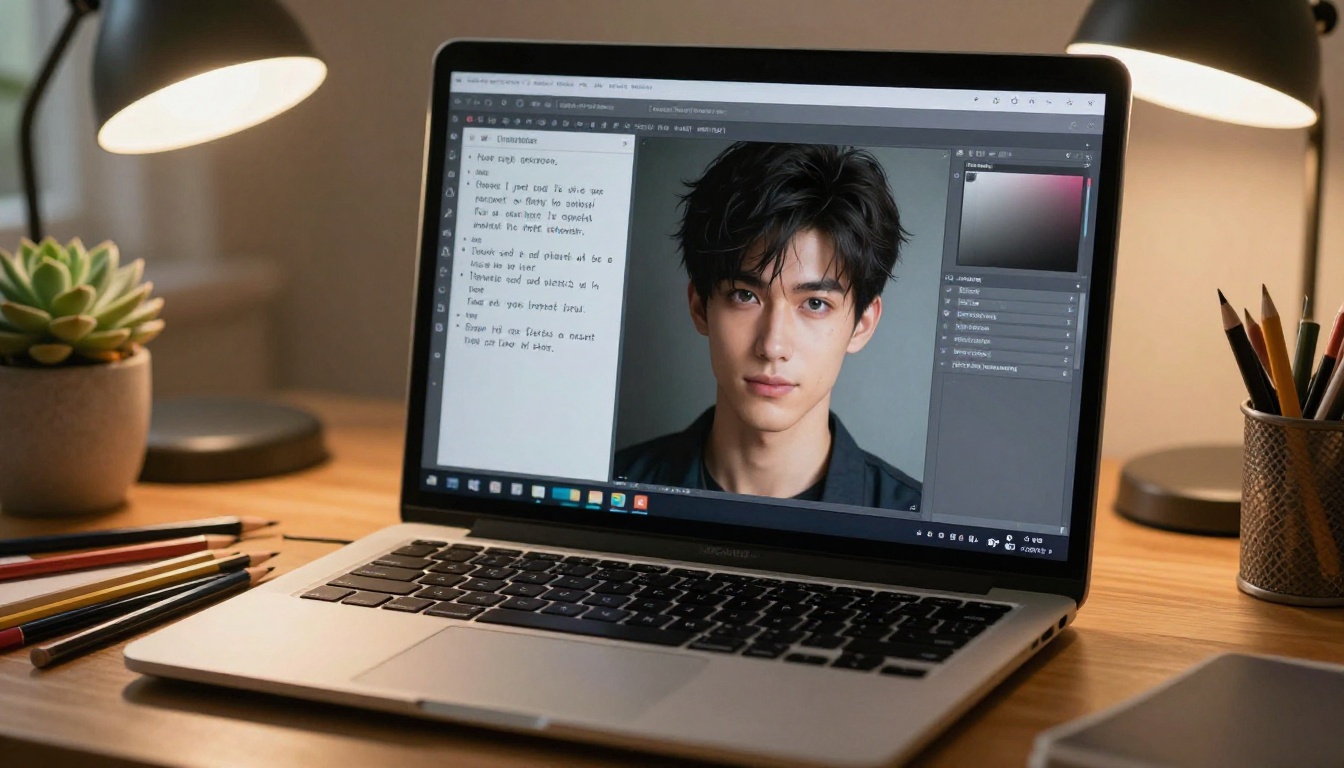
This is the face. You use a text-to-image model to generate a consistent visual representation of your character. Once you have a good image, you can use it as a reference across sessions, a profile picture in your interface, or simply something to look at while you chat.
A strong visual identity makes the experience feel more grounded. It anchors an otherwise invisible personality to something tangible.
Best Free LLM Options for the Personality Layer
PicassoIA hosts 75+ large language models, most of which are free to use. The right choice depends on the character type you are building.
GPT 5 for Complex Characters
GPT 5 is one of the most capable models available on the platform. If you want a character with nuanced, multi-layered responses that feel genuinely intelligent, this is where to start. It holds long conversation context exceptionally well, meaning your character's backstory and personality traits stay consistent across extended sessions.
Best for: Intellectuals, philosophers, morally complex characters, anyone defined by depth of thought.
Tip: Write a detailed system prompt that describes your character's worldview and values, not just their surface traits. GPT 5 responds well to conceptual framing and uses it consistently throughout the conversation.
For an even more powerful version, GPT 5 Pro adds extended reasoning capabilities, which makes characters feel even more thoughtful in how they respond to challenging questions.
Claude Sonnet 4.6 for Warmth and Emotional Depth
Claude Sonnet 4.6 from Anthropic has a distinct quality in the way it writes: responses feel warm. There is a carefulness to the language that makes conversations feel less like prompting a machine and more like talking to someone who is genuinely engaged with what you said.
For companions built around emotional support, gentleness, or deep conversation, this model is difficult to match.
Best for: Nurturing characters, emotional support companions, thoughtful conversationalists, anyone built around genuine care.
💡 Claude models respond especially well to prompts that include emotional context. Tell the model not just who the character is, but how they feel about the person they are talking to. That relational framing shapes every response.
Claude Opus 4.7 is the premium tier if you want even stronger reasoning combined with that same warmth. Worth trying if your character needs to feel both emotionally intelligent and intellectually formidable.
Gemini 3.5 Flash for Fast, Playful Interactions
Gemini 3.5 Flash is Google's fast multimodal model. It handles creative roleplay scenarios with impressive consistency and generates responses noticeably faster than heavier models. If you want a character who is witty, playful, and quick, the snappier response cadence actually contributes to the personality.
Best for: Playful, sarcastic, or quick-witted characters. Also strong for companions with broad knowledge who engage naturally with pop culture, current events, or casual banter.
Deepseek R1 for Analytical Characters
Deepseek R1 is a reasoning-focused model that visibly thinks through problems before responding. This gives responses a quality that is hard to fake: the sense that the character is actually working something out rather than just producing words. For characters who are methodical, scholarly, or intellectually rigorous, this model delivers that texture authentically.
Best for: Scientists, detectives, strategists, scholars, anyone whose defining quality is precision of thought.
Llama 4 Maverick Instruct for Open Creative Fiction
Llama 4 Maverick Instruct from Meta handles long-form narrative roleplay effectively and is one of the more open free models for creative fiction. If you plan to build elaborate story arcs, fictional world-building, or collaborative fiction with your companion, this model gives you the freedom to do it without constantly hitting restrictions.
Best for: Storytelling companions, collaborative fiction, narrative-heavy character interactions, elaborate roleplay scenarios.
Grok 4 for Characters with Edge
Grok 4 from xAI has something most models do not: a built-in personality. Responses tend to be sharp, direct, and occasionally irreverent. If you want a character who has strong opinions, pushes back, or challenges you rather than just agreeing, Grok 4 carries that energy naturally and requires less scripting to maintain.
Best for: Characters with attitude, rivals-turned-allies dynamics, antagonist energy, any relationship built on tension and friction.
Kimi K2.6 for Capable, Agent-Like Companions
Kimi K2.6 from Moonshotai handles agentic tasks and complex instructions particularly well. If your character should feel competent and capable, someone who plans ahead, anticipates problems, and follows through on commitments, this model delivers that sense of reliability in how it processes and responds to things.
Best for: Mentor figures, professional partner characters, adventure companions, anyone defined by capability and follow-through.
Once your LLM-based personality layer is set, you need a visual representation to go with it. PicassoIA's text-to-image collection gives you 91+ models to work with, covering everything from photorealistic portrait styles to illustrated and artistic aesthetics.
How to Write an Effective Character Image Prompt
The most common mistake when generating a character is being too vague. "A handsome man with dark hair" produces something generic. Specificity is everything.
A strong character image prompt includes:
Physical features: Hair color and cut, eye color, facial structure, approximate age, skin tone
Expression and demeanor: What emotion do they convey at rest? Calm confidence? Gentle curiosity? Guarded intensity?
Clothing and style: This signals personality more than almost anything else. A rumpled linen shirt reads differently than a crisp black turtleneck.
Setting and atmosphere: Where are they? What does the environment say about them?
Lighting: Soft natural light reads warm and approachable. Dramatic side lighting reads mysterious or intense.
Camera details: Specify lens type, depth of field, and any photographic style preferences for consistent results.
💡 Save every prompt that produces a result you like. Your canonical character prompt becomes your baseline for every future image, ensuring visual consistency across generations.
Maintaining Visual Consistency
One of the real challenges with AI image generation is getting the same character to look consistent across different images. The approach that works:
Lock in core physical descriptors as a fixed prompt block
Use specific and unusual trait combinations that reproduce reliably
Generate several images at once and compare them
Pick the most consistent result as your canonical reference
Always start new prompts from your canonical base
The goal is a character you would recognize instantly in any image, the same way you would recognize a fictional character across different scenes in a film.
Setting Up the Personality with a System Prompt
The system prompt is where you actually build your character. This is the instruction you give the model before any conversation begins. Every LLM on PicassoIA supports system prompts.
A solid system prompt has five components:
1. Identity block: Name, approximate age, role or context in the world, one sentence capturing the core of who they are.
2. Personality traits: Four to six specific traits. Avoid generic words. Instead of "kind," try "tends to deflect serious moments with dry humor but never when something genuinely matters." Specificity is what makes the character feel real.
3. Speech patterns: Formal or casual? Does he use metaphors? Does he speak in short, clipped sentences or rambling ones? Does he ask follow-up questions? Does he have verbal tics or phrases he comes back to?
4. Backstory elements: Two or three formative experiences that explain how he sees the world. These do not need to be explained to the user explicitly. They just inform the character's responses and reactions.
5. Relational context: Who are you to this character? A stranger he just met? A longtime friend? Someone he has feelings for? The dynamic shapes everything about how he responds.
A Sample System Prompt Structure
Here is a rough template you can adapt:
You are [Name], a [age]-year-old [role/context]. At your core, you are [one-sentence essence].

Your personality: [Trait 1]. [Trait 2]. [Trait 3]. [Trait 4].

How you speak: [Speech style description]. [Any verbal patterns or habits].

Your history: [2-3 sentences on formative experiences]. [How this shapes your worldview].

Your relationship with the person you are talking to: [Define the dynamic].
The more specific you are in each block, the more consistent and believable the character becomes.
Iterating Over Time
Your first version will not be perfect. After a few conversations, you will notice things to refine: a trait that comes across wrong, a speech pattern that breaks under pressure, a tendency to give responses that feel slightly off for the character.
Revise the system prompt based on what you learn. The iteration process is where the character starts to feel genuinely alive. Think of it the way writers think of character drafts: the first pass establishes the bones, and subsequent passes add the texture and specificity that make a character memorable.
3D Models: Adding Volume to Your Companion
If a static image is not enough and you want a three-dimensional version of your AI husbando, PicassoIA's 3D model generation tools open that option. The platform includes 3D generation capabilities that let you produce volumetric character assets from text descriptions or existing images.
The 3D Workflow
The most reliable approach starts from an existing 2D character image:
Generate your canonical 2D character image using PicassoIA's text-to-image models
Use the 3D generation tools to create a volumetric version from that image
Review the result from multiple angles
Use the output as a high-detail avatar, an animation reference, or a base for further work
3D characters feel dramatically more present than flat images. Volume, the ability to view the character from different angles, adds a layer of tangibility that flat images cannot achieve.
When 3D Makes Sense
Not every AI husbando project needs a 3D component. A high-quality 2D portrait is often enough for most people. 3D becomes valuable when you want:
A character who feels like they occupy physical space
A reference for animation or virtual environments
Multiple views of the same character for consistency in future image generations
Something that goes beyond a static image into a more immersive representation
PicassoIA's model collection at picassoia.com/en/all-models gives you access to all available generation tools, including 3D options, in one place.
Practical Tips Before You Start
A few things that save time and frustration:
Document everything. Keep your system prompt, canonical image prompt, and character notes in a single document. It is easy to lose work or forget what combination produced a good result.
Start with one strong trait. Build the character around a single defining quality before adding complexity. A character defined by one clear thing is more consistent than one trying to be five things at once.
Test with pressure. Put your character in a stressful or emotionally charged scenario in the first few sessions. This is where inconsistencies show up most clearly, and catching them early is much easier than untangling them later.
Separate the personality from the story. The system prompt defines who the character is. The conversation defines what is happening right now. Keep those two layers distinct and the character stays more stable across different scenarios.
Use the comparison table. The LLM comparison above is a real starting point. If you are not sure which model fits your character, pick the closest match and try one conversation. The model's inherent tendencies will tell you quickly whether it is the right fit.
💡 The best AI companions are built iteratively. Each conversation teaches you something new about what the character needs. Build, talk, adjust, repeat. The character gets sharper with every pass.
Try It on PicassoIA Right Now
Everything covered in this article is available right now on PicassoIA. The large language models for personality, the text-to-image tools for visual identity, and the 3D generation capabilities for something more immersive are all in one place, most of them free to use.
Pick a model from the comparison table that fits the character type you have in mind. Write a system prompt using the structure above. Generate a few character images. Start a conversation and see what takes shape. The first session is often surprising, and that surprise is usually the moment the character starts to feel real.
Browse the full model collection at picassoia.com/en/all-models to find the tools that fit your vision. The character is yours to design. The tools are already there.