If you've spent any time searching for a way to build and personalize a virtual AI companion, you already know the problem: most tools either charge you immediately, watermark everything, or block anything remotely suggestive before you even get started. The good news is that a new generation of AI platforms has changed the equation entirely. Today, you can generate photorealistic visuals, custom AI voices, and fully interactive chat personalities, all without opening your wallet, at least to start. This article breaks down the free tools to customize your AI girlfriend that actually work, what each one does best, and where PicassoIA fits into the picture.

Before diving into specific tools, it helps to be clear about what customization actually means in this context. A well-built AI companion isn't just a chatbot with a pretty picture. The best setups combine three separate capabilities: visual appearance, voice and audio, and conversational personality. Each requires a different type of tool.
The 3 Core Pillars: Visuals, Voice, and Brain
Think of it like building a character from scratch:
- Visuals cover appearance: hairstyle, skin tone, facial features, outfit, and overall aesthetic. This is where text-to-image and image editing models come in.
- Voice covers how the AI speaks: the pitch, accent, warmth, and pacing of the voice used in responses or audio messages.
- Brain covers personality and conversation depth: how it responds, remembers context, roleplays scenarios, and adapts its tone.
Miss any one of these and the experience falls flat. Get all three right and the result feels genuinely personal.
Free vs. Paid: Where the Real Value Hides
Most platforms offer some form of free tier, but the limitations vary wildly. Some cap image quality at 512px. Others limit you to 5 messages per day or block any suggestive content entirely. The platforms worth using give you real quality on the free tier, with premium plans that remove caps rather than adding functionality that should have been there from the start.
💡 When a free tier gives you unrestricted access to the model but limits quantity, that's a fair deal. When it restricts quality or adds mandatory watermarks, look elsewhere.
This is where most people start, and for good reason. Getting the visual appearance right is the first step to making an AI companion feel real. The following models are available on PicassoIA and consistently deliver the most photorealistic results.
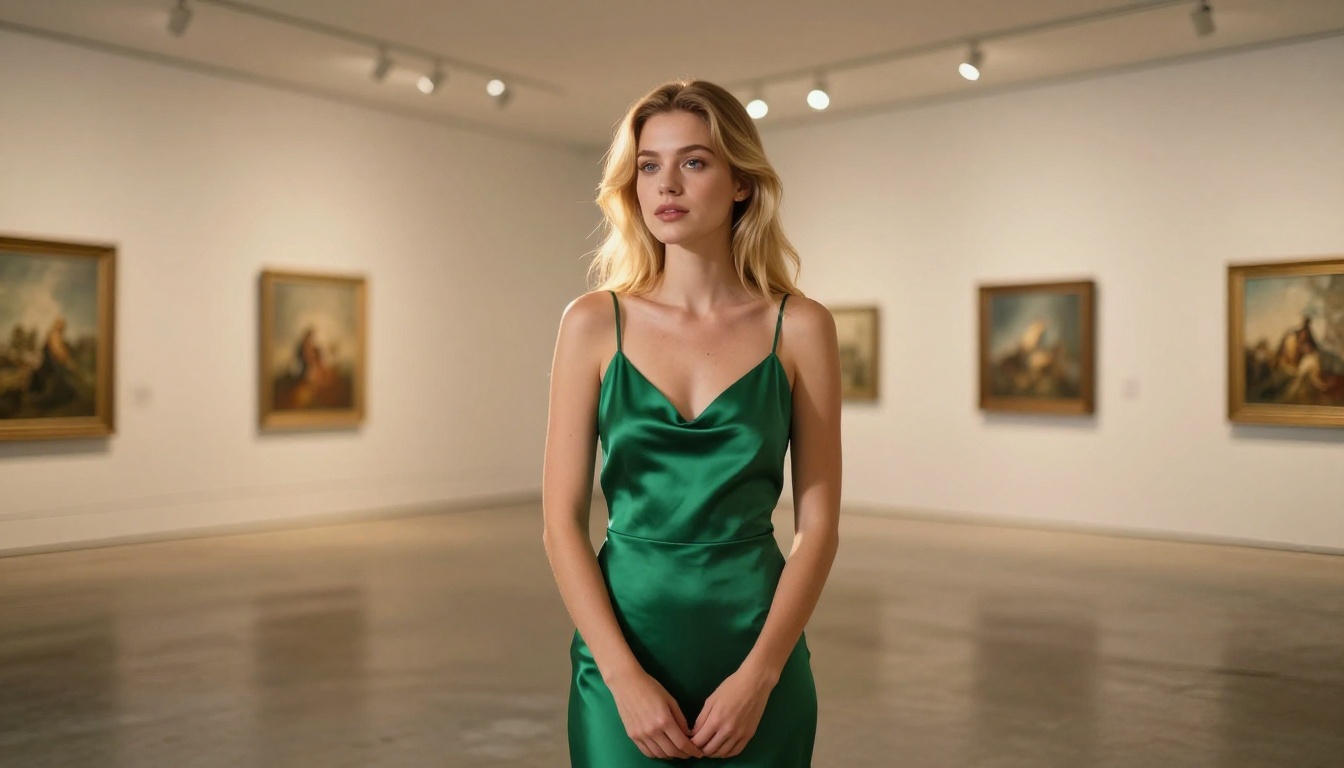
Seedream 4.5: The Fastest Realistic Results
Seedream 4.5 is the top recommendation for anyone creating realistic AI character images. It accepts adult content, supports both text-to-image generation and image editing, and generates results in under 3 seconds. The level of photorealism is exceptional, especially for portrait work, skin texture, and natural lighting.
What makes Seedream 4.5 stand out isn't just the output quality. It's the combination of speed, realism, and flexibility. You can generate from a text prompt and then edit the result directly, tweaking hairstyle, outfit, or setting without starting from scratch.
One important note: the newer Seedream 5 Lite model does not support adult content. Stick with Seedream 4.5 for unrestricted generation.
PicassoIA Image Editor Pro: Unlimited Looks for Free
PicassoIA Image Editor Pro works differently from most image tools. Rather than generating images from text alone, it operates as an image-to-image editor, letting you take an existing image and modify it in any direction you choose.
The standout advantage here is the generation limit. On Elite or Infinite subscription plans, you get unlimited generations. That means if you want 500 different outfit variations of the same character, you're not paying per image. For reference, generating 1,000 images on models like Nano Banana 2 would cost around $100. With PicassoIA Image Editor Pro, those generations are included in your plan.
Results arrive in under a second, NSFW content is supported, and there's a 3-generation free trial with no credit card required to test it before committing.
Other Strong Contenders Worth Knowing
Beyond the top two, several other models on PicassoIA handle realistic AI portrait generation well:
Qwen Image 2 is worth highlighting specifically because it's open source, making it a popular choice for those who prioritize transparency in the model they're using. Grok Imagine Image excels at converting existing images to different outfits or styles in a realistic way.
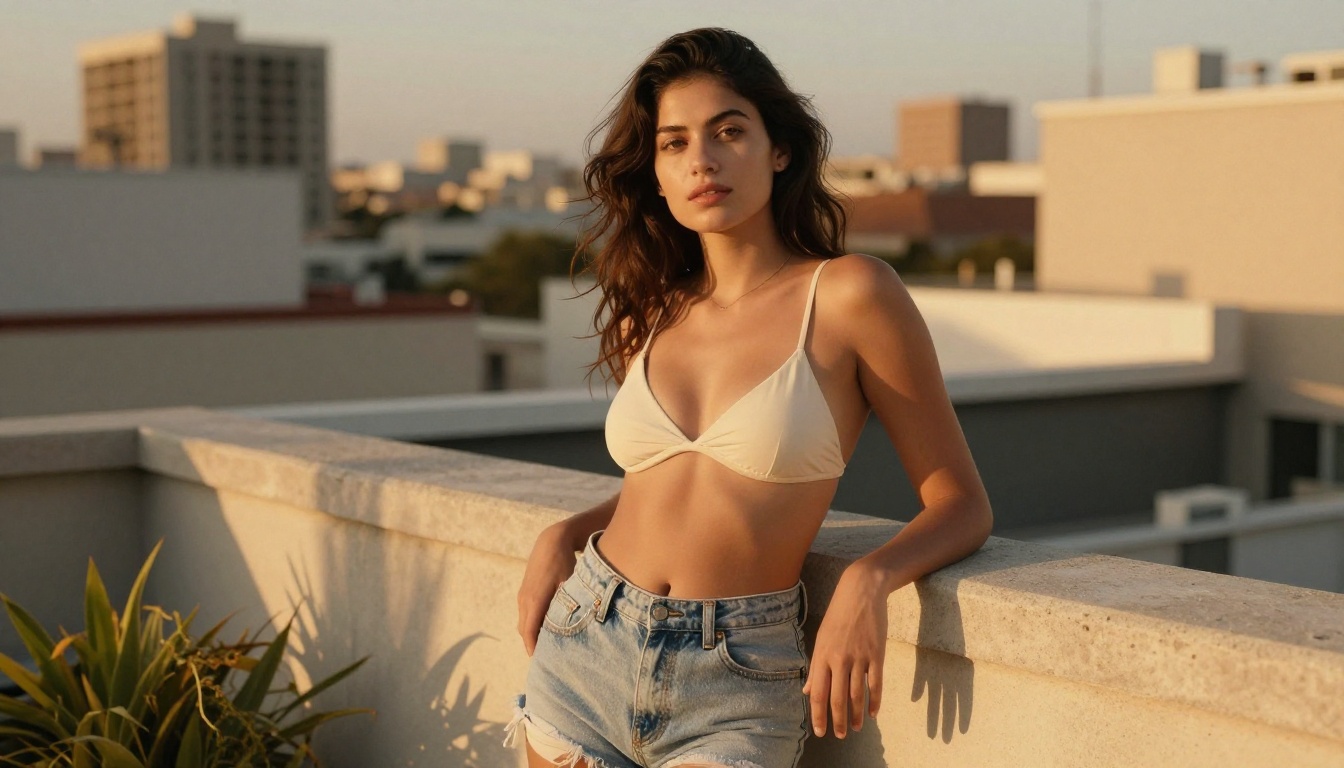
Giving Your AI Companion a Real Voice
Once the visual is locked in, the next layer is audio. This is where many projects stall because voice synthesis can sound robotic, flat, or just wrong for the character you're trying to build. The tools below change that.
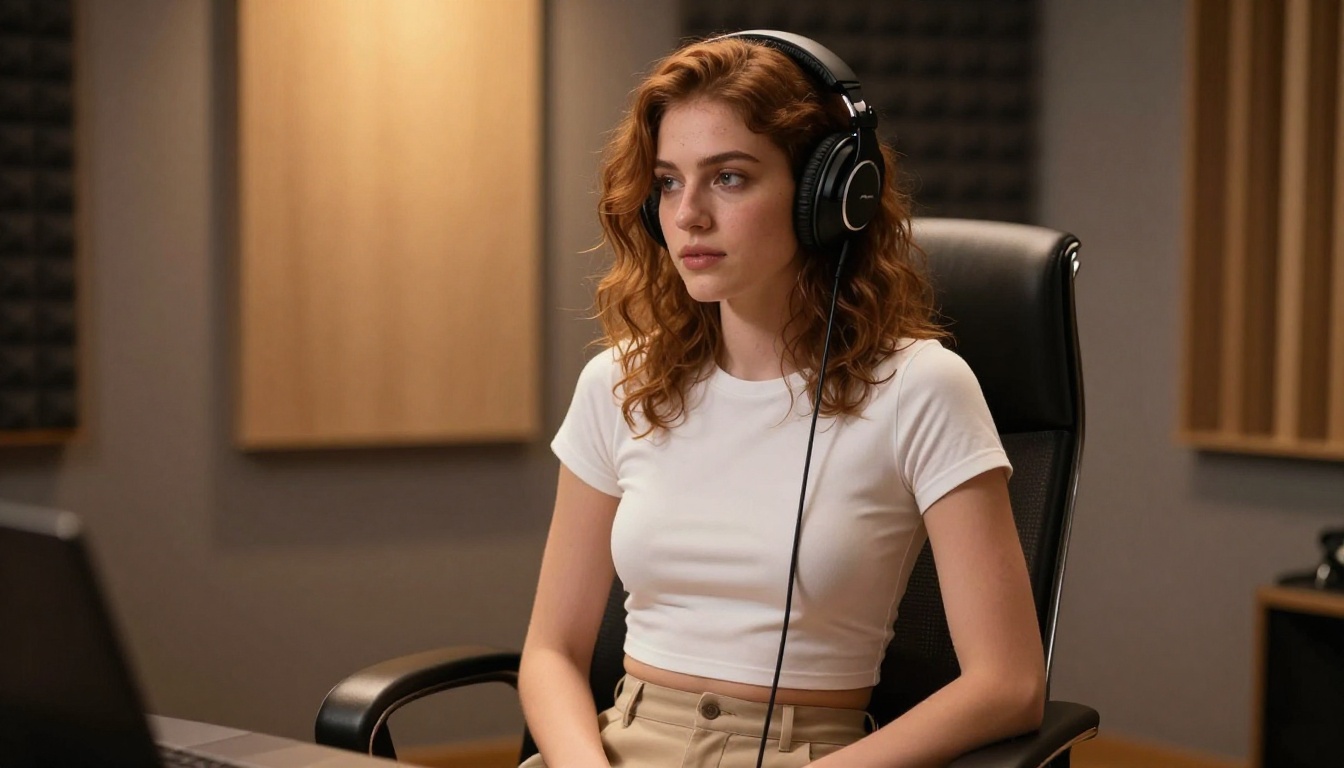
ElevenLabs V3: Studio-Grade Voice Acting
ElevenLabs V3 is arguably the most realistic text-to-speech model available right now. The voice output captures natural intonation, breathing patterns, and emotional nuance that most TTS models miss entirely. Where other tools produce speech that sounds like a reading robot, V3 produces something that feels like a real person talking to you.
It's ideal for scripted audio messages, narrations, or any scenario where you want the voice to carry genuine emotion and warmth.
MiniMax Speech 2.8 HD: Natural Dialogue That Hits
MiniMax Speech 2.8 HD is the go-to for conversational audio. It delivers studio-quality voiceovers with a distinctly natural cadence, and it supports multiple voice styles out of the box. If you're building something that involves longer conversational exchanges rather than short clips, this is the model to reach for.
The HD variant prioritizes quality over speed, which is appropriate when audio is a core part of the experience. For faster output at slightly lower quality, MiniMax Speech 2.8 Turbo handles the same use cases with lower latency.
Chatterbox: Clone Any Voice You Want
Chatterbox by Resemble AI takes a different approach. Instead of selecting from preset voices, it lets you clone any voice from a short audio sample and then generate speech in that voice. For building a personalized AI companion with a specific voice character, this is a powerful capability.
💡 Combine Chatterbox voice cloning with a personality profile built in a large language model and you get something that feels remarkably cohesive, a character that both sounds and speaks like a specific person.
The Chatterbox Pro and Chatterbox Turbo variants are also available on PicassoIA if you need higher quality or faster output respectively.

The AI Brain That Powers Conversations
Visuals and voice create presence, but conversation is what keeps someone coming back. The large language models available on PicassoIA cover every level of capability, from fast casual responses to deeply contextual long-form interactions.
GPT 5: Closest to a Real Conversation
GPT 5 remains the most capable conversational model available right now. Its ability to hold context across long conversations, adapt tone based on cues, and roleplay complex scenarios without breaking character is unmatched. For an AI companion that needs to feel truly responsive and personal, GPT 5 is the benchmark.
If you need reasoning-intensive responses or want the companion to engage with complex topics coherently, GPT 5 Pro with built-in thinking extends that capability further.
Gemini 3.5 Flash: Speed Without Sacrificing Quality
Gemini 3.5 Flash is the best option when response speed matters as much as quality. It's multimodal, meaning it can process both text and images, which opens up interesting possibilities: describe a generated image to the model and have it respond in character to what it "sees."
For real-time interaction where latency is noticeable, Flash is the practical choice over heavier models.
DeepSeek R1 and Open Source Options
DeepSeek R1 is a strong open-source reasoning model that performs well in creative and roleplay contexts. If you prefer working with open models or need something with strong chain-of-thought reasoning without the price tag of GPT, it's worth testing.
Other solid options available on PicassoIA include Llama 4 Maverick Instruct from Meta and Claude Opus 4.7 from Anthropic, both of which bring strong conversational capability with different stylistic strengths.
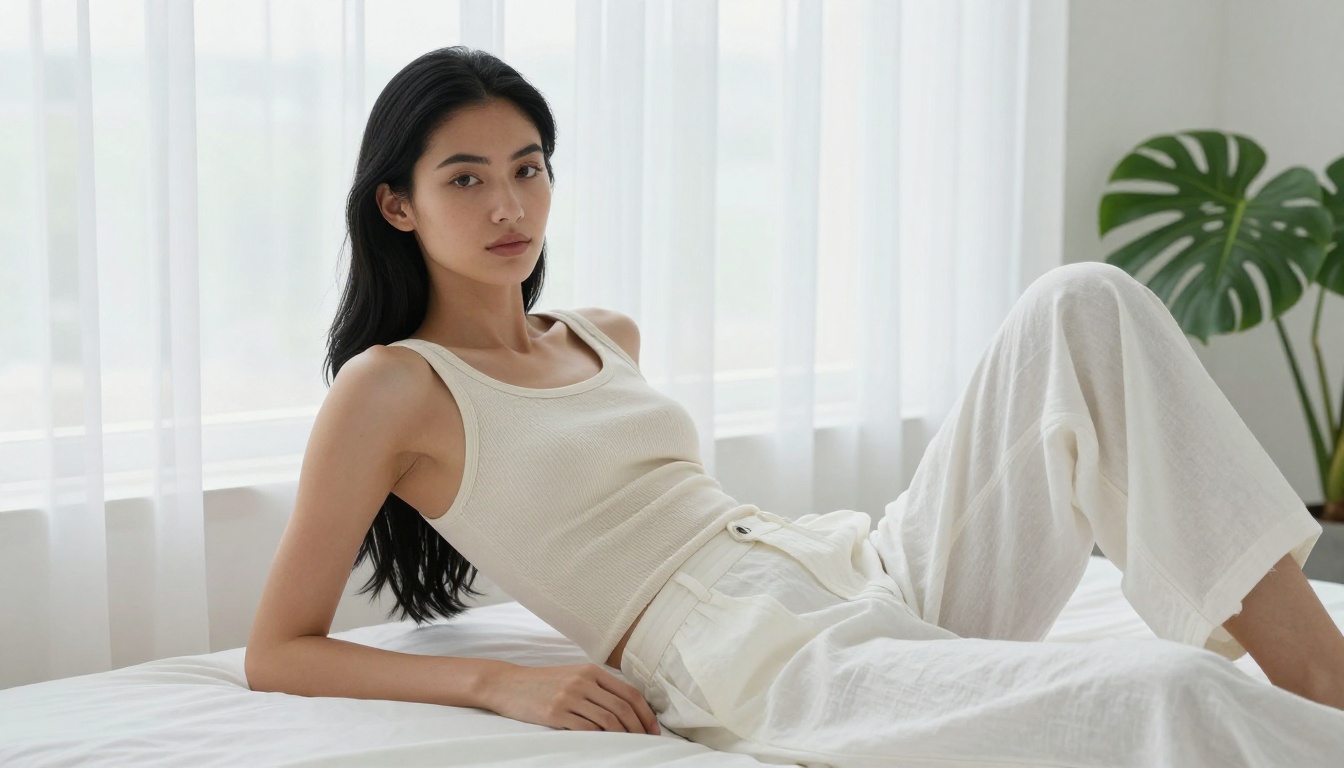
How to Use Seedream 4.5 on PicassoIA
PicassoIA has a direct model for this exact use case. Here's how to get the best results from Seedream 4.5:
Step 1: Open the model
Go to the Seedream 4.5 model page on PicassoIA and open the generation interface.
Step 2: Write a detailed prompt
The more specific your prompt, the better the result. Include:
- Physical description: hair color and length, eye color, facial features, skin tone
- Outfit: fabric type, color, fit, style
- Setting: indoor or outdoor, lighting conditions, background elements
- Mood: expression, pose, emotional tone
Step 3: Set aspect ratio
For portrait-style images, use 9:16. For wider lifestyle shots, 16:9 works better. Square format (1:1) works well for profile-style close-ups.
Step 4: Iterate with edits
Once you have a base image you like, use the edit mode within Seedream 4.5 to refine specific elements without regenerating the whole image. Change the outfit, adjust lighting, or swap the background while keeping the face consistent.
Step 5: Layer in audio
Take your generated image to MiniMax Speech 2.8 HD or ElevenLabs V3 and write dialogue for the character. Select a voice that matches the personality you're building.
💡 Save your best-performing prompts. Seedream 4.5's consistency is strong, but slight prompt variations produce noticeably different outputs. A saved prompt is your fastest route back to a look you loved.
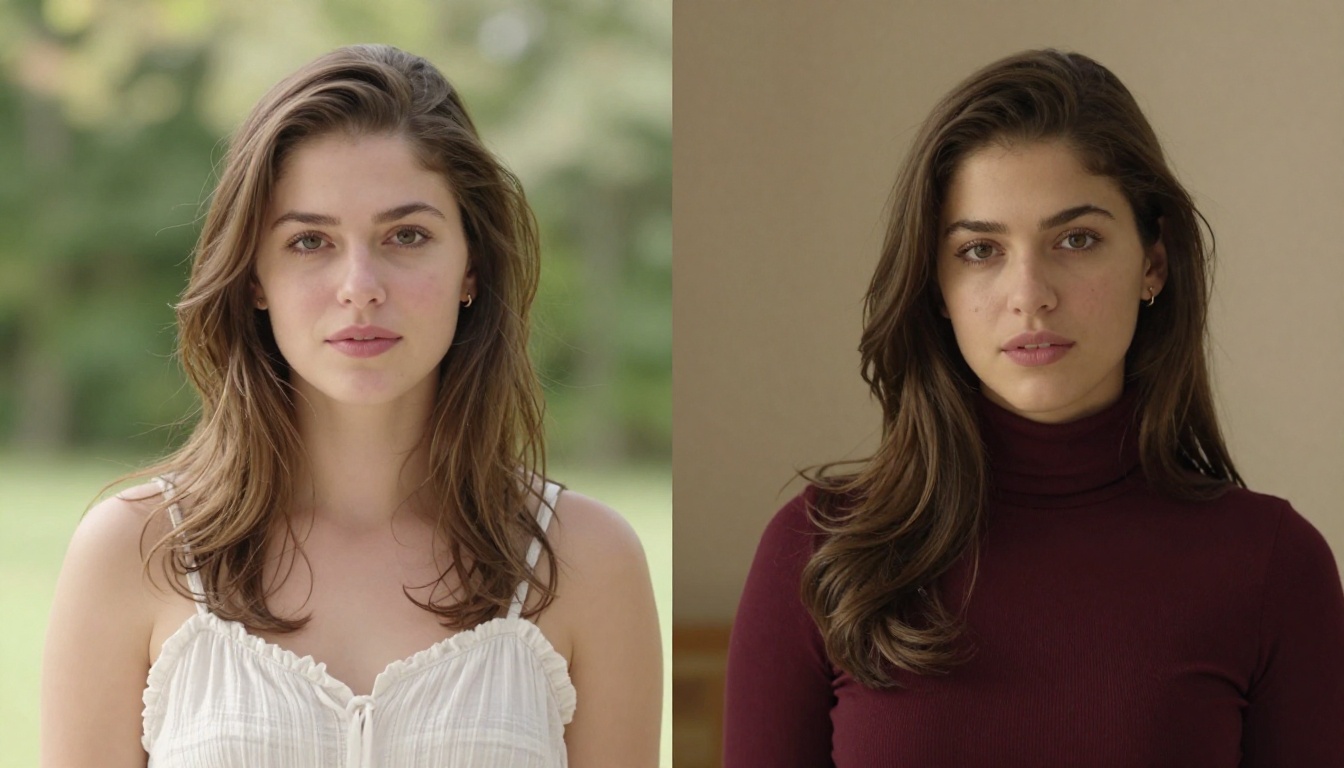
Different creators have different priorities. Here's how the tools stack up across the most common use cases:
5 Customization Moves That Make a Difference
After testing dozens of prompt combinations, these are the adjustments that consistently produce the biggest improvement in output quality and character coherence:
1. Describe lighting before appearance
Most people lead with physical description. But models respond better when you set the scene first. Write the lighting, the setting, and the mood before describing the person. The model builds the image from environment inward, which produces more natural-looking results.
2. Specify the lens, not just the style
Instead of writing "close-up portrait," write "85mm f/1.4 shallow depth of field portrait." The technical specificity trains the model to produce the actual bokeh and compression you're after, not just a crop.
3. Use outfit texture, not just color
"Red dress" generates something generic. "Fitted red linen midi dress with visible weave texture, slightly wrinkled at the hem" generates something that looks physically real. Fabric behavior tells the model this is a real object, not a render.
4. Build the voice around 3 adjectives
When writing dialogue for your AI companion's voice, pick three adjectives that define the personality, for example: warm, direct, a little playful, and write every line in the prompt as if those three qualities are always present. The resulting voice stays consistent across different exchanges.
5. Match LLM temperature to personality type
When using language models like GPT 5 or Gemini 3.5 Flash, the temperature setting controls how creative or consistent responses are. Lower temperature (around 0.3 to 0.5) produces more consistent, predictable character behavior. Higher temperature (0.7 to 0.9) introduces more spontaneity. For a companion that feels reliably in character, keep temperature low.
The NSFW Advantage on PicassoIA
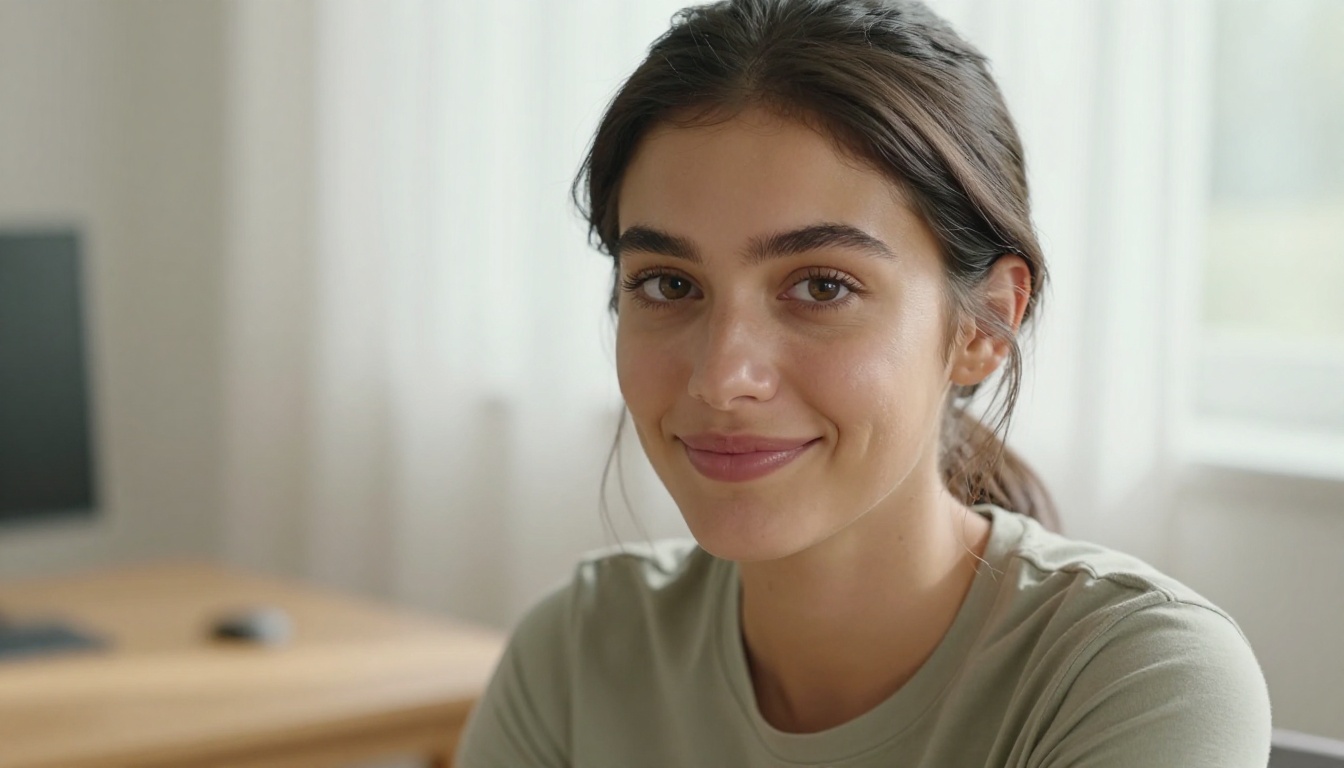
One of the biggest frustrations with mainstream AI image and chat platforms is the content filtering. Most major tools block anything remotely suggestive, which is particularly limiting for anyone building an adult AI companion.
PicassoIA operates differently. The models listed below are available on the platform and accept adult content without restrictions:
- Seedream 4.5 is the top pick. Realistic, fast, and unrestricted. Generates in under 3 seconds with image editing built in.
- PicassoIA Image Editor Pro for unlimited generations included in your subscription, with results in under a second.
- Qwen Image 2 for open-source flexibility with detailed realism.
- Grok Imagine Image for converting photos to different styles in a realistic way.
- Recraft V4 for text-to-image with very realistic output quality.
- P-Image for the fastest sub-second NSFW generation available.
💡 Note: Seedream 5 Lite blocks adult content. Always use Seedream 4.5 for unrestricted generation on PicassoIA.
Browse the full catalog of available models at picassoia.com/en/all-models.

Build Something Worth Coming Back To
The tools covered in this article represent what's actually worth using right now, not a list of everything that exists. The combination of Seedream 4.5 for visuals, ElevenLabs V3 or MiniMax Speech 2.8 HD for voice, and GPT 5 or Gemini 3.5 Flash for conversation gives you a genuinely compelling AI companion experience.
The real differentiator isn't which single tool you use. It's how well you combine them and how much detail you put into defining the character across all three dimensions. A weak prompt produces something generic. A detailed, intentional prompt produces something that feels built specifically for you.
PicassoIA gives you access to all of these models in one place, with no censorship on the image generation side and no artificial barriers blocking the content you actually want to create. Start with the free tier, test Seedream 4.5 without a credit card, and see what you can build.
👉 Generate your first AI companion image right now at picassoia.com/en/all-models.


