If you've spent time looking for free uncensored AI girlfriend creator tools that actually deliver, you know the frustration. Most platforms promise creative freedom, then hit you with content filters the moment you try anything remotely expressive. The reality is that the best AI companion creators are the ones that don't restrict your imagination, and there are real options available right now that prove it.
This article breaks down exactly which tools work, which ones are free, and how to get the most realistic, personalized AI girlfriend images without hitting a wall.

What You Actually Need From an AI Girlfriend Creator
Before jumping into tools, it helps to know what separates a genuinely useful platform from a frustrating one. Three things matter most.
No Censorship on Creative Output
The number one complaint with mainstream AI image tools is over-filtering. A platform that blocks bikini images, artistic body content, or even slightly suggestive poses isn't useful for anyone who wants real creative control. The tools covered here all support non-explicit NSFW content: glamour, swimwear, artistic portraiture, and suggestive styling without explicit or pornographic content.
Realistic Results, Not Cartoon Characters
There's a big gap between tools that generate stylized anime characters and those producing photorealistic portraits. If you want an AI girlfriend that looks like an actual person, you need models trained on real human photography. The best options generate output indistinguishable from professional photography.
Speed That Doesn't Kill the Workflow
Nothing kills creative momentum like waiting 3 minutes per image. Several of the models covered here generate results in under 3 seconds, making iteration fast and creative sessions actually enjoyable.
1. Seedream 4.5 — The Top Pick
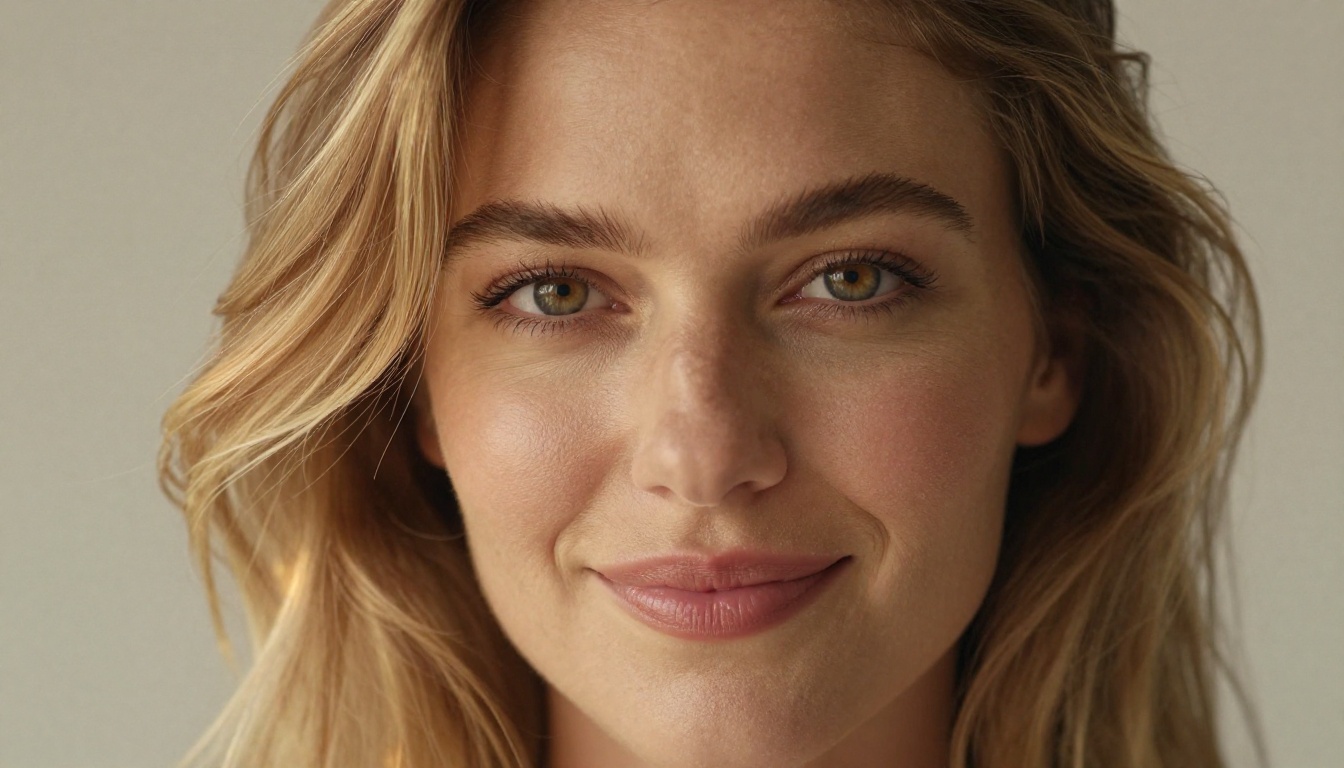
Seedream 4.5 is the current benchmark for realistic uncensored AI image creation. Developed by ByteDance, this model produces ultra-detailed portraits with natural skin texture, realistic hair strands, and accurate lighting that makes results feel photographed rather than generated.
What sets it apart:
- Generates in under 3 seconds — fast enough to iterate dozens of variations in a single session
- Accepts NSFW prompts including artistic nudity, glamour, bikini content, and suggestive poses
- Also handles image editing — start with a base image and modify it directly, not just generate from scratch
- Exceptional realism — skin pores, hair detail, fabric textures, and lighting all render at a level that rivals stock photography
💡 Start here. Seedream 4.5 is the most capable model for creating realistic AI girlfriend images, and it's available directly on PicassoIA with no content blocks on legitimate creative content.
For writing prompts with Seedream 4.5, focus on specifics: hair color and texture, eye color, skin tone, outfit details, environment, and lighting direction. The more detail you give, the more controlled your result will be.
2. PicassoIA Image Editor Pro — Best for Unlimited Generations
PicassoIA Image Editor Pro operates as an image-to-image model, meaning you feed it a starting image and describe what you want to change. This is especially powerful for refining an AI girlfriend's appearance across many variations without starting from zero each time.
The biggest advantage here isn't speed or quality alone — it's cost. With an Elite or Infinite plan, you get unlimited generations at no extra cost. That's not a capped trial; it's genuinely unlimited. Compare that to per-generation models where creating 1,000 variations would cost around $100 — here, the same work is included in your subscription.
Key details:
- Results in under 1 second — the fastest model on this list
- Unlimited generations on Elite/Infinite plans
- Accepts NSFW content for adult artistic creation
- Free trial available — 3 generations with no credit card required
If you're doing high-volume creative work (character sheets, multiple outfit variations, different lighting setups for the same person), this is the model that makes it financially realistic.
3. Qwen Image 2 — Open Source Power
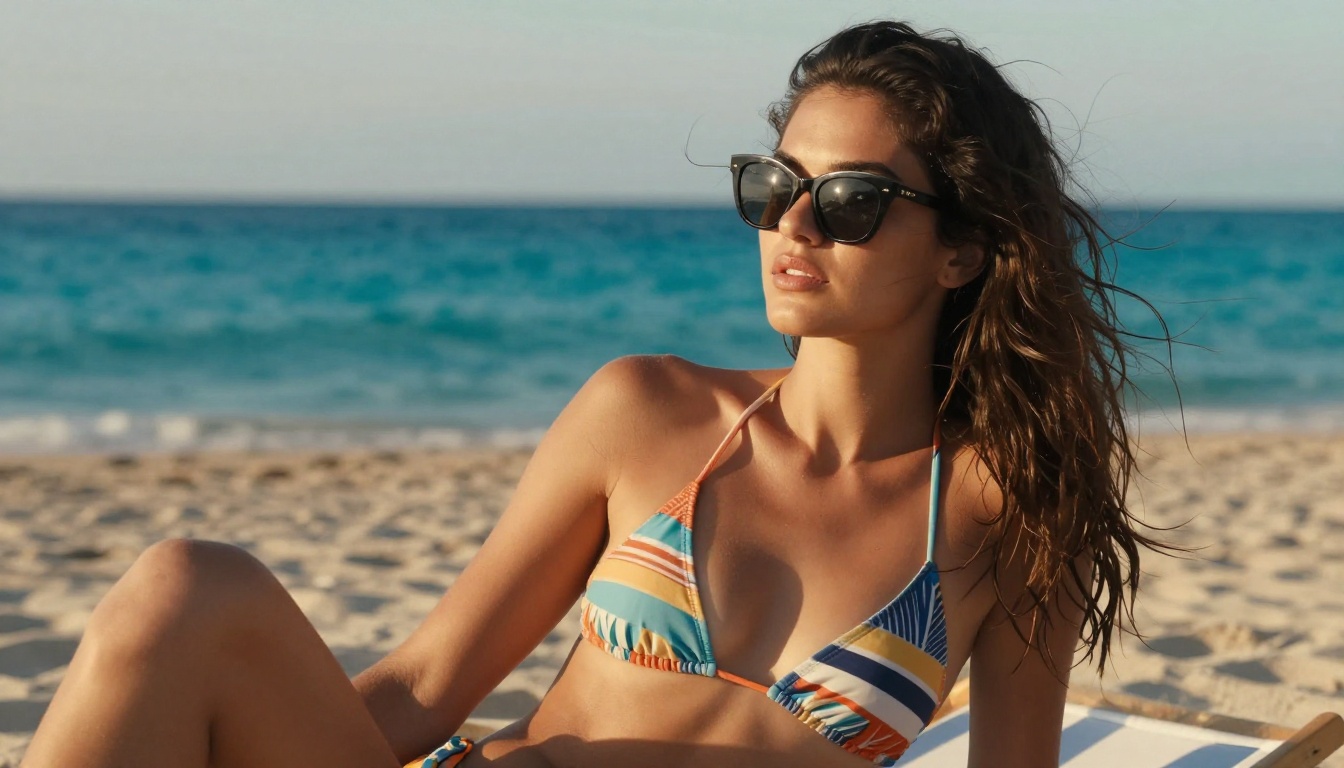
Qwen Image 2 brings open-source flexibility to AI girlfriend creation. Being open source means this model carries fewer commercial content restrictions, and on PicassoIA it runs with full creative capability intact.
It handles both text-to-image creation and image editing in a single interface, and the realism level is genuinely competitive with proprietary models. For portrait work specifically, it handles diverse skin tones and facial features with strong accuracy.
Best use case: When you want to create a character and immediately edit specific details (change hair, modify the outfit, adjust the lighting) without switching tools.
4. Grok Imagine Image — Instant Photo-to-Glamour
Grok Imagine Image from xAI takes a different approach. Its standout feature is converting any existing photo or AI-generated image into a realistic bikini or glamour format. The transformation is photorealistic — not a cartoon overlay, but an actual re-render of the figure in new clothing.
This makes it an ideal second step in a workflow:
- Generate a base portrait with Seedream 4.5
- Pass it to Grok Imagine Image for outfit transformation
- Get a fully realized glamour result
The combination of these two tools covers almost every use case for realistic AI girlfriend creation.
5. Recraft V4 — Clean Text-to-Image Results
Recraft V4 by Recraft AI is a pure text-to-image model with very high realism output. It doesn't do image editing, but for straight prompt-to-portrait creation, the quality is consistently strong.
It accepts NSFW content and handles detailed prompts well, making it a reliable backup when you want clean portrait results without the editing complexity of other models.
6. P-Image — Under 1 Second Per Generation
P-Image by PrunaAI is built for speed. When you're iterating quickly and need to test dozens of prompt variations to find the right combination, this model's sub-1-second generation time makes it the fastest iteration tool available.
Quality is solid for portrait and character work, and NSFW content is fully supported. Think of it as your high-speed drafting tool before finalizing with a higher-fidelity model.
How to Create Your AI Girlfriend on PicassoIA
PicassoIA gives you direct access to all the models above from one platform. Here's a practical workflow for creating a realistic AI girlfriend from scratch.
Step 1: Choose Your Model
For a new creation, start with Seedream 4.5. If you already have a reference image you want to edit, open PicassoIA Image Editor Pro instead.
Step 2: Write a Detailed Prompt
The quality of your result correlates directly with prompt specificity. Use this structure:
[Physical Description] + [Outfit/Style] + [Environment] + [Lighting] + [Camera/Lens] + [Mood]
Example prompt:
"Beautiful young woman with long dark wavy hair, warm brown eyes, natural makeup, wearing a fitted white sundress, standing on a sunlit balcony overlooking the ocean, warm golden hour light from the left, 85mm portrait lens, shallow depth of field, photorealistic skin texture, Kodak Portra 400 film grain"
💡 Include specific hair detail descriptors like "fine individual strands" or "natural wave pattern" to get realistic hair rather than the flat, plastic-looking results that vague prompts produce.
Step 3: Refine With Image Editing
Once you have a base image you like, switch to PicassoIA Image Editor Pro or Qwen Image 2 for targeted edits:
- Swap outfit styles without regenerating the face
- Adjust the background or setting
- Change lighting conditions
- Modify hair color or length
This iterative approach gets you to the exact result you want without starting over each time.
Prompt Writing That Produces Real Results
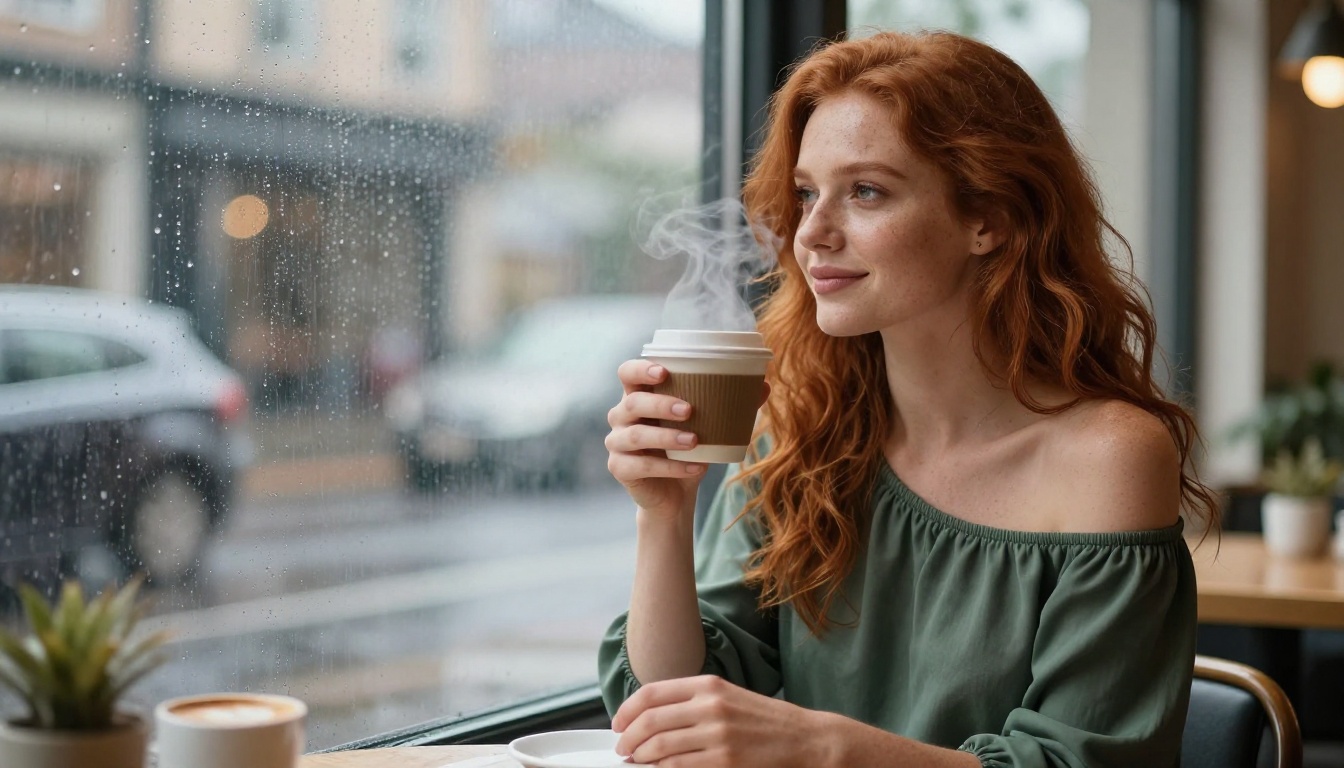
The difference between a generic output and a photorealistic AI companion comes down almost entirely to prompt quality. Here are the patterns that consistently produce better images.
The Portrait Formula
For face-focused portraits, specificity in every element matters:
| Element | Weak Prompt | Strong Prompt |
|---|
| Hair | "brown hair" | "dark chocolate brown hair with natural wave, fine individual strands catching the light" |
| Skin | "good skin" | "photorealistic skin texture with natural pores, warm olive tone" |
| Eyes | "green eyes" | "warm hazel eyes with natural iris detail, slight catchlight reflection" |
| Lighting | "good lighting" | "volumetric morning light from the left, soft shadow on right cheek" |
| Lens | "photo" | "85mm f/1.4, shallow depth of field, blurred warm bokeh background" |
What to Always Include
- Film stock reference:
Kodak Portra 400 or Fuji Superia 400
- Lens specs:
85mm f/1.8 or 50mm f/2.0
- Lighting direction:
from the left, backlit, overhead diffused
- Skin texture:
photorealistic pores, natural skin texture
- Quality modifier:
RAW 8K photography --style raw
What Kills Realism
- Vague adjectives: "beautiful", "gorgeous", "perfect" with no specifics
- Style words that shift away from realism: "digital art", "3D render", "illustration"
- Conflicting descriptors that confuse the model
- No lighting specification, which produces flat, unnatural results
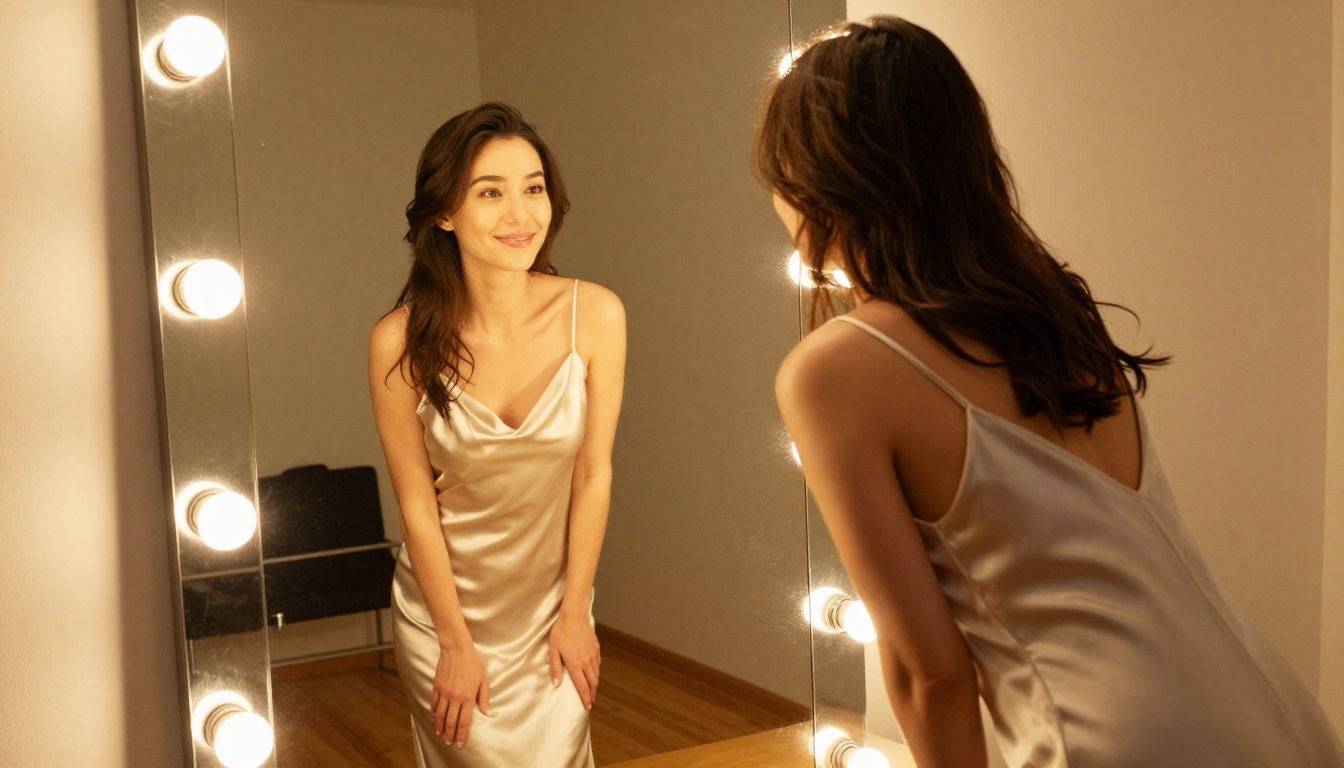
Comparing the Main Options
Why Most Mainstream Platforms Fall Short
Most free AI tools you'll find through a general search share a common problem: aggressive content filtering that goes well beyond preventing genuinely harmful content. Platforms like standard Midjourney, Adobe Firefly, and similar tools will block:
- Bikini and swimwear content
- Suggestive poses
- Implied intimacy
- Any prompt using relationship-adjacent language
This isn't about legality or safety in most cases — it's commercial caution that penalizes legitimate creative work. When you want to generate a virtual companion, create glamour photography, or design a character for a project, these restrictions make the tools nearly unusable.
What PicassoIA Does Differently
PicassoIA was built with creative freedom as a core value. The platform hosts models specifically chosen and configured to support:
- Non-explicit NSFW content (glamour, swimwear, artistic portraiture)
- Character design without arbitrary pose or clothing restrictions
- Image editing that maintains the creator's intent
- Fast iteration without filtered outputs slowing the process
The result is a platform where the tools actually do what the interface promises.
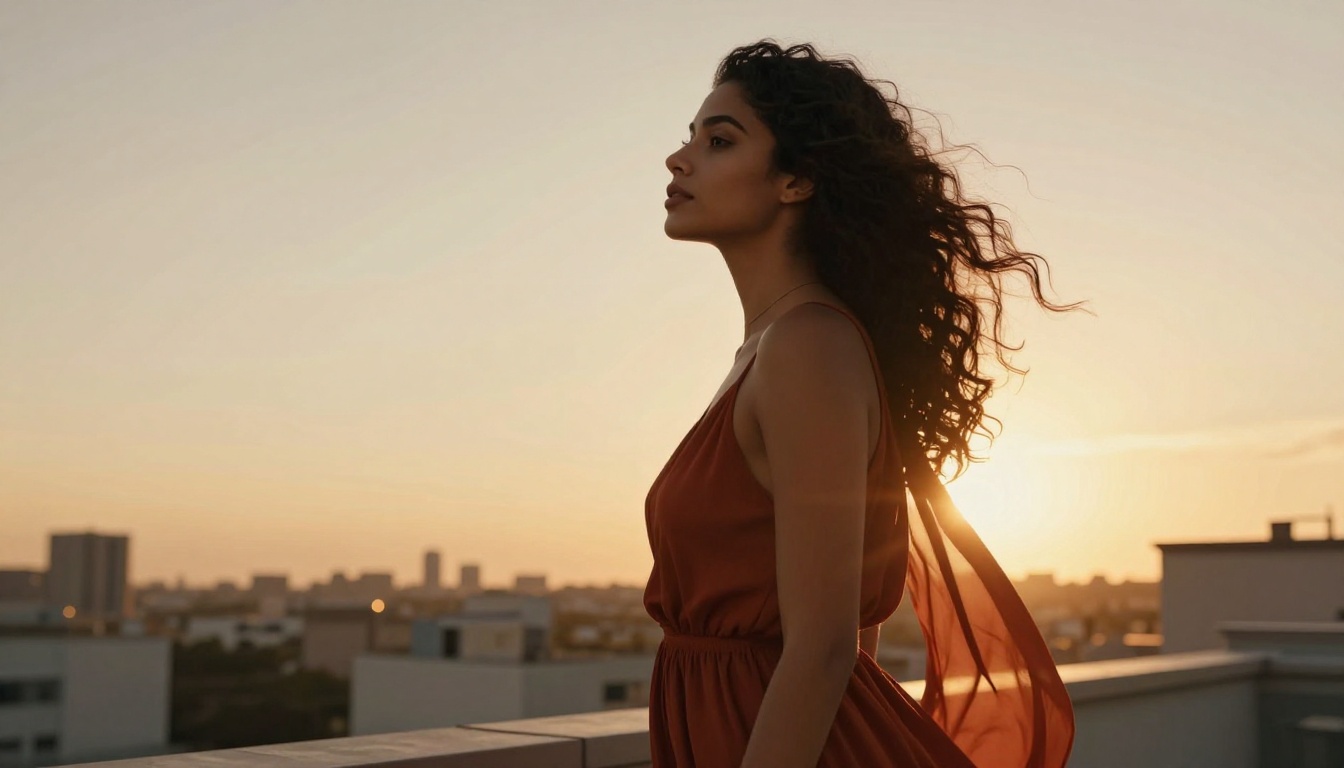
Getting the Most From Unlimited Generations
If you're using PicassoIA Image Editor Pro with an Elite or Infinite plan, the unlimited generation structure opens up workflows that per-generation billing makes impractical.
Building a Character Sheet
Generate the same character in multiple settings, outfits, and lighting conditions to build a complete visual profile:
- Morning light, casual outfit
- Evening ambiance, formal dress
- Beach setting, swimwear
- Indoor cozy atmosphere, loungewear
- Outdoor candid, street-style clothing
With unlimited generations, this takes minutes and costs nothing extra beyond your subscription.
Systematic Prompt Testing
Run the same base prompt with one variable changed each time to find exactly which descriptors produce which results. This kind of systematic testing is cost-prohibitive at $0.10 per image but trivial with unlimited generations.
High-Volume Projects
Content creators, game developers building character art, and anyone running a project that needs dozens of consistent character images can generate at scale without costs spiraling.

Beyond Images: Video Models for AI Companions
For those who want to bring AI companions to life in motion, PicassoIA also offers several video models that work with images you've already created.
The most relevant options:
- PicassoIA Video — Unlimited video generation from text prompts at up to 720p/5s per clip
- P-Video — Image, text, or audio to video at up to 1080p, with the safety filter off by default and draft mode for instant previews
- Grok Imagine Video — Clips up to 15 seconds from your existing images, no watermarks, auto-matches source image proportions
- LTX 2.3 Pro — Up to 4K at 50fps for the highest fidelity video output, with retake and extend editing modes
For video creation, the standard workflow is to generate a strong still image first, then pass it to a video model as the first frame. This keeps the character's appearance consistent between the still and the animated version.
💡 Wan 2.2 I2v Fast is the most direct option for turning AI companion images into smooth, short animations with natural motion.
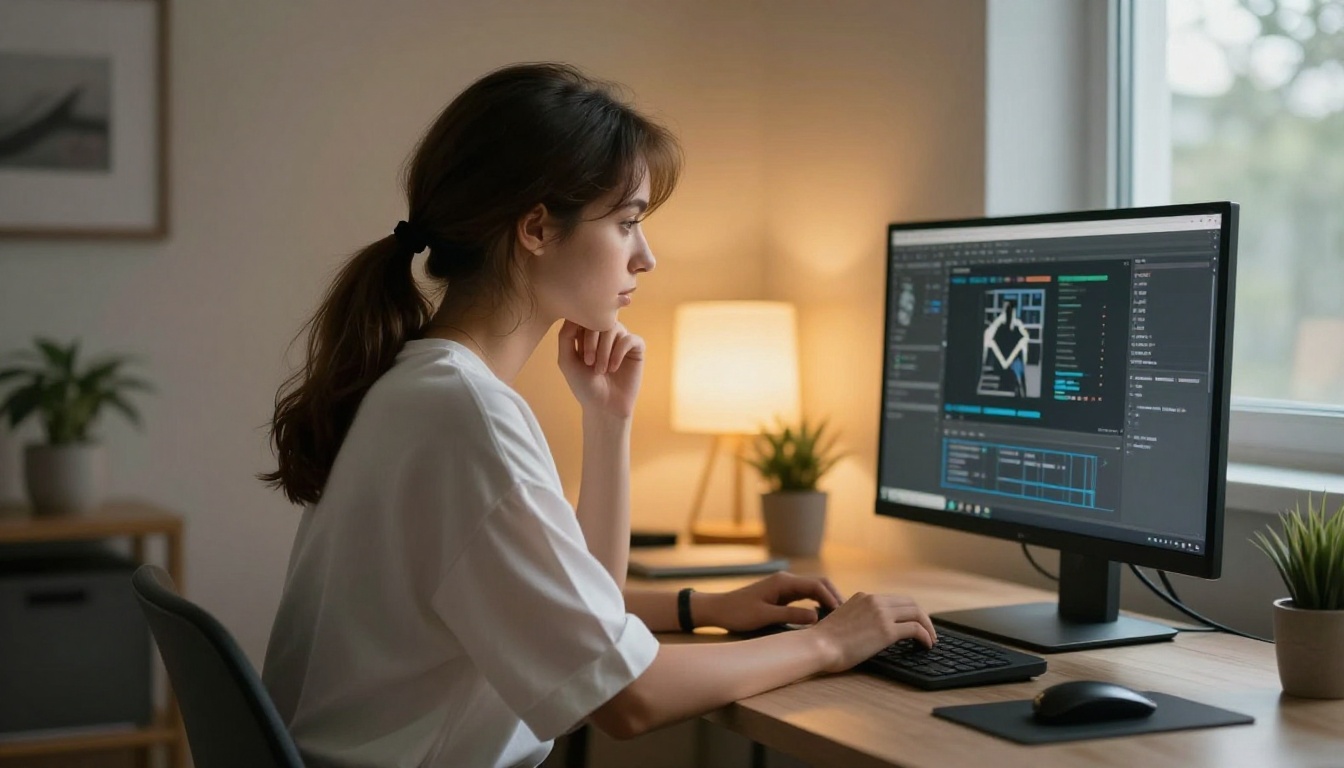
Start Creating Without Restrictions
The tools are here, they work, and the best ones are either free or available through affordable subscription plans. You don't need to navigate around broken content policies or settle for cartoon-style results when platforms built for real creative work exist.
Seedream 4.5 is where to start for photorealistic AI girlfriend creation. Follow it with PicassoIA Image Editor Pro for unlimited refinement. Then any combination of Qwen Image 2, Grok Imagine Image, Recraft V4, and P-Image depending on what you're building.
The full lineup of NSFW-capable, high-performance AI image and video models is available at picassoia.com/en/all-models. Every model on that page is accessible from one account, without jumping between platforms or dealing with incomplete free tiers.
Pick a model, write a detailed prompt, and see what's actually possible when the tools don't get in your way.


