If you've ever tried to build a custom AI waifu only to hit a wall of pixelation, blurred outputs, and "content not allowed" error messages, you know exactly how frustrating censored platforms can be. Adults have creative needs too, and the demand for a free uncensored AI waifu builder for adults has never been higher. The good news is that tools now exist that actually deliver, without paywalls blocking every interesting generation, without auto-filters killing your prompts mid-run, and without the watered-down results that look nothing like what you imagined.
This article breaks down exactly where to go, which models to use, and how to get the best results, from your first prompt to a gallery-ready AI waifu image.
What Is an AI Waifu Builder?
The term "waifu" comes from Japanese anime culture and refers to a fictional female character someone feels a strong attachment to. An AI waifu builder lets you generate that character visually using a text prompt, giving you precise control over appearance, style, mood, setting, and more.
Modern AI waifu builders use text-to-image models trained on vast datasets. You type what you want to see, and the model renders it. The best ones are fast, high-resolution, and unrestricted, meaning they don't automatically reject prompts that describe adult or suggestive content.

Filtered vs. Uncensored Platforms
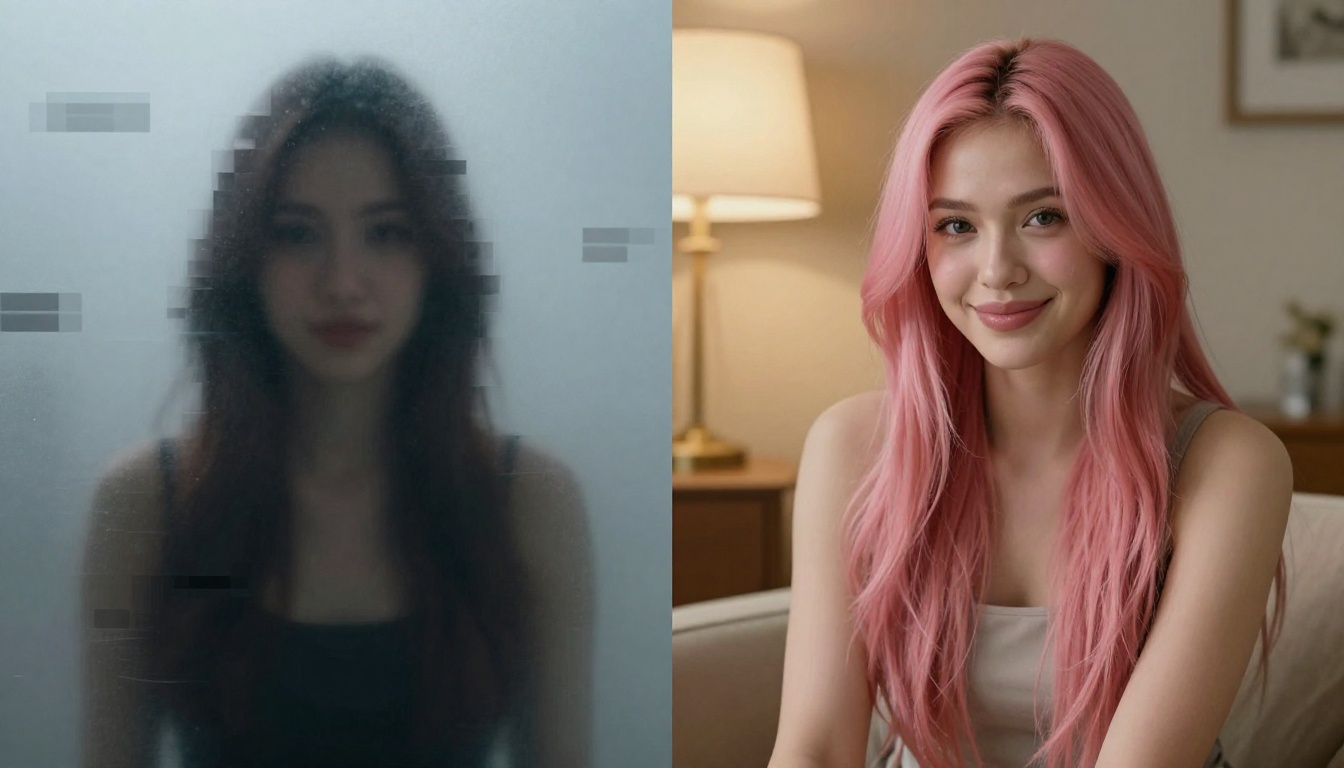
There's a significant gap between filtered and uncensored AI tools. Filtered platforms run every prompt through a safety classifier before it reaches the image model. Anything flagged as adult, suggestive, or "inappropriate" gets blocked, rewritten, or returned as a blurred-out placeholder.
Uncensored platforms bypass that layer. Your prompt reaches the model as-is, and the model generates what you described. For adult content creators, character designers, or anyone who simply wants creative freedom, that difference is enormous.
Why Adults Need Unrestricted Tools
Creative freedom is a legitimate need. Writers need character reference images. Artists need visual inspiration. Adults exploring AI-assisted art shouldn't have to fight the platform just to get results. Unrestricted AI tools respect the user's intent instead of assuming the worst about it.
💡 The difference between "suggestive" and "explicit" matters. Most premium uncensored platforms generate beautifully tasteful content, not crude imagery. Artistic sensibility and uncensored capabilities coexist perfectly.
Seedream 4.5 Is the Model to Use First
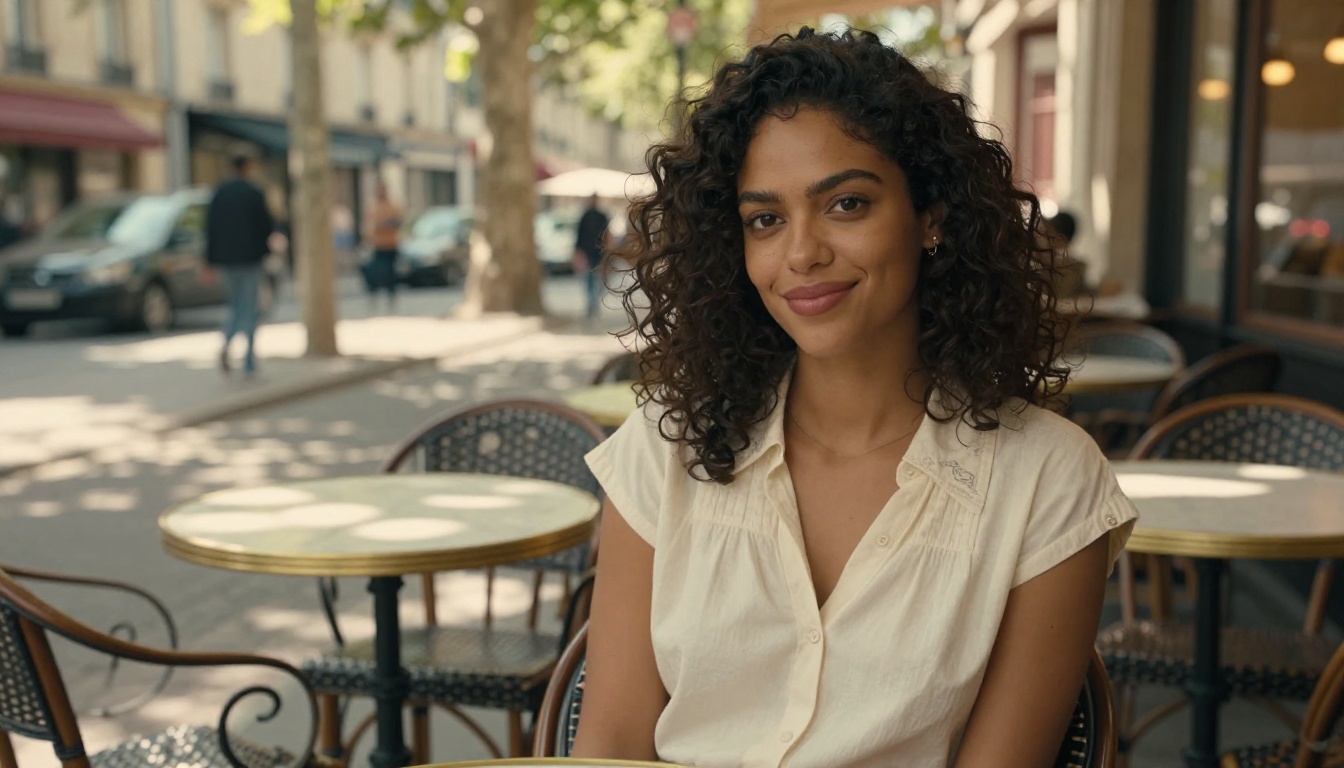
When it comes to AI waifu generation for adults, Seedream 4.5 is the strongest starting point available on PicassoIA. Developed by ByteDance, this model produces 4K-quality images with exceptional detail in facial features, hair texture, skin rendering, and fabric, all without the aggressive content filtering that cripples other models.
What sets Seedream 4.5 apart for waifu generation specifically:
- Photorealistic skin rendering with visible pore-level detail
- Expressive face generation with natural anime-inspired proportions
- Hair detail that captures individual strands, shine, and movement
- Clothing and fabric realism that makes the character feel tangible
- 4K resolution output that holds up to close inspection
Why Seedream 4.5 Leads for Adult Content
Other Seedream versions exist, but Seedream 4.5 is the right choice for this use case. Seedream 5 Pro offers sharper 2K outputs for general-purpose photography but applies stricter content filtering. Seedream 4.5 strikes the balance: premium image quality with genuine creative latitude for adult-oriented character work.
The model responds well to detailed prompts. The more specific you are about physical appearance, lighting, pose, and mood, the closer the output will match your vision. General prompts get general results. Precise prompts get exactly what you imagined.
How to Use Seedream 4.5 on PicassoIA
Getting started takes under two minutes:
- Open Seedream 4.5 on PicassoIA
- Write your character prompt in the text field
- Set the aspect ratio (16:9 for widescreen, 9:16 for portrait)
- Hit Generate and review the output
- Refine the prompt based on what came out versus what you wanted
PicassoIA Image Editor Pro gives unlimited generations, meaning you can iterate, refine, and experiment without hitting a generation cap or credit wall. Most competing platforms throttle free users after 10 to 20 images. Here you run as many attempts as you need.
Top Models for Uncensored AI Waifu Art
Seedream 4.5 is the top pick, but PicassoIA's library gives you powerful alternatives for different aesthetic results.
Flux 1.1 Pro Ultra
Flux 1.1 Pro Ultra from Black Forest Labs generates photorealistic 4-megapixel images with exceptional composition control. It's particularly strong for cinematic portrait work with dramatic lighting. If you want your AI waifu in a specific mood or environment, Flux Ultra's scene-building capabilities are hard to beat.
Use it when:
- You need cinematic framing with strong environmental storytelling
- The prompt involves complex lighting setups
- You want 4MP output for print-quality results
Realistic Vision v5.1
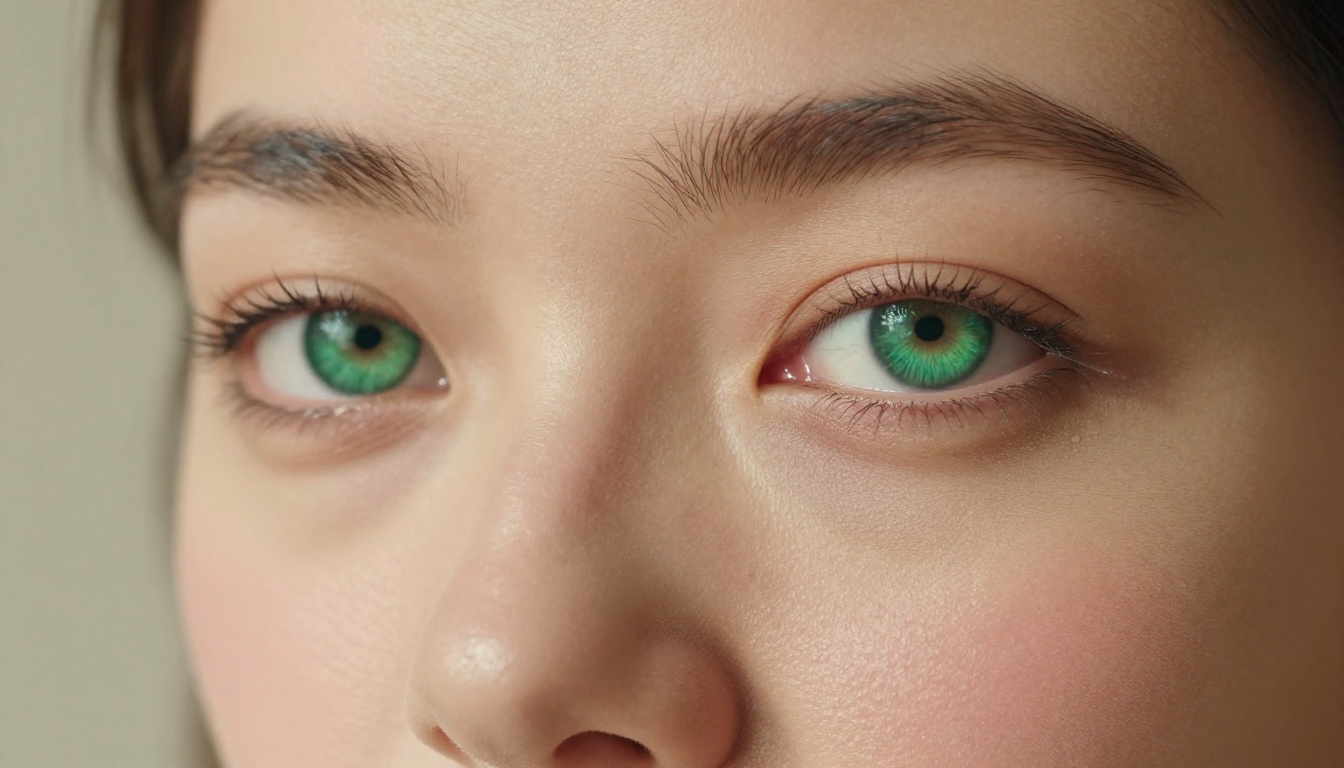
Realistic Vision v5.1 specializes in lifelike photography-style output. It was built specifically for photorealistic human generation and handles skin tones, facial symmetry, and natural expression with notable accuracy. If your waifu design leans toward the realistic rather than stylized side, this model fits perfectly.
RealVisXL v3.0 Turbo
RealVisXL v3.0 Turbo combines photorealistic rendering with fast generation speed. The Turbo variant is optimized for quick iteration cycles, making it ideal when you're testing multiple character concepts before committing to a final design. Generate 10 variations in the time other models produce 3.
Flux.1 Dev
Flux.1 Dev is Black Forest Labs' open development model, offering excellent versatility across styles. It handles the photorealistic-to-stylized spectrum well and produces detailed images with strong prompt adherence. A reliable secondary choice for waifu work that needs a different visual register than Seedream.
Qwen Image 3
Qwen Image 3 from Alibaba rounds out the toolkit with strong photorealistic output and excellent face-generation fidelity. A solid option when you want a third perspective on the same character concept.
How to Build Your Perfect Waifu on PicassoIA
The platform is straightforward, but knowing the right workflow saves time and improves results significantly.
Step 1: Pick Your Model
Start with Seedream 4.5 for your first run. Once you understand how it responds to your prompts, experiment with Flux 1.1 Pro Ultra for more dramatic scenes or RealVisXL v3.0 Turbo for faster iteration rounds.
Step 2: Craft the Prompt
Prompt quality determines output quality. Structure it in layers:
- Subject: Who is the character? Physical features, hair, eye color, body type
- Outfit and accessories: Clothing style, fit, color, fabric type
- Setting: Where are they? Indoor, outdoor, time of day, specific location
- Lighting: Natural, studio, golden hour, dramatic rim lighting
- Camera and lens: Portrait, wide, close-up, depth of field specification
A weak prompt: "anime girl, pretty, beach"
A strong prompt: "photorealistic portrait of a woman with long silver hair and violet eyes, wearing a thin-strap white bikini top, standing at a tropical beach at golden hour, warm sunlight from the right creating rim lighting along her shoulder and collarbone, 85mm f/1.8 lens, shallow depth of field, ocean horizon in background, Kodak Portra 400 film grain"
The difference in output quality between those two is dramatic.
Step 3: Adjust and Iterate
Your first output rarely nails every detail. That's normal. With unlimited generations on PicassoIA Image Editor Pro, you can:
- Refine the prompt based on what came out versus what you wanted
- Try different seeds for variation while keeping the same prompt
- Switch models to see how the same prompt renders differently
- Use the inpainting tool to fix specific areas without regenerating the whole image
💡 Save prompts that produce results you like. Build a personal prompt library over time. Small additions like "85mm lens" or "volumetric morning light from the left" can dramatically improve output consistency.
Prompt Tips for Better Waifu Images
The difference between a mediocre output and a stunning one almost always comes down to prompt specificity.
Character Appearance Prompts
Be specific about every physical attribute. Instead of "beautiful woman," describe exactly:
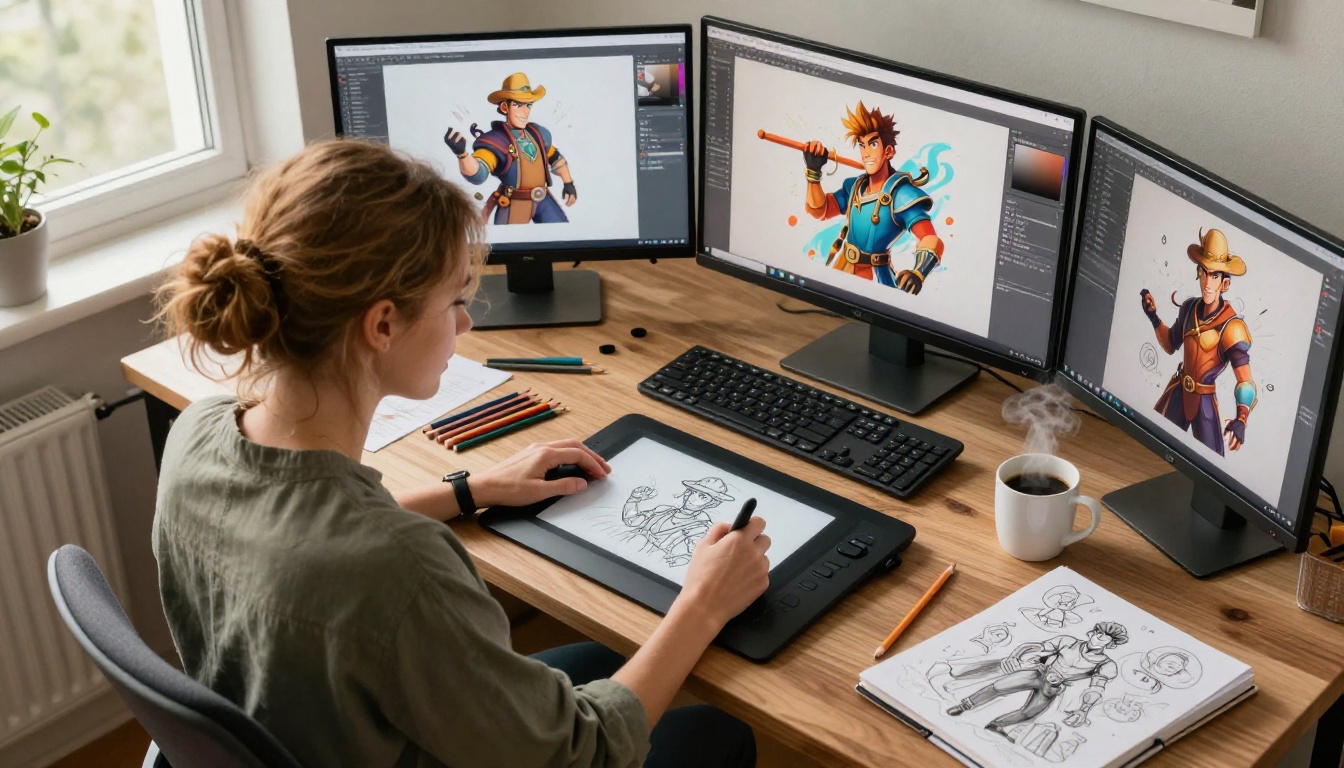
- Eye shape: "large almond eyes with double eyelids, long natural lashes"
- Hair: "waist-length silver hair with subtle lavender highlights, gentle wave texture"
- Skin: "fair skin with light freckles across the nose bridge, soft blush on cheeks"
- Expression: "soft confident smile, slight tilt of the head, chin lowered"
The models respond to texture descriptions too. "Fine pores visible on the nose bridge," "natural lip color with subtle gloss," and "faint beauty mark below the left eye" all make characters feel more distinct and real.
Style and Mood Modifiers
These additions consistently improve output quality across all models:
photorealistic 8K RAW photographyKodak Portra 400 film grain85mm f/1.4 portrait lensshallow depth of fieldvolumetric golden hour light from the rightcinematic color gradeno digital art, no illustration, no CGI
The last line matters. Without explicitly ruling out digital art styles, some models drift toward illustrated or rendered aesthetics when handling character-focused prompts.
Common Mistakes to Avoid
Too vague: "Girl, pretty, summer" produces generic, forgettable outputs. Load in specifics every time.
Contradictory lighting: Asking for "soft natural light" and "dramatic harsh shadows" simultaneously confuses the model. Pick one lighting direction and commit.
Skipping the camera spec: Without lens and aperture information, models default to flat compositions that lack photographic quality.
No negative prompts: Most PicassoIA models support negative prompts. Use them actively: cartoon, CGI, illustration, 3D render, low quality, blurry, watermark, deformed
Free vs. Paid AI Waifu Generators
The internet is full of "free" AI waifu tools that aren't genuinely free. Knowing the difference helps you pick the right option from the start.
What "Free" Actually Means
Most platforms use "free" to mean one of these:
- Free trial with credit cap: You get 10 to 20 free generations, then you pay
- Free low-resolution only: Full resolution is locked behind a subscription
- Free with watermark: Downloads are stamped until you upgrade
- Free but heavily filtered: Technically free, but blocks all adult content
Genuine free access to high-quality, uncensored AI image generation is rare. PicassoIA breaks from that pattern.
Why PicassoIA Stands Out
PicassoIA offers access to over 91 text-to-image models through a single platform. The Image Editor Pro tier provides unlimited generations across all models, including Seedream 4.5, Flux 1.1 Pro Ultra, and Realistic Vision v5.1.
Beyond generation, PicassoIA's editing tools extend what you can do with each image:
- Inpainting: Repaint specific regions without redoing the whole image
- Outpainting: Expand the canvas beyond the original frame
- Face Swap AI: Replace faces across images with realistic blending
- Super Resolution: Upscale outputs 2x-4x without quality loss
- Object Replacement: Swap specific elements while keeping everything else intact
That's a complete adult AI character creation suite, not just a single-shot generator.
| Feature | Most Free Tools | PicassoIA |
|---|
| Generation limit | 10-50/day | Unlimited |
| Resolution | Low/Medium | Up to 4K |
| NSFW content | Blocked | Allowed |
| Model variety | 1-3 models | 91+ models |
| Editing tools | None | Full suite |
| Watermarks | Yes | No |
3 Habits That Kill Your Results
Even with the right model and a solid prompt, certain patterns consistently produce weak outputs.
1. Using the wrong model for the style: Seedream 4.5 is built for detailed photorealism. If you're prompting for something more stylized or painterly, Flux.1 Dev or Qwen Image 3 will serve you better. Match the model to your intent.
2. Underdescribing the setting: The background isn't just backdrop. A richly described environment adds mood, lighting context, and visual depth that makes the character feel placed in a real world rather than floating in a void. Describe where the light is coming from, what's in the background, and what time of day it is.
3. Giving up after one output: AI image generation is iterative by nature. The first result is a starting point, not the final product. Every refinement cycle moves you closer to the image in your head. PicassoIA's unlimited generation means you have no reason to settle.
What Your Waifu Can Look Like
The range of character possibilities on PicassoIA is wider than most people expect. A few examples of what's achievable with Seedream 4.5 or Flux 1.1 Pro Ultra:
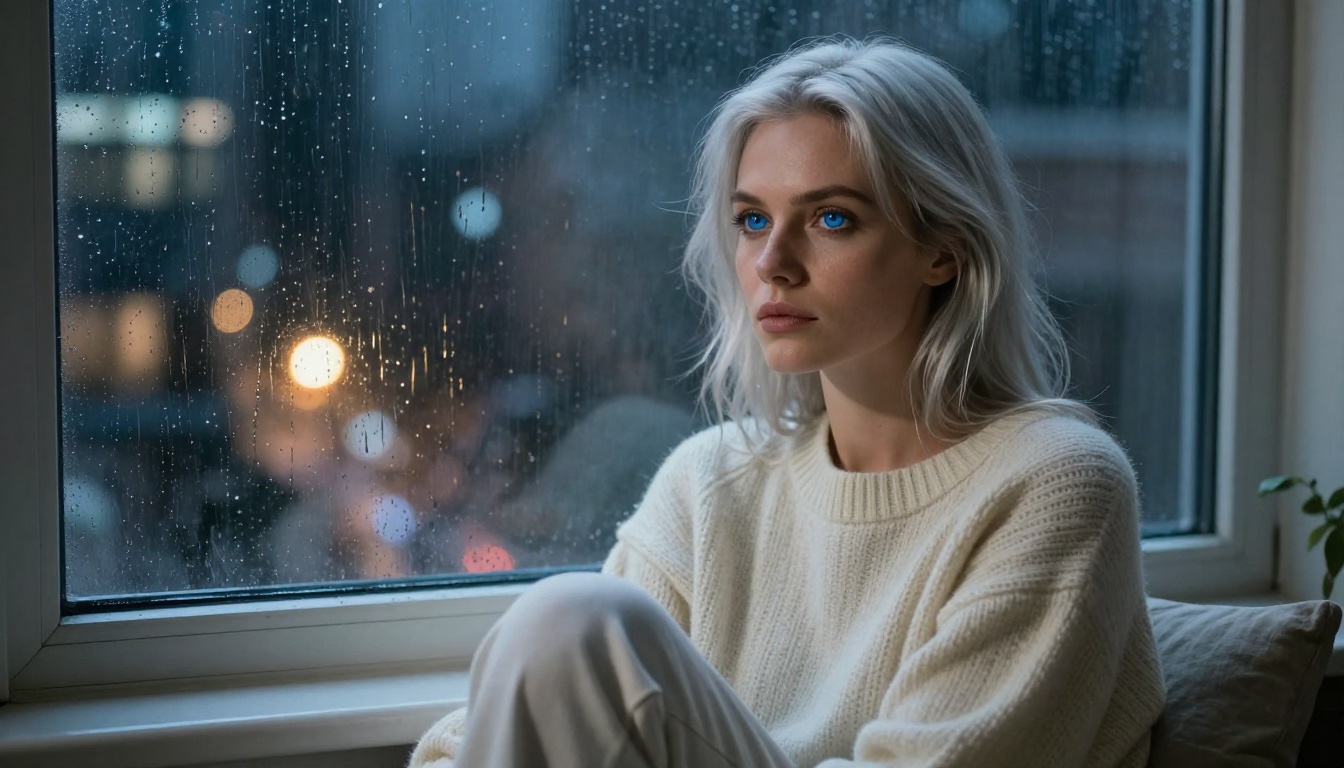
- A silver-haired girl with violet eyes sitting in a rainy Tokyo apartment, warm lamp light, oversized sweater
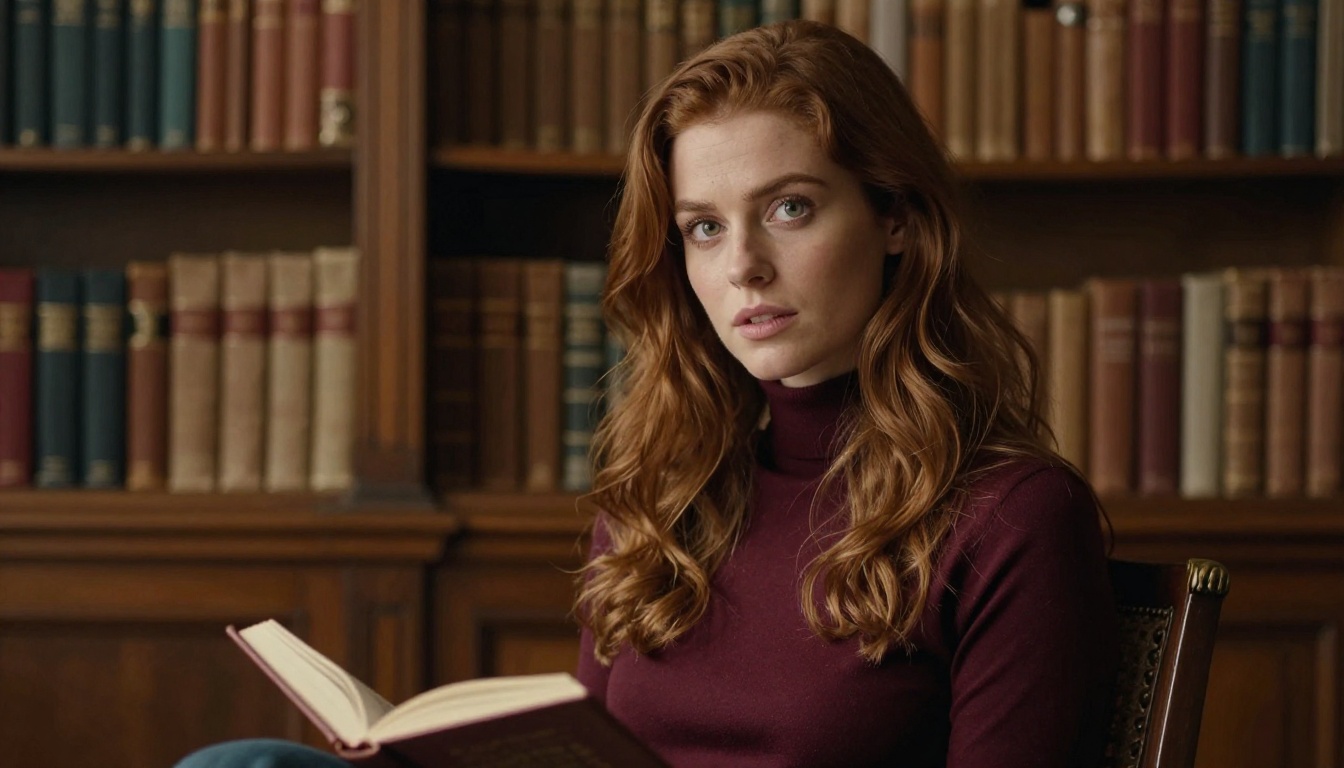
- An auburn-haired academic character in a sunlit library, side-lit by arched windows, burgundy turtleneck
- A confident woman with dark curly hair at a Paris street cafe, cobblestone background, golden hour light
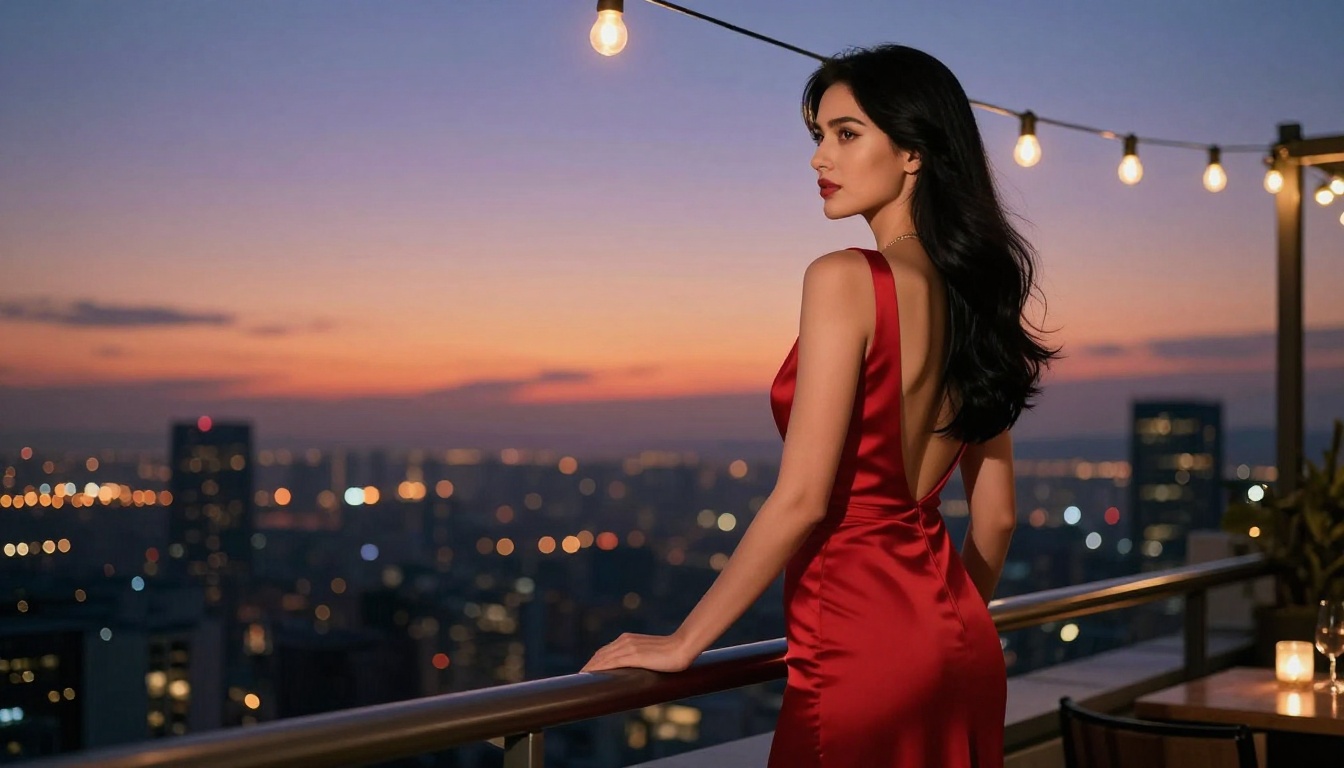
- An elegant evening character at a rooftop venue, red silk gown, city skyline at dusk
Every one of those prompts runs in seconds. The output is photorealistic, uncensored, and yours.
Your Turn to Create
The tools are better than they've ever been. Seedream 4.5 gives you 4K waifu generation with real creative freedom. Flux 1.1 Pro Ultra handles cinematic scene-building. RealVisXL v3.0 Turbo lets you iterate fast. Realistic Vision v5.1 delivers photography-grade realism. And with unlimited generations through PicassoIA Image Editor Pro, there's nothing stopping you from getting exactly what you imagined.
Start with a detailed prompt. Pick Seedream 4.5. Iterate. The waifu you've been trying to build is a few generations away.
Browse the full model library at picassoia.com/en/all-models and find your starting point today.


