The difference between a free AI image generator and a paid one isn't just a stack of extra monthly credits. The gap runs deeper: resolution limits, model access, commercial rights, generation speed, and what the tool does when you ask it something it doesn't like. Most people only discover these walls after they've invested time building a workflow around a free tier.
Here's exactly what changes when you move from free to paid, and where it actually matters.
What Free Tiers Really Offer
The genuine value of starting free
Free plans on AI image generators have gotten genuinely good. Most now include enough daily or monthly generations to evaluate a tool, produce content for personal use, and test prompts without spending anything. Platforms like PicassoIA give you access to dozens of text-to-image models without requiring a credit card, letting you build a real picture of the tool before committing.
For hobbyists, students, and anyone producing images for personal use, free tiers can be completely sufficient. The best free tools available today would have been expensive commercial software just a few years ago. The quality floor has risen dramatically across the board.
When free stops being enough
The problems begin when you need to do something professional with the output. You hit a generation limit mid-project, the resolution isn't high enough for print, the image carries a visible watermark, or the specific model you need is locked. These aren't minor inconveniences. They're workflow-stopping walls that force you to choose between a workaround or an upgrade.
💡 The real cost of free: Factor in time lost to watermark removal, upscaling workarounds, and regenerating attempts because you ran out of credits. That accumulated time is the actual price of a free plan.
The question isn't whether free plans have value. They do. The question is whether the constraints fit your actual use case, and that answer usually becomes obvious within the first serious project.
Resolution and Image Quality
The output size ceiling
Free tiers almost universally cap output resolution. A typical free plan maxes out at 512x512 or 768x512 pixels, which works fine for social media thumbnails but breaks down fast for print, large-scale digital advertising, or high-fidelity editorial use. Paid plans typically allow 1024x1024 and higher, often extending to 4K outputs depending on the model.
The resolution gap isn't just about file size. It directly affects visible detail: skin texture in portraits, the crispness of text in banners, the sharpness of product shots, and the convincing separation between a subject and a blurred background. At lower resolutions, AI models begin to show characteristic blurring and merging in fine-detail areas like hair strands, fabric weave, small objects, and fine architectural details.
For anyone comparing outputs to stock photography or professional photography, this difference is immediately visible and immediately consequential.
Upscaling around free-tier limits
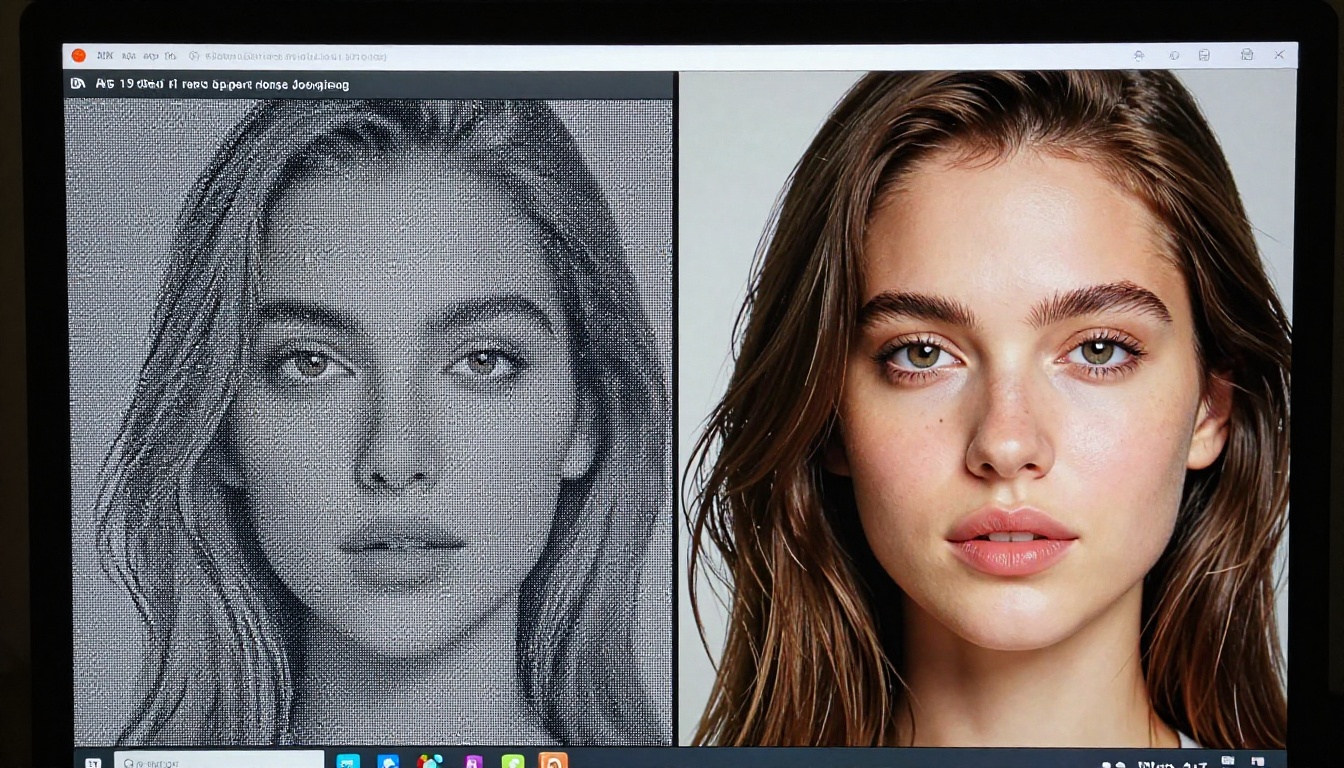
One practical workaround for free-tier resolution ceilings is AI upscaling. Tools like Clarity Pro Upscaler and P Image Upscale can take a 768px output and push it to print-ready quality by intelligently reconstructing detail rather than simply enlarging pixels.
Topaz Image Upscale goes up to 6x enlargement, preserving structural integrity at extreme scales. Google Upscaler handles 4x cleanly on a wide range of image types. For portraits specifically, Crystal Upscaler is trained on facial detail reconstruction and tends to outperform general-purpose upscalers when recovering fine skin texture and eye detail.
This doesn't fully replace starting at high resolution, but it meaningfully extends the professional usability of free-tier outputs.
Model Access: The Sharpest Divide
What free plans lock away
This is where the gap between free and paid cuts deepest. Free tiers typically restrict access to a handful of general-purpose models, often older or lighter versions of more powerful architectures. The premium models, the ones producing state-of-the-art photorealism, specific aesthetic styles, or specialized capabilities, are almost always paywalled.
The reason is straightforward: running large, cutting-edge models at scale costs significantly more per generation. Providers cannot offer unlimited access to their best models for free without unsustainable GPU costs. Free tiers serve as product discovery, not full capability access.
💡 What you're actually paying for: When you upgrade, you're not just buying more generations. You're buying access to models that produce results worth keeping.
How model quality shows in output
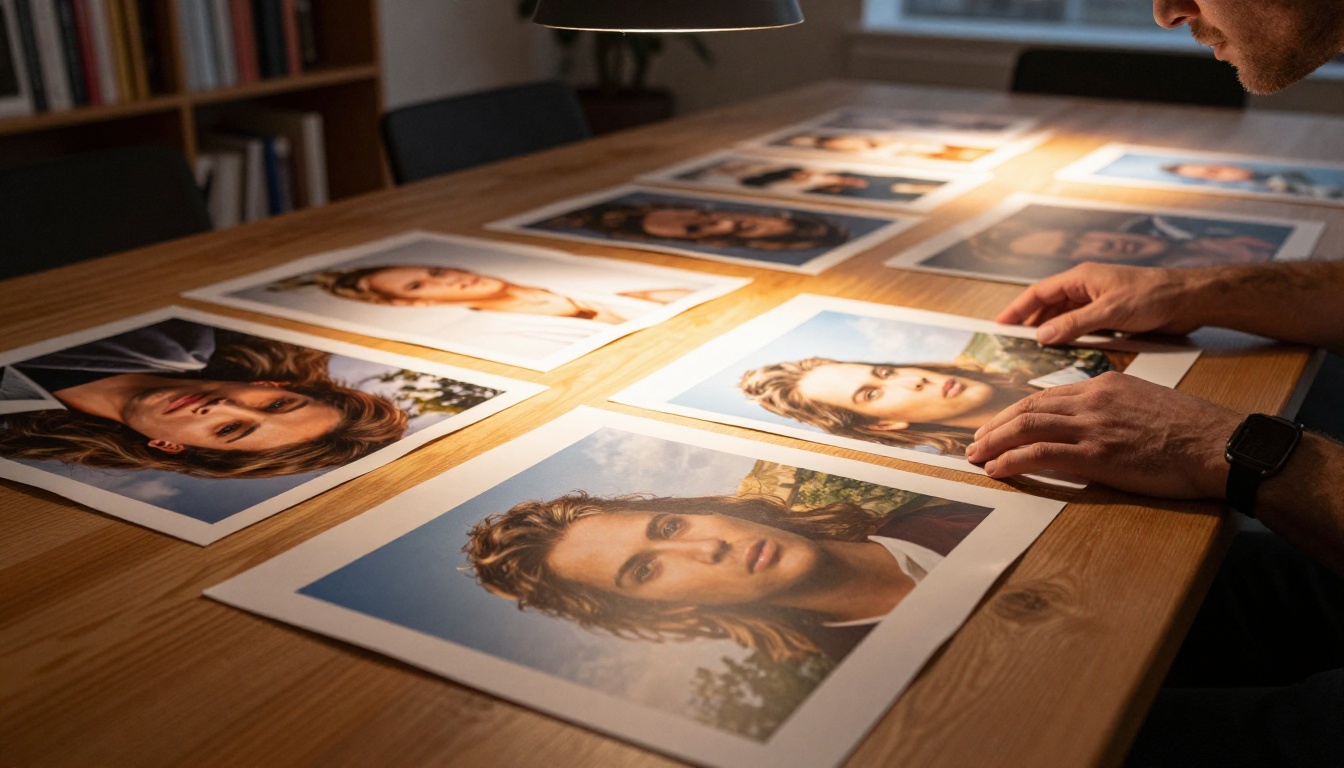
The difference between a free-tier base model and a premium photorealistic model is immediately visible in portraits. Free models often produce characteristic artifacts: overly smooth skin with a painted quality, symmetrical features that feel subtly wrong, eyes that lack natural variation, and hair that merges into an indistinct mass rather than separating into individual strands.
Premium models, trained on curated high-quality datasets with far more parameters, produce outputs that are meaningfully harder to distinguish from photography. The gap is particularly stark in challenging scenarios: complex lighting situations, detailed fabric textures, expressive faces, and images requiring spatial coherence across multiple subjects.
PicassoIA's catalog spans 91+ text-to-image models, with both free and paid tiers clearly indicated. The range covers general photorealism, cinematic aesthetics, portrait-specific models, and everything between.
Precision control tools and ControlNet access
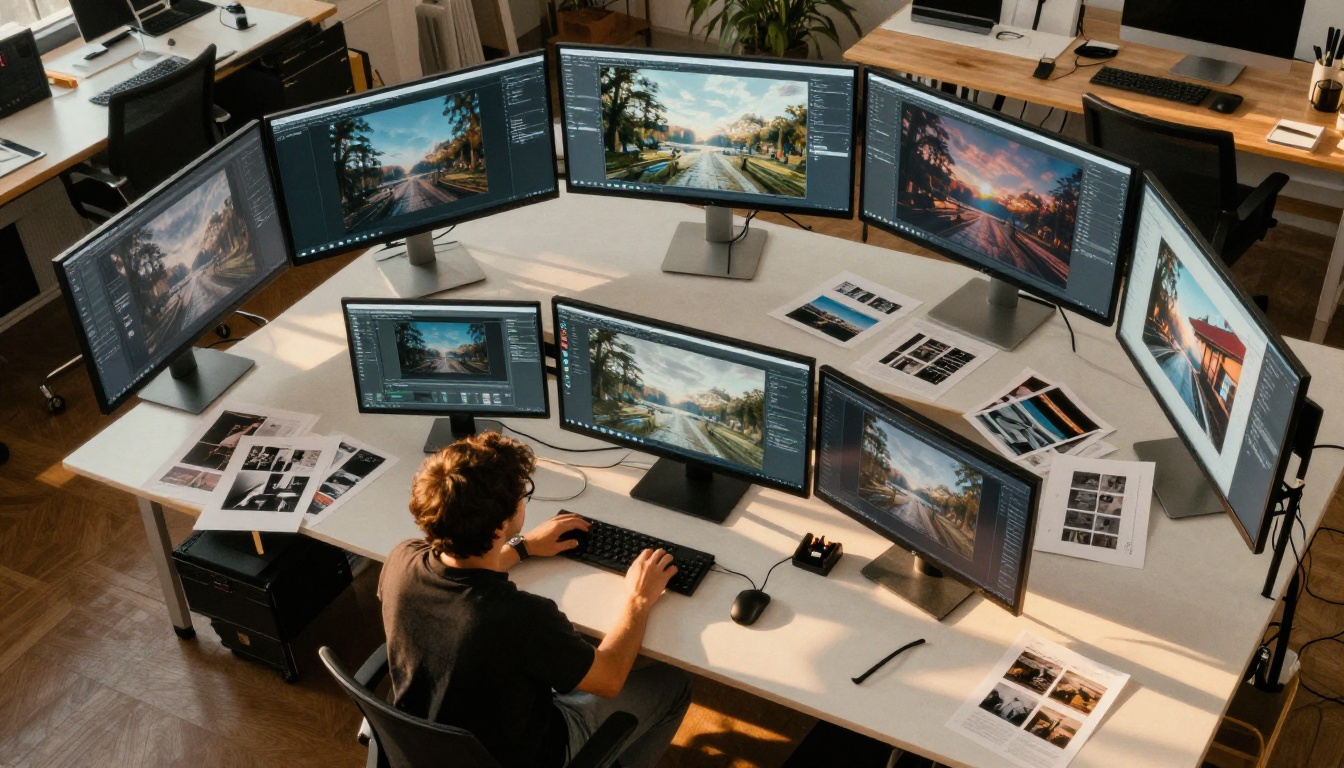
Free plans rarely include precision control tools like ControlNet, which constrains AI generation to specific poses, structures, or compositions by using a reference image as a skeleton. This capability is transformative for commercial work: product shots matching a specific angle, portraits following a composition brief, illustrations with consistent character poses across a series.
Paid plans that include ControlNet, inpainting (selectively regenerating parts of an image), and outpainting (expanding the canvas beyond its original edges) represent a qualitatively different level of creative control, not just better versions of the same outputs. These tools shift the workflow from "prompting and hoping" to directed, repeatable creative production.
Speed and Generation Priority
Queue position and wait times
Free users sit at the back of the generation queue. During peak hours, this translates to 30 seconds to several minutes per image. When iterating prompts, that wait compounds fast. What should take 20 minutes can take two hours when you're waiting through queue delays between each test generation.
Paid plans receive priority processing, meaning generations run as GPU capacity becomes available. On platforms with large user bases, the speed difference between free and paid can be 5x to 20x during peak usage windows. For anyone in a time-sensitive production environment, that difference has real dollar value.
Batch processing and automation
Free plans rarely support batch generation: the ability to queue multiple prompts and run them while you do other work. Paid plans typically include batch mode and often API access, enabling automated generation pipelines.
For anyone using AI image generation as part of a recurring workflow, whether social media content at scale, e-commerce product imagery, or editorial illustration series, batch processing isn't a convenience feature. It's the difference between a sustainable workflow and a manual bottleneck.
Watermarks and Commercial Licensing
The ownership question
Watermarks are the most visible free-tier frustration, but the licensing question matters more. Many free tiers include restrictive terms that prohibit commercial use outright, or require attribution in ways that are impractical for real projects. Some platforms claim broad licensing rights over images generated on their free plan, not just usage restrictions.
Before using free-tier outputs commercially, read the terms of service carefully. Assumptions about what "free" means legally can create real exposure.
Paid plans on reputable platforms typically offer clean commercial licensing: you own the output and can use it without restrictions, attribution requirements, or platform watermarks. This is table stakes for professional use.
💡 For agencies and freelancers: Delivering watermarked or improperly licensed AI images to a client is both aesthetically and legally problematic. Paid tiers eliminate that liability cleanly.
Generation Limits and Credit Reality
How credits disappear
Most free plans advertise numbers that sound generous until iterative work begins. Prompt refinement, testing negative prompts, exploring aspect ratios, generating variations: each iteration consumes credits. A single polished final image typically requires 5-15 generation attempts to reach.
On a free plan with 30 monthly images, that's 2-6 usable results per month. For casual use, that can work. For any recurring creative workflow, it collapses quickly.
| Usage Pattern | Free Tier (30 credits/mo) | Paid Tier (500+ credits/mo) |
|---|
| Social posts (4/week) | 1.8 weeks of content | 30+ weeks of content |
| Editorial illustrations | ~3 final images | 50+ final images |
| Product photography sets | ~2 complete sets | 33+ complete sets |
| Prompt exploration sessions | ~6 solid results | 100+ solid results |
The switching cost nobody mentions
When free credits run out mid-project, the options are: wait for a monthly reset, pay for additional credits, or switch to another platform. Switching tools has a hidden cost: different models produce different aesthetic results. Moving platforms often means starting prompt refinement from scratch on a new model with different tendencies, strengths, and failure modes.
Paid plans with generous monthly allowances eliminate this friction entirely, which is worth something beyond the raw credit count.
Using PicassoIA Across Both Tiers
Starting with free access
PicassoIA's free tier is built to give a genuine experience of the platform, not a crippled preview. Real models, real quality, real results without a credit card. The free catalog includes solid general-purpose image generators that cover most standard use cases well.
For extending free-tier outputs to higher quality, Recraft Crisp Upscale and Increase Resolution are available and meaningfully lift the professional usability of generated images. Recraft Creative Upscale adds stylistic detail reconstruction, adding depth and texture to outputs that feel flat.
When upgrading makes sense
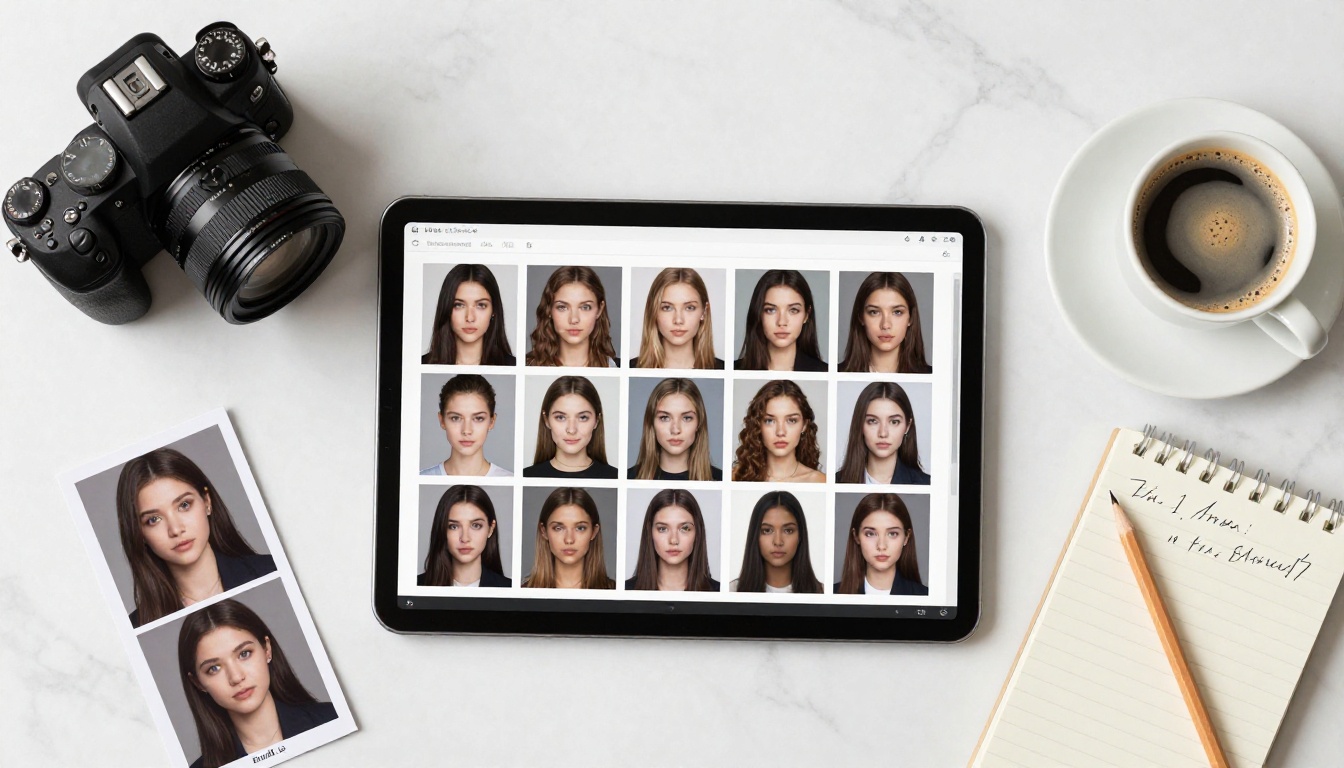
The decision to upgrade becomes obvious quickly. If you regularly exhaust free credits, need clean commercial licensing, want consistent access to premium photorealistic models, or work in a context where queue delays cost real time: the upgrade pays for itself.
Specific signals that a paid plan is the right move:
- You've used your free credits twice in a single month — the usage is there, the plan should match it
- A project requires commercial licensing — free terms often don't cover this clearly
- A specific premium model consistently outperforms your free access — that quality difference has a tangible output value
- Queue times are interrupting your creative flow — iterative refinement requires responsive generation
- You generate in batches as part of a larger pipeline — batch mode is almost always paid
💡 The honest math: If a paid plan saves 3 hours per month of workarounds, watermark removal, and tool-switching, and your time is worth anything, the subscription cost has already paid for itself.
The Real Visual Quality Difference
Where pixels actually diverge
The quality gap between free and paid AI image generation isn't subtle in areas that matter most for professional output. Portrait skin texture, hair strand separation, fabric weave detail, and background depth separation all improve measurably with premium model access.
For editorial and commercial photography substitution, which represents one of the largest commercial use cases for AI image generation, that gap directly determines whether output is usable. A slightly blurry AI portrait with the characteristic smoothed-skin artifact gets rejected. A crisp, photorealistic output processed through P Image Upscale or Clarity Pro Upscaler can meet professional publishing standards.
The combination of a premium model for generation and a dedicated upscaler for post-processing is the current standard workflow for professional-grade AI image output.

Image editing capabilities that change everything
Beyond generation, paid platforms typically include advanced image editing tools that free tiers don't offer. AI-powered inpainting lets you select any region of a generated image and regenerate just that area with a new prompt while preserving everything else. Outpainting extends the canvas in any direction with coherent continuation of the original image.
Object replacement tools swap out specific elements in a photo-realistic way: replacing a background, changing clothing, removing objects. AI Image Restoration recovers damaged, noisy, or blurry photos by reconstructing missing detail. These capabilities collectively shift the platform from a generation tool into a full creative production environment.
Start Making Images Right Now
You don't need to pay to find out whether AI image generation fits your workflow. PicassoIA's free tier includes real models, real quality, and enough generations to build a clear picture before committing to anything.
The free-to-paid decision becomes obvious fast. Either what free produces fits your use case and you're set, or you hit one of the walls above and the upgrade decision makes itself. Either way, starting free gives you real information.
Head to picassoia.com, build your first prompts, test the upscaling tools, and see exactly where the free tier ends for your workflow. When you're ready to push further, every premium model, batch generation, and clean commercial license is one plan upgrade away.