If you've ever tried a free NSFW AI generator and felt like you were being shown a watered-down demo rather than the actual product, you're not imagining it. Free tiers exist to convert you, not to satisfy you. The gap between what's advertised and what you actually get is real, measurable, and in some cases, massive. This article breaks down both sides so you stop guessing and start making an informed decision about where to spend your time and money.
The Real Wall Behind "Free" NSFW AI
Free tools in the NSFW AI space follow the same playbook: give you just enough to get hooked, then block you before you actually accomplish anything meaningful. The friction is designed.
Daily Limits That Stop You Cold
Most free NSFW AI platforms cap you at somewhere between 5 and 20 generations per day. That sounds generous until you realize that getting a good result out of a complex prompt often takes 3 to 6 attempts. A day's worth of free credits evaporates before you finish a single shoot concept.
Even worse, some platforms reset their counters at midnight UTC rather than 24 hours from your last generation, which means if you start at 10 PM, you might have 2 hours of access before a full reset kicks in.
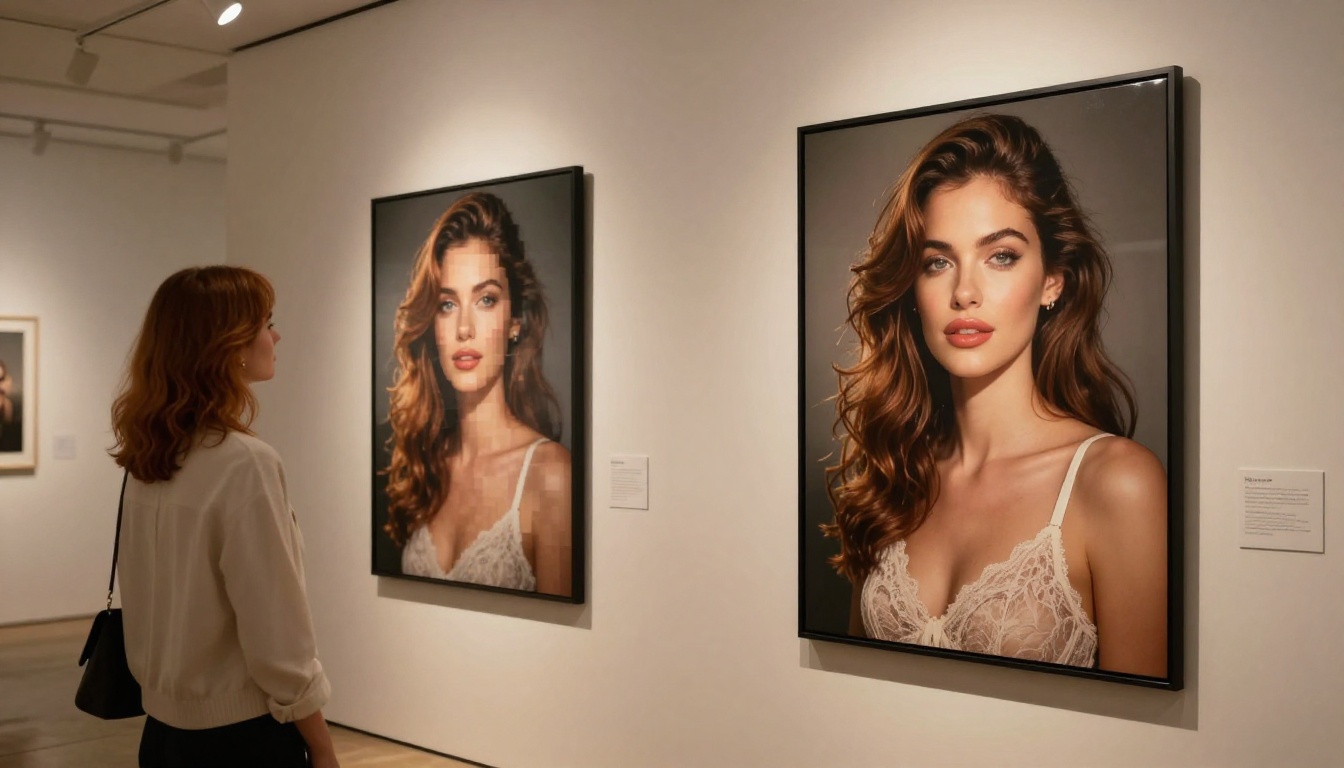
💡 The real number to watch: It's not how many generations you get per day. It's how many usable results you get. On most free tiers, that's 1 to 3 per session.
Content Filters Watering Down Results
Free tiers almost universally run more aggressive content moderation. Platforms need to protect themselves from abuse, and since they're not charging you, they have no financial reason to take on the risk of serving premium content. The result: prompts that would produce bold, artistic, suggestive results on a paid plan get rejected outright or return heavily sanitized outputs on a free account.
This is not a technical limitation. It's a business decision. The same model, the same hardware, produces different results depending on which account tier is making the request.
Image Quality Caps You Can't Get Around
Free tiers often limit output resolution to 512x512 or 768x768 pixels. At those dimensions, even a perfect generation looks soft and unusable for anything beyond a social thumbnail. Paid plans open up 1024x1024 and above, with some models hitting true 8K output through super-resolution pipelines.
The quality difference at high resolutions isn't just sharpness. Higher resolution outputs retain more prompt adherence, better lighting coherence, and more consistent anatomy in human subjects.
What Paid Access Actually Delivers
The upgrade is not just about removing limits. Paid access changes the fundamental capability of the tool.
No Caps on Generation Count
Premium tiers on serious platforms give you either unlimited generations or such a high credit ceiling that it functionally doesn't matter. This changes your workflow completely. Instead of rationing prompts, you iterate freely: tweak the lighting descriptor, adjust the pose, try three different aspect ratios, then pick the best. That iteration cycle is what produces professional-quality results.
Full Model Access Without Restrictions
This is the biggest difference. Paid accounts gain access to the full model catalog, including models specifically trained for uncensored, high-quality adult content. On a free plan, you're typically limited to the most conservative, most filtered versions of whatever base model the platform uses.
When you pay, you get:
- Uncensored model variants specifically tuned for suggestive and adult artistic content
- NSFW-optimized checkpoints that understand anatomy, lighting, and artistic nudity in ways that general models do not
- Faster inference with priority queue access so you're not waiting 40 seconds per generation
Resolution and Quality Jumps
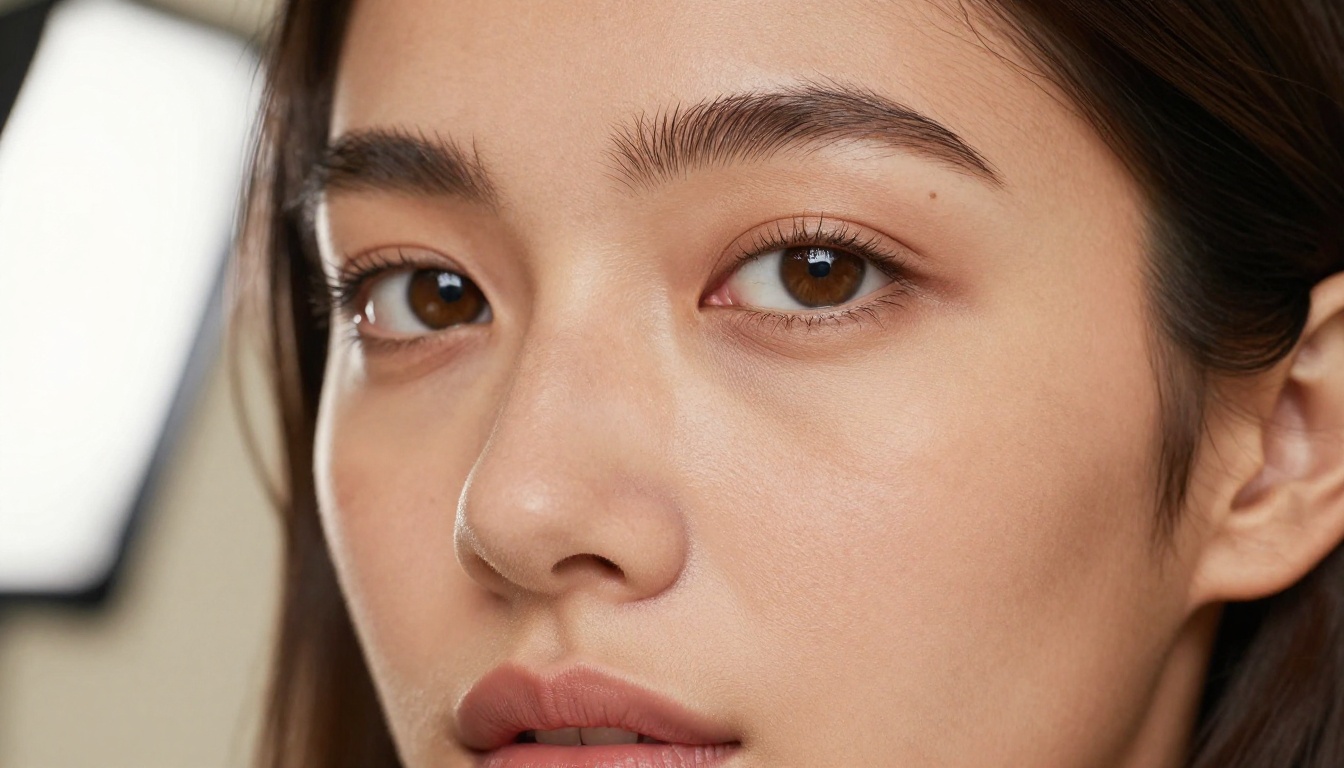
The difference between a 768px and a 1536px output isn't just more pixels. At higher resolutions, diffusion models have more space to work with, meaning they render finer details: individual strands of hair, fabric texture at a micro level, the catchlight in a subject's eyes.
Combined with upscaling models (which are also typically paywalled), paid users produce outputs that are genuinely indistinguishable from real photography when done well.
NSFW AI Models Worth Using in 2027
Not all models are equal. The model you use matters more than the platform, more than the prompt, and more than any other single variable. Here's what's actually worth your attention.
Seedream 4.5 Leads the Pack
Seedream 4.5 is currently the top-tier model for NSFW artistic content. It produces photorealistic outputs with exceptional skin texture detail, accurate human anatomy, and a natural lighting response that no other open model matches at this level. The model responds well to cinematic and editorial prompts, understanding concepts like "Rembrandt lighting" or "85mm f/1.4 depth of field" and applying them coherently.
For NSFW work specifically, Seedream 4.5 handles difficult prompts without sanitizing the result into something bland. It understands artistic nudity in the context of photography and fashion, not just generic content generation.
Previous versions in the Seedream family (Seedream 4, Seedream 3) are still worth keeping in your toolbox for their different stylistic characteristics. Seedream 5 Pro is available for even higher fidelity general imagery, though for NSFW-specific work, 4.5 remains the recommended starting point.
💡 Important: Seedream 5 Lite is not recommended for NSFW content. It applies stricter filters that will block or heavily modify adult prompts. Stick with Seedream 4.5 for this type of work.
PicassoIA Image Editor Pro
PicassoIA Image Editor Pro is the platform's own powerhouse model, offering unlimited generations with no per-image credit deduction for subscribers. This matters enormously for NSFW work where iteration is the norm rather than the exception. You're not burning through a credit budget just to refine a single scene.
The Image Editor Pro also supports inpainting and outpainting, which means you can fix specific areas of a generation without redoing the entire image. Generated a perfect scene but the hands look off? Select and regenerate just that region. This workflow alone justifies the subscription cost for anyone producing volume content.

FLUX Pro and Variants
The FLUX family from Black Forest Labs is technically sophisticated and worth knowing. FLUX Pro handles complex compositional prompts better than most alternatives, with strong coherence between described elements. FLUX 1.1 Pro takes this further with improved speed. FLUX Kontext Pro adds context-aware editing for modifying specific elements in existing images.
For NSFW content, FLUX performs well on artistic and editorial prompts. It's not as tuned for adult content as Seedream 4.5, but its prompt adherence and compositional accuracy make it a strong choice for complex, layered scenes.
RealVisXL for Portrait Work
RealVisXL v3.0 Turbo is purpose-built for photorealistic portraits and consistently produces excellent skin tones and facial detail. If your focus is glamour and beauty photography-style outputs rather than full-scene compositions, RealVisXL is worth putting in rotation alongside Seedream 4.5.
The Side-by-Side Reality Check
Here's exactly what you're getting at each tier:
| Feature | Free Tier | Paid Tier |
|---|
| Daily generation limit | 5 to 20 | Unlimited or very high |
| NSFW model access | Blocked or filtered | Full access |
| Output resolution | Up to 768px | 1024px to 8K+ |
| Queue priority | Low (slow) | High (fast) |
| Watermarks | Often present | Removed |
| Inpainting and outpainting | Not available | Available |
| Model variety | 2 to 5 models | 50 to 90+ models |
| Content filter level | Aggressive | Permissive |
The gap is not marginal. It's the difference between a tool that frustrates you and one that actually produces the results you're after.
How to Use Seedream 4.5 on PicassoIA
Getting the best results from Seedream 4.5 takes deliberate setup. Here's a practical workflow:
Step 1: Navigate to the model
Go to the Seedream 4.5 page on PicassoIA and open the generation interface.
Step 2: Structure your prompt with photography language
Seedream 4.5 responds well to camera and lighting descriptors. Structure your prompt as: [Subject + pose] + [detailed clothing or styling] + [environment] + [lighting setup] + [camera specs].
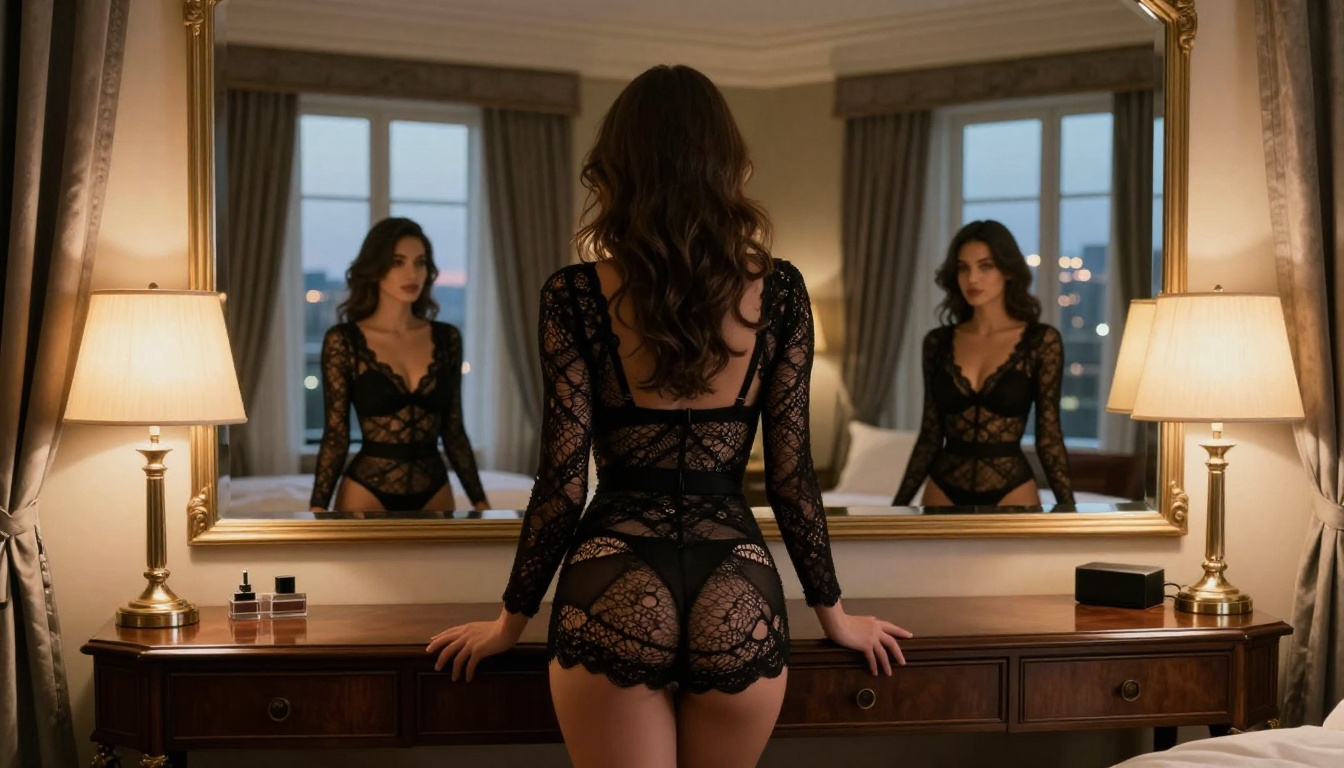
Example: "A confident brunette woman in a sheer silk robe, standing at the edge of an outdoor terrace at golden hour, warm backlight creating a rim glow, shot at 85mm f/1.4 with shallow depth of field, Kodak Portra 800 film grain, RAW photography"
Step 3: Set the aspect ratio
For portrait and boudoir work, 9:16 gives you the most compositional space. For editorial and lifestyle scenes, 16:9 works better.
Step 4: Run 3 to 4 variations
Even with a strong prompt, the first result isn't always the best. Generate 3 to 4 runs and select the strongest base image, then use inpainting to refine specific areas if needed.
Step 5: Apply super-resolution
After selecting your best result, run it through a super-resolution model to push the output to 4x or 8x the original resolution. At that scale, the result is consistently usable for large-format prints or professional content production.
What Free Users Get Wrong
Assuming All Platforms Are Equal
Not all free NSFW AI tools are the same. Some platforms advertise NSFW capability but use heavily filtered base models that produce results barely more suggestive than what a general-purpose generator would output by default. Others are running older, lower-quality models behind a "free" badge because that's all they can afford to serve at no cost.
The quality floor varies wildly. Before investing time in any free platform, check what base model it's actually running. If the platform doesn't tell you, that's a red flag.
Ignoring the Quality Gap at High Prompt Complexity
Simple prompts with minimal details tend to produce acceptable results even on free tiers with lower-quality models. But the moment you add specificity ("warm Rembrandt lighting from the left", "lace texture on sheer fabric", "catchlight in blue eyes"), lower-tier models fail to follow the instruction coherently.
This is the gap that really separates $0 per month from $20 per month. Complex, detailed prompts require model capacity that free tiers simply don't expose you to.
Who Should Stay Free vs Pay
Casual Users
If you're generating a few images per week out of curiosity, and you're satisfied with SFW-adjacent suggestive results, free tiers will serve you well enough. Stick to simple prompts, manage your daily allocation carefully, and don't expect consistency across sessions.
Regular Creators
If you're producing content regularly, whether for social media, creative projects, or professional use, the math on free vs paid changes fast. At 20 free generations per day, a 30-day month gives you 600 attempts. At a 20% usable hit rate, that's 120 good images. A paid plan with unlimited access at higher quality and a 30% hit rate will produce substantially more usable content in the same window of time.
The real cost of free isn't the dollar amount. It's the time you spend waiting, retrying, and working around restrictions that exist specifically to frustrate you into upgrading.
The Real Cost Breakdown
Monthly Pricing Reality
Most capable NSFW AI platforms land between $15 and $30 per month for a meaningful paid tier. At $20 per month for unlimited generations with full model access, the per-image cost drops to fractions of a cent once you're generating volume. Compare that to stock photography licensing at $1 to $10 per image and the economics become obvious for anyone creating original content at scale.
Credits vs Subscriptions
Some platforms use a credit model where each generation costs a set number of credits. Others use flat-rate subscriptions. For NSFW work where iteration is constant, subscriptions almost always beat credit packs. Credits incentivize you to ration and hesitate; subscriptions let you iterate freely. The best results come from the latter mindset.
💡 PicassoIA's model: The platform uses subscriptions that give access to 90+ models including Seedream 4.5 and PicassoIA Image Editor Pro, with no per-image credit deductions on core models. This is one of the most favorable structures for high-volume NSFW generation work.
Start Creating on PicassoIA
The free vs paid question has a clear answer once you know what you actually want to build. If it's high-quality, photorealistic, NSFW artistic content at any real volume, paid access on a platform with the right models is not optional. It's the baseline.
PicassoIA gives you direct access to Seedream 4.5, PicassoIA Image Editor Pro, FLUX Pro, RealVisXL v3.0 Turbo, and over 90 other models in one place, without switching tabs, managing API keys, or losing results to server resets.
The full model catalog is at picassoia.com/en/all-models. Pick a model, write a prompt with real photography language, and see what the quality difference actually looks like on your screen. That's the only comparison that matters.


