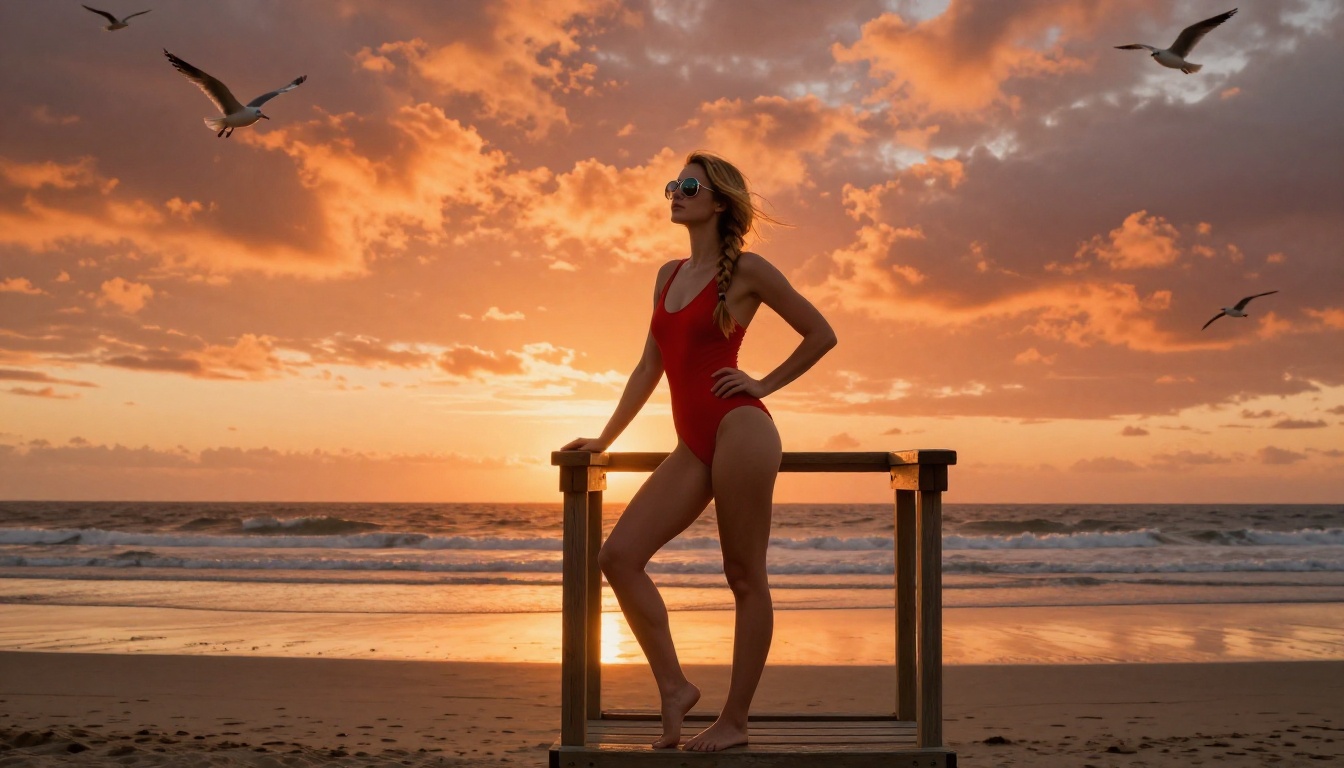
You typed a perfectly reasonable prompt. You hit generate. And Freepik's AI spat out an error, a warning, or worse, a completely sanitized version of what you actually wanted.
If you've been through this cycle more than twice, you're not alone, and you're not doing anything wrong. Freepik's content filtering is notoriously aggressive, catching requests that are well within the bounds of legitimate artistic, commercial, and creative work. The platform's rules aren't just about illegal content. They're about anything that makes a compliance committee uncomfortable, which turns out to be quite a lot.
This article is for the photographer staging glamour shoots, the designer creating sensual brand imagery, the adult platform looking for tasteful editorial content, and the artist who just wants to work without a content policy standing between them and their imagination.
What Freepik AI Actually Blocks
The filter problem nobody talks about
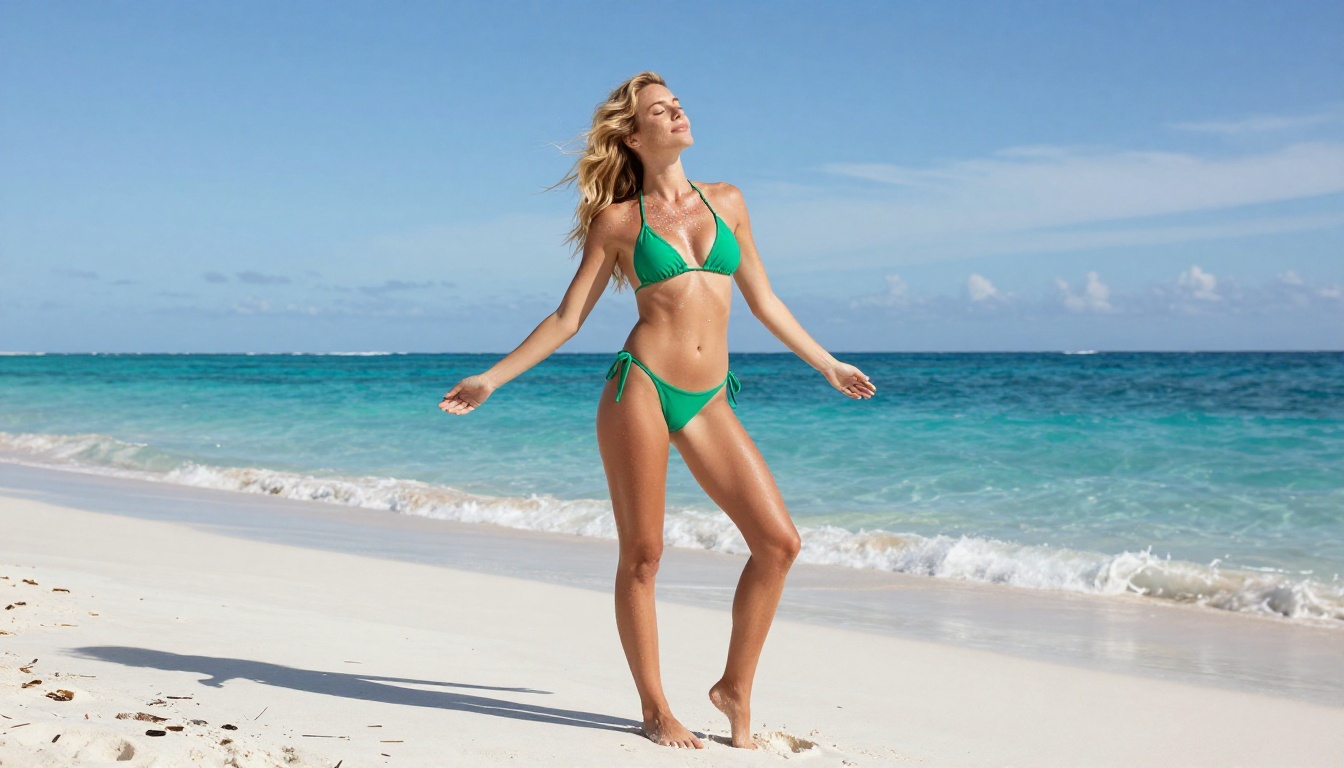
Freepik markets itself as a creative platform, but its AI image generator operates under some of the tightest content restrictions in the industry. The filtering doesn't just catch explicit material. It catches swimwear. It catches implied skin. It catches words like "sheer," "alluring," or "intimate" even in clearly artistic contexts.
The underlying model is capable, but the guardrails around it treat every user as a potential bad actor. The result is an experience that feels less like a creative tool and more like an endless negotiation with an automated system that will never explain itself.
What gets flagged most often:
- Swimwear, lingerie, or form-fitting clothing on female subjects
- Words like "sensual," "suggestive," or "glamour" in fashion and beauty contexts
- Implied undress, even in fully clothed editorial scenarios
- Skin texture descriptions read as body-focused by the algorithm
- Any prompt mentioning boudoir, pin-up, or adult aesthetics
Who gets hit hardest
The people most affected by Freepik's filters aren't bad actors. They're professionals.
Fashion photographers trying to generate reference shots for shoots. Adult brand designers needing tasteful product imagery. Romance authors looking for cover art concepts. Fitness creators generating athletic or swimwear content. All of them run into the same wall, repeatedly, regardless of the artistic merit of their requests.
The platform is built around a content policy that conflates "suggestive" with "harmful," and that assumption punishes legitimate creative work every single time.
Why Artists Walk Away From Freepik
When "safe" becomes stifling
There's a meaningful difference between a platform that prevents harmful content and one that prevents creative expression. Freepik has drifted firmly into the second category for many users.
The frustration isn't just about NSFW content. It's about the unpredictability. A prompt that works today gets flagged tomorrow after a silent policy update. A word that was fine in one context triggers a refusal in another. Creative professionals can't build production workflows on a foundation that shifts without notice.
The most common complaint isn't about what Freepik blocks. It's about what it blocks that it shouldn't.
When you spend more time rewriting prompts to satisfy an algorithm than actually creating, the tool has stopped serving you. At that point, it's not a creative aid. It's an obstacle.
The hidden cost of over-filtering
Beyond the creative frustration, there's a real business cost. Content creators who need suggestive or sensual imagery for legitimate commercial purposes are left with three options:
- Accept watered-down results that don't match their vision
- Spend hours prompt-engineering around filters with no guarantee of success
- Find a different platform
Most end up at option three. And once they find a platform with fewer arbitrary restrictions and higher output quality, they rarely come back.
What Picasso AI Does Differently
No arbitrary gates on creativity
Picasso AI operates on a fundamentally different philosophy: creative freedom within reasonable limits. Instead of a blanket filter that catches anything remotely sensual, it maintains clear lines around genuinely harmful content while leaving the vast middle ground of artistic, glamour, and suggestive work completely open.
This means you can generate:
- Bikini and swimwear content without warnings or refusals
- Lingerie and boudoir-adjacent imagery in clear artistic contexts
- Glamour photography with implied or suggested aesthetics
- Fashion editorials with sensual visual direction
- Pin-up and retro beauty styles and compositions
None of this requires special access, workarounds, or defensively rewritten prompts. You describe what you want, and the platform works to deliver it.
Suggestive, artistic, and bold
The platform's approach to sensitive content is nuanced rather than binary. Explicit pornographic material is outside the scope, but artistic sensuality, glamour work, and creative beauty content fall within what the platform supports. This mirrors how the broader creative industry actually operates.
A fashion magazine, a boudoir photographer, a romance publisher, an adult brand agency: all of these businesses need imagery that's attractive, sometimes provocative, and always intentional. Picasso AI serves that market without making creators feel like they're doing something wrong.
The goal isn't to eliminate all friction. It's to make sure that friction exists for the right reasons.

The Models That Change Everything
Picasso AI isn't just one model with a different policy. It's a platform with 91 text-to-image models spanning photorealism, artistic styles, and specialized applications. That variety is a creative advantage in itself.
Flux models for photorealism
The Flux family is the current gold standard for photorealistic AI image generation. On Picasso AI, you have access to multiple Flux variants, each optimized for different use cases.
Flux Fast is the default go-to for most users: rapid generation with excellent photorealism, accurate skin tone rendering, and natural lighting behavior. It handles fashion and glamour prompts with minimal guidance and consistently strong output.
Flux Kontext Fast adds context-aware image editing, letting you modify specific elements of an existing image without redoing the whole composition. Useful when you've got a base shot that needs a wardrobe or setting change while keeping everything else intact.
Flux Redux Dev generates variations on a reference image, which is particularly useful for building consistent character looks across a content series or campaign.
Flux Schnell LoRA brings in custom LoRA weights for fine-tuned stylistic control, while Flux Krea Dev specifically targets a non-AI aesthetic, producing images that read more like real photography than generated content.
Stable Diffusion for versatility
For users who want deep customization, the Stable Diffusion models on the platform offer a different kind of control.
Stable Diffusion is the reliable foundation, with a massive community of established prompt techniques behind it and proven performance across a broad range of subject matter.
Stable Diffusion 3 improves significantly on its predecessor in anatomy accuracy, lighting coherence, and text rendering. For fashion-forward creative work requiring sharp composition, it's a notable step up.
Portrait and character tools
For work centered on human subjects, two tools stand out.
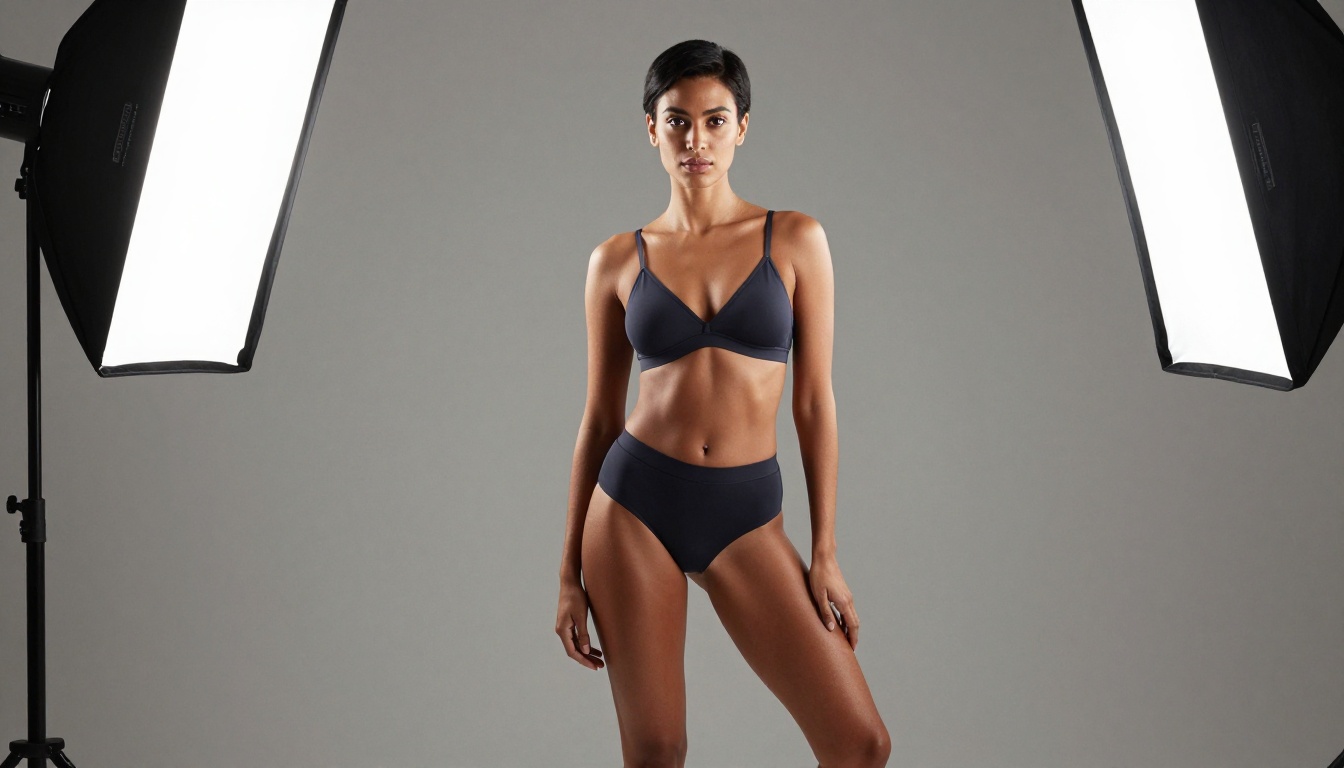
Portrait Series takes a single reference photo and generates a full portrait series: different angles, expressions, and lighting setups from one creative concept. This is invaluable for content creators who need variety without starting from scratch each time.
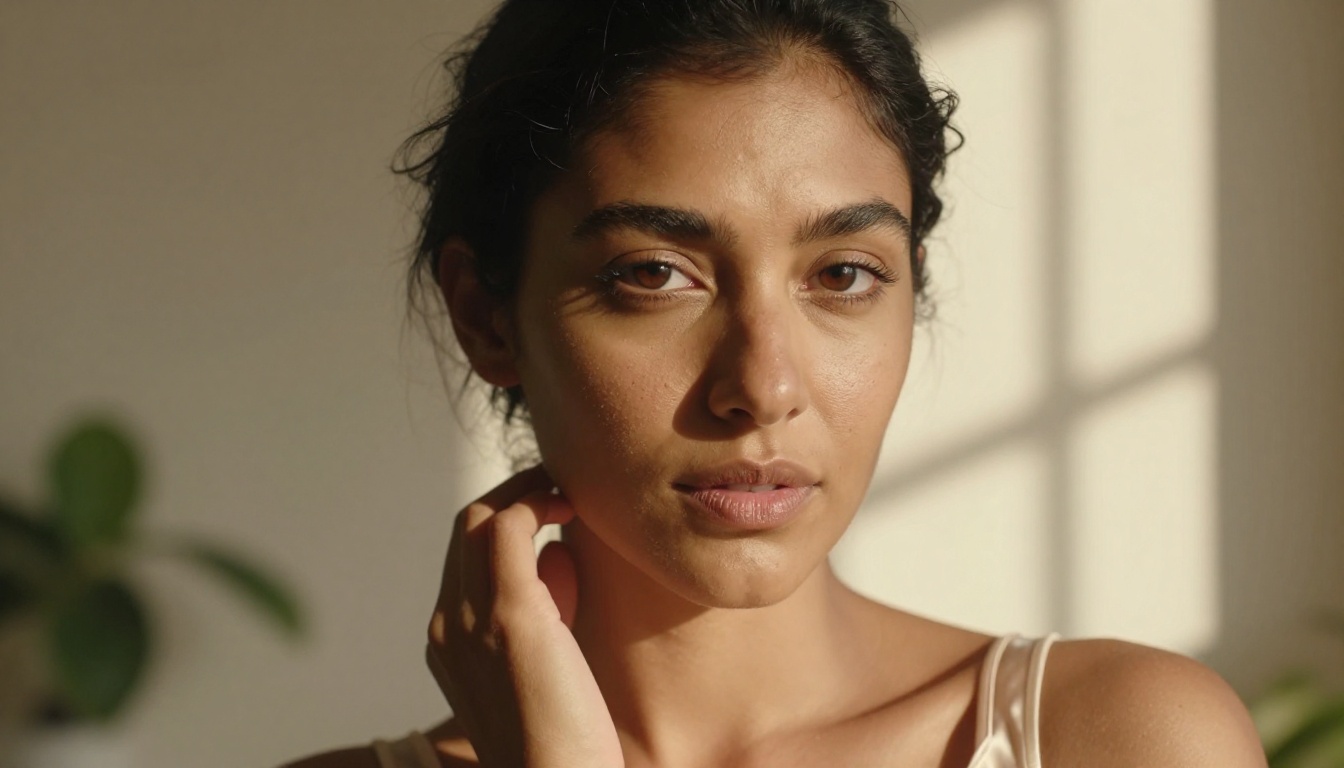
Dreamina 3.1 produces cinematic-quality 4MP images with exceptional facial detail and natural skin rendering. The output at this resolution puts it in the same territory as professional studio photography reference imagery.
Freepik vs Picasso AI: The Real Comparison
Here's where the platforms actually differ, beyond the marketing language:
| Feature | Freepik AI | Picasso AI |
|---|
| Swimwear and lingerie content | Frequently blocked | Fully supported |
| Glamour and boudoir aesthetics | Unpredictable | Consistently available |
| NSFW non-explicit content | Largely blocked | Supported within limits |
| Number of models | Single engine | 91+ text-to-image |
| Photorealism quality | Moderate | High (Flux, Dreamina) |
| Image editing tools | Basic | Inpainting, Outpainting, Face Swap |
| Video generation | Limited | 87+ text-to-video models |
| Audio tools | None | TTS, Music Generation, STT |
| Content policy transparency | Vague | Clear creative boundaries |
| Prompt flexibility | Heavily filtered | Open creative direction |
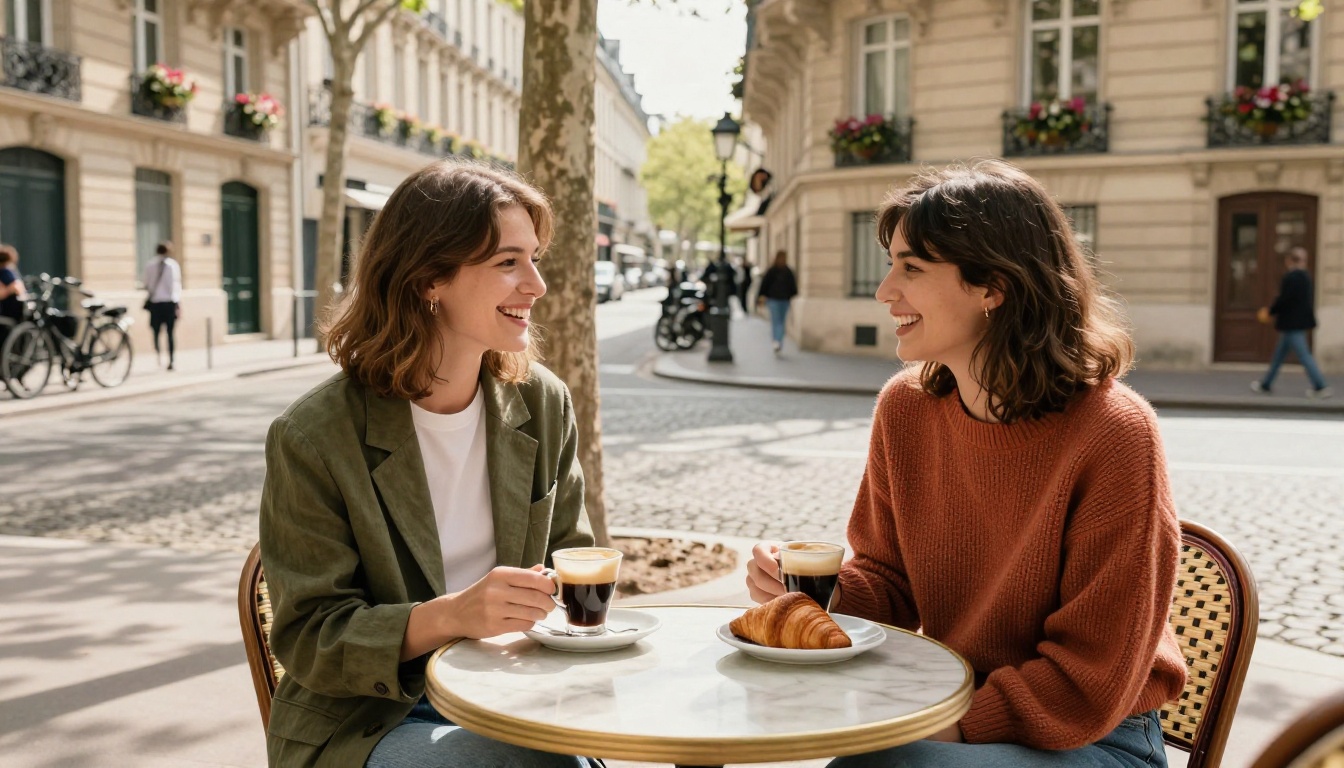
The gap isn't just in content policy. It's in the breadth of what the platform offers overall. Picasso AI functions as a full creative suite rather than a single-purpose image generator sitting on top of a stock library.
Picking the Right Model for Your Project
For glamour and fashion work
If your primary output is fashion editorial, swimwear, lingerie, or beauty content, start with Flux Fast. Its photorealism handling of skin, fabric, and natural light is the best available at speed. Results come back quickly and require minimal iteration.
For character consistency across a campaign, add Flux Redux Dev to your workflow to generate variations on your established look without losing the core visual identity.
Prompt tips for glamour work:
- Specify lighting precisely: "volumetric morning light from camera-left"
- Include camera and lens details: "Canon R5, 85mm f/1.4 lens"
- Reference film stock for color science: "Kodak Portra 400 film emulation"
- Describe fabric texture explicitly: "sheer ivory silk," "matte velvet"
- Anchor the scene with location specifics for grounded photorealism
For editorial and artistic work
If you need images that prioritize photographic authenticity over commercial polish, Flux Krea Dev is the right model. It specifically outputs images without the telltale smoothness of AI generation, producing results that read as real photography.
Dreamina 3.1 and Seedream 4.5 both offer 4K-level detail and cinematic color rendering that works particularly well for editorial portrait work at high resolution.
For portrait series, Portrait Series is the fastest way to build out a character look across multiple angles without losing consistency between shots.
For content platforms
Adult content platforms and creators working in the suggestive space need reliability as much as they need quality. A model that produces excellent results 60% of the time but refuses prompts the other 40% isn't usable in a real production workflow.
Stable Diffusion 3 with established negative prompts for your style, combined with Flux Fast for primary generation, gives you a stable dual-model workflow that handles the full range of content types without unpredictable refusals interrupting your process.

One thing that genuinely separates Picasso AI from Freepik isn't just the content policy. It's the platform scope.
While Freepik is fundamentally a stock image library that added an AI generator, Picasso AI was built as a comprehensive AI creation platform. That distinction matters in practice.
Video: With 87 text-to-video models, including tools for video editing, AI enhancement, and lipsync, you can take your generated images and extend them into full motion content. No separate platform, no extra subscription, no context-switching.
Audio: Text-to-speech, music generation from text prompts, and speech-to-text transcription are all available natively. For content creators building full productions, this eliminates an entire category of third-party tool costs.
Image editing: Beyond generation, the platform includes inpainting to fill and fix specific areas, outpainting to extend the canvas in any direction, object replacement, and AI image restoration for repairing damaged or blurry photos.
Super resolution: Generated images can be upscaled 2x to 4x with the super-resolution tools. A necessary feature when you're using AI-generated content in print or high-resolution digital contexts where detail matters.

Making the Switch: What to Expect
The first thing you'll notice moving from Freepik to Picasso AI is that your prompts work. Not a sanitized version of what you asked for. Not a warning. The image you described.
That sounds like a low bar. But if you've spent months working around Freepik's filters, it's genuinely disorienting at first. You'll write prompts defensively, hedging and softening terms that don't need softening, and then realize halfway through that you don't have to do that anymore.
The second thing you'll notice is the model variety. Coming from a single-model platform, having 91 text-to-image options can feel overwhelming. The practical approach: start with Flux Fast for general photorealistic work, and add specific models to your rotation as you identify what each one does well for your particular style and subject matter.
The third thing is the quality ceiling. Freepik's AI is competent but capped. Flux models, Dreamina 3.1, and Seedream 4.5 operate at a significantly higher photorealism threshold. If you've been accepting "good enough" from Freepik, you're about to see what your prompts were actually capable of producing all along.
Create What You Actually Had in Mind
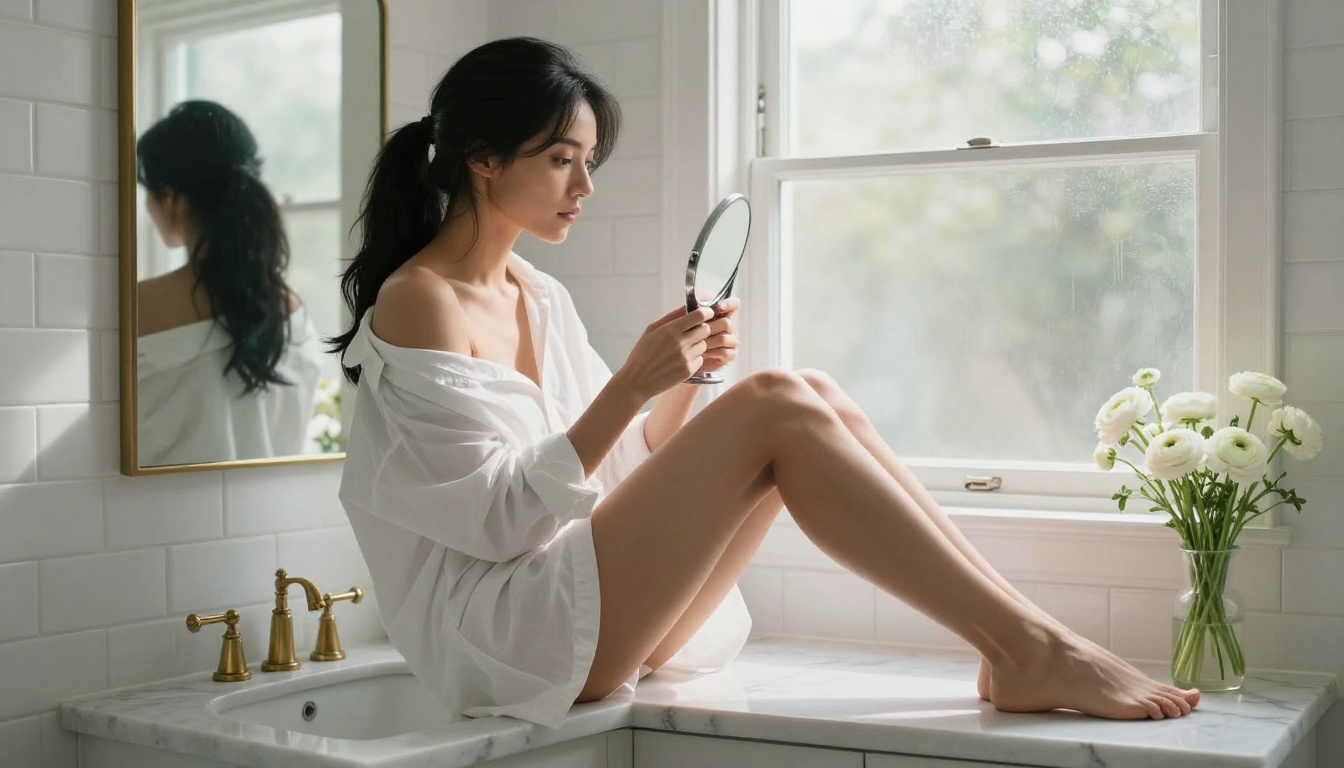
The images throughout this article weren't generated with workarounds or special access. They were created with straightforward prompts on a platform that respects what you're trying to make.
That's the point. Creative work doesn't need a filter standing between the artist and the output. It needs a capable tool that's honest about what it supports, fast enough for production use, and high-quality enough to actually matter.
If Freepik has been telling you no, or giving you a version of yes that doesn't match what you asked for, the answer isn't to keep rewriting your prompts. It's to find a platform that was built for the kind of work you actually do.
Picasso AI is that platform. The models are there. The content policy is honest. The output quality at the top end, specifically with Flux Fast, Dreamina 3.1, and Portrait Series, is genuinely exceptional.
Pick your model. Write your prompt. Generate exactly what you imagined.
The creative freedom you've been looking for was never the problem. The tool you were using was.