Spending $20 a month on an AI image platform and hitting a wall at model number three is not a creative strategy. It is a subscription trap. Freepik has built a reputation as a stock asset powerhouse, and its AI tools have grown alongside that reputation. But when you stack the numbers, specifically the model count against the monthly price, a different picture forms. One where you are paying premium rates for a narrower creative toolkit.
This article puts both platforms through a direct comparison: what you pay, what you get, and where the gaps become impossible to ignore.
What You Pay on Freepik
Freepik's pricing has evolved significantly over the past two years. What started as a straightforward stock asset subscription now bundles AI tools into tiered plans. Here is the breakdown most users encounter.
Freepik's Core Pricing Structure
| Plan | Monthly Price | AI Image Credits | Models Available |
|---|
| Free | $0 | Limited (watermarked) | 1 (Mystic) |
| Essential | ~$9/month | 100 credits/month | 2-3 |
| Premium | ~$29/month | 500 credits/month | 4-5 |
| Teams | ~$79/month | 2,000 credits/month | 4-5 |
💡 Worth noting: Credits on Freepik expire monthly. Unused credits do not roll over on most plans, which means you are effectively paying for capacity you may never use.
The core problem is not the price in isolation. The problem is the model count relative to that price. At $29 per month, you get access to a handful of AI image models, mostly variations on Freepik's proprietary Mystic engine with limited style control.
What the Premium Plan Actually Delivers
The Premium plan positions itself as the full creative suite. In practice, it gives you higher credit limits and priority generation speeds. What it does not give you is meaningful model diversity. You cannot choose to generate with Flux Redux Dev one day and switch to a photorealism specialist the next. The model selection is curated, narrow, and non-negotiable.
For users who need a specific aesthetic, a particular resolution capability, or a model tuned for portrait photography versus product imagery, Freepik's fixed model approach becomes a hard ceiling.
The Model Count Problem
This is where the comparison gets specific. When you are paying for an AI image platform, the number of models you can access determines the breadth of your creative output. More models means more control over style, realism, speed, and output format.
Freepik's AI Model Roster
Freepik's AI image generation revolves primarily around its Mystic model, developed in-house. There are a few additional options for background removal and image editing, but the generative model choice is limited. You cannot input a prompt and choose between a photorealistic engine, a stylized illustration model, and a cinematic renderer. You get Mystic, and you work within its parameters.
This is not a critique of Mystic's quality. It produces solid results, particularly for commercial stock-style imagery. The limitation is strategic: a single proprietary model cannot serve every creative need at a professional level.
Why Model Variety Is Not Optional
Different projects require different tools. A fashion brand shooting lookbook content needs hyper-realistic skin rendering. A gaming company creating concept art needs stylized, high-contrast imagery. A marketing team building social content needs fast iteration with flexible aspect ratios. No single AI model excels at all three simultaneously.
When a platform offers 183 text-to-image models, ranging from GPT Image 2 for instruction-following precision to Seedream 4.5 for 4K aesthetic detail, the creative ceiling is categorically different. You pick the right model for the right job, not the only model available.

PicassoIA's Model Library at a Glance
PicassoIA is built around model variety as a core feature, not an afterthought. Where Freepik curates a small, stable set of tools, PicassoIA maintains a continuously updated library spanning every major AI image category.
Text-to-Image Options
The text-to-image category alone carries 183 models as of this writing. These are not variations on a single engine. They are distinct architectures from different research teams, each with specific strengths:
- Wan 2.7 Image Pro: 4K output with exceptional scene coherence for detailed environments
- Wan 2.7 Image: 2K generation with fast iteration speed for high-volume workflows
- Hunyuan Image 2.1: Tencent's 2K photorealistic model with strong performance on skin tones and fabric
- Seedream 4.5: ByteDance's latest, optimized for aesthetic consistency across prompt variations
- GPT Image 2: OpenAI's image model with precise instruction-following for detailed compositions
- Flux Redux Dev: Image variation specialist for iterating on existing visuals without rebuilding from scratch
- Riverflow 2.0 Pro: Font and text embedding in generated images for branded content
Beyond Image Generation
The model depth extends well past image creation. PicassoIA covers the full creative production chain:
Image Editing
- Qwen Image Edit Plus for instruction-based photo editing
- P Image Edit LoRA for style-specific edits using fine-tuned weights
- Inpainting models for filling, replacing, and fixing specific image areas
Image Upscaling and Repair
- Super Resolution models for 2x-4x upscaling without quality loss
- Background removal tools for clean cutouts at professional resolution
- AI restoration for repairing noise, blur, and physical damage to old photos
Audio and Full-Production Tools (when your project scope requires it)
- 87 text-to-video models for animated content
- Lipsync tools for realistic audio-visual synchronization
- Text-to-speech and AI music generation for complete content production
💡 The real difference: Freepik gives you a curated toolkit for one type of output. PicassoIA gives you a full production pipeline with model-level control at every creative step.
Side-by-Side Cost Breakdown
Let us put the numbers directly against each other. This table compares what a typical creative professional pays and what they receive in return.

| Feature | Freepik Premium (~$29/mo) | PicassoIA |
|---|
| Text-to-Image Models | 4-5 | 183+ |
| Text-to-Video Models | Limited | 87+ |
| Image Editing Models | Basic | Full suite |
| Super Resolution | Yes (limited) | Yes (multiple models) |
| Background Removal | Yes | Yes |
| Lipsync Tools | No | Yes |
| AI Music Generation | No | Yes |
| Model Choice per Generation | No (auto-selected) | Yes (full control) |
| Credits Rollover | No | Varies by plan |
| Stock Asset Library | Yes (millions) | No |
The trade-off is real: Freepik's stock asset library is massive and genuinely useful for designers who need photography, vectors, and templates alongside AI generation. If that combined access is your priority, the Freepik Premium plan makes sense.
But if your primary use case is AI image generation across different styles and project types, paying $29 per month for access to four or five models while 183 alternatives exist elsewhere is a difficult position to defend.
Output Quality: Who Wins?
Model count alone does not settle the quality question. What matters is whether those models produce output that meets professional standards across different use cases.
Realism and Detail at High Resolution
For portraits, product shots, and lifestyle imagery, photorealism is the standard. Wan 2.7 Image Pro generates at 4K resolution with scene-level coherence, meaning backgrounds, lighting, and subject detail align in a way that matches what you would expect from a professional photograph. Hunyuan Image 2.1 from Tencent produces 2K output with strong performance on complex skin tones and fabric textures.
Freepik's Mystic model performs well in this category for general use. The gap shows at the edges: when you need specific lighting control, a precise composition angle, or output that matches a client's brand reference image, a model purpose-built for that task will outperform a general-purpose engine.
Style Flexibility Across Projects
This is where the model count advantage becomes most visible. With access to Flux Redux Dev for image variations, Riverflow 2.0 Pro for text-embedded designs, and Seedream 4.5 for aesthetic consistency, you can match a model to a project brief rather than adapting a brief to fit what one model does well.
For a freelancer working across multiple clients with different brand guidelines, that flexibility is not a luxury. It is the job.
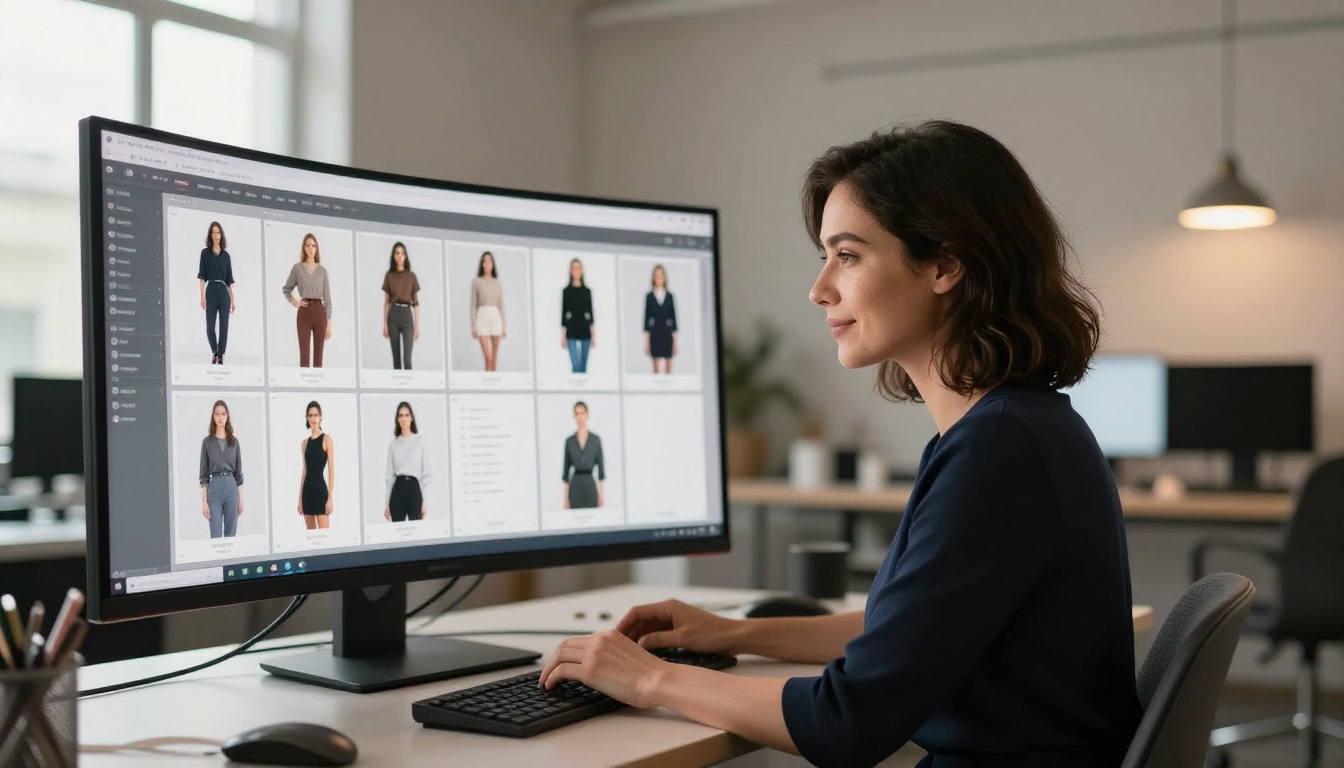
The right answer depends on what you are actually building.
Creators and Freelancers
If you run client work across different industries, the ability to pick the right model for each project directly impacts your output quality and turnaround speed. Telling a client you are limited to one generation style because of your subscription is a conversation you want to avoid.
Platforms with model variety let you switch between GPT Image 2 for detailed scene construction and Qwen Image Edit Plus for fast iterative edits within the same workflow. That kind of flexibility within a single subscription is what independent professionals need most.
Marketers and Small Businesses
Marketing production cycles are fast. You need images for social, email, ads, and web all at once. More models mean more concurrent creative directions without spinning up separate tool subscriptions.
💡 Real math: If your team currently pays for Freepik Premium, a separate stock subscription, and an additional AI image tool, consolidating into a platform with broader model coverage could reduce total monthly spend while increasing what you produce.
For small business owners, budget is the primary constraint. Paying more per month for fewer options is the worst possible outcome. A platform where you pay for actual usage with access to the full model library gives you more creative control without locking you into tier-based restrictions.

How to Use PicassoIA Models for Your First Project
PicassoIA does not require a complex setup before you start generating. Here is how to go from account to first image in under five minutes.
Choosing the Right Model
Start by identifying your output goal, then match it to the model best suited for it:
- Portrait or lifestyle photography: Try Hunyuan Image 2.1 or Wan 2.7 Image Pro for the highest photorealism
- Product or commercial imagery: GPT Image 2 handles instruction-following well for precise, prompt-accurate compositions
- Style-consistent batch generation: Seedream 4.5 maintains visual consistency across multiple prompt variations
- Image editing or refinement: Qwen Image Edit Plus or P Image Edit LoRA for targeted, instruction-driven changes
Writing Prompts That Work
The models respond to specificity. Instead of "a woman in a cafe," write "a woman in her late 20s in a minimalist Scandinavian cafe, morning light from the left, shallow depth of field, photorealistic." The more concrete detail you include, the more the model has to work with.
For Riverflow 2.0 Pro, font and text descriptions should be included directly in the prompt when you need legible text embedded in the output image.
Iterating Without Wasting Credits
Use the image variation workflow through Flux Redux Dev when you like a composition but want to test different lighting or color treatments. This preserves the structural elements while letting you iterate on style without rewriting the entire prompt from scratch, saving credits and time.
The Numbers Tell a Clear Story
Four to five models at $29 per month versus 183 models at a comparable price point is not a close race. The question was never whether Freepik produces good images. It does. The question is whether its model variety justifies the subscription price for users who need genuine creative range.
If your work demands one aesthetic and Freepik's Mystic model delivers it reliably, the subscription may suit you well. But for everyone else, including freelancers working across industries, marketing teams with fast-changing briefs, and small businesses trying to do more with a tighter budget, the math points clearly toward platforms that give you more models, more control, and more output per dollar.
The best way to see this difference for yourself is to pick a project you are working on right now, choose a model from PicassoIA's text-to-image library that matches your goal, and generate your first image. The difference in output variety becomes apparent within the first session. Start with Wan 2.7 Image Pro for high-resolution photorealism, or Seedream 4.5 if aesthetic consistency across a batch is what your project needs. The full model library is there when you are ready to go deeper.


