The moment a photograph captures feels frozen in time - that split second of laughter, the precise angle of a dancer's leap, the subtle expression that tells a story. For decades, photographers have mastered the art of capturing these fleeting moments, but what happens when you want to see what comes next? What happens after the shutter clicks? This is where Sora 2 Pro changes everything.
Photography has always been about capturing reality, but video generation technology is now enabling creators to extend that reality. The transition from still images to motion isn't just about adding movement - it's about continuing narratives, exploring what happens between frames, and giving photographs a second life that traditional photography could never achieve.
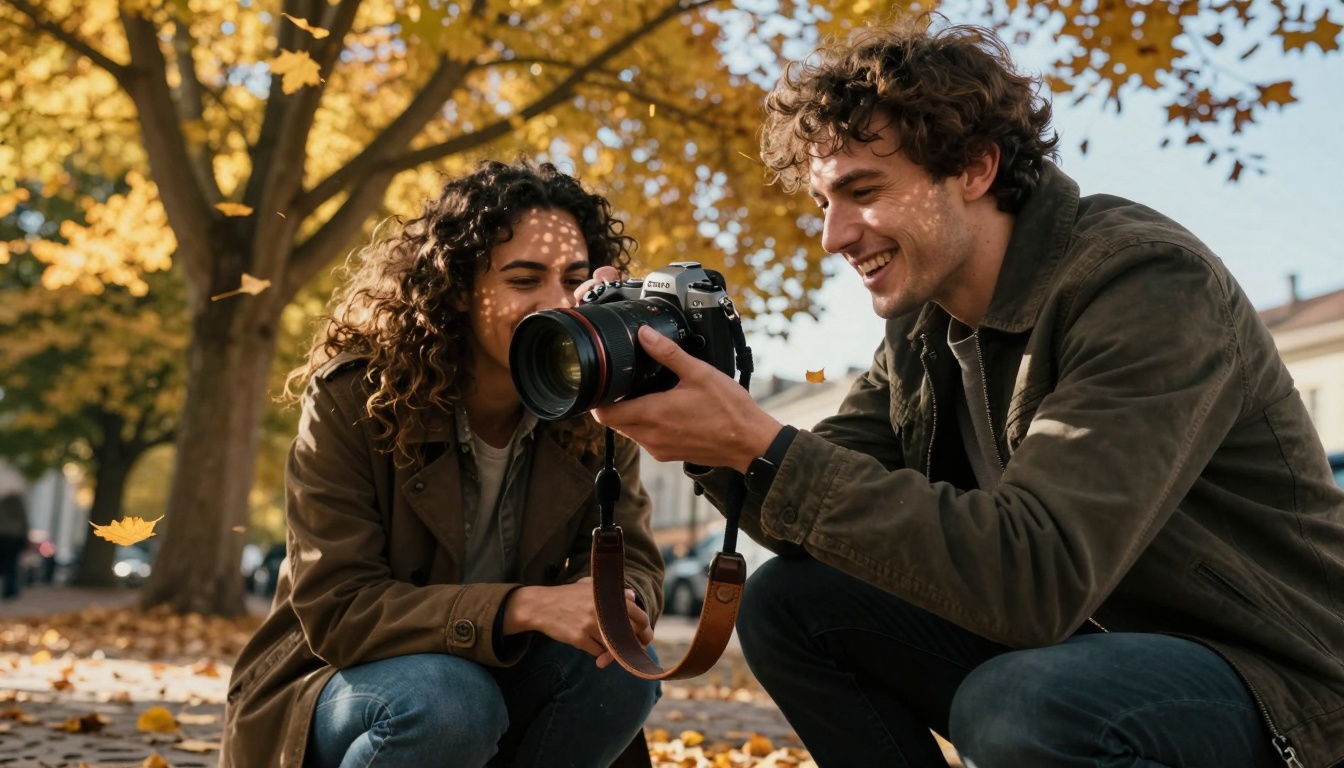
Low-angle shot shows the intensity of street photography - capturing real moments that can now be extended into video narratives
Why Still Photos Make Perfect Video Sources
The relationship between photography and video generation is more natural than most creators realize. Every great photograph contains implicit motion - the suggestion of what came before and what comes after. When you look at a photo of a surfer mid-wave, your mind automatically imagines the takeoff and the landing. When you see a portrait of someone laughing, you can almost hear the sound and see the facial muscles continue their movement.
💡 Professional Insight: High-quality photographs already contain most of the information needed for video generation. The lighting, composition, subject positioning, and environmental details in a well-shot photo provide Sora 2 Pro with the perfect foundation for creating coherent, realistic motion.
Photographers spend years developing skills that directly translate to better AI video results:
- Lighting Mastery: Understanding how light interacts with subjects helps create videos with consistent, natural illumination
- Composition Skills: Strong photographic composition ensures video frames maintain visual interest throughout
- Moment Selection: Photographers instinctively capture "peak action" moments - perfect starting points for motion
- Environmental Awareness: Attention to background details prevents jarring inconsistencies in generated videos
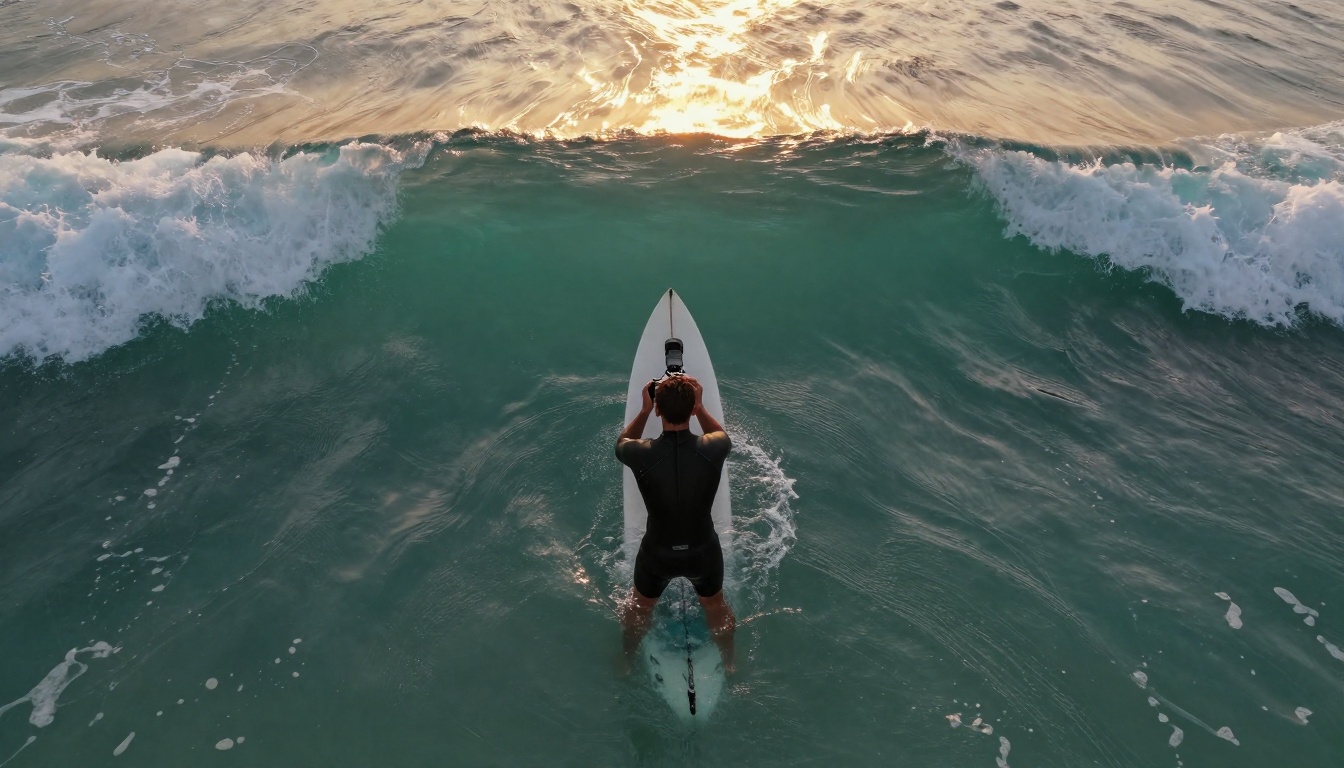
Drone photography captures environmental relationships that inform how scenes should move and interact
The Technical Bridge: How Photos Become Videos
The process of transforming photographs into videos involves more than just "animating" an image. Modern systems like Sora 2 Pro analyze photographs to understand:
- Spatial relationships between subjects and environments
- Lighting conditions and how they would affect moving elements
- Material properties of objects (fabric, skin, water, metal)
- Implied motion vectors based on body positions and object orientation
- Temporal consistency to ensure movement follows physical laws
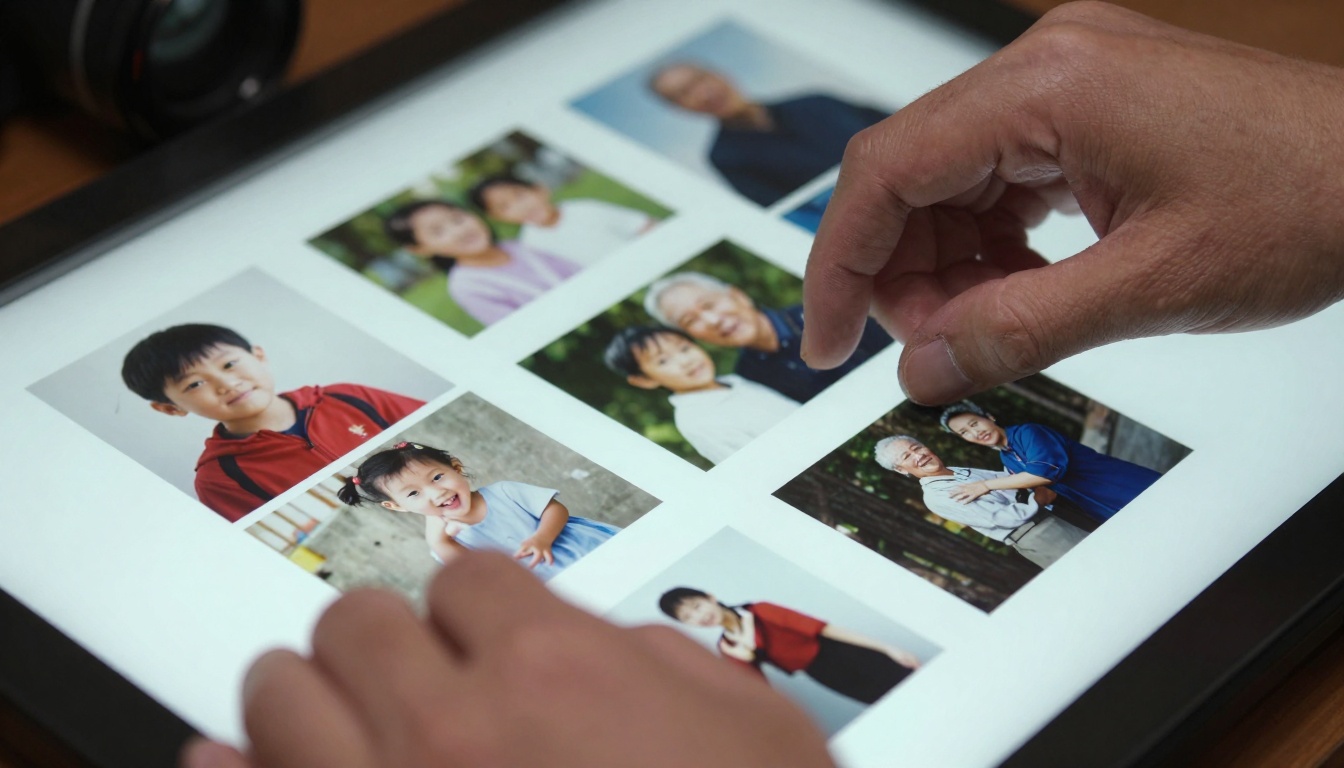
The selection process - choosing which photographs have the strongest implicit motion for video conversion
What Makes a Photo "Video-Ready"
Not every photograph converts equally well to video. The most successful transformations share these characteristics:
| Characteristic | Why It Matters | Example |
|---|
| Clear Subject Isolation | Makes motion tracking consistent | Portrait with clean background |
| Defined Lighting Direction | Maintains shadow consistency | Side-lit fashion shot |
| Implied Movement | Natural starting point for animation | Dancer mid-leap |
| Environmental Context | Provides motion boundaries | Street scene with buildings |
| Temporal Cues | Suggests timing of movement | Water splashing moment |
Photographs with these qualities give Sora 2 Pro the contextual information needed to generate realistic, coherent motion that feels like a natural extension of the original moment.
Practical Applications: What Photographers Are Creating
The fusion of photography and AI video generation is producing remarkable results across multiple genres:
Portrait Photography Evolution
Static portraits are transforming into living memories. Family photos that once captured a single expression now show children growing, couples aging together, and individuals displaying their full personality range. The subtle micro-expressions that photographers work so hard to capture become fully realized emotional journeys.
Street Photography in Motion
Candid street scenes gain narrative depth when the moments continue. That vendor handing change to a customer becomes a complete transaction. The skateboarder mid-trick lands safely. The conversation between friends continues with natural body language. Street photographers are creating documentary-style sequences from single frames.
Commercial and Fashion
Product photography demonstrates functionality. A watch doesn't just sit beautifully on a wrist - its second hand moves. Clothing doesn't just drape perfectly - it flows with movement. Food photography shows steam rising, sauces pouring, ingredients combining. The commercial potential extends far beyond traditional still advertising.
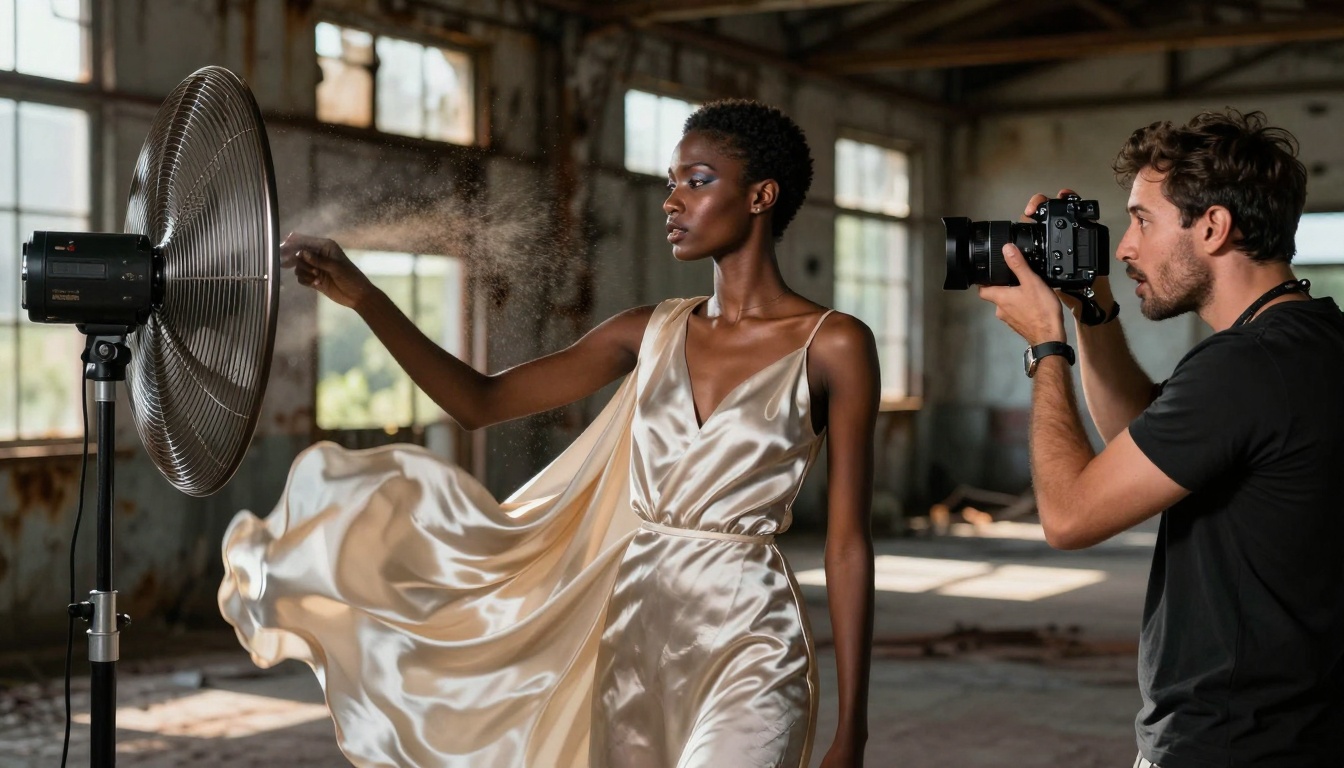
Fashion photography captures fabric movement potential - perfect for extending into flowing video sequences
Landscape and Nature
Still landscapes gain atmospheric movement. Clouds drift across mountain vistas. Water continues flowing in streams. Leaves rustle in forest scenes. The tranquility of nature photography combines with gentle, natural motion to create meditative video experiences.
The Creative Workflow: From Camera to Animated Result
Successful photo-to-video conversion follows a specific workflow that maximizes quality:
- Capture with Intention: Photograph knowing the image will become video
- Select Strategic Frames: Choose photos with strong implied motion
- Prepare Metadata: Note lighting conditions, lens information, time of day
- Input Optimization: Crop and adjust photos for best AI interpretation
- Parameter Tuning: Adjust Sora 2 Pro settings based on photo characteristics
- Iterative Refinement: Generate multiple versions, refine based on results
- Post-Processing: Match color grading and add sound design
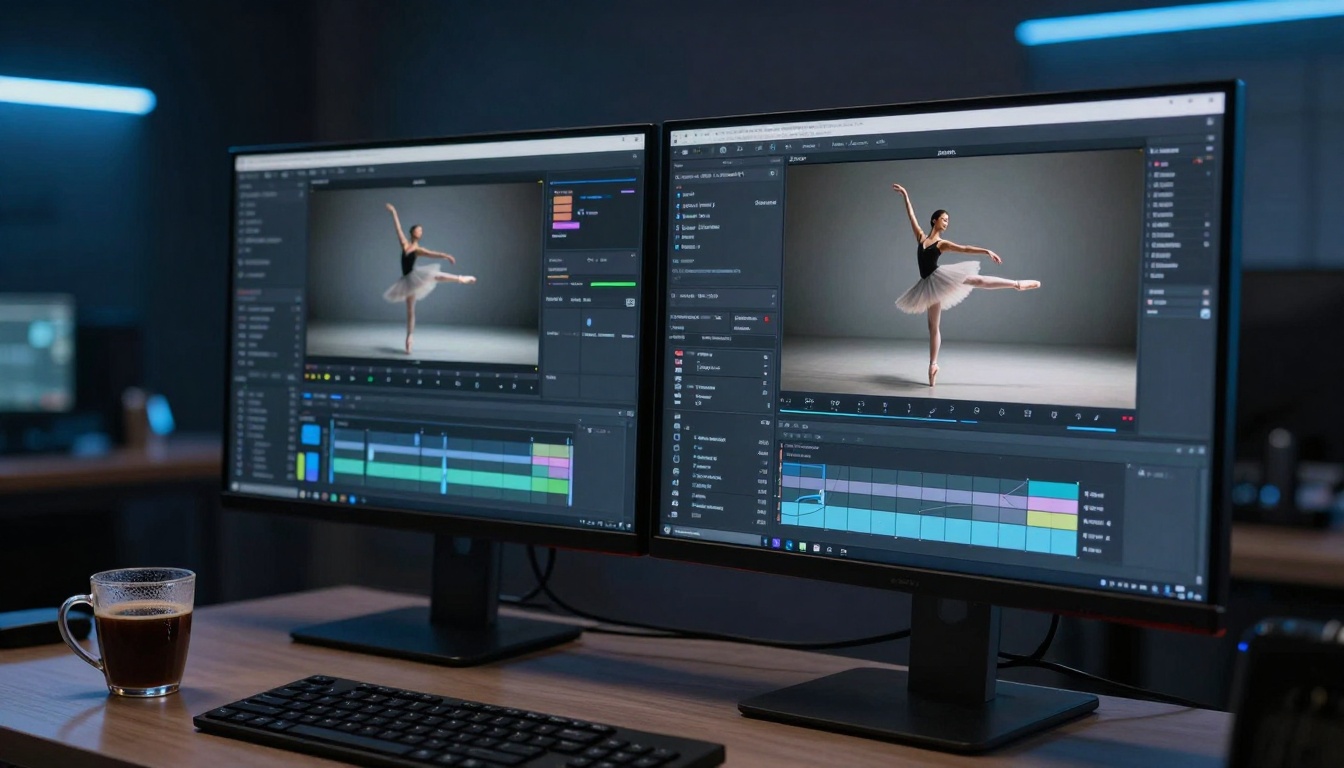
Modern editing setups allow photographers to work seamlessly between traditional and AI-enhanced workflows
Common Technical Challenges (And Solutions)
Even with perfect source photos, several technical challenges can arise:
Lighting Consistency: Generated motion must maintain the original photo's lighting direction and quality. Solution: Use photos with clear, directional lighting rather than flat illumination.
Proportional Accuracy: Subjects must maintain correct proportions throughout movement. Solution: Ensure photos show subjects in natural, undistorted perspectives.
Environmental Stability: Backgrounds should remain consistent unless intentional camera movement is specified. Solution: Use photos with static, well-defined environments.
Motion Physics: Movement should follow real-world physics. Solution: Choose photos where the implied motion direction is physically plausible.
How to Use Sora 2 Pro on PicassoIA
Sora 2 Pro provides photographers with a direct path from still images to professional-quality videos. Here's the step-by-step process:
Step 1: Access the Platform
Visit the Sora 2 Pro model page on PicassoIA. The interface is designed specifically for creators transitioning from photography to video.
Step 2: Prepare Your Source Material
Upload your high-quality photograph. The system works best with:
- Resolution: Minimum 1024x1024 pixels
- Format: JPEG or PNG
- Lighting: Clear, consistent illumination
- Composition: Well-framed subject with context
Step 3: Configure Generation Parameters
Adjust these key settings for photographic sources:
| Parameter | Recommended Setting | Why It Matters |
|---|
| Motion Intensity | Medium (0.5-0.7) | Maintains photographic realism |
| Duration | 3-5 seconds | Natural extension of moment |
| Style Consistency | High (0.8+) | Preserves photographic aesthetic |
| Camera Movement | Minimal | Focus remains on subject motion |
Step 4: Add Contextual Prompts
Describe what should happen next. For a photo of a basketball player mid-jump: "The player completes the jump shot, lands naturally, and looks toward the basket to see if the shot went in."
Step 5: Generate and Refine
Generate the initial video, then use the refinement tools to adjust specific elements. The platform allows targeted edits to:
- Motion speed and timing
- Specific element movements
- Environmental interactions
- Lighting adjustments
Step 6: Export and Integrate
Download the video in your preferred format and integrate it into your existing workflow. The output maintains the photographic quality while adding believable motion.
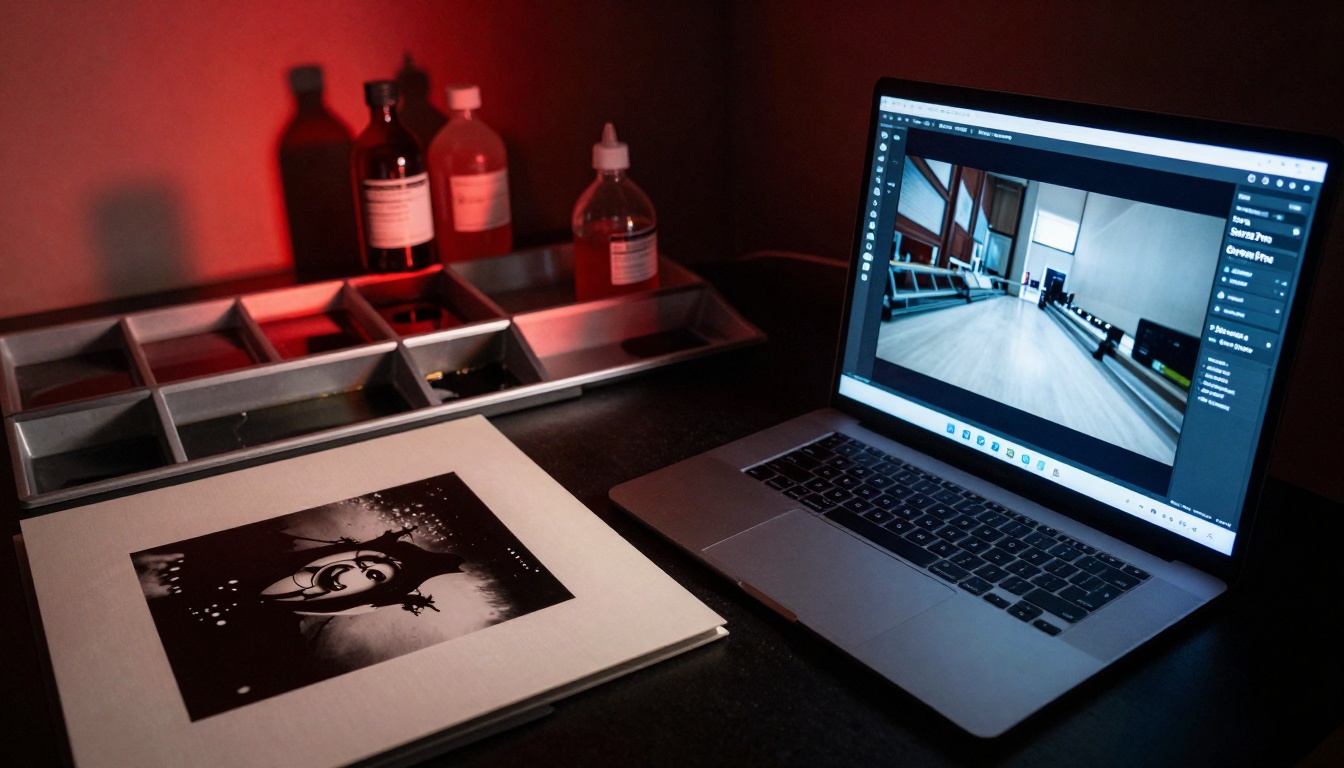
The evolution from chemical darkrooms to AI-enhanced digital workflows represents photography's continuous transformation
Comparative Analysis: Sora 2 Pro vs. Traditional Video Methods
For photographers considering video creation, Sora 2 Pro offers distinct advantages over traditional methods:
Cost Efficiency: No need for video equipment, sets, or reshoots. Transform existing photo libraries.
Time Savings: Generate seconds of video in minutes rather than shooting for hours.
Creative Control: Extend moments exactly as imagined, not limited by practical filming constraints.
Consistency: Maintain identical lighting, composition, and aesthetic from photo to video.
Accessibility: Create professional video content without video production expertise.
Scalability: Process hundreds of photos into videos simultaneously.
However, traditional video shooting still excels in situations requiring:
- Complex actor performances
- Specific, controlled dialogue
- Intricate physical interactions
- Live sound recording needs
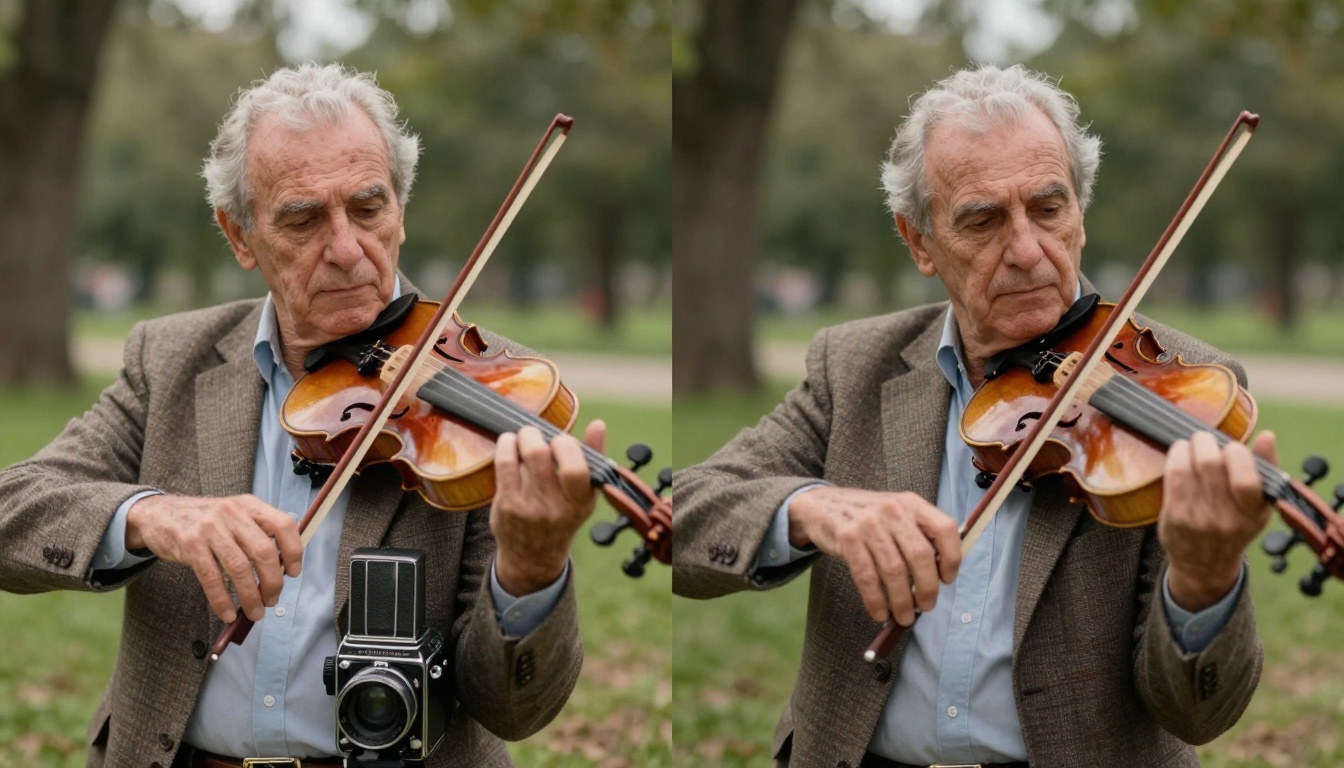
Split-screen comparison shows the seamless transition from still photography to animated video
Real-World Success Stories
Photographers worldwide are already achieving remarkable results:
Wedding Photographers: Creating animated albums where couples see their first dance continue, toasts given with moving lips, and emotional reactions unfolding.
Documentary Photographers: Extending decisive moments into complete scenes that show full interactions and events.
Product Photographers: Demonstrating functionality through motion - watches ticking, tools operating, electronics functioning.
Fine Art Photographers: Creating gallery installations where still images gradually come to life, blurring boundaries between photography and cinema.
Family Photographers: Giving clients living memories where children's expressions change, pets move naturally, and family interactions continue.
Technical Considerations for Optimal Results
To achieve the best photo-to-video conversions, consider these technical factors:
Source Photo Quality
Higher quality source photos produce better videos. Key elements include:
- Resolution: Minimum 2K resolution recommended
- Noise Levels: Clean images without excessive grain or compression artifacts
- Dynamic Range: Well-exposed with preserved highlight and shadow detail
- Focus Accuracy: Sharp focus on main subjects
Color and Tone Matching
The generated video must match the photographic aesthetic:
- Use consistent color profiles between photo and video
- Maintain identical white balance
- Preserve the original contrast ratio
- Match any intentional color grading or filters
Motion Profile Selection
Different photos require different motion approaches:
| Photo Type | Recommended Motion | Duration |
|---|
| Portraits | Subtle expressions, blinking, breathing | 2-3 seconds |
| Action Shots | Complete the implied movement | 3-5 seconds |
| Environmental | Atmospheric movement (wind, water) | 4-8 seconds |
| Still Life | Minimal, almost imperceptible motion | 1-2 seconds |
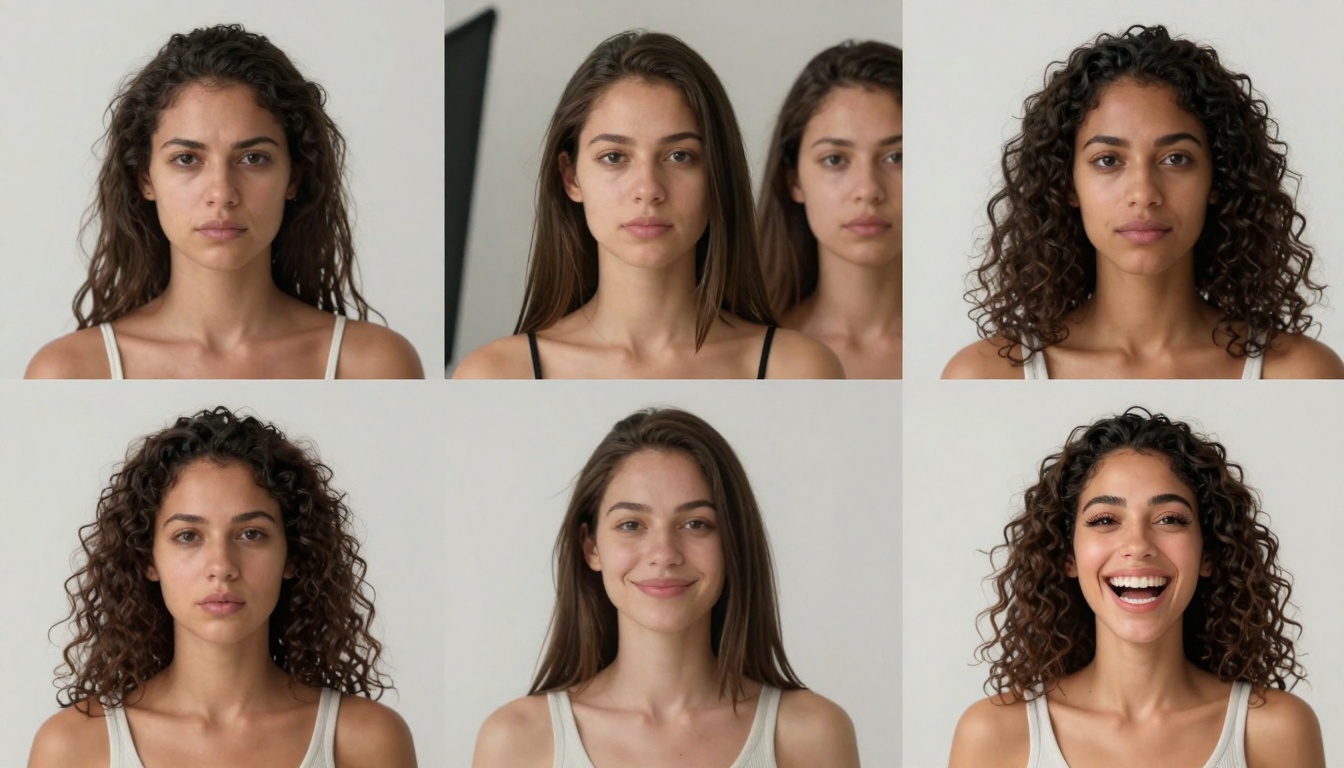
Progressive animation shows how subtle movements build into natural motion sequences
The Future of Photographic Storytelling
The integration of AI video generation represents the next evolution in photographic storytelling. What began with still images progressed to motion pictures, then digital photography, and now to AI-enhanced motion from stills.
Photographers are no longer limited to single moments. They can now:
- Show what happens after the perfect shot
- Create narrative sequences from individual frames
- Offer clients both still and moving versions
- Build hybrid portfolios that blend both mediums
- Develop new revenue streams from existing work
The technology continues advancing rapidly. Future developments likely include:
- Temporal interpolation: Generating what happened before the photo
- Multi-subject coordination: Complex interactions between multiple people
- Environmental simulation: Full scene dynamics based on single frames
- Style transfer: Applying photographic styles to generated video
- Interactive elements: Viewer-controlled exploration of extended moments
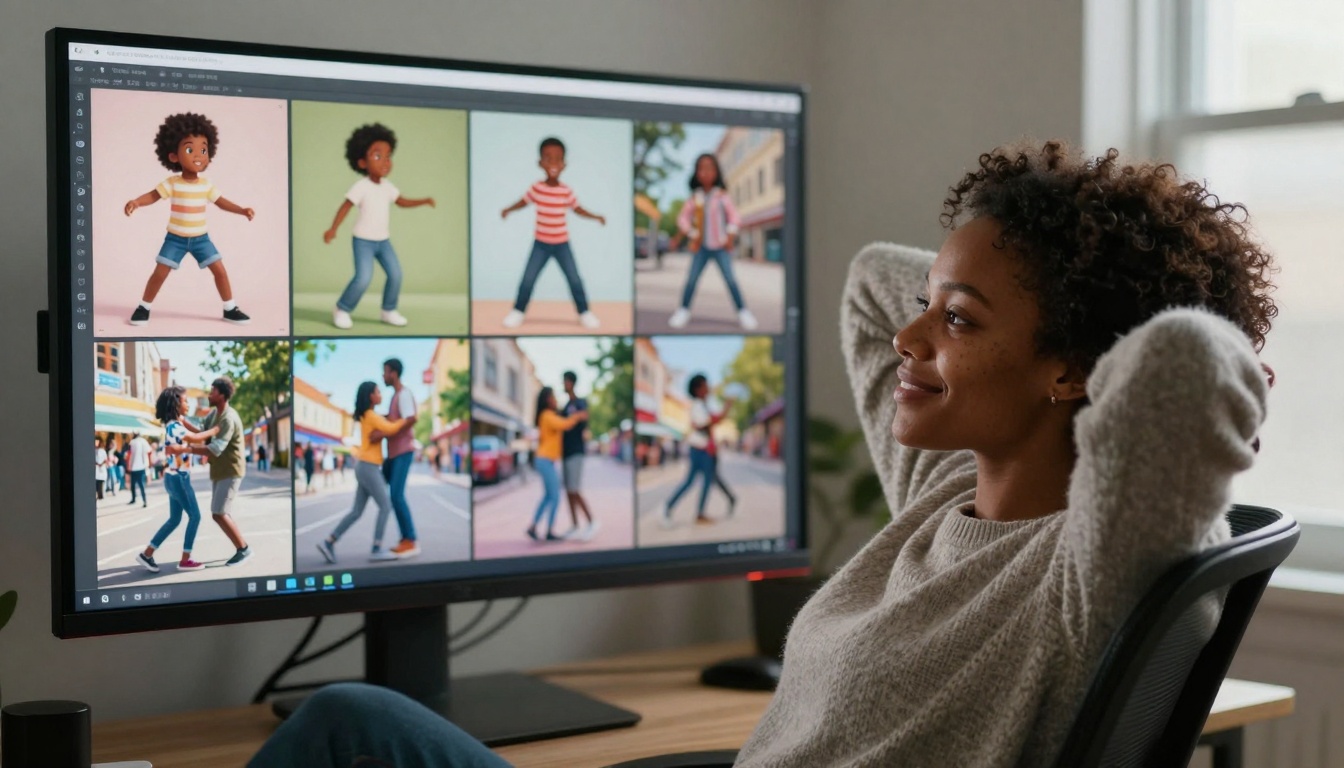
The moment of realization - seeing photographs gain new life through motion
Getting Started with Your Own Photos
The barrier to entry has never been lower. Every photographer with a digital archive has potential video content waiting to be unlocked. The process begins with:
- Audit Your Archive: Identify photos with strong storytelling potential
- Start Simple: Begin with single-subject portraits or clear action shots
- Experiment Freely: Sora 2 Pro allows unlimited generations to find what works
- Develop Workflow: Create a repeatable process for your specific photography style
- Integrate Gradually: Add video elements to existing offerings rather than overhauling completely
Photography has always been about capturing reality. Now, with tools like Sora 2 Pro, photographers can extend that reality, continue the stories their photos begin, and create entirely new forms of visual narrative. The still image is no longer an endpoint - it's the beginning of a motion picture.
Try transforming your own photographs today. Select that perfect portrait, that decisive moment, that beautifully composed shot, and see what happens when it starts moving. The results might surprise you - and open entirely new creative possibilities you never imagined while looking through your viewfinder.


