The Photo-to-Video Revolution: Creating Cinematic Shorts with Veo 3.1
This comprehensive exploration covers the technical and creative process of transforming static photographs into dynamic video content using Google's Veo 3.1 model available on Picasso IA. We examine practical workflows, parameter optimization, prompt engineering techniques, and real-world applications for social media, marketing, and personal projects. Learn how to analyze photograph composition for motion potential, craft effective temporal prompts, optimize Veo 3.1 parameters for different content types, and adapt outputs for Instagram Reels, TikTok, and YouTube Shorts specifications. Includes case studies across urban photography, culinary imagery, nature macro shots, and fashion portraits with actionable strategies for avoiding common animation mistakes while maximizing engagement through intelligent motion design.
The landscape of visual content creation shifted when AI models like Google's Veo 3.1 began understanding not just what's in a photograph, but what could happen next. Photographers, social media managers, and content creators now have access to technology that transforms static images into dynamic narratives. This isn't about replacing photography—it's about extending its lifespan and emotional impact.
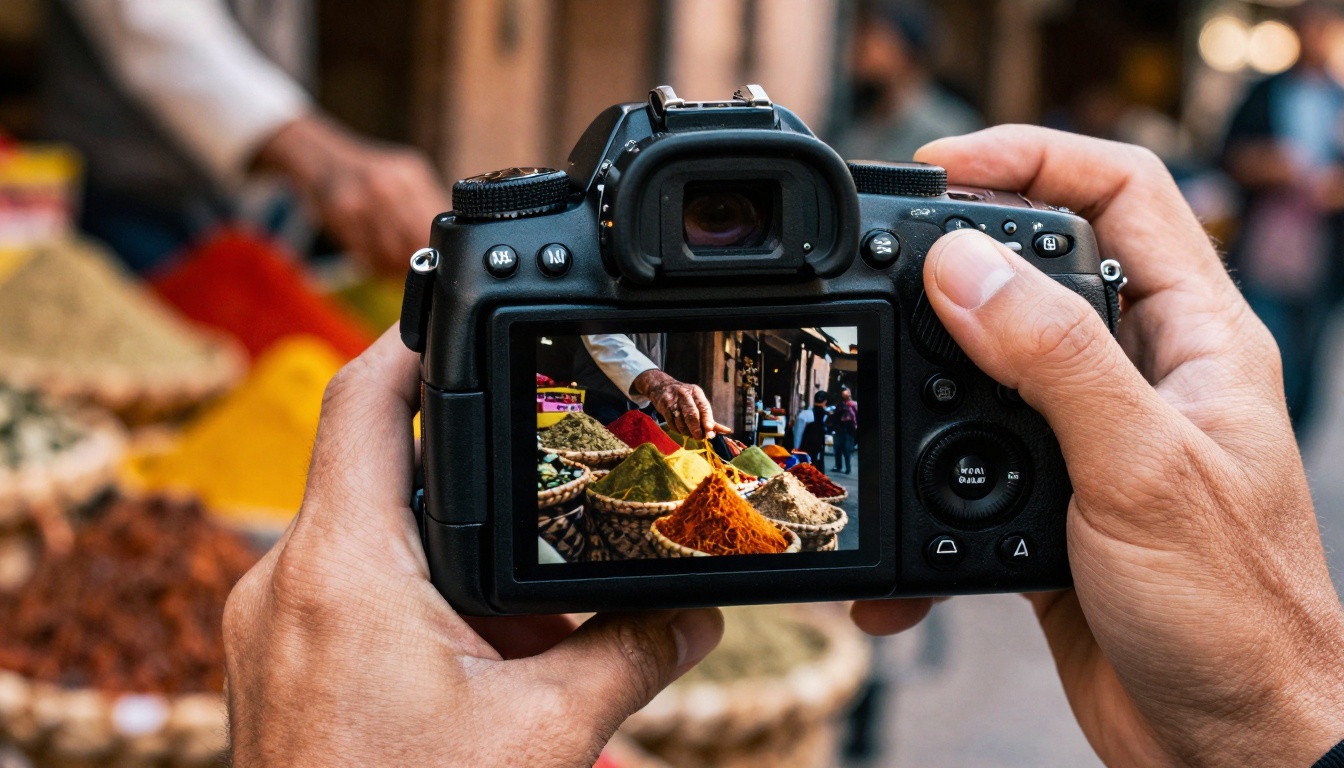
Extreme close-up of a photographer capturing market life—the moment between stillness and motion
Why Static Photos Need Motion
Human perception evolved to prioritize movement. Our visual cortex dedicates significant resources to detecting and interpreting motion. Static photographs capture singular moments, but they often leave viewers wondering: What happened before this? What comes next?
💡 The Motion Gap: Research shows social media videos receive 3-5x more engagement than static images. The brain processes moving images 60% faster than still ones.
Photographs tell stories through composition, lighting, and subject matter. Videos add temporal dimension—the fourth dimension that photography inherently lacks. When you animate a photograph, you're not just adding movement; you're revealing the narrative continuum that existed around that captured moment.
Three scenarios where photo-to-video transformation creates value:
Social Media Engagement: Instagram Reels and TikTok thrive on short, looping videos. A beautiful landscape photo becomes infinitely more engaging when clouds drift and water flows.
Marketing Conversion: E-commerce product photos showing subtle movement (fabric flowing, steam rising, lights blinking) increase perceived value and reduce return rates.
Personal Storytelling: Family photos gain emotional depth when you see leaves rustling, smiles forming, or waves lapping at feet.
How Veo 3.1 Understands Image Context
Google's Veo 3.1 represents a significant advancement in temporal understanding. Unlike earlier models that treated video generation as sequential image synthesis, Veo 3.1 comprehends:
Spatial relationships between objects
Probable motion paths based on physics
Temporal consistency across frames
Environmental interactions (wind affecting trees, water surface dynamics)
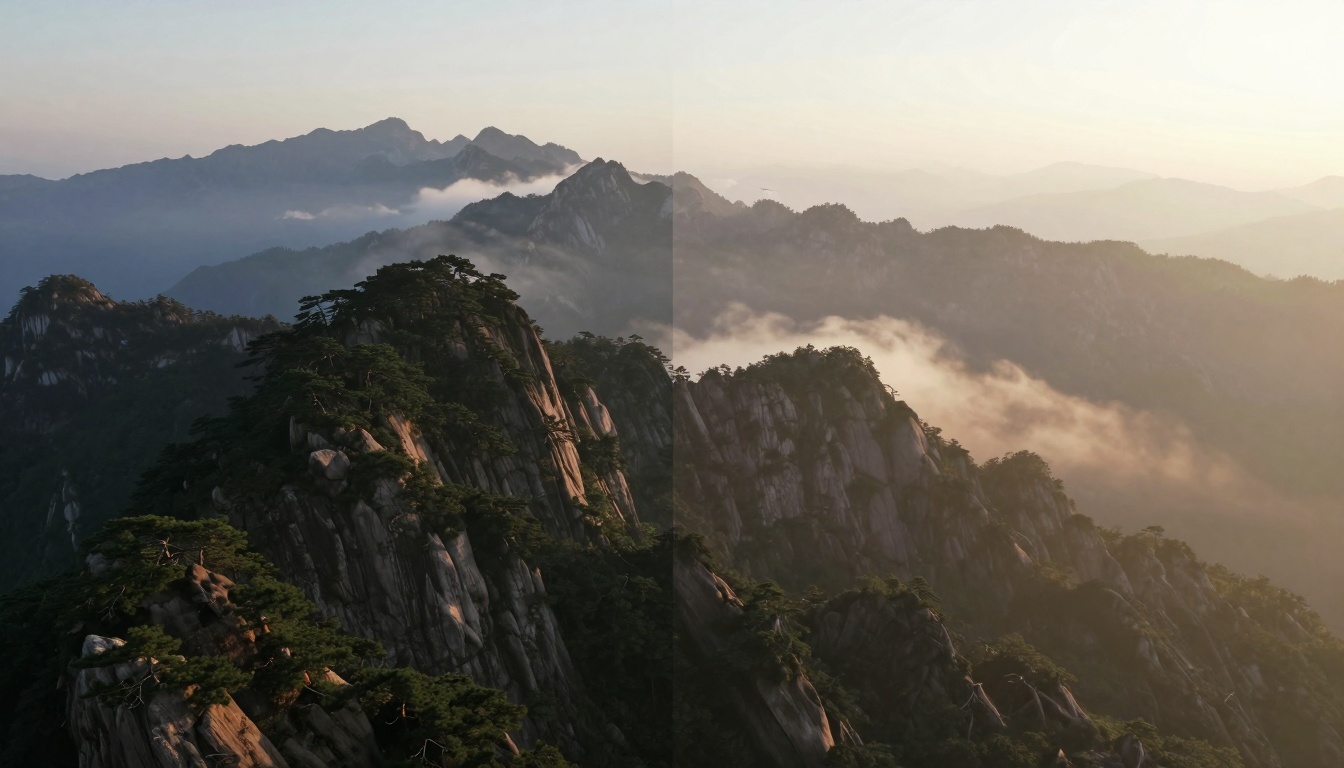
Aerial view showing the transition from static mountain photography to dynamic time-lapse
The model analyzes photographs through multiple layers:
Analysis Layer
What It Detects
Impact on Video Generation
Object Recognition
Subjects, foreground/background elements
Determines which elements should move vs. remain static
Scene Composition
Perspective lines, depth cues, lighting direction
Maintains cinematic camera angles and lighting consistency
Physical Properties
Material textures, weight, flexibility
Calculates realistic movement physics (fabric flow, water dynamics)
Emotional Context
Facial expressions, body language, atmospheric mood
Guides motion tempo and emotional tone of animation
Technical Architecture: Veo 3.1 uses a transformer-based architecture with temporal attention mechanisms. It doesn't just generate frame-by-frame—it predicts motion trajectories, ensuring objects move consistently through time rather than randomly between frames.
The Technical Workflow: Photo to Video
Transforming photographs into videos requires systematic approach. Here's the proven workflow:
Phase 1: Photo Analysis and Preparation
Image Selection Criteria:
High resolution: Minimum 1920×1080 for quality results
Clear subjects: Well-defined foreground elements
Good lighting: Adequate contrast without harsh shadows
Compositional balance: Room for implied movement
Pre-processing Steps:
Resolution check: Upscale if necessary using Picasso IA's image upscale tools
Noise reduction: Clean sensor noise that might confuse the AI
Color correction: Ensure consistent palette for temporal coherence
Format conversion: Standardize to JPEG or PNG with proper color profiles
Phase 2: Prompt Engineering
The prompt you provide alongside your photograph determines the type and quality of motion. Unlike text-to-image generation where prompts describe static scenes, photo-to-video prompts must describe temporal events.
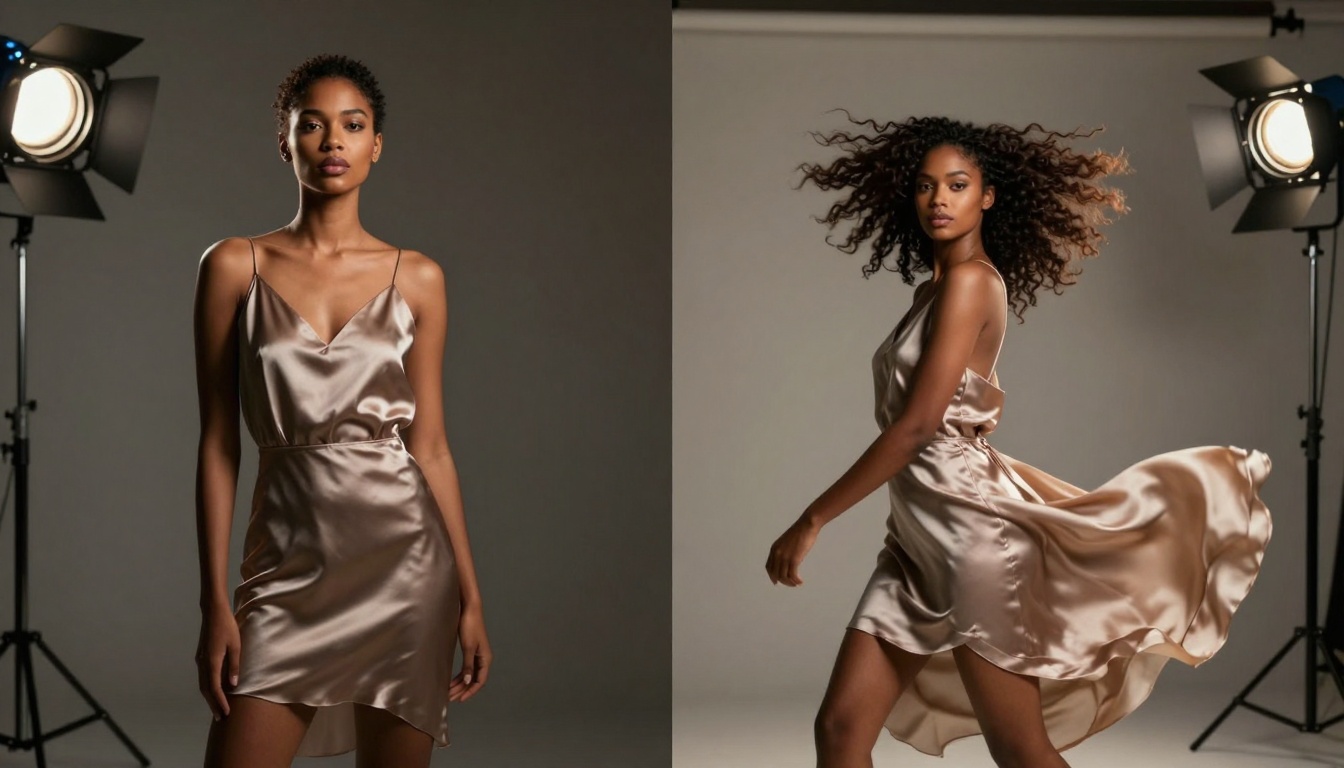
Studio fashion photography transitioning into slow-motion movement
"People walking through frame, car light trails, rain beginning to fall"
Product Shots
Functional motion
"Steam rising, liquid pouring, LED lights cycling, mechanism operating"
Phase 3: Parameter Optimization
Veo 3.1 offers several parameters that significantly impact results:
Critical Parameters:
Parameter
Range
Effect
Recommended Setting
Motion Strength
0.1-2.0
Controls intensity of movement
0.8 for subtle, 1.5 for dramatic
Temporal Consistency
0.5-1.0
How stable objects remain across frames
0.9 for smooth motion
Frame Count
24-120
Total frames generated
48 for 2-second clips
Seed Value
Any integer
Determines random variation
Fixed for reproducibility
Pro Tip: Start with conservative motion strength (0.7-0.9) and increase gradually. Overly aggressive motion creates unnatural, seizure-like movements.
Case Studies: Different Photo Types
Urban Street Photography
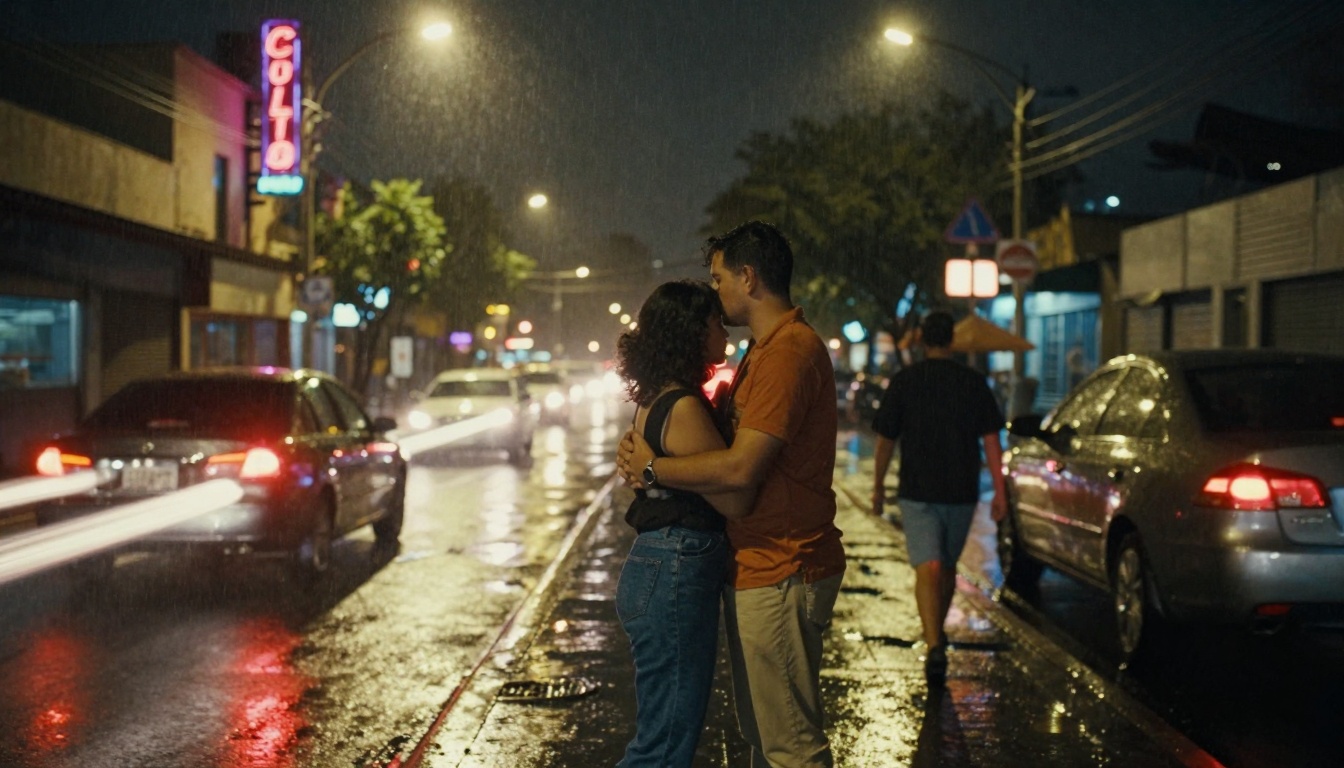
Neon-lit street scene transitioning from still embrace to walking motion
Original Photo: Night street scene with couple embracing under streetlight, neon signs, wet pavement reflections.
Challenge: Maintaining the romantic mood while adding believable urban activity.
Solution:
Prompt: "Urban night scene with couple beginning to walk away, car light trails passing in background, rain starting to fall in slow motion, neon signs glowing consistently"
Result: The couple begins walking while holding hands, taillights create colored streaks, rain appears as subtle droplets catching light
Key Insight: Urban scenes benefit from layered motion—background elements move differently than foreground subjects.
Culinary Photography
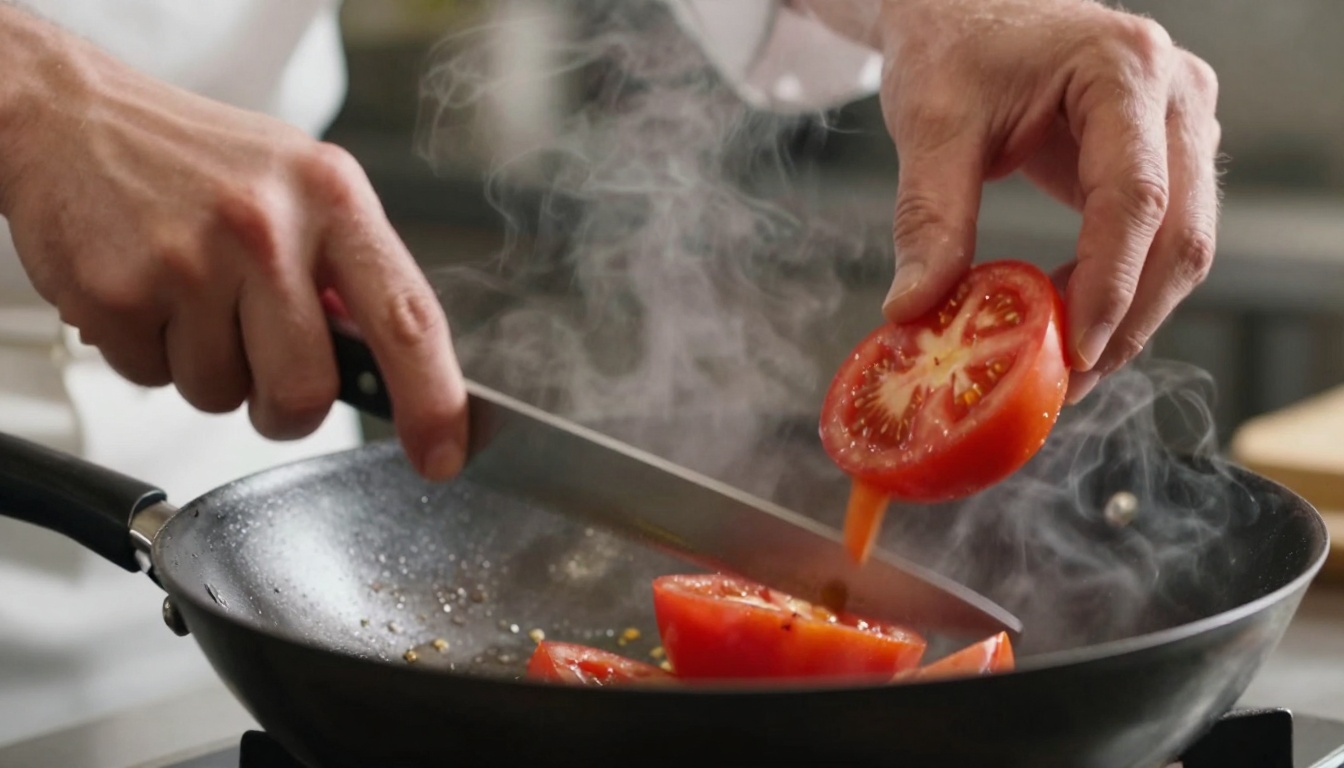
Chef's hands transitioning from precise knife work to wok tossing motion
Original Photo: Chef's hands with knife poised above perfectly sliced ingredients.
Challenge: Creating appetizing motion that enhances food appeal without appearing chaotic.
Solution:
Prompt: "Chef's hands: left hand holds knife above tomato slices, right hand begins tossing vegetables in sizzling wok, steam rising gently, ingredients showing slight movement"
Parameters: Motion strength 0.6, Focus on hand movements, 36 frames
Result: Subtle steam animation, vegetables appearing to shift in wok, knife remains static creating contrast
Food Photography Principle: Motion should suggest freshness and preparation without disrupting composition.
Nature and Wildlife
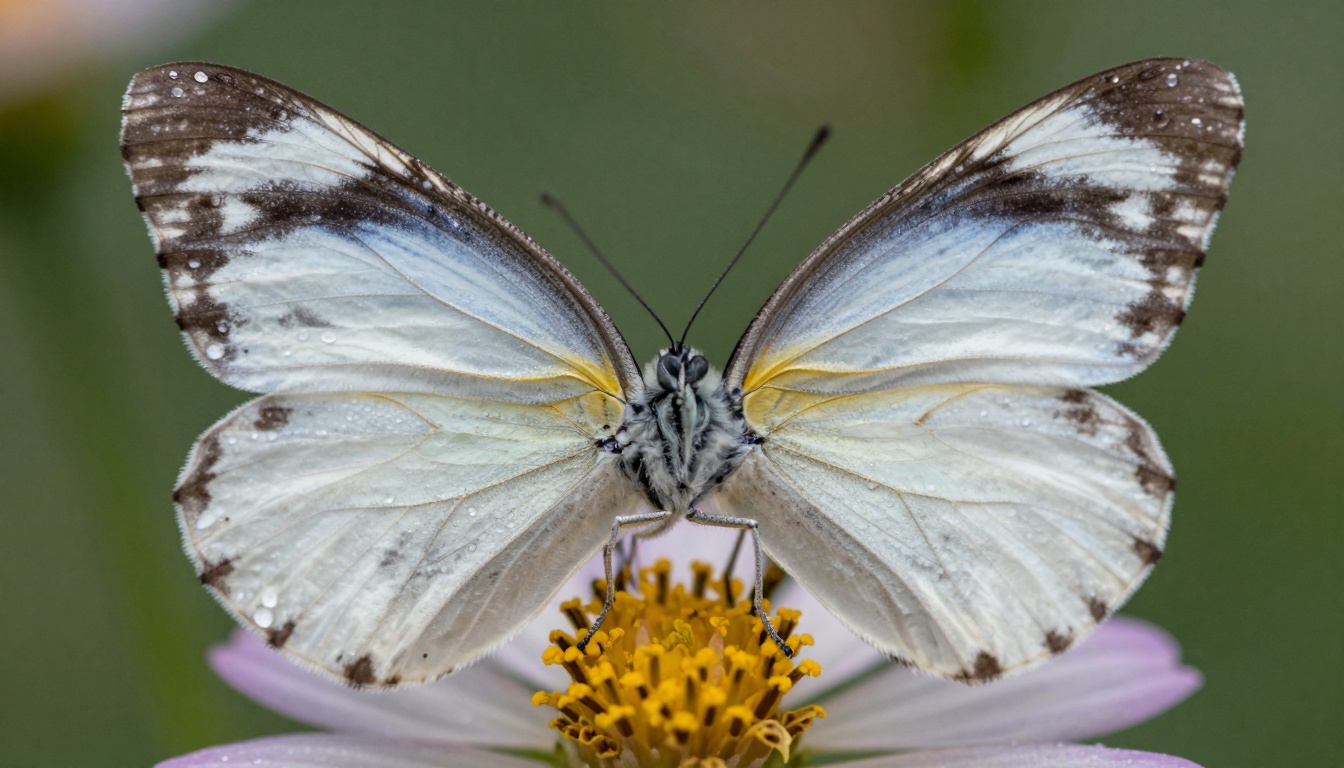
Butterfly macro shot transitioning from perfect symmetry to gentle wing flutter
Original Photo: Butterfly resting on flower with wings fully displayed.
Challenge: Creating believable insect movement without anatomical errors.
Solution:
Prompt: "Macro shot of butterfly: wings begin to flutter gently, pollen dust particles stirring in air, morning dew droplets trembling on petals, natural lighting through leaves"
Parameters: Very low motion strength (0.4), High temporal consistency (0.98), 72 frames for smooth flutter
Optimization Tip: Generate longer clips (5-8 seconds) and edit down to essentials
Technical Specifications Table:
Platform
Resolution
Frame Rate
Max File Size
Optimal Length
Sound Requirements
Instagram Reels
1080×1920
30fps
4GB
3-15s
Music or trending audio
TikTok
1080×1920
30fps
500MB
15-60s
Synced to trending sounds
YouTube Shorts
1080×1920
30fps
500MB
15-60s
Clear audio or captions
Facebook Stories
1080×1920
30fps
4GB
1-20s
Works without sound
Common Mistakes and How to Fix Them
Mistake 1: Overly Aggressive Motion
Symptom: Objects move too fast, creating unnatural jerkiness
Fix: Reduce motion strength parameter to 0.5-0.7 range
Prevention: Test with 50% motion first, then increase incrementally
Mistake 2: Temporal Inconsistency
Symptom: Objects change size/shape between frames
Fix: Increase temporal consistency parameter to 0.95+
Prevention: Use fixed seed values for reproducible results
Mistake 3: Ignoring Physical Laws
Symptom: Water flows uphill, fabric moves against wind
Fix: Study actual physics before writing prompts
Prevention: Reference real-world videos of similar scenes
Mistake 4: Low-Quality Source Images
Symptom: Pixelation, noise amplification in video
Fix: Pre-process with image upscaling toolsPrevention: Start with minimum 4MP source images
Mistake 5: Platform Mismatch
Symptom: Horizontal videos on vertical platforms
Fix: Regenerate with correct aspect ratio
Prevention: Plan output format before generation
Advanced Techniques: Layering and Compositing
Professional creators combine multiple generation passes:
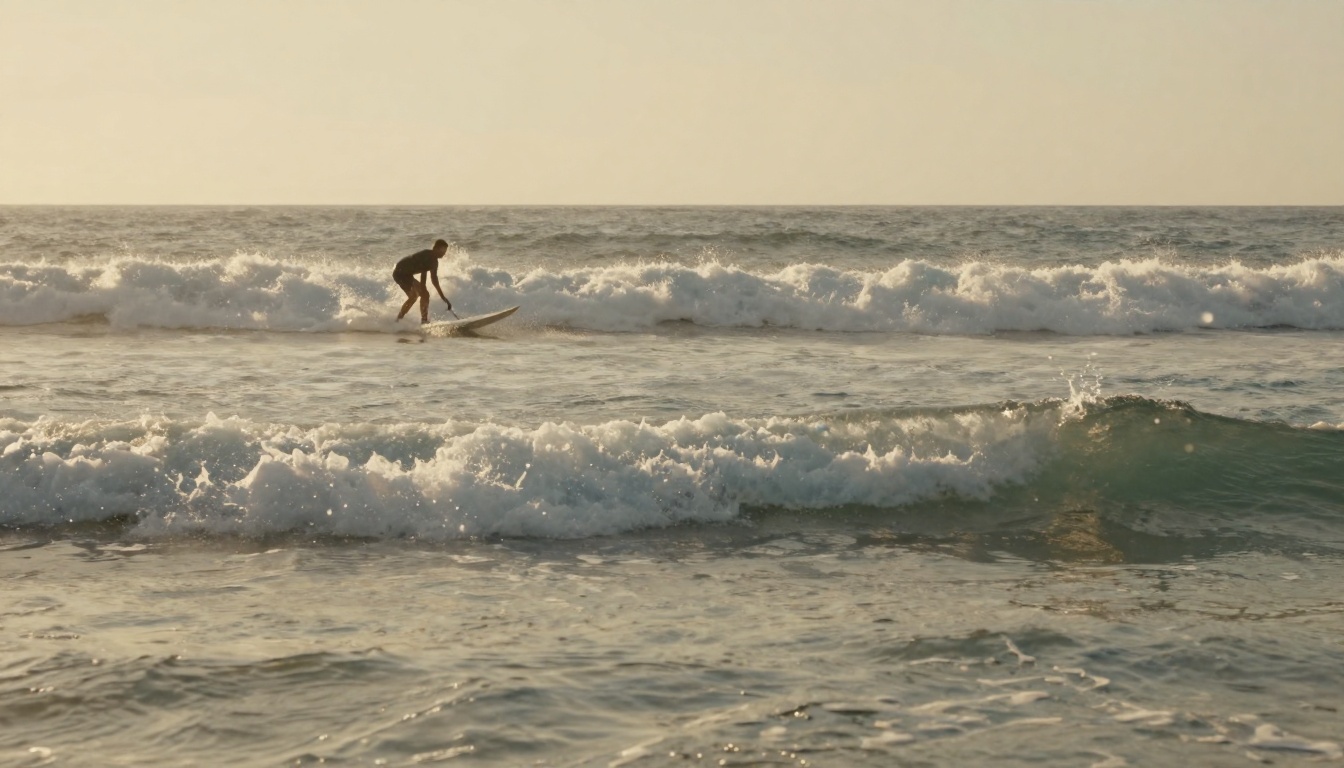
Beach scene showing waves transitioning from frozen peak to receding motion
Technique 1: Motion Layering
Generate different motion elements separately:
Background layer: Sky, distant elements (subtle movement)
Midground layer: Main subjects (moderate movement)
Foreground layer: Close elements (detailed movement)
Composite: Blend layers with proper opacity and timing
Technique 2: Temporal Sequencing
Create narrative progression:
Frame 1-15: Establishing shot (minimal motion)
Frame 16-30: Action begins (increasing motion)
Frame 31-45: Peak action (maximum motion)
Frame 46-60: Resolution (decreasing motion)
Technique 3: Style Transfer Consistency
Maintain visual style across motion:
Color palette: Extract dominant colors from photo, apply to video
Lighting direction: Match shadow movement to original light source
Grain/texture: Apply consistent film grain or noise pattern
How to Use Veo 3.1 on Picasso IA
Since Veo 3.1 is available on Picasso IA, here's the practical workflow:
Too little motion: Increase motion strength by 0.2 increments
Jittery motion: Increase temporal consistency
Short duration: Increase frame count
Step 4: Post-processing
Format conversion: Ensure correct platform specifications
Audio addition: Add music or sound effects if needed
Caption overlay: Include text for silent viewing contexts
Quality check: Review final output on target device
Pro Workflow Tip: Create a parameter testing grid for your photo type. Test 3×3 combinations of motion strength (0.5, 0.8, 1.1) and temporal consistency (0.7, 0.85, 0.95) to find optimal settings for your specific content style.
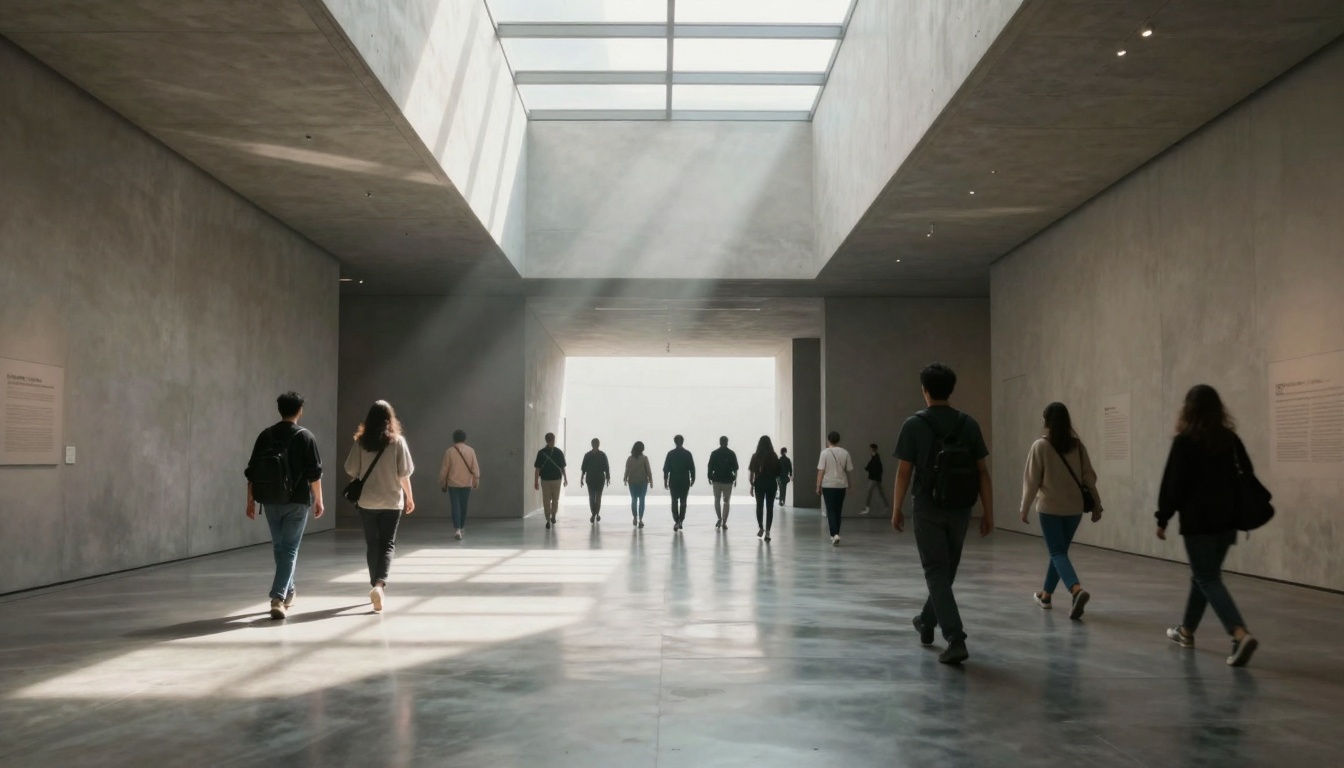
Architectural interior transitioning from empty space to human-scale movement
The Creative Horizon
The technology represented by Veo 3.1 isn't about replacing human creativity—it's about expanding creative possibilities. Photographers can now think in four dimensions: considering not just what they capture, but what narrative unfolds around that moment.
Three emerging creative applications:
Historical photo animation: Bringing archival images to life with period-appropriate motion
Product visualization: Showing products in use without physical prototypes
The barrier between still and moving imagery continues to dissolve. What begins as a photograph can become a short film, a social media clip, a marketing asset, or a personal memory rendered with new dimensionality.
Your next step: Take a photograph you've already captured—perhaps one that felt almost perfect but lacked that final element. Upload it to Picasso IA's Veo 3.1, experiment with the parameters discussed here, and discover what narrative emerges when stillness gains motion.
The tools exist. The creative potential awaits activation. What will your photographs become when they begin to move?