Imagine typing a few words and watching a photorealistic image materialize before your eyes. This isn't science fiction—it's the reality of text-to-image AI technology available right now. The process transforms simple text descriptions into stunning visual content with unprecedented speed and quality.
How Text-to-Image AI Actually Works
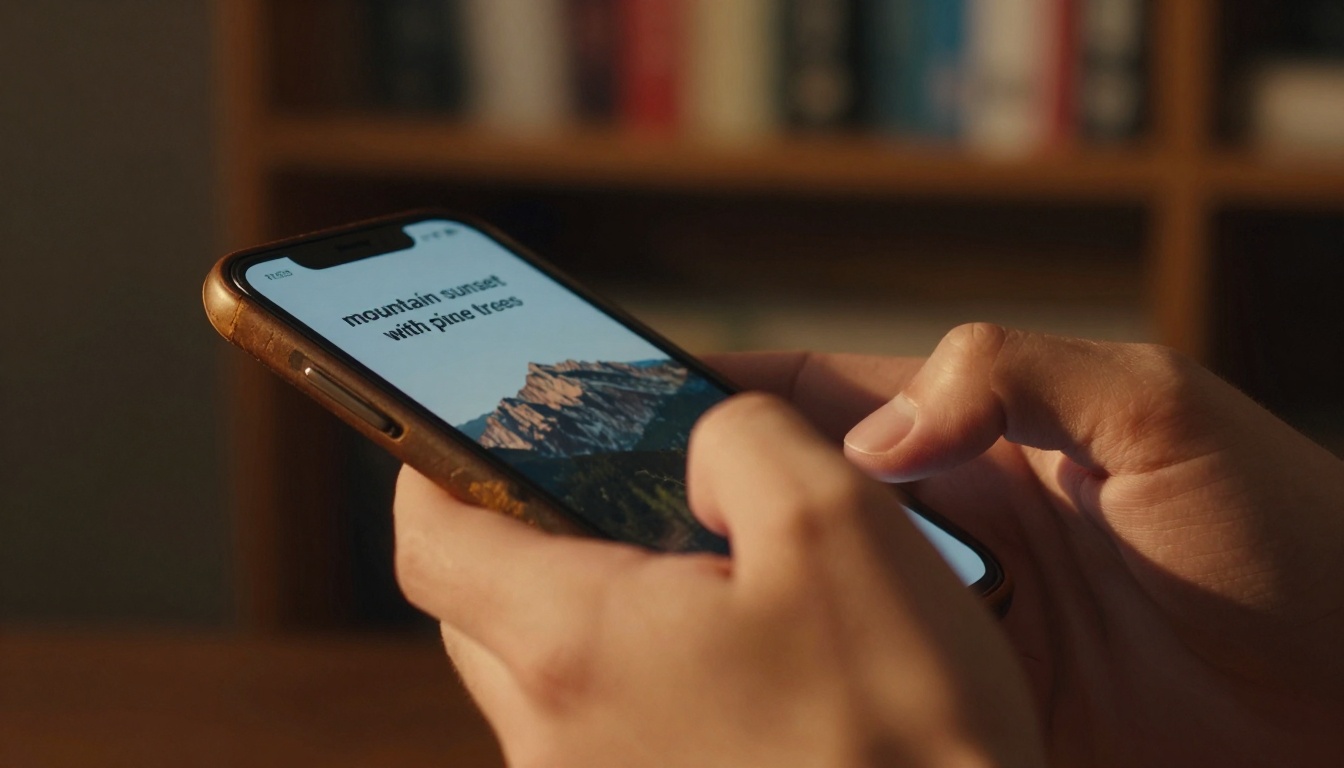
Text-to-image models operate on a fundamental principle: they've learned the relationship between language and visual concepts through analyzing millions of image-text pairs. When you type "sunset over mountains," the AI doesn't just match keywords—it understands the atmospheric conditions, color gradients, geological formations, and lighting characteristics associated with that phrase.
The technology builds on diffusion models that start with random noise and gradually refine it into coherent images based on your text guidance. Each word carries specific weight, with adjectives like "golden" or "misty" influencing color palettes and atmospheric effects.
💡 Writing effective prompts: Start with the main subject, add descriptive adjectives, specify the environment, include lighting conditions, and finish with style modifiers like "photorealistic" or "8K quality."
Major Players in Text-to-Image Generation
Several leading models dominate the landscape, each with unique strengths:
| Model | Key Strength | Best For |
|---|
| flux-2-klein-4b | Speed and quality balance | Everyday creative projects |
| qwen-image-2512 | Photorealistic rendering | Product visualization |
| p-image | Fast generation times | Rapid prototyping |
| gpt-image-1.5 | Understanding complex prompts | Detailed scene creation |
| flux-2-max | Maximum quality output | Professional artwork |

The Evolution from Text to Visual Results
The journey from typed words to final image involves several distinct phases:
- Text parsing: The AI breaks down your prompt into semantic components
- Concept mapping: Each word maps to visual features in the model's latent space
- Noise generation: Starting from pure randomness
- Iterative refinement: Gradually shaping the noise into recognizable forms
- Detail enhancement: Adding fine textures and lighting effects
- Final rendering: Producing the completed image
Practical Applications Across Industries
Marketing and Advertising
- Product visualization before physical production
- Campaign imagery tailored to specific demographics
- Social media content generated on-demand
Education and Training
- Historical recreations for immersive learning
- Scientific visualization of complex concepts
- Training materials with consistent visual style
Entertainment and Media
- Concept art for films and games
- Storyboarding with consistent character designs
- Cover artwork for publications
Architecture and Design
- Interior visualization from descriptive briefs
- Urban planning scenarios
- Product design iterations
Common Mistakes When Writing Prompts
Vague descriptions produce generic results. Instead of "a beautiful landscape," try "sunset over Rocky Mountains with pine trees in foreground, golden hour lighting, mist in valleys, photorealistic, 8K."
Overloading with details can confuse the model. Focus on 3-5 key elements rather than listing every possible feature.
Ignoring style modifiers misses opportunities for quality enhancement. Always include terms like "cinematic lighting," "photorealistic," or "professional photography."
Forgetting aspect ratio leads to cropped compositions. Specify your intended format: "16:9 landscape" or "1:1 square."

Technical Specifications That Matter
Resolution and Quality
Modern models like stable-diffusion-3.5-large produce images up to 2048x2048 pixels with commercial-grade quality. The flux-2-pro variant specializes in high-fidelity outputs suitable for print media.
Generation Speed
Models vary significantly in processing time:
Specialized Capabilities
Certain models excel in specific areas:
The Creative Workflow Revolution
Traditional image creation required specialized software, artistic skill, and hours of work. Text-to-image AI collapses this timeline to seconds while maintaining professional quality. The implications for creative professionals are profound:
Rapid iteration allows testing dozens of visual concepts in the time previously needed for one.
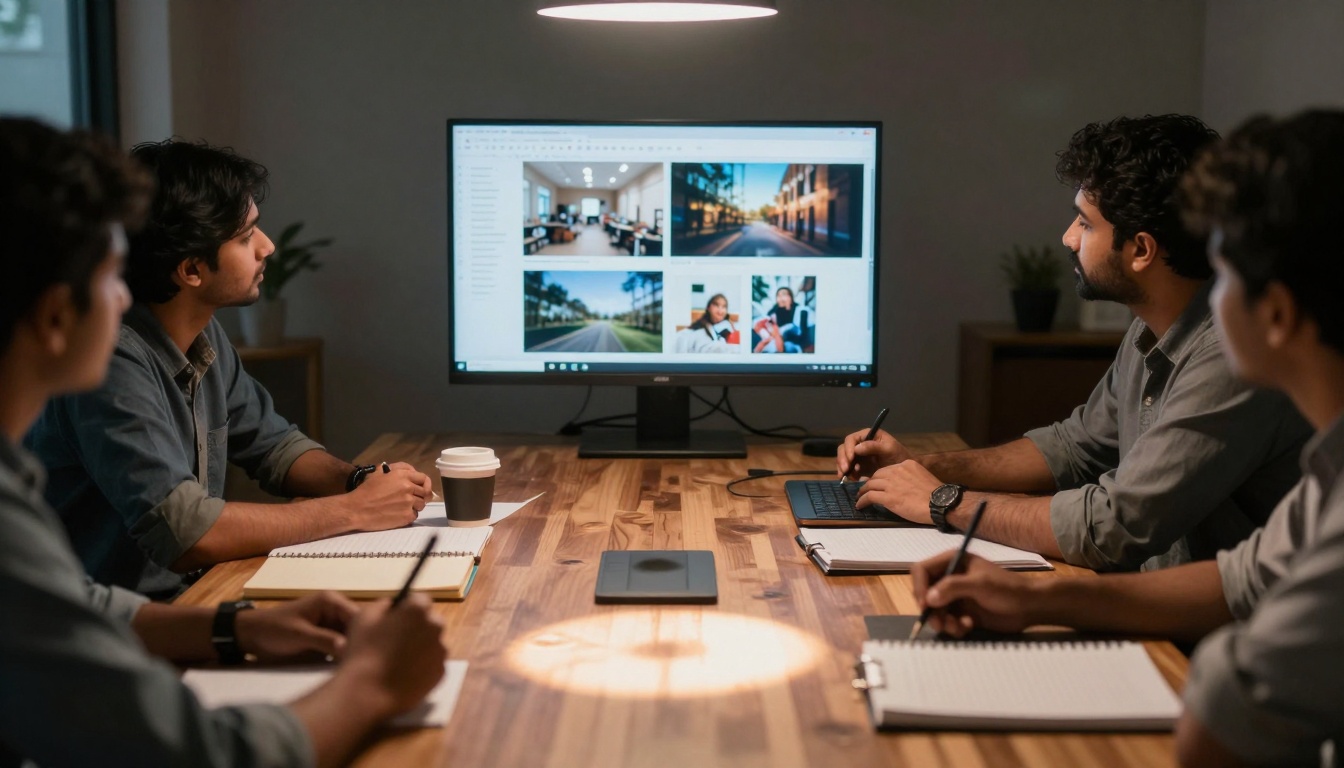
Client collaboration becomes more efficient when you can generate options during meetings.
Cost reduction for stock imagery and custom illustrations reaches 90% or more.
Accessibility opens visual creation to non-designers while amplifying professional capabilities.

Quality Comparison: Human vs AI Creation
Consistency: AI maintains uniform style across multiple images—challenging for human artists working under deadline pressure.
Speed: AI generates in seconds what takes humans hours or days.
Cost: AI operates at marginal cost per image versus hourly rates for professionals.
Adaptability: AI instantly switches between styles, subjects, and compositions.
Limitations: AI sometimes struggles with precise anatomical accuracy, brand-specific details, and ultra-niche subjects where training data is limited.
Future Developments on the Horizon
The technology continues advancing rapidly:
Multimodal integration combines text, image, and video generation in unified interfaces.
Real-time generation reduces latency to imperceptible levels for interactive applications.
3D model creation from text descriptions for game assets and architectural visualization.
Style transfer that maintains subject identity while applying artistic treatments.
Collaborative filtering that learns from user preferences to improve prompt suggestions.
Getting Started with Your First Image
-
Choose your model: Start with p-image for speed or flux-2-klein-4b for quality.
-
Write a structured prompt: Subject + description + environment + lighting + style.
-
Set parameters: Aspect ratio (16:9 for landscapes), resolution, seed for reproducibility.
-
Generate and refine: Create multiple variations, adjust prompts based on results.
-
Post-process if needed: Minor adjustments in traditional editing software.
Economic Impact and Market Growth
The text-to-image sector demonstrates explosive growth:
- Market size projected to reach $15.7 billion by 2028
- Enterprise adoption increasing 300% year-over-year
- Creative professionals reporting 40% time savings
- Small businesses accessing visual content previously cost-prohibitive
Common Use Cases with Specific Prompts
E-commerce product shots: "Professional product photography of wireless headphones on marble surface, studio lighting, reflective surfaces, commercial catalog style"
Travel content: "Aerial view of tropical beach with turquoise water, palm trees along shoreline, golden hour sunset, travel magazine photography"
Food photography: "Artisanal pizza with melted cheese and fresh basil, overhead shot, wood-fired oven background, food blog photography style"
Portrait work: "Professional headshot of businesswoman in modern office, natural window lighting, confident expression, corporate photography"
Technical Deep Dive: How Models Learn
Training involves analyzing millions of image-caption pairs, learning:
- Visual semantics: What "mountain" looks like across different contexts
- Style transfer: How "impressionist" differs from "photorealistic"
- Composition rules: Natural framing, lighting principles, color harmony
- Object relationships: How elements interact in scenes
The stable-diffusion-3.5-medium model exemplifies this training approach with balanced performance across diverse subjects.
Best Practices for Professional Results
Batch generation: Create 5-10 variations of each concept to select the strongest.
Prompt libraries: Maintain categorized prompts for consistent brand visuals.
Seed control: Use fixed seeds when you need reproducible variations.
Model specialization: Match the model to your specific need—nano-banana-pro for creative concepts, realistic-vision-v5.1 for portraits.
Quality verification: Check images at 100% zoom for artifacts or inconsistencies.
The Bottom Line for Creatives
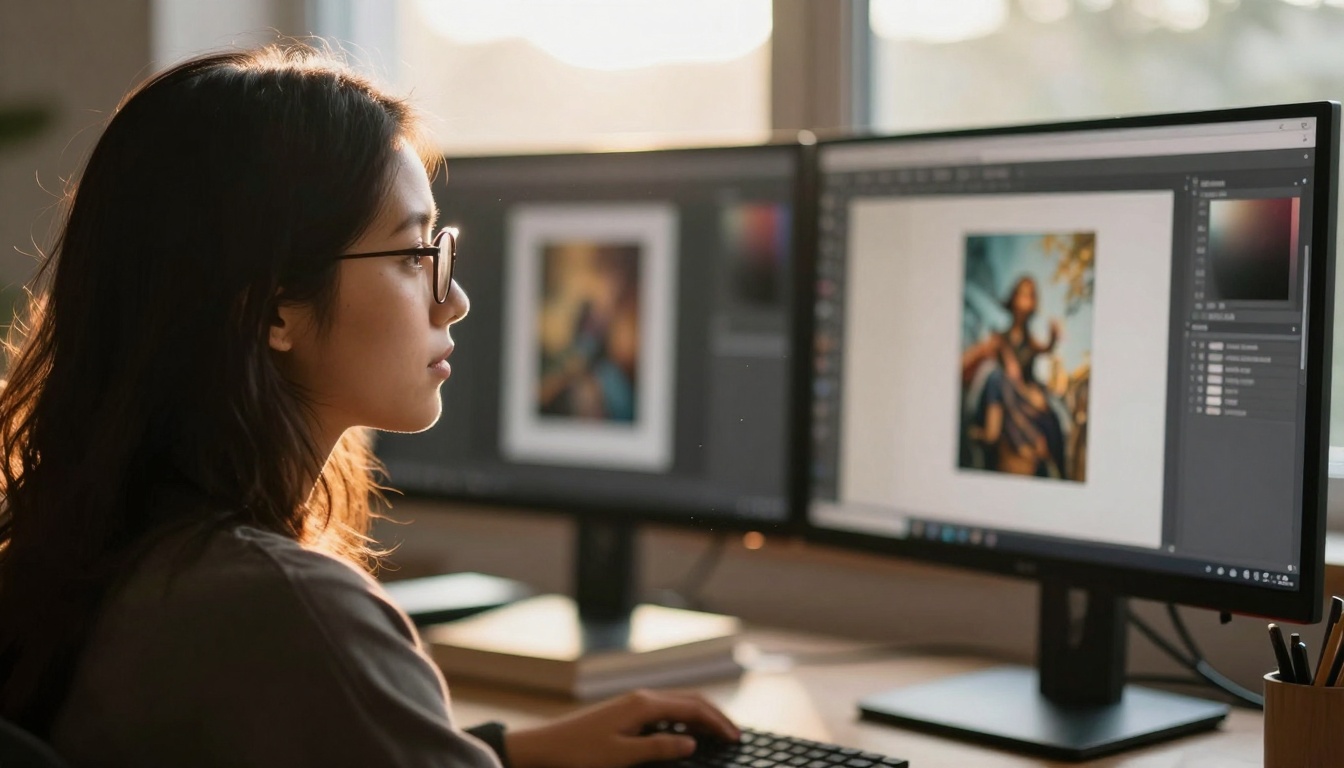
Text-to-image technology doesn't replace human creativity—it amplifies it. Professionals now focus on conceptual direction, curation, and refinement rather than manual rendering. The tools handle technical execution while humans provide artistic vision.
The most successful users combine AI generation with traditional skills: selecting the best outputs, making precise adjustments, and integrating results into larger creative workflows.
Start experimenting today with any of the models mentioned above. Type a descriptive phrase, observe the transformation from text to image, and discover how this technology can enhance your visual projects. The barrier between imagination and visualization has never been lower.


