The magic happens when words transform into moving images. For decades, video production required teams of specialists, expensive equipment, and weeks of post-production. Today, a single sentence can generate cinematic footage that would have taken a film crew days to capture. The revolution isn't coming - it's already here, and it works by typing what you imagine.
What Sora 2 Pro Actually Does
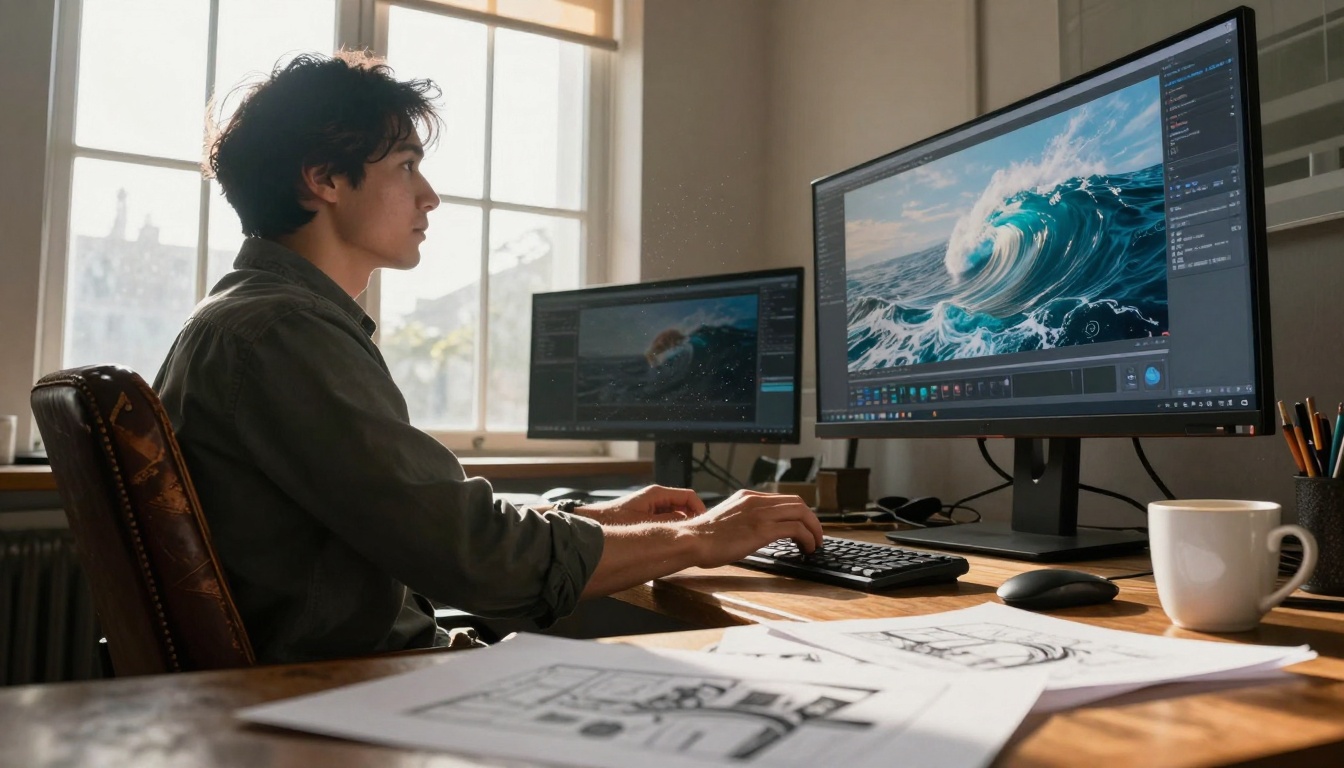
OpenAI's sora-2-pro takes written descriptions and generates video footage that understands cinematic language. It's not just stitching images together - the system comprehends physical motion, camera movements, and scene continuity. When you describe "a drone shot following a cyclist through autumn forest trails," the AI produces footage with proper parallax, depth progression, and consistent lighting.
💡 Key Insight: Sora 2 Pro understands temporal coherence. Characters maintain consistent appearance across frames, objects follow realistic physics, and scenes evolve logically rather than as disjointed images.
The technology distinguishes between different types of motion: natural camera movements (dolly, pan, tracking), object physics (how things fall, bounce, or flow), and biological motion (human walking cycles, animal gaits). This understanding comes from training on millions of video clips annotated with textual descriptions, creating a neural network that maps language to visual-temporal patterns.
Why This Changes Everything for Creators
For content creators, marketers, educators, and storytellers, the implications are profound. Consider these real applications:
Social Media Content: Generate 15-second clips for Instagram Reels or TikTok from product descriptions
Educational Videos: Create animated explanations of complex concepts without animation software
Prototype Visualization: Show stakeholders how a product might work before it exists
Storyboarding: Generate visual references for film projects without hiring illustrators
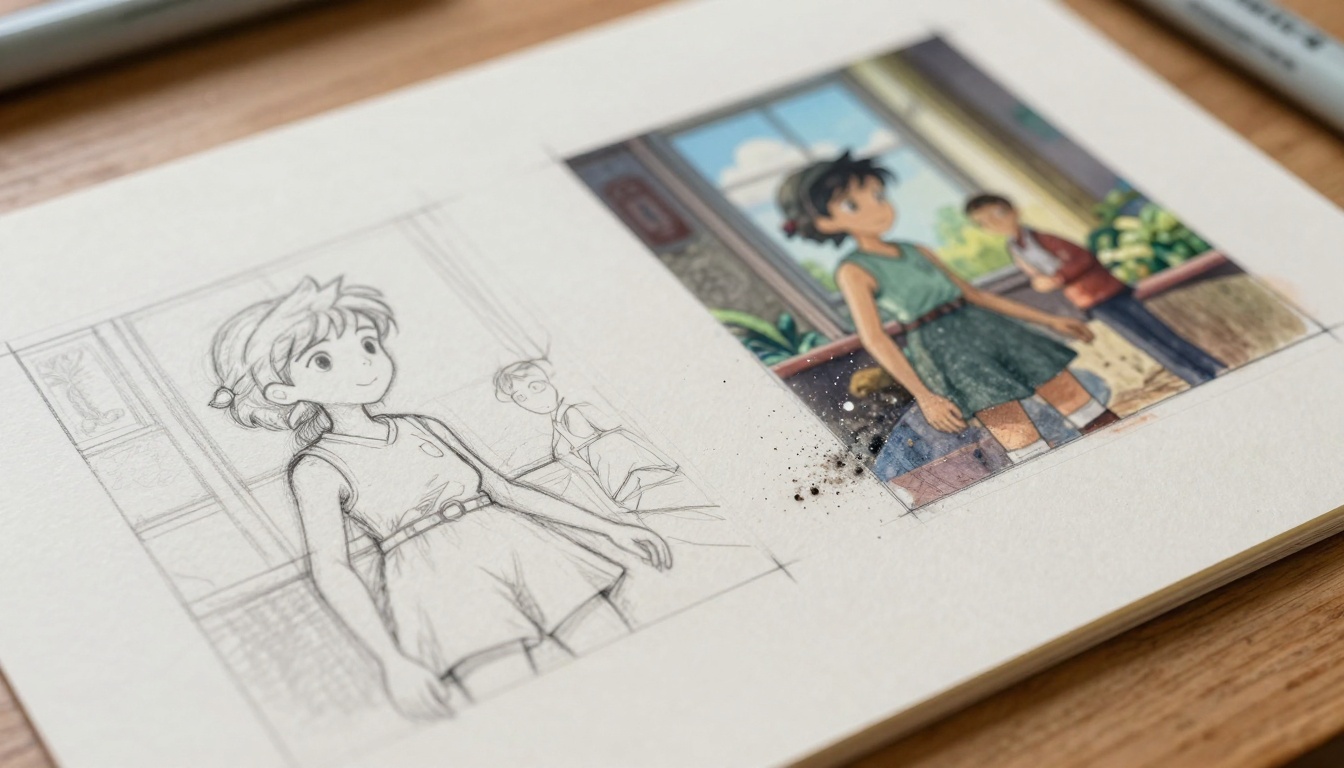
The barrier isn't technical skill anymore - it's imagination and descriptive ability. Anyone who can write clearly about what they want to see can now produce video content. This democratization parallels what word processors did for writing or digital cameras did for photography.
How Prompt Engineering Works for Video
Text-to-video requires different thinking than text-to-image. Successful prompts need temporal elements and motion specifications. Here's what works:
| Element | Good Example | Poor Example |
|---|
| Camera Movement | "Slow dolly forward through foggy morning streets" | "A street scene" |
| Character Action | "A chef carefully plating dessert with precise movements" | "A chef in a kitchen" |
| Environmental Details | "Golden hour sunlight casting long shadows across wet cobblestones" | "Outside during sunset" |
| Temporal Progression | "Time-lapse of clouds forming and dissipating over mountain peaks" | "Clouds over mountains" |
The most effective prompts combine static description (what things look like), dynamic elements (how things move), and cinematic language (how the camera observes). This three-part structure gives the AI maximum creative guidance while maintaining consistency.
Comparing Sora 2 Pro with Alternatives
Several text-to-video models exist, each with different strengths:
| Model | Best For | Limitations |
|---|
| Sora 2 Pro | Cinematic quality, complex scenes | Longer generation times |
| Google veo-3.1 | Fast iterations, commercial use | Simpler motion patterns |
| kling-v2.6 | Character animation, expressive faces | Less environmental detail |
| seedance-1.5-pro | Abstract concepts, artistic styles | Inconsistent realism |
Each platform serves different creative needs. Sora 2 Pro excels at producing footage that looks like it was shot by a professional cinematographer - the lighting, composition, and motion feel intentionally crafted rather than randomly generated.
Practical Workflow: From Idea to Finished Video
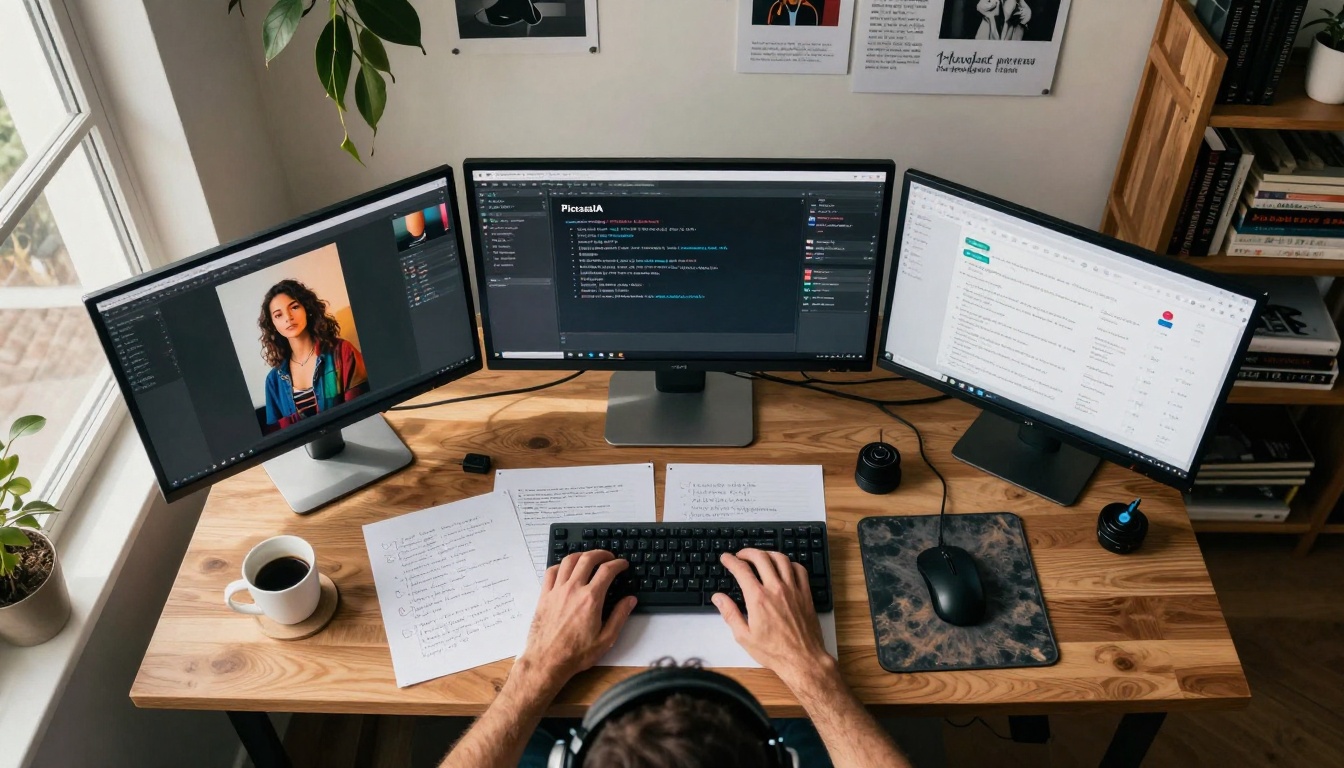
Here's how professionals are integrating text-to-video into their creative processes:
- Concept Development: Start with handwritten notes or digital brainstorming about the narrative arc
- Scene Breakdown: Divide the story into individual shots with specific visual requirements
- Prompt Drafting: Write detailed descriptions for each shot, including camera movements
- Generation: Run prompts through Sora 2 Pro, generating multiple variations
- Selection & Editing: Choose the best takes and assemble them with traditional editing software
- Audio Integration: Add voiceover, music, and sound effects to complete the production
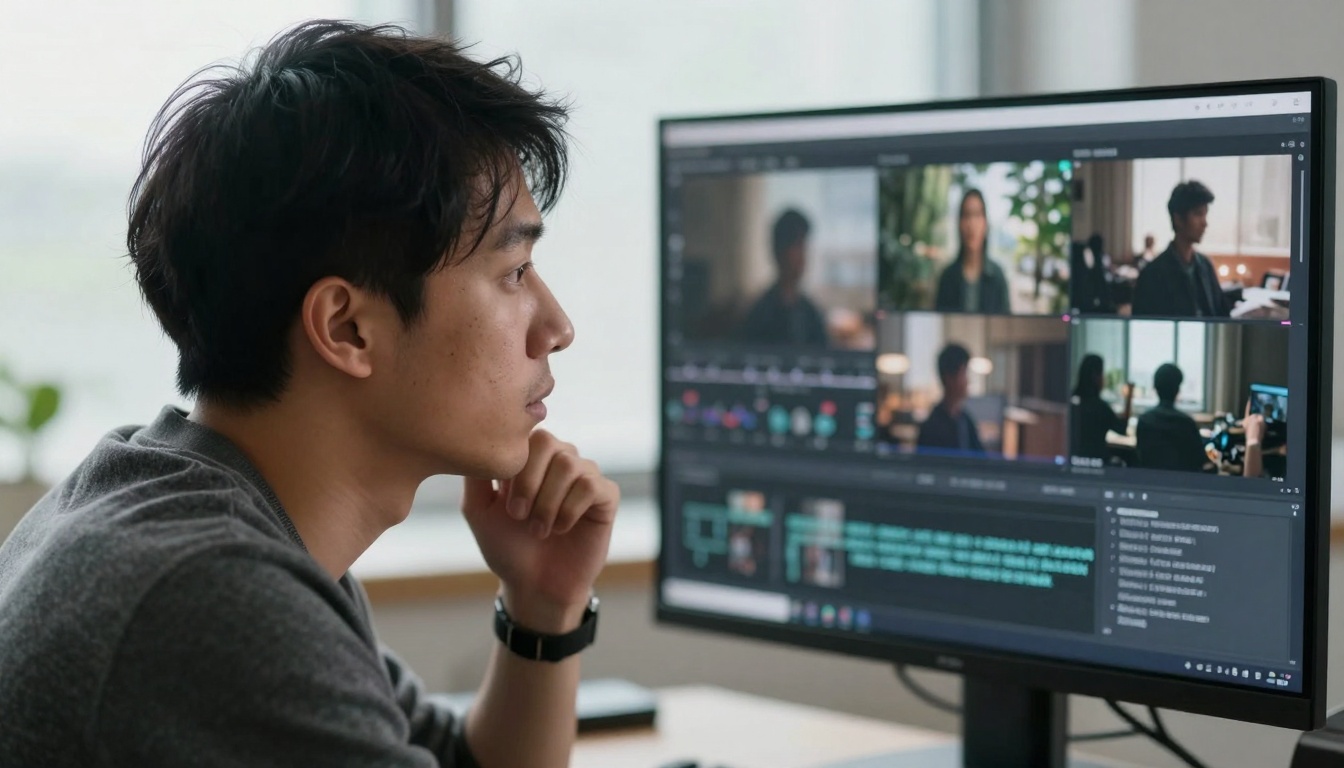
The workflow blends AI generation with human curation. The AI handles visual creation while humans focus on narrative structure, emotional impact, and final polish. This division plays to each party's strengths: computers excel at rendering consistent visuals, humans excel at storytelling and emotional resonance.
Common Challenges and Solutions
New users often encounter specific issues when starting with text-to-video:
Character Consistency: Characters changing appearance between shots
Solution: Include detailed character descriptions in every prompt and use reference images when available
Physics Errors: Objects floating or moving unnaturally
Solution: Specify gravity, weight, and material properties in prompts
Temporal Discontinuity: Scenes that don't flow logically from one to next
Solution: Generate longer continuous sequences rather than individual shots
Style Inconsistency: Different visual treatments within same project
Solution: Establish style guidelines upfront and reference them in all prompts
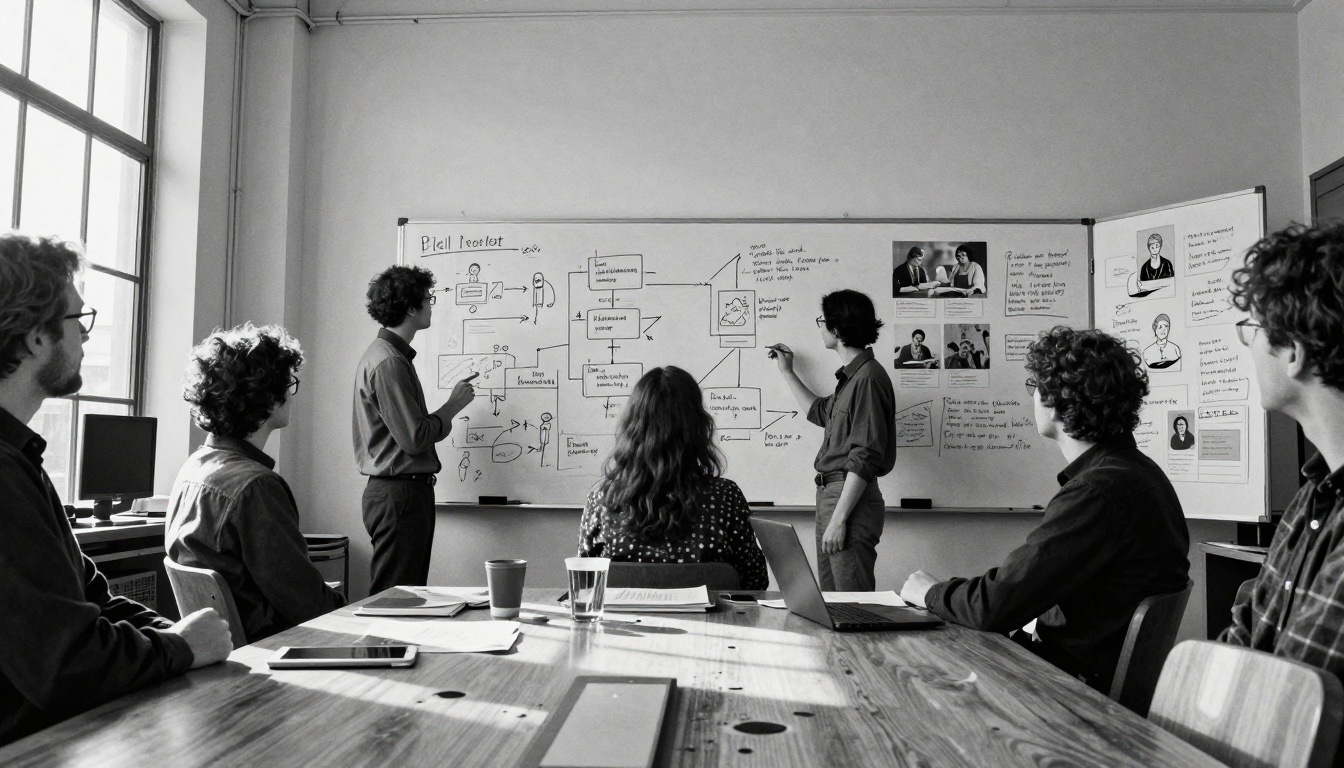
These challenges diminish with experience. After generating 20-30 videos, creators develop an intuitive sense for what descriptions produce reliable results and which elements need extra specification.
Real-World Applications Today
Text-to-video isn't futuristic speculation - it's solving practical problems right now:
E-commerce Product Videos: Generate 360-degree rotations and usage demonstrations from product descriptions
Real Estate Virtual Tours: Create neighborhood ambiance videos showing what living in an area feels like
Corporate Training: Produce scenario-based learning videos without actors or locations
Personalized Marketing: Generate unique video ads for different customer segments
Historical Recreation: Visualize historical events described in documents or eyewitness accounts

The common thread across applications is visualization of concepts that exist only as descriptions. Whether it's a product that hasn't been manufactured, a historical moment nobody filmed, or a future scenario that hasn't occurred - if it can be described, it can be visualized.
Technical Considerations for Production Use
For professional implementations, several technical factors matter:
Resolution & Quality: Sora 2 Pro generates high-definition footage suitable for most digital distribution
Generation Time: Complex scenes take 2-5 minutes depending on length and detail
Cost Structure: Pay-per-generation models make experimentation affordable
Integration Options: API access allows automation within existing workflows
Format Compatibility: Standard video formats work with all major editing software
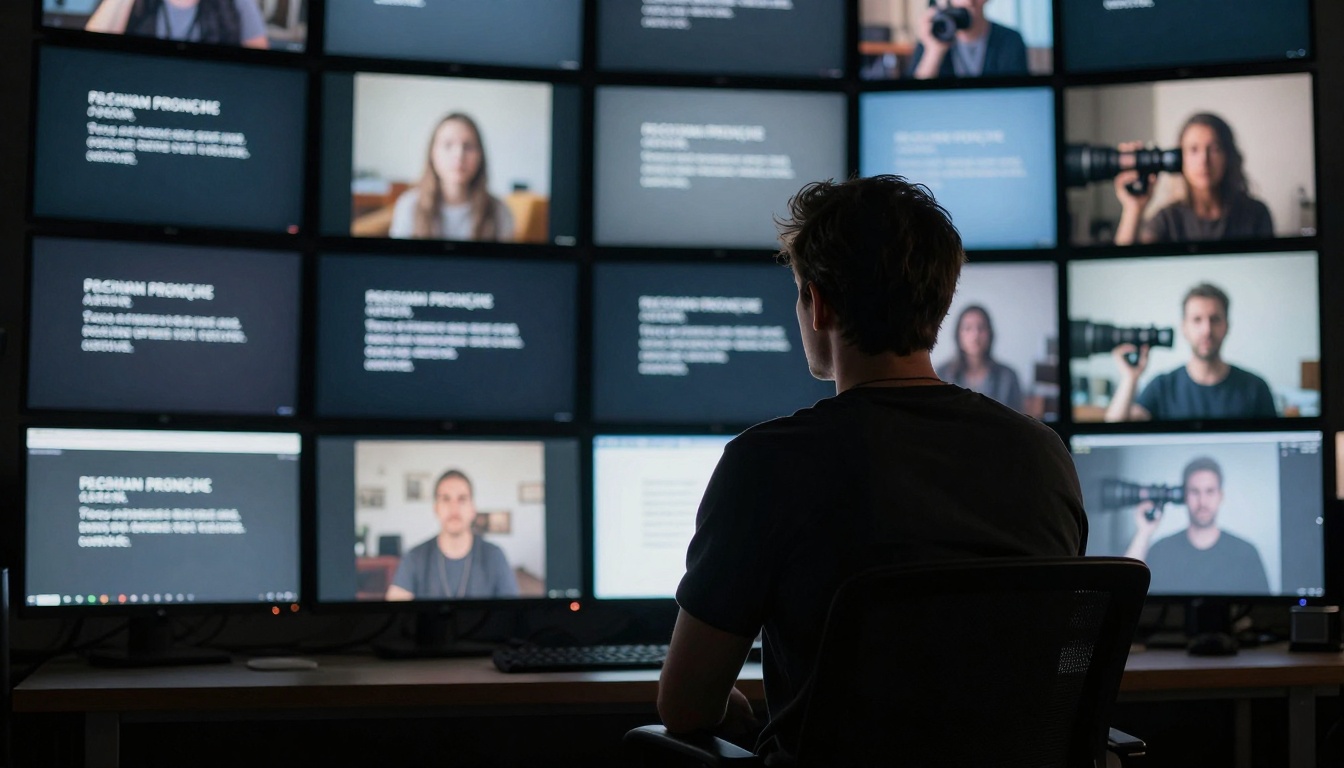
The technology integrates smoothly into existing post-production pipelines. Generated footage behaves like any other video asset - it can be color graded, edited, composited, and enhanced with traditional tools. The AI provides raw visual material that professionals then craft into finished pieces.
Getting Started with Minimal Investment
Beginning with text-to-video requires almost no specialized equipment or software:
- Access Platform: Sign up for Picasso IA and navigate to the sora-2-pro model
- Start Simple: Generate basic scenes to understand how descriptions translate to visuals
- Study Examples: Review generated videos from different prompts to learn patterns
- Iterate Gradually: Make small adjustments to prompts and observe how outputs change
- Build Library: Save successful prompts for reuse in future projects
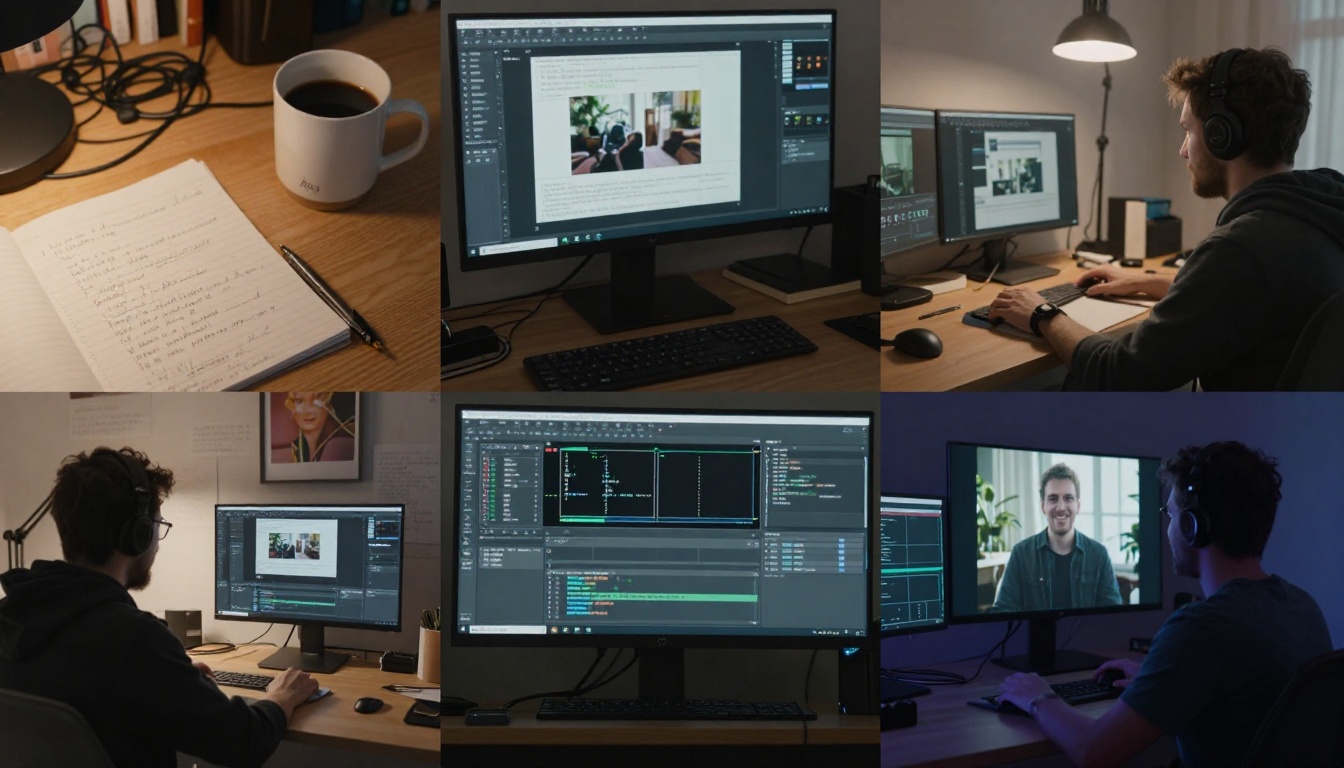
The learning curve resembles learning photography or cinematography - you develop an eye for what works through practice and observation. Each generated video provides immediate feedback about how effectively your description communicated your vision.
The Creative Evolution Ahead
As text-to-video technology matures, we're seeing capabilities expand in specific directions:
Longer Sequences: Moving from 10-second clips to minute-long narratives
Character Memory: Maintaining consistent character appearances across extended stories
Interactive Generation: Real-time adjustment of scenes based on viewer feedback
Multi-modal Input: Combining text with sketches, audio, or existing footage as references
Specialized Styles: Industry-specific visual languages for medical, architectural, or scientific visualization
The trajectory points toward tools that understand creative intent rather than just executing literal instructions. Future systems might interpret emotional tone, narrative pacing, or thematic consistency - moving from technical rendering to creative collaboration.
Try describing a scene you've imagined and watch it materialize. The technology works immediately, requiring no special training or equipment. What begins as text on a screen becomes motion, light, and story within minutes. This isn't about replacing human creativity - it's about expanding what's possible when imagination meets generation.


