The landscape of video creation has fundamentally changed. Where once you needed years of editing experience, specialized software, and technical skills, now you can create professional-quality videos by simply describing what you want to see. This isn't about templates or presets—it's about AI video generators that interpret your written descriptions and produce complete, rendered videos.
When you think about creating videos, your mind probably goes to timelines, cuts, transitions, and color grading. Those are editing skills that take months to learn and years to master. But what if the entire process could be reduced to writing a good description? That's exactly what text-to-video AI accomplishes.

How Text-to-Video AI Actually Works
The technology behind text-to-video generation is complex but the user experience is deliberately simple. Here's what happens when you submit a text description:
- Natural Language Processing: The AI analyzes your text to understand subjects, actions, settings, and emotions
- Scene Composition: Based on your description, the system determines camera angles, lighting, and framing
- Motion Planning: The AI decides how elements should move within the scene
- Rendering Pipeline: The video is generated frame-by-frame with consistent visual style
- Audio Generation: Many systems can add appropriate background music or sound effects
The key difference from traditional video editing is that you're not editing footage—you're describing what footage should exist, and the AI creates it from scratch.
💡 Important: The quality of your output depends directly on the specificity of your input. "A man walking" produces generic results. "A middle-aged man with a leather jacket walking through rain-soaked Tokyo streets at night, neon signs reflecting in puddles, cinematic slow-motion" produces professional footage.

Several platforms have emerged as leaders in text-to-video generation. Each has unique strengths and approaches:
| Platform | Best For | Output Quality | Processing Time |
|---|
| Sora 2 Pro | Cinematic narratives | Exceptional | 2-5 minutes |
| Veo 3.1 | Realistic scenes | Photorealistic | 1-3 minutes |
| Kling v2.6 | Character animation | Highly detailed | 3-6 minutes |
| WAN 2.6 T2V | Fast iterations | Good quality | 30-90 seconds |
| Seedance 1.5 Pro | Social media content | Optimized for platforms | 1-2 minutes |
Sora 2 Pro excels at understanding complex narratives and maintaining character consistency across shots. If you're creating story-driven content, this platform delivers Hollywood-quality results from text descriptions alone.
Veo 3.1 focuses on photorealism and natural motion. It's particularly good for product demonstrations, real estate tours, and any application where realism matters more than artistic style.
Kling v2.6 has specialized capabilities for character animation and emotional expression. When your video needs specific facial expressions or body language, this system interprets those cues from your text.
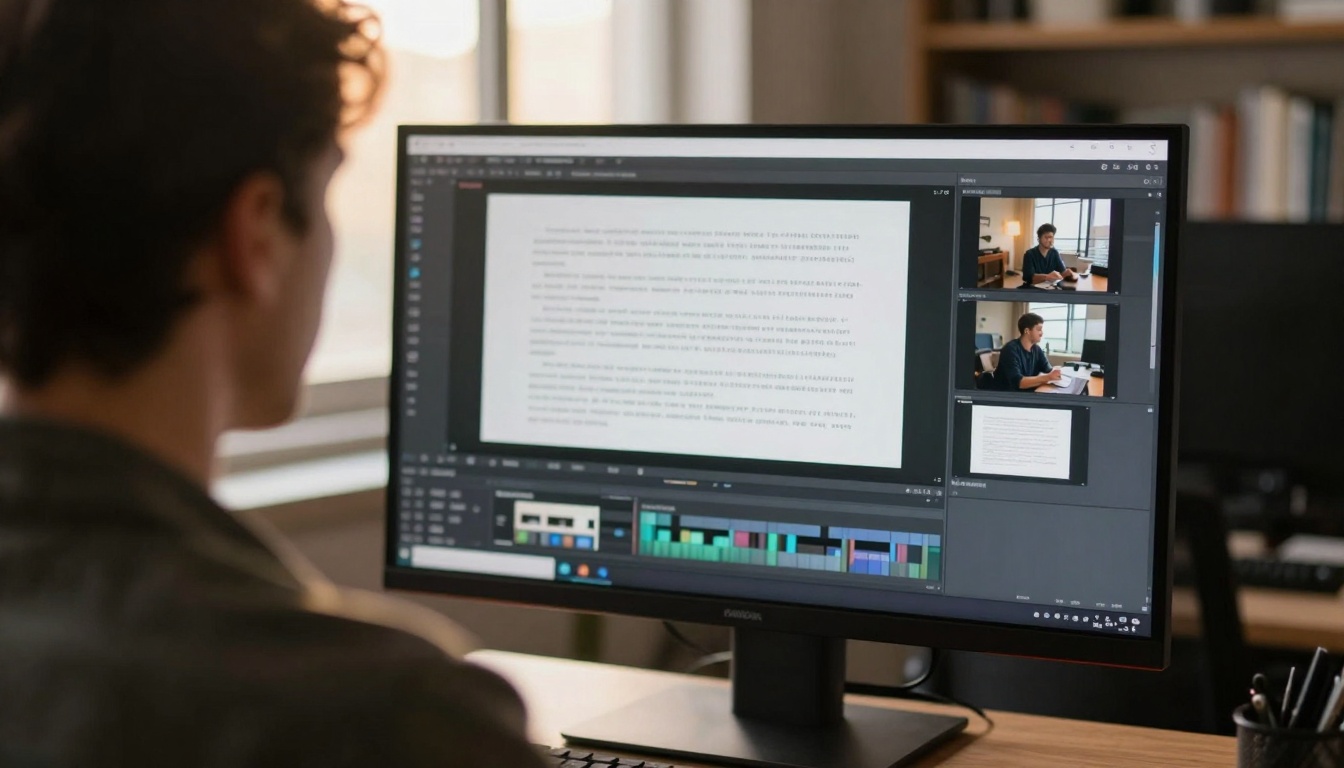
Writing Effective Video Prompts
Your text description is everything in this process. Here's how to structure prompts for best results:
Scene Foundation (Required)
- Subject: Who or what is the focus
- Action: What's happening in the scene
- Setting: Where the scene takes place
- Time: Time of day and lighting conditions
Visual Details (Enhances quality)
- Camera Angle: Low-angle, eye-level, aerial, etc.
- Lens Characteristics: Wide-angle, telephone, macro
- Movement: Static, tracking, panning, zoom
- Lighting: Direction, quality, color temperature
Atmosphere Elements (Adds emotion)
- Mood: Tense, joyful, melancholic, energetic
- Weather: Rain, fog, sunshine, snow
- Textures: What surfaces feel like
- Color Palette: Dominant colors and contrasts
Example of a weak prompt: "A business meeting"
Example of an effective prompt: "Medium shot of three professionals in a modern conference room discussing financial charts, morning light streaming through floor-to-ceiling windows creating soft shadows, 50mm lens at f/2.8, professional but collaborative atmosphere, natural skin tones and fabric textures visible"
Quality Comparison: AI vs Traditional Editing
Understanding what AI video generation can and cannot do helps set realistic expectations:
Where AI Excels
- Rapid prototyping: Generate multiple versions in minutes
- Consistent style: Maintains visual coherence automatically
- No footage limitations: Create exactly what you describe
- Cost efficiency: No equipment, actors, or location costs
- Accessibility: No technical skills required
Where Traditional Editing Still Wins
- Precise timing: Frame-accurate cuts and transitions
- Existing footage: Working with previously shot material
- Complex composites: Green screen, advanced effects
- Brand consistency: Exact color matching to existing assets
- Legal considerations: Clear rights for all elements
The reality: For most content creators, marketers, educators, and small businesses, AI video generation covers 80-90% of video needs without touching editing software.
Practical Applications and Use Cases
Text-to-video technology isn't just for tech enthusiasts—it's solving real problems across industries:
Marketing & Advertising
- Product demonstrations: Show features without physical products
- Social media content: Daily posts without filming schedules
- Explainer videos: Complex concepts made visual
- Testimonial recreations: Customer stories brought to life
Education & Training
- Historical recreations: Visualize past events accurately
- Science visualization: Molecular processes, astronomical events
- Language learning: Situational conversations
- Safety training: Demonstrate procedures without risk
Personal & Creative
- Travel planning: Preview destinations before booking
- Story visualization: See your writing come to life
- Memory recreation: Visualize past experiences
- Artistic expression: Experimental video poetry
Case Study: A small e-commerce business increased conversion rates by 37% by adding AI-generated product demonstration videos to their listings. They described product features in text, and the AI created professional videos showing those features in action—no camera crew, no editing, just description-to-video.
Limitations and Considerations
While powerful, text-to-video AI has current limitations you should understand:
Technical Constraints
- Duration limits: Most systems generate 10-60 second clips
- Resolution variations: Quality differs between platforms
- Processing time: Can range from 30 seconds to several minutes
- Cost structures: Some platforms charge per generation
Creative Limitations
- Character consistency: Maintaining exact appearances across shots
- Complex interactions: Multiple characters with specific relationships
- Brand elements: Exact logos, fonts, and color specifications
- Legal text: Clear, readable text within the video
Ethical Considerations
- Authenticity: Disclosure when videos are AI-generated
- Misinformation potential: Creating realistic but false scenarios
- Copyright: Understanding what you can and cannot generate
- Representation: Avoiding biased or harmful content
Important: Most professional platforms have built-in content filters and ethical guidelines. WAN 2.6 T2V and Veo 3.1 Fast include safety checks to prevent harmful content generation.
Getting Started with Your First Text-to-Video Project
Ready to create your first video from text? Follow this practical workflow:
Step 1: Define Your Purpose
- What message are you communicating?
- Who is your audience?
- What action should viewers take?
- What emotional response do you want?
Step 2: Write Your Scene Description
- Start with the foundation elements
- Add visual details for quality
- Include atmosphere for emotion
- Keep it concise but specific
Step 3: Choose Your Platform
Step 4: Generate and Refine
- Generate your first version
- Analyze what worked and what didn't
- Refine your text description
- Generate improved versions
Step 5: Implement and Measure
- Use the video in your intended context
- Track viewer engagement and response
- Note what description elements performed best
- Apply lessons to future projects
The Future of Video Creation
The trajectory is clear: video creation is becoming more accessible, more efficient, and more creative. As AI video generation improves, we're moving toward:
- Longer narratives: Complete short films from text
- Interactive videos: Viewers influence the story through choices
- Personalized content: Videos tailored to individual preferences
- Real-time generation: Live video creation during presentations
- Multi-platform optimization: Automatic formatting for different channels
What this means for creators: Your writing skills become your primary video creation tool. The ability to describe visual experiences clearly and evocatively is now a marketable skill. Video editing knowledge becomes less about software proficiency and more about understanding visual language.
Your Next Step
The barrier to professional video creation has been eliminated. You don't need to learn editing software, you don't need expensive equipment, and you don't need technical skills. What you need is the ability to describe what you want to see.
Start with a simple project. Choose one message you want to communicate visually. Write a detailed description following the guidelines above. Select an appropriate platform from the options discussed. Generate your first video.
The experience of seeing your written words transform into moving images is transformative. It changes how you think about communication, storytelling, and creative expression. Your ideas no longer need to be filtered through technical limitations—they can exist exactly as you imagine them.
Try creating your first text-to-video today. Describe a scene, generate the video, and experience this new form of creative expression. The tools are available, the process is simple, and the possibilities are exactly what you can describe.


