Gemini 3 Deep Think vs GPT-5.2 Thinking Mode: Which AI Reasoning Model Wins?
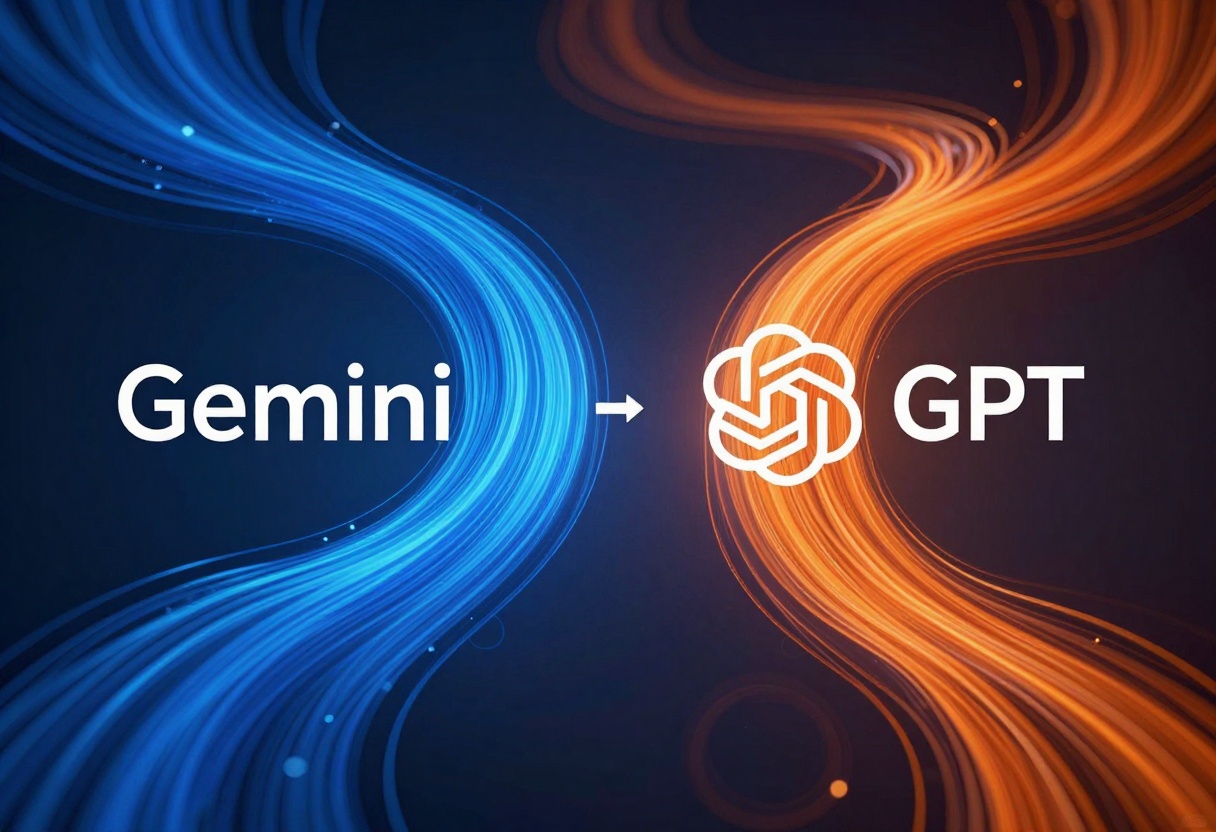
AI reasoning has reached new heights with Google's Gemini 3 Deep Think and OpenAI's GPT-5.2 Thinking Mode. Both models excel at complex problem-solving, but they approach reasoning differently. This comparison breaks down their capabilities, performance differences, and best use cases to help you choose the right model for your projects.
The race for advanced AI reasoning has intensified with two powerful contenders: Gemini 3 Deep Think and GPT-5.2 Thinking Mode. Both models represent significant leaps in how AI approaches complex problems, but they differ in their reasoning strategies, multimodal capabilities, and optimal use cases.
If you're trying to decide which model to use for your next project, this comparison will help you make an informed choice based on real performance differences.
What Makes These Reasoning Models Different?
Traditional language models generate responses quickly but sometimes lack depth in logical reasoning. Both Gemini 3 Deep Think and GPT-5.2 Thinking Mode address this limitation by spending more time "thinking" through problems before responding.
Gemini 3 Deep Think uses a flexible thinking level system that lets you choose between low and high reasoning intensity. This gives you control over how much processing power gets devoted to problem-solving versus speed.
GPT-5.2 Thinking Mode takes a different approach with five distinct reasoning effort levels: none, low, medium, high, and xhigh. This granular control allows you to fine-tune the balance between response speed and reasoning depth.
The key difference lies in how these models allocate computational resources. Gemini 3 focuses on multimodal understanding alongside reasoning, while GPT-5.2 emphasizes pure reasoning capability with optional image analysis.
Multimodal Capabilities Comparison
One of the most significant distinctions between these models is their approach to handling different input types.
Gemini 3 Deep Think accepts:
Text prompts (required)
Up to 10 images (each up to 7MB)
Up to 10 videos (each up to 45 minutes)
Audio files (one per request, up to 8.4 hours)
This makes Gemini 3 the clear choice for projects involving multimedia content. You can analyze video content, transcribe long audio files, or process multiple images in a single request.
GPT-5.2 Thinking Mode supports:
Text prompts
Images (via image_input parameter)
While GPT-5.2 handles text and images well, it doesn't process video or audio natively. If your project requires analyzing multimedia content, Gemini 3 offers more flexibility.
Performance and Speed Considerations
Speed matters when you're running AI at scale or need real-time responses. Here's how these models compare:
Gemini 3 Deep Think delivers:
Fast responses at low thinking level
Slower but more thorough analysis at high thinking level
Efficient handling of multimedia inputs
Up to 65,535 tokens output (configurable)
GPT-5.2 Thinking Mode offers:
Extremely fast responses with reasoning_effort set to "none"
Progressively slower responses as reasoning effort increases
Customizable max_completion_tokens
Verbosity control (low, medium, high)
The verbosity control in GPT-5.2 is particularly useful because it prevents the model from over-explaining when you need concise answers. Gemini 3 doesn't have this feature, which can lead to longer responses than necessary.
Complex Problem-Solving Abilities
Both models excel at different types of reasoning tasks.
Gemini 3 Deep Think shines in:
Multimodal analysis requiring reasoning across different input types
Long-form content generation with contextual understanding
Tasks that benefit from cross-modal connections
Scenarios where you need to process large amounts of varied data
GPT-5.2 Thinking Mode excels at:
Pure text-based logical reasoning
Mathematical problem-solving
Code generation and debugging
Technical writing with precise requirements
The choice between them often comes down to your specific use case. If you're working with text and images only, GPT-5.2's focused approach might yield better results. For projects involving video or audio analysis, Gemini 3 is your only option.
Real-World Applications
Let's look at how these models perform in practical scenarios.
Content Creation
Both models can generate high-quality articles, but with different strengths:
Gemini 3: Better for multimedia content that requires analyzing videos or images
GPT-5.2: Superior for pure text content with complex logical structures
Technical Documentation
When writing technical documentation:
Gemini 3: Useful when documentation includes video tutorials or audio explanations
GPT-5.2: More precise for code documentation and technical specifications
Customer Support
For automated customer support systems:
Gemini 3: Can analyze product images or videos from customers
GPT-5.2: Faster response times for text-only inquiries
Research and Analysis
In research applications:
Gemini 3: Handles multimedia research materials naturally
GPT-5.2: More efficient for text-heavy research synthesis
Token Efficiency and Cost Considerations
Understanding token usage helps optimize your AI spending.
Gemini 3 Deep Think allocates tokens differently based on thinking level. Higher thinking levels consume more tokens during the reasoning process, but the default maximum of 65,535 tokens gives you substantial output capacity.
GPT-5.2 Thinking Mode requires careful attention to max_completion_tokens. At higher reasoning efforts (high and xhigh), much of your token budget goes to internal reasoning. You might need to increase max_completion_tokens to avoid empty responses.
This is a critical difference: GPT-5.2 can use all your tokens for reasoning and return nothing, while Gemini 3 balances reasoning and output more automatically.
Consistent output without token management complexity
Flexible reasoning with simpler configuration
Cross-modal understanding in your responses
Choose GPT-5.2 Thinking Mode if you need:
Maximum control over reasoning depth (5 levels)
Verbosity control for concise outputs
Pure text-based reasoning tasks
Faster response times at lower reasoning levels
Consider both when:
Running A/B tests for quality comparison
Different team members have different preferences
Your use case falls in a gray area
The Future of AI Reasoning
Both models represent significant advances in AI reasoning capabilities. The competition between Google and OpenAI pushes both companies to innovate faster.
We're likely to see future improvements in:
Even faster reasoning at high effort levels
Better token efficiency
Enhanced multimodal understanding
More granular control over reasoning processes
The gap between these models will probably narrow as both companies iterate on their technology.
Getting Started with Both Models on PicassoIA
Ready to test these models yourself? PicassoIA provides access to both Gemini 3 Deep Think and GPT-5.2 Thinking Mode through a user-friendly interface.
Click generate and the model will process your inputs. Multimodal requests take longer depending on file sizes.
Key Differences at a Glance
Feature
Gemini 3 Deep Think
GPT-5.2 Thinking Mode
Reasoning Levels
2 (low, high)
5 (none, low, medium, high, xhigh)
Multimodal Input
Images, Videos, Audio
Images only
Verbosity Control
No
Yes (low, medium, high)
Max Output Tokens
65,535 (default)
Configurable
Best For
Multimedia analysis
Text-based reasoning
Speed
Fast to moderate
Variable by effort level
Final Thoughts
Both Gemini 3 Deep Think and GPT-5.2 Thinking Mode represent impressive advances in AI reasoning. Your choice should be based on your specific needs:
If you work with multimedia content or need flexible reasoning without complex configuration, Gemini 3 Deep Think offers a streamlined approach with powerful multimodal capabilities.
If you need granular control over reasoning depth and work primarily with text, GPT-5.2 Thinking Mode provides more fine-tuning options and potentially faster responses at lower reasoning levels.
The best approach might be to test both models with your specific use cases. PicassoIA makes it easy to experiment with both models and compare results side by side.
Start exploring both models today and see which one delivers better results for your projects. The future of AI reasoning is here, and you have two excellent options to choose from.