Google's Gemini 3 Pro represents a significant leap in AI text generation. This advanced multimodal language model accepts text, images, audio, and video inputs, offering enhanced reasoning capabilities with customizable parameters. Whether you're creating content, analyzing multimedia, or building conversational AI, Gemini 3 Pro provides the flexibility and power needed for sophisticated applications.
Google has released Gemini 3 Pro, their most advanced multimodal language model yet. This AI system goes beyond traditional text-based models by accepting multiple input types, including images, audio, and video, while delivering sophisticated text outputs.
In this article, we'll explore what makes Gemini 3 Pro stand out, its key features, practical applications, and how to use it effectively on PicassoIA.
What is Gemini 3 Pro?
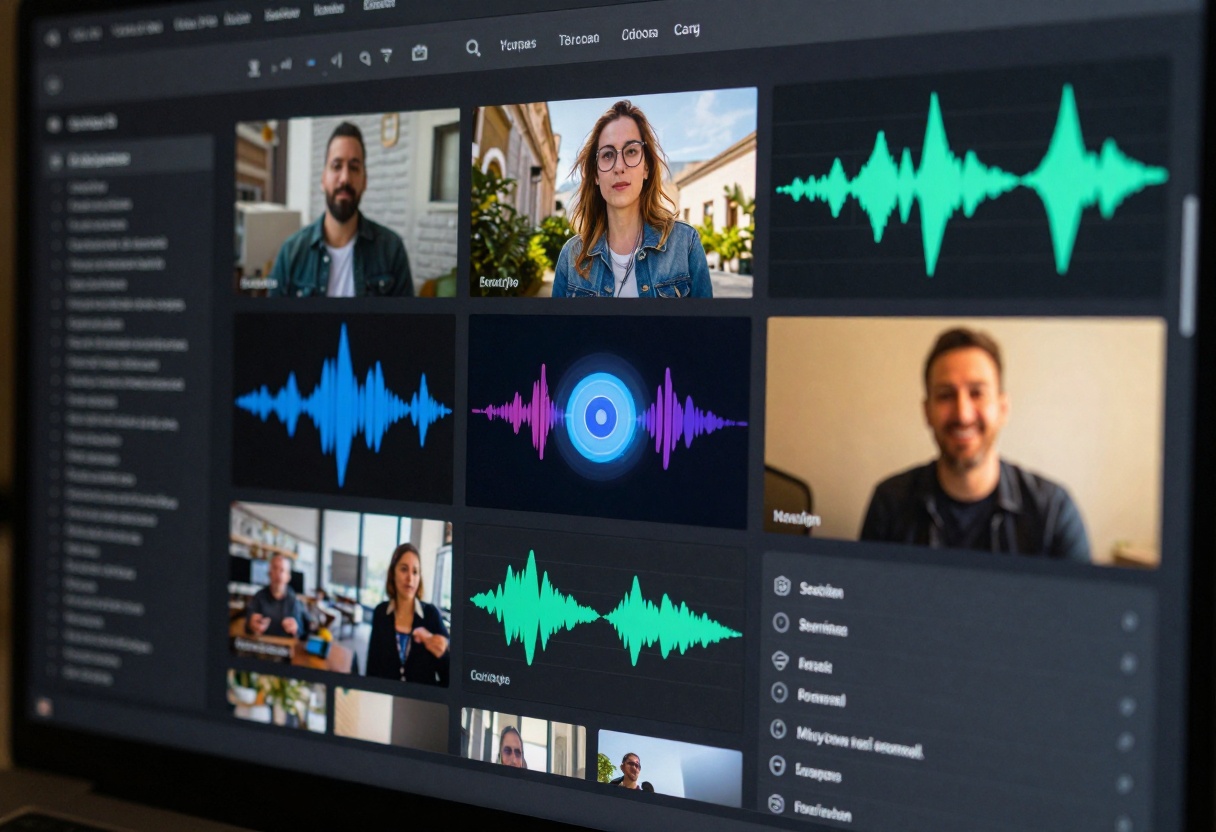
Gemini 3 Pro is Google's cutting-edge large language model designed for complex text generation tasks. Unlike single-modal AI systems, it processes multimodal inputs seamlessly, allowing users to combine text prompts with visual, audio, and video content.
The model excels at understanding context across different media types, making it invaluable for:
Content creators who need to analyze and describe multimedia files
Developers building advanced conversational AI systems
Businesses automating document processing and summarization
One of Gemini 3 Pro's standout features is its adjustable thinking level. You can set the reasoning depth to either "low" or "high" depending on your task complexity.
For straightforward queries, low thinking provides fast responses. For complex analytical tasks requiring deeper problem-solving, high thinking delivers more thorough outputs.
Multimodal Input Support
Gemini 3 Pro accepts:
Text prompts (required)
Up to 10 images (max 7MB each)
Up to 10 videos (max 45 minutes each)
1 audio file (up to 8.4 hours)
This flexibility means you can analyze a video presentation, transcribe an audio recording, and generate a summary all in one request.
Customizable Output Control
The model offers extensive parameter controls:
Temperature (0-2): Controls creativity and randomness
Top P (0-1): Adjusts diversity in word selection
Max output tokens: Up to 65,535 tokens per generation
System instructions: Guide the model's behavior and tone
System Instructions
System instructions let you define how Gemini 3 Pro should respond. You might instruct it to:
Write in a specific tone or style
Follow particular formatting rules
Focus on certain aspects of the input
Maintain consistency across multiple generations
Practical Applications
Content Creation and Storytelling
Writers and marketers use Gemini 3 Pro to generate compelling narratives. By combining text prompts with reference images or video clips, you can create content that's contextually rich and visually informed.
The adjustable creativity settings let you dial in exactly how imaginative or conservative you want the output to be.
Multimedia Analysis
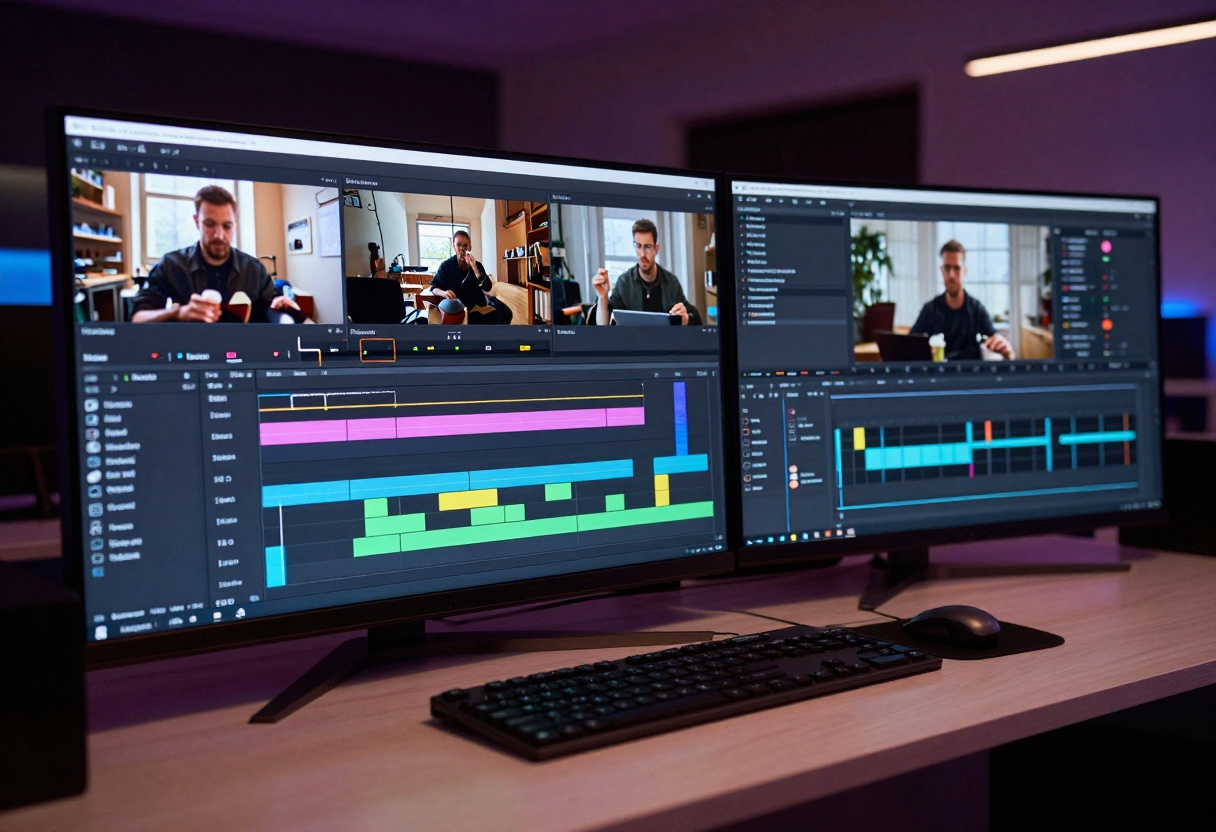
Gemini 3 Pro excels at analyzing complex multimedia content. Feed it a video presentation along with a transcript, and it can:
Generate comprehensive summaries
Extract key points and themes
Create structured notes or outlines
Answer specific questions about the content
Technical Documentation
Developers appreciate Gemini 3 Pro's ability to:
Generate API documentation from code examples
Create user guides based on product screenshots
Write technical specifications from video demonstrations
Produce clear explanations of complex systems
Customer Support Automation
Businesses deploy Gemini 3 Pro for sophisticated chatbots that can:
Understand customer queries with attached images
Provide detailed product information
Process support tickets with video evidence
Generate personalized responses at scale
Getting the Best Results
Temperature Settings
Temperature controls output randomness:
0.0-0.3: Focused, deterministic outputs (good for technical writing)
0.4-0.7: Balanced creativity and consistency (ideal for most tasks)
0.8-1.5: More creative and varied (great for brainstorming)
1.6-2.0: Highly experimental (use cautiously)
Top P Configuration
Top P (nucleus sampling) complements temperature by limiting the model's vocabulary choices. Lower values (0.7-0.8) produce more focused outputs, while higher values (0.95-1.0) allow broader variation.
For most applications, the default value of 0.95 works well.
Thinking Level Selection
Choose your thinking level based on task complexity:
Task Type
Recommended Level
Example Use Cases
Simple queries
Low
Basic Q&A, short descriptions
Analytical work
High
Data analysis, complex reasoning
Creative writing
Low
Fiction, marketing copy
Technical analysis
High
Code review, research summaries
Prompt Engineering Tips
Be specific: Clearly state what you want in your prompt
Provide context: Use system instructions to set expectations
Structure requests: Break complex tasks into clear steps
Use examples: Show the model what format you want
Iterate: Adjust parameters based on initial results
Using Gemini 3 Pro on PicassoIA
PicassoIA provides seamless access to Gemini 3 Pro without requiring API knowledge or complicated setup. Here's how to get started.
Step 1: Access the Model
Navigate to the Gemini 3 Pro page on PicassoIA. You'll see a clean interface with all available parameters.
Step 2: Enter Your Prompt
In the main text field, type your prompt. This is the only required parameter. Be clear and specific about what you want the model to generate.
Example prompt:
Analyze this product demonstration video and create a detailed technical specification document. Focus on features, functionality, and user benefits. Format the output as a structured document with clear sections.
Step 3: Add Multimedia Inputs (Optional)
If you want to include images, videos, or audio:
Click the Images section to upload up to 10 images
Use the Videos section for video files (up to 10)
Add an Audio file if needed (only 1 audio file allowed)
Each image can be up to 7MB, and videos can be up to 45 minutes long.
Step 4: Configure Advanced Settings
Adjust optional parameters based on your needs:
Temperature: Set between 0 and 2 (default: 1)
Lower for factual, consistent outputs
Higher for creative, varied outputs
Top P: Keep at 0.95 unless you need tighter control
Max Output Tokens: Set up to 65,535 (default covers most uses)
Thinking Level: Choose "low" for simple tasks or "high" for complex reasoning
System Instruction: Add behavioral guidelines if needed
Step 5: Generate and Review
Click the generate button to start processing. Gemini 3 Pro will analyze your inputs and produce text based on your specifications.
Review the output and adjust parameters if needed. You can iterate quickly by modifying settings and regenerating.
Step 6: Download or Copy Results
Once satisfied with the output, you can:
Copy the text directly
Download as a file
Use it in your application via PicassoIA's platform
Common Use Cases
Creating Marketing Content
Scenario: You have product photos and need compelling descriptions.
Setup:
Upload 3-5 product images
Prompt: "Create engaging product descriptions highlighting features and benefits. Use a friendly, conversational tone."
Temperature: 0.8 (creative but controlled)
Thinking level: Low
Transcribing and Summarizing Meetings
Scenario: You recorded a 2-hour meeting and need a summary.
Setup:
Upload the audio file
Prompt: "Transcribe this meeting and create a structured summary with key decisions, action items, and discussion points."
Temperature: 0.3 (factual accuracy)
Thinking level: High
Generating Technical Documentation
Scenario: You have code examples and need API documentation.
Setup:
Paste code in prompt or upload screenshots
System instruction: "Write clear, technical documentation following standard API documentation format."
Temperature: 0.4 (technical consistency)
Thinking level: High
Building Educational Content
Scenario: You want to create lesson plans from educational videos.
Setup:
Upload video lectures
Prompt: "Create comprehensive lesson plans with learning objectives, key concepts, and practice exercises."
Temperature: 0.6 (balanced)
Thinking level: High
Limitations and Considerations
While Gemini 3 Pro is powerful, keep these limitations in mind:
File size restrictions: Images up to 7MB, videos up to 45 minutes
Audio limit: Only one audio file per request
Token limits: Maximum 65,535 output tokens
Processing time: Complex multimodal requests take longer
Context window: Very long inputs may be truncated
For best results, optimize your inputs by:
Compressing media files appropriately
Breaking extremely long tasks into smaller requests
Providing clear, focused prompts
Testing with simpler inputs first
Why Choose Gemini 3 Pro?
Gemini 3 Pro stands out for several reasons:
Multimodal flexibility: Few models handle text, images, audio, and video as seamlessly
Advanced reasoning: The adjustable thinking level provides control over analytical depth
Extensive output control: Fine-tune creativity, length, and behavior precisely
Practical applications: Real-world use cases across industries and domains
Easy access via PicassoIA: No API setup or complex integrations required
Whether you're building an AI assistant, automating content creation, or analyzing complex multimedia data, Gemini 3 Pro provides the capabilities you need.
Getting Started Today
Ready to try Gemini 3 Pro? Head to PicassoIA's Gemini 3 Pro page and start experimenting. The platform makes it easy to test different parameters and find what works best for your specific use case.
Start with simple prompts and gradually incorporate multimodal inputs as you become comfortable with the interface. The combination of flexibility, power, and accessibility makes Gemini 3 Pro one of the most capable AI text generation tools available today.