The Kling v3 generation has made NSFW AI video creation more accessible than at any point before. With no local GPU required, no complex setup, and no aggressive content filters stripping adult themes from prompts, the Kling 3.5 model family on PicassoIA opens serious creative possibilities for adult content creators. This article breaks down exactly which models work, how to write prompts that produce results, and what the image-first workflow looks like from start to finished clip.

What Kling 3.5 Actually Is
"Kling 3.5" refers to the Kling v3 generation of AI video models from Kuaishou's KwaiVGI lab. It's not a single model but a family of specialized tools. On PicassoIA, three distinct v3 variants are available: Kling v3 Video for standard cinematic generation, Kling v3 Omni Video for text-to-1080p generation, and Kling v3 Motion Control for guided character and body animation.
These models generate 5-second clips at 24fps. The resolution options range from 720p up to 1080p depending on the variant. They accept image reference inputs, meaning you can provide a still frame as the first image and the model animates forward from that point. This image-first workflow is especially valuable for NSFW content, because you nail exactly the subject, lighting, and composition you want in a still image before committing to a full video render.
What Improved in the v3 Generation
The jump from Kling v2.x to v3 is meaningful for NSFW work specifically:
- Skin texture fidelity: Pore detail, skin tone gradients, and subsurface light scattering all render more accurately
- Fabric physics: Sheer materials, silk, lace, and satin behave with realistic drape and motion throughout the clip
- Limb coherence through motion: Hands, arms, and legs maintain correct anatomy across the full duration
- Facial micro-expression: Subtle expression changes during motion look natural rather than waxy or frozen
- Stronger prompt adherence: Wardrobe and lighting descriptions translate more accurately to what appears on screen
The Free Access Path
Kling v3 models are accessible without upfront payment through PicassoIA's free trial tier, which gives you a set number of generations to test the model before committing. For creators who need volume, PicassoIA Video offers unlimited video generation at up to 720p as part of the Elite and Infinite subscription plans. Across many clips, that unlimited model is substantially cheaper per video than paying individual credits on the Kling v3 variants.

Why Kling v3 Works for NSFW Content
Most mainstream AI video tools apply aggressive content filters during prompt processing. Mildly suggestive prompts get modified or rejected before the model ever sees them. The output ends up generic, clothed, and stripped of adult intent.
Kling v3 on PicassoIA works differently. The platform does not apply restrictive safety overlays that modify your prompt before generation. What you describe is what the model processes.
Realistic Body Physics
The core advantage of Kling v3 for NSFW work is not just the absence of filters. It's the underlying physics quality:
- Dynamic cloth simulation: A silk robe catching light as someone turns, sheer fabric responding to movement, the way lace stretches and compresses. These details render with physical accuracy in v3.
- Skin light interaction: Warm light hitting bare skin reads as natural warmth, not painted-on color. The model handles specular highlights on shoulders, collarbone, and hips correctly.
- Hair and gravity response: Hair moves in response to body motion. Water and fabric respond to gravity.
For glamour and adult content, these physical properties are the difference between a convincing clip and something that immediately reads as artificial.
No Watermarks on Output
Generated clips on PicassoIA are returned clean. There's no watermark burned into the footage. This matters for creators who distribute content, since a visible watermark from the generation tool undermines the production value of the final output.
Important: Even on PicassoIA, Seedream 5 Lite does not support NSFW content. Always use the models listed in this article for adult content generation.

Start with Images: The NSFW Workflow
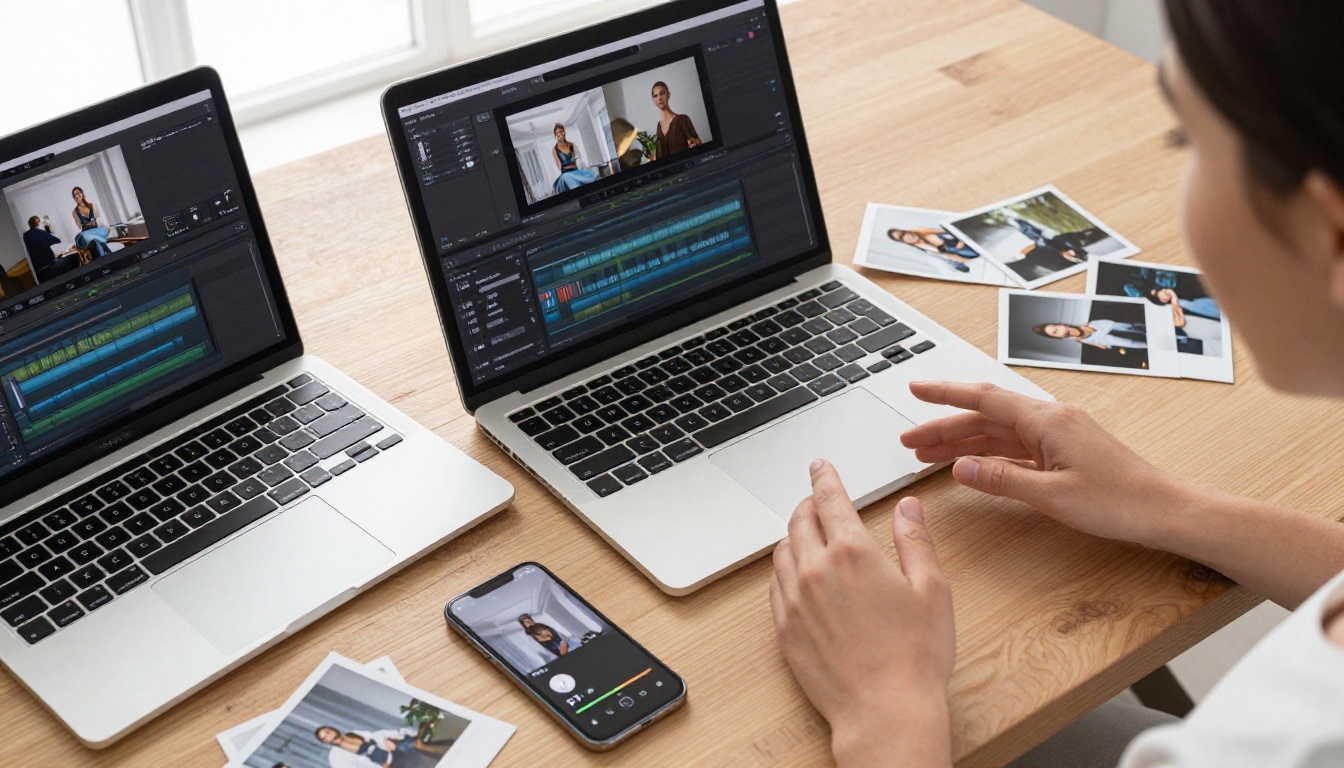
Professional NSFW video creators don't start with video. They start with images. You iterate on a still frame until the subject, lighting, wardrobe, and composition are exactly right. Then you use that image as the first frame for your video generation.
Here are the top NSFW image models on PicassoIA, in order of recommendation:
Seedream 4.5
Seedream 4.5 is the first model you should try for NSFW image generation. Built by ByteDance, it accepts adult content, supports image editing (you can start from an existing image and modify it), and generates results in under 3 seconds. Skin tone gradients, fabric translucency, and facial detail are all handled with exceptional realism.
The key workflow: generate your reference image in Seedream 4.5, then pass the resulting image URL as the first frame into Kling v3 Video. You get precise control over your subject before any video render begins.
Note: Seedream 5 Lite, the newer ByteDance model, does not allow NSFW content. Use Seedream 4.5 for adult content.
PicassoIA Image Editor Pro
PicassoIA Image Editor Pro is an img2img model with a critical advantage: unlimited generations for Elite and Infinite plan subscribers. If you need 500 variations of a reference frame, they're all included at no additional cost. The same volume on pay-per-generation models could easily cost $50 to $100. Results come back in under a second, and there's a 3-generation free trial with no credit card required.
Other Proven NSFW Image Models
| Model | Type | Speed | Strength |
|---|
| Qwen Image 2 | Text + Edit | Fast | Open-source, detailed realism |
| Grok Imagine Image | Image-to-Image | Fast | Photo-to-bikini conversions |
| Recraft V4 | Text-to-Image | Fast | High realism, text-to-image only |
| P-Image | Text-to-Image | Under 1s | Rapid iteration at volume |

Kling v3 on PicassoIA: Three Models in Detail
Kling v3 Video
Kling v3 Video is the main entry point for the Kling 3.5 generation. It accepts text prompts and reference images, generating 5-second cinematic clips. The model handles steady-camera scenes especially well: a subject turning slowly toward camera, adjusting clothing, or moving through a softly lit room. For NSFW work, this is typically your first-choice model.
Kling v3 Omni Video
Kling v3 Omni Video outputs at up to 1080p from text prompts. The quality increase over standard Kling v3 Video is visible in skin texture and hair detail, particularly on close-up and medium shots. Generation time is longer, so use this model for final delivery rather than rapid iteration. If your content needs to look as sharp as possible for distribution, Omni Video is the right choice.
Kling v3 Motion Control
Kling v3 Motion Control gives you precise control over character movement. Rather than describing movement in a text prompt and hoping the model interprets it correctly, Motion Control lets you guide body and facial animation directly. For NSFW content featuring a consistent character, this produces far more predictable results than text-only generation.
Tip: Use Kling v3 Video for most scenes. Move to Omni Video for 1080p final delivery. Use Motion Control when precise anatomy and movement are the primary goal.

Lipsync and Face Animation for NSFW Videos
The categories of lipsync and enhanced video connect directly to another Kling model worth knowing: Kling Avatar v2. This model specializes in animating any face into a talking video. For NSFW creators, that means you can take a still image of any character generated via Seedream 4.5 or PicassoIA Image Editor Pro and animate them speaking or performing.
The workflow:
- Generate a high-quality reference portrait with Seedream 4.5
- Upload that image to Kling Avatar v2
- Provide speech or motion guidance
- The model outputs a synchronized talking-head video
This is particularly relevant for creators making personalized adult content or companion-style video experiences where a character needs to appear to speak directly to the viewer. The resulting video maintains the facial features from your reference image with natural-looking mouth and expression movement.
For video enhancement after generation, Kling v2.6 Motion Control can be used to animate from a photo with additional precision, giving you more flexibility after your initial generation run.
How to Write NSFW Prompts for Kling v3
This is where most creators lose time. The model is capable, but vague prompts produce vague results. Specificity is everything.
The Prompt Formula
[Subject + pose/action] + [Wardrobe, materials, and state] + [Environment] + [Camera angle and focal length] + [Lighting direction and quality] + [Motion or animation direction]
Structure your prompt so the most important information comes first. The subject and action should be the opening clause.
Example 1 (tasteful glamour):
"A woman in a sheer ivory silk slip standing in a warm hotel suite, 85mm medium shot, volumetric golden light from the left window, she slowly turns to face camera, silk fabric catching the light as she moves"
Example 2 (bold adult content):
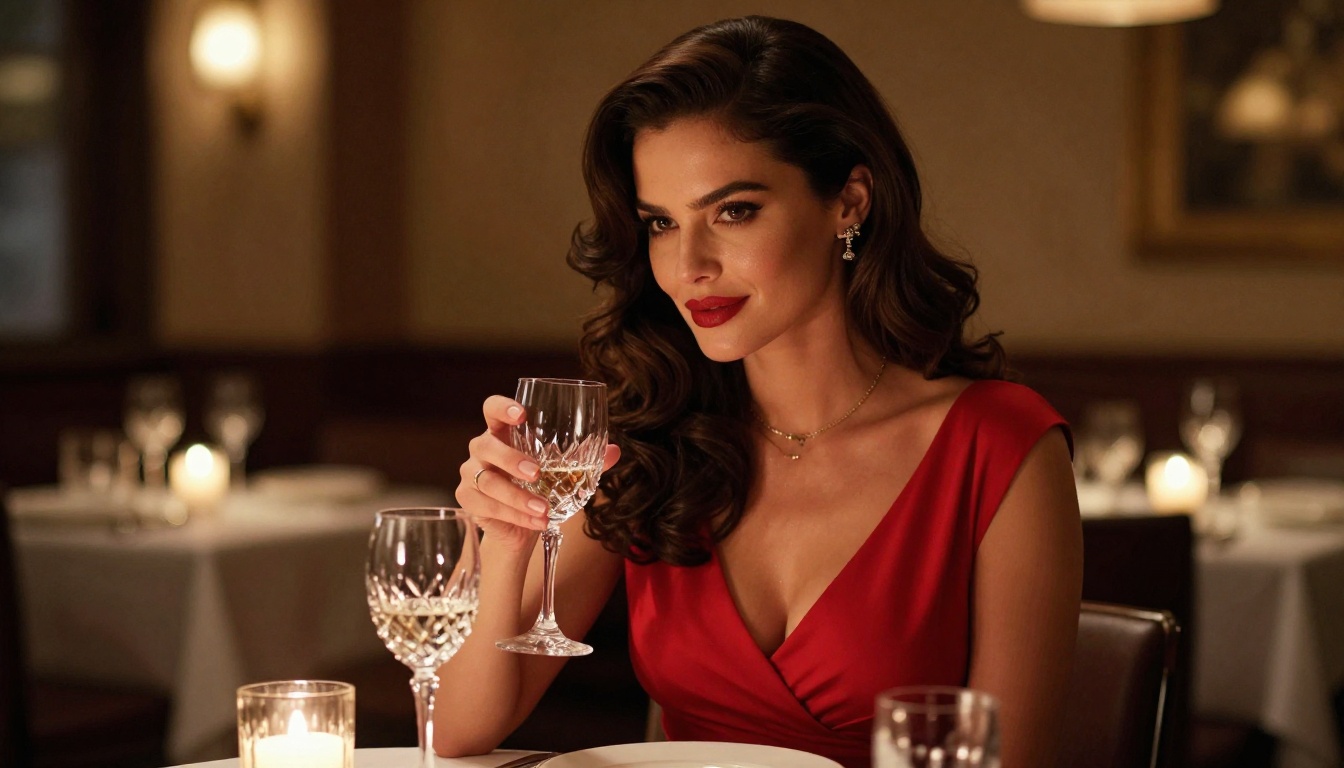
"Close-up medium shot of a woman in a deep red lace bodysuit reclining on ivory satin sheets, 50mm f/1.8 lens, warm candlelight from the right, she reaches up slowly and slides one strap from her shoulder, soft shadow across the bed"
Example 3 (outdoor glamour):
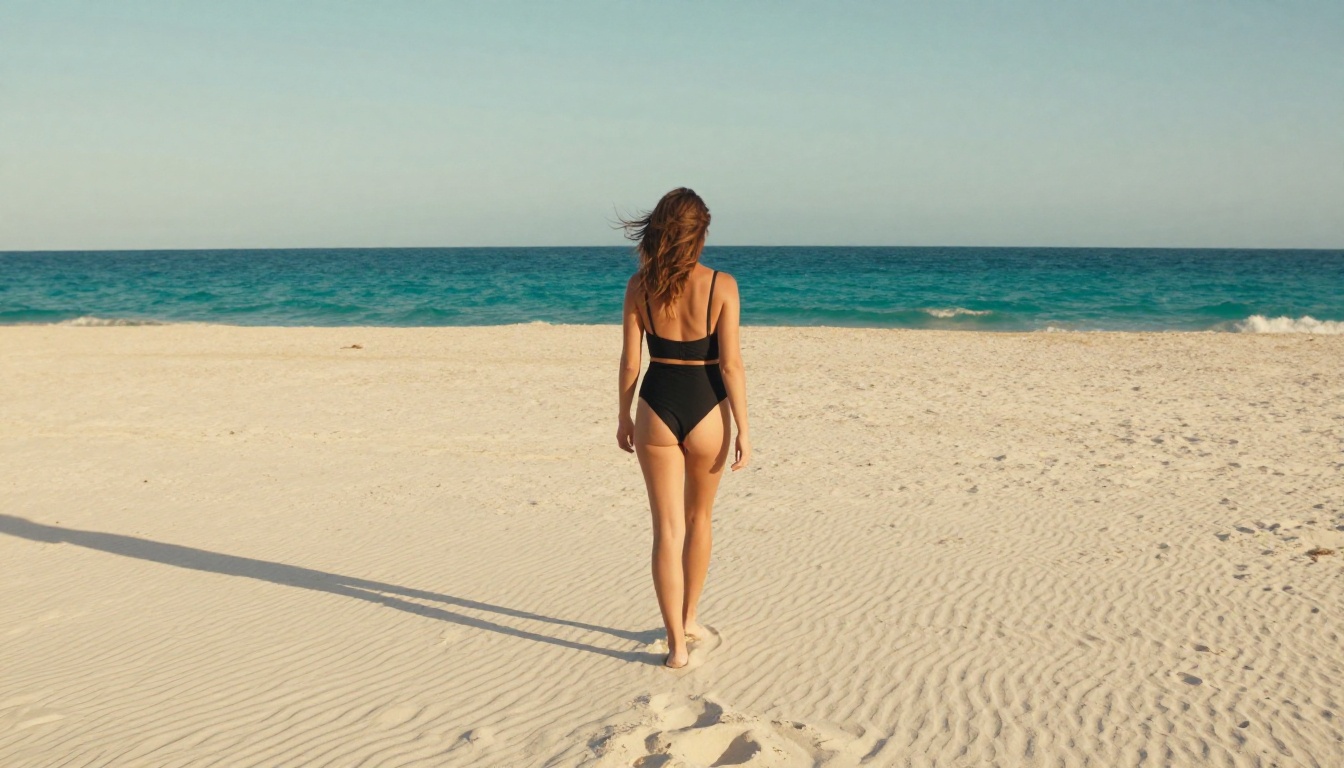
"A woman in a high-cut white swimsuit at the edge of an infinity pool, aerial shot from above and behind, golden sunset light bathing her silhouette, she turns slowly to look back at camera, pool water reflecting the warm light"
What Kills Prompt Quality
- Stacking vague words: "sexy", "beautiful", "erotic" without specifics add noise, not signal
- Multiple simultaneous actions: Kling v3 follows one clear motion arc per clip
- Over-describing the background: Complex environmental detail competes with the subject for the model's attention
Prompt Length Target
Aim for 40 to 70 words per prompt. Under 40, the model fills gaps with defaults that may not match your intent. Over 70, it loses focus on the most important elements. Always lead with subject and action.
Kling v3 vs Other AI Video Models
For most creators, Kling v3 Video is the sweet spot. If volume matters more than maximum quality, PicassoIA Video with unlimited generation makes more economic sense at scale.
The v2.x vs v3 Question
Already using Kling v2.1 Master or Kling v2.5 Turbo Pro? Here's the honest comparison:
- Motion realism: v3 wins, especially for fabric and hair movement
- Face detail on close-ups: v3 is noticeably better
- Prompt adherence for wardrobe: v3 handles specific clothing descriptions more accurately
- Generation speed: v2.x is faster for quick drafts
Use v2.x for iteration and drafts. Use v3 for finals.
Common Issues and How to Fix Them
Even with a capable model like Kling v3, you'll hit problems. Here's how to resolve the most common ones:
Problem: The subject's hands look wrong
Fix: Avoid prompts that emphasize static hand positions. Keep hands in motion rather than in a fixed pose. The model handles continuous movement better than held poses.
Problem: Fabric doesn't look realistic
Fix: Name the specific material ("black lace bodysuit", "ivory silk slip", "sheer chiffon wrap") rather than describing the look you want. Specific fabric names give the model better texture and physics references.
Problem: The clip looks good for 2 seconds, then degrades
Fix: Keep your action simple. A single motion arc that completes within 5 seconds is far easier for the model than a sequence of two or three separate actions.
Problem: The lighting shifts mid-clip
Fix: Add lighting direction explicitly to your prompt and keep the subject in the same lighting zone throughout. "Soft studio light from the left" stays consistent far better than ambient or unspecified lighting.
Problem: The subject's face changes between frames
Fix: Provide a reference image using the image-to-video input mode. When you anchor the first frame with a real image, the model maintains character consistency better than text-only generation.
Complete NSFW Video Model Ranking on PicassoIA
For quick reference, here's the full ranked list of NSFW-capable video models on PicassoIA:
- Kling v3 Video - Best overall for quality and prompt adherence
- P-Video - Safety filter off by default, text/image/audio input, 1080p
- Grok Imagine Video - Up to 15 seconds, no watermarks, supports image input
- PicassoIA Video - Unlimited clips on Elite/Infinite plans at 720p
- LTX 2.3 Pro - Highest fidelity at up to 4K/50fps with retake and extend modes
- Kling v3 Omni Video - 1080p with superior detail on close-ups
- Kling v3 Motion Control - Precise character animation from still images
- Kling Avatar v2 - Talking-head lipsync animation from still images
- Kling v2.6 - Faster cinematic generation, solid quality
- Kling v2.5 Turbo Pro - Fast, high-quality middle-ground option
Pro workflow: Use Seedream 4.5 to generate your reference image, then pass it into Kling v3 Video as the first frame. You control the visual precisely before committing to a full video render.
Put Kling 3.5 to Work
The models are there, the access is there, and the quality is there. What separates creators who get consistently good NSFW AI videos from those who get inconsistent results is process: start with a reference image, pick the right Kling v3 variant for the task, write specific prompts that lead with subject and action, and iterate one variable at a time.
Seedream 4.5 for your reference image. Kling v3 Video for your clip. PicassoIA Image Editor Pro for unlimited image iterations. This three-model workflow covers the large majority of NSFW video production use cases.
Whether you're creating glamour content, bold adult scenes, or personalized character videos with lipsync via Kling Avatar v2, the platform gives you the tools to produce results that would have required expensive production setups even two years ago.
Every model mentioned in this article is available, along with dozens more NSFW-capable options, at picassoia.com/en/all-models.


