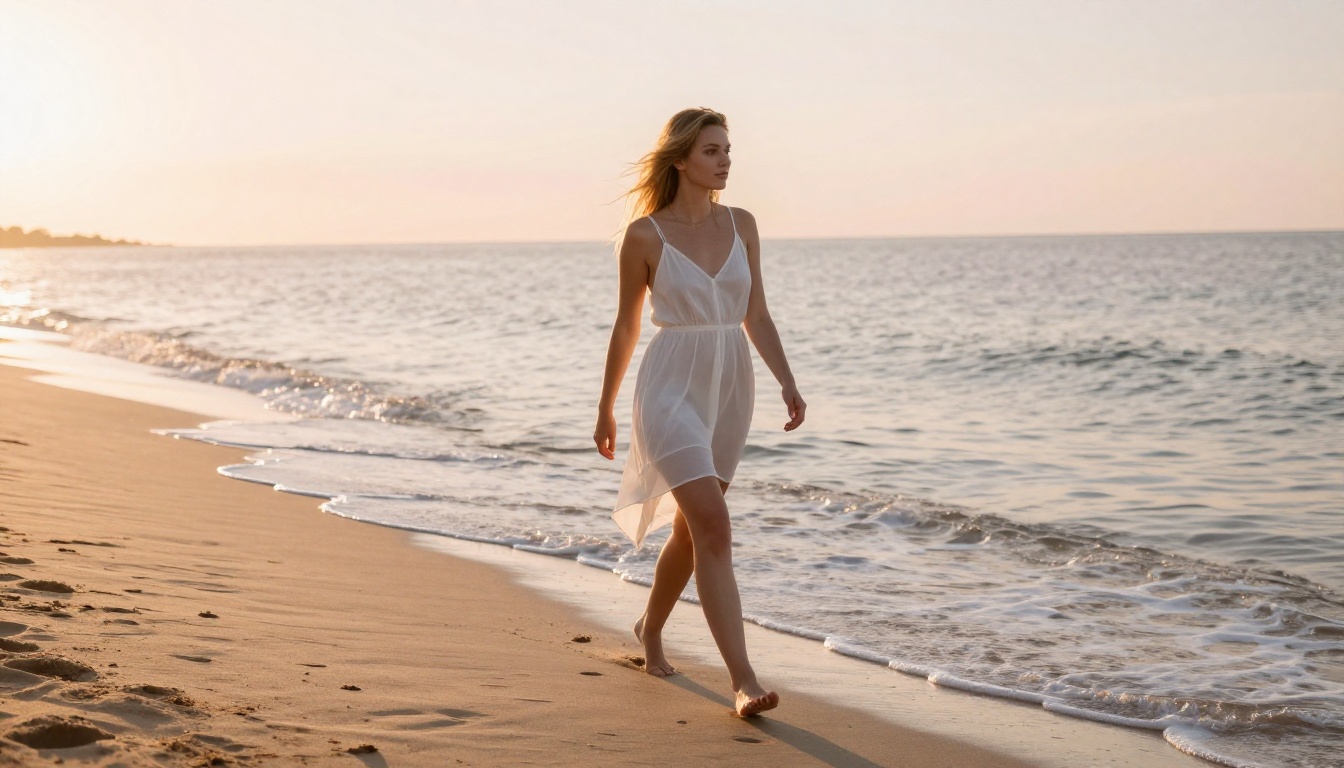
How to Generate NSFW AI Videos with Kling v3 Motion Control
Kling v3 Motion Control gives adult creators frame-level body tracking to produce fluid, uncensored NSFW AI videos from a single source image. Paired with Seedream 4.5 for photorealistic base images, the workflow delivers 1080p results with natural motion and no censorship blocks in minutes.
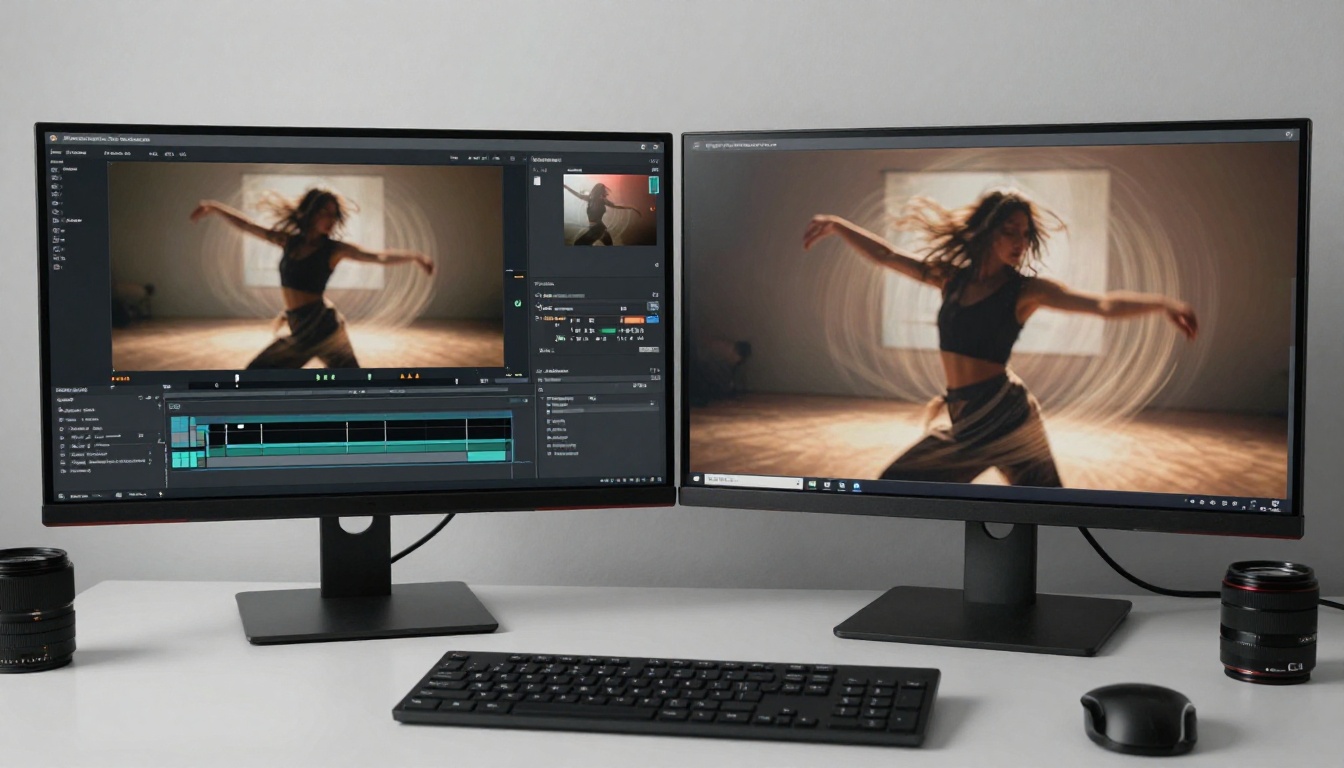
Generating convincing NSFW AI videos used to mean settling for jerky, unnatural motion that broke immersion the moment any character moved. Kling v3 Motion Control changes that completely. This model from Kuaishou gives you frame-level control over body motion, letting you define exactly how a character moves through a scene before a single frame is rendered. The result is fluid, cinematic NSFW video that looks like it was captured on a real camera rather than synthesized by a machine.
This walkthrough covers the complete workflow: generating your NSFW source image with Seedream 4.5, feeding it into Kling v3 Motion Control, writing motion prompts that produce natural adult movement, and avoiding the common mistakes that waste credits on bad outputs.
What Kling v3 Motion Control Actually Does
Most image-to-video models work by predicting natural motion from a static frame. They guess what should move and how, which works fine for ambient footage such as leaves, hair, and water, but fails spectacularly for specific body movements. The model fills in motion based on probability, and those probabilities rarely match what adult content creators actually want.
Kling v3 Motion Control takes a different approach. Instead of predicting motion, it lets you define control points directly on the character in the source image, then specify exactly where each point should move by the end of the clip. The model generates every frame in between, interpolating naturally across the motion path you defined. The character follows your specification precisely.
Motion Paths Change the Output
When you define a motion path for a character's hips, shoulders, and head, you're giving the model a constraint it cannot ignore. Everything else in the scene, including hair physics, fabric draping, and skin contact with surfaces, is still synthesized, but the core body movement follows your specification. For NSFW content, this matters because adult videos require natural, intentional movement. A character who drifts randomly or twitches between frames doesn't pass visual inspection. Motion path control eliminates the randomness, and the difference in output quality is stark.
Resolution and Output Specs
Kling v3 Motion Control generates at 1080p resolution with 24fps output. Compare that against the 720p cap of older versions like Kling v1.5 Pro or Kling v2.0, and you're looking at a significant jump in perceptible sharpness, especially across skin detail and fabric texture. That extra resolution is the difference between footage that reads as real and footage that reads as generated.
Start with Seedream 4.5 for Source Images
The quality of your NSFW video is directly bottlenecked by the quality of your source image. Kling v3 Motion Control synthesizes new frames from your starting image, so if that image has anatomical inconsistencies, flat lighting, or an artificial texture, those artifacts carry through the entire video clip.
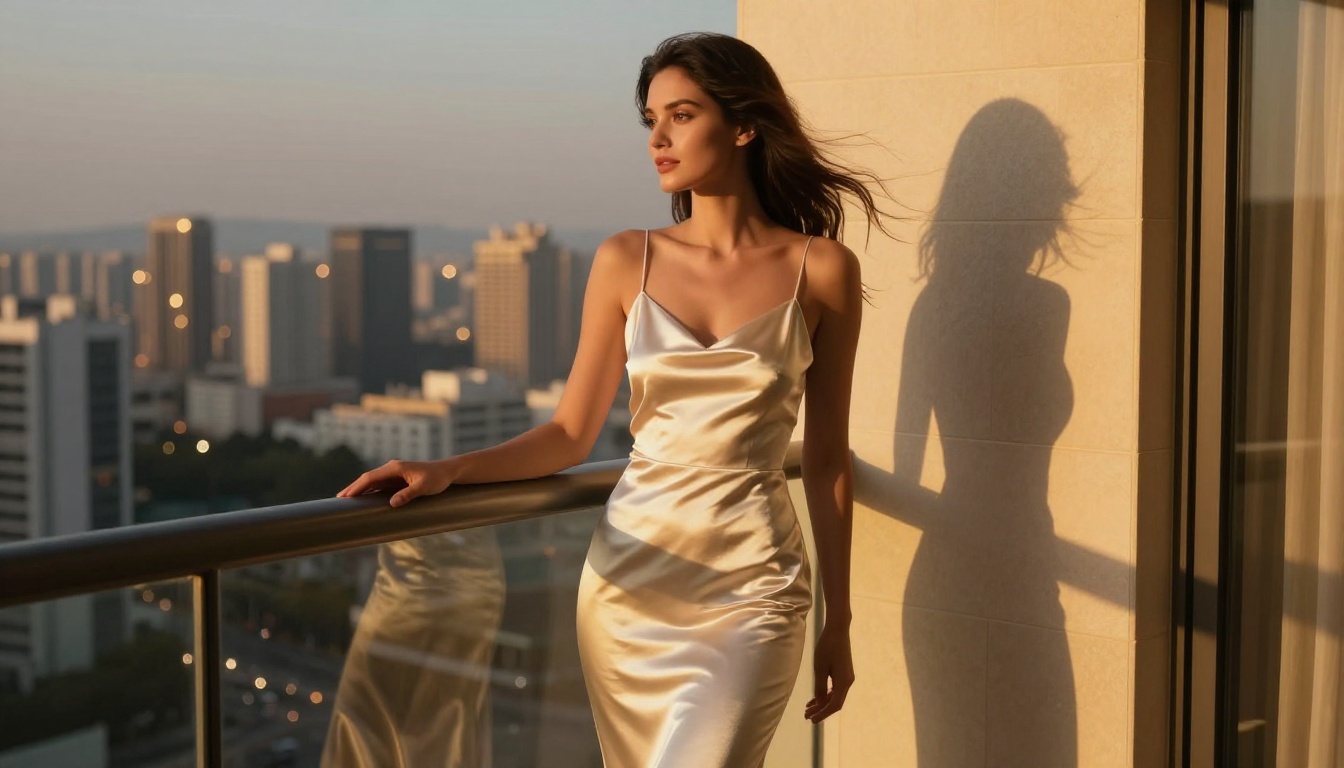
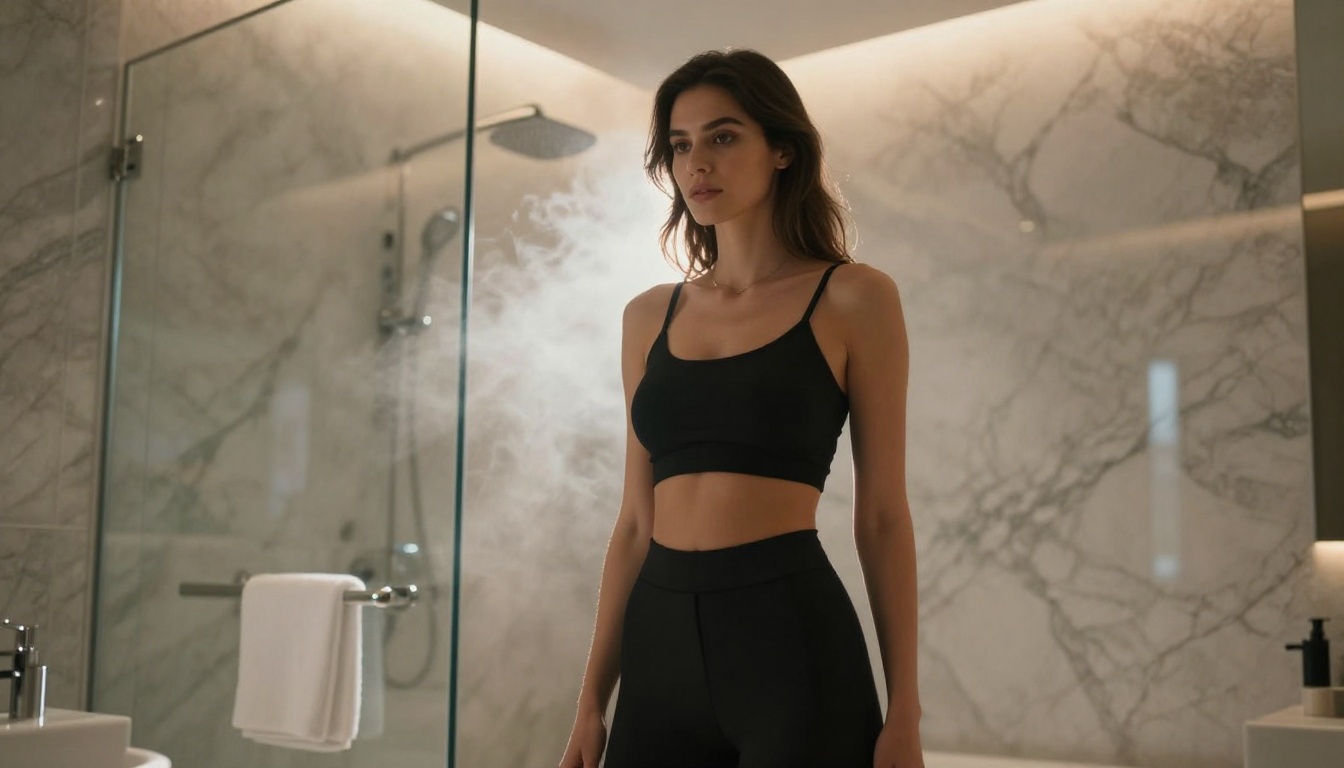
Seedream 4.5 is the best starting point for NSFW source imagery. It generates photorealistic human figures with consistent anatomical structure, natural skin texture, and strong lighting coherence, all of which transfer cleanly into motion synthesis. It handles adult prompts without content blocking, which most mainstream image generators reject outright.
Prompting Seedream 4.5 for NSFW Content
A well-structured Seedream 4.5 prompt for a motion-control source image should specify:
Character appearance: Hair color, skin tone, body type, and facial features
Clothing or state: Bikini, lingerie, or described as unclothed, with specific fabric or body detail
Pose: Standing, seated, or reclining, whatever motion your path will animate from
Environment: Simple, uncluttered background that won't interfere with body detection
Lighting: Soft directional natural light works better than harsh studio flash for skin texture transfer
💡 Ratio tip: Generate your Seedream 4.5 image at 16:9 to match the Kling v3 output format. A ratio mismatch causes cropping or letterboxing in the final video.
Here's a proven prompt structure that produces clean source images:
[Subject with clothing or state] in [simple environment], [lighting description],
photorealistic, natural skin texture, 8K, film grain, 85mm f/1.4 lens, Kodak Portra 400
PicassoIA Image Editor Pro for Unlimited Shots
If you want to iterate on source images without counting credits, PicassoIA Image Editor Pro gives you unlimited Seedream 4.5 generations. This matters for NSFW workflows because you'll rarely get the perfect source image on the first generation. The pose needs to be right, the anatomy needs to be clean, and the lighting needs to match what you want in the final video. That often takes 5-10 iterations before you have something worth feeding into video synthesis.
💡 Speed: Seedream 4.5 generates in roughly 8-12 seconds per image. Unlimited access at that speed means you can burn through iterations fast, picking the best frame before committing credits to video generation.
Upload your source image directly to Kling v3 Motion Control on PicassoIA. The model automatically detects the character in the frame and overlays tracking points on major body joints: shoulders, elbows, wrists, hips, knees, and ankles.
If the model struggles to detect the character, which can happen with unusual poses or obscuring foreground elements, adjust your source image crop to show the full body or at least the torso and head clearly. Full-body detection produces better motion synthesis than partial detection.
Step 2: Define Your Motion Path
This is where Kling v3 Motion Control separates itself from every other image-to-video model on the market. You drag the body control points to define the end position of the character's movement over the clip duration.
The most effective motion paths for adult content:
Slow body sway: Move hip points slightly left-to-right while keeping shoulder points relatively stable. Creates a natural, sensual idle motion.
Reaching movement: Move one or both arm endpoints upward while shifting the torso control point slightly forward.
Reclining shift: Animate a standing pose gently into a seated or reclining configuration by moving all lower-body points downward.
Head turn with body follow: Move the head tracking point to face a different angle while allowing shoulder points to shift slightly in the same direction.
💡 Critical: Keep motion paths conservative. Small, believable movements generate more convincingly than large, sweeping arcs. A motion path that moves hip points 40 pixels generates better output than one that moves them 400 pixels.
Step 3: Write the Motion Prompt
Even with motion paths defined, the text prompt plays a significant role in how Kling v3 Motion Control synthesizes secondary motion, including hair, fabric, and environment elements.
A solid NSFW motion prompt structure:
[Character description] [primary movement verb and direction],
[secondary motion elements such as hair and clothing], [camera behavior],
[lighting and atmosphere], cinematic, photorealistic, 8K, 24fps
Example for a beach scene:
Beautiful woman in white bikini slowly turning toward camera, long hair flowing gently in
ocean breeze, fabric rippling softly, slow subtle dolly-in camera movement, warm golden
afternoon sunlight, photorealistic, natural skin, cinematic
Step 4: Set Resolution and Generate
Set resolution to 1080p before generating. Kling v3 Motion Control supports full 1080p output, which is the standard for adult content distribution. At 720p the output still looks good, but skin detail loses sharpness that 1080p retains, especially visible in close-up footage.
Generation time is approximately 60-120 seconds depending on server load. The output is a 5-second, 24fps video clip with natural audio synthesis.
Prompts That Actually Work for NSFW Motion
Writing effective prompts for adult motion generation is a skill separate from static image prompting. These patterns consistently produce better output with Kling v3 Motion Control.
Body Movement Prompts
Movement Type
Effective Prompt Fragment
Slow sway
character slowly swaying hips side to side, gentle weight shift, grounded natural movement
Hair toss
character tossing hair back with head movement, hair following arc naturally, slow motion
Stretch
character raising arms overhead in slow sensual stretch, back arching slightly, relaxed exhale
Walk toward camera
character walking slowly toward camera with confident stride, natural hip movement, eye contact
Adding camera motion to your prompt creates a more cinematic result. These camera specifications work reliably with Kling v3 Motion Control:
slow dolly-in toward subject — creates intimacy, most common for close-up adult scenes
gentle pan left following subject motion — tracks movement naturally
subtle handheld camera micro-movements — adds realism and authenticity
static camera, subject movement only — cleaner for specific motion path testing
💡 Avoid: Requesting zoom while also defining aggressive body motion paths. These two movement types compete and produce artifacts where background motion doesn't scale correctly against character motion.
Model Comparison for NSFW Video
Kling v3 Motion Control is not the only model on PicassoIA that can handle adult video generation, but it is the most capable for deliberate, controlled body motion. Here's how it stacks up against the other options:
Kling v3 Motion Control wins on motion precision. If you need volume over precision and want faster turnaround without the motion path setup step, Kling v3 Video is the right alternative.
Settings That Improve Output Quality
Clip Chaining for Longer Sequences
Kling v3 Motion Control generates clips up to 10 seconds in length. For longer sequences, the standard approach is clip chaining: use the final frame of one generation as the source image for the next, maintaining character consistency across clips without losing visual identity.
This requires care with motion path placement since the end pose of clip 1 becomes the start pose of clip 2. Keep your end-state poses natural and relaxed to make the subsequent motion path easier to define and reduce inter-clip artifacts.
Negative Prompts for Cleaner Results
Negative prompts reduce unwanted artifacts in adult content generation. These consistently improve Kling v3 Motion Control output:
multiple people, crowd — prevents character duplication artifacts
blurry, out of focus, low resolution — maintains sharpness across all frames
distorted anatomy, extra limbs — reduces anatomical errors during motion interpolation
watermark, text, logo — removes overlaid content markers
Seeding for Consistency
If you find a generation you like, note the seed value and reuse it with slight prompt variations. This maintains visual character consistency across multiple clips, which matters when you want to produce content series with the same character across different scenes and poses.
Common Mistakes and How to Fix Them
Anatomy Breaks Mid-Clip
This happens when motion paths create physically impossible body positions during interpolation. The model tries to honor your path but generates intermediate frames that violate body proportions.
Fix: Reduce the motion magnitude on your paths. If moving the hips, limit the x-axis displacement to 30-60 pixels from the original position. Test smaller movements first, then scale up once you confirm the output looks natural.
Character Slides Instead of Moves
When the whole character shifts across the frame rather than moving naturally in place, your anchor points are not set correctly.
Fix: Pin at least two stable points, usually the feet for standing poses, before defining movement on the upper body. Anchor points tell the model what should stay stationary, which constrains the synthesis correctly and prevents full-body drift.
Fabric Ignores Body Movement
Clothing that doesn't respond to character motion breaks immersion immediately. This usually happens when the source image shows very tight-fitting clothing with no visible drape or fold for the model to reference.
Fix: Add explicit fabric motion description to your prompt: clothing moving naturally with body, fabric physics realistic, slight delay in fabric settling after movement stop, material weight visible.
Why This Platform Removes the Restrictions
Using Kling v3 Motion Control through the official Kuaishou API applies content filters that block most NSFW prompts before generation even starts. PicassoIA routes generation through configurations that bypass those restrictions, giving you access to the full capability of the model for adult content without mid-workflow blocks.
The platform also gives you access to Seedream 4.5 for source image generation without restrictions, the complete Kling video model family including Kling v2.6 Motion Control, Kling v2.1 Master, and Kling v2.5 Turbo Pro, plus over 100 additional video generation models for comparing outputs across different architectures.
Iterating on adult prompts without hitting blocks mid-workflow is what separates platforms built for this use case from general-purpose tools that treat NSFW content as an afterthought and block it inconsistently.
Create Your First NSFW Video Now
The best way to see what Kling v3 Motion Control produces is to run your own generation. Start with a clean Seedream 4.5 image, keep your first motion path conservative, and compare the output against a standard text-to-video generation using the same prompt.
The motion control difference is immediately visible. Characters move with intention instead of drifting. Fabric responds correctly to body movement. Camera motion compounds naturally with character motion rather than fighting it. That combination is what has been missing from AI adult video generation until now, and it's available without a subscription, without restrictions, and without the inconsistent blocking that makes mainstream tools unusable for this content type.
Browse the full model catalog at picassoia.com/en/all-models to see everything available alongside Kling v3. There are over 117 video models and 203 image generators covering everything from photorealistic portraits to stylized animation, all accessible without content restrictions.