Most AI image generators use aggressive safety filters that flag anything remotely suggestive before you even finish typing a prompt. Seedream 5 Pro takes a different position. It generates sharp 2K images from any text prompt, including adult-themed requests, with no watermarks and no per-image fees. On PicassoIA, the model runs free directly in your browser, which means you get uncensored AI image generation without managing API credits or signing up with a separate provider.
This article covers everything you need to start generating NSFW images with Seedream 5 Pro: how the model works, how to write prompts that deliver what you want, a direct comparison with Seedream 4.5, and how to use PicassoIA Image Editor Pro to refine every detail without limits.
What Seedream 5 Pro Actually Does
Seedream 5 Pro is ByteDance's flagship image generation model. It produces 2K images from text prompts with a level of detail that holds up at close inspection: individual fabric threads, visible skin texture, stray hairs, specular highlights on wet surfaces, and accurate shadow placement. That physical fidelity is what separates it from most free generators, which compress and smear texture at higher zoom levels.
The model processes the full range of prompts, including adult and suggestive content, without the aggressive moderation layer that censors images on platforms like Midjourney or the default ChatGPT image setup. This is the primary reason people use it for NSFW generation.
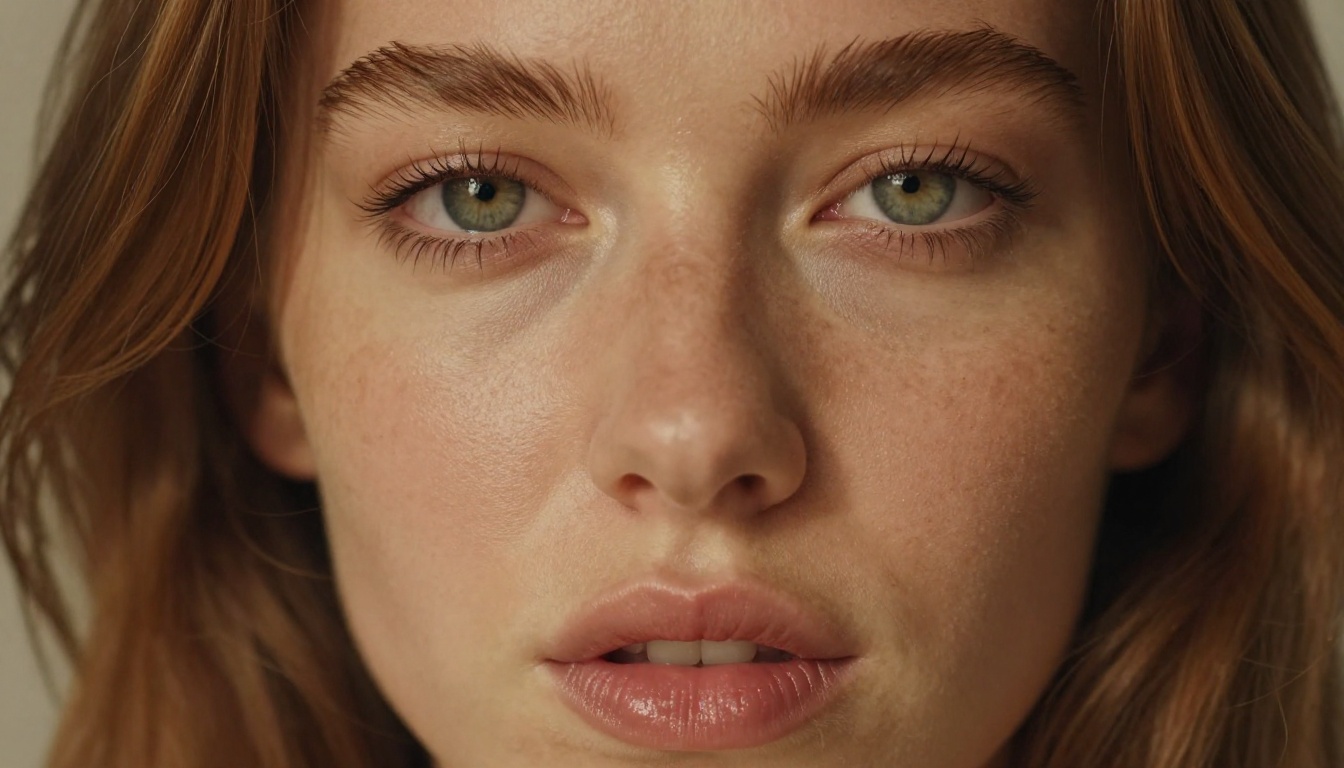
Sharp 2K Without a Credit Card
PicassoIA runs Seedream 5 Pro for free. There is no credit system that runs out mid-session, no watermark applied to your downloads, and no prompt-count limit enforced per day. You open the model page, type a prompt, and get a full-resolution result back in seconds.
Most free-tier generators cap daily generations or force a lower-quality model when credits deplete. Neither of those limitations applies to Seedream 5 Pro on PicassoIA.
Why It Outperforms Other Free Options
| Generator | Resolution | NSFW Support | Watermarks | Daily Cap |
|---|
| Seedream 5 Pro (PicassoIA) | 2K | Yes | None | None |
| Typical free-tier generators | 512-1024px | No | Yes | Yes |
| Other NSFW-specific platforms | 768px | Partial | Often | Yes |
The combination of 2K output, no watermark, and no daily cap is uncommon among free AI image generators. You either pay for it elsewhere, or you accept lower quality. Seedream 5 Pro on PicassoIA removes both trade-offs.
How to Use Seedream 5 Pro
Seedream 5 Pro requires no installation and no separate ByteDance account. Everything runs in the PicassoIA browser interface.
Step 1: Open the Model Page
Navigate to picassoia.com/en/collection/text-to-image/bytedance-seedream-5-pro. The model loads without any setup. You will see the prompt input field, the resolution selector, and the aspect ratio dropdown ready to use.
Step 2: Write a Detailed Prompt
Type a specific description of the image you want. Include the subject, their pose and clothing, the setting, the lighting direction, and any camera or style cues. The more layers of specificity you add, the closer the result is to what you pictured. Section 3 below covers prompt structure with templates you can copy and fill in.

Step 3: Set Resolution and Aspect Ratio
Seedream 5 Pro defaults to 2K resolution, which is the right setting for NSFW content where body and textile detail matter. For scene-based images with environmental context, use 16:9. For portrait-oriented shots or full-body standing figures, 9:16 gives more vertical space and avoids cropping the subject. For close-up face or upper-body portraits, 1:1 or 4:3 works well.
Tip: Start at 16:9 for scene-based images and 9:16 for portraits. Run a test generation at 2K before committing to a longer session.
Step 4: Download the Result
Click generate. The 2K render takes a few seconds to complete. When it finishes, click download. The file saves to your device without a watermark, without a required sign-in gate, and without any compression or size reduction applied to the output.
Prompts That Actually Work
The difference between a vague, unsatisfying NSFW generation and one that looks exactly right is almost entirely in the prompt. Seedream 5 Pro interprets nuance, but only when you provide specific direction. Vague prompts produce averaged, generic results. Specific prompts produce intentional ones.
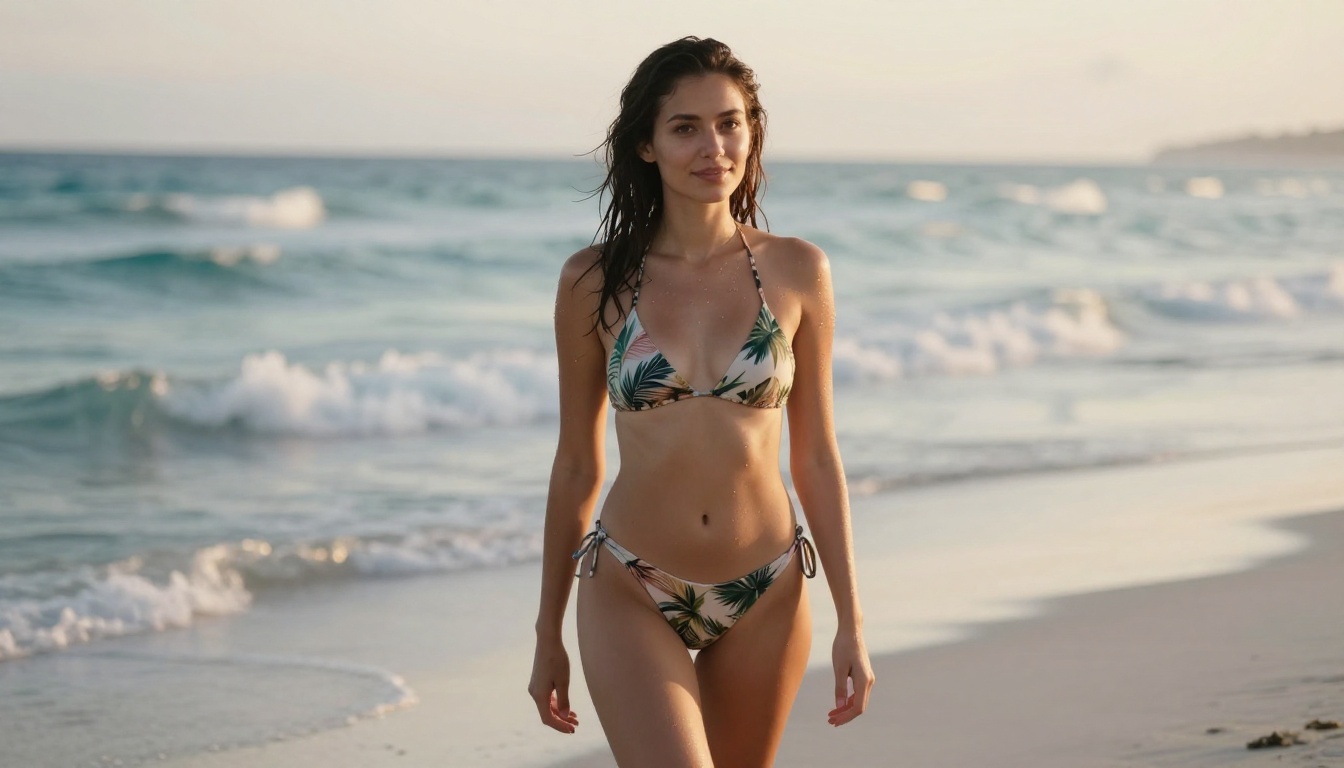
Structure of a Strong NSFW Prompt
Every prompt that works has four distinct layers:
1. Subject with physical specifics
Describe the person with detail: age range, body type, hair color, skin tone. "Beautiful woman" is not specific. "Woman mid-twenties with dark wavy hair, olive skin, and an athletic build" is.
2. Pose, garment, and state
What is she doing? What is she wearing, and how much is showing? "Lying on white linen, wearing a sheer champagne slip dress" is specific. "In bed" is not.
3. Setting and lighting
Where does the scene take place? What is the light source, and which direction does it travel? "Single window on frame-right casting a Rembrandt triangle across the left cheek" is a lighting instruction. "Indoor" is not.
4. Technical camera cues
Include a lens focal length, aperture value, and a film stock reference. These four to six extra words shift the visual character of the result significantly.
Weak prompt: Beautiful woman in lingerie on a bed
Strong prompt: Young woman mid-twenties with auburn hair reclining on rumpled white linen, wearing a sheer champagne slip, morning light from the left creating a soft Rembrandt shadow on her right cheek, 85mm f/1.4, Kodak Portra 400, RAW 8K photography
The second version tells the model where the light comes from, how the fabric reacts to it, and what the camera sees. The result is not just better in quality — it looks like it was intended.
5 Templates That Get Results
Boudoir portrait:
[Physical description] reclining on [surface], wearing [garment], [light source] from [direction], expression [mood], [lens and aperture], [film stock], RAW 8K photography
Beach or outdoor scene:
[Description] at [location] during [time of day], wearing [minimal garment], [camera angle] at [lens spec], [atmosphere detail], photorealistic 8K
Implied nudity or artistic:
Full-length shot of [description] in [semi-sheer or minimal garment] against [background], [lighting], [lens], fashion photography, natural skin texture, RAW 8K
Urban rooftop at dusk:
[Description] on [rooftop or terrace], [fabric in wind], city at last light behind her, [lens], backlit rim light halo, film grain, photorealistic
Studio close-up:
Extreme close-up of [description], [lighting setup], sharp focus on [feature], [lens], skin texture visible in detail, [film stock], RAW 8K
What Consistently Kills the Result
- No lighting specification: The most common reason a prompt fails. Without a light source, the model defaults to flat, diffuse lighting that looks like a test render.
- Vague adjectives only: "Sexy," "hot," and "beautiful" with no physical specifics produce averaged results that match no particular person or scene.
- Style conflicts: Mixing photorealistic cues ("RAW photography") with illustration or animation references ("anime," "cartoon") forces the model to average between incompatible styles.
- Explicit content: Seedream 5 Pro handles non-explicit adult content. Pornographic requests get blocked. Stay in the suggestive, glamour, and artistic nudity range for reliable results.
Tip: When a result misses, the fix is almost always more specificity in the lighting description, not switching models.
Seedream 4.5 vs Seedream 5 Pro
PicassoIA also runs Seedream 4.5, the previous generation from ByteDance. Both handle NSFW prompts well, but they serve different use cases.
Resolution and Batch Options
| Feature | Seedream 4.5 | Seedream 5 Pro |
|---|
| Max resolution | 4K | 2K |
| Batch generation | Up to 15 images | Single image |
| Image-to-image input | Yes (up to 14 reference images) | No |
| Safety checker toggle | Yes (disable for adult content) | No |
| Speed | 15-60 seconds | Faster |
Seedream 4.5 has a disable_safety_checker parameter that, when set to true, shifts moderation to only block illegal content. This gives more flexibility for adult prompts while keeping the core guardrail in place. Seedream 5 Pro does not expose this toggle but has less aggressive default content filtering out of the box.
Which One to Use
Use Seedream 5 Pro when you want the fastest path to a single polished result with zero configuration.
Use Seedream 4.5 when you need a batch of related images in one run, or when you want to provide reference photos to guide character appearance, body type, or scene setting.
Do not use Seedream 5 Lite for NSFW content. The Lite variant enforces strict content filtering and blocks adult prompts at the safety layer. Use Seedream 5 Pro or Seedream 4.5 for this type of generation.
Edit and Refine With Image Editor Pro
Generating a solid base image is step one. Getting every detail exactly right usually takes targeted edits. PicassoIA Image Editor Pro handles this with unlimited iterations, no daily cap, and results in seconds.
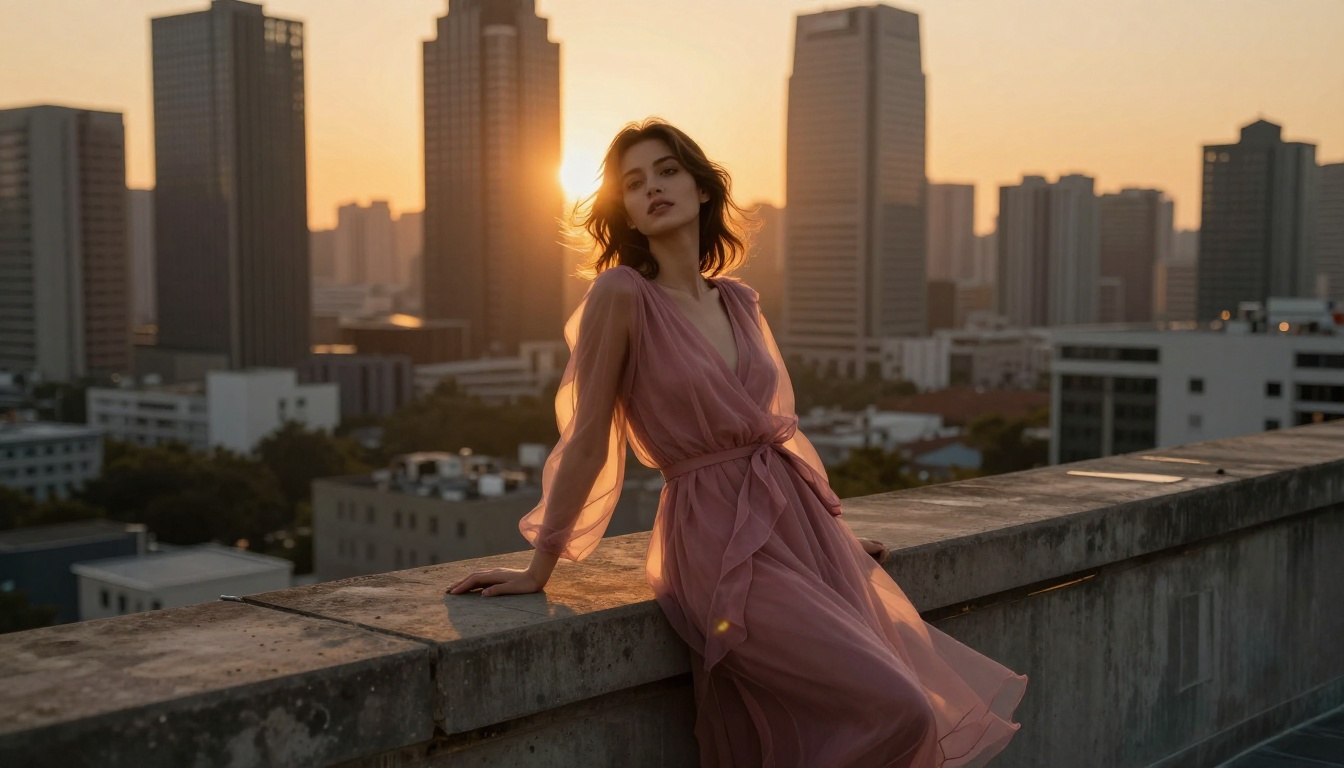
Change Outfits With One Sentence
Upload your generated image and describe the change in plain language: "Change the bikini from white to black lace," "Replace the slip dress with a sheer bodysuit," or "Remove the top and keep the lighting and background unchanged." The edit processes in a few seconds.
This approach is faster than regenerating from scratch and preserves everything about the composition, pose, lighting, and background that was already working.
Fix Details Without Starting Over
If Seedream 5 Pro nails the composition but the face rendering is slightly off, or the fabric texture reads as synthetic rather than natural, PicassoIA Image Editor Pro isolates and corrects those specific areas. You describe what to fix, the model applies the change, and the rest of the image stays identical.
You can also combine elements from two images: upload two reference photos and instruct the model to take the subject from image 1 and place them in the setting from image 2. This workflow is valuable when you need character consistency across a set of related images.
Workflow: Generate the base in Seedream 5 Pro, refine specifics with PicassoIA Image Editor Pro. Both run in the same browser tab with no account required.
What Affects Image Quality Most
Most people starting with NSFW AI image generation assume model selection is the dominant variable. It matters, but prompt structure and two specific settings affect output quality more than any model swap.
Lighting Direction Matters Most
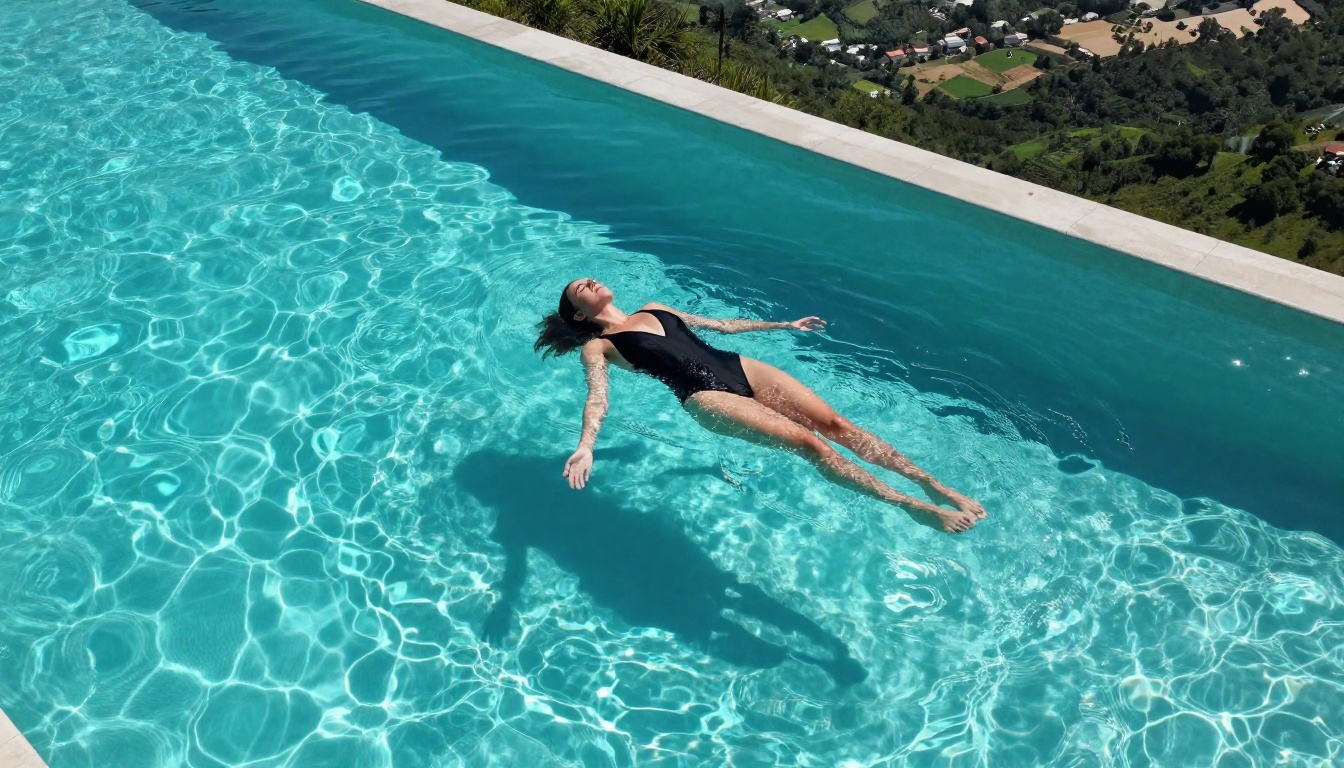
Prompts that specify a light source consistently produce better results than prompts that leave lighting undefined. Describing the sun as "entering from frame-left at 45 degrees, casting a Rembrandt triangle on the right cheek" or "a single studio softbox on frame-right creating a hard shadow line across the torso" gives the model enough spatial information to produce coherent shadows, realistic skin rendering, and genuine three-dimensional depth.
Without a specified light source, the model defaults to a diffuse, flat lighting assumption that makes the image look like a test render rather than a photograph.
Camera Focal Length Changes the Feel
A 35mm wide-angle feels documentary and close to the subject. An 85mm portrait lens creates intimate subject-background separation with smooth bokeh. A 135mm telephoto compresses the background into rich blur and isolates the subject with authority. Including the focal length and aperture value in your prompt shifts the visual character of the result significantly, for roughly four extra words.
Film Stock Shapes the Color Story
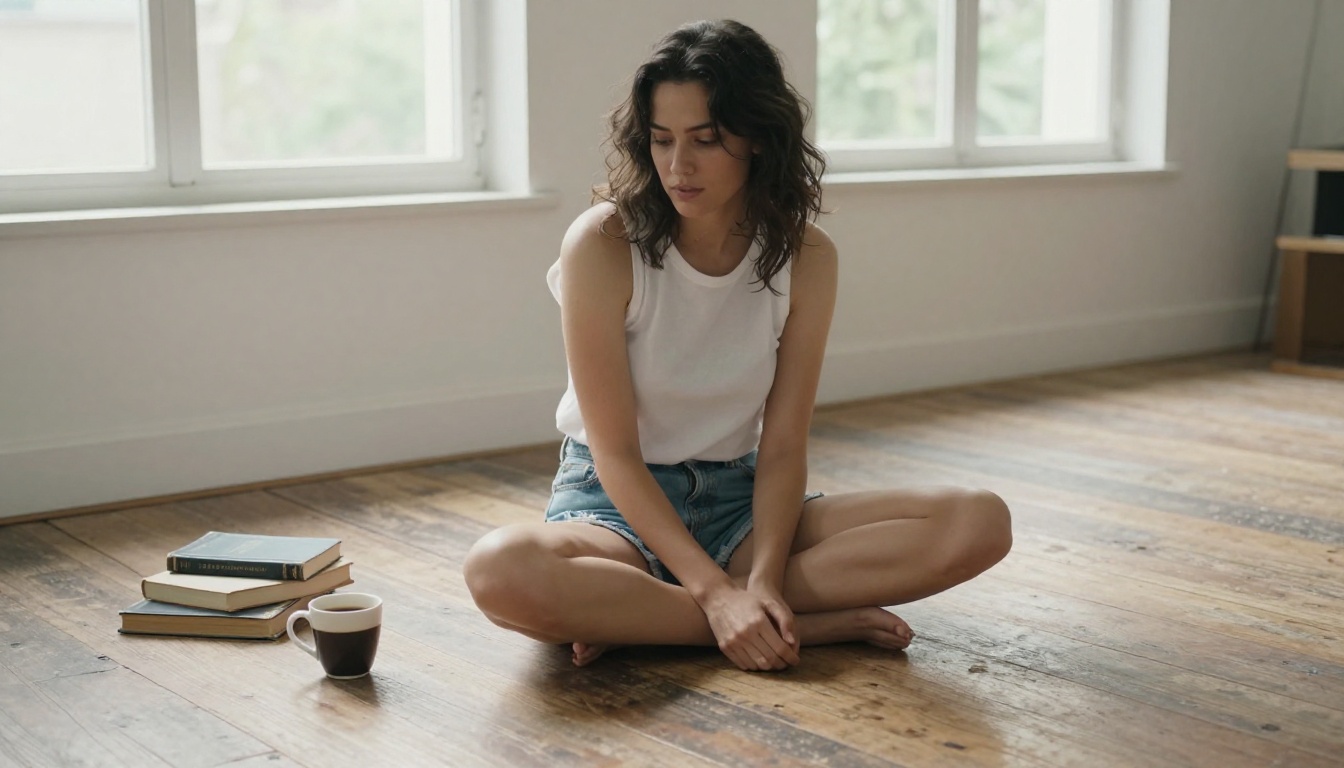
Adding a film stock name pushes the color palette in a recognizable direction. Kodak Portra 400 reads warm and skin-flattering, with lifted shadows. Fujifilm Velvia reads saturated and vivid, suited to outdoor daylight scenes. Cinestill 800T reads warm tungsten with subtle halation around highlights. These references help the model produce a cohesive, intentional color story rather than a neutral, technically correct but flat result.
More NSFW-Capable Models on PicassoIA
Seedream 5 Pro and Seedream 4.5 are not the only options. PicassoIA runs a library of 200-plus text-to-image models, several of which have distinct aesthetic profiles suited to different types of adult content.
The Full Model Library
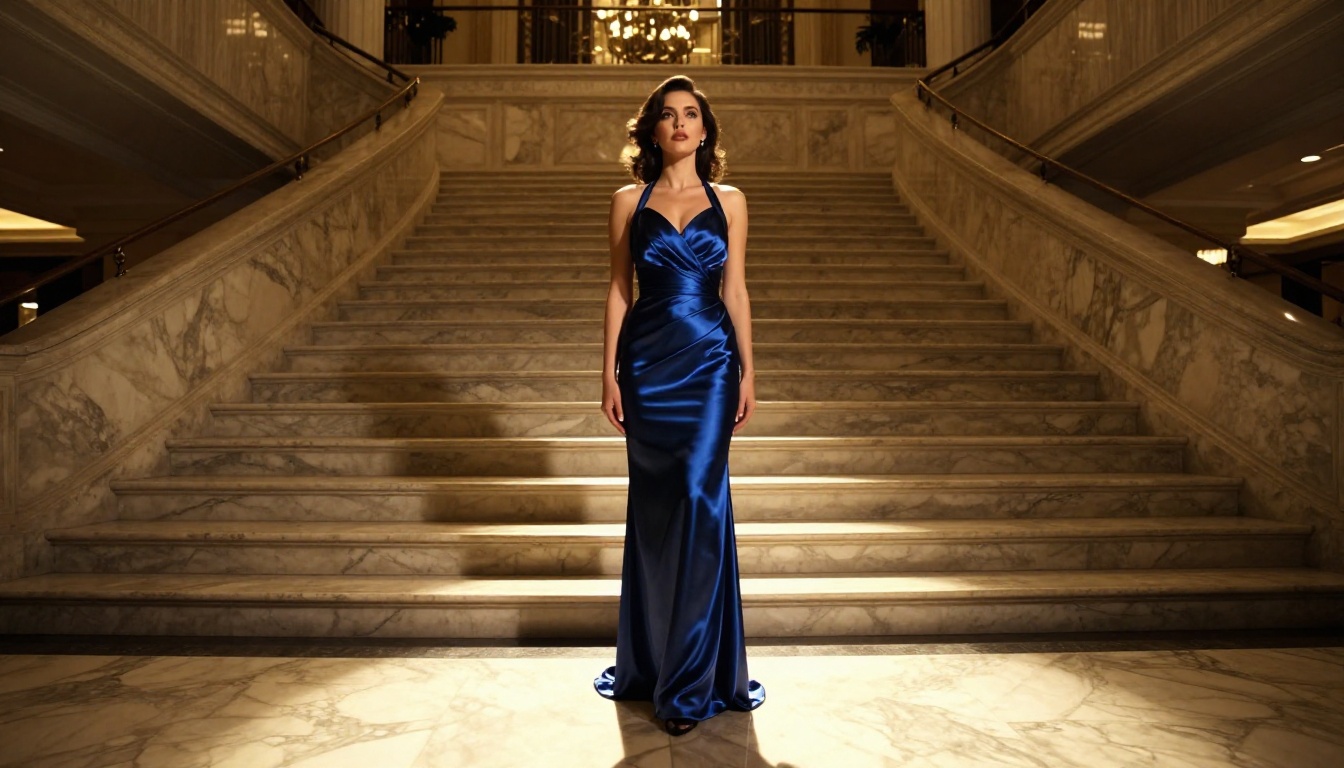
All available models are listed at picassoia.com/en/all-models. Each model page includes example outputs, the full parameter list, and a live generation interface. You can test any model before committing to a session.
For NSFW content, prioritize models described as photorealistic. Models labeled "artistic" or "illustration" default toward non-photographic aesthetics that do not suit glamour or adult content. ByteDance models in the Seedream line and PicassoIA's native models consistently lead on skin texture and lighting accuracy.
Browsing tip: Use the text-to-image category filter on the model library page, then sort by newest additions. ByteDance and PicassoIA's own models produce the most reliable results for photorealistic NSFW generation.
Your First Image Starts Here
Every image in this article came from tools available free on PicassoIA, with no paid subscription and no external account. The workflow has zero friction: open a model, write a prompt, download the result.
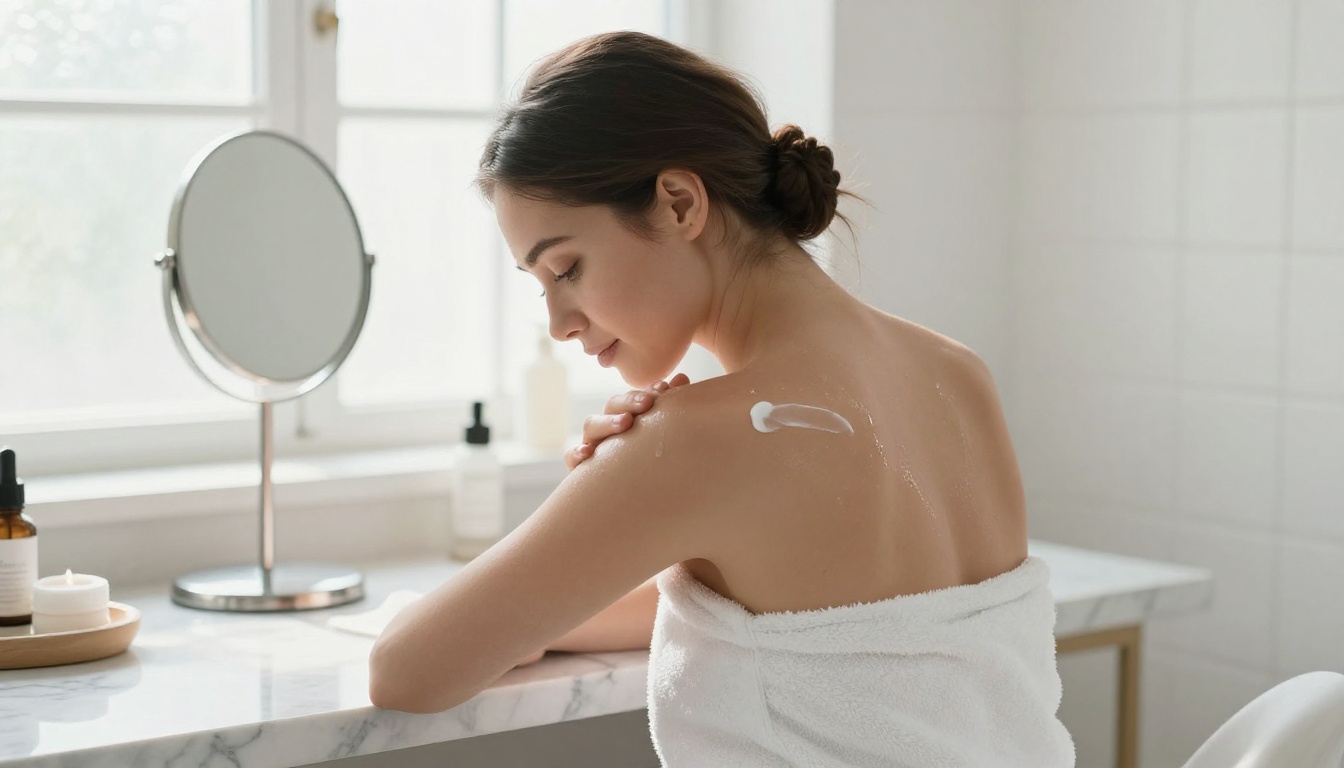
Seedream 5 Pro is the fastest path to sharp 2K NSFW results from a text prompt. Seedream 4.5 adds batch generation and image-to-image input for more complex workflows. PicassoIA Image Editor Pro lets you iterate on any result without limits.
Pick one of the prompt templates from section 3, open Seedream 5 Pro, and run your first generation. The full library of NSFW-capable models is waiting at picassoia.com/en/all-models.


