sora 2 pronsfwvideo creationai tools

Generate NSFW Videos Fast with Sora 2 Pro

This comprehensive guide explores the practical applications of Sora 2 Pro for creating tasteful, non-explicit NSFW video content. We cover the technical specifications, prompt engineering strategies, and workflow optimizations that enable rapid production of cinematic, suggestive videos. From understanding the model's capabilities to implementing efficient generation pipelines, you'll learn how to leverage this advanced AI tool for producing artistic, aesthetically-focused video content with professional quality results in minimal time.

Generate NSFW Videos Fast with Sora 2 Pro
Cristian Da Conceicao

The demand for sophisticated, artistic NSFW content has grown exponentially, but traditional production methods are time-consuming and resource-intensive. Sora 2 Pro represents a paradigm shift in video generation, offering creators the ability to produce high-quality suggestive content with unprecedented speed and consistency. Unlike conventional approaches that require extensive filming, editing, and post-production work, this AI model generates complete videos from text descriptions, dramatically reducing production timelines while maintaining cinematic quality.

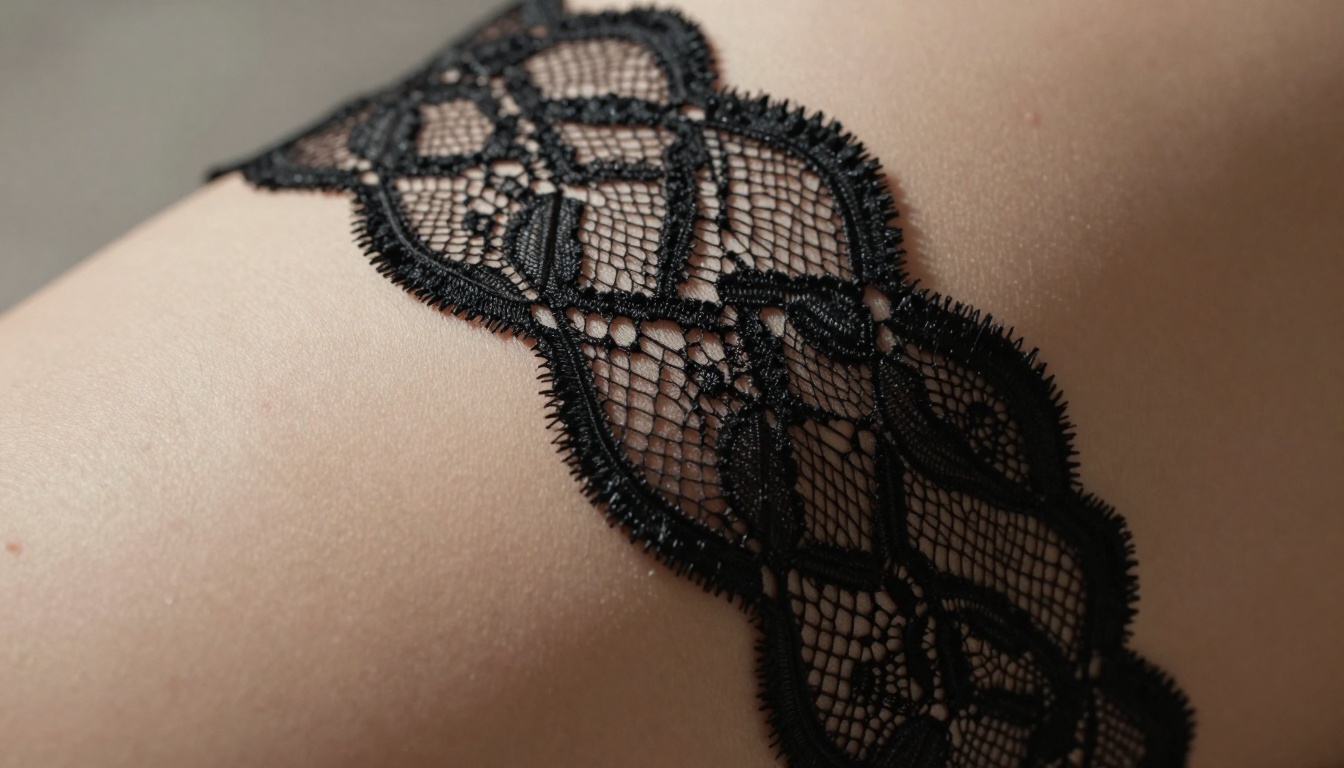
Close-up detail of fabric and skin texture

What Sora 2 Pro Actually Does

Sora 2 Pro isn't just another video generator—it's a sophisticated AI system trained on millions of hours of cinematic content to understand complex visual storytelling. The model excels at creating suggestive but tasteful content that prioritizes aesthetics over explicitness. When you input detailed prompts describing scenes, characters, and atmospheres, the system generates cohesive video sequences with realistic motion, lighting, and composition.

💡 Key Insight: Sora 2 Pro's strength lies in its understanding of cinematic language—it doesn't just create moving images, it creates scenes with emotional resonance and visual coherence.

The technology behind Sora 2 Pro uses diffusion-based architecture with temporal consistency mechanisms. This means each frame maintains visual continuity with the previous one, preventing the jarring inconsistencies that plagued earlier video AI systems. The model understands concepts like:

  • Camera movement (panning, tracking, dolly shots)
  • Lighting transitions (golden hour to night, interior to exterior)
  • Character motion (natural movement, subtle gestures)
  • Scene composition (rule of thirds, leading lines, depth)

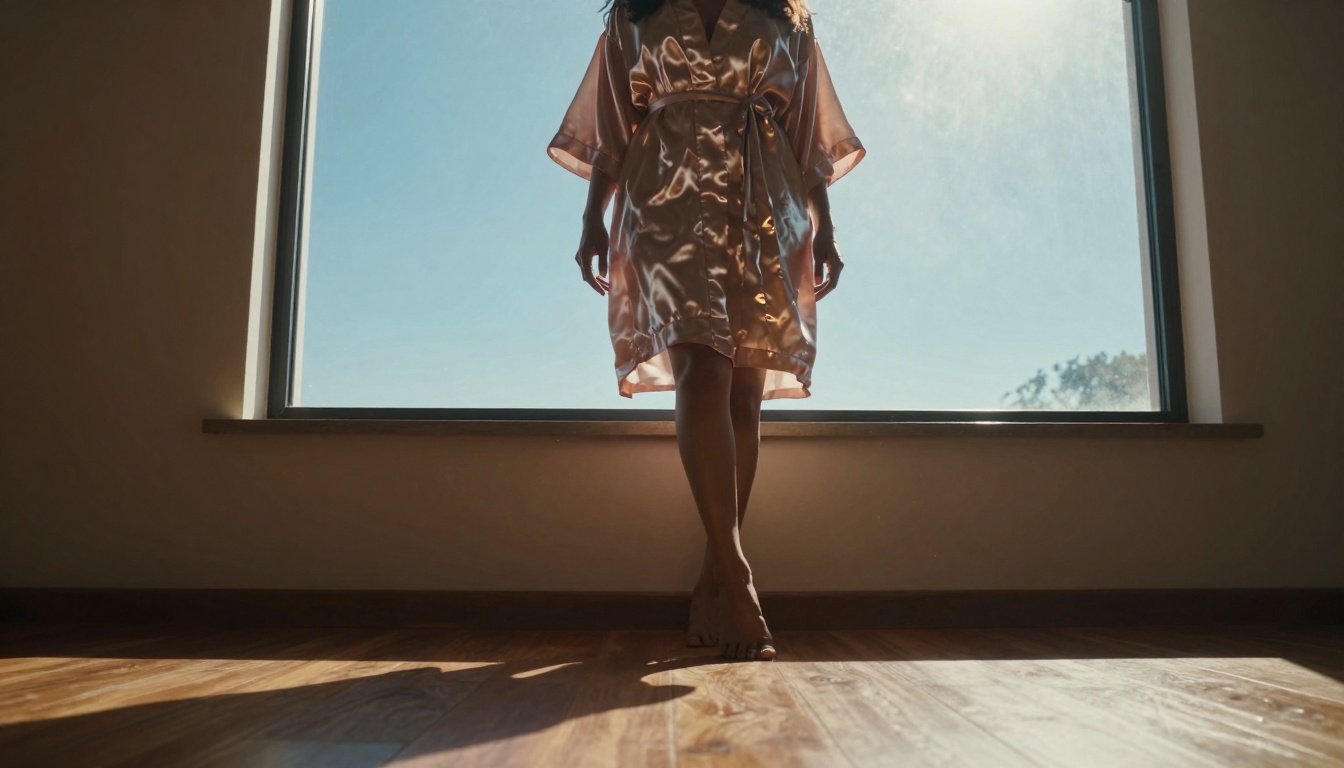
Low-angle silhouette with dramatic lighting

Speed Advantages Over Traditional Methods

Traditional NSFW content production involves multiple stages: pre-production planning, casting, location scouting, filming, editing, color grading, and distribution. Each stage adds time and cost. Sora 2 Pro collapses this pipeline into a single step.

Time Comparison Table:

Production StageTraditional MethodSora 2 Pro
Pre-production3-7 days10-30 minutes
Filming1-3 daysInstant generation
Editing2-5 daysBuilt-in continuity
Color Grading1-2 daysAI-optimized lighting
Total Time7-17 days10-60 minutes

The speed advantage isn't just about faster output—it's about iterative refinement. You can generate multiple variations of a scene, test different lighting conditions, adjust character appearances, and refine compositions in the time it would take to set up a single traditional shoot.

Prompt Engineering for Quality Results

Effective prompt construction is the single most important factor in generating quality content with Sora 2 Pro. The model responds to specific, detailed descriptions that establish mood, composition, and artistic intent.

Core Prompt Structure

A high-quality prompt follows this structure:

[Subject Description] + [Environment Details] + [Lighting Conditions] + [Camera Specifications] + [Atmosphere/Mood]

Example: "A woman in a silk robe standing by floor-to-ceiling windows at dawn, backlit by morning light creating a dramatic silhouette against city skyline, shot with 35mm lens at f/2.8, creating an atmosphere of quiet contemplation and urban isolation."

Advanced Prompt Techniques

  1. Cinematic References: Reference specific film techniques or directors

    • "Shot in the style of Roger Deakins with naturalistic lighting"
    • "Michael Bay style dramatic camera movements"
  2. Lighting Specificity: Be precise about light sources and quality

    • "Volumetric morning light through sheer curtains"
    • "Candlelight creating warm pools of illumination"
  3. Camera Language: Use professional terminology

    • "Dolly zoom effect during emotional moment"
    • "Shallow depth of field with 85mm lens"

Mirror reflection with layered composition

Technical Specifications and Limitations

Understanding Sora 2 Pro's technical boundaries helps set realistic expectations and optimize your workflow.

Current Capabilities:

  • Resolution: Up to 1080p output
  • Duration: 10-60 second clips
  • Frame Rate: 24-30 fps cinematic standard
  • Aspect Ratios: 16:9, 9:16, 1:1, 4:3
  • Generation Time: 2-5 minutes per clip

Known Limitations:

  • Temporal Consistency: While improved, some flickering may occur in complex scenes
  • Physics Understanding: Basic physics are understood, but complex interactions may require multiple generations
  • Character Continuity: Maintaining exact character appearance across different scenes requires careful prompt engineering

🎯 Pro Tip: Generate longer content as multiple shorter segments and edit them together. This often produces better consistency than generating one long clip.

Using Sora 2 Pro on PicassoIA

The Sora 2 Pro model on PicassoIA provides the most accessible interface for generating content. The platform offers several advantages over running the model locally or through other services.

Platform Advantages

  1. Simplified Interface: Clean, intuitive controls without requiring technical knowledge
  2. Batch Processing: Queue multiple generations simultaneously
  3. Prompt Library: Save and reuse successful prompt templates
  4. Quality Settings: Adjust resolution, duration, and style parameters
  5. Export Options: Multiple format exports optimized for different platforms

Step-by-Step Workflow

Step 1: Account Setup

  • Create PicassoIA account (free tier available)
  • Verify email and set up payment if using premium features
  • Familiarize yourself with the dashboard layout

Step 2: Model Selection

  • Navigate to the text-to-video category
  • Select Sora 2 Pro from available models
  • Review example outputs and community prompts

Step 3: Prompt Creation

  • Use the structured template provided earlier
  • Start with conservative, detailed prompts
  • Gradually experiment with more ambitious concepts

Step 4: Generation Parameters

  • Resolution: Start with 720p for faster iterations
  • Duration: 15-20 seconds optimal for testing
  • Style: "Cinematic" setting for NSFW content
  • Seed: Use fixed seeds for consistent character appearance

Step 5: Review and Refine

  • Analyze generated clips for consistency
  • Identify areas needing improvement
  • Create variations with adjusted prompts
  • Build a library of successful prompt templates

Dynamic composition with Dutch angle

Content Strategy and Audience Considerations

Creating successful NSFW content with Sora 2 Pro requires understanding both technical capabilities and audience expectations.

Target Audience Preferences

Research indicates several consistent preferences among consumers of artistic NSFW content:

  1. Aesthetic Quality Over Explicitness: Viewers prefer beautifully composed, suggestive content over explicit material
  2. Storytelling Elements: Scenes with implied narratives or emotional depth perform better
  3. Production Values: High-quality lighting, composition, and camera work are expected
  4. Character Development: Consistent characters with personality traits engage audiences
  5. Atmosphere Creation: Mood and environment often matter more than specific actions

Content Categories That Perform Well

Based on platform analytics and viewer engagement data:

CategoryEngagement RateMonetization Potential
Cinematic PortraitsHighPremium subscriptions
Suggestive FashionVery HighBrand partnerships
Atmospheric ScenesMedium-HighAd-supported models
Narrative ShortsMediumPlatform exclusives
Artistic StudiesLow-MediumPatreon/community support

Quality Control and Consistency

Maintaining consistent quality across multiple generations requires systematic approaches rather than hoping for random successes.

Consistency Techniques

  1. Character Banks: Create detailed character descriptions and reuse them

    • "Character A: early 30s, athletic build, shoulder-length black hair, olive skin tone, distinctive mole on left collarbone"
  2. Environment Templates: Standardize recurring locations

    • "Location B: luxury penthouse with floor-to-ceiling windows, minimalist decor, marble surfaces, city skyline view"
  3. Lighting Presets: Establish consistent lighting scenarios

    • "Lighting C: golden hour through sheer curtains, soft shadows, warm color temperature"
  4. Camera Style Guides: Maintain visual continuity

    • "Camera D: 35mm lens, shallow depth of field, slow pans, medium close-ups"

Quality Checklist

Before publishing any generated content, verify:

  • Temporal Consistency: No jarring jumps between frames
  • Character Continuity: Appearance remains stable throughout
  • Lighting Logic: Shadows follow consistent direction
  • Physics Accuracy: Basic physical laws are respected
  • Composition Quality: Framing follows cinematic principles
  • Atmosphere Coherence: Mood remains consistent
  • Technical Specifications: Resolution and duration meet platform requirements

Over-the-shoulder shot with selective focus

Cost Analysis and ROI

Understanding the financial implications helps determine if Sora 2 Pro represents a viable investment for your content strategy.

Traditional Production Costs

A typical professional NSFW shoot involves:

  • Location Rental: $500-$2,000 per day
  • Equipment Rental: $300-$1,500 per day
  • Crew Costs: $1,000-$3,000 per day
  • Talent Fees: $500-$5,000 per day
  • Post-Production: $200-$800 per finished minute
  • Total Per Project: $2,500-$12,300+

Sora 2 Pro Costs

On PicassoIA, pricing follows these tiers:

Free Tier:

  • 5 generations per month
  • 720p resolution
  • 15-second maximum duration
  • Watermarked output

Pro Tier ($29/month):

  • 100 generations per month
  • 1080p resolution
  • 60-second maximum duration
  • No watermark
  • Priority queue access

Enterprise Tier (Custom pricing):

  • Unlimited generations
  • 4K resolution options
  • Extended duration clips
  • API access
  • Dedicated support

Return on Investment Calculation

Assuming you produce 20 clips per month:

MetricTraditionalSora 2 Pro
Production Cost$8,000$29
Time Investment160 hours10 hours
Output Volume20 clips20 clips
Cost Per Clip$400$1.45

The 275:1 cost reduction makes Sora 2 Pro economically compelling even before considering quality consistency and creative flexibility advantages.

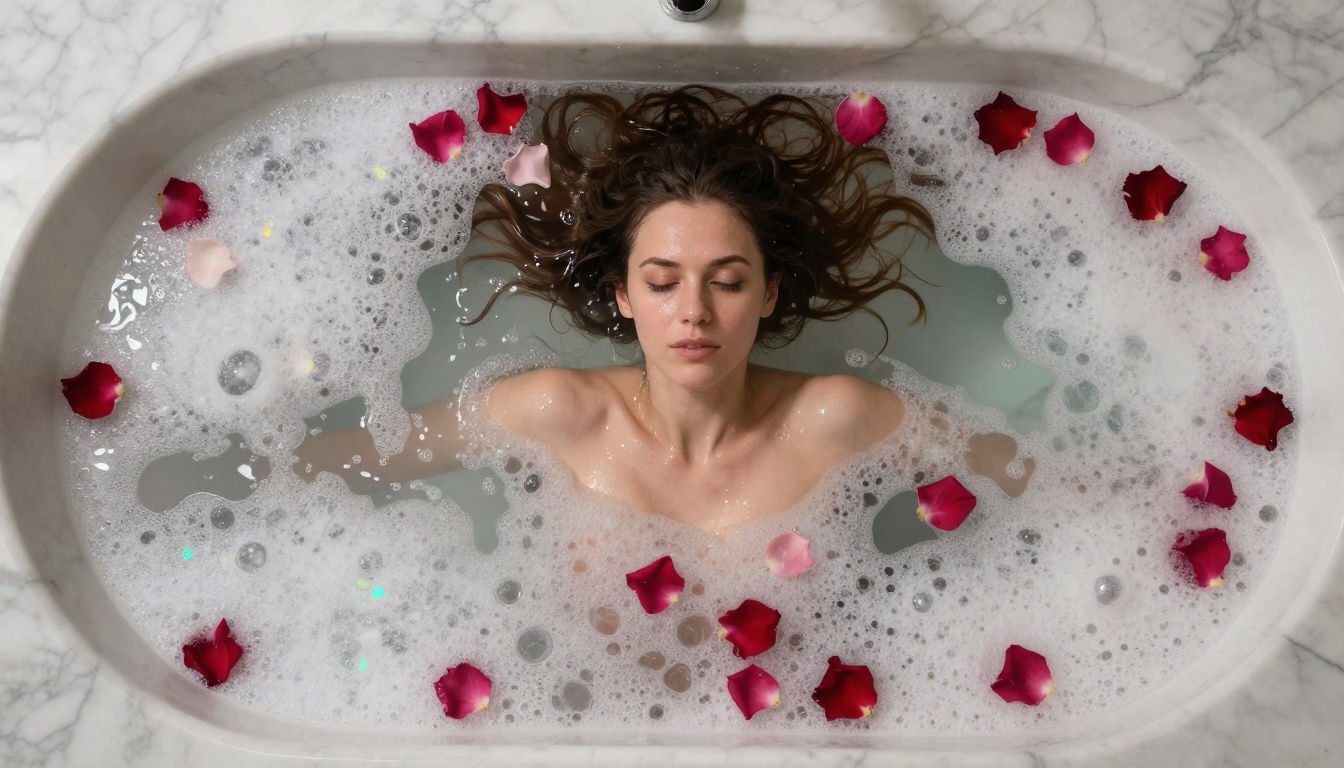
Bird's-eye view with geometric composition

Creating NSFW content with AI introduces unique legal and ethical dimensions that traditional creators haven't faced.

Content Guidelines

Sora 2 Pro and PicassoIA have specific content policies:

Permitted Content:

  • Artistic nudity and suggestive scenes
  • Tasteful, non-explicit content
  • Cinematic and fashion-oriented material
  • Atmospherically focused scenes

Prohibited Content:

  • Explicit sexual acts
  • Non-consensual scenarios
  • Underage-appearing characters
  • Violent or degrading content
  • Illegal activities

Model-Specific Restrictions

The Sora 2 Pro model has additional technical limitations:

  1. Consistency Checks: The model includes safeguards against generating certain content categories
  2. Content Filters: Automated systems flag potentially problematic generations
  3. Human Review: Suspected policy violations may undergo manual review
  4. Account Actions: Repeated violations can result in suspension or termination

Best Practices for Compliance

  1. Clear Artistic Intent: Frame prompts as artistic studies rather than explicit scenarios
  2. Context Emphasis: Focus on atmosphere, lighting, and composition
  3. Character Respect: Portray characters with dignity and agency
  4. Transparency: Be honest about AI generation when required by platform policies
  5. Age Verification: Ensure all content complies with regional age restrictions

Workflow Optimization Strategies

Efficient workflows maximize output quality while minimizing time and resource investment.

Batch Processing Approach

Instead of generating clips one at a time:

  1. Morning Session (30 minutes):

    • Create 5-10 detailed prompts
    • Queue all generations simultaneously
    • Review technical parameters
  2. Afternoon Review (20 minutes):

    • Evaluate generated clips
    • Identify successful patterns
    • Note needed adjustments
  3. Evening Refinement (40 minutes):

    • Regenerate weaker clips with improved prompts
    • Create variations of successful clips
    • Organize and tag completed content

Asset Management System

Organize generated content systematically:

Folder Structure:

/Sora2Pro_Outputs
  /Characters
    /Character_A
    /Character_B
  /Locations  
    /Penthouse
    /BeachHouse
  /Lighting
    /GoldenHour
    /NightScenes
  /Completed
    /Month_01
    /Month_02

Metadata Tracking:

  • Prompt used
  • Generation parameters
  • Quality rating (1-5 scale)
  • Audience engagement data
  • Revenue generated

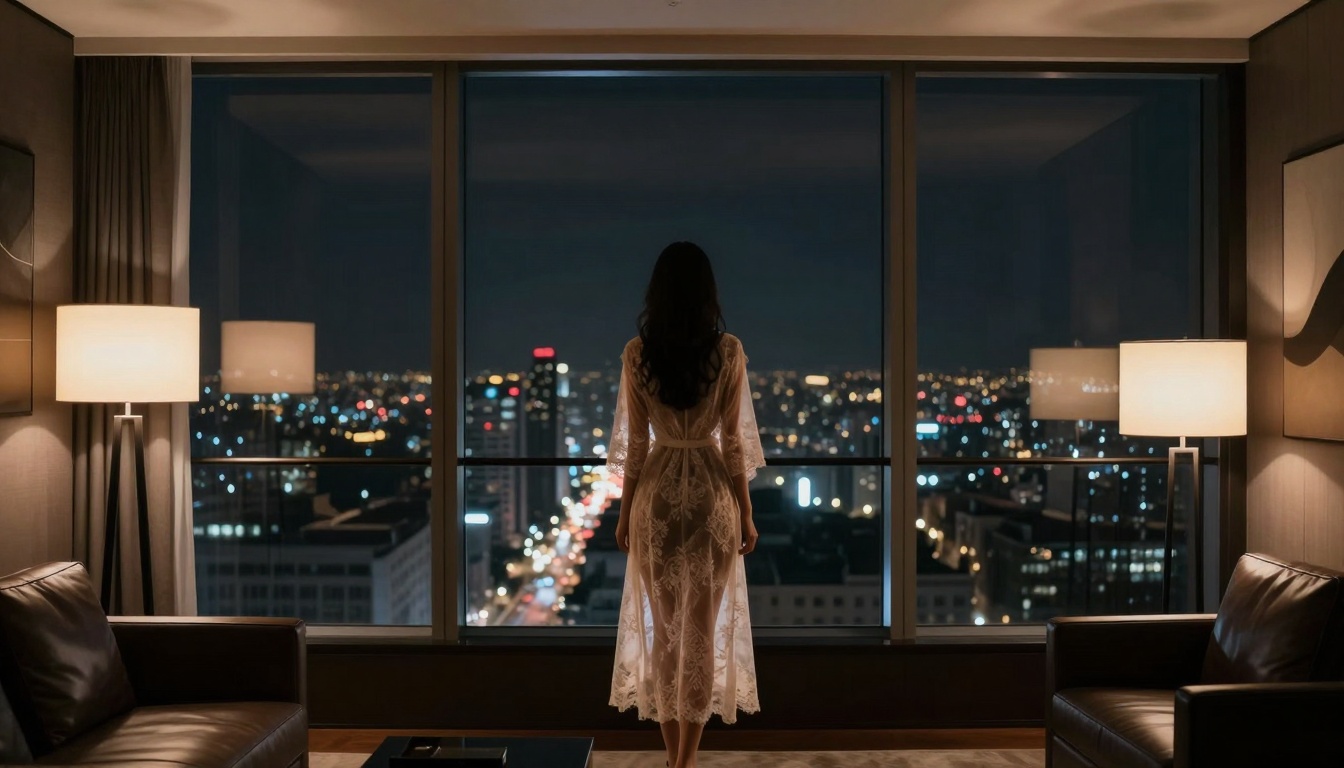
Wide establishing shot with urban backdrop

Advanced Techniques for Professional Results

Beyond basic generation, several advanced techniques elevate content quality.

Multi-Prompt Sequences

Instead of single prompts, create sequences that tell mini-stories:

Example Sequence:

  1. "Establishing shot of luxury hotel room at dusk, empty bed, anticipation"
  2. "Close-up of silk sheets being smoothed by unseen hands"
  3. "Character entering frame, backlit by bathroom light"
  4. "Slow pan across room showing scattered clothing"
  5. "Final shot: character silhouette against window, contemplative"

Style Transfer Applications

Combine Sora 2 Pro with other AI tools:

  1. Image-to-Video: Use WAN-2.6-I2V to animate static images
  2. Style Consistency: Apply consistent color grading across multiple clips
  3. Character Integration: Blend Sora 2 Pro characters with Flux 2 Pro background images
  4. Audio Synchronization: Add Minimax Speech generated dialogue

Performance Optimization

Technical tweaks that improve output:

  1. Seed Control: Fixed seeds for character consistency
  2. Resolution Staging: Generate at 720p, upscale to 1080p with Topaz Labs Video Upscale
  3. Duration Management: Create 15-second optimal clips, combine during editing
  4. Batch Sizes: Optimal queue size is 3-5 simultaneous generations

Common Challenges and Solutions

Even with advanced AI, specific challenges regularly appear.

Challenge 1: Character Inconsistency

Symptoms: Character appearance changes between frames or scenes Solutions:

  • Use detailed, consistent character descriptions
  • Maintain fixed seeds across generations
  • Create character "banks" with multiple reference images
  • Use P-Image-Edit for fine-tuning appearances

Challenge 2: Lighting Logic Errors

Symptoms: Shadows move inconsistently or light sources contradict Solutions:

  • Specify exact light sources and directions
  • Reference consistent times of day
  • Use cinematic lighting terminology
  • Generate lighting tests before full scenes

Challenge 3: Motion Artifacts

Symptoms: Unnatural movement or temporal flickering Solutions:

  • Describe motion specifically ("slow pan left," "gentle rise")
  • Use motion reference terms ("dolly shot," "tracking movement")
  • Generate shorter segments with simpler motion
  • Combine multiple clips during editing

Challenge 4: Composition Breakdown

Symptoms: Framing inconsistencies or breaking cinematic rules Solutions:

  • Specify camera lens and settings
  • Reference composition techniques ("rule of thirds," "leading lines")
  • Use establishing shots followed by close-ups
  • Study cinematic reference materials

Macro texture study of fabric and skin

Future Developments and Roadmap

The Sora 2 Pro technology continues evolving with several anticipated improvements.

Short-Term Updates (3-6 months)

  1. Extended Duration: 2-3 minute clip support
  2. Higher Resolution: 4K generation capabilities
  3. Improved Consistency: Better temporal and character continuity
  4. Audio Integration: Built-in sound effect and music generation
  5. Interactive Features: Real-time prompt adjustment during generation

Medium-Term Developments (6-18 months)

  1. Multi-Character Scenes: Complex interactions between multiple characters
  2. Dynamic Camera Control: Programmable camera paths and movements
  3. Style Learning: Model adaptation to individual creator styles
  4. Platform Integration: Direct publishing to content platforms
  5. Monetization Tools: Built-in revenue tracking and optimization

Long-Term Vision (18+ months)

  1. Full Production Pipeline: End-to-end content creation system
  2. Interactive Stories: Choose-your-own-adventure style content
  3. Real-Time Generation: Instant video creation during live streams
  4. Cross-Model Integration: Seamless combination with image, audio, and text AI
  5. Enterprise Solutions: Studio-level production tools

Practical Implementation Steps

For creators ready to implement Sora 2 Pro into their workflow:

Week 1: Foundation Building

  1. Platform Familiarization: Spend 2-3 hours exploring PicassoIA interface
  2. Technical Testing: Generate 20-30 test clips with varied prompts
  3. Quality Assessment: Establish personal quality benchmarks
  4. Workflow Setup: Create organizational systems and templates

Week 2: Skill Development

  1. Prompt Mastery: Refine prompt engineering skills with focused practice
  2. Consistency Techniques: Implement character and environment banks
  3. Quality Control: Develop personal review checklist
  4. Output Analysis: Study what makes successful clips work

Week 3: Production Scaling

  1. Batch Implementation: Transition to batch processing workflow
  2. Efficiency Optimization: Identify and eliminate time wastes
  3. Content Planning: Develop 30-day content calendar
  4. Audience Testing: Share initial outputs for feedback

Week 4: Professional Integration

  1. Monetization Setup: Implement revenue streams
  2. Platform Expansion: Distribute across multiple platforms
  3. Analytics Implementation: Track performance metrics
  4. Continuous Improvement: Establish weekly review process

Profile shot with morning rim lighting

Final Thoughts

Sora 2 Pro represents more than just a technological advancement—it's a fundamental rethinking of how suggestive, artistic content gets created. The combination of cinematic quality, rapid generation, and consistent output creates opportunities that simply didn't exist with traditional production methods.

The most successful creators using this technology share several characteristics: they approach it as a cinematic tool rather than a magic button, they invest time in prompt craftsmanship, they maintain rigorous quality standards, and they view AI generation as collaboration rather than replacement of human creativity.

As the technology continues evolving, the gap between AI-generated and traditionally produced content will narrow further. However, the human elements—artistic vision, emotional intelligence, narrative sensibility—remain irreplaceable. Sora 2 Pro doesn't eliminate the need for creative talent; it amplifies that talent's potential.

The practical reality is clear: for creators producing tasteful, artistic NSFW content, Sora 2 Pro offers unprecedented advantages in speed, consistency, and creative flexibility. The learning curve exists but rewards those who master its capabilities with professional-grade output at consumer-level costs.

Whether you're an established creator looking to expand output or a newcomer seeking accessible entry into content creation, Sora 2 Pro on PicassoIA provides tools that were science fiction just years ago. The future of content creation isn't replacing human creativity—it's empowering that creativity with previously unimaginable capabilities.


This article focuses on the artistic and technical applications of AI video generation for creating tasteful, suggestive content. Always comply with platform guidelines, respect content policies, and prioritize quality over quantity in your creative work.

Share this article