The landscape of video creation has fundamentally shifted with the arrival of AI-powered generation tools. What once required extensive production teams, expensive equipment, and weeks of post-production can now be accomplished with precise text descriptions and intelligent parameter adjustments. The transition from concept to final render happens in minutes rather than months, opening professional video production to creators who previously faced technical and budgetary barriers.
Low-angle close-up showing the precision required for effective prompt engineering
What Sora 2 Pro Actually Does
Sora 2 Pro represents the current pinnacle of text-to-video generation technology. Unlike earlier iterations that struggled with consistency and physics, this model produces videos with professional-grade cinematography, realistic motion, and coherent narrative flow. The model understands complex scene descriptions, maintains character consistency across frames, and handles challenging lighting conditions with remarkable fidelity.
💡 Technical Insight: Sora 2 Pro processes prompts with contextual awareness, meaning it doesn't just interpret words literally—it understands the implied cinematic language. Describing "morning light filtering through forest canopy" triggers specific lighting algorithms rather than generic daylight simulation.
The platform integration through PicassoIA provides access to Sora 2 Pro with an interface optimized for creative workflow rather than technical experimentation. This distinction matters: while the underlying technology remains complex, the user experience focuses on achieving specific creative outcomes.
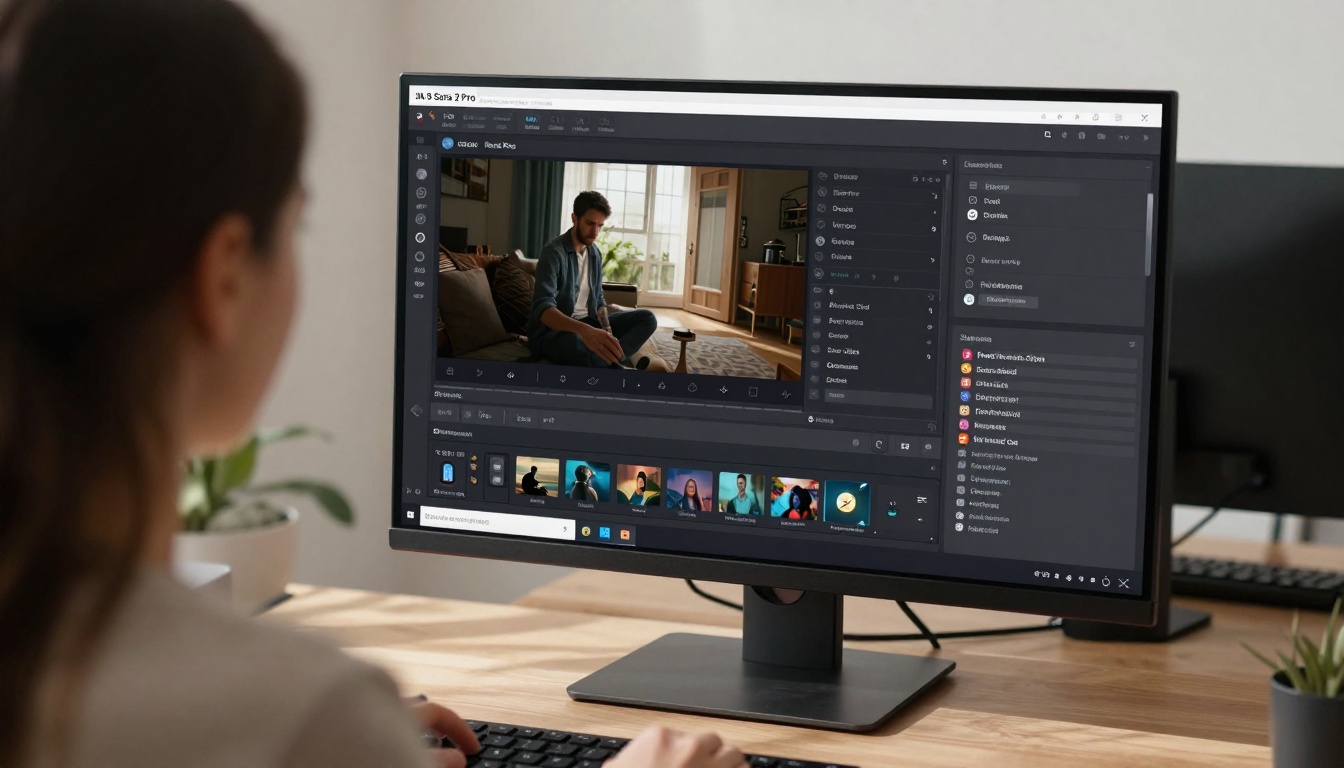
Over-the-shoulder view of the parameter-rich interface
Core Video Generation Parameters
Every Sora 2 Pro generation involves several critical parameters that determine output quality:
| Parameter | Effect on Output | Recommended Setting |
|---|
| Duration | Controls video length in seconds | 10-30 seconds for social content |
| Resolution | Output video dimensions | 1080p for most professional use |
| Frame Rate | Motion smoothness and cinematic feel | 24fps for filmic quality |
| Style Guidance | Artistic interpretation strength | 7-9 for balanced creativity |
| Motion Intensity | Character and object movement dynamics | 5-7 for natural motion |
The resolution decision deserves particular attention. While 4K seems appealing, 1080p often provides the optimal balance between quality and generation speed. The model's training data emphasizes cinematic 1080p footage, making this resolution particularly reliable for professional outputs.
Crafting Effective Video Prompts
Prompt engineering for video differs significantly from image generation. Videos require temporal coherence, character consistency, and logical scene progression. A poorly structured prompt might produce beautiful individual frames that fail as a cohesive sequence.

Traditional storyboarding integrated with AI generation workflow
Structural Prompt Elements
Effective video prompts contain three distinct sections:
- Scene Establishment - The opening description that sets location, time, and atmosphere
- Character/Subject Introduction - Who or what occupies the scene, including appearance details
- Action Sequence - What happens during the video, with timing cues and camera movements
Consider this example breakdown:
Scene: A mountain cabin at sunrise, golden light through pine trees, mist rising from valley below.
Subject: A woman in hiking gear preparing coffee on porch, steam rising from mug.
Action: She sips coffee while watching sunrise, camera pans from cabin to mountain vista, birds fly across frame.
This structure provides temporal anchors—sunrise timing, coffee preparation sequence, camera movement—that guide the model's temporal understanding.
Common Prompt Mistakes
Several errors consistently degrade video quality:
- Overly detailed opening: Too many elements in first frame overwhelms scene establishment
- Missing temporal markers: Without "then," "next," or timing cues, actions blur together
- Inconsistent character descriptions: Changing appearance details mid-video breaks continuity
- Physics violations: Describing impossible camera moves or unnatural motions
💡 Pro Tip: Start prompts with cinematic references rather than literal descriptions. "The opening shot of a Wes Anderson film" conveys more than paragraphs of technical camera specifications.
Practical Workflow Implementation
The actual process of creating videos involves iterative refinement rather than single-attempt perfection. Successful creators treat each generation as a draft, analyzing what worked and what needs adjustment.
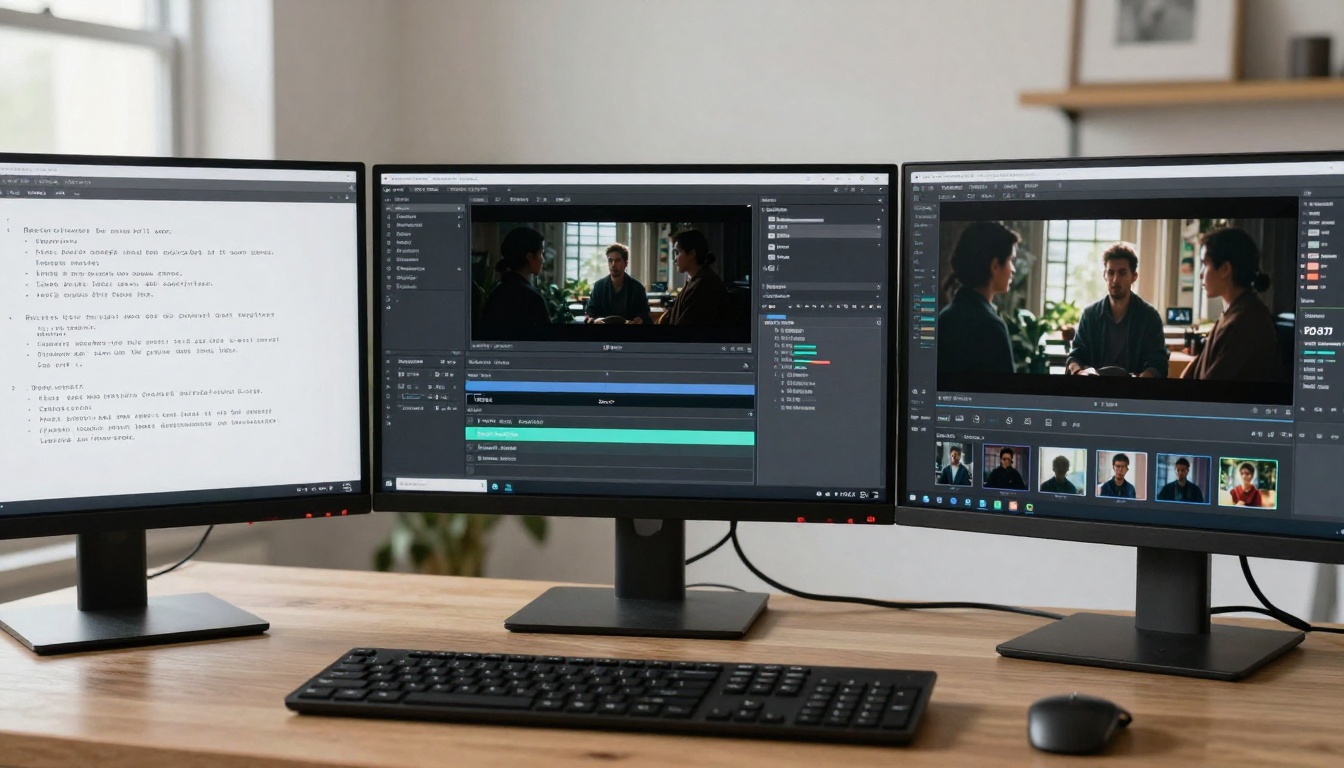
Visualizing the complete pipeline from concept to final render
Step-by-Step Generation Process
Phase 1: Concept Development
- Define video purpose (social content, product demo, narrative short)
- Research visual references for style and composition
- Draft basic storyboard with key frames
Phase 2: Initial Generation
- Create simple prompt focusing on core action
- Generate 10-second test at medium quality
- Evaluate motion consistency and scene coherence
Phase 3: Refinement Iterations
- Adjust problematic elements (lighting, character details)
- Increase duration incrementally (add 5 seconds per iteration)
- Fine-tune camera movements and transitions
Phase 4: Final Production
- Generate full-length video at target quality
- Apply post-processing if needed (color grading, stabilization)
- Export in appropriate format for intended platform
This phased approach prevents wasted generations on full-length videos with fundamental flaws. The 10-second test reveals most structural issues before committing to longer production.
Parameter Optimization Strategy
Different video types require specific parameter combinations:
Social Media Content (TikTok, Instagram)
- Duration: 15-20 seconds
- Motion Intensity: 6-8 (higher engagement)
- Style: Contemporary, vibrant colors
- Resolution: 1080p vertical (9:16 aspect)
Product Demonstration
- Duration: 30-45 seconds
- Motion: Slow, deliberate camera movements
- Lighting: Professional studio setup simulation
- Detail: High texture emphasis on product features
Narrative/Cinematic
- Duration: 60+ seconds with scene transitions
- Camera: Dynamic movements with purpose
- Lighting: Cinematic grade with contrast
- Atmosphere: Emotional tone through color palette
Technical Quality Assessment
Evaluating AI-generated video quality requires different criteria than traditional footage. The metrics shift from technical perfection to narrative coherence and visual plausibility.
Close examination of generated video visual fidelity
Quality Evaluation Framework
Temporal Consistency (0-10)
- Character appearance stability across frames
- Object persistence and logical movement
- Lighting continuity throughout sequence
Physics Realism (0-10)
- Natural object interactions (gravity, collisions)
- Fluid dynamics (water, smoke, cloth)
- Camera movement plausibility
Aesthetic Quality (0-10)
- Cinematic composition and framing
- Color grading and lighting atmosphere
- Texture detail and material representation
Narrative Coherence (0-10)
- Logical scene progression
- Clear action sequence
- Emotional tone consistency
Videos scoring below 6 in any category typically need regeneration with adjusted prompts. Temporal consistency below 5 indicates fundamental prompt structure issues requiring complete rewrite.
Common Quality Issues and Fixes
| Issue | Likely Cause | Solution |
|---|
| Character morphing | Inconsistent description mid-prompt | Simplify character details, focus on core attributes |
| Physics violations | Impossible actions described | Reference real-world examples, reduce complexity |
| Lighting jumps | Multiple light sources without transition | Specify single primary light with gradual changes |
| Scene coherence loss | Too many location changes | Limit to 2-3 locations with clear transition markers |
Advanced Creative Applications
Beyond basic video generation, Sora 2 Pro enables sophisticated production workflows that previously required specialist teams.
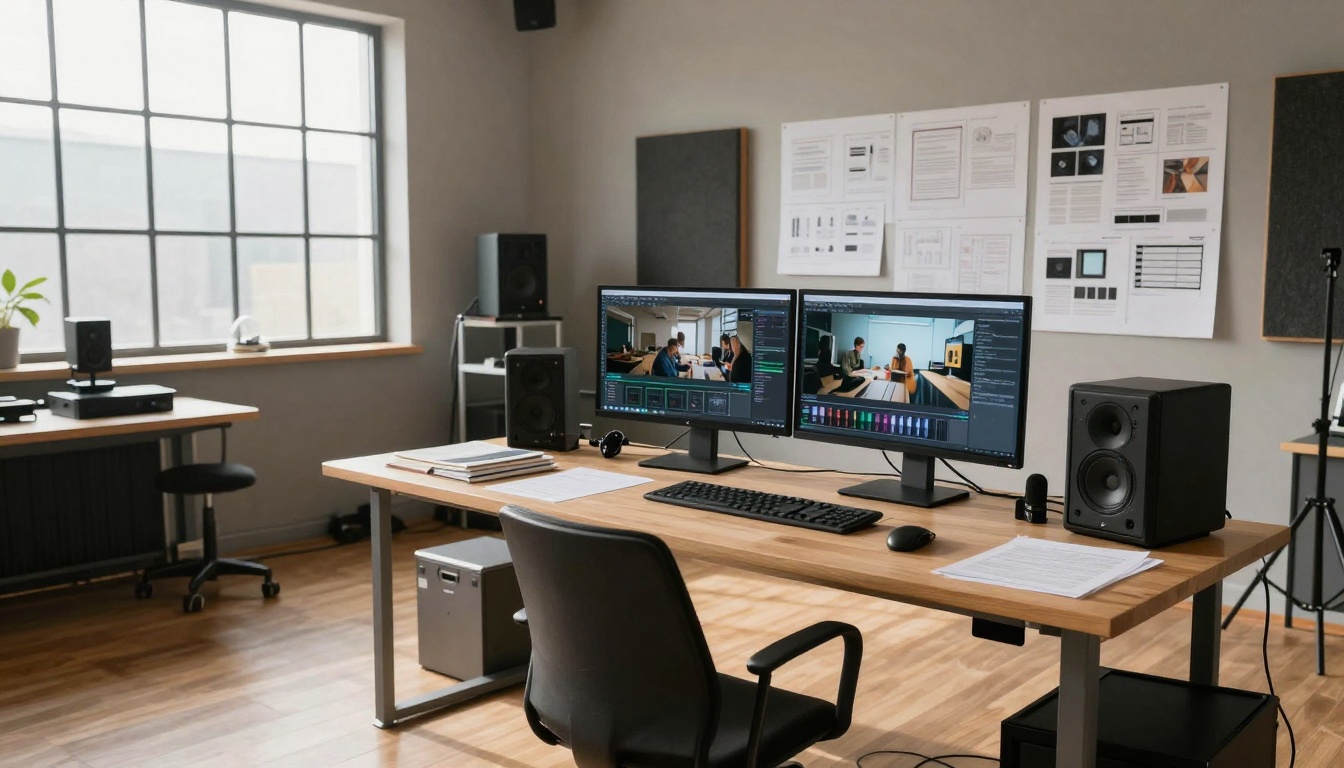
Professional workspace optimized for AI video production
Multi-Scene Narrative Construction
Complex stories can be constructed through sequential generation:
- Generate establishing shot - Wide landscape or location introduction
- Create character introduction - Close-up with emotional context
- Produce action sequence - Dynamic movement with camera work
- Generate resolution scene - Emotional payoff with appropriate tone
Each scene uses consistent character descriptions and maintains lighting continuity through reference to previous scenes. The final edit combines these sequences with traditional transitions.
Hybrid Production Workflows
Sora 2 Pro integrates effectively with traditional video elements:
Live-action integration
- Generate backgrounds for green screen footage
- Create establishing shots for interview content
- Produce B-roll to complement primary footage
Animation enhancement
- Generate environment backgrounds for animated characters
- Create dynamic lighting references for 3D scenes
- Produce texture and material reference footage
Documentary augmentation
- Historical recreation of described events
- Scientific visualization of complex processes
- Geographic visualization of described locations
Cost and Time Considerations
Understanding the practical economics of AI video generation reveals its transformative potential for content production.
Traditional vs AI Production Comparison
| Aspect | Traditional Production | Sora 2 Pro Generation |
|---|
| Setup Time | Weeks (location scouting, casting) | Minutes (prompt writing) |
| Shoot Duration | Days to weeks | Seconds to minutes |
| Post-Production | Weeks (editing, effects) | Hours (optional refinement) |
| Team Size | 5-50+ people | 1 person |
| Equipment Cost | $10,000-$500,000+ | Subscription/service fees |
| Revision Cost | High (reshoots, re-editing) | Low (regeneration) |
The time compression alone justifies adoption for certain content types. Social media campaigns that previously required monthly production cycles can now generate daily content variations.
Quality-to-Cost Optimization
Different quality levels serve different purposes:
Rapid prototyping (Low quality)
- Use: Concept validation, storyboard visualization
- Settings: 720p, 15 seconds, basic parameters
- Cost: Minimal, enables extensive experimentation
Production ready (Medium quality)
- Use: Social content, internal presentations
- Settings: 1080p, 24fps, balanced parameters
- Cost: Moderate, optimal for most professional use
Premium cinematic (High quality)
- Use: Commercial spots, premium content
- Settings: Maximum resolution, extended duration, refined parameters
- Cost: Higher, reserved for final deliverables
Matching quality level to actual need prevents unnecessary expenditure on over-produced content.
PicassoIA's implementation of Sora 2 Pro emphasizes workflow efficiency over raw technical capability. The interface decisions reflect understanding of actual creative processes rather than academic experimentation.
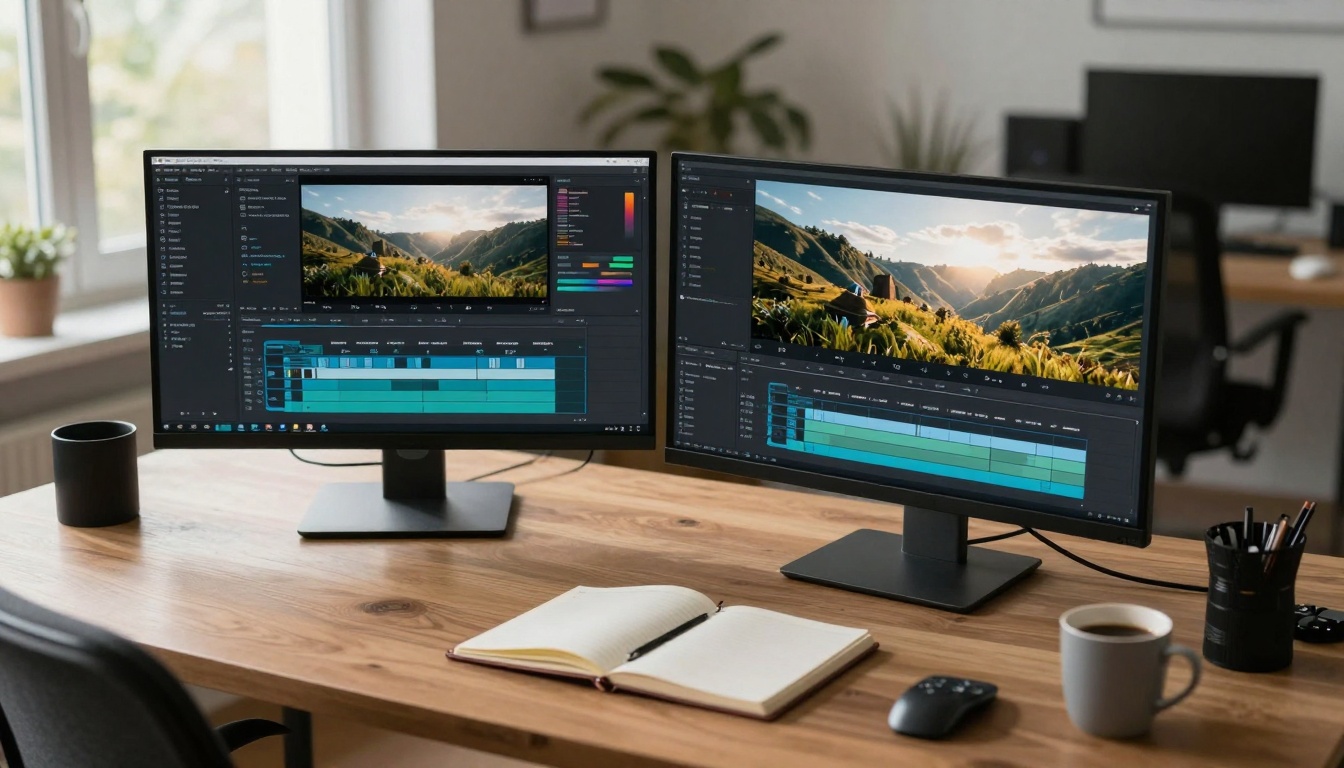
Aerial perspective showing complete production environment
PicassoIA's Competitive Advantages
Several platform-specific features enhance the Sora 2 Pro experience:
Batch Processing
- Generate multiple video variations simultaneously
- Test different parameters across parallel generations
- Maintain consistency across campaign content
Project Organization
- Group related videos by campaign or concept
- Maintain prompt libraries for recurring needs
- Track generation history and parameter experiments
Quality Preview System
- Quick low-quality preview before full generation
- Side-by-side comparison of parameter variations
- Progressive quality enhancement options
These features transform Sora 2 Pro from a technical demonstration into a production tool. The difference between accessing raw AI capabilities versus a production-ready platform determines practical adoption success.
Complementary PicassoIA Models
While Sora 2 Pro handles video generation, other PicassoIA models enhance the complete production pipeline:
Flux 2 Pro - Generate high-quality still images for thumbnails and promotional materials
GPT Image 1.5 - Create conceptual artwork and style references
Video Upscale - Enhance resolution and quality of generated footage
Remove Background - Isolate subjects for composite scenes
This ecosystem approach means creators don't need multiple subscription services or technical integrations. The complete production workflow exists within a single platform interface.
Practical Implementation Examples
Real-world applications demonstrate how different industries leverage Sora 2 Pro capabilities.

Focused attention on parameter refinement for specific outcomes
E-commerce Product Visualization
Challenge: Showing products in realistic use contexts without expensive photoshoots
Solution: Generate lifestyle context videos showing products in natural environments
Prompt Example: "A professional chef using [product name] in modern kitchen, morning light through window, steam rising from cooking, camera moves from wide kitchen shot to product close-up, natural cooking motions"
Result: 20-second lifestyle video showing product in ideal usage context, generating emotional connection beyond technical specifications.
Real Estate Virtual Tours
Challenge: Creating engaging property previews before construction completion
Solution: Generate interior and exterior footage based on architectural plans
Prompt Example: "Sunset view from luxury apartment balcony overlooking city skyline, golden hour light reflecting off glass buildings, subtle camera pan across living space showing modern furniture and architectural details"
Result: Cinematic property preview that communicates atmosphere and lifestyle beyond static floor plans.
Educational Content Creation
Challenge: Visualizing complex scientific or historical concepts
Solution: Generate explanatory footage showing processes or events
Prompt Example: "Microscopic view of cellular division process, dynamic movement of organelles, educational animation style with clear labeling, time-lapse effect showing progression"
Result: Engaging educational footage that makes abstract concepts visually accessible.
Future Developments and Considerations
The current Sora 2 Pro implementation represents a specific point in rapidly evolving technology. Understanding trajectory helps plan sustainable adoption strategies.
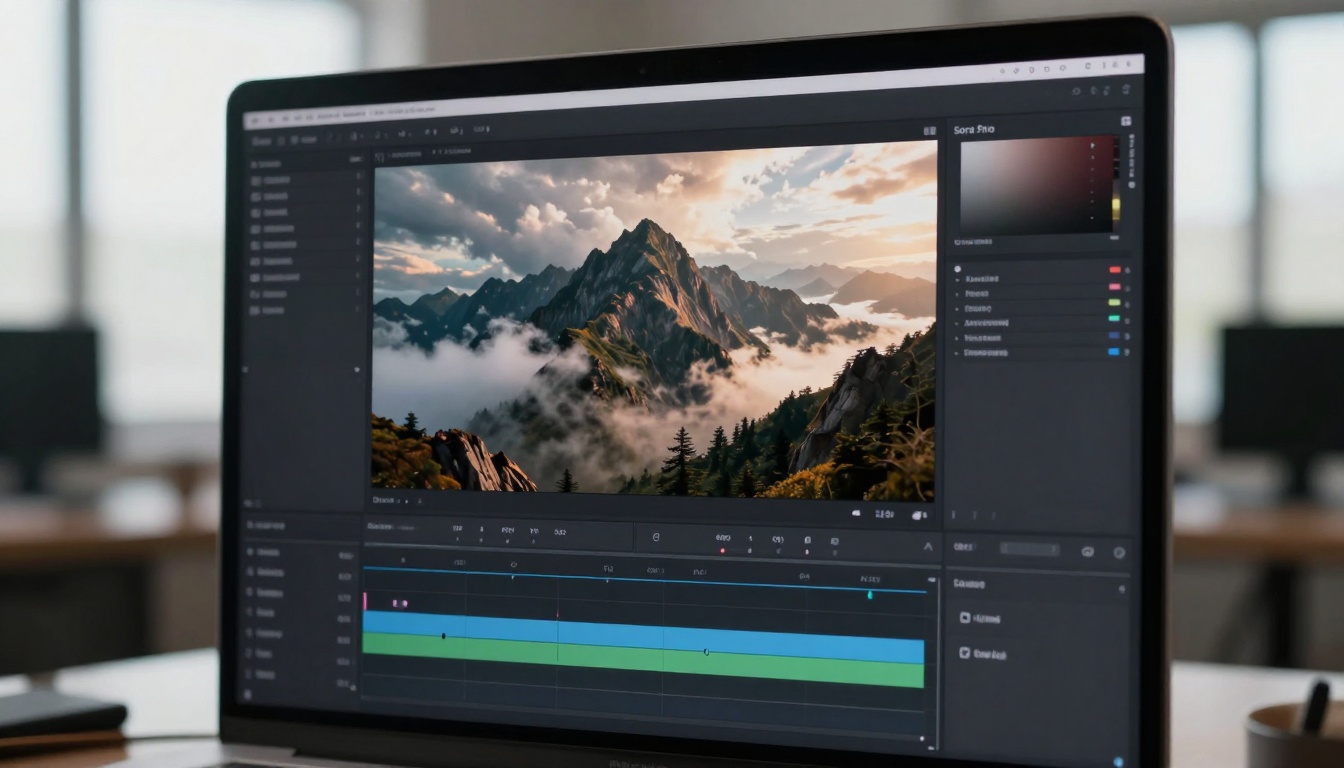
Detailed examination of current generation quality
Expected Technical Improvements
Several areas will likely see significant advancement:
Temporal Consistency
- Longer video durations with stable character persistence
- Improved physics simulation for complex interactions
- Enhanced lighting continuity across extended sequences
Control Granularity
- Frame-by-frame parameter adjustments
- Direct camera path specification
- Character emotion and expression control
Integration Capabilities
- Live-action footage analysis and continuation
- 3D model integration and environment generation
- Real-time generation for interactive applications
Strategic Adoption Recommendations
Organizations should consider phased implementation:
Phase 1: Experimental (1-3 months)
- Train team members on basic prompt engineering
- Generate test content for internal evaluation
- Identify highest-potential use cases
Phase 2: Limited Production (3-6 months)
- Integrate into existing content workflows
- Develop internal quality standards
- Create prompt libraries for repeatable success
Phase 3: Full Integration (6-12 months)
- Redesign production pipelines around AI capabilities
- Develop proprietary prompt engineering methodologies
- Scale content output with quality consistency
This gradual approach prevents disruptive adoption while building necessary internal expertise.
Creating Your First Professional Video
The transition from understanding to execution represents the final hurdle. Practical implementation differs from theoretical knowledge.
💡 Starting Point: Begin with a simple 10-second test focusing on one clear action. Complex multi-scene narratives should wait until basic generation principles are mastered.
Immediate Action Steps
- Access Sora 2 Pro on PicassoIA
- Set up workspace account with appropriate subscription level
- Generate test video using basic prompt structure
- Evaluate using quality framework (temporal, physics, aesthetic, narrative)
- Iterate with parameter adjustments based on evaluation
The initial goal isn't perfection but understanding the cause-effect relationship between prompt changes and video outcomes. Each generation provides learning data more valuable than the video itself during early adoption.
Common Starting Pitfalls
Over-ambition: Starting with complex multi-character scenes instead of simple single-subject actions
Parameter overload: Adjusting too many settings simultaneously without understanding individual effects
Quality mismatch: Expecting cinematic perfection from rapid prototype settings
Prompt vagueness: Using poetic descriptions instead of concrete visual instructions
Successful adoption comes from embracing the iterative nature of AI video generation. Each attempt provides clearer understanding of how specific descriptions translate to visual outcomes.
The opportunity exists not just to create videos more efficiently, but to create videos that previously couldn't be made at all due to technical or budgetary constraints. The creative imagination now faces fewer practical limitations, opening possibilities for storytelling, education, marketing, and artistic expression that redefine what video content can be.


