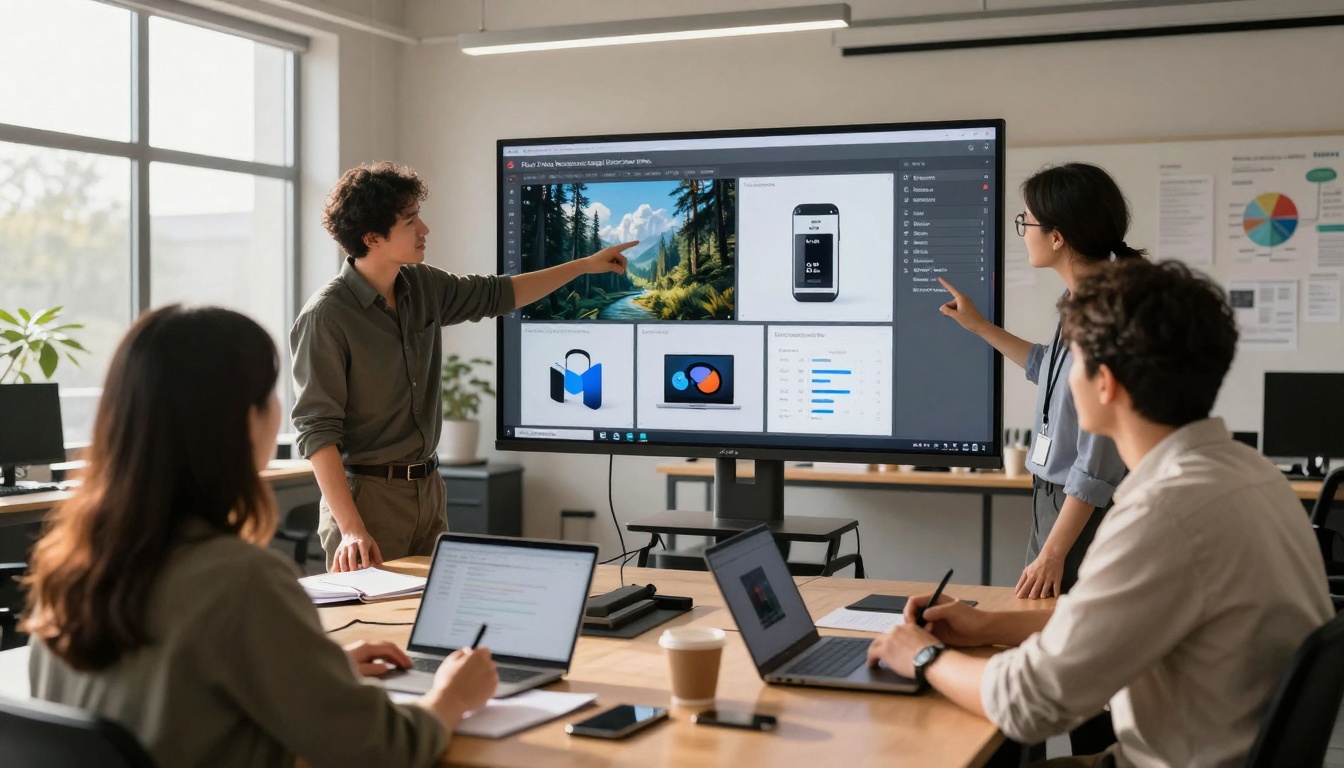
Visual content creation has transformed with AI tools that enable professional-quality results without traditional production constraints. This comprehensive guide explores the leading platforms for photorealistic image generation, cinematic video creation, and optimized workflows that deliver unprecedented efficiency. Learn how to implement AI visual tools across content types while maintaining brand consistency and creative quality.
Visual content drives engagement across every digital platform today. Whether you're creating social media graphics, product photography, marketing materials, or cinematic videos, the demand for high-quality visuals has never been higher. For years, this meant investing in expensive equipment, mastering complex software, and spending countless hours on production.
That landscape has fundamentally changed. AI tools now enable creators at every skill level to produce professional visual content with unprecedented speed and quality. The transformation isn't about replacing human creativity—it's about augmenting it with powerful new capabilities.
Why AI Visual Content Matters Now
The shift toward AI-generated visuals isn't a trend—it's becoming standard practice across industries. Content creators who adapt early gain significant advantages:
Speed: What once took days of photoshoots and editing now happens in minutes
Cost: Eliminate expensive equipment rentals, studio space, and production teams
Consistency: Maintain brand aesthetics across all content without variation
Experimentation: Test visual concepts before committing to expensive production
Accessibility: Professional-quality results without years of technical training
The barrier between idea and execution has never been lower. For marketers, designers, entrepreneurs, and content creators, this changes everything about how visual media gets produced.
Top AI Image Generation Platforms
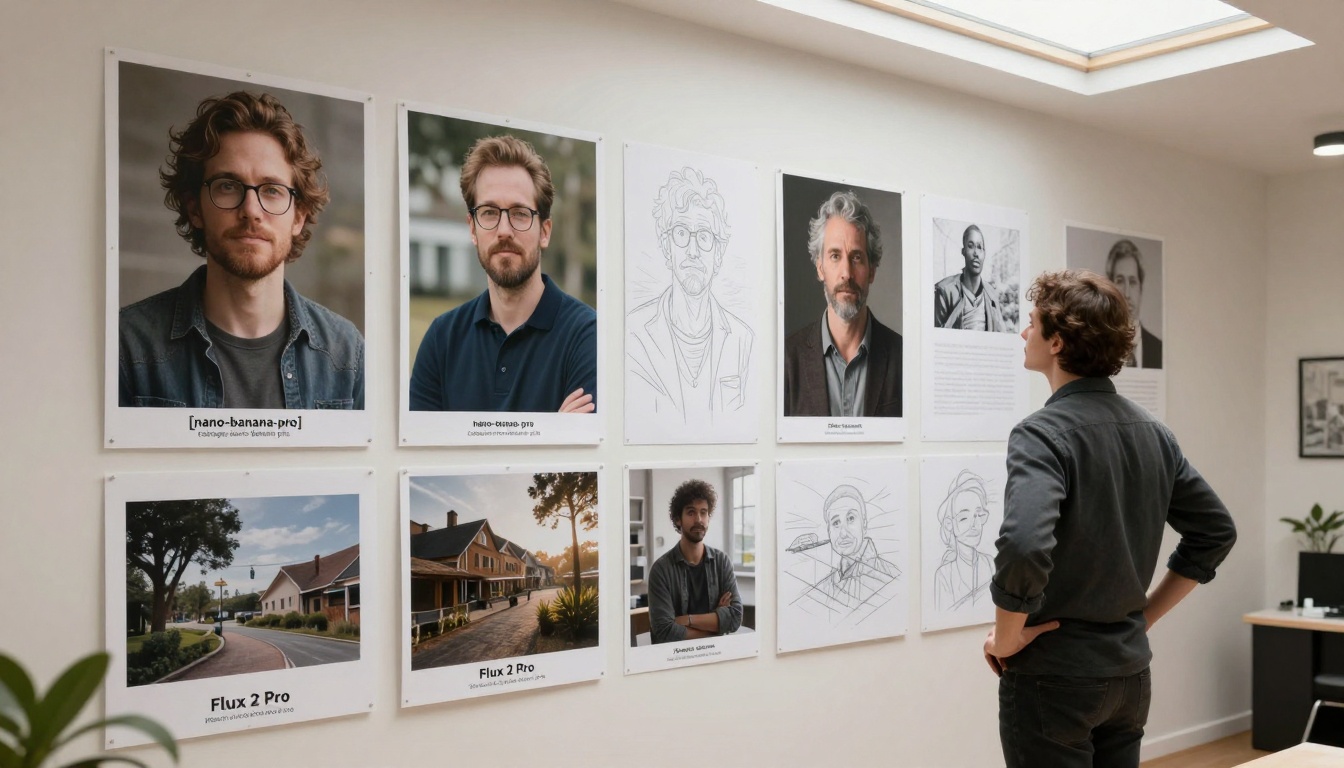
Different tools excel at specific types of visual content. Here's what each platform offers for professional creators:
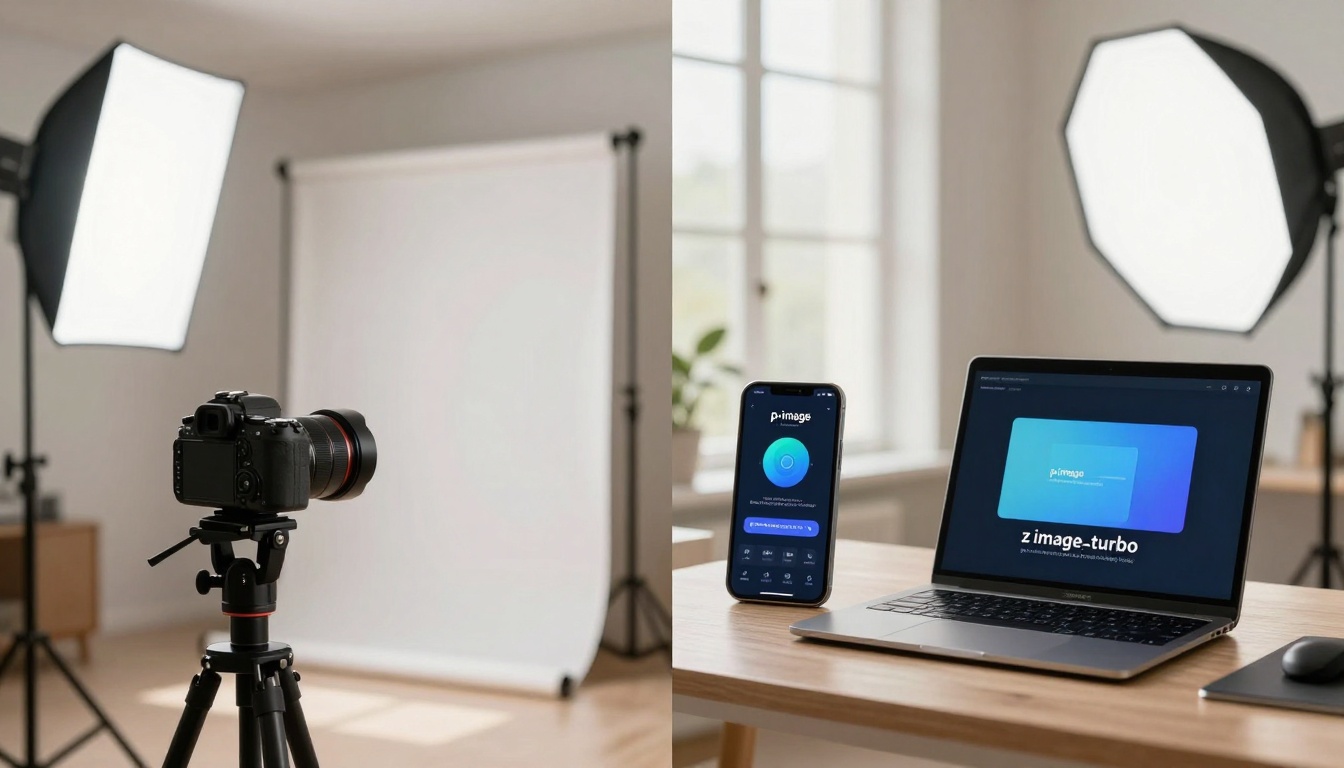
z-image-turbo: Ultra-fast generation for social media content where speed matters most
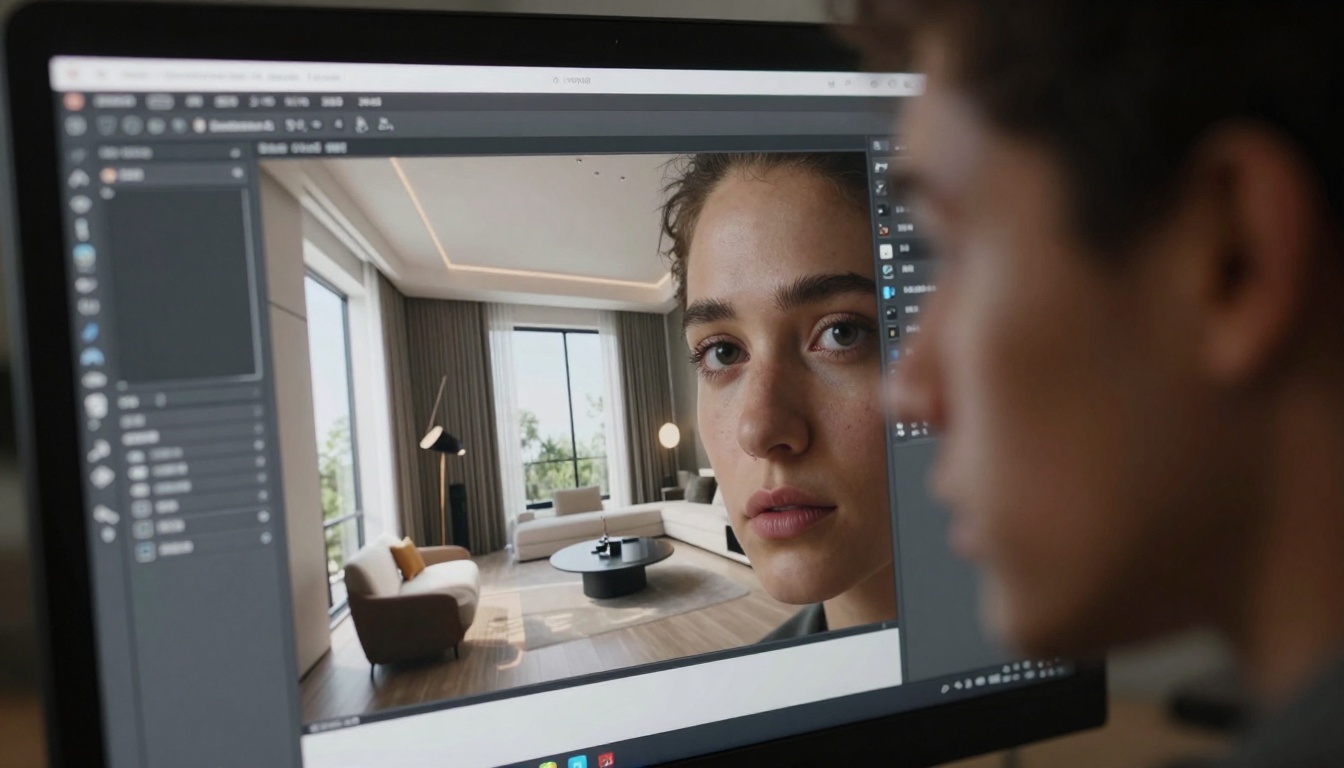
Seedream 4.5: Architecture and interior design visualization with perfect perspective
p-image-edit: Multi-image editing and batch processing for consistent branding
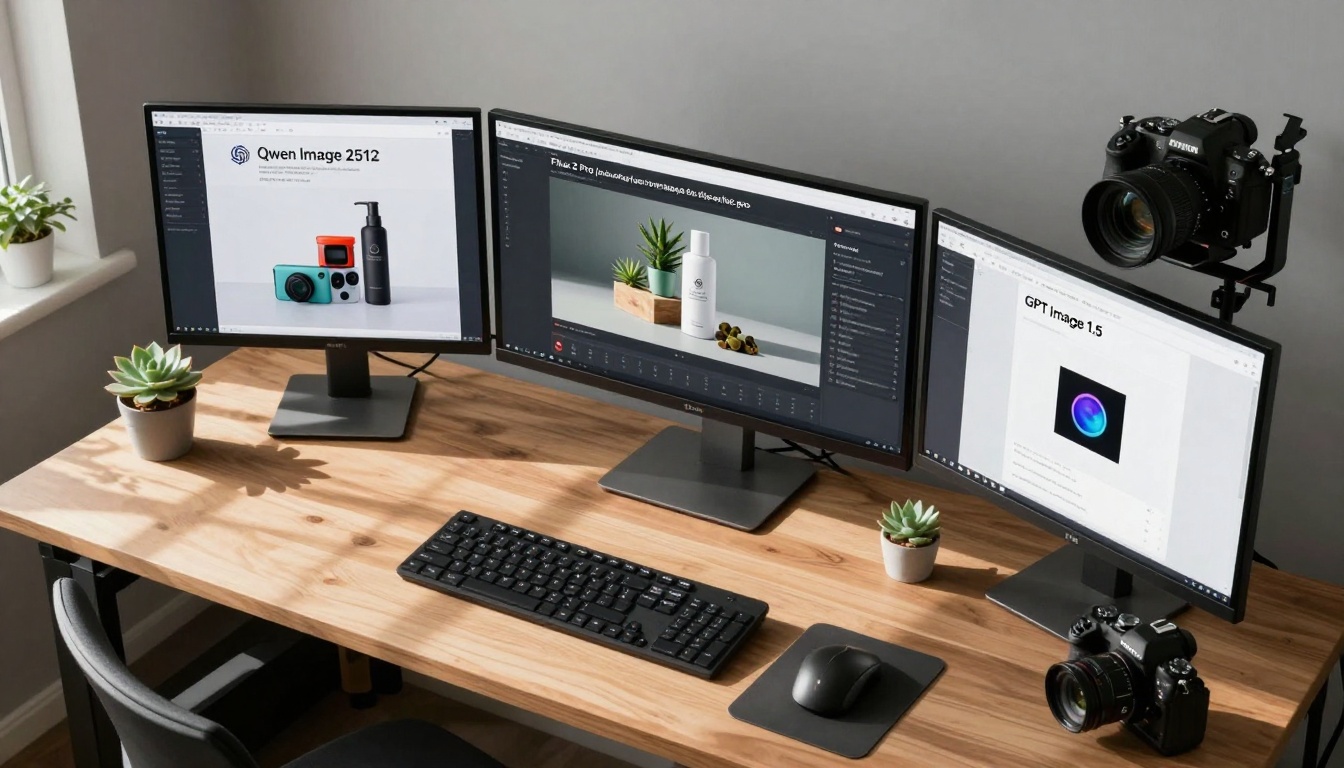
Flux 2 Max: Highest fidelity outputs for premium marketing materials
💡 Professional Tip: Combine multiple platforms. Use p-image for rapid concept testing, then Flux 2 Pro for final polished outputs.
AI Video Generation Revolution
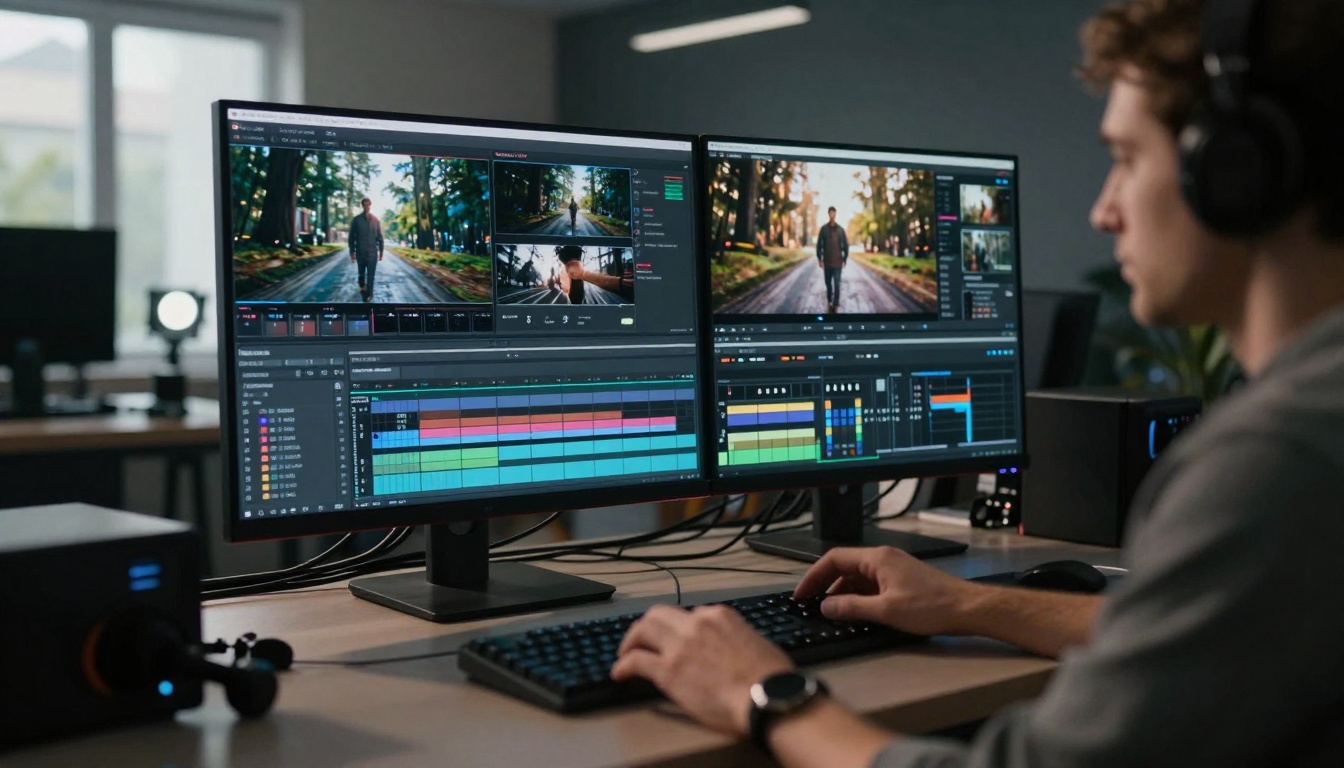
Video content represents the fastest-growing segment of digital media. AI video tools have evolved from simple animations to full cinematic production capabilities.
Professional Video Platforms
Text-to-Video Excellence:
WAN 2.6 T2V: Cinematic quality with realistic motion and lighting
Kling v2.6: Exceptional character animation and expressive movement
Veo 3.1: Google's premium video generation with cinematic coherence
Sora 2 Pro: Advanced narrative video with complex scene understanding
Image-to-Video Specialists:
WAN 2.6 I2V: Transform static images into dynamic video sequences
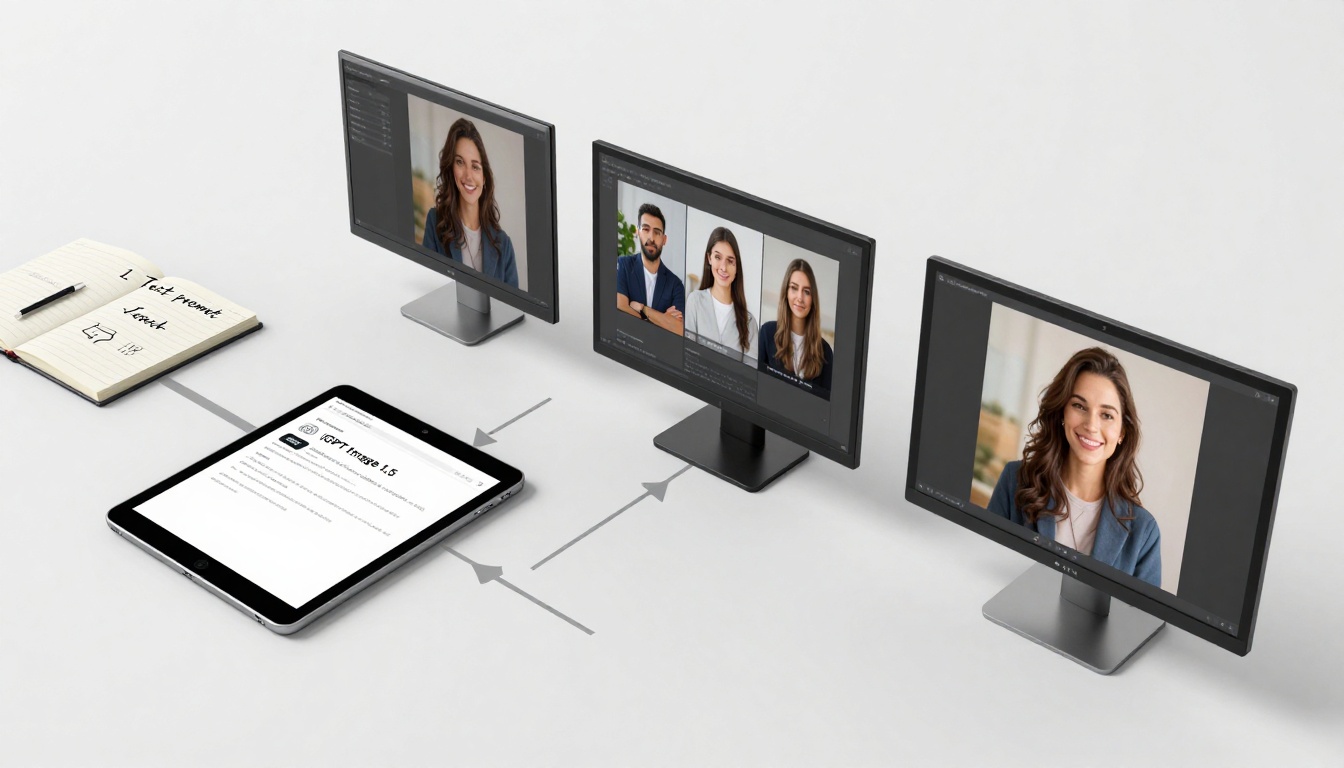
Professional female model in late 20s wearing minimalist black dress, standing in modern architectural lobby with marble floors and floor-to-ceiling windows, late afternoon golden hour lighting creating long dramatic shadows, shot with 85mm f/1.8 lens at eye level creating shallow depth of field, photorealistic style with Kodak Portra 400 film grain, 8K resolution, professional fashion photography aesthetic
Video Prompt Considerations:
Include camera movement descriptions (pan, zoom, dolly)
Velocity: Respond to trends and opportunities in real-time
Consistency: Maintain quality across massive content volumes
Getting Started with AI Visual Tools
Transitioning to AI-assisted content creation requires thoughtful implementation rather than sudden adoption.
Phase 1: Exploration and Learning
Tool Familiarization: Spend time with p-image and z-image-turbo to understand capabilities
Skill Development: Master prompt engineering and platform interfaces
Quality Benchmarking: Establish what "good enough" means for your needs
Workflow Mapping: Identify where AI tools fit into existing processes
Phase 2: Pilot Implementation
Select Use Case: Choose one content type for initial implementation
Define Success Metrics: What indicates the pilot is working?
Establish Workflows: Create clear processes for AI-assisted creation
Train Team Members: Ensure everyone understands tools and approaches
Phase 3: Scaling and Optimization
Expand Use Cases: Apply successful approaches to additional content types
Refine Processes: Optimize workflows based on experience
Integrate Systems: Connect AI tools with existing content management
Measure Impact: Track efficiency gains and quality improvements
The Future of Visual Content Creation
AI tools continue evolving at remarkable speed. What appears cutting-edge today becomes standard tomorrow.
Emerging Capabilities
Watch for these developments in AI visual tools:
3D Generation: Complete three-dimensional environments from text descriptions
Interactive Content: Visuals that respond to user input or context
Personalized Media: Content automatically tailored to individual preferences
Real-Time Generation: Instant visual creation during live interactions
Multimodal Integration: Seamless blending of images, video, and audio
Professional Adaptation
Successful creators will develop these competencies:
Tool Fluency: Master multiple AI platforms rather than single solutions
Hybrid Skills: Combine traditional expertise with AI capabilities
Strategic Thinking: Focus on creative direction rather than technical execution
Quality Judgment: Develop sophisticated taste for evaluating AI outputs
Workflow Design: Architect efficient production systems
Your Next Steps with AI Visual Tools
The transition starts with practical action rather than theoretical planning.
Create Your First Professional Image: Use Flux 2 Pro to generate a product visual you'd normally photograph
Experiment with Video: Try WAN 2.6 T2V for a simple marketing sequence
Develop Prompt Templates: Create reusable structures for your most common content needs
Integrate One Workflow: Add AI tools to a single existing production process
Measure the Impact: Track time, cost, and quality changes from your implementation
Visual content creation has entered its most transformative period since the invention of photography. The tools exist, the quality reaches professional standards, and the workflows deliver unprecedented efficiency. What separates successful creators isn't access to technology—it's the willingness to reinvent creative processes around new capabilities.
The most compelling visual content of tomorrow won't come from choosing between traditional skills and AI tools. It will emerge from creators who master both, blending human creativity with machine capability to produce work that exceeds what either could achieve alone.