Veo 3.1 Fast is the fastest text-to-video model Google has released to date, and it changes what short-form adult content creation looks like. Whether you want suggestive glamour clips, bikini content, or artistic sensual footage in the 9:16 vertical format that TikTok popularized, the combination of speed and visual fidelity this model delivers is genuinely new. But Veo 3.1 Fast is not the only option, and for NSFW content in particular, picking the right model matters far more than it does for standard footage.
This article walks through exactly how generating NSFW TikTok-style clips with Veo 3.1 Fast works in practice: what the model does well, where it falls short, which models on PicassoIA perform best for adult content, how to write prompts that actually produce the vertical-format clips you are after, and the fastest workflow for going from idea to finished clip.
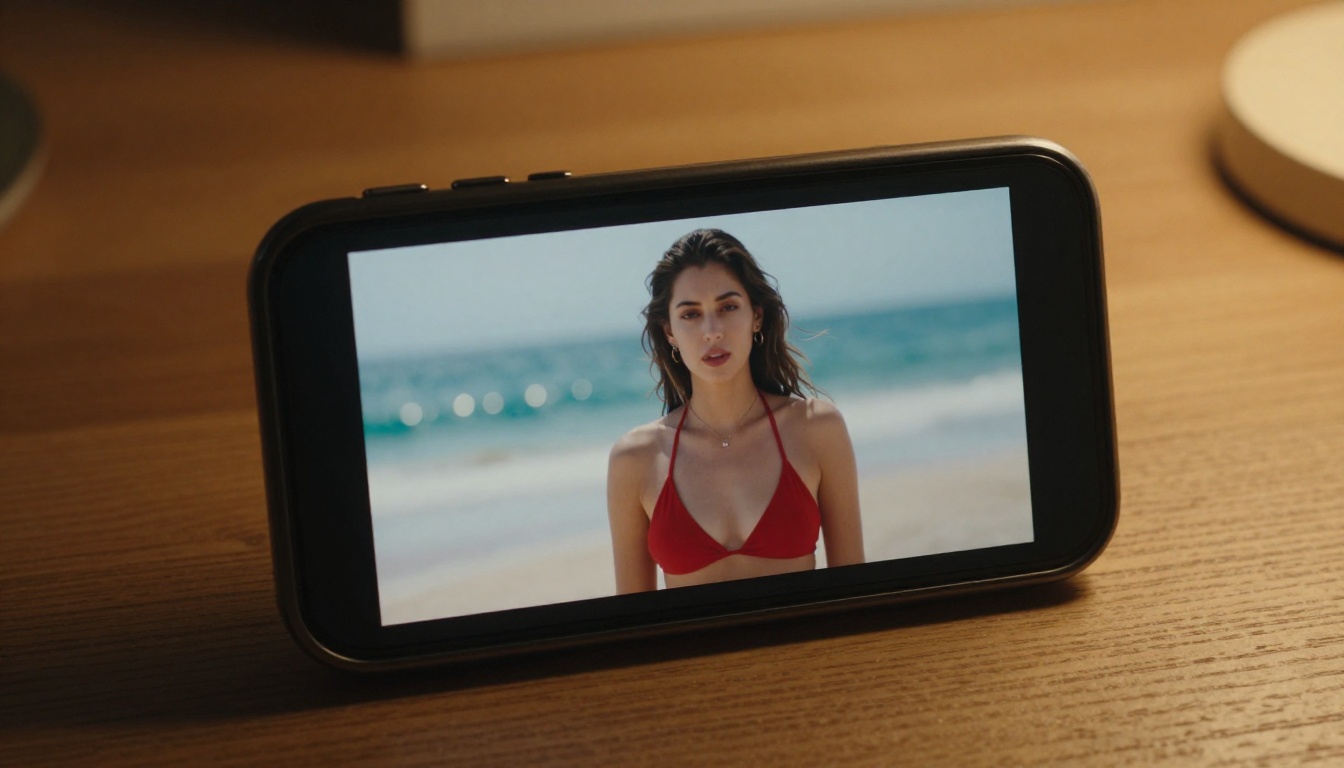
The 9:16 Format as the New Standard
The vertical format is not just a TikTok thing anymore. Instagram Reels, YouTube Shorts, and practically every adult content platform that launched in the last three years defaults to 9:16. When you are generating AI video for any of these platforms, the aspect ratio is the first decision you make, and it affects everything downstream: how subjects are framed, how much background context shows, and how the camera motion feels.
A wide 16:9 shot of a woman on a beach reads as cinematic. The same woman in 9:16 with close-in framing reads as personal, intimate, and shot on a phone. That shift in framing psychology is why creators producing adult AI content have moved almost entirely to vertical format. The content feels like it was actually captured, not rendered.
What Makes a Short Clip Feel Authentic
Three things separate an authentic-feeling TikTok-style AI clip from something that reads as obviously generated:
- Micro-motion: Hair movement, fabric flow, subtle body sway. Static subjects instantly read as fake, even with excellent visual quality.
- Natural lighting transitions: Light that shifts slightly over 5 seconds the way real sun or ambient light would shift.
- Camera breathing: A barely-perceptible, slow dolly or drift instead of a locked, perfectly still camera. Real handheld footage always moves slightly.
Veo 3.1 Fast handles all three of these better than any model at its speed tier. That is the specific reason it has become the go-to for TikTok-style clip generation.
Veo 3.1 Fast on PicassoIA
What Veo 3.1 Fast Actually Does
Veo 3.1 Fast is Google's accelerated variant of the Veo 3.1 series, available directly on PicassoIA. It generates 1080p video from text prompts with native synchronized audio, meaning background ambience, music, and sound effects are baked into the output rather than added separately in post.
The "Fast" designation refers to its inference speed relative to the full Veo 3.1, which runs at higher fidelity but takes significantly longer to generate. For TikTok-style content where you are iterating through many prompt variations to find the right look, Veo 3.1 Fast lets you run 4 to 5 test generations in the time the full model would take for one.
💡 Tip: Use Veo 3.1 Fast for iteration and prompt testing. Once you have a prompt that produces the exact vibe you want, run it once through Veo 3.1 for the final hero clip at maximum fidelity.
Speed vs Quality Tradeoff
| Model | Resolution | Speed | Audio | Best For |
|---|
| Veo 3.1 Fast | 1080p | Fast | Native sync | Iteration, short-form content |
| Veo 3.1 | 1080p | Standard | Native sync | Final outputs, hero clips |
| Veo 3 Fast | 1080p | Fast | Native sync | Previous-generation equivalent |
| PicassoIA Video | 720p | Instant | None | Unlimited free generation |
| P-Video | 1080p | Fast | Optional | NSFW, no content filter |
For NSFW content specifically, the safety filter situation matters as much as resolution. Veo 3.1 Fast operates with standard Google content policies, which means explicit content is filtered. Suggestive content, artistic framing, and bikini or lingerie content generally passes through without issues, making it suitable for the non-explicit NSFW category that performs well on TikTok alternatives and adult-adjacent platforms.
How to Use Veo 3.1 Fast on PicassoIA
- Go to Veo 3.1 Fast on PicassoIA
- Set your aspect ratio to 9:16 for TikTok-style vertical output
- Write your prompt with the motion-first structure (covered in the Prompts section below)
- Enable audio sync if you want ambient sound generated with the clip
- Generate, review, and iterate. At Fast tier speeds, you can run multiple variants quickly to narrow in on the right result
For content that goes further than what Veo 3.1 Fast allows, PicassoIA carries a full lineup of models with no content restrictions. Here is the complete recommended stack, ordered by performance:
For Image Generation (Source Frames)
- Seedream 4.5 The top recommendation for generating source images for your clips. Accepts NSFW content, supports image editing, and produces ultra-realistic results in under 3 seconds. (Note: the newer Seedream 5 Lite does not support NSFW content, so stay on 4.5 for adult material.)
- PicassoIA Image Editor Pro Img2img with unlimited generations on Elite or Infinite plans. Need 500 source frame variations? They are all free. That same volume would cost around $100 on models like Nano Banana 2. Delivers results in under a second with no credit card required for a 3-generation free trial.
- Qwen Image 2 Open-source model that creates or edits any image in seconds with very detailed realism.
- Grok Imagine Image Converts any photo to bikini format with striking photorealism.
- Recraft V4 Very realistic text-to-image results with strong aesthetic control.
- P-Image NSFW text-to-image in under 1 second.
For Video Generation
- PicassoIA Video Unlimited video generation from text prompts at up to 720p. No generation caps, no credit anxiety when you are iterating.
- P-Video Text, image, or audio to video at up to 1080p with the safety filter off by default. Draft mode delivers instant low-res previews before you commit to a full render. Duration is adjustable from 1 to 10 seconds across seven aspect ratios.
- Grok Imagine Video Clips up to 15 seconds from text, image, or existing footage. No watermarks. Works seamlessly with its companion image model Grok Imagine Image as an end-to-end pipeline.
- LTX 2.3 Pro Up to 4K at 50fps with retake and extend editing for precise control. The highest-fidelity option for final hero outputs and client-ready work.
- Wan 2.2 I2V Fast Converts static images to smooth animated clips with natural, convincing motion at 720p.
💡 Explore the full lineup at picassoia.com/en/all-models.
Writing Prompts That Work
The quality of a TikTok-style AI clip comes down almost entirely to how well the prompt describes motion. Most generators with solid visual quality handle static looks well. The differentiator is what you tell the model to do over the 5 seconds of footage.
Subject and Pose First
Start every prompt by establishing who is in the frame and what they are doing at the very start of the clip. The model needs a clear starting state before it can animate motion convincingly.
Weak: "Beautiful woman on a beach"
Strong: "A woman in a white string bikini stands at the edge of the shore, waves washing over her bare feet, her long dark hair pushed forward by a warm coastal breeze"
The second version gives the model a specific subject, specific wardrobe, a specific environment interaction, and the beginning of a motion arc. The wind is already moving her hair before the clip even starts. That is the difference between a clip that looks generated and one that feels captured.
Motion and Camera Movement
After establishing the starting state, describe what changes over the 5 seconds:
- What does the subject do? (turns, tilts head, reaches, stretches)
- What does the camera do? (slow dolly in, gentle pan right, barely perceptible handheld drift)
- What environmental motion occurs? (waves pulse, curtains drift, sunlight shifts slightly)
Example motion arc: "She slowly turns toward the camera with a confident smile, the camera gently drifting forward on a slow dolly, late afternoon light warming from behind as a wave rolls in at her feet"
That is a complete motion arc in one sentence: subject action, camera action, environmental action, and a lighting change. Each of these gives the model something to animate, and the result is a clip that reads as real footage rather than a held image.
What to Avoid in Prompts
| Avoid | Use Instead |
|---|
| Explicit anatomical descriptions | Suggestive framing and specific wardrobe |
| Vague mood words only | Specific lighting conditions and camera angles |
| Generic "beautiful woman" | Age, hair color, skin tone, specific wardrobe item |
| Static descriptions only | Always include motion, camera movement, and environment |
| Long lists of modifiers | Clear chronological action sequence |
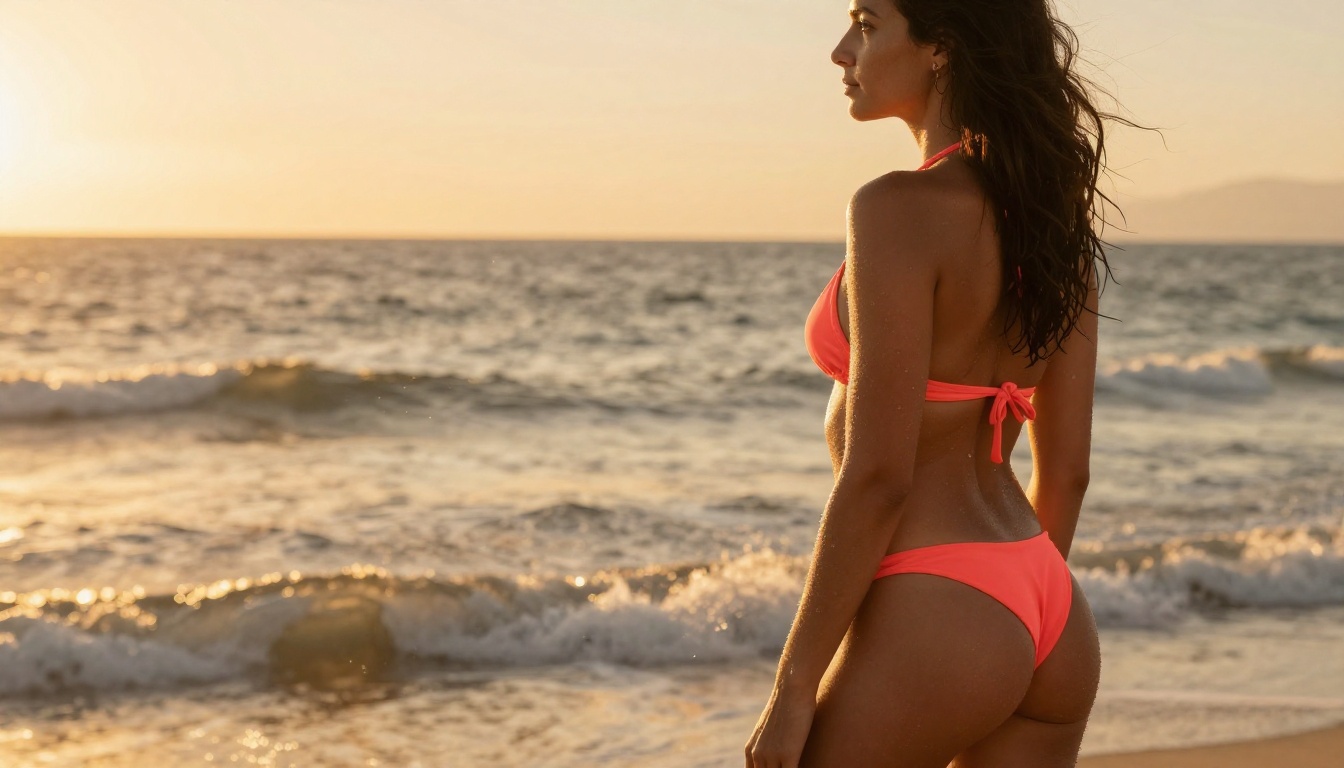
Image-to-Video vs Text-to-Video
When to Start from an Image
For NSFW content specifically, starting from a generated image before animating gives you two major advantages:
- Character consistency: The face, body type, and wardrobe stay consistent across multiple clips because they are all derived from the same source image. This is critical if you are building a content series around a consistent character.
- Filter routing: If a text-to-video model applies content filtering to prompts, you can generate the source image with a more permissive model such as Seedream 4.5 or P-Image, then animate it through Wan 2.2 I2V Fast or P-Video with a motion-only prompt.
The image-to-video workflow for a TikTok-style clip typically looks like this:
- Generate a high-quality source image with Seedream 4.5 at 9:16 ratio
- Refine details using PicassoIA Image Editor Pro if needed
- Pass the image to Wan 2.2 I2V Fast or Grok Imagine Video with a motion-only prompt
- Output a 9:16 vertical clip at 720p or 1080p
Best Models for Image-to-Video NSFW
| Model | Max Length | Max Resolution | Safety Filter | Notes |
|---|
| P-Video | 10 seconds | 1080p | Off by default | Best for unrestricted content |
| Grok Imagine Video | 15 seconds | 720p | Moderate | Long-form clips, no watermarks |
| Wan 2.2 I2V Fast | 5 seconds | 720p | Light | Smooth, natural motion |
| LTX 2.3 Pro | Variable | 4K | Standard | Highest fidelity final outputs |
3 Common Mistakes Creators Make
1. Generating at 16:9 and cropping to 9:16 afterward
This is the single most common error. Cropping from 16:9 to 9:16 after the fact removes roughly 44% of the original frame and means the model composed the shot for a wide format rather than a vertical one. Always set the aspect ratio to 9:16 before generating. The composition, where the subject sits in frame, how much headroom exists, where the camera pans, all of it changes when the model knows the output format from the start.
2. Writing static image descriptions instead of motion prompts
Video models need motion instructions. A prompt that perfectly describes how someone looks will produce a clip where that person stands still doing almost nothing for 5 seconds. Add at least one subject action, one camera movement, and one environmental element to every video prompt. The difference in output quality is significant and immediate.
3. Using the wrong model for the content type
For suggestive content that falls within platform guidelines, Veo 3.1 Fast produces the most cinematic, high-resolution output at speed. For content that goes further, switch to P-Video with its default-off safety filter, or use the image-first workflow with Seedream 4.5 as your source. Sending explicit prompts to a filtered model wastes time and produces watered-down outputs, not better-filtered versions of what you wanted.
The Full Workflow in Practice
Here is what a complete session for generating a batch of TikTok-style NSFW clips looks like when you treat it as a production pipeline rather than a series of one-off generations:
Phase 1: Source images
Generate 5 to 10 source images using Seedream 4.5 at 9:16 ratio. These are your characters. Run variations on hair color, wardrobe, setting, and lighting until you have a cast you are satisfied with. Use PicassoIA Image Editor Pro for unlimited refinements at no extra cost on Elite or Infinite plans.
Phase 2: Prompt testing
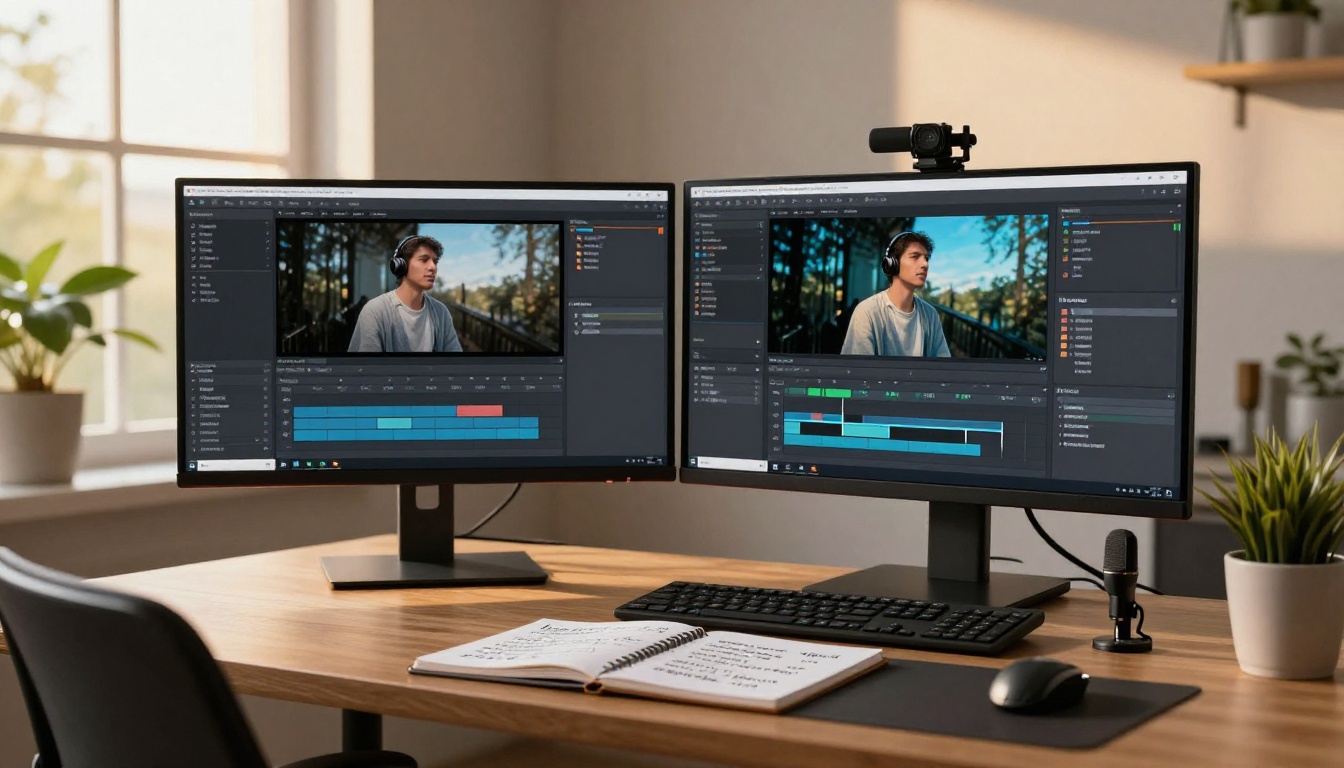
Take each source image and test 2 to 3 motion prompts using Veo 3.1 Fast or P-Video draft mode. This costs minimal time and resources because Fast tier and draft mode are both built for iteration, not final output.
Phase 3: Final renders
Once you have identified the 3 to 5 best prompt and source image combinations, run them through Veo 3.1 or LTX 2.3 Pro for full-resolution final outputs.
Phase 4: Audio
If the clip needs music or voiceover rather than native ambient audio, use PicassoIA's audio tools to layer in AI-generated music or speech before publishing. The text-to-speech and AI music generation models in the full catalog handle this without needing external software.
Most mainstream AI platforms filter aggressively. They reject prompts for content that is merely suggestive and not explicit, and they do not tell you precisely why a generation failed. PicassoIA gives creators direct access to the models without restrictive intermediary filtering, meaning your prompt gets to the model and the model decides rather than a pre-filter rejecting it before generation even starts.
The platform also carries the full spectrum from completely unrestricted models like P-Video through to high-quality mainstream models like Veo 3.1 Fast, so you can pick the right tool for each specific piece of content without switching between services.
The unlimited generation plans are specifically valuable here. When you are iterating through dozens of prompt variations to perfect a TikTok-style clip, per-generation pricing adds up fast. PicassoIA Image Editor Pro and PicassoIA Video both offer unlimited generations on Elite and Infinite plans, which fundamentally changes how you can work: iteration becomes free, and the only cost is time.
Start Generating Your Own Clips Now
The tools are all available right now. Veo 3.1 Fast gives you speed and 1080p quality for suggestive content with native audio. P-Video and Seedream 4.5 cover the unrestricted end of the spectrum. The image-first workflow keeps your characters consistent across batches of clips. And PicassoIA's unlimited plans mean you can iterate without watching a credit counter every generation.
The only way to get good at this is to generate a lot. Your first ten prompts will not be great. Your thirtieth will be. Start with the setup that costs the least to iterate on, build a workflow you understand, then scale it up once you know what works for your specific content style and audience.
👉 Try Veo 3.1 Fast, Seedream 4.5, and the full lineup of uncensored AI video and image models at picassoia.com/en/all-models.


