You type "a corgi in a tiny yellow raincoat splashing through a puddle", press a button, and a few seconds later a looping clip plays on your screen. That is what an AI GIF generator does, and it has become far easier than hunting through a library for a reaction that almost fits. The catch is that "GIF generator AI" means three different things depending on who you ask, and the free tools hide limits that only show up after you have spent twenty minutes on a prompt.
This article sorts it out. You will see how text to GIF actually works, what "free online" really includes, a set of prompts you can copy, and the limits you will run into on color, file size, loops and licensing.
What an AI GIF Generator Does
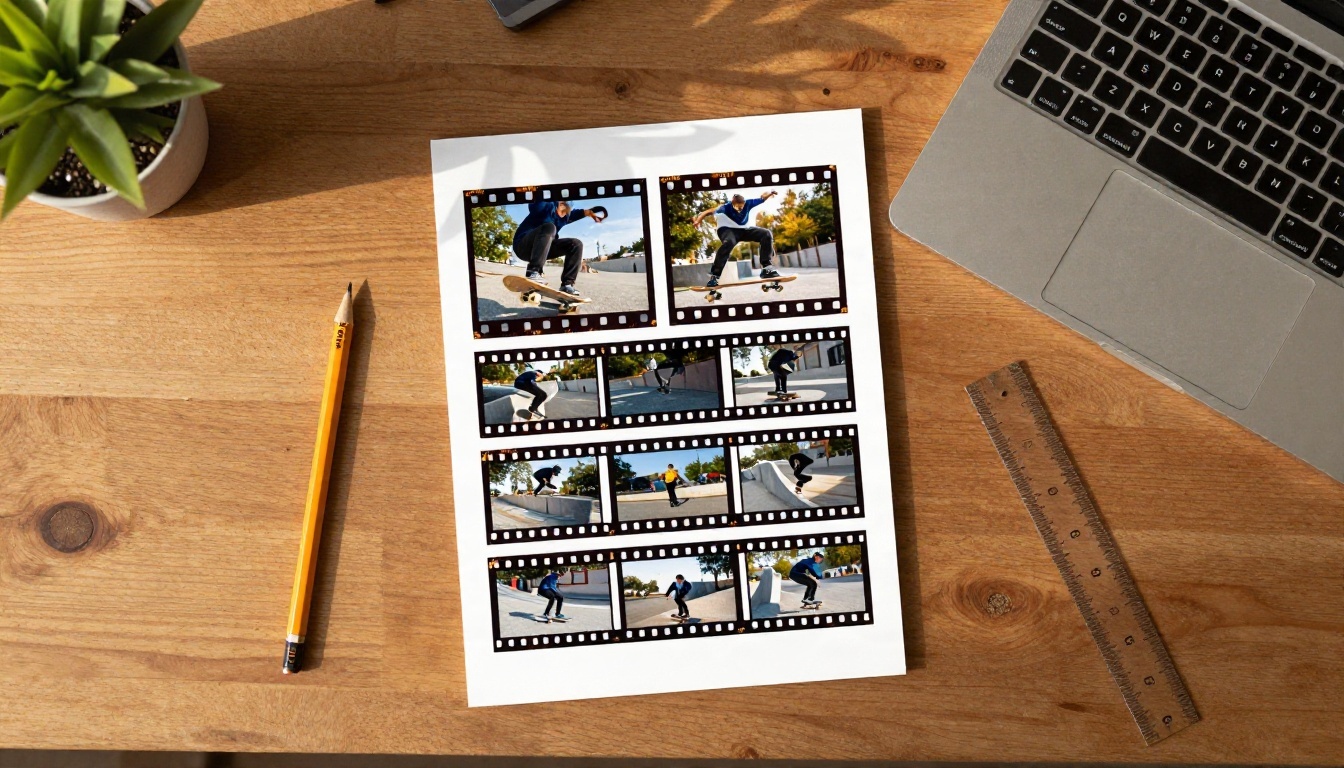
At its core, a GIF is a stack of still frames played in a loop, with no sound. An AI GIF generator produces those frames for you instead of making you draw, film or edit them. Most tools do it in one of three ways.
Text to GIF
You write a sentence, the model generates a short video clip, and the result is exported as a looping animation. The model is not "drawing a GIF". It is generating a few seconds of video, usually at 24 frames per second, and the GIF is a packaging step at the end.
Image to GIF
You upload a photo and describe the motion: hair moving in wind, steam rising from a cup, a slow camera push. This is the most reliable route because the first frame is already fixed. The model only has to invent motion, not the whole scene.
Video to GIF
You already have a clip and want it shortened, cropped and compressed. This is the least "AI" of the three, although some tools add smart trimming or loop detection.
💡 Good to know: Most modern models output MP4 video, not a GIF file. The GIF is made afterward with a converter or an editor. That is why text to video quality matters more than any "GIF" label on a product page.
Why GIFs Still Matter
Video has taken over most of the web, so it is fair to ask why anyone still wants a GIF. The answer is boring and practical: GIFs play everywhere, loop on their own, and need no player.
Where they still win
- Chat and messaging: reactions and stickers work best as a three second loop.
- Email: many email clients block video but show animated GIFs, so a product teaser can live inside a newsletter.
- Documentation: a short loop shows a click path better than three paragraphs.
- Social posts: silent autoplay loops catch the eye while people scroll.
Where they lose
GIFs are heavy for what they show. A video file of the same clip is often many times smaller and looks better. If your platform accepts MP4 or WebM with autoplay, you may not need a GIF at all.
How to Make a GIF From Text
The process is the same on almost every platform. What changes is how much control you get at each step.
Write a prompt that moves
A still image prompt describes a scene. A GIF prompt must describe change over time. Use this formula:
Subject + one clear action + camera behavior + light
Compare these two:
| Weak prompt | Strong prompt |
|---|
| A cat on a windowsill | A gray tabby cat on a sunlit windowsill slowly turns its head toward the camera, ears twitching, soft morning light, static camera |
| A cup of coffee | Steam curls upward from a white ceramic cup on a wooden table, slow push in, warm side light |
| A city street in rain | Rain falls on a quiet cobblestone street, a cyclist passes left to right, fixed camera, overcast light |
Keep the action simple
One subject and one movement gives the cleanest loop. Three people dancing while a dog runs past and the camera orbits is how you get melting limbs. Short clips forgive less than you would expect.
Pick a model and a length
Shorter is better for GIFs. A 3 to 5 second clip is easier to loop and much smaller to export. If a model produces 10 seconds, trim it.
Convert the clip to GIF
Download the video, then run it through a video to GIF converter or an editor such as ffmpeg. Set the width to 480 or 600 pixels, the frame rate to 12 to 15 fps, and let the tool build an optimized palette. That one step often cuts file size by more than half.
💡 Loop trick: If the end of the clip does not match the start, play the clip forward and then in reverse (a "boomerang"). Water, steam, hair and fabric hide the reversal well. Faces and text do not.
Free Online Options and Their Catch
Search for "free AI GIF generator" and you will find a long list: general creative suites with a text to GIF mode, dedicated GIF sites, and video tools that offer a free tier. Names that come up often include CapCut, Picsart, Morphic and Magic Hour.

What "free" usually means
Based on what these tools publish, free access normally comes with one or more of these conditions:
- A small number of generations per day or per month, or a pool of credits that runs out fast.
- Watermarks or lower resolution on the free output.
- Personal use only licensing, with commercial rights reserved for a paid plan.
- A queue, so your clip waits behind paying users.
Limits change often, and some sites advertise "no limits" without any independent confirmation. Read the pricing page on the day you sign up, not a blog post from last spring.
The licensing trap
If you plan to put a GIF in an ad, a store listing or a paid newsletter, check whether the output is cleared for commercial use. Many free tiers say no. This matters more than the watermark, because a watermark is visible and a license problem is not.
💡 Quick test: Generate two clips on a free tier before you commit to a workflow. If the second one is slower, smaller or blocked, you have found the real cap.
Models Worth Trying on PicassoIA
PicassoIA does not sell a single "GIF" button. It gives you access to many video and image models, and any short clip they produce can be turned into a GIF with the converter step above. That is actually an advantage: you pick the model that fits the motion you want.
Two options are labeled free and unlimited on their model pages: Seedance 2.5 Lite, which generates clips up to 10 seconds, and PicassoIA Video, which works from text or an image. Both are a sensible place to start when you are testing prompts and do not want to count credits.
Build the first frame with an image model
Image to GIF is more predictable than text to GIF because you control frame one. Generate a clean still first with Nano Banana Pro or Seedream 4.5, then send that image to an image to video model such as Wan 2.7 I2V or Hailuo 2.3 Fast.
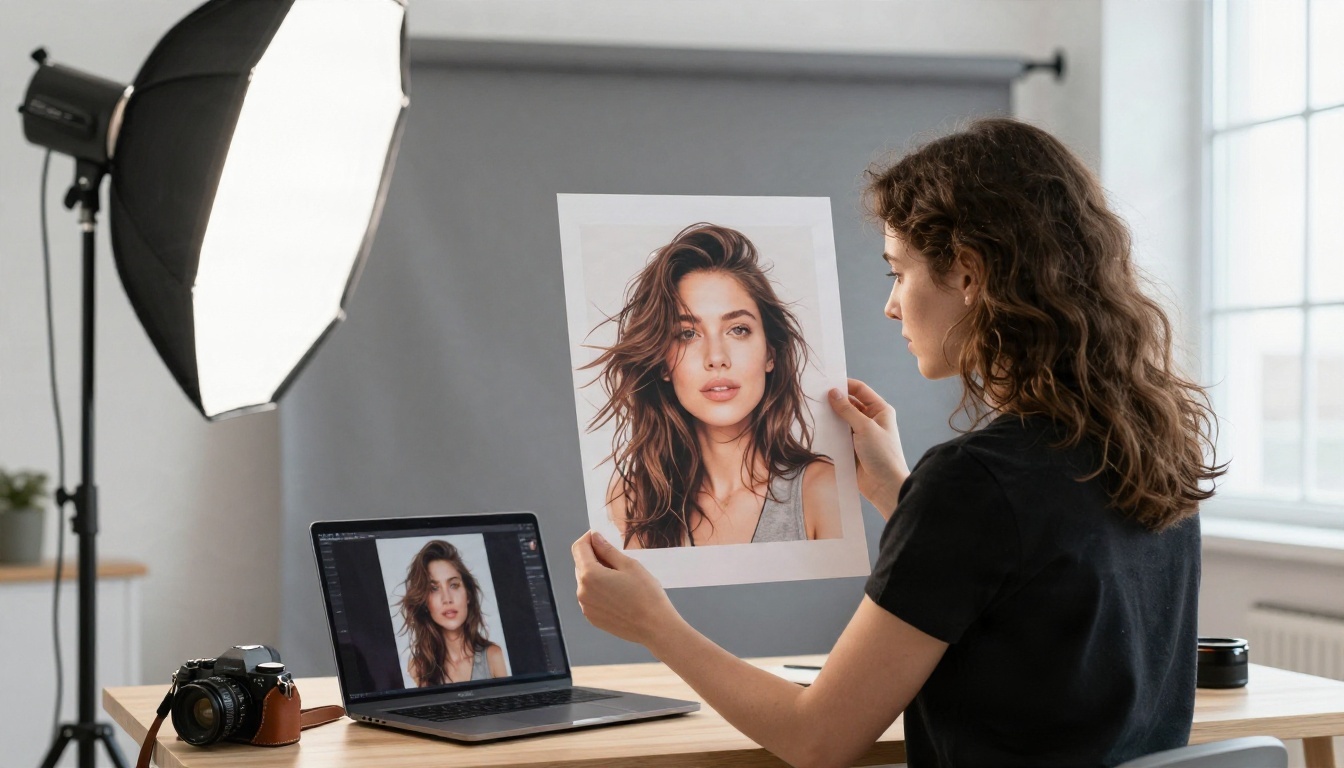
A simple workflow
- Open a text to image model and generate a clear subject on a simple background.
- Pick the best frame. Avoid busy backgrounds, they flicker when animated.
- Open an image to video model, upload the frame, and describe one movement.
- Generate a short clip, three to five seconds if the tool lets you choose.
- Download the MP4 and convert it to GIF at 480 to 600 pixels wide and 12 to 15 fps.
Prompt Examples You Can Copy
These are written for video models. Paste them as they are, then swap the subject.
Reaction loops
A woman in a green sweater looks at the camera, raises her eyebrows slowly, then smiles and gives a small nod. Fixed camera, soft window light, plain wall.
Reaction GIFs work because the emotion reads in one second. Keep the background plain, so the face does all the work.
Product loops
A matte black wireless speaker on a pale concrete surface, the camera slowly orbits ninety degrees to the right, soft studio light, clean reflections.
Slow orbits and push ins are the safest camera moves. Fast whip pans smear the frame, and smeared frames look worse as a GIF than as video.
Ambient scenes
Rain streaks across a window at dusk, a blurred streetlight glows in the background, a single drop runs down the glass. Static camera.
Ambient loops are the easiest to loop cleanly, because nothing has to start or end. They also compress well, since most of the frame barely changes.
Pet and nature loops
A golden retriever shakes water off its fur on a sandy beach, slow motion, low camera angle, golden hour light.
Animals and water are popular, but they stress models. Expect to generate three or four clips to get one clean one.
The Real Limits of AI GIFs
Here is the part that most "best AI GIF generator" lists skip.
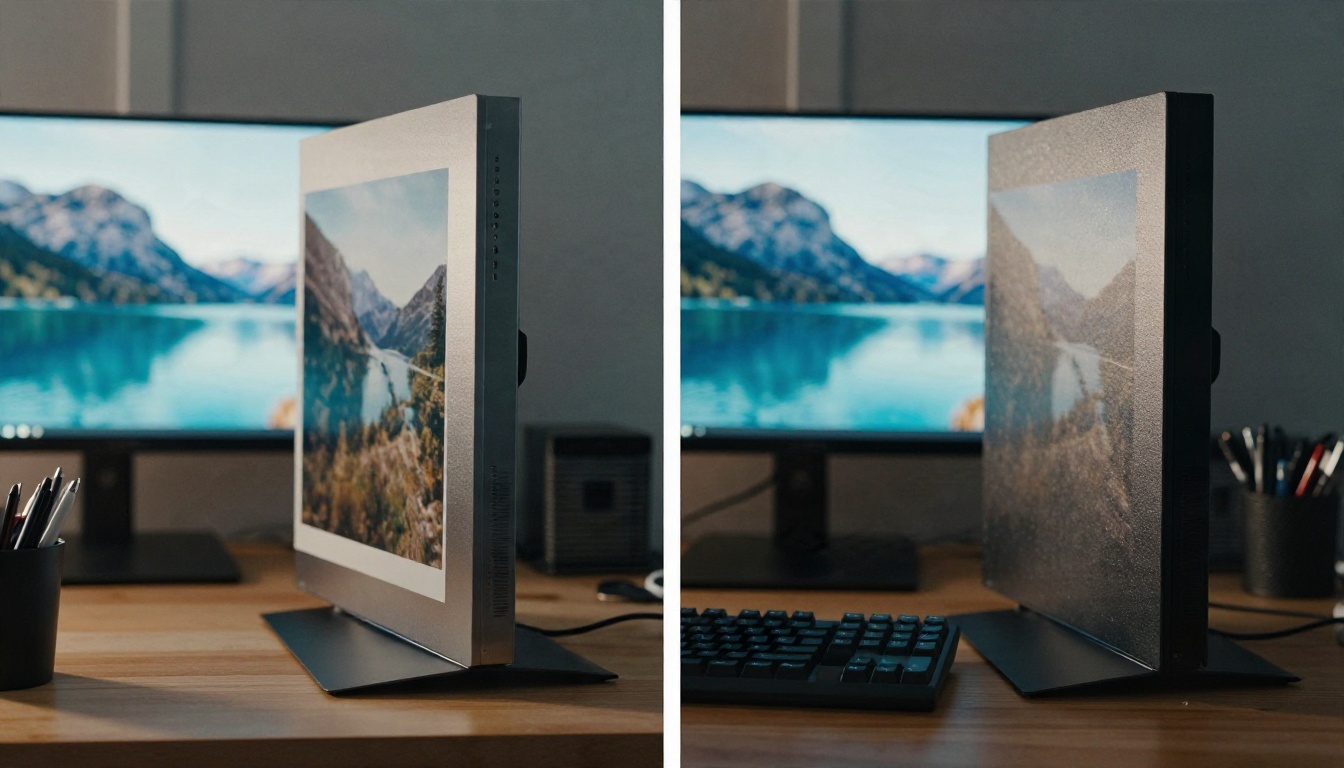
Color and quality
The GIF format holds a maximum of 256 colors per frame. Skies, skin and soft gradients show visible banding after conversion. A beautiful 1080p clip will look noticeably rougher as a GIF. Plan for this by choosing subjects with flat color and strong shapes, and avoid subtle gradients.
File size
GIF compression is old and inefficient. A five second clip at 720p can reach tens of megabytes. Many platforms cap uploads at a few megabytes, and the exact number differs by service, so check the limit before you pick a resolution. Lower the width, lower the frame rate, and shorten the clip.
| Setting | Effect on size | Effect on look |
|---|
| Width 1280 to 480 | Large reduction | Softer detail |
| 24 fps to 12 fps | About half | Slightly choppy motion |
| 5 seconds to 3 seconds | About 40 percent less | Faster loop |
| 256 colors to 128 colors | Moderate reduction | More banding |
Motion glitches
Current models still struggle with hands, fast limbs, crowds and anything that needs consistent counting, such as a clock or a keyboard. If a face or a hand drifts mid clip, the problem is the clip, not your prompt. Generate again with a simpler action.
Loop seams
An AI clip never ends exactly where it began. You will see a small jump at the loop point unless you trim for it or use the boomerang trick. Generate a slightly longer clip and cut it where the pose matches the first frame.
Text inside the frame
Words, logos and signs warp during motion. If your GIF needs a caption, add it afterward in an editor. Do not ask the model to write it.
Audio is lost
Many current video models produce synchronized audio. A GIF drops it. If sound matters, keep the MP4.
Who Uses This and Why
Creators and social teams
Short loops make a feed post stand out without a video shoot. A team can produce ten variations of one idea in an afternoon and keep the one that works.
Small shops
A product photo that moves a little, such as steam, a slow turn or a light shift, gets more attention in an email than a flat image. A single photo and a three second animation are enough.
Everyday users
Custom reactions beat searching a library for one that "kind of" fits. Describe the exact expression and you get it, within the limits above.
Teams writing documentation
A loop showing a menu path is quicker to produce than a screen recording, and it stays small if you keep it short.
Try It Yourself
The fastest way to understand all of this is to make one. Open Seedance 2.5 Lite or PicassoIA Video, paste one of the prompts above, and generate a three to five second clip. Then convert it to GIF at 480 pixels wide and see how it holds up. If you want tighter control over the first frame, generate a still with Nano Banana Pro and animate it with Wan 2.7 I2V.
Try the same prompt on two or three models, since each handles motion differently. Browse the full list at picassoia.com/en/all-models, pick the one that moves the way you want, and build your own library of loops on Picasso IA.


