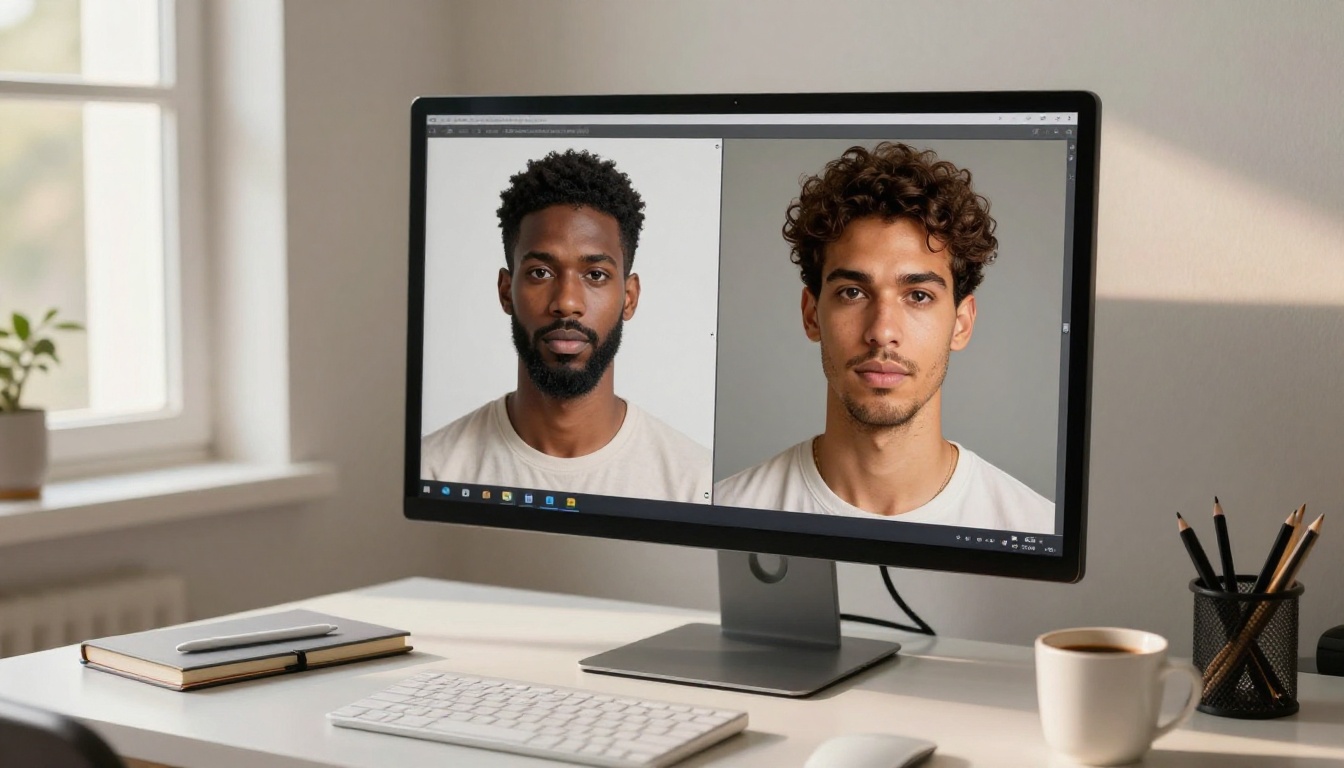
Giving your AI companion a face that reflects real-world ethnic diversity is one of the most powerful things you can do with modern text-to-image tools. Most people settle for whatever the default output gives them, and that default is almost always the same: light skin, generic Western features, and a facial structure that could belong to a stock photo. You don't have to accept that. With the right prompting strategy and the right models, you can build AI companions with West African bone structure, Southeast Asian skin tone, South Asian features, and everything in between. This article breaks down exactly how.
Why the Default Look Falls Flat
Every AI Companion Looks the Same
Open any text-to-image generator with a simple prompt like "beautiful woman" and you'll notice a pattern. The results skew heavily toward a narrow aesthetic: light-skinned, European facial geometry, and a specific nose shape that appears so consistently it feels baked into the training data. That isn't a random accident. It's a reflection of where most training datasets came from and which demographics were over-represented in early image collections.
The practical result is that if you want an AI companion with authentic Igbo facial features, the angular elegance of a Maasai woman, or the warm golden undertones typical of Filipino skin, you have to work for it. You have to be specific in ways that the default prompt flow was never designed to make easy.
What Ethnic Diversity Actually Requires
Getting ethnic diversity right in AI-generated portraits isn't just about skin tone. Skin tone is actually the easiest part. The harder work is in:
- Facial structure: cheekbone position and prominence, jaw angle, nose bridge width and shape
- Eye shape: epicanthic fold presence, lid structure, brow arch placement
- Hair texture: 4A coils vs. 3C curls vs. straight silky vs. wavy thick
- Skin undertone: warm golden, cool ashy, neutral brown, deep blue-black
- Contextual details: traditional dress, accessories, environmental settings
When all of these elements align, the result feels authentic. When just skin tone changes and everything else stays the same, it looks like a filter applied over a generic face rather than a real portrait.
The Right Models for Ethnic Portraits
Choosing the right model matters more than most people realize. Different text-to-image architectures handle skin tone, texture, and ethnic facial features very differently.
Seedream 4.5 for Warm Skin Tones
Seedream 4.5 is one of the strongest models currently available on PicassoIA for generating portraits with rich, warm skin tones. Its training data leans into photorealism with high sensitivity to skin undertone descriptors. When you write "warm caramel-brown skin, golden undertones, visible pore texture," Seedream 4.5 consistently delivers results that don't desaturate or lighten the skin in post-processing the way some other models do.
For deeper skin tones, specifically deep melanin skin with a blue-black sheen, Seedream 4.5 handles the reflectivity challenge much better than most alternatives. Deeper skin catches light differently and many models either blow out the highlights or flatten the midtones. Seedream 4.5 preserves the depth.
Seedream 5 Pro builds on that foundation with 2K resolution output, making it the right choice when you need editorial-quality portraits with maximum facial detail.
Flux Pro Finetuned for Fine Detail Control
Flux Pro Finetuned gives you exceptional fine-detail precision. If you're trying to capture something specific, like the exact shape of a monolid eye, the particular drape of a hijab against an olive complexion, or the way light catches on coily hair, this model responds to granular descriptors better than almost anything else on the platform.
The finetuned variant specifically excels at preserving ethnic facial anatomy across prompt variations. Where a base model might drift toward generic features when you change one element of the scene, Flux Pro Finetuned holds your described facial structure more consistently.
GPT Image 2.5 for Precise Prompting
GPT Image 2.5 Flare takes a different approach. It prioritizes prompt adherence above all else, which makes it valuable when you're working with very specific cultural descriptors. If you write "Yoruba woman with traditional gele headwrap in deep indigo and gold," GPT Image 2.5 Flare will attempt to honor every element of that prompt in ways that looser generative models won't.
The tradeoff is that its photorealism is slightly more controlled and sometimes slightly less raw-film-grain organic than Seedream or Flux variants. For editorial portraits where texture matters, Seedream 4.5 wins. For scenes where cultural accuracy of clothing and accessories matters, GPT Image 2.5 Flare is often the better call.
How to Prompt Ethnic Features
The biggest mistake people make when prompting for ethnic diversity is being vague. "Dark skin" gets you something. "Deep melanin skin with a natural blue-black sheen, warm undertone visible in direct sunlight, fine capillary texture at the temples" gets you something real.
African and Afro-Caribbean Looks
💡 Tip: Be geographically specific. West African, East African, and Afro-Caribbean features are distinct. Lumping them together produces generic results.
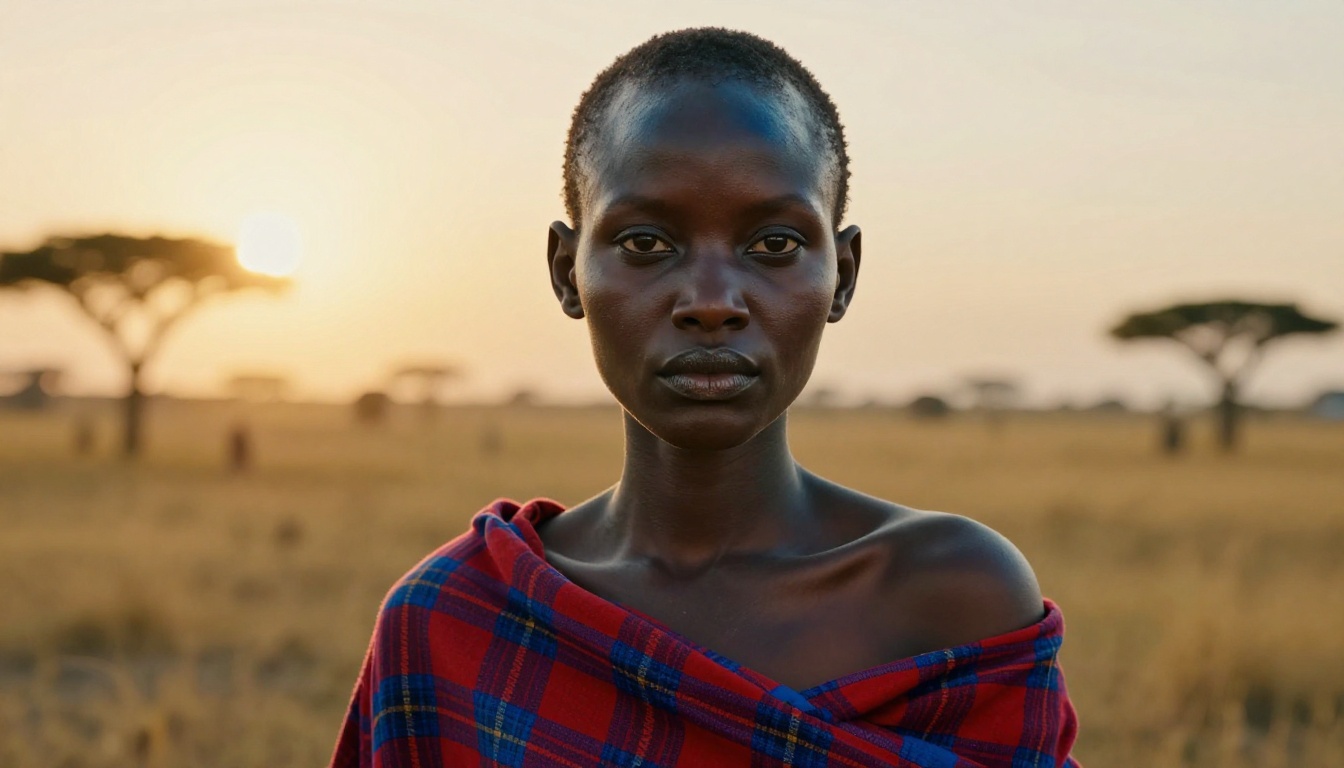
For Sub-Saharan African looks:
- Use regional specifics: "West African," "Maasai," "Igbo," "Congolese"
- Describe facial geometry: "high prominent cheekbones, broad nose bridge, full lips with deep natural pigment"
- Specify skin depth: "deep ebony skin with a natural warm sheen," "deep melanin skin, blue-black in direct light"
- Hair: "4C natural coil hair in a high puff," "tight loc braids adorned with gold rings"
For Afro-Caribbean looks:
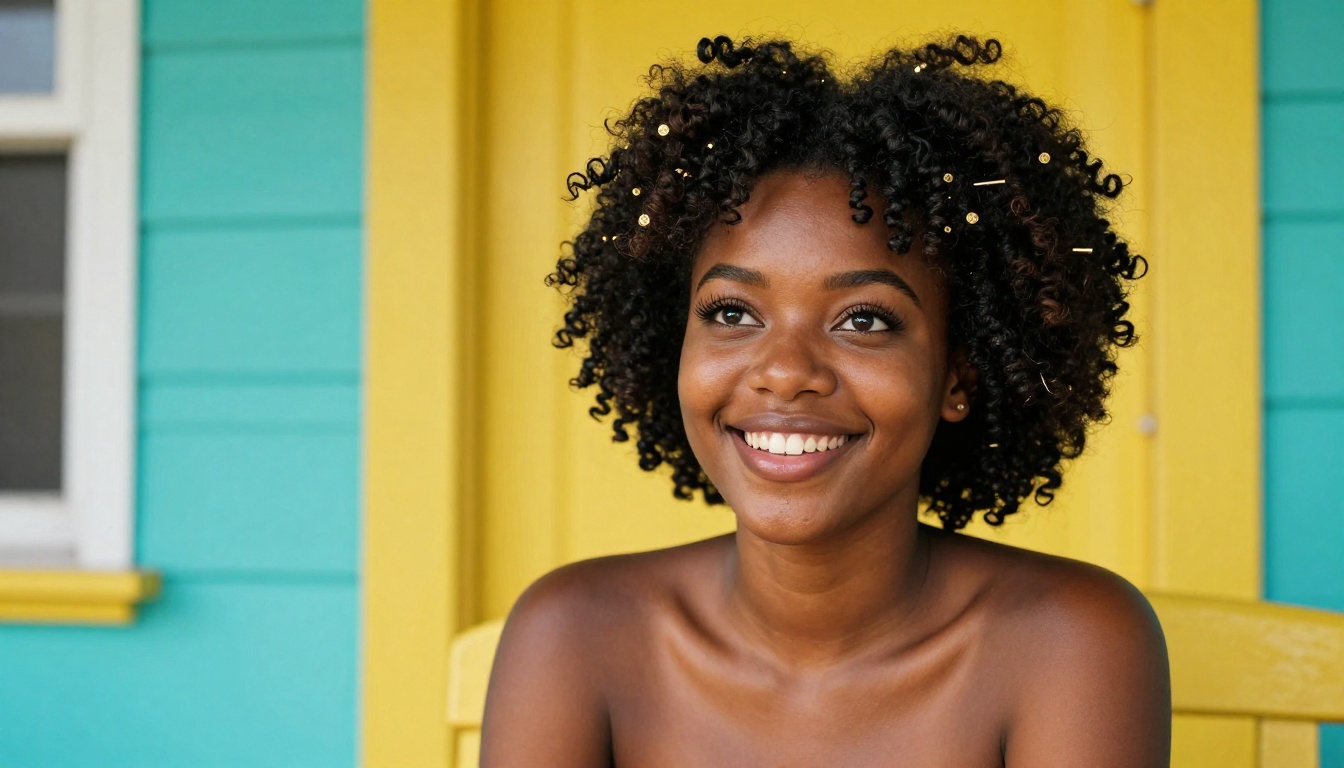
- "Caramel-brown skin with warm golden undertones"
- "Natural coily hair, 3C curl pattern, styled in a loose wash-and-go"
- "Expressive dark eyes with defined brow arch, full lips"
East and Southeast Asian Looks
East Asian and Southeast Asian features have important distinctions that casual prompting misses entirely.
For East Asian looks:
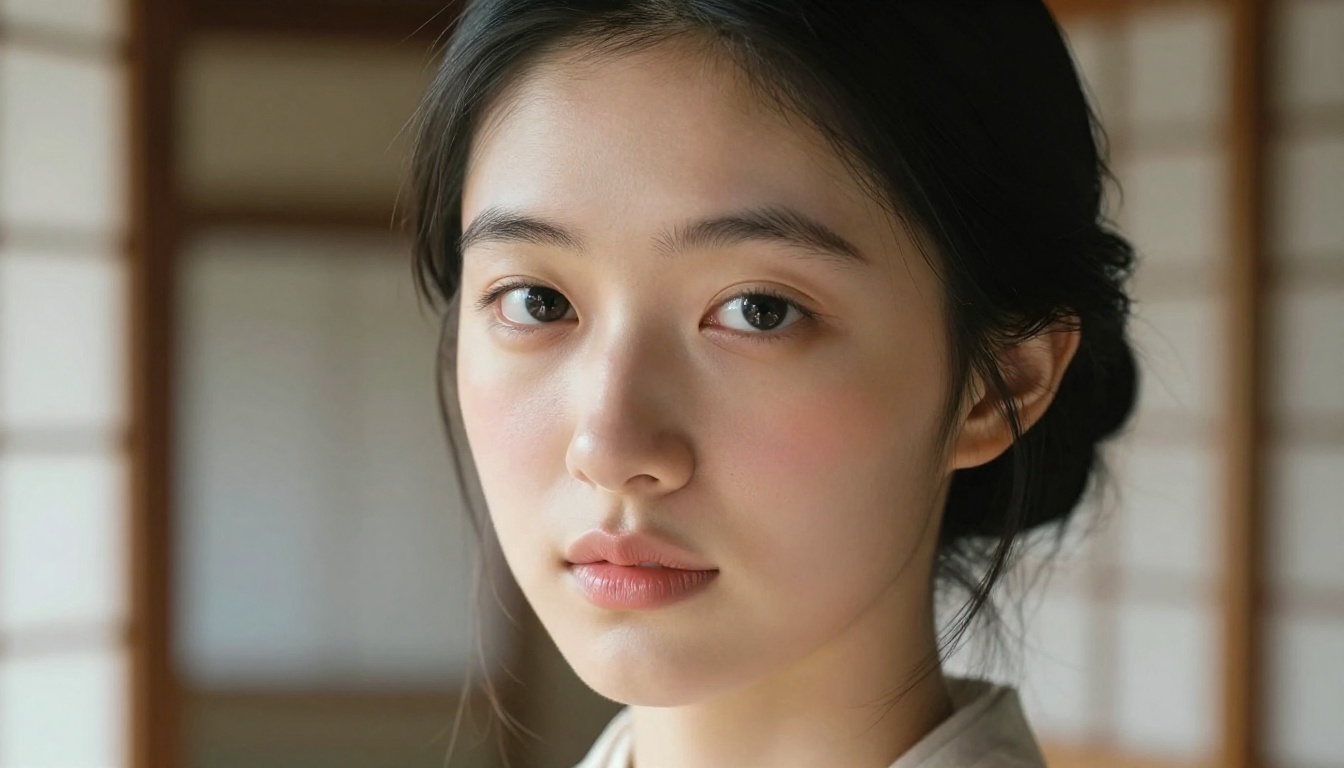
- "Single-lid almond eyes with a defined inner fold, no visible crease"
- "Porcelain skin with natural rosy undertones"
- "Straight fine black hair with natural slight shine"
- "Soft refined nose bridge, small jaw, oval face shape"
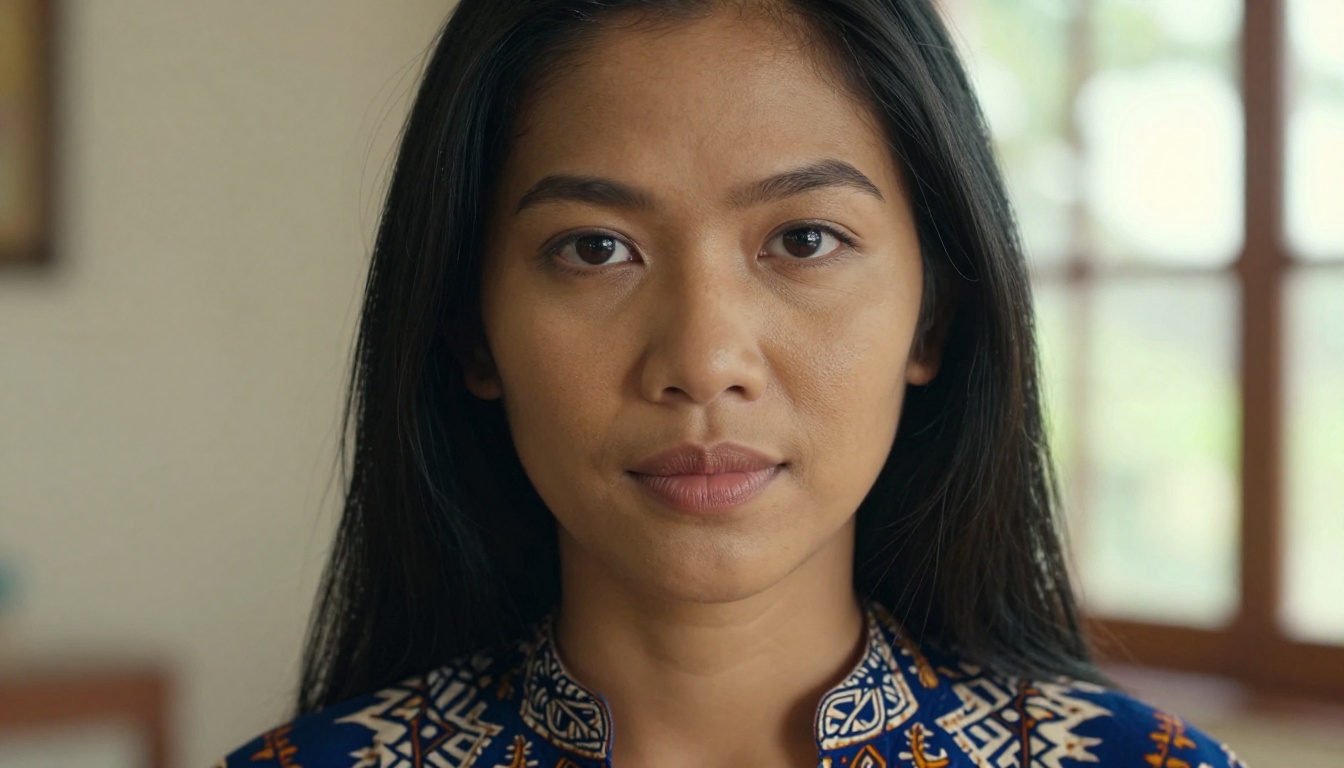
For Southeast Asian looks (Filipino, Thai, Indonesian, Vietnamese):
- "Warm golden-brown skin with tropical sun warmth"
- "Soft round face, darker almond eyes with a subtle epicanthic fold"
- "Natural lips with a warm pink-brown tint"
- Pair with contextual details like batik fabric, bamboo surroundings, or tropical light
Middle Eastern and South Asian Looks
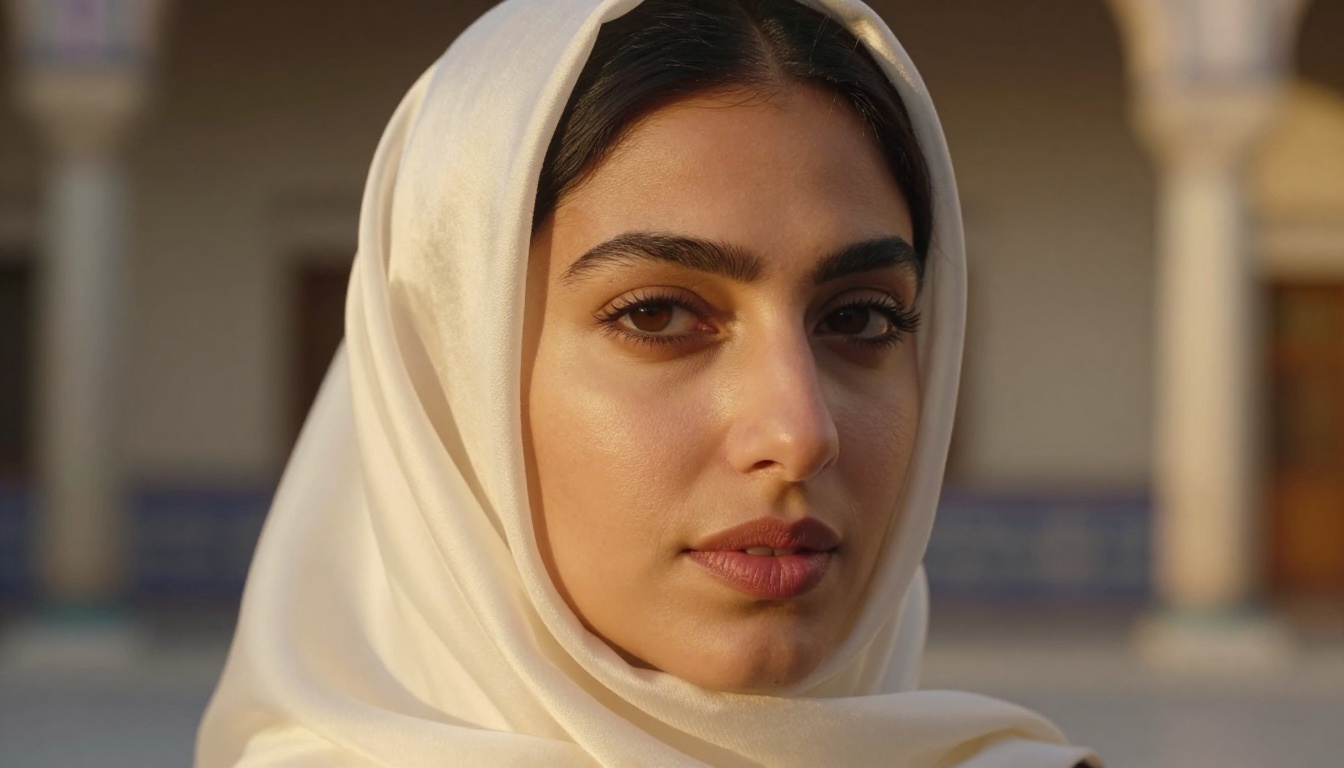
Both of these regions contain enormous diversity within them. Narrow it down:
Middle Eastern:
- "Olive complexion with warm golden undertones"
- "Deep-set almond eyes, arched dark brows, defined aquiline nose bridge"
- "Full lips with natural rose pigment"
- Optional cultural markers: silk headscarf, kohl eye detail, Ottoman-influenced jewelry
South Asian:
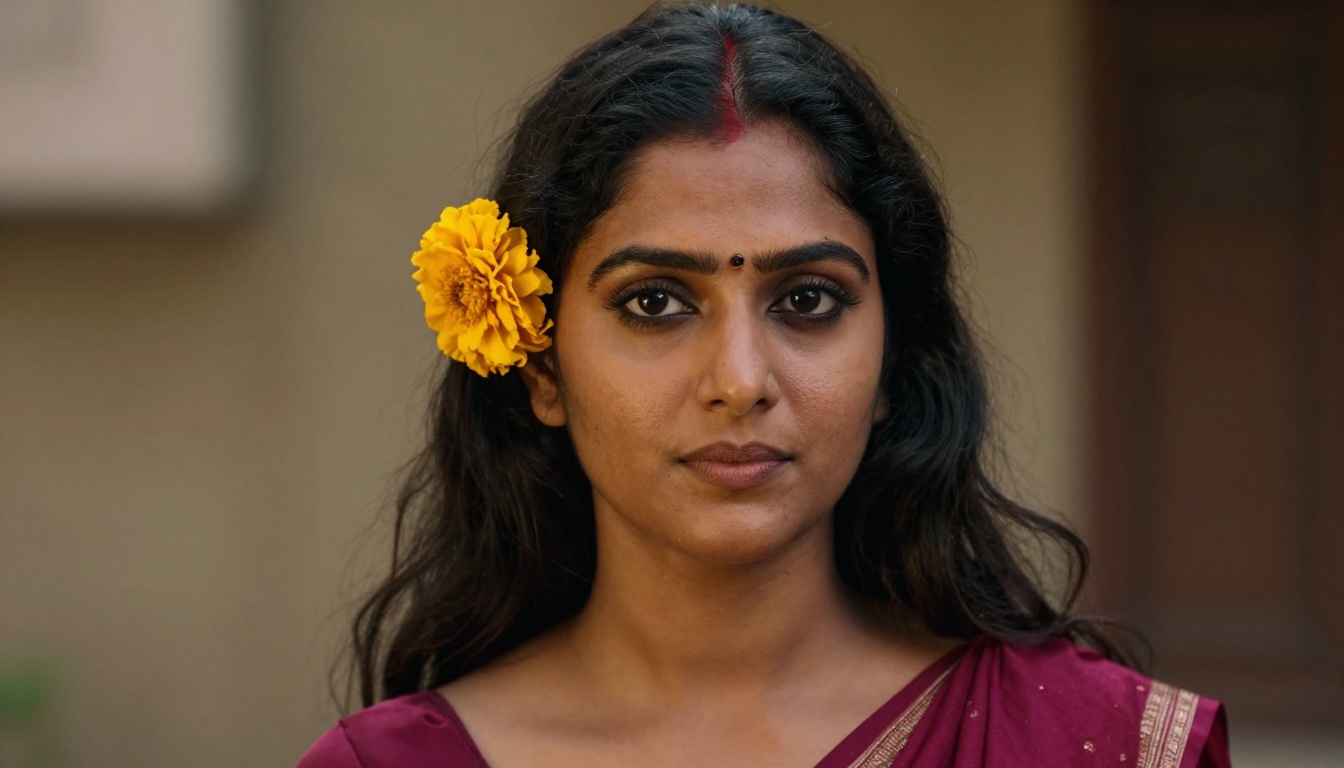
- "Caramel-brown to warm tan skin, depending on regional specificity"
- "Dark expressive eyes framed by long natural lashes"
- Specific to Indian subcontinent: "small gold bindi, dark hair adorned with marigold flowers, silk dupatta"
- "Strong cheekbones with a refined oval face"
Indigenous and Latin Features
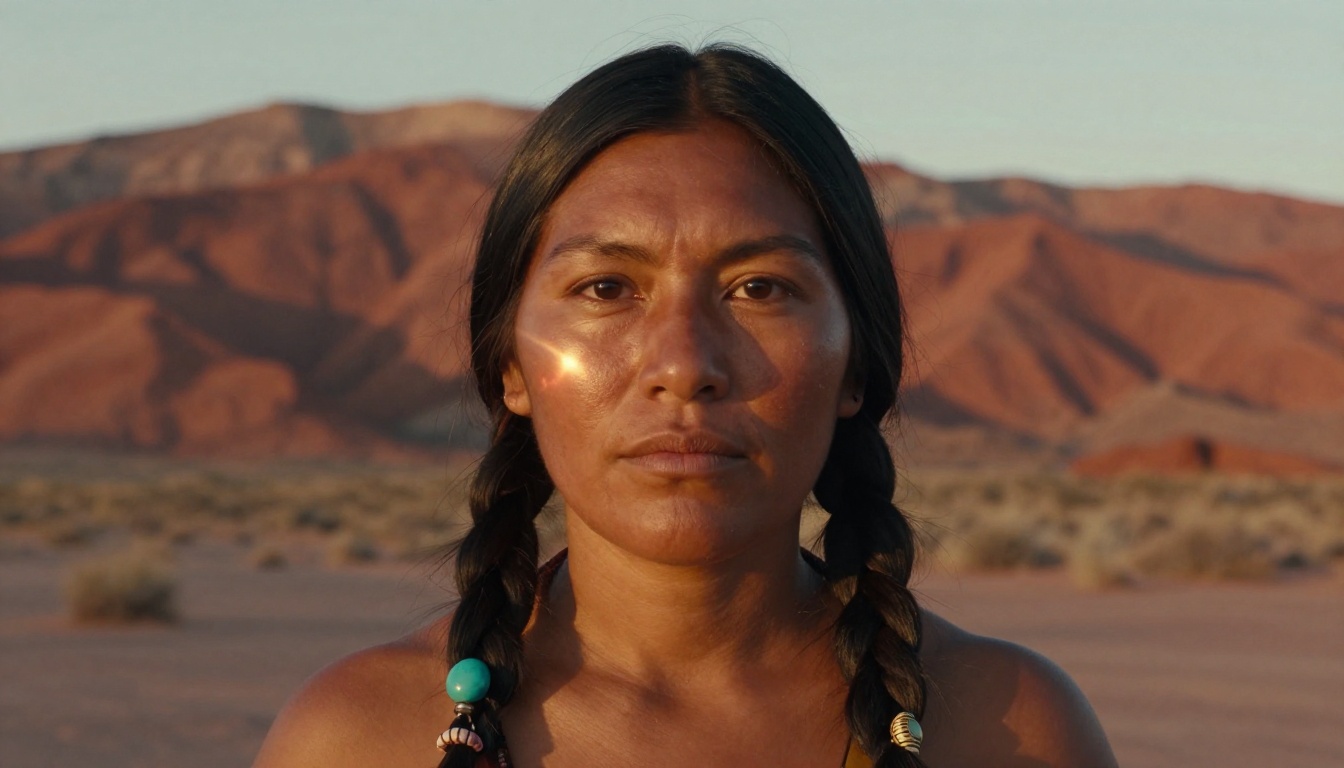
Indigenous features are among the most underrepresented in AI training data, which means they require the most specific prompting:
- "Warm reddish-brown skin, strong prominent cheekbones"
- "Straight black hair in braids adorned with turquoise beads"
- "Dark eyes with quiet intensity, refined angular bone structure"
- Environmental context helps: "desert mesa at golden hour," "Pacific Northwest cedar forest"
For Latin features, which span a wide range:
- "Warm olive to medium brown skin with Mediterranean undertone"
- "Dark wavy hair, expressive dark eyes, defined brow arch"
- Regional specificity helps: "Oaxacan Indigenous features," "Afro-Brazilian complexion," "Argentine Mediterranean look"
Step-by-Step on PicassoIA
Here's the full workflow for building an ethnic AI companion portrait from scratch on PicassoIA.
Pick Your Model
Start at picassoia.com/en/all-models and choose based on what you need:
Write the Ethnic Descriptor Block
Build your prompt in layers. Start with the base subject and add the ethnic descriptor block as a second sentence:
Base: "A photorealistic portrait of a young woman"
Ethnic block: "with deep melanin West African skin showing a blue-black natural sheen, high prominent cheekbones, a broad nose with natural shaping, full lips, and large expressive dark eyes framed by thick natural brows"
Style and lighting: "Golden hour light from the upper right, 85mm f/1.4 portrait lens, Kodak Portra 400 film grain, RAW 8K photography"
That three-layer structure consistently outperforms a single run-on description because the model can parse each component clearly.
Dial In Lighting for Skin Accuracy
Lighting is the single biggest variable in whether a skin tone renders accurately. The wrong lighting will wash out darker skin or create muddy shadows on medium tones.
- Golden hour light: best for deep to medium-dark skin. Adds warmth without blowing out highlights.
- Soft diffused window light: ideal for South Asian, East Asian, and olive complexions. Even, true-to-life rendering.
- Rembrandt lighting: dramatic option for Middle Eastern and Mediterranean features. Creates strong facial structure definition.
- Bright tropical sunlight: best for Southeast Asian and Afro-Caribbean looks.
Skin Tone Tips That Actually Work
Lighting Changes Everything
This bears repeating because it's the most common point of failure. If you generate a portrait with "deep melanin skin" under "harsh overhead midday light," the model will flatten the skin and lose all texture detail. Always pair your skin tone descriptor with a lighting condition that complements it.
💡 Tip: Always add "fine skin texture visible, natural pore detail, film grain" to any portrait prompt. This stops the model from over-smoothing skin, which is especially common on darker skin tones where detail compression happens most aggressively.
Texture Words That Matter
These specific words move the needle in portrait prompts:
- "Microscopic pore texture visible on cheeks and forehead"
- "Natural capillary detail at temples"
- "Subtle sheen from natural skin oils, not artificial gloss"
- "Soft subsurface scattering in thin skin areas"
- "Film grain consistent with Kodak Portra 400"
The Kodak Portra 400 reference specifically is worth including in every portrait prompt. Models trained on photography data respond to film stock names as a shorthand for organic texture, warm color science, and grain structure that would otherwise take many additional descriptor words to approximate.
Model Comparison for Ethnic Portrait Work
Face-to-Many for Character Consistency
Once you have a portrait you're happy with, Face-to-Many Kontext lets you transfer that exact facial structure into different scenes, outfits, and lighting conditions. This is invaluable when building a consistent AI companion character across multiple images. You generate your ethnic portrait once, then use Face-to-Many to place that character in any setting without losing the specific facial anatomy you worked to achieve.
This matters a lot for ethnic portraits specifically because facial anatomy is the hardest thing to preserve across generation variations. Without a reference-locking tool like Face-to-Many Kontext, each new image will drift toward the model's default facial structure. With it, your Maasai character stays Maasai across every scene.
Image Editing for Refinements
Not every generation will be perfect. PicassoIA's image editing tools let you inpaint specific areas that didn't render correctly. If the hair texture came out wrong or the nose shape drifted from your original description, you can mask that region and regenerate just that element while preserving the rest of the portrait. This iterative approach produces far better results than trying to hit perfection in a single generation.
Flux Redux Dev is particularly useful for this. It takes a reference image and applies variations while maintaining the core composition and identity, which makes it a natural second step after your initial ethnic portrait generation.
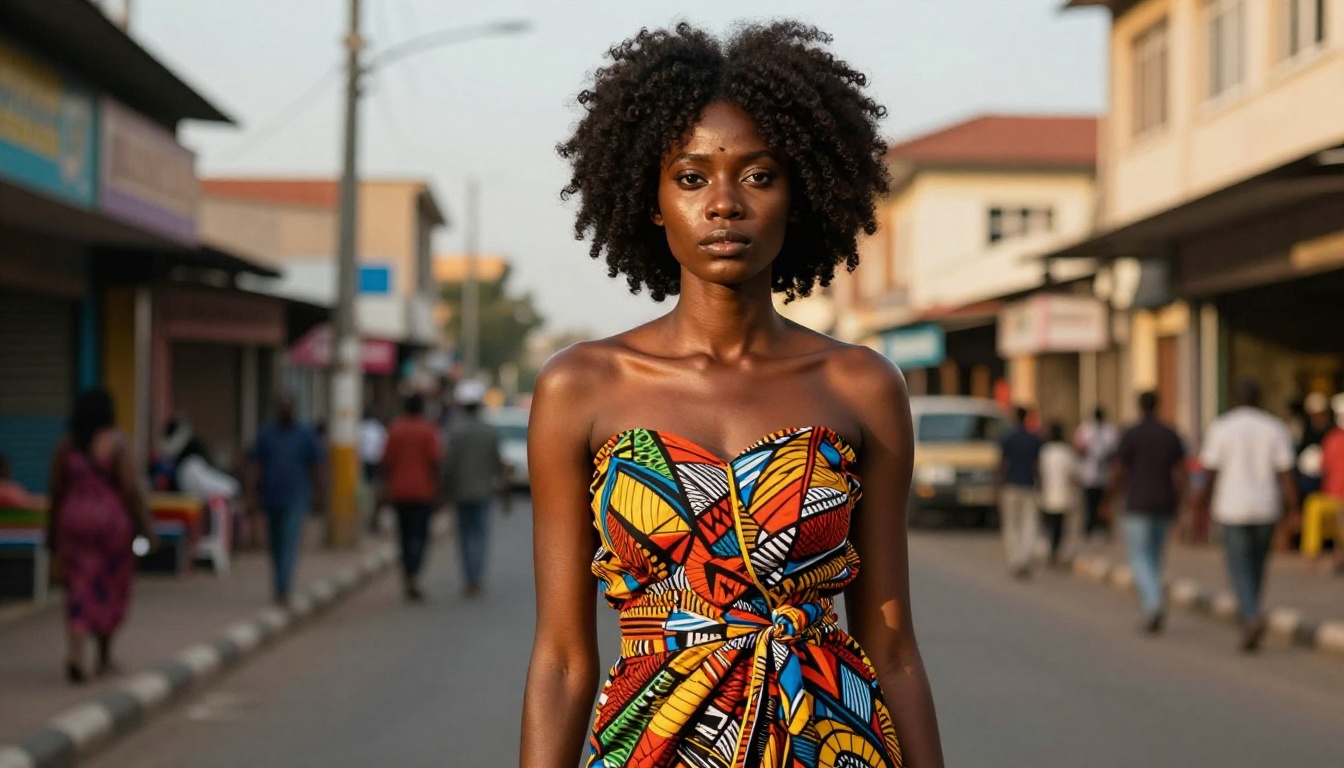
Start Creating Your Own Diverse AI Companion
The world's ethnic diversity is not a niche interest. It's the actual human baseline, and your AI companion should reflect whichever part of that baseline matters to you. Whether you're creating a companion character for a novel, building assets for a game, designing a virtual persona, or simply working out what AI portraiture can do at its best, the tools to do this at a high level are all available right now on PicassoIA.
The models are there. The prompting frameworks in this article work. The only thing between you and a photorealistic, culturally specific AI companion is the time it takes to write a precise prompt and pick the right model.
Head to picassoia.com/en/all-models and start building. Run a few variations, compare the results across models, and use the prompting strategies from this article to iterate toward the exact look you have in mind. The platform handles over 200 text-to-image models, so whatever ethnic aesthetic you're targeting, something on that list is built to handle it.