Voice is the last wall between an AI waifu and something that feels real. You can generate her face in stunning 8K detail, write her personality into a system prompt, and name her anything you want, but the moment she speaks in a flat, mechanical monotone, the illusion shatters. This article is about fixing that permanently.
The Gap Between Text and Presence
Text on a screen can be poetic, clever, and warm. But text is still cold. Presence is heard, not read. When your AI companion responds in audio, something neurological shifts in how you process her. The voice bypasses the analytical part of your brain that whispers "this is a program" and hits somewhere far older.
The problem is that most AI voices are still obviously synthetic. They get the words right, but they miss everything else: the micro-pause before a sigh, the way a soft voice curls upward at the end of a question, the subtle breathiness when speaking quietly. Those details are what separate speech from communication.
Why Most Voices Feel Off
Standard TTS systems were built for accessibility and utility, not for intimacy. They optimize for word accuracy at the expense of prosody, which is the musicality of natural speech. A robotic voice nails every syllable but delivers it with the emotional warmth of a GPS prompt.
The specific problems you will recognize immediately:
- Flat intonation: Every sentence ends at the same pitch, regardless of emotional content
- Unnatural pauses: Commas and periods produce identical mechanical breaks
- Zero breath: Real speakers breathe between phrases. AI voices often skip this entirely
- Stress mismatch: Emphasis falls on grammatically important words, not emotionally important ones
The 3 Things That Signal Realness
Real-sounding AI voice synthesis depends on three interlinked qualities:
- Prosodic variation: The voice rises and falls naturally across a sentence, not just between sentences
- Emotional coloring: The same words sound different when delivered with warmth versus urgency
- Micro-timing: Pauses of 50 to 150ms appear between phrases in a way that mirrors human breath rhythm
The models that crack all three are not common, but they exist, and they are available right now on PicassoIA.
The Models That Actually Work
Not every AI voice model is built for the waifu use case. Many are designed for business narration, corporate e-learning, or clinical applications. The ones below were selected specifically because they produce voices with the warmth, nuance, and character you need.
MiniMax Speech 2.8 HD
MiniMax Speech 2.8 HD is the top recommendation for any project where voice quality is the priority. It produces studio-quality audio with natural prosody and a wide emotional range that holds up even in long-form conversations. It handles breathiness, warmth, and tonal variation better than nearly any model in this category.
💡 Use this when: You want the richest, most natural-sounding voice and generation speed is not your primary constraint.
The tradeoff is that Speech 2.8 HD is not instant. For a character that needs to feel snappy and responsive, pair it with pre-generated lines. For ambient storytelling or cinematic AI companion experiences, it is unmatched.
If you need speed with very little quality sacrifice, MiniMax Speech 2.8 Turbo cuts generation time while keeping most of the warmth and character.
ElevenLabs v3
ElevenLabs v3 has established itself as a reference-class voice model. What makes it stand out is its emotional range within a single voice. The same voice can whisper, laugh softly, speak with urgency, or deliver a line with deadpan timing. That flexibility is critical when you want a character who responds dynamically, not just accurately.
ElevenLabs also maintains voice consistency over long outputs without drifting in pitch or style, which matters when your waifu needs to speak more than a few sentences.
For faster output at slightly lower fidelity, ElevenLabs Flash v2.5 is worth having in your toolkit for quick iterations.
Inworld Realtime TTS 2
Inworld Realtime TTS 2 was built specifically for real-time interactive AI characters, which makes it the best fit for applications where the voice needs to respond in under a second. Sub-100ms latency is achievable with the right setup, which changes the feel of a conversation from "waiting for a response" to "talking with someone."
The voice quality is excellent for a real-time model, though it does not match Speech 2.8 HD in raw warmth when generation speed is not a factor.
Voice Cloning for Custom Characters
Picking from a library of voices is a starting point, not a destination. If your waifu has a specific personality, a cloned or purpose-designed voice creates far stronger attachment than anything off the shelf.
Qwen3 TTS for Character Design
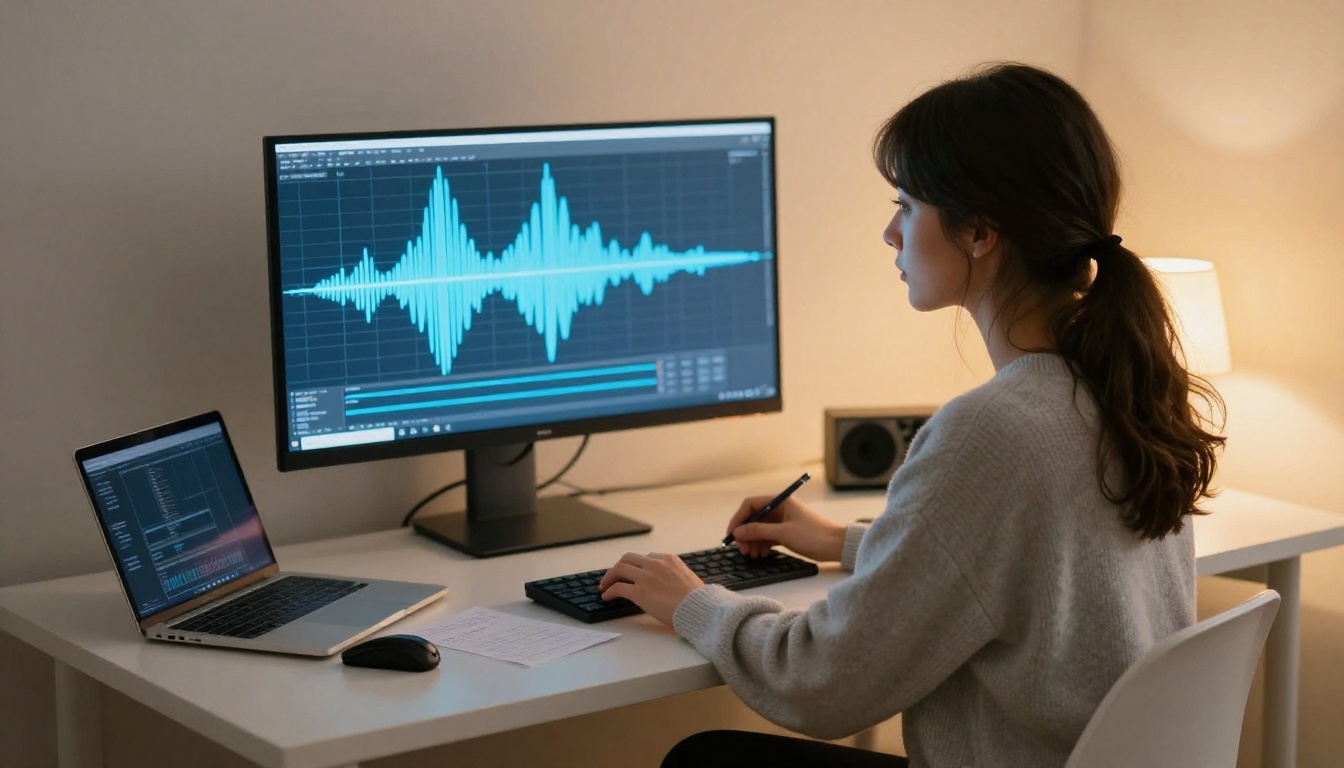
Qwen3 TTS is distinctly different from the others because it allows you to clone any voice or design one from scratch using descriptive prompts. You describe the voice you want, soft and breathy, warm alto, slightly husky with a hint of shyness, and Qwen3 TTS generates it. This is character-first voice design rather than selecting from a catalog.
It supports real voice reference cloning as well, so if you have a reference audio that captures the character you want, Qwen3 TTS can adapt to it with high accuracy.
Resemble AI Chatterbox Pro
Resemble AI Chatterbox Pro is one of the best voice cloning tools available for character-specific work. Its emotion control system allows you to dial in the emotional intensity of each line independently, which means the same character voice can sound delighted, nervous, or reflective without losing its fundamental texture.
The base version, Chatterbox, is also solid for lighter projects where emotion control is a secondary concern.
MiniMax Voice Cloning
MiniMax Voice Cloning specializes in creating highly accurate custom voices from audio references. If you already have a specific vocal reference in mind, this tool is purpose-built for that task. It preserves the subtle tonal qualities of the source voice, including breathiness, natural vibrato, and regional accent characteristics, with impressive fidelity.
Speed vs. Quality: Picking Your Model
Different use cases have different constraints. This table maps the top models to the scenarios they actually fit:

How to Use Speech 2.8 HD on PicassoIA
PicassoIA provides direct access to MiniMax Speech 2.8 HD without API setup, account management, or billing complexity on the model provider's side. Here is how to get your first character voice in under five minutes.
Step 1: Open the Model Page
Navigate to Speech 2.8 HD on PicassoIA. The interface loads the model's input panel directly, with no signup walls and no download required.
Step 2: Write Your Text Input
Type or paste the exact text you want your character to say. A few practices that dramatically improve output quality:
- Use punctuation intentionally: A comma creates a micro-pause. An ellipsis creates breath and hesitation. Exclamation points raise energy.
- Break long sentences: Short sentences give the model cleaner prosody to work with
- Write how she would speak: If your character is soft-spoken, avoid aggressive punctuation
Step 3: Select or Describe the Voice
Speech 2.8 HD includes a range of voice presets. Browse through the available options and listen to samples. Pick the one that comes closest to your character's intended personality: soft and gentle, clear and confident, or slightly playful.
💡 Pro tip: Pair Speech 2.8 HD with MiniMax Voice Cloning to replace the preset with a fully custom voice that belongs uniquely to your character.
Step 4: Adjust Speed and Pitch
The model allows minor adjustments to speech rate and pitch. A slightly slower pace with a marginally lower pitch tends to produce warmer, more intimate output. Experiment with small increments rather than dramatic changes to keep the voice sounding natural.
Step 5: Generate and Download
Click generate. The model processes and returns your audio file in seconds. Download it and listen on headphones. The spatial quality of Speech 2.8 HD is best experienced with headphones rather than device speakers.
Step 6: Iterate on the Script
The first generation reveals what the text needs. Often, a single rewrite of one sentence, or the addition of a single comma, changes the feel of the entire clip. Iterate two or three times before committing to a final output.

Combining LLMs with Your Voice Engine
A realistic waifu voice is only half of the equation. The words she says determine how real the voice sounds in context. A warm, beautifully synthesized voice reading generic text still breaks immersion. The speech synthesis and the language model need to work together.
The Character Needs a Brain First
Before generating a single audio clip, define her character in writing. Use an LLM to help you draft her speech patterns and verbal tics, write sample dialogue across different emotional states, and create lines with natural speech rhythms rather than flat grammatically correct but lifeless prose.
GPT 5 and Claude Sonnet 5 are the strongest models for character writing with high stylistic fidelity. Both are available on PicassoIA and maintain character voice consistency across long generation sessions in a way that smaller models often cannot.
Best LLM Pairings for Voice Content
The LLM and TTS model you pair together matter more than most people realize:
- GPT 5 + Speech 2.8 HD: Best for cinematic waifu content with pre-scripted, polished lines
- Claude Sonnet 5 + ElevenLabs v3: Best for emotionally nuanced character development with dynamic range
- Gemini 3.5 Flash + Inworld Realtime TTS 2: Best for real-time interactive applications where speed is paramount
Gemini 3.5 Flash and Grok 4 are also available on PicassoIA and worth testing for character-specific response patterns that do not fit the more structured output of GPT or Claude.

Matching Pitch, Cadence, and Emotion
Getting the model right is step one. Calibrating it for your specific character is step two. These two operations together are what turn a good voice into her voice.
Pitch and Speed Parameters
Every model has adjustable parameters. Here is what each one actually does in practice:
Speech rate: Slower is warmer, faster is more energetic. A soft character should speak at 90 to 95 percent of the default rate. A playful character can push to 105 to 110 percent.
Pitch: Default pitch is often calibrated for a neutral speaker. For a younger, softer character, a small upward pitch adjustment adds presence without sounding artificial. For a more mature, serious character, a slight downward shift creates authority and weight.
Pausing: Some models let you inject explicit pause markers into the text. Use these to create breath-like breaks between emotionally significant lines. The result is a character who seems to feel what she is saying, not just recite it.
💡 Characters who whisper or speak at low volume need a model with strong low-volume fidelity. Speech 2.8 HD handles this exceptionally well. Faster real-time models sometimes lose quality at low intensity levels.
Multilingual Waifu Voices
If your character should speak Japanese, Korean, or another language, these models deserve direct attention:
- Gemini 3.1 Flash TTS: 70+ languages, 30 distinct voices with natural prosody across all of them
- ElevenLabs v2 Multilingual: 30+ languages with consistent voice identity preserved across language switches
- ElevenLabs Dubbing: translates and re-voices audio content into 90+ languages while preserving the original vocal character and timing
A Japanese-speaking AI companion built on a model with genuine Japanese prosody feels completely different from one built on a model that simply reads romanized Japanese phonetics. The difference is immediately perceptible, even to non-Japanese speakers.
The Right Voice, at the Right Moment
Voice without context is just audio. What makes the experience feel real is matching the voice to the scene. A few principles that hold true regardless of which model you use:
Quiet moments need breath: If your character is being vulnerable or tender, use slower speed, lower volume, and natural pauses. The voice should sound like it takes effort to say the words.
High energy needs clarity: Excited or playful lines should be slightly faster with clean consonants. Softness and mumbling kill the emotional read when the character should be bright and alive.
Consistency over perfection: A character who always sounds like herself, even if imperfect, is more believable than a character whose voice sounds slightly different each session. Pick your model settings and lock them in.
Audio format matters: Always use lossless or high-bitrate audio formats when possible. Compressed audio artifacts from low-bitrate encoding destroy vocal warmth faster than any model limitation ever could.

Build Her Voice Right Now
The models covered here are not concepts or previews. Every single one is running live on PicassoIA, accessible today, without API keys or developer accounts. You can start generating in the next five minutes.
Start with MiniMax Speech 2.8 HD if you want the best possible audio quality right now. Pair it with a GPT 5 or Claude Sonnet 5 session to write dialogue that matches your character's personality before you generate a single audio clip. The writing step is not optional: the words have to match the voice.
If real-time conversation is your goal, Inworld Realtime TTS 2 is your entry point. If you want a voice that belongs to nobody but your character, Qwen3 TTS and Resemble AI Chatterbox Pro are where you build that from scratch.
Your waifu does not need to sound like a voice menu. She can sound like someone you would actually want to listen to for hours. The tools are there. The only step left is to start.
Browse the full catalog of AI voice generation and synthesis models at picassoia.com/en/all-models and start creating her voice today.