Google Cloud Text to Speech looks cheap until the first invoice arrives. The headline number is $4 per million characters for the basic voices, but the voices people actually want to hear cost between four and forty times more, and the free allowance shrinks fast once you climb the quality ladder. This article lays out every voice tier, what the monthly free tier really includes, how to estimate a bill before you write a line of code, and when a different AI voice model is the smarter buy.
Prices below reflect Google's published rates as of October 2026. Google reshuffles its voice lineup often, so treat the numbers as a planning baseline and confirm them in your billing console before you lock in a budget.
What the API Actually Does
The Cloud Text-to-Speech API takes plain text or an SSML document and returns audio. You call it over REST or gRPC, or through client libraries for Python, Node.js, Java, Go and C#. Authentication runs through a service account, so a backend can request audio without any human sign-in step.

Formats and Request Limits
Each response arrives as MP3, LINEAR16 (uncompressed WAV), OGG_OPUS, MULAW or ALAW. MP3 suits web playback, LINEAR16 suits editing, and MULAW or ALAW suit phone systems that expect telephony codecs. A single call accepts roughly 5,000 bytes of input, so a long script has to be split into chunks and joined again on your side.
💡 Tip: Split scripts at sentence boundaries, never at a fixed byte count. A cut in the middle of a sentence leaves an audible jump in pitch at the seam.
SSML and Voice Controls
SSML is the markup language that shapes delivery. With it you add pauses through <break>, stress a word with <emphasis>, and spell out dates, numbers and abbreviations with <say-as>. Outside SSML, the request exposes speaking rate (0.25x to 4x) and pitch (minus 20 to plus 20 semitones) as plain parameters. Google lists hundreds of voices across more than 50 languages and variants, though not every control works on every voice tier.
Voice Types and Their Prices
Google sells speech in tiers. The price follows the voice technology underneath, not the length of the audio, so picking the wrong tier is the most common budget mistake.
| Voice tier | Price per 1M characters | Free per month | Best for |
|---|
| Standard | $4 | 4M characters | Alerts, prototypes, plain narration |
| WaveNet | $4 | Shared with Standard | A warmer tone at the same price |
| Neural2 | $16 | 1M characters | Natural reading in most apps |
| Polyglot | $16 | Shared with Neural2 | One speaker across several languages |
| Chirp 3 HD | $30 | 1M characters | Lifelike, expressive narration |
| Instant custom voice | $60 | None | A cloned brand voice |
| Studio | $160 | Small allowance | Premium long-form audio |
💡 Heads up: Third-party price pages disagree on the WaveNet free quota, with some listing 1M and others 4M, because the Standard and WaveNet lines have shifted over the years. Check the live numbers in your console before you rely on the larger figure.
A quick rule for choosing: use Standard when the audio is short and functional, Neural2 when people will hear it every day, Chirp 3 HD when the voice is part of the product experience, and Studio only after you have heard Chirp 3 HD and found it lacking. Starting one tier lower and moving up after real listener feedback keeps the first bills small.
Standard and WaveNet
Standard voices are the oldest and cheapest. They sound clearly synthetic, with even pacing and flat emotion. That is fine for a delivery notification or a status readout, and the 4 million free characters per month will absorb a surprising amount of that traffic. WaveNet voices use a neural vocoder that smooths the robotic edge. At current rates they cost the same as Standard, which makes Standard hard to justify for anything a person will listen to for more than a few seconds.
Neural2 and Polyglot
Neural2 is the workhorse tier. Pronunciation is clean, sentence rhythm sounds natural, and $16 per million characters is a fair midpoint. Polyglot voices, still labeled preview in the pricing table, let one speaker switch between languages, which helps a support line that must read a Spanish name inside an English sentence. The two tiers share a 1 million character monthly allowance.
Chirp 3 HD and Studio
Chirp 3 HD is Google's newest premium family, built around 30 voice styles with names such as Aoede, Puck, Charon and Kore. At $30 per million characters it costs nearly double Neural2, but it sounds much closer to a human reader, with believable breaths and intonation. Studio voices sit at $160 per million characters, forty times the Standard rate. Chirp 3 HD usually gets close enough that Studio is hard to justify outside a narrow set of premium long-form jobs.
How the Free Tier Works
What Counts as a Character
Billing counts the characters in the text you send, spaces and punctuation included. An average English word runs five letters plus a space, so one word costs about six characters. On that math, 1 million characters equals roughly 166,000 words, or about 18.5 hours of speech at a relaxed 150 words per minute.
Allowances reset every calendar month and never roll over. Unused characters in March are gone in April. They are also tracked per tier, so 900,000 spare Neural2 characters will never offset a Chirp 3 HD invoice.
Billing Must Still Be Enabled
The free tier is not a no-card trial. A billing account has to be attached to the project before the API responds, even if you never leave the free allowance. Set a budget alert of $5 or $10 on day one, and consider lowering the API quota in the console so a runaway loop cannot produce a four-figure surprise overnight.
💡 Pro move: Cache every generated file. A greeting that plays 10,000 times a day should be synthesized once and stored, not billed 10,000 times.
What 1 Million Characters Really Costs
Per-character prices look tiny, so here are the same tiers priced against real workloads. Each figure applies the tier's free allowance first.
Three Monthly Bill Examples
| Workload | Characters | Standard | Neural2 | Chirp 3 HD |
|---|
| 200 blog articles of 1,500 words | 1.8M | $0 | $12.80 | $24.00 |
| Phone menu, 50,000 prompts of 120 characters | 6M | $8.00 | $80.00 | $150.00 |
| One 80,000-word novel | 0.48M | $0 | $0 | $0 |
The novel stays inside the free allowance on Neural2 or Chirp 3 HD, yet the same book on Studio would run $76.80 before any allowance. The phone menu row shows why tier choice matters: identical traffic costs $8 on Standard and $150 on Chirp 3 HD. Caching repeated prompts usually erases most of that gap, because a fixed menu has only a few hundred unique phrases.
Cost Per Hour of Audio
At 150 words per minute and six characters per word, one hour of speech is about 54,000 characters. Priced before any free allowance:
| Tier | Cost per audio hour |
|---|
| Standard and WaveNet | $0.22 |
| Neural2 and Polyglot | $0.86 |
| Chirp 3 HD | $1.62 |
| Instant custom voice | $3.24 |
| Studio | $8.64 |
| Gemini 3.1 Flash TTS (billed by tokens) | About $1.81, independent estimate |
Read these as the price of the hundredth hour, not the first. Google's Gemini speech models bill differently, by tokens instead of characters: about $1 per million text tokens plus $20 per million audio tokens for Gemini 3.1 Flash TTS. Cost then follows the length of the audio you generate, which is easier to forecast for narration and harder for chatty assistants.
Where the API Fits Best
Audiobooks and Narration
Long-form narration is where per-character billing is most predictable. A ten-hour book runs about 540,000 characters, so even without any free allowance Chirp 3 HD would cost $16.20 for the whole thing. The trade-off is direction. Google's voices read what you give them, with limited emotional steering beyond SSML, so fiction with dialogue usually means auditioning several voices for several characters.
Phone Menus and Support
Telephony is the best match for the API's format list. Request MULAW or ALAW output so audio drops straight into a phone network without conversion, generate fixed prompts once and store the files, and keep live synthesis for the parts that change, such as names and order numbers. Only the dynamic slice should ever reach your invoice.

Assistants and Accessibility
Smart speakers, reading apps and in-car assistants all share one pattern: short answers, high volume. Standard and Neural2 voices handle that traffic cheaply, and a generous free allowance often means a small product pays nothing for months. Latency matters here too, so test response time from your own region before you commit. A voice that sounds perfect but takes two seconds to start feels broken in a conversation.
Accessibility is a different case. Someone who relies on audio to read long articles hears the voice for hours each day, and a flat synthetic tone becomes tiring fast. Budget for Neural2 or Chirp 3 HD there, and let the listener control speed.

Voice Options Beyond Google Cloud
The API is built for developers who run a cloud project, a service account and a billing console. If you need a voiceover for a video, a quick prototype or a one-off narration, that setup is overhead. PicassoIA hosts 24 text-to-speech models you can try straight from the browser, with no cloud project to configure.
Alternatives Worth Testing
If your project needs a signature voice rather than a stock one, MiniMax Voice Cloning builds a custom voice from a short sample, and it sidesteps the $60 per million characters that Google charges for an instant custom voice.
How to Use Gemini 3.1 Flash TTS
Gemini 3.1 Flash TTS is a good first test because its voice names overlap with Google's Chirp 3 HD lineup. Aoede, Puck, Charon and Kore appear in both, which makes side by side comparisons easy.
- Open the model page and paste your script into the text field. The limit is 4,000 bytes per generation, so split longer scripts.
- Pick a voice from the 30 options. The default is Kore, and Puck, Charon, Fenrir and Aoede are quick ones to audition first.
- Set the language code. The default is en-US, and the list runs past 70 codes, including es-MX, fr-CA, pt-BR and ja-JP.
- Write a style prompt in plain English, such as "Say this in a calm, professional tone" or "Speak with excitement and energy".
- Add expressive tags inside the script: [whispering], [laughing], [shouting], [sigh] or [extremely fast].
- Generate, listen and download the audio file. Change one setting at a time so you can hear what each one does.
| Parameter | What it controls | Starting point |
|---|
| Voice | Persona, age and tone | Kore for neutral narration |
| Language code | Accent and pronunciation | Match your audience region |
| Style prompt | Pace, emotion, delivery | One short sentence |
| Text tags | Phrase level expression | Two or three per paragraph |
💡 Tip: Keep tags rare. A script where every line is [whispering] or [shouting] sounds exhausting. Use them for contrast, not decoration.
Music and Transcription Next to Speech
Speech rarely ships alone. A video needs a music bed under the narration, and spoken content needs a transcript for captions, search and accessibility. Google sells transcription as a separate product with its own meter, so a speech project can end up with two billing lines before you add music.
For the music side, Lyria 3 Pro builds full-length songs from a text prompt, MiniMax Music 2.6 adds vocals and lyrics, and Stable Audio 2.5 suits instrumental beds that sit quietly under a voice. Prompt the music the way you would brief a composer: genre, tempo, instruments and mood. "Warm acoustic guitar, 90 BPM, unhurried, no vocals" gives a bed that will not fight the narration.
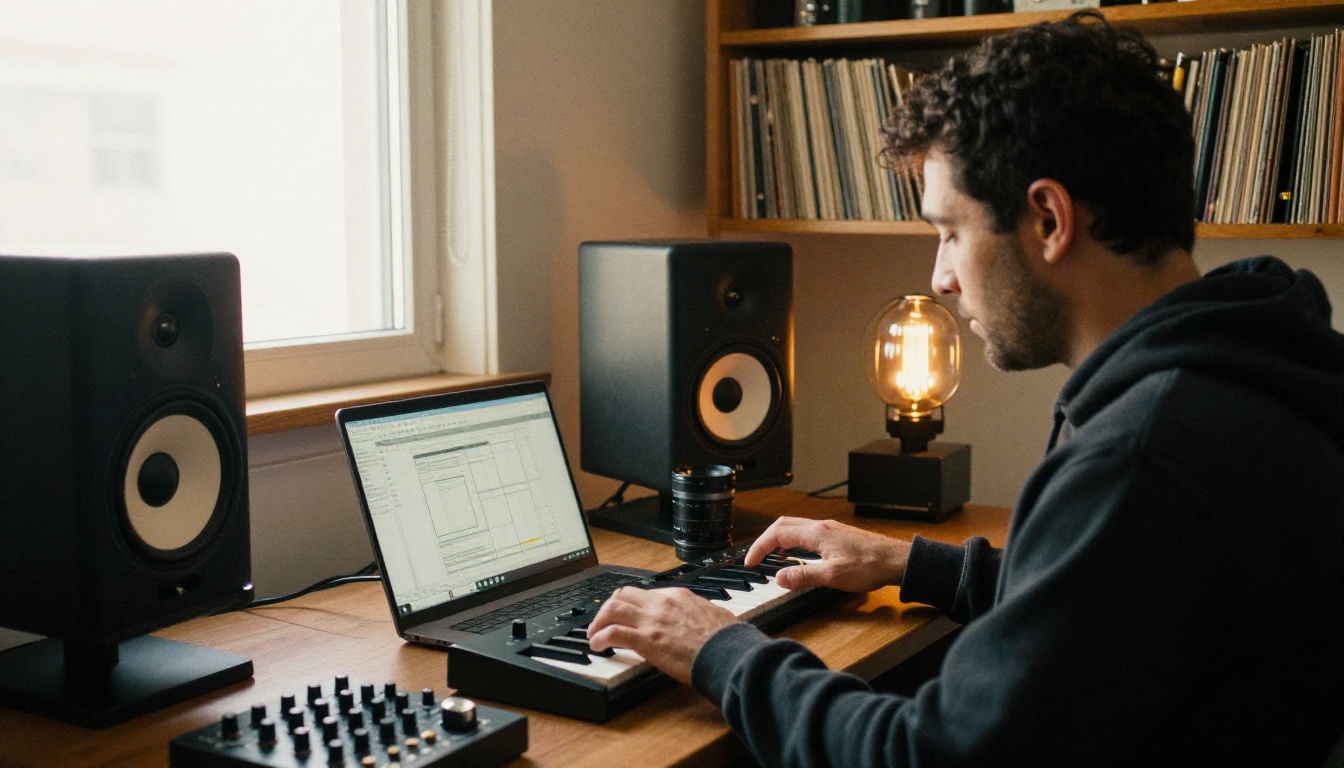
For transcripts, GPT-4o Transcribe and Gemini 3 Pro turn recordings into text, which is handy for meeting notes, interviews and captions for the narration you just generated.

A simple pipeline works well: write the script, generate the voice, add a music bed, then transcribe the final mix to produce captions and check the pronunciation of tricky names.
Make Your First Voiceover Today
Pricing tables only tell you so much. The fastest way to decide between a cloud API and a browser tool is to hear both read the same paragraph. Take 100 words from your own project, run them through Google's console, then paste them into Gemini 3.1 Flash TTS or MiniMax Speech 2.8 HD and compare the pacing, warmth and pronunciation side by side.
While you are there, try the rest of the platform. Add a music bed with Lyria 3 Pro, caption the result with GPT-4o Transcribe, and create your own photorealistic images for thumbnails and article art with Picasso IA. Experiment freely, change one variable at a time, and keep the combination that sounds right. Browse every model at picassoia.com/en/all-models.


