Choosing the right AI writing assistant can make or break your productivity. Both GPT-5.2 and Claude 4.5 Sonnet have earned their place as top contenders, but they shine in different scenarios. Whether you're drafting blog posts, writing technical docs, or brainstorming creative fiction, understanding their strengths will save you hours of trial and error.

What Makes These Models Different?
GPT-5.2 and Claude 4.5 Sonnet take fundamentally different approaches to language generation. GPT-5.2 focuses on versatility and speed, offering adjustable verbosity levels that let you control how concise or detailed responses should be. Claude 4.5 Sonnet prioritizes depth and nuance, excelling at tasks that require careful reasoning and context awareness.
The technical specs matter too. GPT-5.2 supports multimodal inputs, handling both text and images seamlessly. Claude 4.5 Sonnet can process up to 8,192 output tokens in a single response, making it ideal for long-form content. These differences aren't just numbers on a spec sheet—they directly impact what you can accomplish.
When it comes to storytelling and creative projects, both models bring unique advantages. GPT-5.2 generates ideas quickly, making it perfect for brainstorming sessions or first drafts. Its adjustable reasoning effort lets you dial up creativity when you need fresh perspectives.
Claude 4.5 Sonnet takes a more deliberate approach. Writers who value consistency and character development often prefer Claude because it maintains narrative threads across longer conversations. The extended token limit means you can work on entire chapters without losing context.

Testing both models with the same story prompt reveals interesting patterns. GPT-5.2 tends to introduce more plot twists and unexpected elements, which can spark creativity but sometimes feels less grounded. Claude's responses flow more naturally, with better pacing and character consistency.
Technical Documentation Showdown
Technical writing demands precision, and this is where the differences become stark. Claude 4.5 Sonnet excels at maintaining technical accuracy across complex explanations. Its ability to reference earlier parts of the conversation makes it excellent for iterative documentation work.
GPT-5.2 shines when you need to explain concepts at different complexity levels. The verbosity controls let you generate everything from quick reference guides to comprehensive tutorials from the same base information. This flexibility saves time when creating documentation for multiple audiences.
Both models handle code snippets well, but they format them differently. GPT-5.2 tends to include more inline comments, while Claude focuses on clear structure and logical flow. Your preference will depend on whether you value detailed annotations or clean, readable code examples.
Speed and Response Times
Raw speed matters when you're working against deadlines. GPT-5.2 generally produces responses faster, especially for shorter queries. The difference becomes more noticeable when generating content in real-time, like during client presentations or collaborative writing sessions.

Claude 4.5 Sonnet takes slightly longer but often requires fewer revisions. Writers who value getting it right the first time appreciate this trade-off. The extra seconds of processing often result in responses that need less editing afterward.
Response speed also varies based on complexity. Simple queries see minimal difference between the two, but complex reasoning tasks reveal GPT-5.2's optimization for quick turnaround. Claude prioritizes thoroughness over speed, which pays off for research-heavy projects.
Context Understanding
Both models handle context well, but they process it differently. Claude 4.5 Sonnet can maintain coherent conversations across longer exchanges, remembering details from earlier in the discussion. This makes it ideal for projects that evolve over multiple sessions.
GPT-5.2's strength lies in its ability to switch contexts quickly. If you're juggling multiple writing projects, GPT-5.2 adapts faster when moving between different topics or styles. The system prompt feature lets you define custom behaviors that persist across conversations.
Testing context retention with research papers shows interesting results. Claude rarely needs reminders about key concepts introduced earlier, while GPT-5.2 sometimes requires occasional refreshers for complex technical topics discussed many messages ago.
Multimodal Capabilities
GPT-5.2's image processing opens up possibilities that Claude can't match in all scenarios. You can feed it screenshots, diagrams, or photos and get detailed descriptions or analysis. This proves invaluable for creating alt text, analyzing visual content, or incorporating images into your writing workflow.

Claude 4.5 Sonnet also supports image inputs, but with a focus on efficiency through adjustable resolution settings. This can help manage costs while still maintaining the visual analysis capabilities you need for most writing tasks.
The practical applications differ too. GPT-5.2 excels at generating descriptions from images, making it perfect for content creators who need to write captions or analyze visual trends. Claude's image understanding integrates well into research workflows where you need to extract information from charts or diagrams.
Customization Options
Fine-tuning your AI assistant's behavior matters for consistent results. GPT-5.2 offers explicit controls through its verbosity and reasoning effort parameters. You can tell it exactly how detailed or thorough you want responses to be.
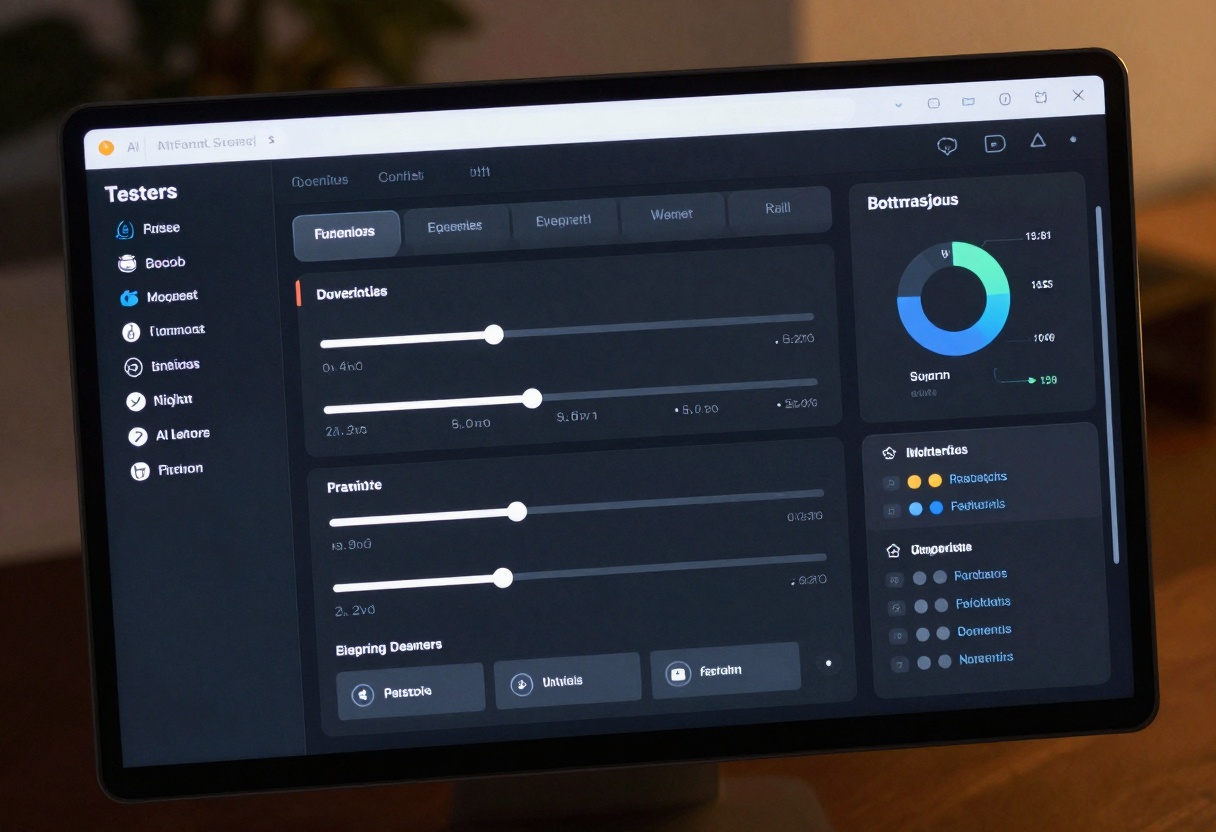
Claude 4.5 Sonnet takes a different approach with its system prompt feature. You can define the assistant's role, tone, and focus areas upfront. This works better for writers who want consistent personality and style across all interactions.
Comparison of customization features:
| Feature | GPT-5.2 | Claude 4.5 Sonnet |
|---|
| Verbosity Control | Three levels (low/medium/high) | Controlled via system prompt |
| Reasoning Effort | Five levels (none to xhigh) | Inherent to model design |
| System Prompts | Yes | Yes, with detailed configuration |
| Token Limits | Adjustable | Up to 8,192 output tokens |
| Image Resolution | Full resolution | Adjustable for cost savings |
Real-World Use Cases
Different writing scenarios favor different models. Bloggers and content marketers often prefer GPT-5.2 for its speed and versatility. The quick iteration cycle helps when you need to produce multiple draft versions or A/B test different approaches.

Academic researchers and long-form journalists lean toward Claude 4.5 Sonnet. The extended context window and consistent reasoning make it better suited for projects that require deep analysis or extensive citations. Researchers particularly value how Claude handles complex source material without losing track of arguments.
Copywriters working on marketing campaigns find GPT-5.2's flexibility valuable. The ability to quickly adjust tone and length makes it easy to create variations for different channels and audiences. Claude works better for brand guidelines that require strict adherence to specific voice and style parameters.
Cost Considerations
Pricing structures differ between the two models, and your usage patterns will determine which offers better value. GPT-5.2's token-based pricing means shorter queries cost less, making it economical for quick tasks and iterations.
Claude 4.5 Sonnet charges based on both input and output tokens, with additional costs for image processing. The per-pixel pricing for images means you'll want to optimize image resolution for your actual needs rather than always using the highest quality.
For high-volume users, the math gets more complex. GPT-5.2's faster response times mean you can process more queries per hour, but Claude's accuracy might reduce the need for revisions and follow-up questions. Track your actual usage patterns over a week to determine which model delivers better cost-per-quality-output.
Getting Started on PicassoIA
Both GPT-5.2 and Claude 4.5 Sonnet are available through PicassoIA's platform, giving you access to cutting-edge language models without complex API setup. The platform handles all the technical details, letting you focus on writing.
How to Use GPT-5.2 on PicassoIA
Ready to try GPT-5.2? Here's how to get started on PicassoIA:
Step 1: Access the Model Page
Navigate to the GPT-5.2 model page on PicassoIA. You'll see an overview of the model's capabilities, including text generation, reasoning, and vision tasks.
Step 2: Enter Your Prompt
In the prompt field, type the text you want GPT-5.2 to work with. This could be a writing request, a question, or instructions for a specific task. Keep your prompt clear and specific for better results.
Example prompts:
- "Write a 500-word blog post about sustainable fashion trends"
- "Explain quantum computing to a high school student"
- "Create an outline for a mystery novel set in Victorian London"
Step 3: Configure Verbosity Settings
Choose your preferred verbosity level based on what you need:
- Low: Concise, to-the-point responses perfect for quick answers or summaries
- Medium: Balanced detail suitable for most writing tasks (default)
- High: Comprehensive responses with thorough explanations and examples
The verbosity setting directly impacts how detailed your output will be, so adjust it based on your project requirements.
Step 4: Adjust Reasoning Effort
Set the reasoning effort parameter to control how much computational power GPT-5.2 applies:
- None: Fast responses with minimal reasoning
- Low: Standard reasoning suitable for most tasks (default)
- Medium: Enhanced reasoning for moderately complex problems
- High: Deep reasoning for challenging analytical work
- Xhigh: Maximum reasoning power for extremely complex tasks
Higher reasoning efforts produce more thoughtful responses but take longer to generate. For creative writing, low to medium usually suffices, while technical documentation might benefit from higher settings.
Step 5: Add Images (Optional)
If your task involves visual content, upload images using the image_input parameter. GPT-5.2 can analyze photographs, diagrams, screenshots, or any visual content to incorporate into its responses.
This feature excels for:
- Writing alt text for accessibility
- Describing products from images
- Analyzing charts and graphs
- Creating content based on visual references
Step 6: Set System Prompts (Optional)
Define GPT-5.2's behavior with a system prompt. This sets the assistant's role, tone, and expertise level for the entire session.
Example system prompts:
- "You are a professional copywriter specializing in B2B technology content"
- "Act as a creative writing coach helping develop character backstories"
- "You're a technical documentation expert writing for software developers"
Step 7: Configure Token Limits
Set the max_completion_tokens parameter to control output length. The default usually works well, but you might need to increase it for longer responses, especially when using high reasoning efforts.
Recommended token limits:
- Short answers or summaries: 500-1,000 tokens
- Standard articles: 2,000-3,000 tokens
- Long-form content: 4,000+ tokens
Remember that higher reasoning efforts consume more tokens for internal processing, so you may need to increase the limit to avoid truncated responses.
Step 8: Generate Your Content
Click the generate button and wait for GPT-5.2 to process your request. Response time varies based on complexity, reasoning effort, and whether you included images. Most queries complete within seconds to a minute.
Step 9: Review and Iterate
Examine the generated content carefully. If it doesn't quite meet your needs, refine your prompt or adjust the parameters. GPT-5.2 works best with iterative refinement—each generation helps you understand how to get better results.
Making Your Choice
The "best" AI for writers depends entirely on your specific needs. GPT-5.2 wins for speed, versatility, and multimodal tasks. Claude 4.5 Sonnet excels at depth, consistency, and long-form projects requiring sustained context.
Many professional writers use both models for different purposes. GPT-5.2 handles rapid ideation and first drafts, while Claude refines and polishes final versions. This hybrid approach leverages each model's strengths without compromising on quality.
Try both models on your actual writing projects before committing to one. What works for blog posts might not work for technical manuals, and your personal writing style will influence which assistant feels more natural to work with. PicassoIA makes it easy to experiment with both, helping you find the perfect fit for your workflow.
The AI writing landscape keeps evolving, and both GPT-5.2 and Claude 4.5 Sonnet represent current peaks in language model capability. Your choice today might change tomorrow as these models continue improving, but understanding their core differences ensures you'll always pick the right tool for the job at hand.


